
7 Best Apps for International Travel in 2026, Compared
Compare the 7 best apps for international travel for translation, offline maps, eSIM data, money abroad and trip planning, with fees checked on vendor pages.
 Shamim Mia, Founder, SerpAstraLast verified November 4, 20267 min read
We compare pricing pages, documentation and public reviews. We never accept payment for rankings.

Key takeaways
- Google Translate and Google Maps are the two free essentials for international travel: 130+ languages with offline packs and camera translation, plus offline maps.
- Airalo sells travel eSIMs for 200+ destinations, with single-country plans from $4, so you avoid roaming charges.
- Wise's card costs $9 with no subscription, conversions start from 0.23% and the first $250 of ATM withdrawals each month are free of Wise's fee.
- TripIt organizes bookings free with Pro at $49 a year, and Wanderlog's free plan builds a shared day-by-day itinerary.
On this page
Quick comparison
| Tool | Best for | Starting price | Free plan |
|---|---|---|---|
 Google Translate | Every traveler who needs to read menus and signs and talk with locals | Free | Yes (free) |
| Google Maps | Travelers who want free navigation and offline maps in any country | Free | Yes (free app) |
 Airalo | Travelers who want mobile data abroad without roaming charges or a local SIM | eSIMs from $4 | Paid plans |
 Wise | Travelers who want a low-fee card for spending and ATM withdrawals abroad | $9 card; fees from 0.23% | No monthly fee |
 Xe | Travelers who want quick currency conversions while shopping or budgeting | Free | Yes |
 TripIt | Travelers with flights, hotels and rail bookings who want one itinerary | $49/yr | Yes (free plan) |
 Wanderlog | Groups who want to plan a shared day-by-day itinerary on a map | $39.99/yr | Yes (free plan) |
Make one of these tools?
We re-check this list every quarter. Send a correction, request a review, or ask about a clearly labeled sponsored spot.
Request a listingThe best international travel apps
Google Translate
Best for: Every traveler who needs to read menus and signs and talk with locals
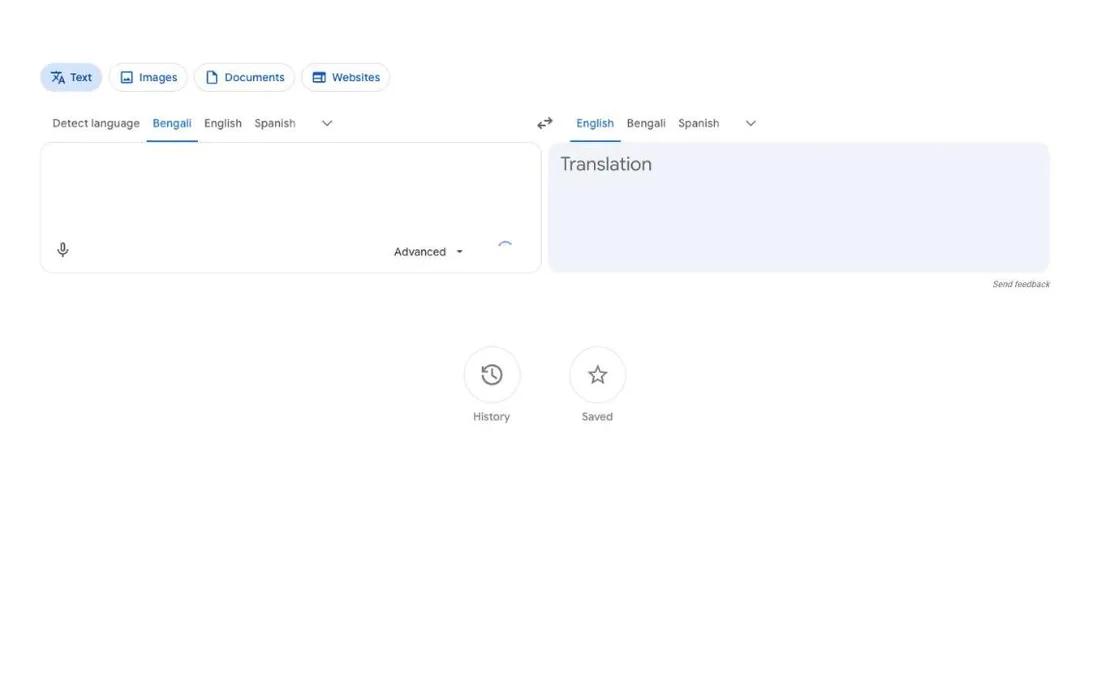
Google Translate is the one app every international traveler should install before leaving. It translates text, speech and live camera views in more than 130 languages, so you can point your phone at a menu, a train notice or a pharmacy label and read it in English. Conversation mode handles two-way speech, which helps at a hotel desk or a taxi rank.
Download the offline pack for each country's language before you fly, so it works without data. It is completely free. Translations can be literal on idioms and long sentences, so for anything important, such as allergy notes, show short, simple phrases.
What we like
- Completely free: text, voice, camera and conversation translation
- 130+ languages, with offline language packs for use without a connection
- Camera mode translates menus, signs and documents live
Watch out for
- Translations can sound literal on idioms and long sentences
- Download offline packs before you travel, or it needs data
Google Maps
Best for: Travelers who want free navigation and offline maps in any country
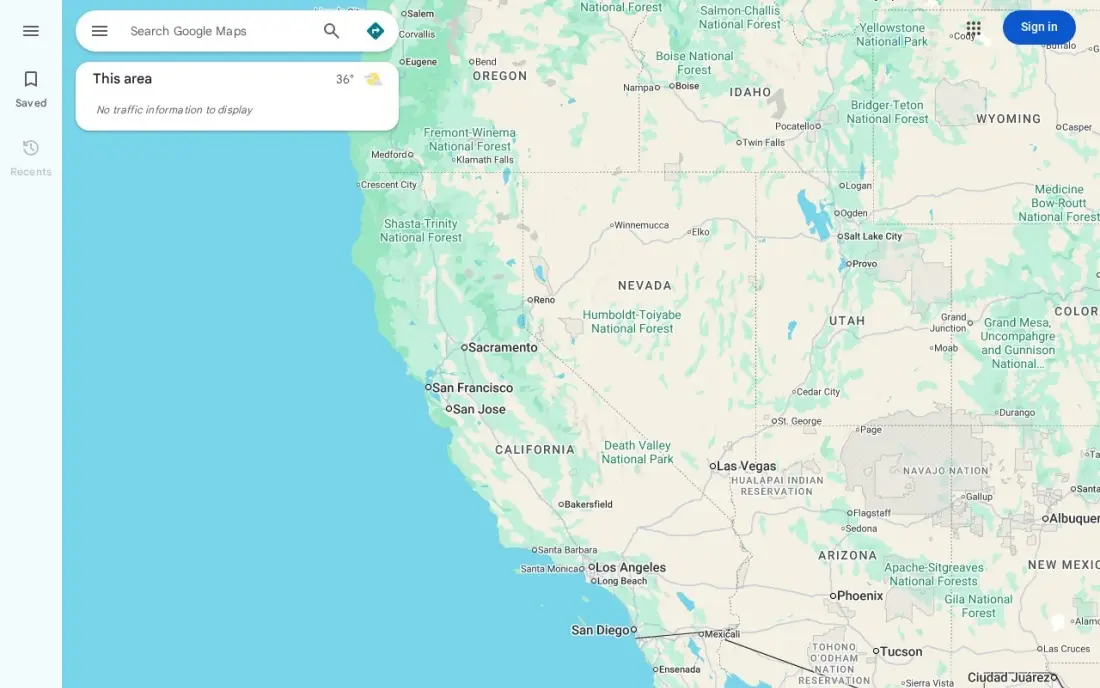
Google Maps works almost everywhere in the world with no account or subscription, and it is the fastest way to find a cafe, a station or your hotel in an unfamiliar city. Save places to lists at home on your laptop and they appear on your phone, and offline maps cover areas where you will have no signal or want to save data.
It is free, with live traffic, ETAs and turn-by-turn directions. A single route holds up to ten places, and there is no day-by-day schedule, so pair it with Wanderlog or TripIt for the trip plan and use Maps for getting around.
What we like
- Free forever for drivers, with live traffic, ETAs and turn-by-turn navigation on every phone
- Saved places and lists sync from desktop to phone, and offline maps cover stretches without signal
- No account or subscription needed to plan a route, and it works everywhere in the world
- Gas prices and toll estimates shown along the route
Watch out for
- Ten places per route, counting the start, so a week-long drive becomes several separate routes
- No automatic stop-order optimization — you drag stops into place yourself
- No day-by-day schedule, fuel-cost math or campground and RV data
Airalo
Best for: Travelers who want mobile data abroad without roaming charges or a local SIM
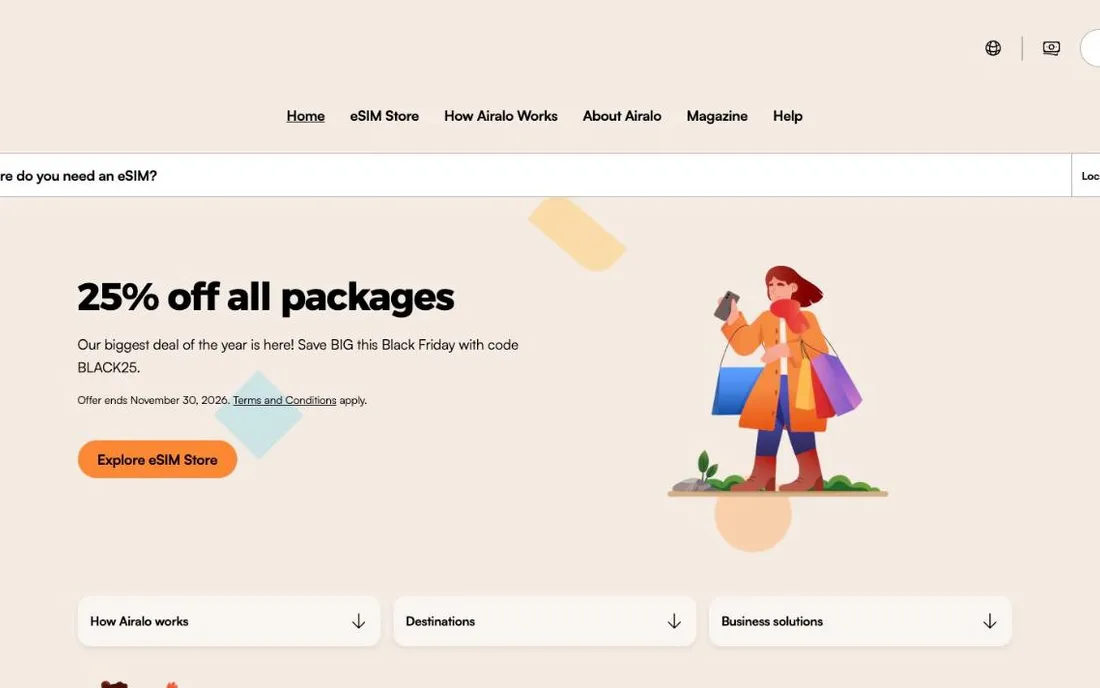
Airalo solves the expensive part of staying connected abroad. Instead of paying your carrier's roaming fees or hunting for a SIM shop at the airport, you buy an eSIM in the app before you leave, install it, and switch it on when you land. Local plans cover one country, regional plans cover areas such as Europe, Asia and Latin America, and a global eSIM covers many countries in one install.
Local eSIMs start at $4, and unlimited data packages are offered in more than 120 destinations. Most plans are data only, so use WhatsApp or FaceTime for calls, and check that your phone supports eSIM. It rates 4.6 out of 5 from about 103,000 App Store ratings.
What we like
- Coverage in 200+ destinations with local, regional and global eSIMs
- Local single-country eSIMs from $4
- Unlimited data packages in 120+ destinations
Watch out for
- Many plans are data only, without a phone number
- Global eSIM coverage figures differ between the description and a developer reply
Wise
Best for: Travelers who want a low-fee card for spending and ATM withdrawals abroad
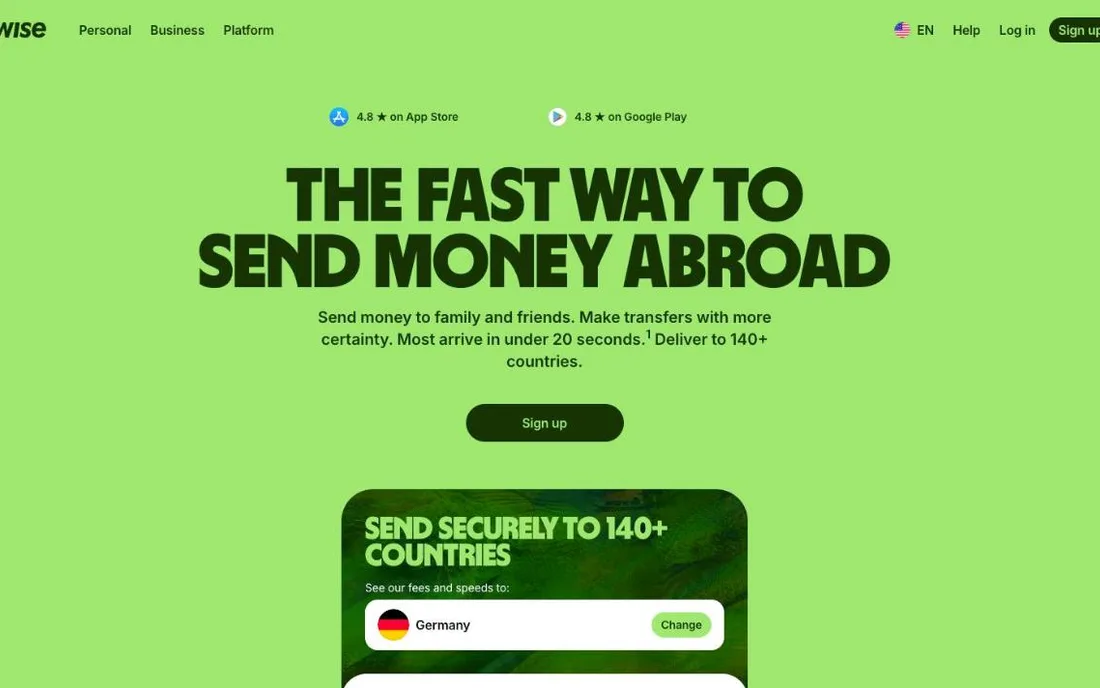
Wise is the money app for spending abroad without the hidden markups of many bank cards. Order the Wise Multi-Currency Card for $9, top it up in dollars, and it converts at the real exchange rate with a fee that varies by currency and starts from 0.23%. Paying with the card is free, and there are no subscription fees.
ATM withdrawals are free of Wise's fee up to $250 a month; after that each withdrawal costs $1.95 plus 1.95%, and the ATM owner may charge too. For a two-week trip, that usually beats a debit card with foreign transaction fees by a wide margin.
What we like
- No subscription fees, and paying with the card is free
- Currency conversion fees from 0.23%, varying by currency
- ATM withdrawals up to $250 a month with no Wise ATM fee
Watch out for
- After $250 a month, ATM withdrawals cost $1.95 plus 1.95%
- ATM operators may add their own fees
Xe
Best for: Travelers who want quick currency conversions while shopping or budgeting
Xe is the quickest way to answer the question every traveler asks at a market stall: how much is that in dollars? The converter shows live mid-market rates for any currency, and a home-screen widget keeps the rates you care about one glance away, which helps when you are comparing a taxi quote or a restaurant bill.
The app is free and also sends money to more than 190 countries in 130-plus currencies, though the listing does not show transfer fees. It describes live rates, so save the figures you need before you go offline. It rates 4.8 out of 5 from about 130,000 App Store ratings.
What we like
- Currency converter with live mid-market rates
- Home-screen widget showing live rates
- Money transfers to 190+ countries in 130+ currencies
Watch out for
- The listing describes live rates, not offline rates
- Transfer fees are not shown on the listing
TripIt
Best for: Travelers with flights, hotels and rail bookings who want one itinerary
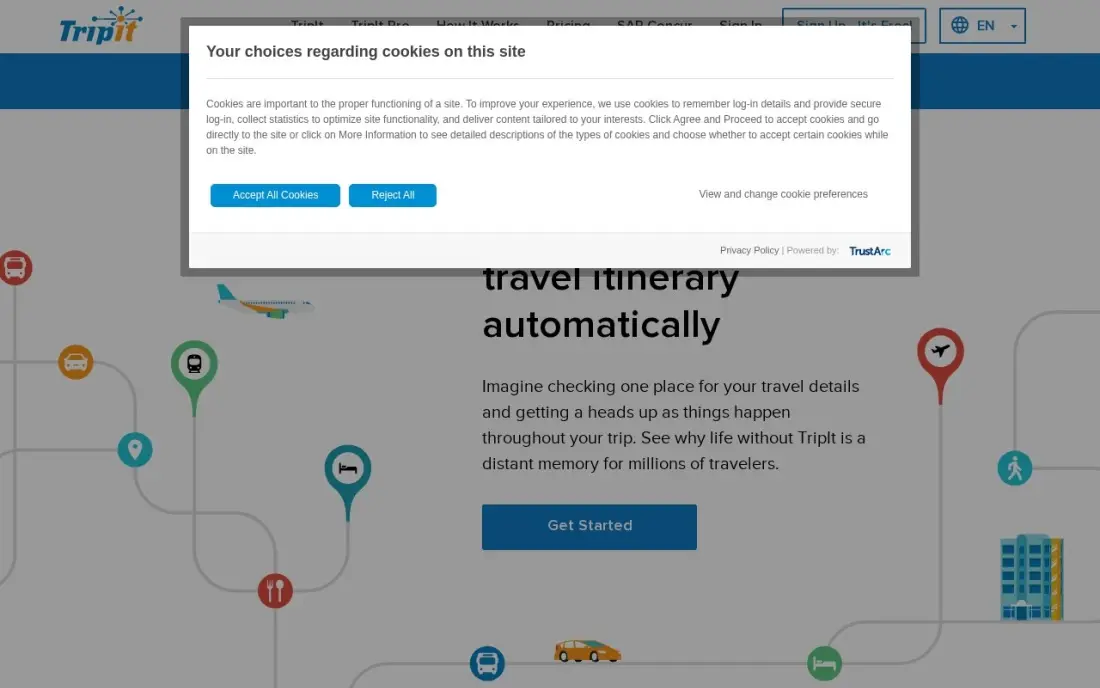
TripIt turns a messy inbox into one itinerary. Forward your flight, hotel, rental car and other confirmation emails and it builds a timeline with maps, documents and calendar sync, so your booking references are in one place when you land in a new country. The free plan covers that organizing, and you can share the trip with family.
Pro costs $49 a year, with no monthly plan, and adds real-time flight alerts, fare-drop monitoring, a seat tracker, alternate flights and airport navigation, with a 30-day free trial. For a trip with tight connections, the alerts alone can save a missed flight.
What we like
- Forward confirmation emails and TripIt assembles flights, hotels and rental cars into one timeline
- Pro adds real-time flight alerts, fare-drop monitoring, a seat tracker and alternate flights
- Calendar sync, document uploads and sharing keep the whole trip in one place
- 30-day free trial on Pro, and the $49 annual price is flat for everyone
Watch out for
- Not a route planner: it will not optimize stops, find campgrounds or route an RV
- The useful features are all Pro — the free plan only organizes what you already booked
- No monthly plan, so a single trip still costs the full $49 a year
Wanderlog
Best for: Groups who want to plan a shared day-by-day itinerary on a map
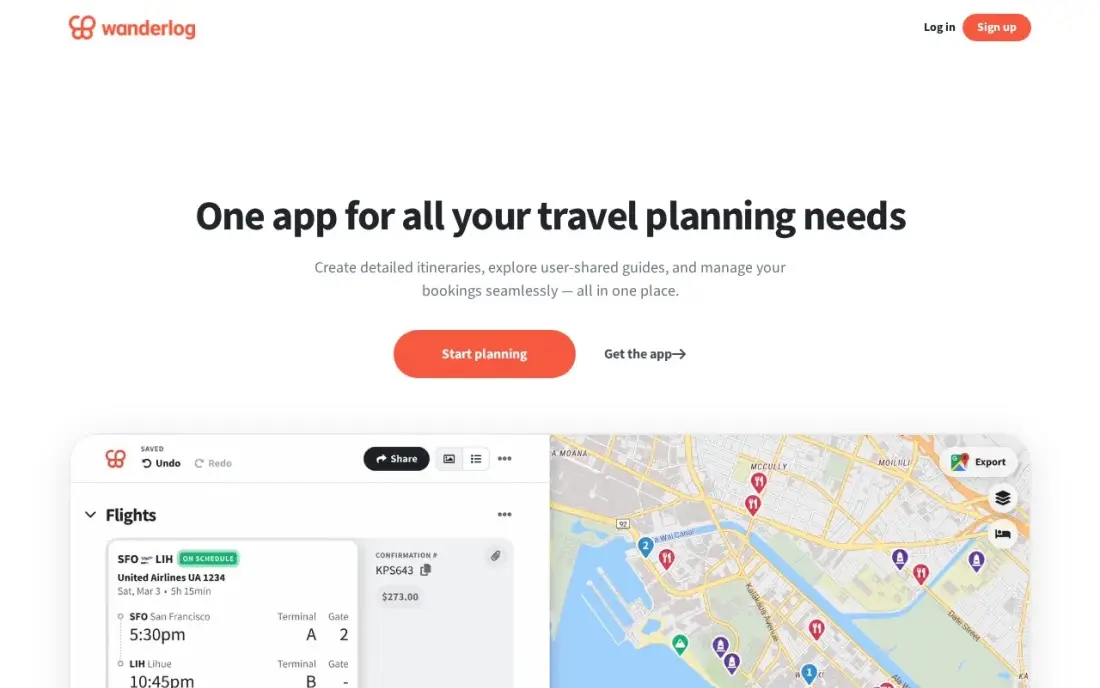
Wanderlog is the planner for the fun part of a trip. Its free plan lets you add unlimited places to a map-based itinerary, organized by day with travel times between stops, and friends can edit the plan with you in real time. Places come with photos, hours and reviews, and booking imports and budget tracking are included free.
Pro at $39.99 a year on the web adds offline access to the whole plan, route optimization and Google Maps export, which matters abroad when data is limited. The App Store lists several annual prices, so buy on the web.
What we like
- The strongest free plan here: unlimited stops, real-time shared editing, budget tracking and booking imports at $0
- Map-first layout shows every place by day with driving times and distances between stops
- Places come with photos, hours and reviews, and the plan exports to Google Maps on Pro
- Pro adds offline access, automatic route optimization and unlimited AI help for $39.99 a year on the web
Watch out for
- Offline access and route optimization sit behind Pro, so the free plan needs a connection
- The App Store lists several annual prices ($31.99 to $59.99) depending on your account, so the web price is the one to buy through
- Importing places from social-media links is new and still misses some places
The best apps for international travel help you understand the language, find your way without data, stay connected without roaming bills, spend money without hidden fees and keep every booking in one place. We compared seven apps that cover those jobs, and every price and fee below comes from the vendor's own page or its US App Store listing as checked in November 2026.
How to choose the best apps for international travel
- Cover the five jobs. Language, maps, mobile data, money and itinerary each need an app.
- Prepare for offline use. Download maps and language packs at home, where Wi-Fi is free.
- Compare data costs. A travel eSIM often costs far less than a carrier's daily roaming pass.
- Know your card fees. Foreign transaction fees and poor exchange rates add up over a trip.
- Keep bookings in one place. A single itinerary saves searching through email at a border or check-in desk.
- Do not overload your phone. Seven good apps beat thirty you never open.
For booking the trip itself, our guide to the best travel booking apps compares flight and hotel apps, and our round-up of road trip planner apps helps if you are driving abroad.
International travel app costs: what you will actually pay
Take a two-week trip to one country. Google Translate, Google Maps, Xe and the free plans of TripIt and Wanderlog cost nothing. An Airalo local eSIM starts at $4, depending on data and days. Wise costs $9 for the card, with conversion fees from 0.23%; converting $2,000 at that rate costs about $4.60, though the fee varies by currency.
Optional upgrades add up. TripIt Pro is $49 a year and Wanderlog Pro $39.99 a year on the web. Withdrawing $400 in cash with Wise in one month means $150 over the free allowance, which costs $1.95 plus 1.95%, about $4.88, plus any ATM owner fee.
Know the difference: trip organizers vs trip planners
A trip organizer like TripIt works from what you have already booked. It reads confirmation emails and builds a timeline of flights, hotels and cars, and Pro watches for delays and gate changes. It is most useful on travel days.
A trip planner like Wanderlog helps you decide what to do. You collect places on a map, arrange them by day and share the plan with your group. Most travelers benefit from both: Wanderlog before the trip and for daily plans, TripIt for the bookings.
Quick comparison: tool type by need
| Buyer | Best pick | Why |
|---|---|---|
| Reading and speaking the language | Google Translate | 130+ languages, camera and offline packs, free |
| Getting around | Google Maps | Free navigation and offline maps |
| Mobile data abroad | Airalo | eSIMs for 200+ destinations from $4 |
| Spending and cash abroad | Wise | $9 card; conversion from 0.23% |
| Quick currency checks | Xe | Live rates and widget, free |
| Keeping bookings together | TripIt | Free itinerary; Pro $49/year |
| Planning days with a group | Wanderlog | Free shared map itinerary |
Mistakes to avoid
- Landing without offline maps. Download maps and language packs before you leave home.
- Forgetting to check eSIM support. Make sure your phone is unlocked and supports eSIM before buying.
- Accepting dynamic currency conversion. When a card machine offers to charge in dollars, choose the local currency instead.
- Withdrawing small amounts often. Fees per withdrawal add up; take out what you need in fewer trips.
- Keeping bookings only in email. Save confirmations to TripIt or offline so they are there without data.
How we chose
We read each vendor's own pricing page or its US App Store listing in November 2026 and recorded prices and fees exactly as shown. We compared what each app does for a traveler visiting another country for one to three weeks, including offline use and real costs. App Store ratings are quoted as shown on the listings on the day we checked; G2 ratings for Google Maps and TripIt come from pages checked on the dates in the sources. No vendor paid for a place in this list, and none of the links here are affiliate links.
What to do next
A week before you fly, download offline maps and the language pack, buy your eSIM and forward your bookings to TripIt. If you run a hotel, tour company or travel agency and want more international visitors to find you online, that is where we can help. Book a free SEO review.
Frequently asked questions
What are the best apps for international travel?
Google Translate and Google Maps are the free essentials. Add Airalo for mobile data, Wise for spending money abroad and TripIt or Wanderlog to organize the trip.
Which travel apps work offline?
Google Translate has offline language packs, Google Maps has offline maps, and Wanderlog Pro adds offline access to your itinerary. Download them before you leave.
How do I get mobile data abroad without roaming fees?
Buy a travel eSIM such as Airalo, with local plans from $4, and install it before you fly. Check that your phone supports eSIM and is unlocked.
What is the cheapest way to spend money abroad?
A low-fee travel card such as Wise, which costs $9 to order, has no subscription and charges conversion fees from 0.23%, with $250 a month of ATM withdrawals free of Wise's fee.
Do I need to pay for travel apps?
Mostly no. Google Translate, Google Maps, Xe and the free plans of TripIt and Wanderlog cost nothing. You pay for eSIM data and optional upgrades such as TripIt Pro at $49 a year.
What should I download before an international trip?
Offline maps for your destinations, the offline language pack in Google Translate, your eSIM, your itinerary in TripIt or Wanderlog and copies of your booking confirmations.
Sources we checked (11)
- Google Translate — translate.google.com (checked November 4, 2026)
- Google Maps — maps.google.com (checked November 12, 2026)
- Google Maps reviews on G2 (checked November 12, 2026)
- Airalo — apps.apple.com/us/app/id1475911720 (checked November 20, 2026)
- Airalo reviews on App Store (checked November 20, 2026)
- Wise — wise.com/us/pricing (checked November 20, 2026)
- Xe — apps.apple.com/us/app/id315241195 (checked November 20, 2026)
- Xe reviews on App Store (checked November 20, 2026)
- TripIt — www.tripit.com/web/pro/pricing (checked November 12, 2026)
- TripIt reviews on G2 (checked November 12, 2026)
- Wanderlog — wanderlog.com/pro (checked November 12, 2026)
Make one of these tools?
We re-check this list every quarter. Send a correction, request a review, or ask about a clearly labeled sponsored spot.
Request a listingShamim
Founder of SerpAstra
A full-stack digital marketer and SEO strategist covering technical and local SEO, AI search visibility, paid ads and lead generation for local businesses, e-commerce brands and SaaS teams.
Free SEO and AI visibility audit
Find out what is holding your rankings back
Send us your site. Within 2 business days you get a written audit, an AI visibility check and a short fix list ranked by impact. Free, with no contract attached.
Request my free audit→Related buying guides
 Productivity & Office12 Best Travel Booking Apps in 2026, Tested on Features and PriceCompare the 12 best travel booking apps on price, coverage, cancellation and loyalty perks, with every price checked on the vendor's page on November 4, 2026.Read guide →
 Business Software7 Best Road Trip Planner Apps in 2026: Free and Paid Apps RankedCompare the 7 best road trip planner app options on price, free plans and stop limits, with every price checked on the vendor's site on November 12, 2026.Read guide →
 Business Software8 Best Apps for Business Travel in 2026, ComparedCompare the 8 best apps for business travel: booking platforms, expense tools and itinerary apps, with free plans and real costs checked on vendor pages.Read guide →