
8 Best IT Project Management Tools in 2026, Compared
Compare the 8 best IT project management tools for migrations, rollouts and sprints, from Jira and ServiceNow to Wrike and Zoho Projects, with real prices.
 Shamim Mia, Founder, SerpAstraLast verified November 4, 202610 min read
We compare pricing pages, documentation and public reviews. We never accept payment for rankings.

Key takeaways
- Atlassian Jira is the default for IT teams that run sprints and track engineering work, free for up to 10 users and $9.70 a user a month on Standard.
- ServiceNow is the pick when IT projects must sit beside incidents, changes and requests in one enterprise platform, but every deal is a custom quote.
- Wrike and Smartsheet suit infrastructure rollouts and migrations that need Gantt charts and dashboards, from $10 and $9 a user a month billed annually.
- Zoho Projects is the budget pick at $4 a user a month billed annually, with Gantt charts and time tracking included.
On this page
Quick comparison
| Tool | Best for | Starting price | Free plan |
|---|---|---|---|
 Atlassian Jira | IT and engineering teams that run sprints, track issues and plan releases | $9.70/user/mo | Yes (free to 10) |
 ServiceNow | Large enterprises that want IT projects, changes and service requests on one platform | Custom quote | No (demo only) |
 Wrike | IT teams running infrastructure rollouts that need Gantt charts and shareable dashboards | $10/user/mo (annual) | Yes (free plan) |
 Smartsheet | IT teams that plan migrations and rollouts in spreadsheets and want Gantt views on top | $12/member/mo | No (30-day trial) |
 monday.com | IT teams that want visual boards and automations that non-technical stakeholders can follow | $12/seat/mo | Yes (free plan) |
 Asana | IT teams that coordinate projects with HR, finance and other departments | $13.49/user/mo | Yes (free plan) |
 ClickUp | Small IT teams that want tasks, docs and runbooks in one subscription | $12/user/mo | Yes (free plan) |
 Zoho Projects | Budget IT teams that want Gantt charts, time tracking and budgets at a low per-user price | $4/user/mo | Yes (5 users) |
Make one of these tools?
We re-check this list every quarter. Send a correction, request a review, or ask about a clearly labeled sponsored spot.
Request a listingThe best IT project management tools
Atlassian Jira
Best for: IT and engineering teams that run sprints, track issues and plan releases
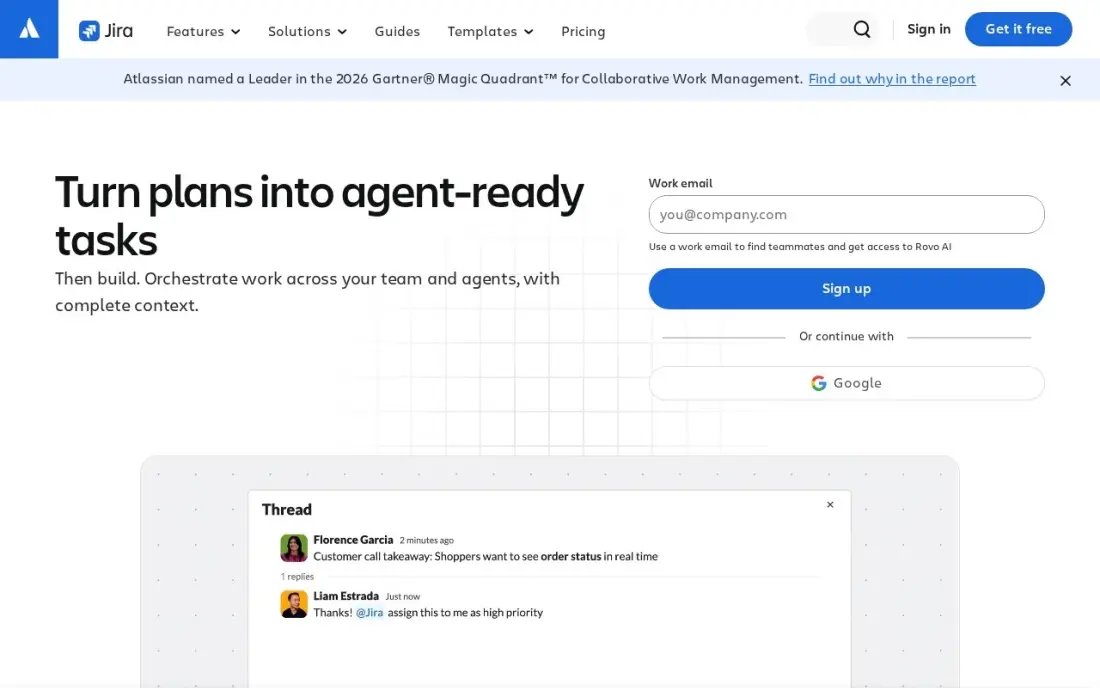
Jira is where most IT teams already track work, and it handles IT projects the same way: epics break a migration or platform upgrade into issues, sprints and boards keep weekly work visible, and roadmaps show how releases line up. Because it connects to Jira Service Management, a project can link straight to the incidents and change requests it touches. Rovo AI agents are included on paid plans.
It is free for up to 10 users. Standard costs $9.70 a user a month on monthly billing for 1 to 100 users, after Atlassian raised prices on October 13, 2026. The per-user rate changes by user band, which makes growth hard to budget, and reviewers cite a steep learning curve for staff outside engineering.
What we like
- Standard costs $9.70 per user per month on monthly billing for 1-100 users, or $9,700 a year for 100 users on annual billing
- Free for up to 10 users, so a small team can run real sprints before paying anything
- AI agents (Rovo) are included on every paid plan, with 25 Rovo AI credits per user per month on Standard
- Rated 4.3 out of 5 on G2 from 7,941 reviews, with project management the most-cited strength
Watch out for
- Atlassian raised Cloud prices on October 13, 2026: Standard went from $9.05 to $9.70 per user per month for 1-100 users
- The per-user rate changes by user band, so the bill is hard to predict as the team grows
- G2 reviewers cite complexity and a steep learning curve for new users
ServiceNow
Best for: Large enterprises that want IT projects, changes and service requests on one platform
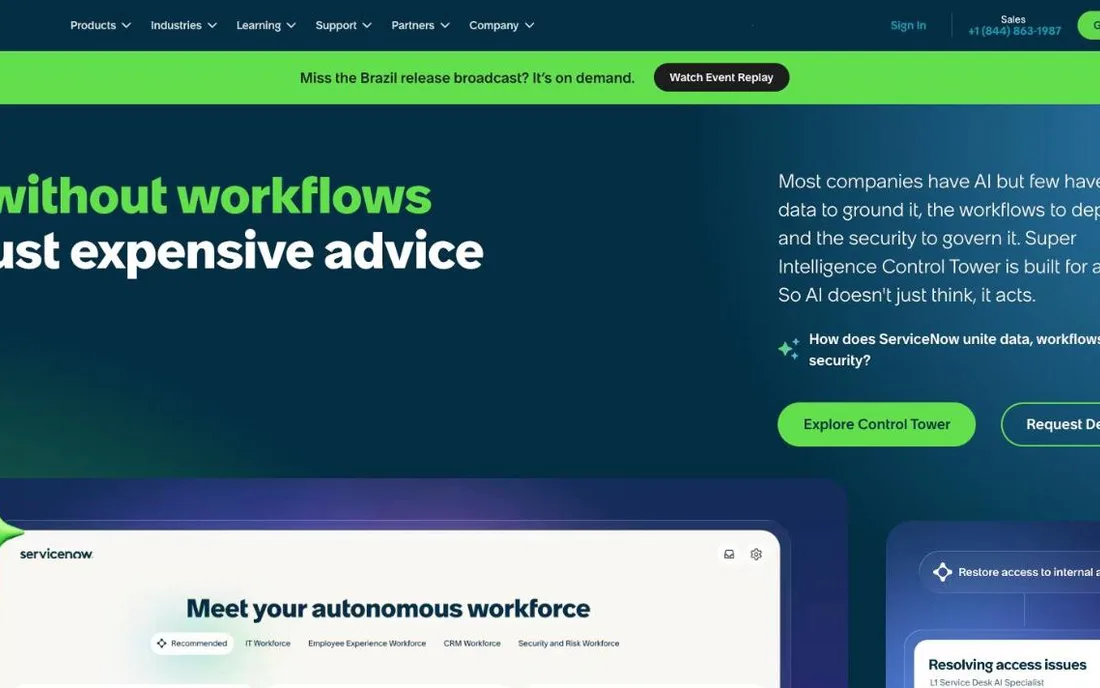
ServiceNow is the choice when IT projects cannot be separated from IT operations. The same platform handles incidents, requests, changes, problems and knowledge, so a data-centre move or ERP upgrade can be planned, approved through change management and tracked against the tickets it creates. IT Service Management is sold in Foundation, Advanced and Prime tiers, with AI assists bundled since April 2026.
There is no published price; every deal is quoted, and third-party estimates put ITSM fulfilment at roughly $70 to $200 a user a month. Requesters are free, so only fulfilling staff need licences. Reviewers report implementations of about five months and a need for specialist administrators, so it fits enterprises with a platform team, not a 10-person IT department.
What we like
- IT Service Management is sold in three tiers — Foundation, Advanced and Prime — with AI assists bundled into every tier since April 2026
- One platform covers incidents, requests, changes, problems and knowledge, with workflow automation across all of them
- Rated 4.5 out of 5 on G2 from 2,021 reviews, with features and automation the most-cited strengths
- Requesters are free: only the staff who fulfil tickets need paid licences
Watch out for
- No published price: every deal is a custom quote, and third-party estimates put ITSM fulfilment at roughly $70-$200 per user per month
- G2 reviewers report a typical implementation of about 5 months
- Heavy customization needs specialist administrators, and licensing costs rise with every module
Wrike
Best for: IT teams running infrastructure rollouts that need Gantt charts and shareable dashboards
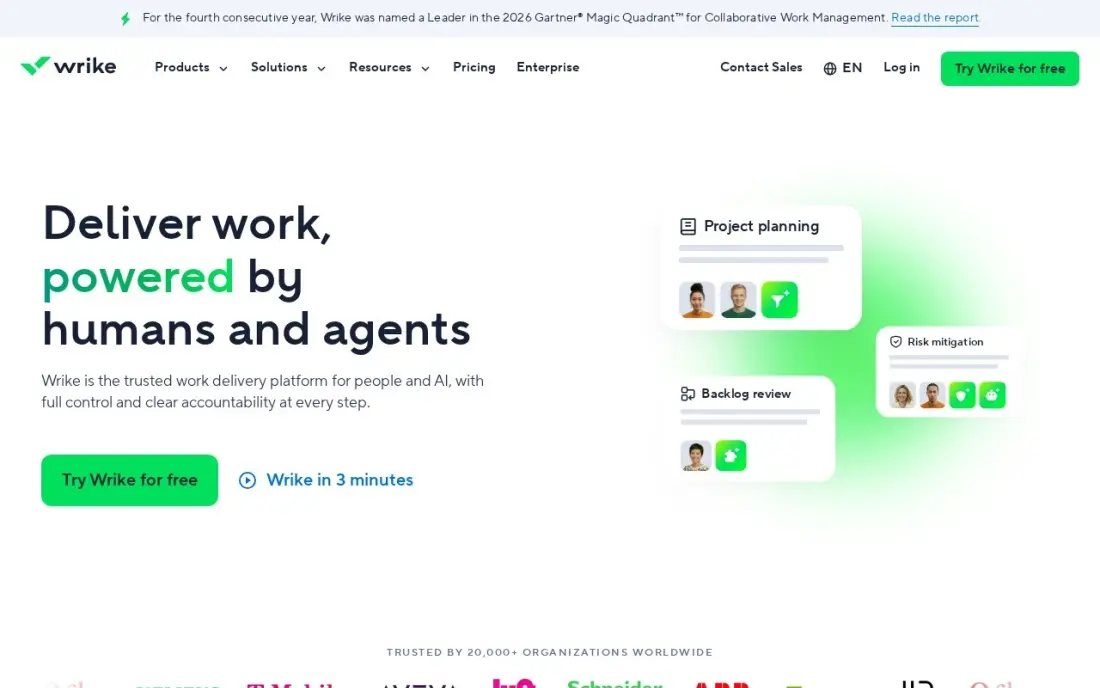
Wrike suits IT project managers who plan in timelines. Team includes interactive Gantt charts, shareable dashboards, custom fields and workflows, so a laptop refresh or office network rollout can be scheduled with dependencies and reported to leadership from one dashboard. AI essentials for summaries and task help are included, and the free plan covers basic task work with unlimited users.
Team costs $10 a user a month billed annually, and Wrike publishes no monthly price. Seats are sold in blocks of 5, so a 6-person team pays for 10. Request forms, time tracking and resource management, which IT teams use to take in project requests, need Business from $25 a user.
What we like
- Team adds shareable dashboards, interactive Gantt charts, custom fields and workflows from $10 a user a month
- AI essentials are included on Team, for summaries and task help
- Free plan covers basic task work with unlimited users
- Business adds request forms, proofing, time tracking and resource management from $25 a user
Watch out for
- Wrike sells seats in blocks of 5, so a 6-person team pays for 10 seats
- No monthly-billing price is published — Team is an annual commitment at $10 a user a month
- Custom fields and request forms wait for Business, a 2.5x jump from Team
Smartsheet
Best for: IT teams that plan migrations and rollouts in spreadsheets and want Gantt views on top
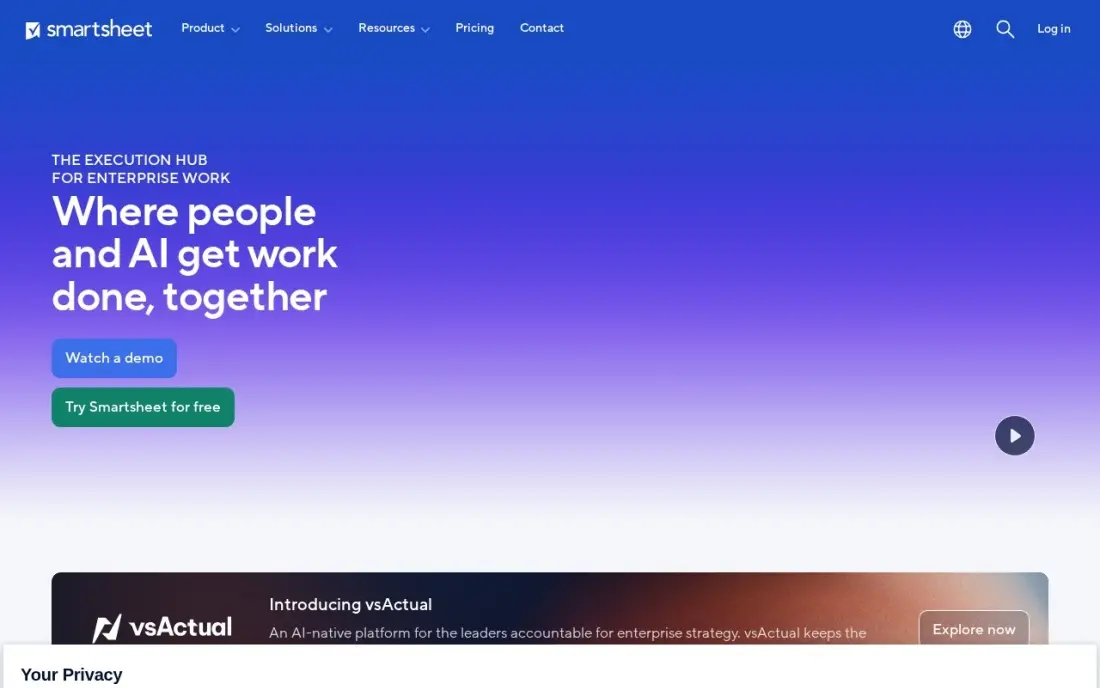
Smartsheet turns the migration spreadsheet IT teams already keep into a managed project. Rows hold servers, sites or users, formulas track status, and the same sheet switches to Gantt, board or calendar view. Pro includes unlimited sheets and 250 automations a month, and unlimited free Contributors can view, comment and attach files without a paid seat, which suits stakeholders across the business.
Pro costs $9 a member a month billed annually, or $12 monthly, but stops at 10 members; an 11th forces Business at $19 a member with timeline view and unlimited automations. There has been no free plan for new sign-ups since August 2024, only a 30-day trial.
What we like
- The grid is the project: rows, formulas and reports that spreadsheet users already understand, with a board view on top
- Pro includes Gantt, board, table and calendar views, unlimited sheets and 250 automations a month from $9 a member
- Unlimited free Contributors can view, comment and add attachments without a paid seat
- Business adds timeline view, unlimited automations and 1 TB of storage from $19 a member
Watch out for
- No free plan for new sign-ups since August 2024 — only a 30-day trial before the subscription starts
- Pro stops at 10 members, so an 11th member forces the jump to Business at $19
- The interface feels more spreadsheet than kanban, and the learning curve is steeper than Trello
monday.com
Best for: IT teams that want visual boards and automations that non-technical stakeholders can follow
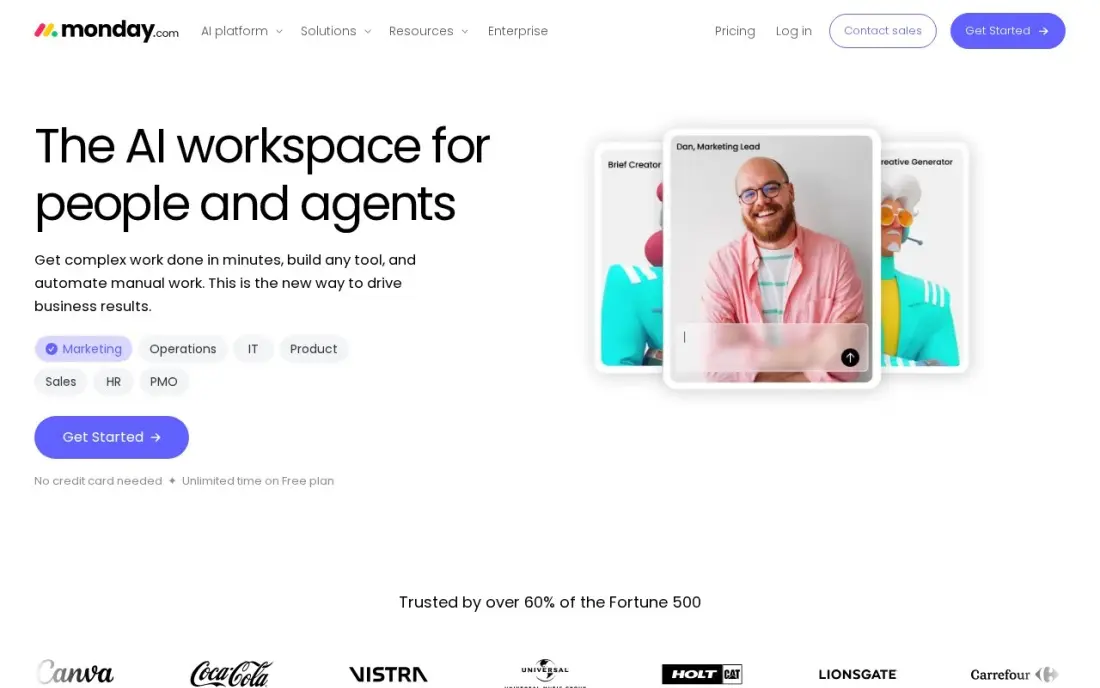
monday.com gives IT a project tool the rest of the company will actually open. Colour-coded boards show the status of each rollout task, dashboards roll up progress across projects, and more than 200 integrations connect Slack, Google Workspace and Zoom. Standard adds timeline and Gantt views, guest access and 250 automation actions a month, from $12 a seat.
Basic costs $9 a seat a month billed annually, or $12 monthly, but has no automations, and every paid plan has a 3-seat minimum. Time tracking and private boards wait for Pro at $19 a seat. The free plan covers up to 2 seats and 3 boards, enough to test whether the board style suits your team.
What we like
- The most visual boards here: color-coded statuses, automations and dashboards that non-technical teams pick up fast
- Standard adds timeline and Gantt views, guest access and 250 automation actions a month from $12 a seat
- 1,000 to 3,000 AI credits a month on paid plans, for summaries and formula help
- More than 200 integrations, including Slack, Google Workspace and Zoom
Watch out for
- Every paid plan has a 3-seat minimum, so a solo user pays $27 a month on Basic annual billing
- Basic has no automations at all — the automation that makes monday.com worth it starts on Standard
- Time tracking and private boards wait for Pro at $19 a seat a month
Asana
Best for: IT teams that coordinate projects with HR, finance and other departments
Asana suits IT projects that depend on other departments, such as onboarding systems, office moves or software rollouts that HR and finance must sign off. The same project reads as a list, board, timeline or Gantt chart, intake forms collect requests, and unlimited free guests let contractors follow along without a paid seat. Starter includes dashboards, custom fields and unlimited automations.
Starter costs $10.99 a user a month billed annually, or $13.49 monthly. Portfolios, goals, workload and approvals need Advanced at $24.99 a user a month, which matters for an IT lead juggling several projects at once. The free Personal plan covers only two people, and time tracking needs a $5.99 add-on or Advanced.
What we like
- Board, list, timeline and calendar views in one project, so the same work reads as a kanban board or a Gantt chart
- Starter adds Timeline and Gantt, dashboards, forms, custom fields and unlimited automations from $10.99 a user
- Unlimited free guests, so clients and contractors can follow work without a paid seat
- Asana AI is included on Starter, with writing help and smart summaries
Watch out for
- Portfolios, goals, workload and approvals wait for Advanced at $24.99 a user a month
- The free Personal plan covers only two people, so any real team pays from the first seat
- Time tracking needs a $5.99 add-on or the Advanced plan
ClickUp
Best for: Small IT teams that want tasks, docs and runbooks in one subscription
ClickUp lets a small IT team keep project tasks, runbooks, network diagrams on whiteboards and goals in one workspace, replacing separate wiki and project tools. Core adds unlimited storage, Gantt charts, custom fields and 1,000 automation actions a month, and the Free Forever plan covers unlimited members with 100 MB of storage.
Core costs $9 a user a month billed annually, or $12 monthly. Time tracking and workload views, which IT managers use to balance tickets against project work, sit on Business at $17 a user a month. The feature list is the deepest here, and new users report a learning curve, so plan a short setup period before moving live projects.
What we like
- One workspace holds tasks, docs, whiteboards, goals and chat, so a small team can drop two or three other subscriptions
- Core adds unlimited storage, Gantt charts, custom fields and 1,000 automation actions a month from $9 a user
- The Free Forever plan covers unlimited members with 100 MB of storage
- 1,000 AI credits per seat a month on Core, with ClickUp Brain included from Business
Watch out for
- The feature list is the deepest here, and new users report a real learning curve before it feels simple
- Guests are free only with limits; every member of the workspace is a paid seat
- Business at $17 a user a month is where time tracking and workload views live
Zoho Projects
Best for: Budget IT teams that want Gantt charts, time tracking and budgets at a low per-user price
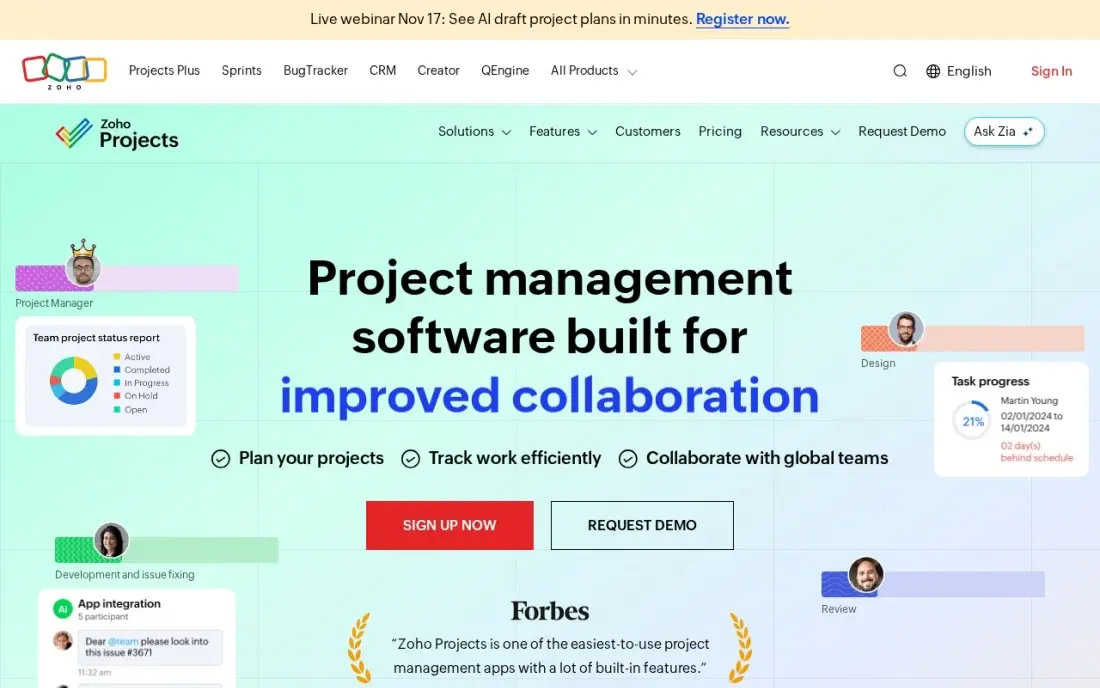
Zoho Projects is the cheapest full IT project tool in this list. Premium costs $4 a user a month billed annually, or $5 monthly, and already includes Gantt charts, time tracking, budgets and Zia AI features, so an IT team can track hours against a project budget without an add-on. It connects to Zoho Desk for help desk tickets and the rest of the Zoho suite.
The free plan covers up to 5 users, 3 projects and 5 GB. Portfolios, critical path and SSO need Enterprise at $9 a user a month, and client users cost $4 each on annual billing. Reviewers find the interface cluttered on large projects, so it fits small and mid-size IT teams best.
What we like
- Premium at $4/user/month is the lowest paid price in this list and includes Gantt charts, time tracking and budgets
- Free plan covers up to 5 users, 3 projects and 5GB of storage at $0
- Zia AI features are included on Premium, not held for a higher tier
- Deep integration with the rest of Zoho — CRM, Books, Desk and Mail — in one login
Watch out for
- The interface can feel cluttered on large projects, per G2 reviewers
- Portfolios, critical path and SSO wait for Enterprise at $9/user/month
- Client users cost $4 each on annual billing — only internal users are covered by the free plan's five seats
The best IT project management tools keep migrations, rollouts and upgrades on schedule while the same team handles tickets and outages. We compared eight tools that IT departments use for project work, from Jira and ServiceNow to general project tools with strong Gantt and resource features, on fit for IT, help desk links and real per-user cost, and every price below was checked on vendor pricing pages in November 2026.
How to choose the best IT project management tool
- Decide how projects meet operations. If changes and incidents must link to project tasks, favour Jira with Jira Service Management or ServiceNow.
- Match the planning style. Sprint teams want boards and backlogs; infrastructure rollouts want Gantt charts with dependencies.
- Count stakeholders, not just IT staff. Free guests or contributors keep the bill down when the business needs to follow progress.
- Check resource views. IT staff split time between tickets and projects, so workload and time tracking matter more than in most teams.
- Price the plan you will actually need. Gantt, time tracking and portfolios often sit one tier above the advertised price.
- Confirm security controls. SSO, audit logs and permissions are usually on higher tiers, and IT will be asked about them first.
If your IT team also looks after the company website, our SEO audit service checks the technical side search engines care about, and our guide to IT management software covers asset and endpoint tools that sit beside project tracking.
Which IT project management tool fits your situation
A small IT team of up to 10 people already using Jira. Keep projects in Jira, which is free for up to 10 users, and use epics, sprints and roadmaps for upgrades and migrations. If you add Jira Service Management, a project can link straight to the incidents and change requests it touches. Budget for the per-user rate changing by band as you grow, and expect staff outside engineering to need help getting started.
An enterprise where projects and IT operations are one process. ServiceNow puts projects, incidents, requests, changes and knowledge on one platform, and requesters are free. It is quoted only, reviewers report implementations of about five months, and it needs specialist administrators, so it fits organisations with a platform team rather than a small department.
An infrastructure team planning rollouts on timelines. Wrike Team includes interactive Gantt charts and shareable dashboards at $10 a user a month billed annually, but seats come in blocks of 5 and request forms and time tracking need Business from $25. If your plans already live in a spreadsheet, Smartsheet adds Gantt views on top and lets unlimited free Contributors comment, though Pro stops at 10 members.
An IT team whose projects depend on HR, finance or the wider business. Asana and monday.com are the tools other departments will actually open. Asana offers intake forms and unlimited free guests, while monday.com has colour-coded boards and more than 200 integrations. Watch the tiers: Asana portfolios and workload need Advanced at $24.99, and monday.com time tracking needs Pro at $19.
A small or budget-limited IT team that also handles tickets. Zoho Projects Premium at $4 a user a month billed annually already includes Gantt charts, time tracking and budgets, and connects to Zoho Desk. ClickUp keeps tasks, runbooks and whiteboard diagrams in one place, but time tracking and workload views sit on Business at $17 a user.
IT project management tool pricing: what you will actually pay
Take an IT team of 12 people. On annual billing, Zoho Projects Premium costs 12 x $4, or $48 a month and $576 a year. ClickUp Core costs $108 a month, or $1,296 a year, and Asana Starter $131.88 a month, or $1,582.56 a year. Wrike Team sells seats in blocks of 5, so 12 people pay for 15 seats at $10: $150 a month, or $1,800 a year. Smartsheet Pro stops at 10 members, so the team needs Business at $19 a member: $228 a month.
Jira is free up to 10 users; at 12 users Standard costs $9.70 a user a month on monthly billing, or $116.40 a month. ServiceNow publishes no price, and third-party estimates of $70 to $200 a user a month put a 12-person fulfilment team at $10,080 to $28,800 a year, before implementation. Check which tier includes Gantt and time tracking before comparing.
Know the difference: IT-native tools vs general project tools
IT-native tools such as Jira and ServiceNow were built around technical work. They link projects to issues, incidents and change requests, follow ITIL processes and integrate with code repositories and monitoring tools. They suit IT departments where projects constantly touch production systems, but business users often find them hard to use.
General project tools such as Wrike, Smartsheet, monday.com, Asana, ClickUp and Zoho Projects were built for any team. Their strengths are Gantt charts, dashboards, intake forms and easy access for non-technical stakeholders. They work well for rollouts and migrations that need wide visibility, but linking them to a help desk takes an integration rather than coming built in.
Quick comparison: tool type by need
| Buyer | Best pick | Why |
|---|---|---|
| Sprint-based IT teams | Atlassian Jira | Free to 10 users, Standard $9.70/user/month |
| Enterprise IT operations | ServiceNow | Projects, changes and requests on one platform |
| Infrastructure rollouts | Wrike | Gantt and dashboards from $10/user/month annually |
| Spreadsheet-led migrations | Smartsheet | Grid plus Gantt, free contributors |
| Visual stakeholder updates | monday.com | Boards and dashboards the business will read |
| Cross-department projects | Asana | Intake forms, timelines and free guests |
| Small IT teams | ClickUp | Tasks, docs and runbooks in one tool |
| Tight budgets | Zoho Projects | $4/user/month annually with Gantt and time tracking |
Mistakes to avoid
- Running projects in the help desk. Tickets are built for short tasks; a six-month migration needs dependencies and milestones.
- Ignoring unplanned work. Budget project capacity after tickets and outages, or every timeline slips.
- Buying the entry tier for a feature on the next one. Check where Gantt, time tracking and portfolios sit before signing.
- Locking stakeholders out. If the business cannot see progress without a paid seat, they will ask for status meetings instead.
- Choosing a tool nobody outside IT can use. Approvals stall when finance or HR cannot find their task.
How we chose
We checked each vendor's own pricing page in November 2026 and recorded prices exactly as shown, with annual and monthly billing stated. We then compared each tool on links to IT service management, Gantt and sprint planning, resource views and access for stakeholders, and ranked them by fit for an in-house IT team of 5 to 50 people. ServiceNow publishes no price, so we list it as custom quote. Ratings, where shown, come from G2 pages checked on the dates in the sources. No vendor paid for a place in this list, and none of the links here are affiliate links.
What to do next
Take your next real IT project, such as a device refresh or system upgrade, and plan it in two tools on free plans or trials for a week, including one stakeholder outside IT. Keep the tool both groups actually used. If the project includes a website migration, book a free SEO review before launch so rankings survive the move.
Frequently asked questions
What is the best IT project management tool?
Atlassian Jira is the best fit for IT teams that run sprints and track technical work. ServiceNow suits enterprises that need projects linked to IT service management. Wrike and Smartsheet are strongest for Gantt-based rollouts and migrations, and Zoho Projects is the budget pick.
Is there a free IT project management tool?
Jira is free for up to 10 users, Zoho Projects is free for up to 5 users and 3 projects, ClickUp's Free Forever plan covers unlimited members with 100 MB of storage, and Wrike's free plan covers basic tasks. Smartsheet has only a 30-day trial.
How much do IT project management tools cost?
Published prices run from $4 a user a month on Zoho Projects Premium billed annually to $9.70 a user a month on Jira Standard and $10 on Wrike Team billed annually. ServiceNow publishes no price, and third-party estimates put ITSM fulfilment at roughly $70 to $200 a user a month.
What is the difference between IT project management and IT service management?
Project management covers work with a start and end date, such as a migration or rollout. Service management covers ongoing operations: incidents, requests and changes. ServiceNow and Jira with Jira Service Management link the two.
Do IT teams need Gantt charts?
For rollouts and migrations with dependencies, yes. Wrike, Smartsheet, Asana, ClickUp, Zoho Projects and monday.com Standard all include Gantt or timeline views; Jira uses roadmaps and sprints instead.
Which IT project management tool works best with a help desk?
Jira pairs with Jira Service Management, ServiceNow includes service management on the same platform, and Zoho Projects connects to Zoho Desk. Linking projects to tickets shows which incidents a project caused or fixed.
How do I let business stakeholders follow an IT project without paying for seats?
Pick a tool with free viewer or guest access. Smartsheet includes unlimited free Contributors who can view, comment and attach files, and Asana offers unlimited free guests. monday.com Standard adds guest access. Check the guest rules on your plan before inviting a large group, and note that every paid monday.com plan has a 3-seat minimum.
Sources we checked (15)
- Atlassian Jira — www.atlassian.com/licensing/future-pricing/cloud/list/pricing-tables (checked November 4, 2026)
- ServiceNow — www.servicenow.com/lpgp/pricing.html (checked November 4, 2026)
- ServiceNow reviews on G2 (checked November 4, 2026)
- Wrike — www.wrike.com/pricing (checked November 12, 2026)
- Wrike reviews on G2 (checked November 12, 2026)
- Smartsheet — www.smartsheet.com/pricing (checked November 12, 2026)
- Smartsheet reviews on G2 (checked November 12, 2026)
- monday.com — monday.com/pricing (checked November 12, 2026)
- monday.com reviews on G2 (checked November 12, 2026)
- Asana — asana.com/pricing (checked November 12, 2026)
- Asana reviews on G2 (checked November 12, 2026)
- ClickUp — clickup.com/pricing (checked November 12, 2026)
- ClickUp reviews on G2 (checked November 12, 2026)
- Zoho Projects — www.zoho.com/projects/pricing (checked November 12, 2026)
- Zoho Projects reviews on G2 (checked November 12, 2026)
Make one of these tools?
We re-check this list every quarter. Send a correction, request a review, or ask about a clearly labeled sponsored spot.
Request a listingShamim
Founder of SerpAstra
A full-stack digital marketer and SEO strategist covering technical and local SEO, AI search visibility, paid ads and lead generation for local businesses, e-commerce brands and SaaS teams.
Free SEO and AI visibility audit
Find out what is holding your rankings back
Send us your site. Within 2 business days you get a written audit, an AI visibility check and a short fix list ranked by impact. Free, with no contract attached.
Request my free audit→Related buying guides
 Project & Product Management10 Best Project Management Software in 2026, ComparedCompare the 10 best project management software on views, free plans, seat minimums and real monthly cost, with every price checked on the vendor's own pages.Read guide →
 IT Management7 Best IT Management Software in 2026, ComparedCompare the 7 best IT management software for endpoints, service desks, monitoring and IT assets, with free editions and real per-device costs checked.Read guide →
 Project & Product Management8 Best Enterprise Project Management Software in 2026, ComparedCompare the 8 best enterprise project management software tools on portfolios, resource planning, SSO and governance, with each vendor's published prices.Read guide →