
7 Best Software for Fluid Simulation in 2026, Compared
Compare the 7 best software for fluid simulation, from free OpenFOAM and SimScale to Autodesk CFD, COMSOL and Houdini, on physics, free tiers and yearly cost.
 Shamim Mia, Founder, SerpAstraLast verified November 10, 20268 min read
We compare pricing pages, documentation and public reviews. We never accept payment for rankings.

Key takeaways
- Engineers on a budget have two free routes: OpenFOAM, the open-source CFD code, and SimScale's Community plan with 10 simulations and up to 2,000 core hours in the browser.
- Autodesk CFD is the published-price desktop option at $7,900 a year per user, with a 30-day free trial.
- COMSOL's CFD Module and Siemens Simcenter 3D are for multiphysics work such as fluid–structure interaction, and both are sold by quote.
- For visual effects rather than engineering, Houdini Indie costs $299 a year and EmberGen's indie licence $300 for the first year, with free tiers or trials for both.
On this page
Quick comparison
| Tool | Best for | Starting price | Free plan |
|---|---|---|---|
 SimScale | Engineers and small firms who want CFD in the browser without buying hardware | Free; Pro quote | Yes (Community) |
 OpenFOAM | CFD specialists and researchers who want a free, open-source solver they can extend | Free | Yes (open source) |
 Autodesk CFD | Product and building engineers who want desktop CFD with a published price | $7,900/yr | No (30-day trial) |
 COMSOL CFD Module | R&D teams that need fluid flow coupled to heat, chemistry or structures in one model | Custom quote | No |
 Siemens Simcenter 3D | Engineering teams that run CFD alongside structural, thermal and acoustic analysis | Custom quote | No (free trial) |
 Houdini | VFX artists and studios simulating water, smoke, fire and destruction for film and games | $299/yr | Yes (Apprentice) |
 EmberGen | Game and VFX artists who want real-time fire, smoke and explosion simulation | $300 1st yr | No (free trial) |
Make one of these tools?
We re-check this list every quarter. Send a correction, request a review, or ask about a clearly labeled sponsored spot.
Request a listingThe best fluid simulation software
SimScale
Best for: Engineers and small firms who want CFD in the browser without buying hardware
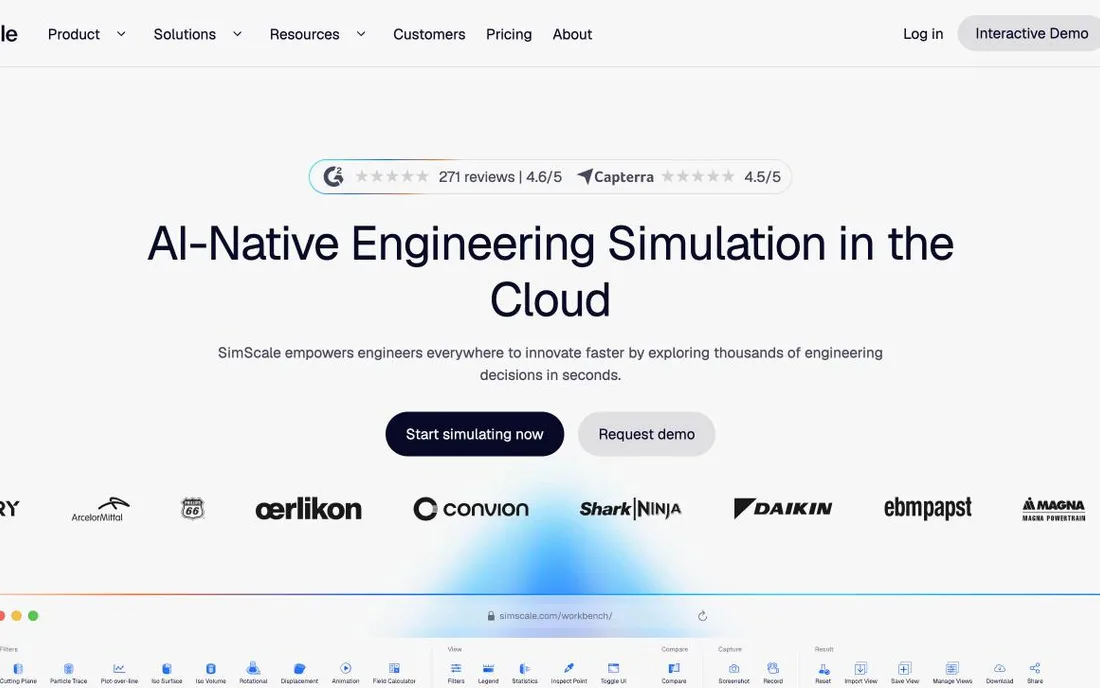
SimScale moves CFD into the browser. Solving runs on SimScale's cloud, so a small engineering team can simulate airflow through an enclosure or water through a valve without buying a workstation or a solver licence. The free Community plan includes selected analysis types, 10 unrestricted simulations and up to 2,000 core hours.
Community projects are not private, so client work needs a paid plan. Professional, which covers all standard fluid, structural and thermal analysis types with a custom compute quota and live support, is priced on request, as is Enterprise with SimScale's AI tools. Start free, then ask for a quote once the workflow fits.
What we like
- Runs in the cloud, so no workstation or solver licence to install
- Free Community plan with 10 unrestricted simulations and up to 2,000 core hours
- Professional covers all standard fluid, structural and thermal analysis types
- Live support and private projects on paid plans
Watch out for
- Community has selected analysis types only and no private projects
- Professional and Enterprise are priced by quote, with no public rate
- Compute quota on paid plans is custom, so heavy users must negotiate it
OpenFOAM
Best for: CFD specialists and researchers who want a free, open-source solver they can extend
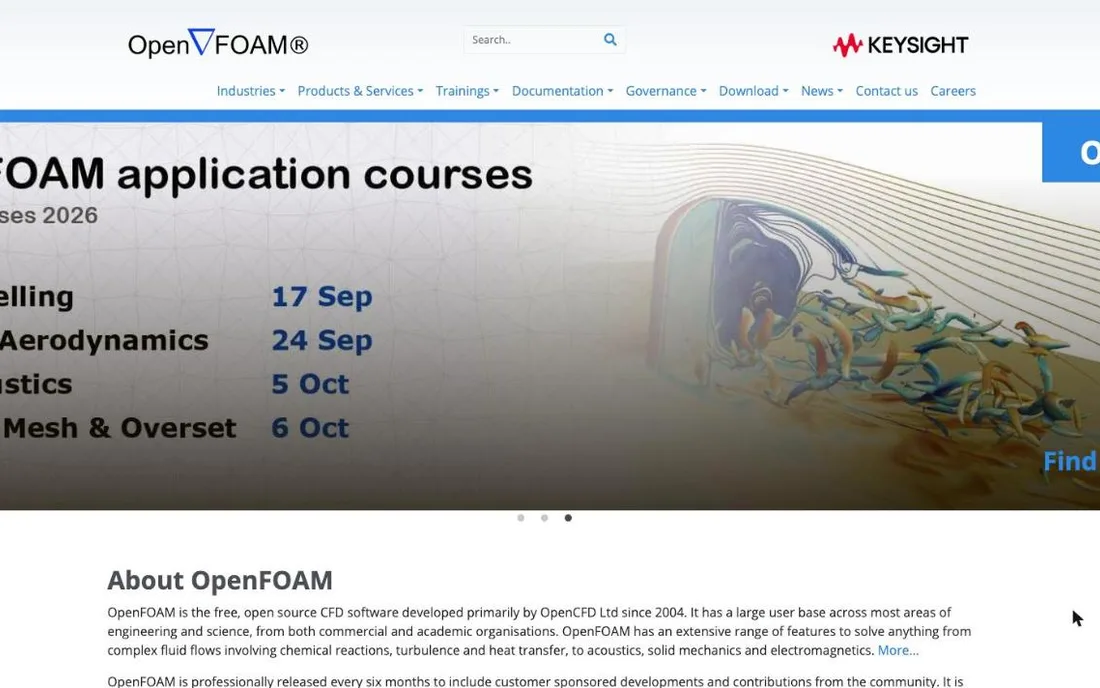
OpenFOAM is the free, open-source CFD code that many commercial tools and research groups build on. Developed primarily by OpenCFD Ltd since 2004, it solves complex fluid flows involving chemical reactions, turbulence and heat transfer, plus acoustics, solid mechanics and electromagnetics, and it is released every six months after daily and weekly testing.
The price is skill rather than money. Cases are set up through text files and the command line, and new users usually pair it with separate meshing and visualisation tools, or pay for OpenCFD's training courses. For a specialist who wants full control and no licence fees, nothing here matches it.
What we like
- Free, open-source CFD developed by OpenCFD Ltd since 2004
- Covers turbulence, heat transfer, chemical reactions, acoustics, solid mechanics and electromagnetics
- Released every six months, with daily and weekly test batteries
- Large user base in industry and academia
Watch out for
- Command-line and text-file workflow with a steep learning curve
- Meshing and post-processing usually need extra tools
- Formal training is a paid course rather than built into the software
Autodesk CFD
Best for: Product and building engineers who want desktop CFD with a published price
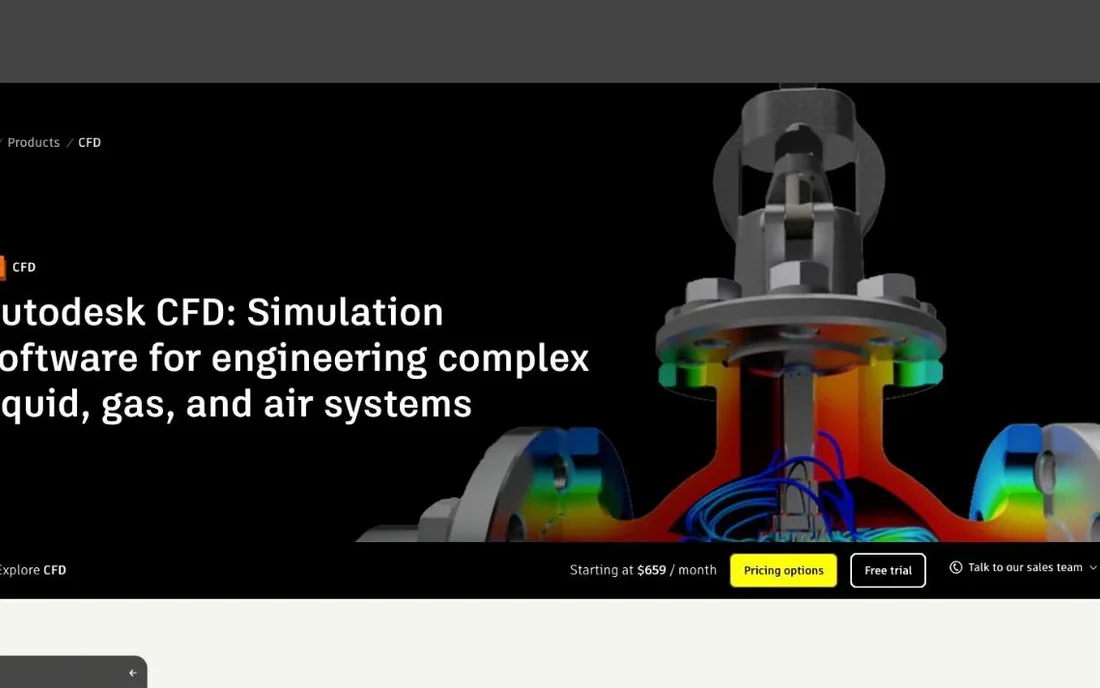
Autodesk CFD is the desktop CFD tool with the clearest price in this list. Autodesk positions it as simulation for complex liquid, gas and air systems, with tools to simulate fluid flow and free surface movement and analyse thermal impact on a design — the everyday questions of an electronics enclosure, a valve or a ventilated room.
The Ultimate subscription costs $7,900 a year for one user, which Autodesk displays as $659 a month paid annually. A 30-day free trial lets you run a real case first, and annual subscriptions carry a 30-day return policy. For a team that needs CFD every week and wants predictable cost, it is easy to budget.
What we like
- Simulates liquid, gas and air systems, with thermal analysis and free surface modelling
- Published annual price, unlike most engineering CFD tools
- 30-day free trial and a 30-day return policy on annual subscriptions
- 24x7 online support options and resources included
Watch out for
- $7,900 a year per user is a large commitment for occasional analysis
- No free plan; evaluation is limited to the 30-day trial
- Desktop solving needs a capable engineering workstation
COMSOL CFD Module
Best for: R&D teams that need fluid flow coupled to heat, chemistry or structures in one model
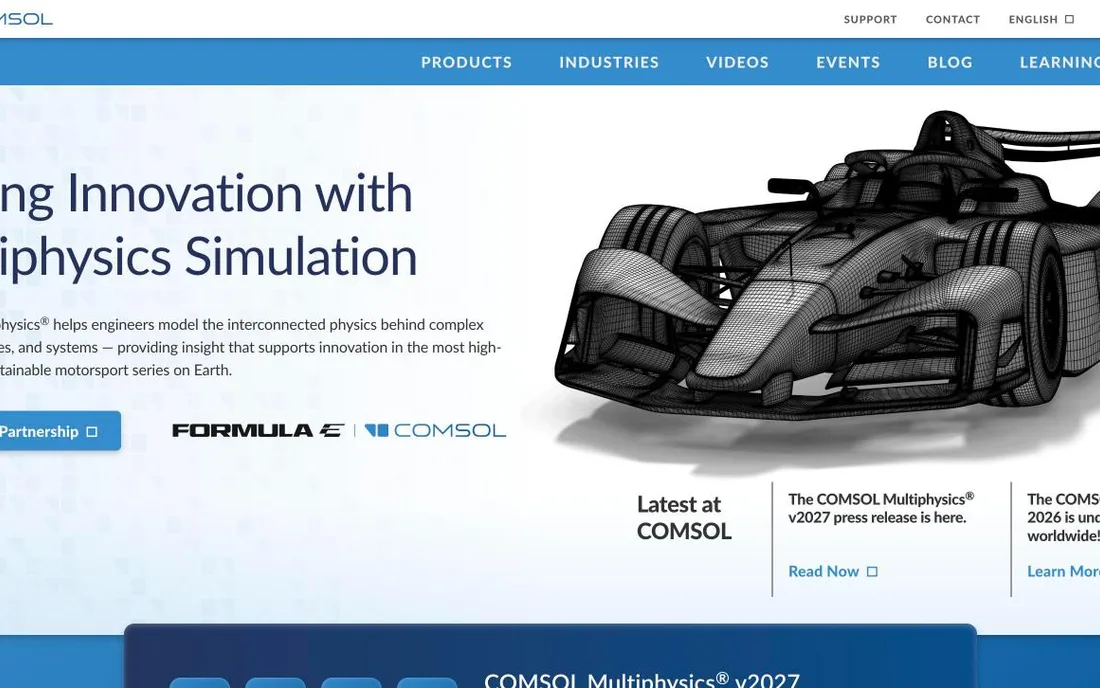
COMSOL's CFD Module is the choice when fluid flow is only part of the physics. It is an add-on to COMSOL Multiphysics that models internal and external, compressible and incompressible, laminar and turbulent, single-phase and multiphase flows, including free and porous media flow, and it couples them with conjugate heat transfer, reacting flow, fluid–structure interaction and electrohydrodynamics.
That depth is aimed at R&D labs, universities and product teams studying how a fluid heats, reacts with or bends a part. COMSOL publishes no price, and you need both Multiphysics and the module, so ask for a written quote for the exact combination before comparing it with a single-purpose CFD tool.
What we like
- Single-phase and multiphase, laminar and turbulent, compressible and incompressible flows
- Free and porous media flows in the same module
- Built-in coupling for conjugate heat transfer, reacting flow and fluid–structure interaction
- Combines with other COMSOL modules for further multiphysics couplings
Watch out for
- Requires COMSOL Multiphysics as well as the module
- No published price; every licence is quoted
- Overkill for a team that only needs basic airflow checks
Siemens Simcenter 3D
Best for: Engineering teams that run CFD alongside structural, thermal and acoustic analysis

Simcenter 3D puts CFD in the same environment as structural, thermal, motion, acoustics and electromagnetics simulation, so a team can check how airflow cools a part and then how that part behaves under load without moving models between tools. Test and simulation data correlate in one workflow, and NX and Teamcenter integration keeps the model tied to the CAD file.
It is rated 4.3 out of 5 on G2 from 211 reviews, and a free trial is available. Pricing is unit-based and quote-only, the full solver portfolio needs an enterprise licence, and reviewers note a steep learning curve for multiphysics problems. It suits companies already on Siemens NX.
What we like
- Multiphysics in one environment: structural, thermal, CFD, motion, acoustics and electromagnetics
- Largest review base in this list at 4.3 out of 5 on G2 from 211 reviews
- Test and simulation data correlate in one workflow, so the twin is validated against physical measurements
- Deep NX and Teamcenter integration keeps the twin tied to the CAD model and the PLM record
Watch out for
- Unit-based pricing is quote-only, and the full solver portfolio needs an enterprise licence
- Reviewers note a steep learning curve, especially for multiphysics problems
- Simulation software, not a live twin platform — live data sync comes from the wider Simcenter portfolio
Houdini
Best for: VFX artists and studios simulating water, smoke, fire and destruction for film and games

Houdini is the visual effects tool behind many of the water, smoke, destruction and crowd shots in films and games. Its procedural, node-based approach means a fluid setup stays editable, so an artist can change a splash or an explosion and re-simulate rather than start over. It is built for effects that look right on screen, not for engineering accuracy.
Apprentice is free for learning and non-commercial work, and the Indie licence costs $299 a year for eligible small studios, capped at $100,000 annual revenue and three seats. Core costs $1,475 a year and FX $3,505 a year. The learning curve is steep, measured in weeks.
What we like
- Procedural, node-based sculpting that stays editable and non-destructive throughout
- Indie at $299 a year gives eligible small studios near-full FX capability
- Same tool behind the water, smoke, destruction and crowd shots in big films
- Free Apprentice tier is the full toolset for learning and non-commercial work
Watch out for
- Steepest learning curve here — the node-based workflow takes weeks to grasp
- Sculpting is one small part of a procedural VFX package, not the reason to buy it
- Indie licence caps at $100,000 annual revenue and three seats; studios pay far more
EmberGen
Best for: Game and VFX artists who want real-time fire, smoke and explosion simulation
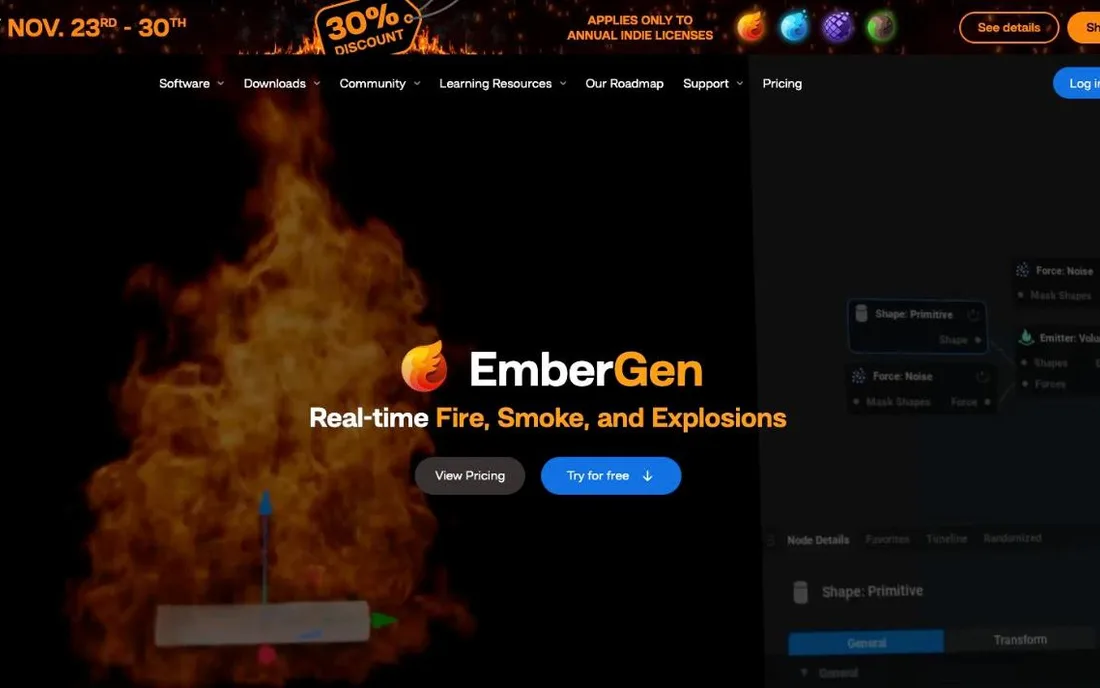
EmberGen simulates fire, smoke and explosions in real time, which changes how artists work: instead of waiting for a cache, they see each tweak immediately. JangaFX says it is used in over 200 game studios, and it exports game-ready flipbooks and sprite sheets in seconds. Its sister product LiquiGen does the same for liquids.
The Indie licence, for studios with revenue or funding under $1M, costs $300 for the first year and grants a permanent licence with 12 months of updates, then $180 a year for optional maintenance; a rent-to-own option is also offered. A 30% Black Friday discount was running when we checked, and there is a free trial.
What we like
- Real-time fire, smoke and explosion simulation, so changes show instantly
- Generates game-ready flipbooks and sprite sheets in seconds
- Indie permanent licence with 12 months of updates, then optional maintenance
- Sister tool LiquiGen covers real-time liquids at the same indie price
Watch out for
- Focused on gaseous effects; liquids need the separate LiquiGen licence
- Indie pricing applies only under $1M revenue or funding
- A VFX tool, not engineering CFD
The best software for fluid simulation predicts how liquids and gases move — air through a server rack, water through a valve, smoke from an explosion — so you can test a design or an effect before building it. We compared seven tools across two very different jobs, engineering CFD and visual-effects simulation, on physics coverage, ease of use, free tiers and real yearly cost, and every price below comes from the vendor's own page or our tool database as checked in November 2026.
How to choose the best software for fluid simulation
- Decide between accuracy and appearance. Engineering CFD gives numbers you can sign off on; VFX tools give fluids that look right and can be directed. Buying the wrong kind wastes money either way.
- List the physics beyond flow. Heat transfer, chemical reactions or a flexing structure point to multiphysics tools such as COMSOL or Simcenter 3D.
- Check where it solves. SimScale runs in the cloud; Autodesk CFD, OpenFOAM and the VFX tools need a capable local machine.
- Budget for skill as well as licences. OpenFOAM is free but needs command-line expertise; a paid tool with a guided interface can be cheaper overall for a small team.
- Ask for the full quote. Several engineering tools publish no price and add modules, compute or support on top.
- Run a real case on the trial. Every paid tool here offers a trial or free tier; use your own geometry, not the tutorial model.
Engineering firms win a lot of work by being found for very specific services. If you sell CFD or simulation consulting, our AI search optimization service helps your firm appear when buyers ask Google or AI assistants for help, and the free FAQ schema generator helps your service pages answer common questions in search.
Fluid simulation software pricing: what you will actually pay
Take a small engineering team with one analyst. OpenFOAM costs $0 in licences, and SimScale's Community plan costs $0 for 10 simulations and up to 2,000 core hours, though its projects are not private. Autodesk CFD costs $7,900 a year for that analyst, shown as $659 a month on annual billing, so two seats cost $15,800 a year.
COMSOL's CFD Module, SimScale Professional and Siemens Simcenter 3D are all quoted, so the only reliable comparison is a written quote for the same seats, modules and compute. Ask whether the quote includes the base platform — the CFD Module needs COMSOL Multiphysics — and how compute is charged.
The VFX side is far cheaper. Houdini Indie costs $299 a year and EmberGen's indie licence costs $300 for the first year, then $180 a year for optional maintenance. A studio above Houdini's indie limits pays $1,475 a year for Core or $3,505 for FX.
Know the difference: engineering CFD vs VFX fluid simulation
Engineering CFD solves the equations of fluid flow to produce numbers: pressure drop across a filter, air velocity at a vent, the temperature of a chip. OpenFOAM, SimScale, Autodesk CFD, COMSOL and Simcenter 3D work this way, and the results are checked against tests and used to make design decisions. Accuracy matters more than speed or looks.
VFX fluid simulation is built for the screen. Houdini and EmberGen let artists shape a splash, a fireball or a smoke trail until it looks right in the shot, then render or export it to a game engine. They are physically inspired but art-directable, and they are far faster to iterate. Neither replaces a CFD solver for an engineering sign-off, and no CFD solver is built to make a cinematic explosion.
Quick comparison: tool type by need
| Buyer | Best pick | Why |
|---|---|---|
| Cloud CFD, no hardware | SimScale | Free Community plan, Professional by quote |
| CFD specialists and researchers | OpenFOAM | Free, open source, broad physics |
| Desktop CFD with a set price | Autodesk CFD | $7,900/year per user, 30-day trial |
| Multiphysics R&D | COMSOL CFD Module | Flow coupled to heat, chemistry and structures |
| Siemens NX teams | Siemens Simcenter 3D | CFD beside structural and thermal, custom quote |
| Film and game VFX | Houdini | Industry VFX tool, Indie $299/year |
| Real-time game effects | EmberGen | Real-time fire and smoke, $300 first year |
Mistakes to avoid
- Using a VFX tool for an engineering decision. A good-looking simulation is not a validated one; use a CFD solver when the result drives a design.
- Trusting results without a mesh check. Run the same case on a finer mesh and confirm the answer does not change much before you rely on it.
- Putting client work on a public free plan. SimScale Community projects are not private.
- Comparing quotes that cover different things. Base platform, modules, compute and support can sit outside the headline figure.
- Underestimating the learning time. OpenFOAM, Houdini and the multiphysics tools take weeks to learn; plan training before the first deadline.
How we chose
We read each vendor's own pricing and product pages in November 2026, and took Houdini and Simcenter 3D facts from our tool database, checked on November 10, 2026. We recorded prices as shown, noted when a sale was running and list quote-only tools as custom quote rather than repeat third-party estimates. We judged each tool on physics coverage, where it solves, free access, learning curve and yearly cost. Ratings come from G2 pages checked on the dates shown in the sources. No vendor paid for a place in this list, and none of the links here are affiliate links.
What to do next
Pick one real design question — a pressure drop, a hot spot or an effect shot — and run it on a free option first: SimScale Community or OpenFOAM for engineering, Houdini Apprentice or the EmberGen trial for effects. Pay only once the free result shows where the limits are. If you sell simulation services and want more enquiries from search, book a free call.
Frequently asked questions
What is the best software for fluid simulation?
For engineering CFD, Autodesk CFD is the easiest to budget at $7,900 a year per user, SimScale has a free cloud plan, and OpenFOAM is the free open-source standard. For visual effects, Houdini is the industry tool, with Indie at $299 a year.
Is there free fluid simulation software?
Yes. OpenFOAM is free and open source, SimScale's Community plan includes 10 simulations and up to 2,000 core hours, and Houdini Apprentice is free for non-commercial effects work.
What is the difference between CFD and VFX fluid simulation?
CFD tools such as OpenFOAM, SimScale and Autodesk CFD aim for physically accurate numbers like pressure, velocity and temperature. VFX tools such as Houdini and EmberGen aim for fluids that look right on screen and can be art-directed.
Can I run fluid simulation in the cloud?
SimScale runs simulations in the browser on its own cloud, so you do not need a workstation. The free Community plan is a good test, but its projects are not private.
Which software handles fluid–structure interaction?
COMSOL's CFD Module includes fluid–structure interaction alongside conjugate heat transfer and reacting flow, and Siemens Simcenter 3D combines CFD with structural analysis. Both are priced by quote.
How much does CFD software cost?
Prices range from free (OpenFOAM, SimScale Community) to $7,900 a year per user for Autodesk CFD. COMSOL, SimScale Professional and Simcenter 3D publish no price and are sold by quote.
Sources we checked (9)
- SimScale — www.simscale.com/product/pricing (checked November 24, 2026)
- OpenFOAM — www.openfoam.com (checked November 24, 2026)
- Autodesk CFD — www.autodesk.com/products/cfd/buy (checked November 24, 2026)
- COMSOL CFD Module — www.comsol.com/cfd-module (checked November 24, 2026)
- Siemens Simcenter 3D — www.plm.automation.siemens.com (checked November 10, 2026)
- Siemens Simcenter 3D reviews on G2 (checked November 10, 2026)
- Houdini — www.sidefx.com/buy (checked November 10, 2026)
- Houdini reviews on G2 (checked November 10, 2026)
- EmberGen — jangafx.com/software/pricing (checked November 24, 2026)
Make one of these tools?
We re-check this list every quarter. Send a correction, request a review, or ask about a clearly labeled sponsored spot.
Request a listingShamim
Founder of SerpAstra
A full-stack digital marketer and SEO strategist covering technical and local SEO, AI search visibility, paid ads and lead generation for local businesses, e-commerce brands and SaaS teams.
Free SEO and AI visibility audit
Find out what is holding your rankings back
Send us your site. Within 2 business days you get a written audit, an AI visibility check and a short fix list ranked by impact. Free, with no contract attached.
Request my free audit→Related buying guides
 CAD, GIS & Engineering6 Best Software for Simulation in 2026, ComparedCompare the 6 best software for simulation, from engineering physics to factory process models, on free plans, licences and published prices checked Nov 2026.Read guide →
 Manufacturing, Maintenance & ERPBest Digital Twin Software for 2026: 12 Options Compared by Use CaseCompare the 12 best digital twin software options for 2026 on price, live data, simulation depth and use case, with prices checked November 10, 2026.Read guide →
 CAD, GIS & Engineering10 Best CAD Software for 3D Modeling in 2026, ComparedCompare the 10 best cad software for 3d modeling on price, free plans and fit for every budget, with every single price checked November 4, 2026.Read guide →