
8 Best Enterprise Project Management Software in 2026, Compared
Compare the 8 best enterprise project management software tools on portfolios, resource planning, SSO and governance, with each vendor's published prices.
 Shamim Mia, Founder, SerpAstraLast verified November 4, 202610 min read
We compare pricing pages, documentation and public reviews. We never accept payment for rankings.
Key takeaways
- Asana and monday.com are the easiest enterprise rollouts: both add SAML SSO, resource management and portfolio views on quote-only Enterprise plans above published team tiers.
- Smartsheet suits spreadsheet-minded PMOs, with portfolios and scenario planning on Enterprise and Advanced Work Management for the largest programs.
- Microsoft Planner Plan 3 costs $30 a user a month billed annually and brings baselines, critical path and the Project desktop app to Microsoft 365 companies.
- Adobe Workfront and Jira serve specialist buyers: large marketing organizations on Adobe, and software teams running sprints at scale.
On this page
Quick comparison
| Tool | Best for | Starting price | Free plan |
|---|---|---|---|
 Asana | Enterprises that want cross-team goals, portfolios and capacity planning with easy adoption | $13.49/user/mo | Yes (free plan) |
 monday.com | Enterprises that want highly visual boards plus portfolio and resource views | $12/seat/mo | Yes (free plan) |
 Smartsheet | PMOs that run programs in grids and need portfolios and scenario planning | $12/member/mo | No (30-day trial) |
 Microsoft Planner | Microsoft 365 enterprises that need critical path, baselines and portfolios inside Teams | $10/user/mo (annual) | Included in M365 |
 Wrike | Enterprises that need resource, budget and capacity planning across client or internal portfolios | $10/user/mo (annual) | Yes (free plan) |
 ClickUp | Enterprises consolidating tasks, docs and goals into one governed workspace | $12/user/mo | Yes (free plan) |
 Adobe Workfront | Large marketing and creative organizations already standardized on Adobe | Custom quote | No (no trial) |
 Atlassian Jira | Engineering organizations running sprints, roadmaps and issue tracking at scale | $9.70/user/mo | Yes (free to 10) |
Make one of these tools?
We re-check this list every quarter. Send a correction, request a review, or ask about a clearly labeled sponsored spot.
Request a listingThe best enterprise project management software
Asana
Best for: Enterprises that want cross-team goals, portfolios and capacity planning with easy adoption
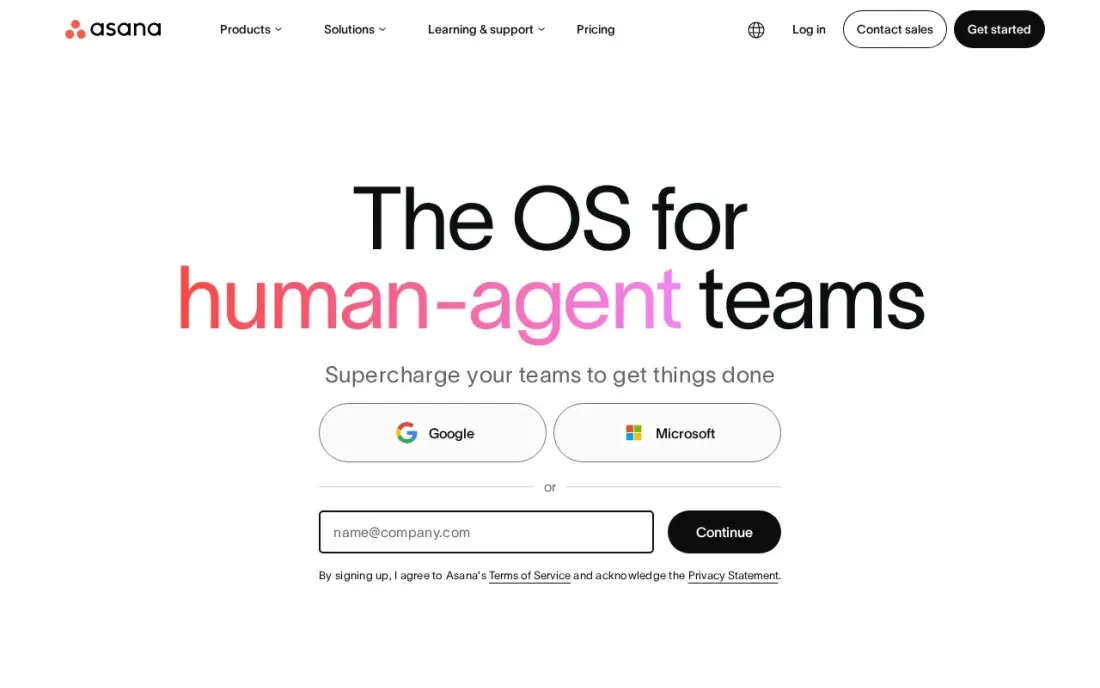
Asana scales from a single team to a whole company without changing tools. Advanced, at $24.99 a user a month billed annually, already includes unlimited portfolios, goals and portfolio-level workload, so PMOs can see every project's status and who is overloaded. Enterprise, priced by quote, adds SAML single sign-on, SCIM provisioning, organization-wide resource management, capacity planning and view-only licenses.
Enterprise+ adds data residency, audit logs and SIEM integration for regulated companies. Asana's strength is adoption: the interface is simple enough that marketing, operations and product teams actually use it. Its weakness is deep financial project control, which Workfront and Planner Plan 3 handle better.
What we like
- Board, list, timeline and calendar views in one project, so the same work reads as a kanban board or a Gantt chart
- Starter adds Timeline and Gantt, dashboards, forms, custom fields and unlimited automations from $10.99 a user
- Unlimited free guests, so clients and contractors can follow work without a paid seat
- Asana AI is included on Starter, with writing help and smart summaries
Watch out for
- Portfolios, goals, workload and approvals wait for Advanced at $24.99 a user a month
- The free Personal plan covers only two people, so any real team pays from the first seat
- Time tracking needs a $5.99 add-on or the Advanced plan
monday.com
Best for: Enterprises that want highly visual boards plus portfolio and resource views
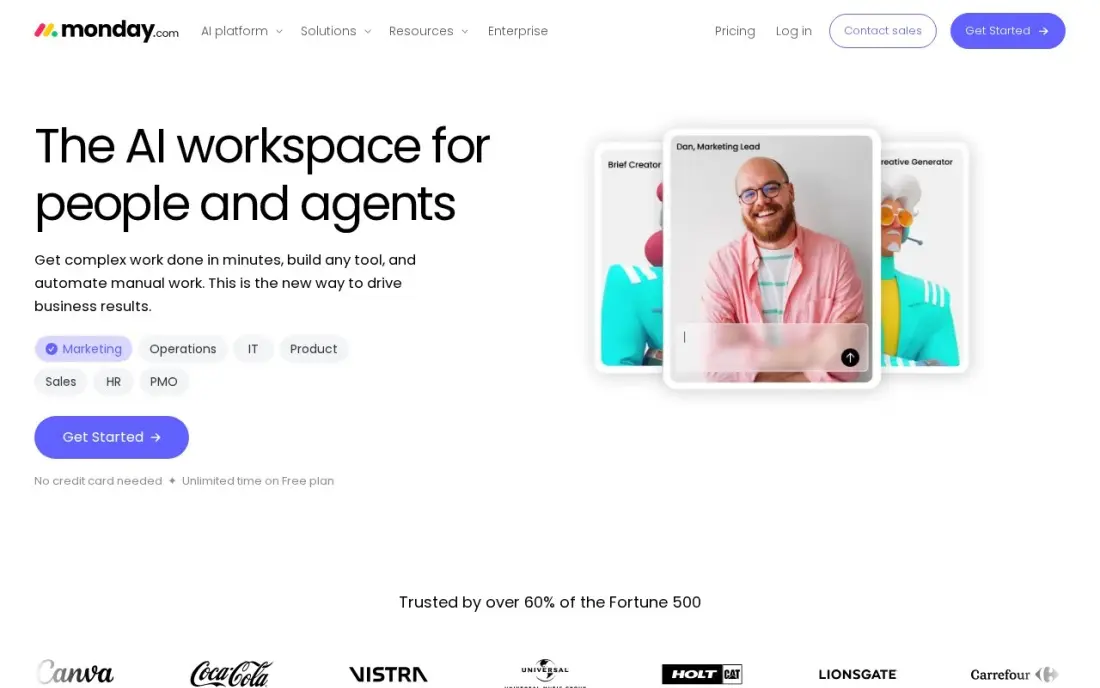
monday.com is the most visual option here, and that visual layer carries into Enterprise: portfolio management gives real-time health snapshots across initiatives, and resource management adds workload and capacity planning. Enterprise also raises automation and integration actions to 250,000 a month each, against 25,000 on Pro, with multi-level permissions, 24/7 support and a 99.9% uptime SLA.
Team plans run from $9 a seat a month on Basic to $19 on Pro, billed annually, with a 3-seat minimum, and Enterprise is quoted. Non-technical teams pick it up fastest of any tool here, though complex dependencies are easier in Smartsheet or Planner.
What we like
- The most visual boards here: color-coded statuses, automations and dashboards that non-technical teams pick up fast
- Standard adds timeline and Gantt views, guest access and 250 automation actions a month from $12 a seat
- 1,000 to 3,000 AI credits a month on paid plans, for summaries and formula help
- More than 200 integrations, including Slack, Google Workspace and Zoom
Watch out for
- Every paid plan has a 3-seat minimum, so a solo user pays $27 a month on Basic annual billing
- Basic has no automations at all — the automation that makes monday.com worth it starts on Standard
- Time tracking and private boards wait for Pro at $19 a seat a month
Smartsheet
Best for: PMOs that run programs in grids and need portfolios and scenario planning
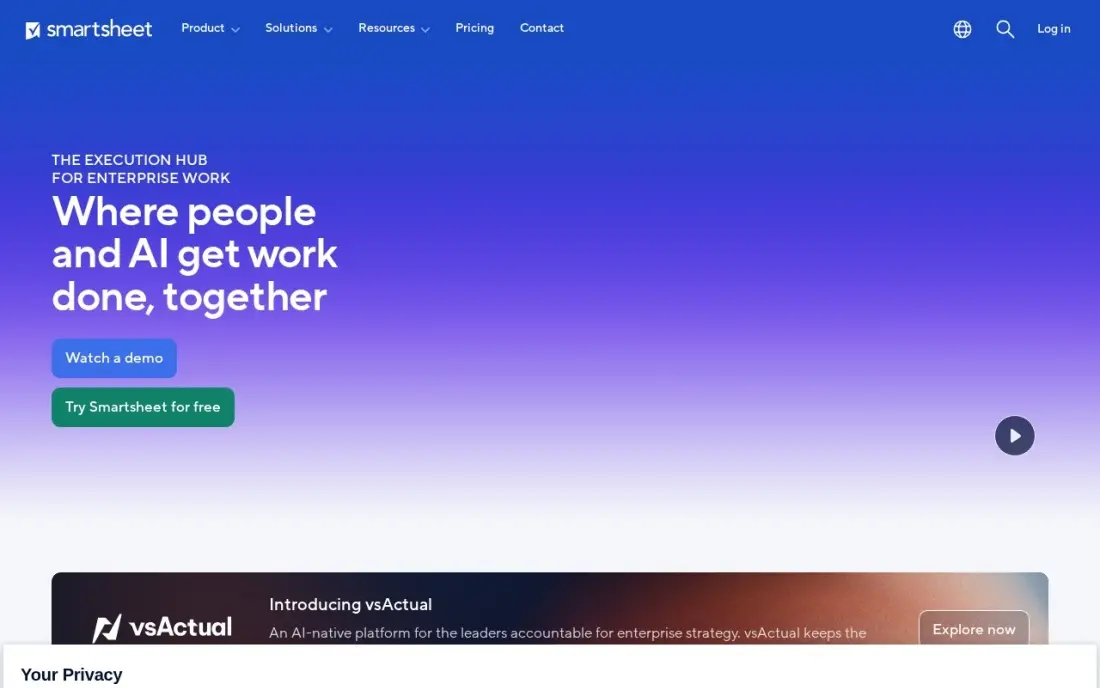
Smartsheet is the PMO favorite for organizations that already live in spreadsheets. Work sits in rows with formulas, Gantt and board views, and Enterprise adds portfolios, scenario planning, SAML single sign-on, directory integrations and unlimited storage. Advanced Work Management goes further with Dynamic View, Data Shuttle, DataMesh and premium support with responses in two hours or less.
Business costs $19 a member a month billed annually, while Enterprise and Advanced Work Management are quoted, and Resource Management is a separate add-on priced on request. Unlimited free Contributors keep large rollouts affordable. The grid-first interface has a steeper learning curve than Asana or monday.com.
What we like
- The grid is the project: rows, formulas and reports that spreadsheet users already understand, with a board view on top
- Pro includes Gantt, board, table and calendar views, unlimited sheets and 250 automations a month from $9 a member
- Unlimited free Contributors can view, comment and add attachments without a paid seat
- Business adds timeline view, unlimited automations and 1 TB of storage from $19 a member
Watch out for
- No free plan for new sign-ups since August 2024 — only a 30-day trial before the subscription starts
- Pro stops at 10 members, so an 11th member forces the jump to Business at $19
- The interface feels more spreadsheet than kanban, and the learning curve is steeper than Trello
Microsoft Planner
Best for: Microsoft 365 enterprises that need critical path, baselines and portfolios inside Teams
Microsoft now sells its project scheduling tools under the Planner name, and for enterprises on Microsoft 365 it is the natural first look. Basic boards come with Microsoft 365, and Planner Plan 1 at $10 a user a month billed annually adds timeline (Gantt) view, dependencies, backlogs and sprints, milestones, goals and up to ten custom fields.
Planner and Project Plan 3, at $30 a user a month, adds portfolio creation, baselines, critical path, advanced dependencies with lead and lag, and the Project desktop app that traditional PMOs still expect. Copilot is a separate $30 add-on. It suits Microsoft shops; mixed-tool companies will find Asana or Smartsheet friendlier.
What we like
- Basic boards are included in Microsoft 365, and Plan 1 adds timeline (Gantt), dependencies, sprints and goals for $10 a user a month
- Plan 3 adds baselines, critical path, portfolio creation and the Project desktop app
- Lives inside Teams and the web, so Microsoft 365 companies need no new login
Watch out for
- Paid plans are annual subscriptions; no monthly-billing price is published
- Portfolios are view-only on Plan 1 — creating them needs Plan 3 at $30
- Copilot in Planner is a separate $30 add-on
Wrike
Best for: Enterprises that need resource, budget and capacity planning across client or internal portfolios
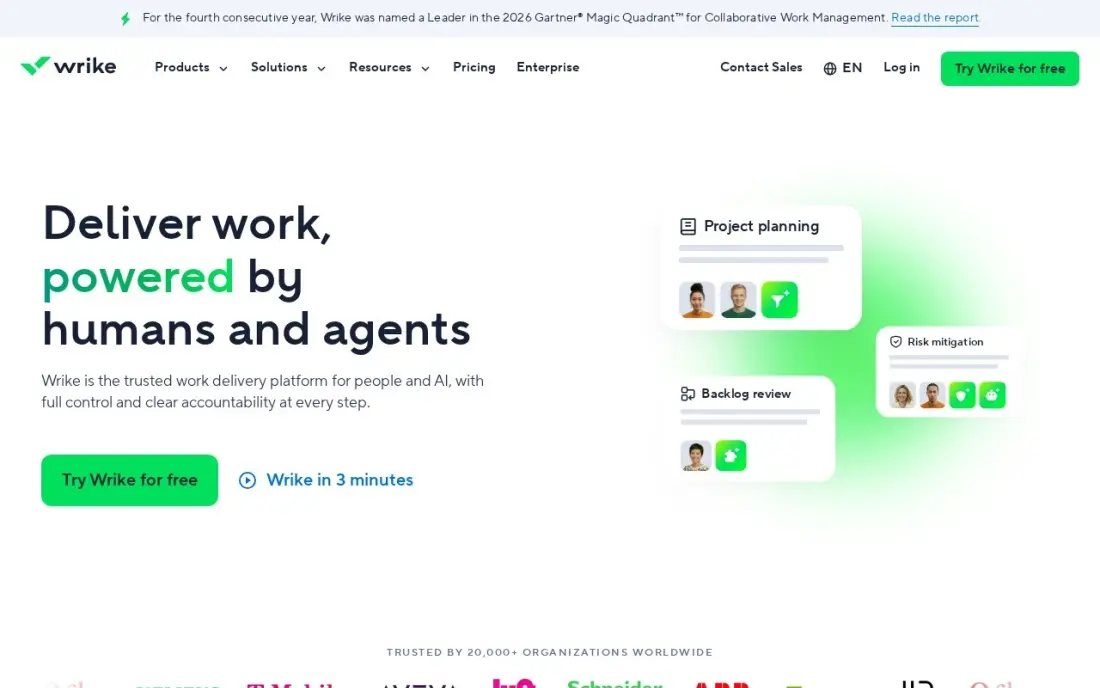
Wrike combines boards with the heaviest planning toolset in this list: interactive Gantt charts, dashboards, request forms and proofing. Its top tiers are aimed squarely at enterprises. Pinnacle adds advanced resource and capacity planning with role management, budgeting across projects, portfolios and clients using bill and cost rates, and advanced reporting with forecasting.
Team costs $10 a user a month and Business $25, both billed annually, with Business covering 5 to 200 users; Pinnacle and Apex are quoted. Wrike sells seats in blocks of 5 and publishes no monthly price, so plan seat counts carefully before you sign.
What we like
- Team adds shareable dashboards, interactive Gantt charts, custom fields and workflows from $10 a user a month
- AI essentials are included on Team, for summaries and task help
- Free plan covers basic task work with unlimited users
- Business adds request forms, proofing, time tracking and resource management from $25 a user
Watch out for
- Wrike sells seats in blocks of 5, so a 6-person team pays for 10 seats
- No monthly-billing price is published — Team is an annual commitment at $10 a user a month
- Custom fields and request forms wait for Business, a 2.5x jump from Team
ClickUp
Best for: Enterprises consolidating tasks, docs and goals into one governed workspace
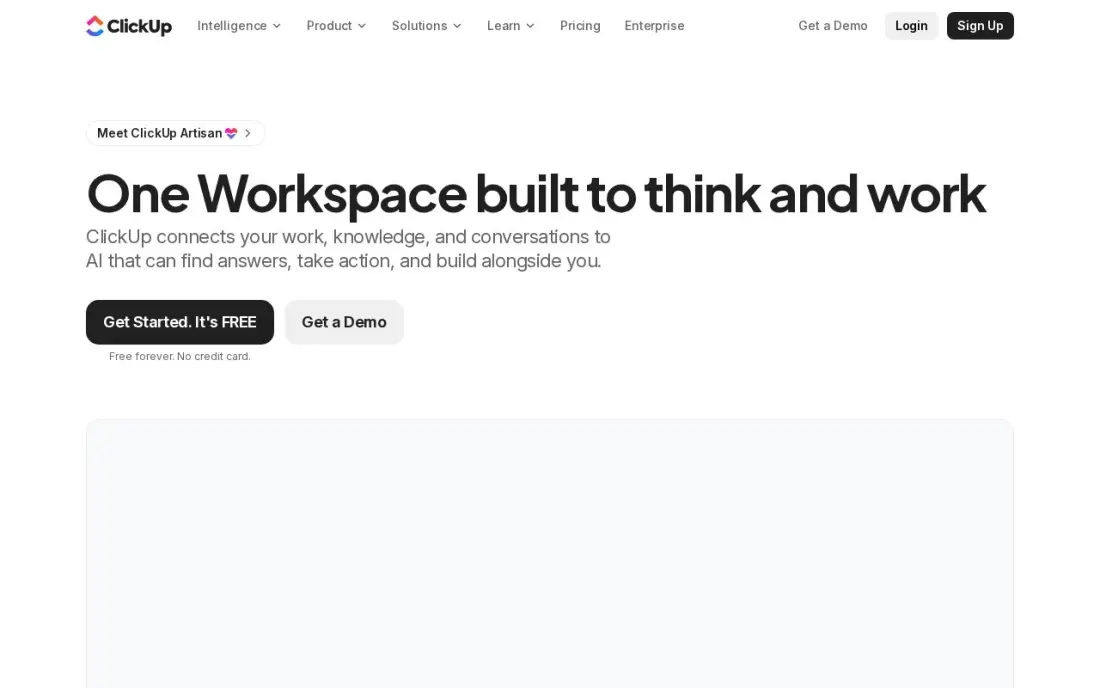
ClickUp pitches one workspace for tasks, docs, whiteboards, goals and chat, and its Enterprise plan adds the controls large companies need: Microsoft, Okta and SAML single sign-on, SCIM, US, EU or APAC data residency, custom roles, audit logs, white labeling and HIPAA support with a BAA. Automations rise to 1 million a month.
Business costs $17 a user a month billed annually and includes workload views and resource management, while Enterprise is quoted. The breadth is also the risk: new users report a real learning curve, so enterprise rollouts need templates and training rather than an open workspace.
What we like
- One workspace holds tasks, docs, whiteboards, goals and chat, so a small team can drop two or three other subscriptions
- Core adds unlimited storage, Gantt charts, custom fields and 1,000 automation actions a month from $9 a user
- The Free Forever plan covers unlimited members with 100 MB of storage
- 1,000 AI credits per seat a month on Core, with ClickUp Brain included from Business
Watch out for
- The feature list is the deepest here, and new users report a real learning curve before it feels simple
- Guests are free only with limits; every member of the workspace is a paid seat
- Business at $17 a user a month is where time tracking and workload views live
Adobe Workfront
Best for: Large marketing and creative organizations already standardized on Adobe

Adobe Workfront is enterprise work management built for marketing operations. Task management, resource planning, portfolio reporting, goal tracking and asset review and approval live in one system, and the Creative Cloud and Experience Cloud integrations are the deepest available. It holds 4.4 out of 5 on Capterra across 1,500 reviews.
Adobe sells Select, Prime and a top tier without published prices, there is no free trial, and reviewers say implementation takes weeks to months. Third-party guides estimate $30 to $99 a user a month plus $5,000 to $50,000 for implementation. Choose it when Adobe is already your marketing stack.
What we like
- Asset review and approval sit inside a full enterprise work-management platform
- Deep Adobe Creative Cloud and Experience Cloud integration for Adobe shops
- Portfolio reporting, resource management and goal planning in one system
- More than 1,500 Capterra reviews, the largest enterprise review base here
Watch out for
- No published prices and no free trial, so every deal starts with a sales call
- Third-party guides estimate $30–$99/user/month plus implementation, which can run $5,000–$50,000
- Reviewers warn implementation takes weeks to months, not days
Atlassian Jira
Best for: Engineering organizations running sprints, roadmaps and issue tracking at scale
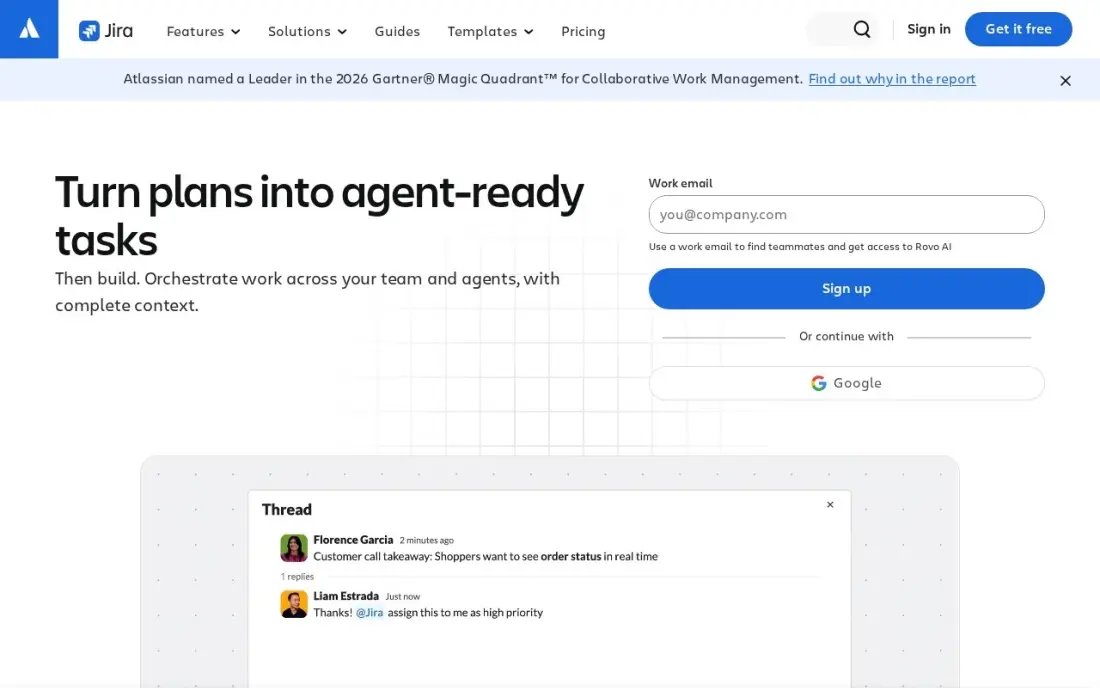
Jira is the standard for software delivery: sprints, backlogs, roadmaps and issue tracking that scale from one squad to thousands of engineers. Rovo AI agents are included on every paid plan, with 25 credits per user a month on Standard, and the per-user rate falls as headcount rises.
Standard costs $9.70 a user a month on monthly billing for 1 to 100 users, falling to $6.85 in the 251 to 1,000 band, and it is free for up to 10 users. Atlassian raised Cloud prices in October 2026. Business teams often find it complex, so pair it with a broader tool.
What we like
- Standard costs $9.70 per user per month on monthly billing for 1-100 users, or $9,700 a year for 100 users on annual billing
- Free for up to 10 users, so a small team can run real sprints before paying anything
- AI agents (Rovo) are included on every paid plan, with 25 Rovo AI credits per user per month on Standard
- Rated 4.3 out of 5 on G2 from 7,941 reviews, with project management the most-cited strength
Watch out for
- Atlassian raised Cloud prices on October 13, 2026: Standard went from $9.05 to $9.70 per user per month for 1-100 users
- The per-user rate changes by user band, so the bill is hard to predict as the team grows
- G2 reviewers cite complexity and a steep learning curve for new users
The best enterprise project management software gives leaders one view of every project while letting each team work its own way. We compared eight platforms on portfolios, resource and capacity planning, security controls such as SAML single sign-on, and how well they scale past a few hundred users, and every price below comes from the vendor's own pricing page as checked in November 2026.
How to choose the best enterprise project management software
- Start with the portfolio view. Executives need status across hundreds of projects; check how each tool rolls work up.
- Test resource planning with real data. Capacity views only help if roles and hours are set up; ask which plan includes them.
- Confirm identity and governance. SAML SSO, SCIM provisioning, audit logs and custom roles usually sit on Enterprise tiers only.
- Match the tool to the PMO style. Spreadsheet PMOs suit Smartsheet; critical-path schedulers suit Planner Plan 3; mixed teams suit Asana or monday.com.
- Count every seat type. Free viewers, contributors and guests change the bill more than the list price.
- Plan adoption, not just licenses. The tool people actually update beats the most powerful one left empty.
Large organizations also need their websites found by the right buyers. Our monthly SEO service runs search as an ongoing program, and our guide to the best work management software covers lighter tools for single departments.
Which enterprise project management software fits your situation
A company standardized on Microsoft 365. Start with Microsoft Planner, because basic boards already come with Microsoft 365 business plans and everything lives inside Teams. Give Plan 1 at $10 a user a month to most staff for timelines, dependencies and sprints, and reserve Planner and Project Plan 3 at $30 for the PMO and schedulers who need baselines, critical path and portfolio creation. Remember that Copilot is a separate $30 add-on.
A mixed organization where marketing, operations and product all need one tool. Asana and monday.com win on adoption. Asana Advanced already includes portfolios, goals and portfolio-level workload, while monday.com has a 3-seat minimum and the most visual boards. Both put SAML SSO and governance behind quoted Enterprise tiers, so confirm that price before you plan a company-wide rollout.
A PMO that runs programs in spreadsheets. Smartsheet keeps the grid people already know and adds portfolios and scenario planning on Enterprise. Unlimited free Contributors keep large rollouts affordable, but Resource Management is a separate add-on priced on request, so include it in your quote if capacity planning matters.
A services firm or internal PMO that tracks budgets and capacity across clients. Wrike Pinnacle adds resource and capacity planning with role management and budgeting with bill and cost rates. Wrike sells seats in blocks of 5 and publishes no monthly price, so plan headcount carefully. ClickUp suits firms that want tasks, docs and goals in one governed workspace with data residency and HIPAA support on Enterprise.
A marketing organization on Adobe, or an engineering division at scale. Workfront fits when Creative Cloud and Experience Cloud are already your stack, but expect no published prices, no free trial and an implementation measured in weeks to months. Engineering teams should run Jira for sprints, backlogs and roadmaps, and connect it to a broader tool for the business side rather than forcing every department into it.
Enterprise project management software pricing: what you will actually pay
Enterprise tiers are almost always quoted, so the published team plans are the only fixed reference. For 200 users billed annually, Wrike Business at $25 a user costs $60,000 a year, Asana Advanced at $24.99 costs $59,976, monday.com Pro at $19 costs $45,600, Smartsheet Business at $19 costs $45,600 and ClickUp Business at $17 costs $40,800.
Microsoft Planner Plan 1 costs $24,000 a year for 200 users, and Planner and Project Plan 3 costs $72,000. Jira Standard runs about $8.08 a user a month on annual billing for 100 users. Enterprise tiers add SSO, governance and resource modules at a quoted premium, and Smartsheet's Resource Management and Workfront's implementation are extra on top.
Smaller rollouts change the ranking. A 50-person department on annual billing pays $500 a month on Planner Plan 1 or Wrike Team, $850 on ClickUp Business, and $950 on monday.com Pro or Smartsheet Business. Jira Standard is free for up to 10 users, which makes it cheap to pilot with one engineering squad before a wider rollout.
Know the difference: enterprise work management vs project portfolio management
Enterprise work management tools such as Asana, monday.com and ClickUp start from the team: tasks, boards and timelines that roll up into portfolios. They win on adoption because everyone from marketing to finance can use them without training.
Project portfolio management tools start from the PMO: baselines, critical path, budgets and capacity across programs. Microsoft Planner Plan 3, Wrike Pinnacle and Workfront lean this way. Many enterprises need both views; pick the tool whose weaker side you can live with.
A practical split is to let teams work in an enterprise work management tool and give the PMO a portfolio layer on top. Asana Enterprise adds organization-wide resource management and capacity planning, Smartsheet Enterprise adds portfolios and scenario planning, and monday.com Enterprise adds portfolio health snapshots, so one platform can often cover both views if you buy the higher tier rather than two separate systems.
Quick comparison: tool type by need
| Need | Best pick | Why |
|---|---|---|
| Company-wide adoption | Asana | Portfolios and goals on Advanced, SSO on Enterprise |
| Visual boards at scale | monday.com | Portfolio and resource views, 99.9% uptime SLA |
| Spreadsheet-style PMO | Smartsheet | Portfolios and scenario planning on Enterprise |
| Microsoft 365 companies | Microsoft Planner | Critical path and Project desktop on Plan 3 |
| Budget and capacity planning | Wrike | Pinnacle adds budgeting and resource planning |
| One governed workspace | ClickUp | Data residency and HIPAA on Enterprise |
| Marketing on Adobe | Adobe Workfront | Deep Creative Cloud integration, quoted |
| Engineering at scale | Atlassian Jira | Sprints and roadmaps, banded per-user pricing |
Mistakes to avoid
- Buying for the PMO alone. If teams will not update the tool, portfolio reports are fiction.
- Skipping the security review. SSO, provisioning and audit logs often need the top tier; confirm before negotiating.
- Ignoring add-ons. Resource management, AI and integrations are separate line items on several platforms.
- Migrating everything at once. Move one division first, fix templates, then roll out.
- Letting every team design its own workflow. Agree shared statuses and fields so portfolios roll up cleanly.
How we chose
We checked each vendor's own pricing page in November 2026 and recorded team-plan prices exactly as shown, including annual or monthly billing; where Enterprise tiers are quoted we say so. We weighted portfolio reporting, resource planning, security and governance, and adoption by non-specialists for an organization of several hundred users. Ratings come from G2 and Capterra pages checked on the dates shown in the sources. No vendor paid for a place in this list, and none of the links here are affiliate links.
What to do next
List your ten largest projects and the three reports leadership asks for, then run them in two trials side by side. When the projects you deliver need to be found by buyers, our SEO audit shows where you stand today. Get your free audit.
Frequently asked questions
What is the best enterprise project management software?
Asana and monday.com are the easiest to roll out company-wide, Smartsheet suits spreadsheet-minded PMOs, Microsoft Planner Plan 3 suits Microsoft 365 companies, and Workfront and Jira serve marketing and engineering at scale.
How much does enterprise project management software cost?
Most Enterprise plans are quoted. Published team tiers run from $10 a user a month on Planner Plan 1 and Wrike Team to $30 on Planner and Project Plan 3, all billed annually.
What features does enterprise project management software need?
Portfolio views, resource and capacity planning, SAML single sign-on and user provisioning, audit logs, granular permissions and reporting that rolls up across many teams.
Which Microsoft plan includes the Project desktop app?
Planner and Project Plan 3 costs $30 a user a month billed annually and includes the Project desktop app, baselines and critical path.
Which enterprise tools offer data residency?
Asana offers data residency on Enterprise+, and ClickUp offers US, EU and APAC data residency on Enterprise. Check each vendor's terms for your region.
Is Jira good for non-software projects?
It can work, but business teams often find it complex. Most enterprises use Jira for engineering and a tool such as Asana, monday.com or Smartsheet for other departments.
Do enterprise project management tools charge for viewers and guests?
It varies, and it changes the bill more than the list price. Smartsheet includes unlimited free Contributors, Asana Enterprise adds view-only licenses, and monday.com has a 3-seat minimum on team plans. Wrike sells seats in blocks of 5. Ask each vendor how viewers, guests and occasional contributors are counted before you compare quotes.
Sources we checked (14)
- Asana — asana.com/pricing (checked November 12, 2026)
- Asana reviews on G2 (checked November 12, 2026)
- monday.com — monday.com/pricing (checked November 12, 2026)
- monday.com reviews on G2 (checked November 12, 2026)
- Smartsheet — www.smartsheet.com/pricing (checked November 12, 2026)
- Smartsheet reviews on G2 (checked November 12, 2026)
- Microsoft Planner — www.microsoft.com/en-us/microsoft-365/planner/microsoft-planner-plans-and-pricing (checked November 18, 2026)
- Wrike — www.wrike.com/pricing (checked November 12, 2026)
- Wrike reviews on G2 (checked November 12, 2026)
- ClickUp — clickup.com/pricing (checked November 12, 2026)
- ClickUp reviews on G2 (checked November 12, 2026)
- Adobe Workfront — www.workfront.com (checked November 8, 2026)
- Adobe Workfront reviews on Capterra (checked November 8, 2026)
- Atlassian Jira — www.atlassian.com/licensing/future-pricing/cloud/list/pricing-tables (checked November 4, 2026)
Make one of these tools?
We re-check this list every quarter. Send a correction, request a review, or ask about a clearly labeled sponsored spot.
Request a listingShamim
Founder of SerpAstra
A full-stack digital marketer and SEO strategist covering technical and local SEO, AI search visibility, paid ads and lead generation for local businesses, e-commerce brands and SaaS teams.
Free SEO and AI visibility audit
Find out what is holding your rankings back
Send us your site. Within 2 business days you get a written audit, an AI visibility check and a short fix list ranked by impact. Free, with no contract attached.
Request my free audit→Related buying guides
 Project & Product Management10 Best Project Management Software in 2026, ComparedCompare the 10 best project management software on views, free plans, seat minimums and real monthly cost, with every price checked on the vendor's own pages.Read guide →
 Project & Product Management8 Best Work Management Software in 2026, ComparedCompare the 8 best work management software on integrations, AI workflows, automation limits and real per-seat cost, with every price checked on vendor pages.Read guide →
 Project & Product Management11 Best SAAS Project Management Software in 2026, ComparedCompare the 11 best SaaS project management software tools for 2026 on price, free plans and features, with every price checked November 12, 2026.Read guide →