
7 Best Interview Scheduling Software in 2026, Compared
Compare the 7 best interview scheduling software tools, from GoodTime and Calendly to ATS-built schedulers in Ashby and Lever, on fit, pricing model and setup.
 Shamim Mia, Founder, SerpAstraLast verified November 5, 202610 min read
We compare pricing pages, documentation and public reviews. We never accept payment for rankings.
Key takeaways
- GoodTime is the dedicated pick for high-volume teams booking complex interview loops, priced by annual candidate volume rather than seats.
- Ashby and Lever build scheduling into the applicant tracking system, so most growing teams do not need a separate tool; Ashby starts at $400 a month.
- Calendly is the cheapest way to let candidates book their own screen: free for one event type, and round-robin team scheduling on Teams at $16 a seat a month billed annually.
- Greenhouse, Lever and Gem are quote-only, so ask whether scheduling is included or sold as an add-on.
On this page
Quick comparison
| Tool | Best for | Starting price | Free plan |
|---|---|---|---|
| GoodTime | High-volume recruiting teams that schedule complex multi-interviewer loops every week | Custom quote | No |
| Ashby | Growing companies that want fast interview plans and scheduling inside their ATS | $400/mo | No (demo only) |
| Calendly | Small teams that want candidates to self-book phone screens and first interviews | $12/seat/mo | Yes (free plan) |
| Greenhouse | Large in-house recruiting teams that want scheduling tied to structured interview kits | Custom quote | No (demo only) |
| Lever | Mid-size and enterprise teams that want self-serve candidate scheduling inside a sourcing ATS | Custom quote | No (demo only) |
| Gem | Sourcing-heavy recruiting teams that want scheduling alongside AI outreach | Custom quote | No |
| Google Calendar | Very small teams that want free booking pages for occasional interviews | Free | Yes (free plan) |
Make one of these tools?
We re-check this list every quarter. Send a correction, request a review, or ask about a clearly labeled sponsored spot.
Request a listingThe best interview scheduling software

GoodTime
Best for: High-volume recruiting teams that schedule complex multi-interviewer loops every week
GoodTime is a dedicated interview scheduling platform for teams where coordinators spend their week fitting four to six interviewers into one candidate's day. It automates complex loops, handles candidate engagement and reports on hiring speed, and every integration is included, with two-way sync to the applicant tracking system so the schedule and the candidate record never drift apart.
Pricing is by quote and based on the number of candidates a year, not the number of users, so recruiters, coordinators and hiring managers can all have access without a seat bill. No price or free trial is published. It pays off for companies running hundreds of interviews a month; a team hiring five people a quarter will find its ATS scheduler enough.
What we like
- Priced by annual candidate volume, with as many users as you need
- Automates complex multi-interviewer scheduling
- All integrations included, with two-way sync to your ATS
Watch out for
- No published price; every deal starts with a proposal request
- No free trial listed
- More than a small team booking a few interviews needs

Ashby
Best for: Growing companies that want fast interview plans and scheduling inside their ATS
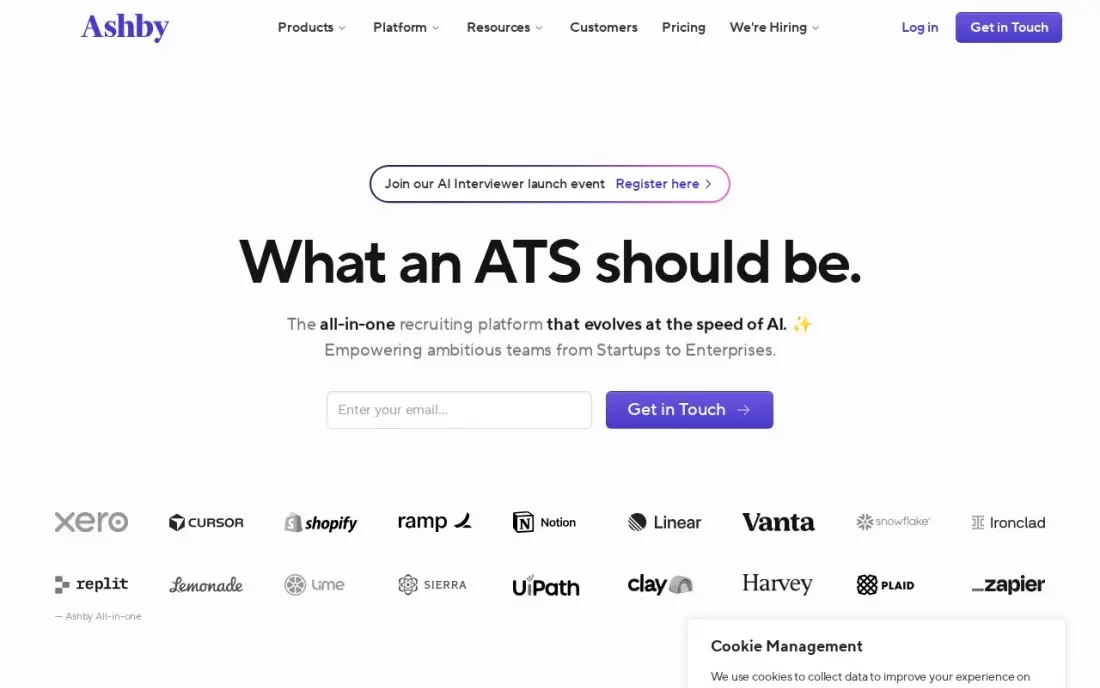
Ashby is an applicant tracking system with scheduling built in, and reviewers single out how fast its scheduling and interview plans are to set up. Recruiters set up interview plans per role inside the same system that tracks candidates, so most growing teams never need a separate scheduling tool. Its analytics show where candidates wait longest between stages.
Foundations starts at $400 a month for companies with 11 to 25 employees, with 10% off billed annually, and price rises with headcount. It is a demo-only purchase with no free plan. The integration list is shorter than older enterprise systems, so check your calendar and video tools are covered before switching ATS.
What we like
- Analytics and reporting are best in class for the price
- AI-assisted review ranks candidates against clear criteria
- Scheduling and interview plans are genuinely fast to set up
- High reviewer rating for ease of use
Watch out for
- Entry price is $400 a month, steep for very small teams
- Pricing scales with headcount, so costs rise as you grow
- Fewer native integrations than older enterprise ATS tools

Calendly
Best for: Small teams that want candidates to self-book phone screens and first interviews
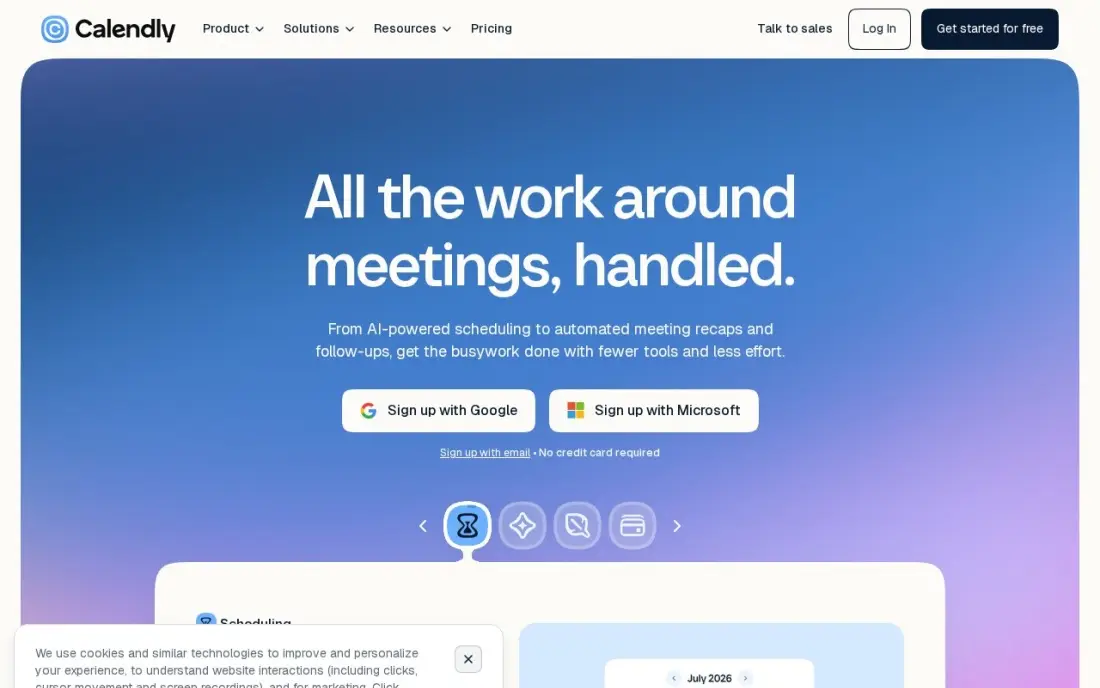
Calendly is the simplest way to stop emailing candidates about times. Send one link, the candidate picks a slot that fits the interviewer's real calendar, and reminders go out automatically, which cuts no-shows. The free plan covers one event type and one calendar, enough for a hiring manager booking screening calls.
Standard costs $10 a seat a month billed annually, or $12 monthly. Round-robin and team scheduling, which spread screens across several recruiters, need Teams at $16 a seat a month billed annually. Calendly books single meetings rather than panel loops, so it suits first-round screens more than full on-site schedules.
What we like
- The fastest setup here: one booking link, unlimited one-on-one meetings and no booking cap on every plan
- Free plan is genuinely usable for a solo pro, with one event type and one calendar connection
- Payments at booking through Stripe and PayPal from Standard, plus automated reminders that cut no-shows
- 129 integrations, including Zoom, Google Meet, Salesforce and HubSpot
Watch out for
- Built for meetings, not services: no staff calendars, no service menu and no point of sale
- Round-robin and team scheduling need Teams at $16/seat/month billed annually
- AI add-ons (Notetaker and Callie) cost extra on top of the per-seat price

Greenhouse
Best for: Large in-house recruiting teams that want scheduling tied to structured interview kits
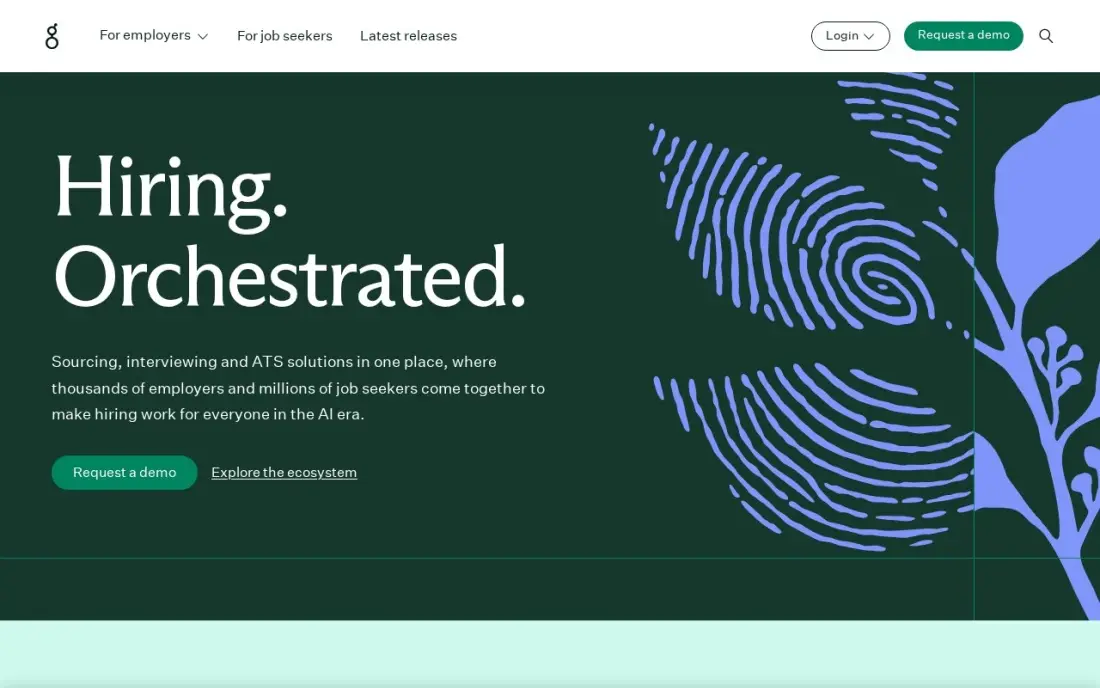
Greenhouse is the structured-hiring ATS: every role gets an interview plan with scorecards, so each interviewer knows what to assess and feedback arrives in a consistent format. Scheduling sits inside that process, and strong integrations with HRIS, sourcing and assessment tools let teams add more automation where they need it.
There is no published price; Greenhouse sells through demos and custom quotes. Setup takes longer than simpler ATS tools, and reporting has a learning curve. It suits companies hiring at scale across several locations, where consistent interviews matter as much as fast scheduling.
What we like
- Structured interview scorecards keep hiring decisions consistent across teams
- Strong integrations with HRIS, sourcing and assessment tools
- Deep reporting on pipeline speed and source quality
- Scales well for high-volume and multi-location hiring
Watch out for
- No published starting price, so budgeting needs a sales conversation
- Setup takes longer than simpler ATS tools
- Reporting is powerful but has a learning curve

Lever
Best for: Mid-size and enterprise teams that want self-serve candidate scheduling inside a sourcing ATS
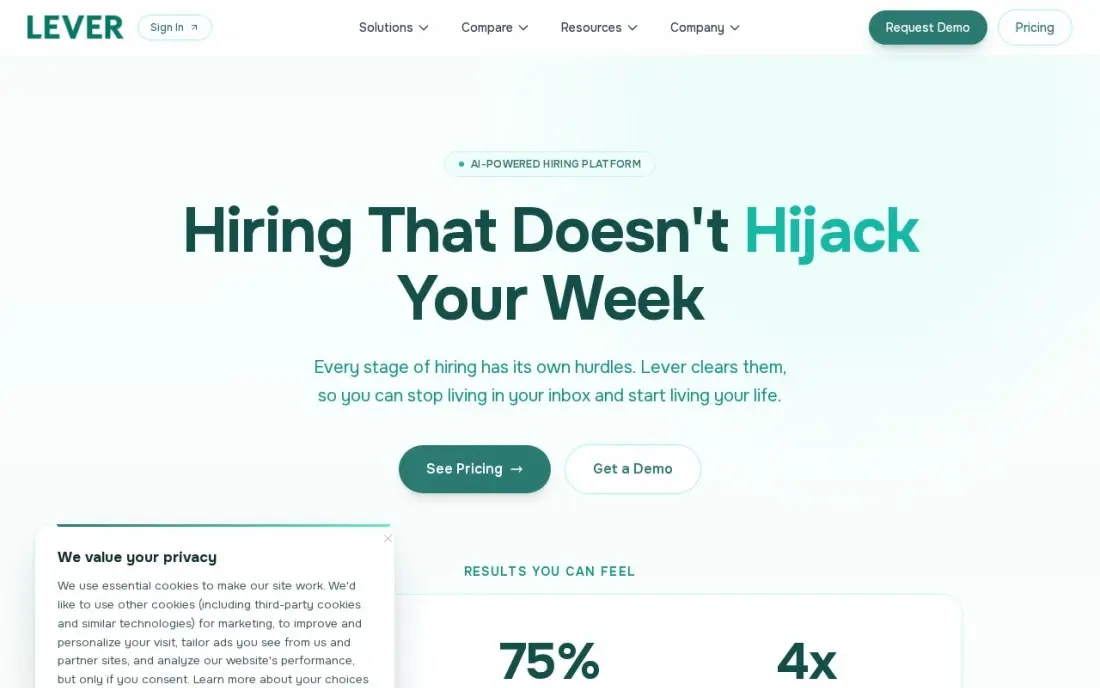
Lever combines an ATS with sourcing and nurture campaigns, and reviewers describe its interview scheduling as fast and self-serve for candidates. Clean candidate timelines show every interview, email and note in one place, which makes handovers between recruiters and coordinators easy when schedules change.
Pricing is quote-only and based on total company headcount, not just recruiters, so a large company with a small recruiting team still pays for its size. Some users find the interface slow on large pipelines. It fits teams that source proactively and want scheduling in the same tool as outreach.
What we like
- Sourcing and nurture campaigns are built in, not bolted on
- Clean candidate timelines make handovers easy
- Interview scheduling is fast and self-serve for candidates
- Strong analytics on sourcing-channel performance
Watch out for
- Quote-only pricing means no quick budget check
- Pricing is based on total company headcount, not just recruiters
- Some users find the interface slow on large pipelines

Gem
Best for: Sourcing-heavy recruiting teams that want scheduling alongside AI outreach
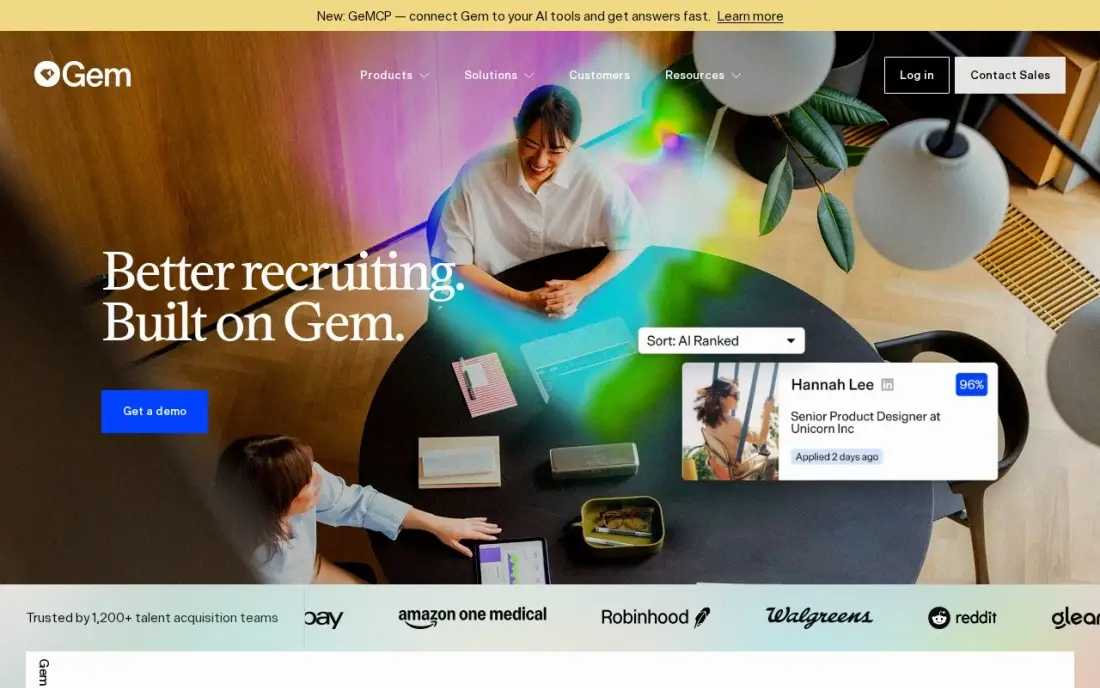
Gem is best known for AI sourcing and outreach, with agents that search more than 800 million profiles and multi-stage sequences that keep candidates warm. It can also run as the ATS, or sit on top of another ATS, which is where scheduling comes in: when Gem runs alongside another system, scheduling and analytics are add-ons.
Pricing is by quote for most teams, with Standard and AI-Powered seats priced by company headcount. AI sourcing agents and ranking need the AI-Powered seat. It suits teams whose bottleneck is finding candidates as well as booking them, and who want both in one vendor.
What we like
- AI sourcing agents search more than 800 million profiles and personalize outreach at scale
- Multi-channel, multi-stage sequences with talent pools, prospect search and boolean filters
- Talent rediscovery resurfaces past candidates who are now a fit for an open role
- Talent Compass analytics track the funnel from first outreach to signed offer
Watch out for
- Quote-only pricing for most teams; published prices cover staffing firms and the startup program only
- AI sourcing agents, AI ranking and talent rediscovery need the AI-Powered seat, not the Standard seat
- Scheduling and analytics are add-ons when Gem runs on top of another ATS rather than replacing it

Google Calendar
Best for: Very small teams that want free booking pages for occasional interviews
Google Calendar includes booking pages at no extra cost, so a founder or small team can publish interview slots and let candidates choose one without buying anything. It syncs across web, iPhone and Android, handles time zones and works as the shared calendar most scheduling tools read from anyway.
It is free with a Google account, and Google Workspace starts at $7 a user a month for business features. There is no recruiting workflow: no interview plans, no panel loops and no link to candidate records. It is the right starting point for a company hiring a few people a year, and the first thing to outgrow.
What we like
- Free on iOS, Android, web and desktop, with the same events everywhere
- Connects to almost every calendar app, so it works as the shared base layer
- Booking pages, shared calendars and room booking cost nothing extra
- Search, time-zone support and recurring events all work on the free plan
Watch out for
- No built-in time-blocking or AI scheduling, so planning work still needs a second tool
- Sharing controls are basic next to paid team planners
- Google account required, which some workplaces do not allow
The best interview scheduling software takes the email ping-pong out of hiring: it finds times that work for candidates and interviewers, sends invites and reminders, and moves interviews when plans change. We compared seven options, from a dedicated scheduler to ATS-built schedulers and simple booking links, on fit for hiring volume, pricing model and setup effort, and every price below was checked on vendor pages in November 2026.
How to choose the best interview scheduling software
- Start with your hiring volume. Five hires a year needs a booking link; 50 interviews a week needs automation.
- Check what your ATS already does. Many applicant tracking systems include scheduling, so a second tool may duplicate it.
- Test panel loops, not just single slots. Booking one call is easy; fitting four interviewers into one afternoon is the real test.
- Look at the candidate side. Self-scheduling, easy rescheduling and clear reminders shape how candidates see your company.
- Understand the pricing unit. Seats, company headcount and candidate volume produce very different bills.
- Confirm calendar and video integrations. The tool must read Google or Outlook calendars and add video links automatically.
Faster scheduling helps most when candidates are finding your roles in the first place. Our guide to ATS software for small business covers the tracking side, and our local SEO service helps local employers get careers pages seen in their area.
Which interview scheduling software fits your situation
A founder or small business hiring a few people a year. Start with Google Calendar booking pages, which come free with a Google account, or Calendly's free plan with one event type and one calendar. Candidates pick a slot on your real calendar and reminders cut no-shows. Neither handles panel loops or links to candidate records, so expect to outgrow them once several people interview each candidate.
A hiring manager or small team running first-round screens. Calendly fits best. Standard at $10 a seat billed annually covers individual links, and Teams at $16 a seat billed annually adds round-robin so screens spread across several recruiters. It books single meetings, so use it for phone screens and first interviews rather than full on-site schedules.
A growing company of 11 to 25 people choosing its first ATS. Ashby puts fast interview plans and scheduling inside the system that tracks candidates, so most teams never need a separate scheduler. Foundations starts at $400 a month, with 10% off billed annually, and rises with headcount. Check its shorter integration list covers your calendar and video tools.
A mid-size or enterprise team that sources proactively. Lever pairs self-serve candidate scheduling with sourcing and nurture campaigns, and Gem adds AI sourcing agents with scheduling as an add-on when it sits on another ATS. Both are quote-only and priced by company headcount, so a large company with a small recruiting team still pays for its size. Greenhouse fits teams that care most about structured interview kits and scorecards.
A high-volume recruiting team booking complex loops every week. GoodTime is the dedicated choice. It automates multi-interviewer scheduling, includes every integration with two-way ATS sync, and prices by annual candidate volume rather than users. Ask for a quote at your real candidate numbers, because no price or free trial is published.
Interview scheduling software pricing: what you will actually pay
Take a team of 4 recruiters. On Calendly Standard billed annually, that is 4 x $10, or $40 a month and $480 a year; with round-robin on Teams at $16 a seat it is $64 a month, or $768 a year. Google Calendar booking pages cost nothing with a free Google account, or from $7 a user a month on Google Workspace.
ATS-built scheduling comes with the ATS bill. Ashby Foundations starts at $400 a month for 11 to 25 employees, or $4,800 a year, less 10% when billed annually, and rises with headcount. Greenhouse, Lever and Gem are quote-only, with Lever priced on total company headcount. GoodTime prices by annual candidate volume with unlimited users, so ask for a quote at your real number of candidates rather than your recruiter count.
A smaller team sees the billing choice more clearly. Two hiring managers on Calendly Standard pay $240 a year billed annually, or $288 a year at $12 a month, and a founder booking a handful of screens can stay on the free plan. The jump from there to an ATS such as Ashby is large, so make it when you need interview plans and candidate records, not just booking.
Know the difference: booking links vs interview orchestration
Booking links such as Calendly and Google Calendar booking pages let a candidate pick one open slot on one person's calendar. They are cheap, quick to set up and ideal for phone screens and first interviews, but they do not coordinate several interviewers or tie the meeting to a candidate record.
Interview orchestration tools such as GoodTime, and the schedulers inside Ashby, Lever and Greenhouse, start from an interview plan. They find a block when every panel member is free, balance load across interviewers, send kits and scorecards, and update the candidate record. They cost more but save coordinator hours once volume grows.
The ATS question decides which side you start on. If you already use Ashby, Lever or Greenhouse, test its scheduler on a real panel loop before buying anything else, because a second tool often duplicates it. A dedicated tool such as GoodTime earns its place when coordinators still spend much of their week fitting several interviewers into each candidate's day.
Quick comparison: tool type by need
| Buyer | Best pick | Why |
|---|---|---|
| High-volume hiring | GoodTime | Automated loops, priced by candidate volume |
| Growing companies | Ashby | Fast interview plans in the ATS, from $400/month |
| Self-booked screens | Calendly | Free plan, Teams $16/seat/month annually |
| Structured hiring at scale | Greenhouse | Interview kits and scorecards, by quote |
| Sourcing-led teams | Lever | Self-serve candidate scheduling in a sourcing ATS |
| AI sourcing plus scheduling | Gem | Outreach and scheduling from one vendor |
| Occasional interviews | Google Calendar | Free booking pages |
Mistakes to avoid
- Buying a scheduler your ATS already includes. Check your current system before adding a tool.
- Ignoring interviewer load. Booking the same two engineers into every loop burns them out; use load balancing.
- Forgetting time zones. Remote hiring needs automatic time-zone handling on both sides.
- Making rescheduling hard. Candidates who cannot move a slot easily often drop out.
- Pricing on seats when the vendor prices on volume. Get quotes at your real candidate numbers.
How we chose
We checked each vendor's own pricing page in November 2026 and recorded prices exactly as shown, listing quote-only products as custom quote. We compared tools on panel-loop support, ATS integration, candidate self-service and pricing model, and ranked them by fit for an in-house recruiting team hiring every month. Ratings, where shown, come from G2 pages checked on the dates in the sources. No vendor paid for a place in this list, and none of the links here are affiliate links.
What to do next
Count how many interviews your team scheduled last month and how many hours coordinators spent on them. Under a handful a week, start with Calendly's free plan or your ATS scheduler; above that, ask GoodTime and your ATS vendor for quotes. If your careers page is not getting found, book a free SEO review.
Frequently asked questions
What is the best interview scheduling software?
GoodTime is the best dedicated tool for high-volume teams booking complex loops. For most growing companies, the scheduler inside an ATS such as Ashby or Lever is enough. Calendly is the cheapest way to let candidates self-book screens.
Is there free interview scheduling software?
Calendly's free plan covers one event type and one calendar, and Google Calendar includes free booking pages. Both suit occasional interviews; neither handles panel loops or links to candidate records.
How much does interview scheduling software cost?
Calendly Standard costs $10 a seat a month billed annually and Teams $16. Ashby starts at $400 a month for 11 to 25 employees. GoodTime, Greenhouse, Lever and Gem publish no prices; GoodTime prices by annual candidate volume.
Do I need a separate interview scheduler if I have an ATS?
Usually not. Most modern ATS tools include scheduling. A dedicated tool such as GoodTime pays off when coordinators spend much of their week fitting several interviewers into each candidate's day.
What is a panel or loop interview in scheduling?
It is a set of back-to-back interviews with several people on the same day. Scheduling one means finding a block where every interviewer is free, which is why dedicated tools exist for high-volume hiring.
Can candidates reschedule themselves?
Yes, with self-scheduling links from tools such as Calendly or an ATS that supports self-serve scheduling, like Lever. That removes back-and-forth email when plans change.
Can interview scheduling software balance the load across interviewers?
Interview orchestration tools such as GoodTime, and the schedulers inside Ashby, Lever and Greenhouse, start from an interview plan and can balance load across interviewers so the same people are not booked into every loop. Simple booking links such as Calendly offer round-robin on Teams, which spreads single screens across recruiters.
Sources we checked (12)
- GoodTime — goodtime.io/pricing (checked November 18, 2026)
- Ashby — www.ashbyhq.com/pricing (checked November 12, 2026)
- Ashby reviews on G2 (checked November 12, 2026)
- Calendly — calendly.com/pricing (checked November 12, 2026)
- Calendly reviews on G2 (checked November 12, 2026)
- Greenhouse — www.greenhouse.com/pricing (checked November 12, 2026)
- Greenhouse reviews on G2 (checked November 12, 2026)
- Lever — www.lever.co/pricing (checked November 12, 2026)
- Lever reviews on G2 (checked November 12, 2026)
- Gem — www.gem.com/pricing (checked November 5, 2026)
- Gem reviews on G2 (checked November 5, 2026)
- Google Calendar — calendar.google.com (checked November 10, 2026)
Make one of these tools?
We re-check this list every quarter. Send a correction, request a review, or ask about a clearly labeled sponsored spot.
Request a listingShamim
Founder of SerpAstra
A full-stack digital marketer and SEO strategist covering technical and local SEO, AI search visibility, paid ads and lead generation for local businesses, e-commerce brands and SaaS teams.
Free SEO and AI visibility audit
Find out what is holding your rankings back
Send us your site. Within 2 business days you get a written audit, an AI visibility check and a short fix list ranked by impact. Free, with no contract attached.
Request my free audit→Related buying guides
 HR & Payroll10 Best ATS Software for Small Business in 2026, ComparedCompare the 10 best ATS software for small business options on price, free plans and job limits, with every price checked live November 6, 2026.Read guide →
 HR & Payroll12 Best Recruiting Software for Small Business in 2026, ComparedCompare the 12 best recruiting software for small business options on price, free plans, job-board reach and AI features, with prices checked November 6, 2026.Read guide →
 HR & Payroll12 Best CRM Software for Recruiting in 2026, ComparedCompare the 12 best crm software for recruiting options for US teams on price, free plans and CRM features, with every price checked November 12, 2026.Read guide →