
7 Best Server-Side Tracking Tools in 2026, Compared
Compare the 7 best server-side tracking tools, from Stape and TAGGRS to Elevar, Segment and RedTrack, on free plans, limits and real cost, checked Nov 2026.
 Shamim Mia, Founder, SerpAstraLast verified November 4, 20269 min read
We compare pricing pages, documentation and public reviews. We never accept payment for rankings.

Key takeaways
- Stape is the cheapest way to host server-side Google Tag Manager, with a free plan up to 10,000 requests and Pro from $17 a month billed annually for 500,000.
- TAGGRS is the European alternative, free up to 10,000 requests a month and Basic from €22 a month billed annually for 750,000 requests.
- Elevar is the pick for Shopify stores that want server-side tracking without building it, free up to 100 orders a month and Core at $225 a month.
- AnyTrack, RedTrack and Cometly send conversions to ad platforms through their Conversion APIs without any GTM work, and suit marketers who want attribution as well as tracking.
On this page
Quick comparison
| Tool | Best for | Starting price | Free plan |
|---|---|---|---|
| Stape | Marketers and agencies that want low-cost hosting for server-side Google Tag Manager | Free; Pro $17/mo (annual) | Yes (10K requests) |
| TAGGRS | European businesses that want server-side GTM hosting with consent reporting, billed in euros | Free; Basic €22/mo (annual) | Yes (10K requests) |
| Elevar | Shopify stores that want server-side tracking to every ad platform without building it in GTM | Free; Core $225/mo | Yes (100 orders) |
| Segment | Product and data teams that want one server-side event stream feeding every tool | $120/mo (Team) | Yes (1,000 MTUs) |
| AnyTrack | Marketers with one website who want server-side conversions sent to ad platforms without code | $100/mo | Yes (free plan) |
| RedTrack | Media buyers who want server-side Conversion API tracking plus ad cost sync across platforms | $79/mo | No (14-day trial) |
| Cometly | Ecommerce and lead-gen brands that want server-side tracking tied to multi-touch attribution | $199/mo | No |
Make one of these tools?
We re-check this list every quarter. Send a correction, request a review, or ask about a clearly labeled sponsored spot.
Request a listingThe best server-side tracking tools

Stape
Best for: Marketers and agencies that want low-cost hosting for server-side Google Tag Manager
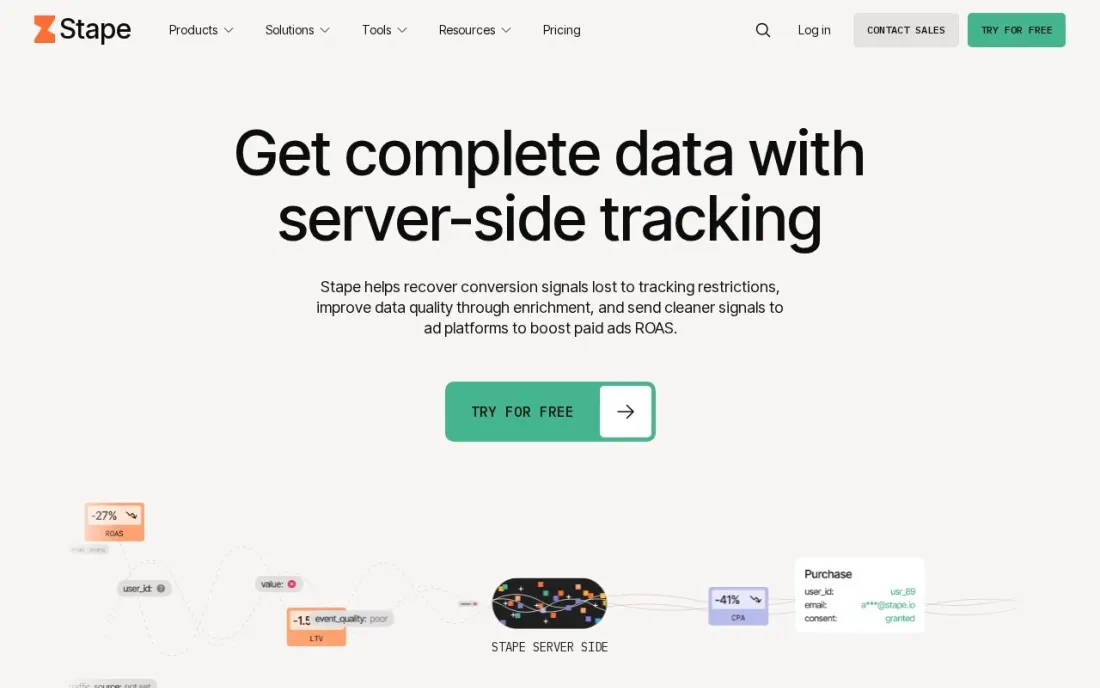
Stape hosts the server container for Google Tag Manager, which is the most common way to move tracking from the browser to a server you control. Tags then send data to GA4, Meta, Google Ads and others from your own subdomain, which helps against ad blockers and browser cookie limits. The Free plan covers up to 10,000 requests a month with no credit card, and Pro costs $17 a month billed annually for up to 500,000 requests.
Stape is hosting rather than a finished setup, so someone still has to configure the tags in GTM. Business costs $83 a month billed annually for up to 5M requests and adds monitoring and up to 20 domains. Pro logs last only 3 days, which can make debugging harder.
What we like
- Free plan includes a custom loader, request analytics, a global CDN and a setup wizard
- Pro from $17 a month billed annually covers up to 500,000 requests, with Cookie Keeper and bot detection
- Business from $83 a month billed annually adds multi-zone infrastructure, monitoring and up to 20 domains
- 24/7 email and chat support from the Pro plan up
Watch out for
- Requests are the billing unit, so a busy site moves up tiers quickly
- You still build and maintain the server container in Google Tag Manager yourself
- Logs are kept for only 3 days on Pro and 10 days on Business

TAGGRS
Best for: European businesses that want server-side GTM hosting with consent reporting, billed in euros
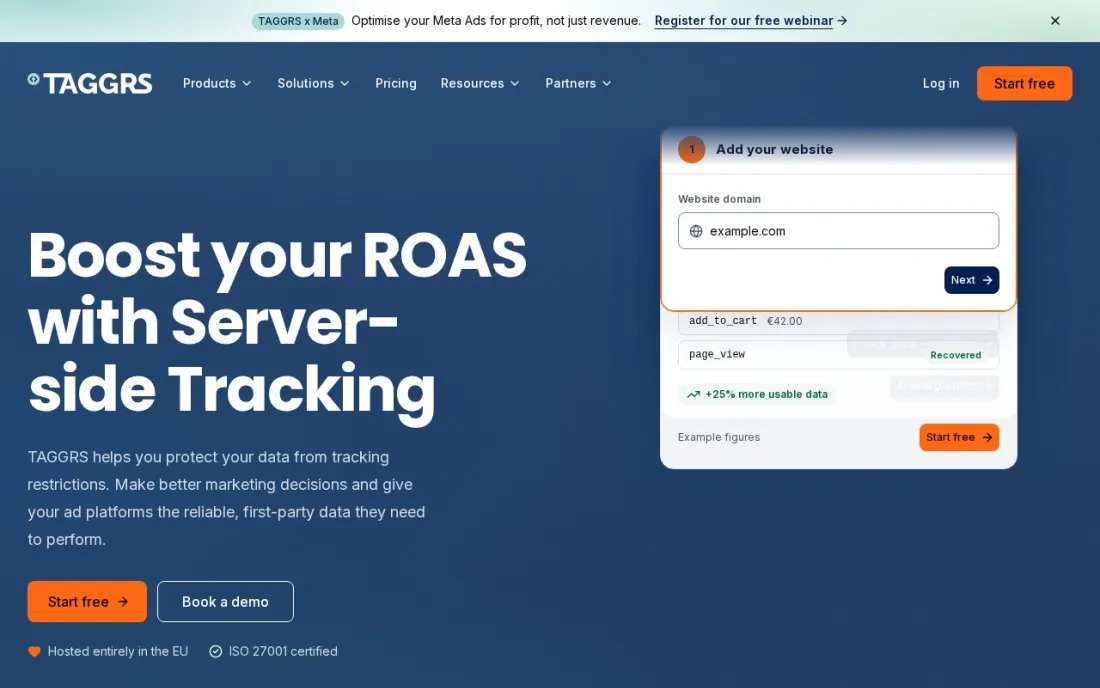
TAGGRS also hosts server-side Google Tag Manager, with a stronger focus on consent and European buyers. The Free plan is free forever with every core tracking feature and 10,000 requests a month. Basic costs €22 a month billed annually for 750,000 requests and adds a Consent Approval Graph, and Pro at €57 a month adds POAS tracking, offline conversions and multi-domain support.
Read the overage rule before you pick a tier. Once you pass the request limit, TAGGRS stops forwarding data to your platforms unless automatic upgrades are switched on, and there are no refunds. Its own pricing page also shows two different request figures for Basic, so confirm the limit in writing.
What we like
- Free forever plan with every core tracking feature and 10,000 requests a month
- Basic adds a Consent Approval Graph, useful for showing how consent affects data
- Pro at €57 a month billed annually adds POAS tracking, offline conversions and multi-domain
- Upgrade or downgrade at any time from the dashboard
Watch out for
- When a plan's request limit is reached, TAGGRS stops forwarding data unless automatic upgrades are on
- No refunds on paid plans
- The page lists Basic at 750,000 requests but a calculator example shows 630,000, so confirm the limit

Elevar
Best for: Shopify stores that want server-side tracking to every ad platform without building it in GTM

Elevar is built for Shopify stores that want server-side tracking to work without building a GTM server container. It captures orders and events from the store and sends them server-side to ad and analytics platforms, and it is priced by orders, which is how a store already thinks about volume. The free Base plan covers up to 100 orders a month and two destinations. Elevar's pricing page now sits on the Audiense site, which lists Elevar as one of its brands.
Core costs $225 a month for up to 2,000 orders and all destinations, with $0.50 per extra order, and Advanced costs $650 a month for up to 10,000. Paid plans have a 15-day free trial, and expert installation costs $1,000 one-off.
What we like
- Server-side tracking is included on every plan, including the free Base plan
- Paid plans send to all destinations, with a 15-day free trial on Core, Advanced and Premium
- Priced by orders rather than requests, which maps to how a store already measures volume
- Advanced adds Shopify Markets, multi-storefront tracking and predicted lifetime value
Watch out for
- Core at $225 a month is a big step up from the free plan
- Overage costs $0.50 an order on Core and $0.75 on Base
- Expert installation is a $1,000 one-off fee, or $4,500 for headless stores

Segment
Best for: Product and data teams that want one server-side event stream feeding every tool
Segment approaches server-side tracking from the data side. You track each event once, through client or server libraries, and Segment routes it to more than 700 destinations, so analytics, ad platforms, email tools and the warehouse all see the same data. The Free plan covers 1,000 monthly tracked users with no credit card, and Team starts at $120 a month for 10,000, with overage rates published.
Anonymous visitors count as monthly tracked users, so a high-traffic consumer site burns through the allowance quickly. Identity resolution and data-quality features need the custom-priced Business tier. It suits teams with several downstream tools and a developer to maintain the tracking plan.
What we like
- One tracking implementation feeds 700+ destinations, so tools never drift apart
- Published pricing with per-1,000-user overage rates — the most transparent CDP pricing here
- Free plan covers 1,000 MTUs with no credit card, plus a 14-day Team trial
Watch out for
- Anonymous visitors count as MTUs, so high-traffic B2C sites burn the allowance fast
- Identity resolution, data quality and AI predictions need the custom-priced Business tier
- Segment routes data but does not analyse it — you still need an analytics tool downstream

AnyTrack
Best for: Marketers with one website who want server-side conversions sent to ad platforms without code
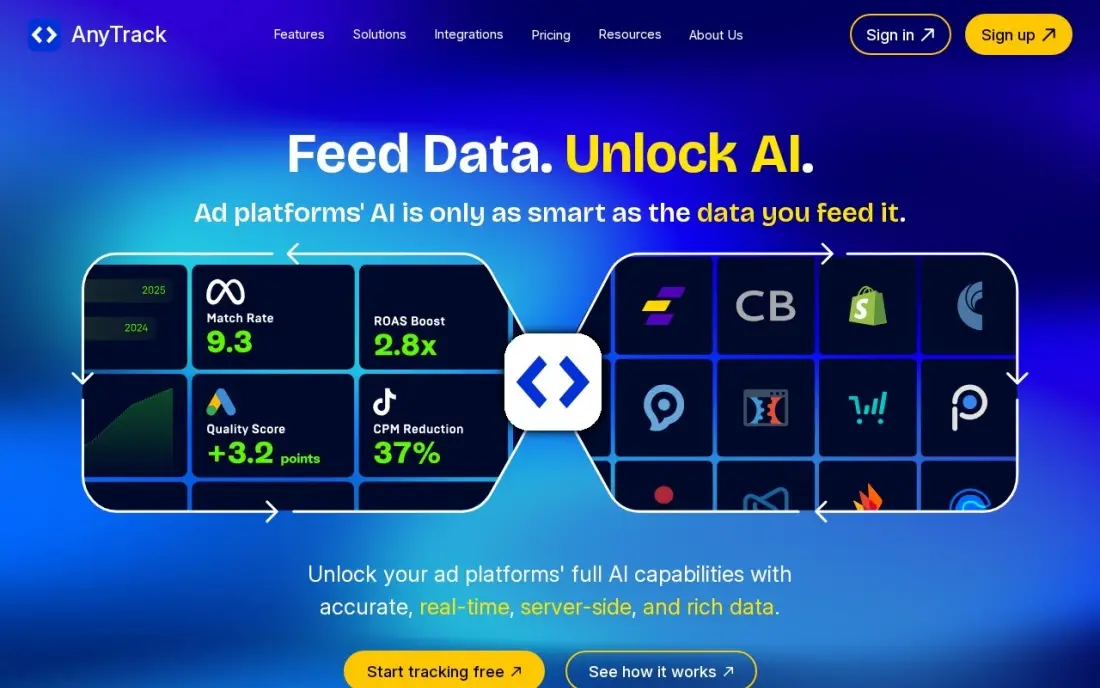
AnyTrack is the no-developer route to server-side conversion tracking. A tag-based setup goes live in minutes, and Starter sends conversions through the Conversion API to all seven supported ad platforms, with audience building and real-time return-on-ad-spend reporting. The free plan covers 5,000 sessions a month, so you can test the setup before paying.
The Conversion API itself needs Starter at $100 a month, or $1,000 a year, which covers one website and 100,000 sessions. A second site means Personal at $150 a month, sessions over the cap cost $0.40 per 1,000, and ad spend is not synced automatically.
What we like
- A real free plan lets you test server-side tracking before paying anything
- Starter unlocks the Conversion API to all seven ad platforms, with audience building included
- Real-time ROAS reporting shows which campaigns pay, not just which ones get clicks
- Tag-based setup goes live in minutes with no code changes beyond one script
Watch out for
- Starter covers one website and 100,000 sessions — a second site means Personal at $150 a month
- No automatic ad spend sync, so cost still needs manual reconciliation
- Sessions above the cap cost $0.40 per 1,000, which adds up on viral traffic

RedTrack
Best for: Media buyers who want server-side Conversion API tracking plus ad cost sync across platforms
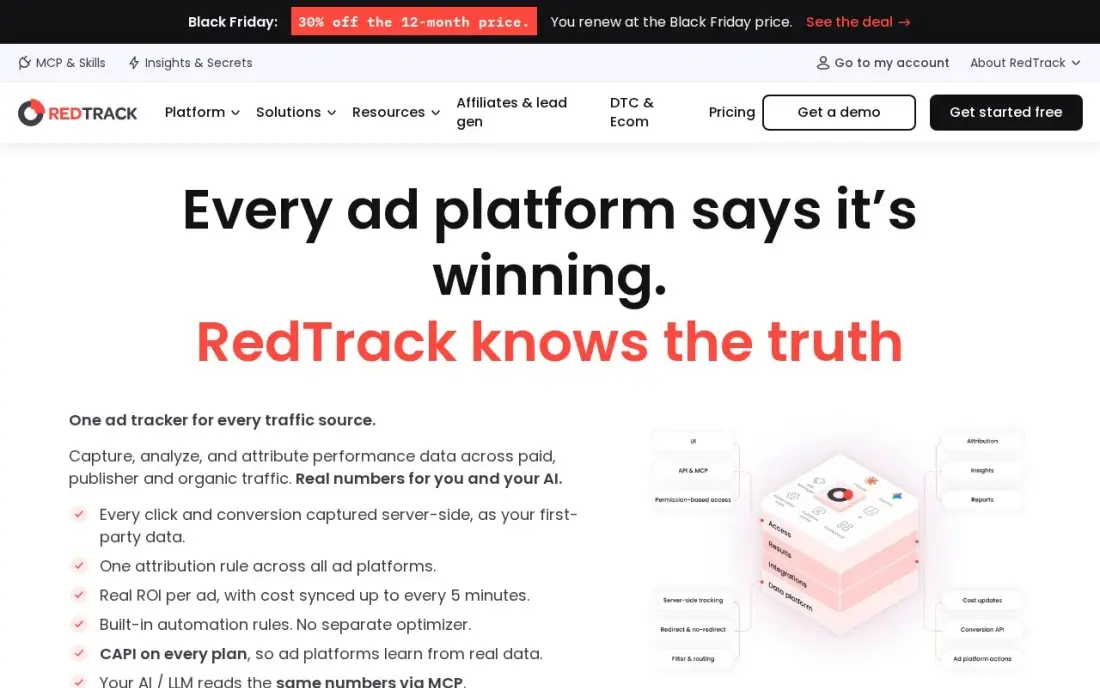
RedTrack puts full server-side Conversion API connections for Meta, Google, TikTok and Snapchat on its entry plan rather than a higher tier, with unlimited campaigns, landing pages and ad accounts. Ad-level cost sync then shows return on ad spend from your own data instead of each platform's numbers. Builder costs $79 a month, or $69 a month billed annually.
Builder covers one user, so a team needs Solo at $169 a month or higher, and ad spend syncs every six hours unless you pay for faster updates. Reviewers find the dashboard takes time to learn. The 14-day trial needs no credit card.
What we like
- Full server-side Conversion API for Meta, Google, TikTok and Snapchat on the entry plan, not a higher tier
- Unlimited campaigns, landing pages and ad accounts on every plan — no element caps
- Ad-level cost sync shows true return on ad spend instead of platform-reported numbers
- Auto-rules pause losing ads automatically, and the 14-day trial needs no credit card
Watch out for
- Builder covers one user — a team needs Solo at $169 a month or higher
- Ad spend syncs every 6 hours on Builder; faster sync is a paid add-on
- The dashboard takes time to learn, and reviewers call the setup complicated

Cometly
Best for: Ecommerce and lead-gen brands that want server-side tracking tied to multi-touch attribution
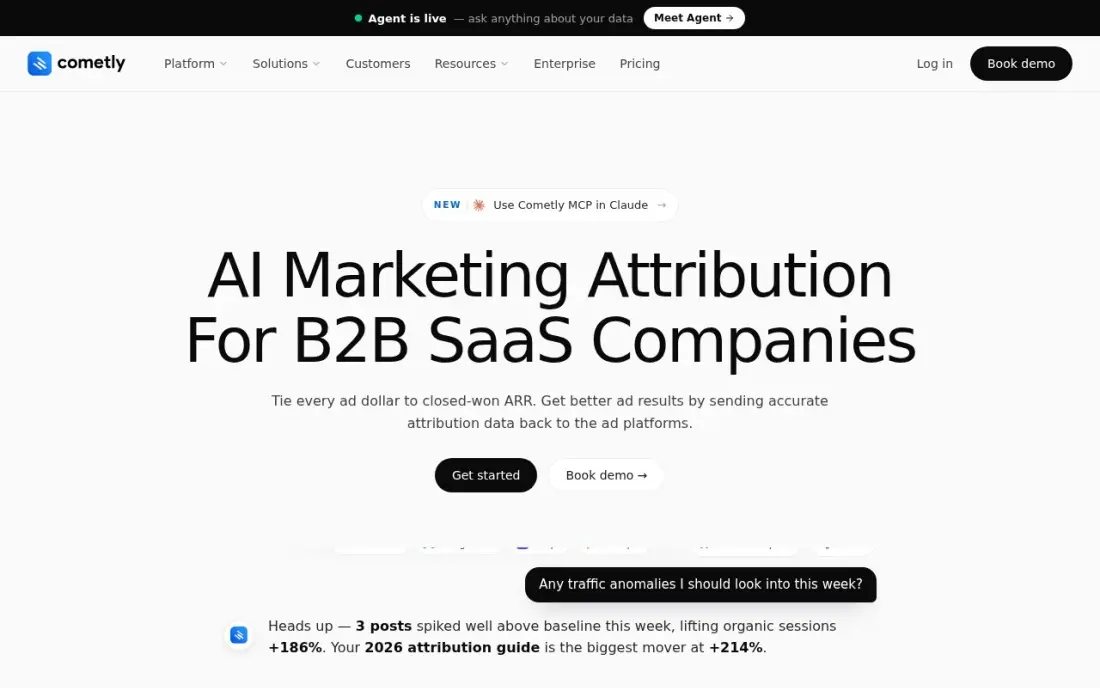
Cometly combines its pixel with server-side tracking to connect ad clicks to sales across Meta, Google, TikTok, LinkedIn and more, and feeds conversions, including offline sales from a CRM, back through each platform's Conversion API. Multi-touch attribution is the main product, and G2 reviewers rate it 4.8 across 36 reviews.
Cometly publishes no starting price. Plans are quoted by monthly pageviews, and third-party directories list Core from $199 a month, so confirm the quote. There is no free trial, and reviewers say setup can be slow on complex stacks. Choose it when attribution, not just data delivery, is the goal.
What we like
- Pixel plus server-side tracking with multi-touch attribution across Meta, Google, TikTok, LinkedIn and more
- Conversion API connections are included on both plans, with offline sales fed back to ad platforms
- AI Ads Manager and the Agent AI assistant come with the Core plan, not just Enterprise
- 4.8/5 on G2 from 36 reviews, the strongest score among the tools here with more than 20 reviews
Watch out for
- No starting price is published — pricing is quoted per business based on monthly pageviews
- No free trial, because attribution needs CRM and ad-platform setup to be useful
- G2 reviewers note setup can be slow on complex stacks and documentation can lag behind the product
The best server-side tracking tools move your analytics and conversion tracking from the visitor's browser to a server you control, so ad blockers and browser cookie limits lose less of your data and ad platforms get cleaner conversions. We compared seven tools across three approaches — hosting for server-side Google Tag Manager, ready-made tracking for Shopify and ad platforms, and data pipelines — and every price below comes from the vendor's own pricing page as checked in November 2026.
How to choose the best server-side tracking tools
- Decide whether you will build or buy. Stape and TAGGRS host a GTM server container that you configure; Elevar, AnyTrack, RedTrack and Cometly do the setup for you.
- Know your billing unit. Stape and TAGGRS charge by requests, Elevar by orders, Segment by monthly tracked users and AnyTrack by sessions, so estimate yours before comparing.
- List the destinations you need. GA4, Meta, Google Ads and TikTok are standard; check that every platform you spend on is covered at your tier.
- Check what happens at the limit. TAGGRS stops forwarding data at the cap unless auto-upgrade is on, while others charge overage, so a sale or viral post can cost data or money.
- Keep consent in the loop. Server-side tracking still needs a consent setup, and tools with consent reporting make audits easier.
- Look at logs and monitoring. You cannot see a server container in the browser, so logs and alerts are how you know tracking still works.
Better tracking only helps if the traffic is there. If you want more of it from search, our monthly SEO service builds organic visibility, and the free UTM builder keeps campaign links consistent so the data you collect server-side stays clean.
Server-side tracking tools pricing: what you will actually pay
Take a store with about 300,000 tracked requests and 1,500 orders a month. Stape Pro covers up to 500,000 requests for $17 a month billed annually, or $204 a year. TAGGRS Basic covers 750,000 requests for €22 a month billed annually, or €264 a year. Both are hosting costs only: someone still configures GTM, which is where agency or developer time goes.
The done-for-you options cost more. Elevar Core costs $225 a month for up to 2,000 orders, or $2,700 a year, with a $1,000 optional expert install. AnyTrack Starter costs $100 a month, or $1,000 a year, for one website and 100,000 sessions. RedTrack Builder costs $79 a month, or $69 a month billed annually. Cometly publishes no price, and third-party directories list Core from $199 a month.
For a small site the cheapest honest setup is a free Stape or TAGGRS container while you test, moving to a paid tier once traffic passes 10,000 requests a month.
Know the difference: server-side GTM hosting vs managed tracking
Server-side GTM hosting gives you the infrastructure and leaves the setup to you. Stape and TAGGRS run the Google Tag Manager server container on your own subdomain, and you decide exactly which events go to GA4, Meta, Google Ads or anywhere else. It is the cheapest and most flexible route, but it needs someone who understands GTM, and mistakes are harder to spot than in the browser.
Managed tracking does the setup for you. Elevar connects a Shopify store's orders to each platform, AnyTrack and RedTrack send Conversion API events to ad networks from a script, and Cometly ties it all to attribution. You pay more each month and get less control, but conversions start flowing in days without a tracking specialist. Segment sits apart as a developer-led event pipeline for teams with many downstream tools.
Quick comparison: tool type by need
| Buyer | Best pick | Why |
|---|---|---|
| GTM users on a budget | Stape | Server GTM hosting free to 10K requests, Pro $17/month billed annually |
| European businesses | TAGGRS | Free forever to 10K requests, Basic €22/month billed annually with consent graph |
| Shopify stores | Elevar | Order-based pricing, free to 100 orders, Core $225/month |
| Product and data teams | Segment | One event stream to 700+ destinations, free to 1,000 MTUs |
| No-developer marketers | AnyTrack | Tag-based Conversion API setup, Starter $100/month |
| Media buyers | RedTrack | Conversion API on the entry plan plus ad cost sync, from $69/month billed annually |
| Attribution-led brands | Cometly | Server-side tracking tied to multi-touch attribution, quote-based |
Mistakes to avoid
- Sending duplicate conversions. Running browser and server events for the same purchase without deduplication doubles your reported sales; set event IDs.
- Ignoring consent. Moving tracking to a server does not change consent rules; respect the visitor's choice for every destination.
- Underestimating request volume. A page view can trigger several requests; check the real count in the first week before choosing a tier.
- Setting it and forgetting it. Platform API changes break server tags quietly; use monitoring and check conversions weekly.
- Skipping a test period. Run browser and server tracking side by side for two weeks to confirm the numbers match before switching over.
Related comparisons: Dedicated Server Hosting Companies · Lead Tracking Software · Ad Tracking Software · Call Tracking Software
How we chose
We checked each vendor's own pricing page in November 2026 and recorded plans, limits and prices exactly as shown, including annual-billing figures and the currency each vendor uses. Where a vendor publishes no price, as with Cometly, we say so and label the third-party figure. We compared the tools on setup effort, billing unit, destinations, consent support, monitoring and fit for a small or mid-size business moving tracking server-side. Ratings come from G2 pages checked on the dates shown in the sources, and we omit a rating where we did not verify one. No vendor paid for a place in this list, and none of the links here are affiliate links.
What to do next
Count last month's page views and orders, pick the free tier that matches your setup — Stape or TAGGRS for GTM users, Elevar for Shopify — and run it alongside your current tracking for two weeks. If the data shows that too few visitors come from search, book a free SEO consultation.
Frequently asked questions
What is the best server-side tracking tool?
Stape is the best value for most teams that use Google Tag Manager, with a free plan and Pro from $17 a month billed annually. Elevar is best for Shopify stores, Segment for product and data teams, and AnyTrack for marketers who want server-side conversions without a developer.
Is there free server-side tracking?
Yes, within limits. Stape and TAGGRS are free up to 10,000 requests a month, Elevar's Base plan is free up to 100 orders, Segment is free up to 1,000 monthly tracked users, and AnyTrack's free plan covers 5,000 sessions, though its Conversion API needs Starter.
How much does server-side tracking cost?
For a small site, Stape Pro costs $17 a month billed annually and TAGGRS Basic €22 a month billed annually. Elevar Core costs $225 a month for up to 2,000 orders, AnyTrack Starter $100 a month and RedTrack Builder $79 a month, or $69 billed annually.
Do I need server-side Google Tag Manager?
Only if you want full control of the tags and someone can maintain them. Stape and TAGGRS host the GTM server container. If you would rather not build it, Elevar, AnyTrack, RedTrack and Cometly send server-side conversions without a GTM container.
Does server-side tracking get around ad blockers and consent?
Server-side tracking from your own subdomain is less affected by ad blockers and browser cookie limits, but it does not remove the need for consent. You still need a valid consent setup, and data should only be sent where the visitor has agreed.
What is the difference between server-side tracking and a Conversion API?
Server-side tracking is the general approach of sending events from a server rather than the browser. A Conversion API, such as Meta's, is one destination that receives those server events. Tools like Stape, Elevar and AnyTrack feed those APIs.
What is server-side tracking, and why use it?
Server-side tracking moves analytics and conversion tracking from the visitor's browser to a server you control. Tags then send data to GA4, Meta, Google Ads and others from your own subdomain, so ad blockers and browser cookie limits lose less of your data and ad platforms get cleaner conversions. Stape and TAGGRS host the server container for you to configure, while Elevar, AnyTrack and RedTrack set it up for you.
Sources we checked (10)
- Stape — stape.io/price-server-google-tag-manager (checked November 16, 2026)
- TAGGRS — taggrs.io/prices (checked November 16, 2026)
- Elevar — www.audiense.com/products/audiense-online/pricing (checked November 16, 2026)
- Segment — www.twilio.com/en-us/segment/pricing (checked November 12, 2026)
- Segment reviews on G2 (checked November 12, 2026)
- AnyTrack — anytrack.io/pricing (checked November 5, 2026)
- RedTrack — redtrack.io/pricing (checked November 5, 2026)
- RedTrack reviews on G2 (checked November 5, 2026)
- Cometly — cometly.com/pricing (checked November 4, 2026)
- Cometly reviews on G2 (checked November 4, 2026)
Make one of these tools?
We re-check this list every quarter. Send a correction, request a review, or ask about a clearly labeled sponsored spot.
Request a listingShamim
Founder of SerpAstra
A full-stack digital marketer and SEO strategist covering technical and local SEO, AI search visibility, paid ads and lead generation for local businesses, e-commerce brands and SaaS teams.
Free SEO and AI visibility audit
Find out what is holding your rankings back
Send us your site. Within 2 business days you get a written audit, an AI visibility check and a short fix list ranked by impact. Free, with no contract attached.
Request my free audit→Related buying guides
 MarketingBest Ad Tracking Software for 2026: 10 Options Compared by Use CaseThe 10 best ad tracking software tools compared on price, attribution and server-side tracking — with real prices checked on vendor pages, November 4, 2026.Read guide →
 Marketing12 Best Performance Marketing Software in 2026, ComparedCompare the 12 best performance marketing software tools on price, tracking and automation, with every starting price checked November 5, 2026.Read guide →
 Data, Analytics & AI8 Best Free Website Visitor Tracking Tools in 2026, ComparedCompare the 8 best free website visitor tracking tools on free-plan limits, privacy, recordings and data retention, with every price checked on vendor pages.Read guide →