
8 Best AI Tools for Website Design in 2026, Compared
Compare the 8 best AI tools for website design, from prompt-to-site builders to wireframe tools, with free plans and real monthly cost checked on vendor pages.
 Shamim Mia, Founder, SerpAstraLast verified November 5, 202610 min read
We compare pricing pages, documentation and public reviews. We never accept payment for rankings.

Key takeaways
- Framer is the best all-round AI tool for website design: a prompt becomes a publishable site, and Basic costs $10 a month billed yearly after a free plan.
- Relume is the pick for designers and agencies who want AI sitemaps and wireframes first, then export to Figma, Webflow or React.
- Durable and Hostinger are the fastest routes for a small business that wants a site live today, but read the term: Hostinger's $1.99 rate needs a 48-month prepay.
- AI gets you a strong first draft; the copy, photos, page speed and on-page SEO still need a human pass before launch.
On this page
Quick comparison
| Tool | Best for | Starting price | Free plan |
|---|---|---|---|
| Framer | Designers and startups who want an AI-generated site they can refine visually and publish fast | Free; $10/mo (annual) | Yes (free plan) |
| Relume | Web designers and agencies who want AI sitemaps and wireframes before visual design starts | Free; Pro from $24/mo | Yes (free plan) |
| Webflow | Design-led teams that want to take an AI first draft into a full visual builder and CMS | Free; $25/mo (annual) | Yes (Starter) |
| Wix | Small businesses that want an AI-built site plus a store, bookings and blog in one place | Free; Core $29/mo (annual) | Yes (free plan) |
| Durable | Service businesses that want an AI-built site with a CRM and booking live in minutes | Free; Launch $25/mo | Yes (free plan) |
| Hostinger AI Website Builder | Budget buyers who will prepay a long term for the cheapest AI-built site with hosting and email | $1.99/mo (48-mo term) | No (free trial) |
| 10Web | WordPress users who want AI to build or redesign a site on managed WordPress hosting | $10/mo (annual) | No (3-day trial) |
| Squarespace | Creatives and small brands that want a polished, template-led site with AI help on the setup | $19/mo (annual) | No (14-day trial) |
Make one of these tools?
We re-check this list every quarter. Send a correction, request a review, or ask about a clearly labeled sponsored spot.
Request a listingThe best AI tools for website design

Framer
Best for: Designers and startups who want an AI-generated site they can refine visually and publish fast
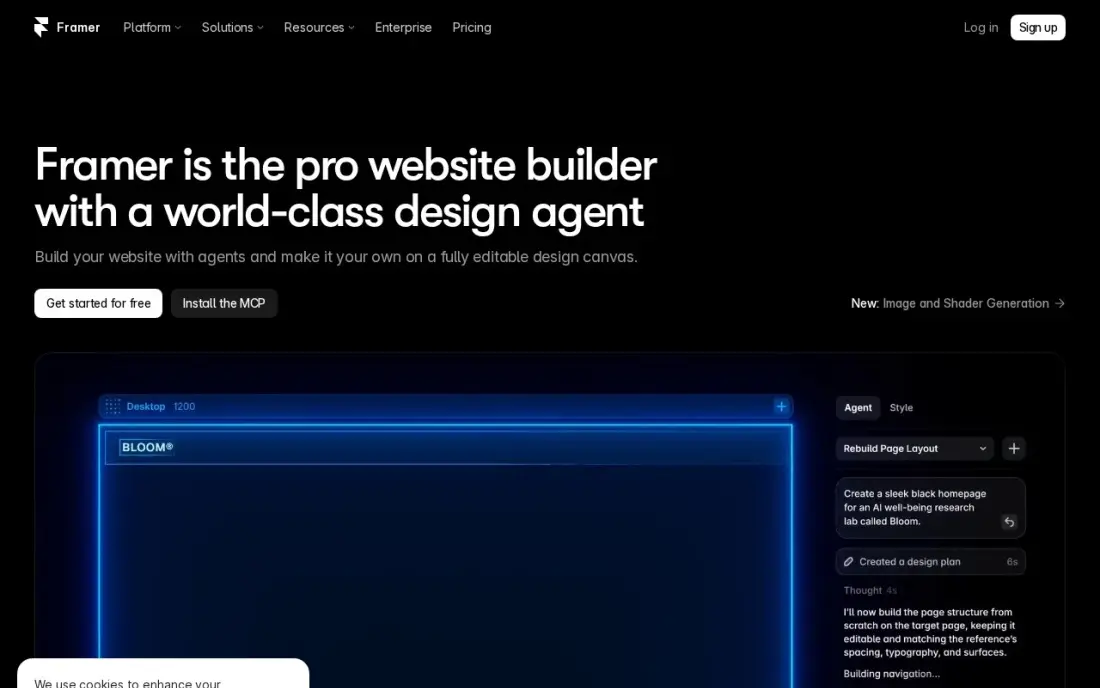
Framer is the strongest all-round AI design tool in this list because the AI output lands in a real visual editor. You describe the site, Framer generates a modern layout, and you then move sections, swap fonts and add interactions by hand, without code. The free plan builds on a framer.website subdomain, and Basic at $10 a month billed yearly adds a custom domain, 2 CMS collections and 1,000 monthly AI credits.
The limits show up as a site grows. Two CMS collections and 1,000 items cover a portfolio, a startup site or a small blog, not a large content library, and each extra editor costs $20 a month. There is no plugin marketplace, so anything beyond the built-in features needs custom code.
What we like
- AI generation turns a prompt into a publishable modern site
- Modern templates and smooth interactions with no code
- Custom domain and your own branding on Basic
- Fast managed hosting with SEO controls included
Watch out for
- Basic allows only 2 CMS collections and 1,000 items
- Extra editors cost $20/month each, on top of the site plan
- A smaller ecosystem than WordPress — no plugin marketplace

Relume
Best for: Web designers and agencies who want AI sitemaps and wireframes before visual design starts
Relume approaches AI website design the way an agency does: structure first, visuals second. From one prompt it drafts a brief, a sitemap, wireframes and a style guide, and the result exports to Figma, Webflow or React, so a designer keeps working in the tools the client already uses. The free plan includes enough AI capacity for a full website and hosts it on a relumesite.ai subdomain.
The Pro AI workspace starts at $24 a month with unlimited websites and unlimited collaborators as editors. Hosting on your own domain is a separate per-site bill, from $12 a month billed yearly or $16 billed monthly, and free sites carry a Relume badge with 20 form submissions a month.
What we like
- Generates a brief, sitemap, wireframes and a style guide from one prompt
- Exports to Figma, Webflow and React, so designers keep their own tools
- Pro has unlimited websites and unlimited collaborators with no per-seat charge
- A free plan with enough monthly AI capacity to build a full website
Watch out for
- Hosting is priced per site: Launch costs $12 a month billed yearly or $16 monthly
- Free sites show a Relume badge and cap form submissions at 20 a month
- Several plans on the pricing page do not state monthly versus annual billing

Webflow
Best for: Design-led teams that want to take an AI first draft into a full visual builder and CMS
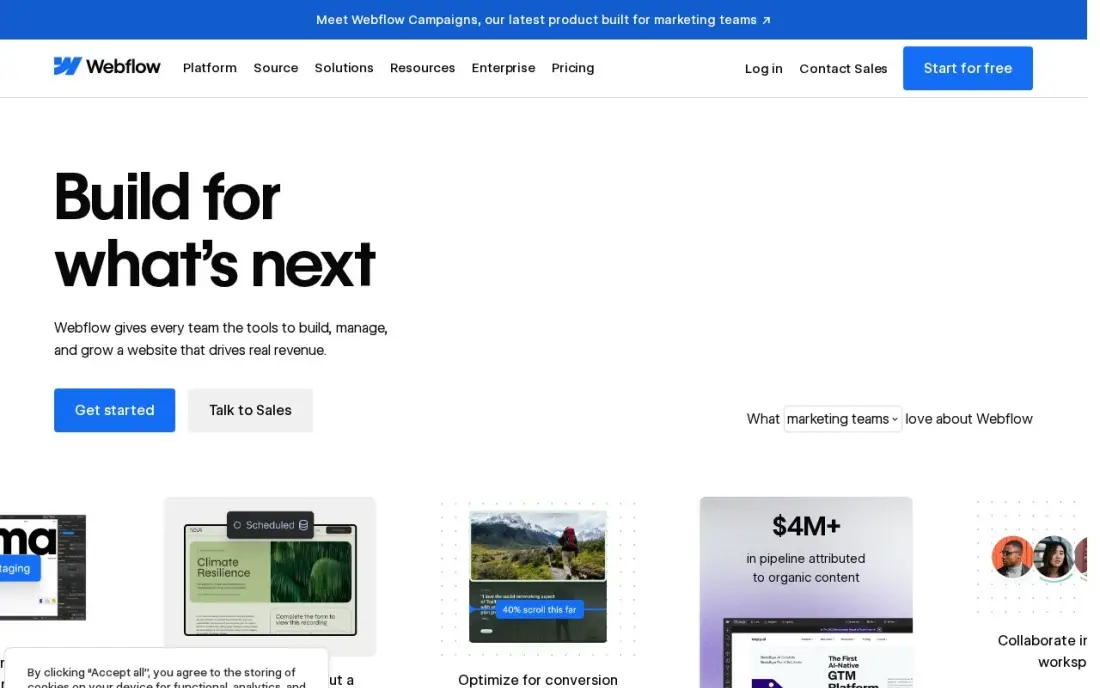
Webflow is where an AI-generated layout becomes a production site. It gives designers full control over layout, spacing and responsive breakpoints, and the Premium Site plan at $25 a month billed annually adds the Webflow CMS with 20,000 items and 40 collections, site search and 50 GB of bandwidth. Relume exports straight into Webflow, which makes the pair a common agency workflow: AI for structure, Webflow for the finished build.
The learning curve is steeper than any prompt-based builder here, and the cost has two parts. The free Starter plan publishes to a webflow.io subdomain, the $15 Basic plan has no CMS, and editing seats are billed separately at $15 or $39 a month on yearly billing.
What we like
- Visual designer with a real CMS: 20,000 CMS items and 40 collections on Premium
- Premium includes site search, 50 GB bandwidth and code components
- No plugins to update; hosting, security and the CMS come from one vendor
Watch out for
- Basic at $15 a month has no CMS at all, so a blog or content site must pay $25 a month billed annually
- Editing seats are a separate bill: $15 a month for a limited seat and $39 for a full seat, billed yearly

Wix
Best for: Small businesses that want an AI-built site plus a store, bookings and blog in one place
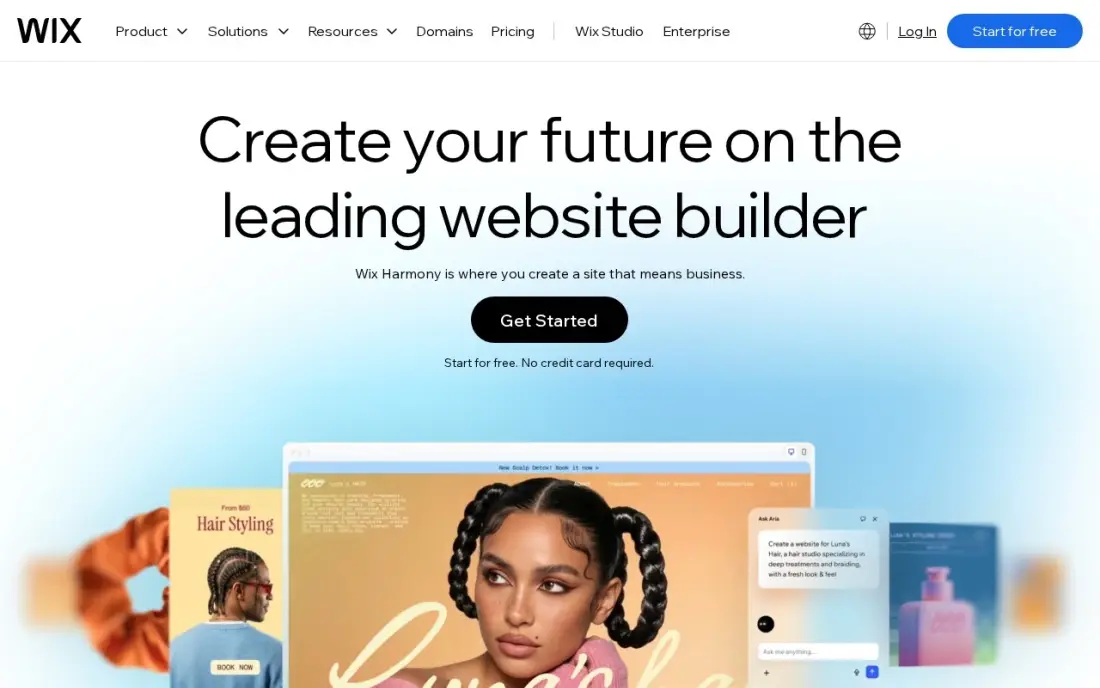
Wix suits the owner who wants AI to do the design work and then wants everything else in the same dashboard. Its AI site creator asks about the business and builds a starting site, and from there the store, bookings, blog and marketing tools all sit in one account. A free plan exists for the website, so you can generate and edit a design before you pay.
Selling is where the cost starts. Light at $17 a month billed annually cannot take payments, so a store needs Core at $36 a month, or $29 billed annually, which takes payments through Wix Payments at 2.9% + 30c per card sale. Core caps storage at 50 GB and five collaborators, and first-year discounts are common, so budget at the renewal price.
What we like
- Core takes payments with 0% platform fee through Wix Payments, at 2.9% + 30c a card sale
- Bookings, a blog and marketing tools sit in the same dashboard as the store
- Hundreds of templates and an app market, with no code needed to launch
- A free plan exists for the website, so the brand can build before it pays
Watch out for
- Light at $17 a month billed annually cannot take payments, so selling starts at Core
- Core's 50 GB of storage and 5 collaborators cap a growing catalog and team
- Wix runs 50%-off first-year promotions often, so the renewal price is the honest one to budget

Durable
Best for: Service businesses that want an AI-built site with a CRM and booking live in minutes
Durable is built for the plumber, cleaner or consultant who wants a website today and has no interest in design tools. It generates a complete small-business site from a short prompt, and Launch at $25 a month adds hosting, custom forms, analytics, custom code, a built-in CRM with automatic lead replies and online booking synced to your calendar, plus a domain credit of up to $20.
The free plan is a trial in practice: it runs on a durable.site subdomain, cannot connect your own domain and holds only 10 customers in the CRM. Grow at $49 a month adds unlimited team members, translation and 1:1 onboarding. Yearly billing is advertised at 15% off. Expect a clean template, not a distinctive brand.
What we like
- Generates a full small-business site from a short prompt in about 30 seconds
- Launch adds a built-in CRM, lead capture, online booking and custom code
- A free domain credit of up to $20 on Launch, or connect your own domain
Watch out for
- The free plan cannot connect an external domain and caps the CRM at 10 customers
- Built for simple service-business sites, not complex custom designs
- The yearly discount is shown as 15% off, without a stated annual price

Hostinger AI Website Builder
Best for: Budget buyers who will prepay a long term for the cheapest AI-built site with hosting and email

Hostinger's AI Website Builder is the cheapest way to get an AI-designed site online with hosting, a domain for a year and email included. Premium costs $1.99 a month, but only as a $95.52 prepayment for 48 months, and covers up to three websites with 900+ templates. Unlimited at $2.79 a month on the same term adds ecommerce, unlimited sites and AI business tools such as a logo maker.
Read the renewal before you buy. Premium renews at $10.99 a month and Unlimited at $16.99, and AI credits are a one-time allowance of 250 on Premium rather than a monthly refill. There is a free trial with no card and a 30-day money-back guarantee.
What we like
- The lowest entry price here: $1.99 a month on the Premium plan
- Hosting, a free domain for one year and mailboxes are included
- Unlimited adds ecommerce, unlimited websites and AI business tools
Watch out for
- The intro rate needs a 48-month prepay and renews at $10.99 a month
- AI credits are a one-time allowance that does not renew each month
- Premium has no ecommerce and leaves out the Hostinger Agent AI agent

10Web
Best for: WordPress users who want AI to build or redesign a site on managed WordPress hosting
10Web is the AI design tool for people who want to stay on WordPress. Its agentic builder generates a WordPress site, and Redesign, Clone and Figma agents can rebuild an existing site or turn a Figma file into WordPress pages. AI Starter costs $10 a month billed yearly, or $120 for 12 months, with managed hosting, daily backups, a free domain up to $30 and full WordPress access, so plugins still work.
The plan limits are tight: one site, 100 AI credits a month that expire if unused, 10GB of storage and 10,000 monthly visitors. Agencies move to Agency Starter at $42.50 a month billed yearly for 10 sites. The free trial lasts three days, and the trial site is deleted if you do not pick a plan.
What we like
- Builds the site on full WordPress, so plugins and themes still work
- Redesign, Clone and Figma agents turn an existing site or design into WordPress
- Managed hosting, SSL, daily backups and a free domain up to $30 on AI plans
Watch out for
- AI Starter covers one site, 100 AI credits a month and 10,000 visitors
- Unused AI credits expire, and monthly billing costs more than the yearly rate
- The trial site is deleted after 3 days unless you choose a plan

Squarespace
Best for: Creatives and small brands that want a polished, template-led site with AI help on the setup
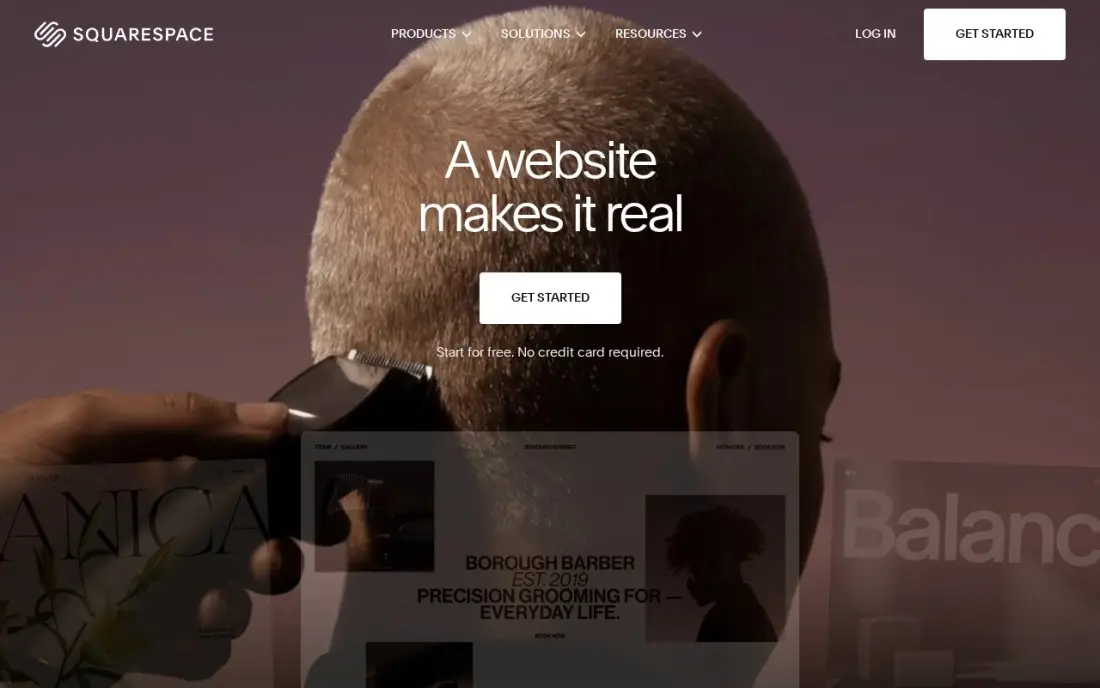
Squarespace is the choice when the finished look matters more than how much AI did the work. Its templates are the most polished in this list, with strong photography and video layouts, and its guided setup builds a starting site from your answers that you then adjust inside a tidy editor. Basic costs $25 a month, or $19 billed annually, with hosting, SSL and unlimited products included.
There is no free plan, only a 14-day free trial, and Basic adds a 2% Squarespace fee on every online store sale on top of card processing. Basic also allows only two contributors and no code injection, so a business that plans to sell seriously or add custom tracking should price a higher plan.
What we like
- The most polished templates here, with strong photography and video presentation for skin care
- Unlimited products, subscription products and abandoned cart recovery on every plan
- Hosting, SSL and a free custom domain for the first year are included on annual billing
- Invoices, memberships and digital content are built in, not add-ons
Watch out for
- Basic adds a 2% Squarespace fee on every online store sale, on top of card processing
- Only two contributors on Basic, so a team quickly outgrows it
- No code injection on Basic, which limits custom tracking and widgets
The best AI tools for website design take a short description of your business and return a working layout, copy and structure in minutes, which you then refine. We compared eight tools across three jobs — prompt-to-site builders, designer tools that start with sitemaps and wireframes, and AI layers on established platforms — and every price below comes from the vendor's own pricing page as checked in November 2026.
How to choose the best AI tools for website design
- Decide who will edit the site after the AI is done. An owner wants a simple editor like Durable or Wix; a designer wants full control in Framer or Webflow.
- Check where the design ends up. Relume exports to Figma, Webflow and React, 10Web builds on WordPress, and the rest keep the site on their own platform.
- Read the billing term, not the headline. Hostinger's $1.99 needs a 48-month prepay, and Framer and 10Web quote their low rates on yearly billing.
- Look at how AI usage is metered. Credits expire monthly on 10Web, are a one-time allowance on Hostinger and come as a monthly allowance on Framer and Durable.
- Test the free plan with your real content. Every free plan here publishes to a subdomain, so use it to judge the design quality, not as your live site.
- Plan for growth. A five-page service site fits any tool here; a blog with hundreds of posts needs a real CMS such as Webflow's or WordPress.
An AI tool gives you a good-looking site; it does not make Google or ChatGPT recommend it. Our SEO audit checks the structure, speed and on-page basics an AI draft tends to miss, and the free heading structure checker shows whether the generated pages use headings in a sensible order.
AI tools for website design pricing: what you will actually pay
Take a small business that wants one site on its own domain for a year. On list prices, Framer Basic costs $120 a year at $10 a month billed yearly, 10Web AI Starter costs $120 for 12 months, Webflow's Premium Site plan costs $300 a year at $25 a month billed annually, Wix Core costs $348 a year at $29 a month billed annually, and Durable Launch costs $300 a year at $25 a month before its 15% yearly discount.
Hostinger looks cheapest at $1.99 a month, but the $95.52 is a 48-month prepayment, and Premium renews at $10.99 a month, so the true yearly cost after the first term is about $132. Relume's Pro AI workspace starts at $24 a month, and publishing on your own domain adds Launch hosting at $12 a month billed yearly, or $16 billed monthly, per site — around $432 a year on the yearly hosting rate before any second site.
Add the extras before you compare. Framer charges $20 a month for each extra editor, Webflow bills editing seats at $15 or $39 a month on yearly billing, and Squarespace Basic takes a 2% fee on store sales on top of its $19 monthly rate billed annually.
Know the difference: AI site builders vs AI design assistants
An AI site builder produces the finished, hosted website. Durable, Hostinger, Wix, 10Web and Framer all take a prompt and return pages that can go live the same day, with hosting, forms and a domain handled for you. They suit owners who want a site, not a design process, and the trade-off is that the result looks like the builder's templates.
An AI design assistant speeds up the work a designer would do anyway. Relume drafts the sitemap, wireframes and style guide, then hands them to Figma, Webflow or React, where a person designs and builds the final site. It produces better, more distinctive sites, but it assumes someone on the team can take the draft the rest of the way.
Quick comparison: tool type by need
| Buyer | Best pick | Why |
|---|---|---|
| Designers and startups | Framer | Prompt-to-site with a full visual editor, Basic $10/month billed yearly |
| Agencies planning sites | Relume | AI sitemaps and wireframes that export to Figma, Webflow and React |
| Custom production builds | Webflow | Visual builder with a 20,000-item CMS, from $25/month billed annually |
| All-in-one small business | Wix | AI site plus store, bookings and blog in one dashboard |
| Service businesses | Durable | Site, CRM and booking in minutes, Launch $25/month |
| Lowest upfront cost | Hostinger AI Website Builder | $1.99/month on a 48-month prepay, hosting and domain included |
| WordPress users | 10Web | AI builds and redesigns sites on managed WordPress, $10/month billed yearly |
| Polished creative sites | Squarespace | The most refined templates, $19/month billed annually |
Mistakes to avoid
- Publishing the AI copy unedited. Generated text is generic and often makes claims you cannot back up — rewrite the headline, services and about page in your own words.
- Comparing intro prices with renewal prices. A 48-month prepay or a first-year promotion is not the price you will pay later, so compare the renewal rate.
- Ignoring where the site lives. If the builder has no export, leaving it later means rebuilding the site, so pick a platform you are happy to stay on.
- Skipping SEO basics. AI builders rarely write good page titles, meta descriptions or heading structure, so check every page before launch.
- Buying more AI credits than you use. Most of the design happens in the first week; after that, you are paying for a site editor, so pick the plan by its hosting and editing limits.
How we chose
We checked each vendor's own pricing page in November 2026 and recorded the starting price exactly as shown, including whether it is billed yearly, monthly or as a multi-year prepay. We grouped the tools by who does the design work — the AI, the owner or a designer — and ranked them by fit for the most common buyer, a small business or designer building one site. Where a pricing page did not state an annual price, we say so rather than estimating one. Ratings come from G2 pages checked on the dates shown in the sources, and tools without a rating we checked show none. No vendor paid for a place in this list, and none of the links here are affiliate links.
What to do next
Pick two tools from the table, give each the same three-sentence description of your business, and compare the drafts side by side on your phone before you pay for either. Once the site is live, make sure people can find it. Get a free visibility check.
Frequently asked questions
What is the best AI tool for website design?
Framer is the best all-round pick because its AI output lands in a full visual editor, with a free plan and Basic at $10 a month billed yearly. Relume is better for designers who want AI sitemaps and wireframes first, and Durable is the fastest route for a small service business.
Can AI design a whole website for me?
Yes, tools such as Framer, Durable, Wix and Hostinger generate a complete first draft from a prompt. Treat it as a draft: replace the stock copy and photos, check page speed and set titles and meta descriptions before you publish.
Is there a free AI website design tool?
Framer, Relume, Durable, Wix and Webflow all have free plans, but each publishes to the vendor's subdomain. Hostinger offers a free trial with no card, and 10Web a 3-day free trial.
How much do AI website builders cost?
On published prices, Framer Basic costs $10 a month billed yearly, 10Web AI Starter $10 a month billed yearly, Durable Launch $25 a month, Webflow Premium $25 a month billed annually and Wix Core $29 a month billed annually. Hostinger starts at $1.99 a month but needs a 48-month prepay and renews at $10.99.
Do AI-designed websites rank on Google?
They can, because Google ranks the page, not the tool that built it. Rankings still depend on useful content, fast pages, clean headings and local or topical relevance, which an AI builder will not supply for you.
Should a web designer use AI tools?
Yes, mainly for the slow early stages. Relume drafts sitemaps and wireframes that export to Figma or Webflow, which saves hours per project, while the visual design, brand and final build stay with the designer.
Sources we checked (11)
- Framer — www.framer.com/pricing (checked November 5, 2026)
- Relume — www.relume.ai/pricing (checked November 16, 2026)
- Webflow — webflow.com/pricing (checked November 10, 2026)
- Webflow reviews on G2 (checked November 10, 2026)
- Wix — www.wix.com/plans (checked November 12, 2026)
- Wix reviews on G2 (checked November 12, 2026)
- Durable — durable.com/pricing (checked November 16, 2026)
- Hostinger AI Website Builder — www.hostinger.com/pricing/ai-builder (checked November 16, 2026)
- 10Web — 10web.io/ai-website-builder/pricing (checked November 16, 2026)
- Squarespace — www.squarespace.com/pricing (checked November 12, 2026)
- Squarespace reviews on G2 (checked November 12, 2026)
Make one of these tools?
We re-check this list every quarter. Send a correction, request a review, or ask about a clearly labeled sponsored spot.
Request a listingShamim
Founder of SerpAstra
A full-stack SEO and digital marketer who spends most days on Local SEO for dental practices, AI search visibility and lead generation.
Free SEO and AI visibility audit
Find out what is holding your rankings back
Send us your site. Within 2 business days you get a written audit, an AI visibility check and a short fix list ranked by impact. Free, with no contract attached.
Request my free audit→Related buying guides
 Website Builders & Hosting8 Best Web Design Software in 2026, ComparedCompare the 8 best web design software tools for designing websites, from Figma and Webflow to Wix and WordPress, with every price checked on vendor pages.Read guide →
 Website Builders & Hosting8 Best Website Builder Platforms in 2026, ComparedCompare the 8 best website builder platforms on ease of use, design control, free plans, SEO and real yearly cost, with every price checked on vendor pages.Read guide →
 MarketingBest Landing Page Software for 2026: 10 Options Compared by Use CaseCompare the 10 best landing page software tools in 2026 on price, A/B testing, AI builders and free plans, with prices checked November 4, 2026.Read guide →