
8 Best Web Design Software in 2026, Compared
Compare the 8 best web design software tools for designing websites, from Figma and Webflow to Wix and WordPress, with every price checked on vendor pages.
 Shamim Mia, Founder, SerpAstraLast verified November 2, 20269 min read
We compare pricing pages, documentation and public reviews. We never accept payment for rankings.

Key takeaways
- Webflow is the best web design software for most designers who want to ship real sites: visual control close to code, a built-in CMS, and a free Starter plan to learn on.
- Figma is where most websites are designed before they are built; its Professional Full seat costs $16 a month, and the free Starter plan covers personal projects.
- Wix and Squarespace suit small businesses designing their own site, while Framer is the fastest route from a design to a live marketing site at $10 a month billed yearly.
- WordPress.org is free software with the most control, but hosting, a theme and upkeep are your job; Duda suits agencies designing many client sites.
On this page
Quick comparison
| Tool | Best for | Starting price | Free plan |
|---|---|---|---|
| Webflow | Designers who want pixel-level control and a live, CMS-driven site without writing code | $39/mo | Yes (Starter) |
| Figma | Designing and prototyping website layouts before anyone builds them | Free; Full seat $16/mo | Free Starter plan |
| Framer | Designers who want to go from a Figma-style canvas to a live marketing site in a day | $10/mo (annual) | Yes (free plan) |
| Wix | Small business owners designing their own site with drag-and-drop freedom | $36/mo | Yes (free plan) |
| Squarespace | Owners who want a polished, consistent design with little design skill | $25/mo | No (14-day trial) |
| WordPress.org | Designers and developers who want full ownership of the code, theme and hosting | Free (software) | Yes (software free) |
| Duda | Agencies and freelancers designing and managing many small business sites | $19/mo (annual) | No (14-day trial) |
| Adobe Creative Cloud | Designers who create custom graphics, photos and brand assets for their websites | $54.99/mo | No (7-day trial) |
Make one of these tools?
We re-check this list every quarter. Send a correction, request a review, or ask about a clearly labeled sponsored spot.
Request a listingThe best web design software

Webflow
Best for: Designers who want pixel-level control and a live, CMS-driven site without writing code
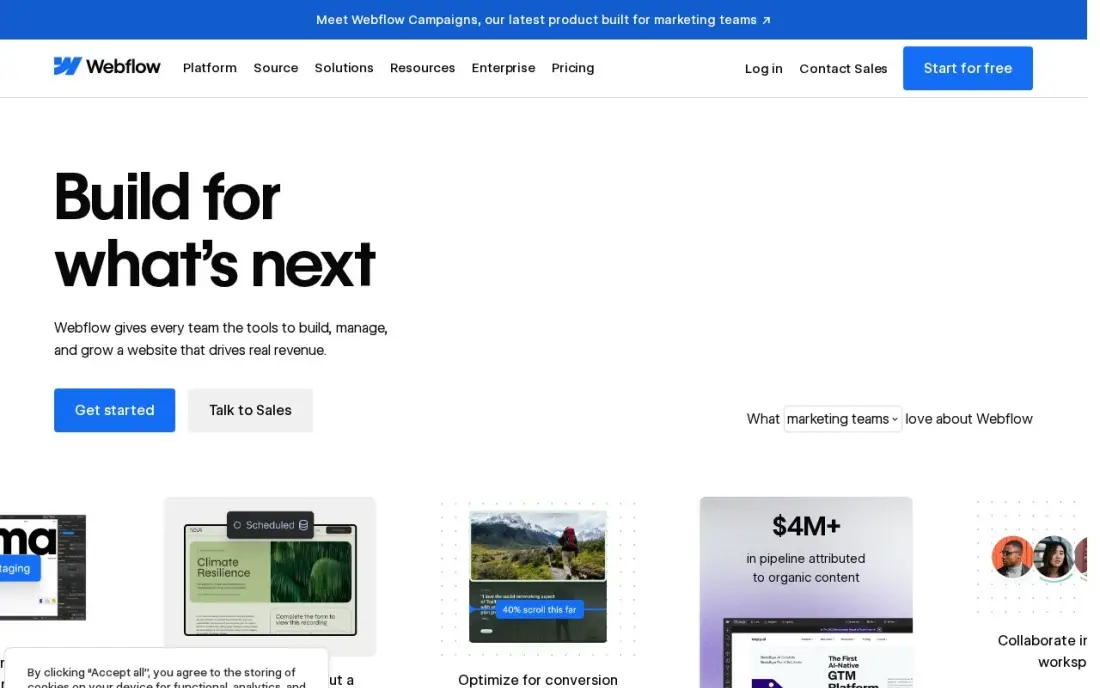
Webflow is the closest a visual tool gets to hand-written HTML and CSS. You place real boxes, flex and grid layouts, classes and breakpoints on a canvas, and the output is clean production code hosted by Webflow, with a CMS for blogs, case studies and team pages. The free Starter plan lets you design and publish on a webflow.io subdomain while you learn.
The Premium Site plan costs $25 a month billed annually, or $39 billed monthly, and adds the full CMS with 20,000 items. Watch the second bill: editing seats cost $15 a month for a limited seat and $39 for a full seat, billed yearly, and the Basic plan has no CMS. The learning curve is real, but nothing else here gives designers this much control.
What we like
- Visual designer with a real CMS: 20,000 CMS items and 40 collections on Premium
- Premium includes site search, 50 GB bandwidth and code components
- No plugins to update; hosting, security and the CMS come from one vendor
Watch out for
- Basic at $15 a month has no CMS at all, so a blog or content site must pay $25 a month billed annually
- Editing seats are a separate bill: $15 a month for a limited seat and $39 for a full seat, billed yearly

Figma
Best for: Designing and prototyping website layouts before anyone builds them
Figma is where most professional websites are designed before a line of code exists. Designers lay out pages with auto layout and components, build clickable prototypes to test navigation, and leave comments in the same file, while developers inspect spacing, colours and assets through handoff tools. The free Starter plan includes unlimited drafts, UI kits and templates, which is enough for personal projects and learning.
The Professional plan prices seats by role: $16 a month for a Full seat, $12 for a Dev seat and $3 for a Collab seat. Figma Professional also lists Figma Sites and Figma Make for turning designs into live pages, but that publishing side is newer than Webflow or Framer, so most teams still design in Figma and build somewhere else.
What we like
- The standard tool for website wireframes, mockups and clickable prototypes
- Real-time collaboration, comments and developer handoff in the same file
- Professional plan lists Figma Sites and Figma Make for turning designs into live pages
- Free Starter plan covers personal projects with unlimited drafts and UI kits
Watch out for
- Paid seats are split by type, so a mixed team pays different rates for designers and developers
- Publishing with Figma Sites is newer and less proven than a dedicated site builder

Framer
Best for: Designers who want to go from a Figma-style canvas to a live marketing site in a day
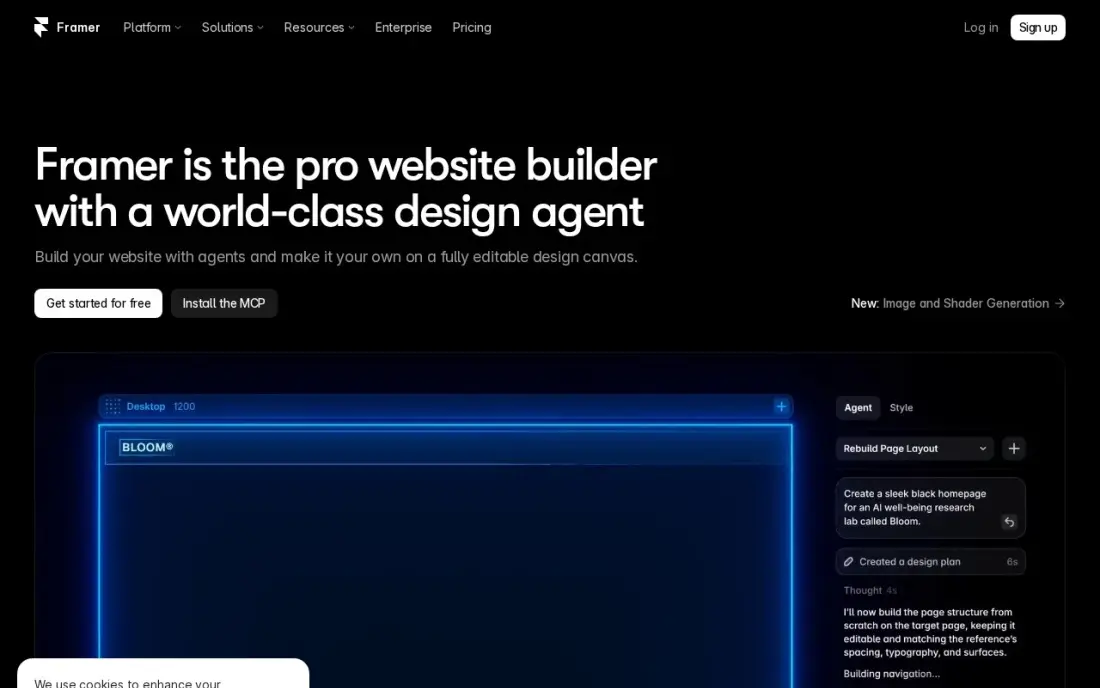
Framer feels like a design tool that happens to publish websites. You work on a freeform canvas with breakpoints, animations and smooth interactions, and the AI builder can turn a prompt into a first draft you then reshape. Hosting, a custom domain and SEO controls come with the site plan, and the free plan lets you build on a framer.website subdomain.
Basic costs $10 a month billed yearly and includes 2 CMS collections with 1,000 items and 50 GB of bandwidth. That suits a portfolio, a startup landing site or a product launch page, but extra editors cost $20 a month each and there is no plugin marketplace, so larger content sites outgrow it.
What we like
- AI generation turns a prompt into a publishable modern site
- Modern templates and smooth interactions with no code
- Custom domain and your own branding on Basic
- Fast managed hosting with SEO controls included
Watch out for
- Basic allows only 2 CMS collections and 1,000 items
- Extra editors cost $20/month each, on top of the site plan
- A smaller ecosystem than WordPress — no plugin marketplace

Wix
Best for: Small business owners designing their own site with drag-and-drop freedom
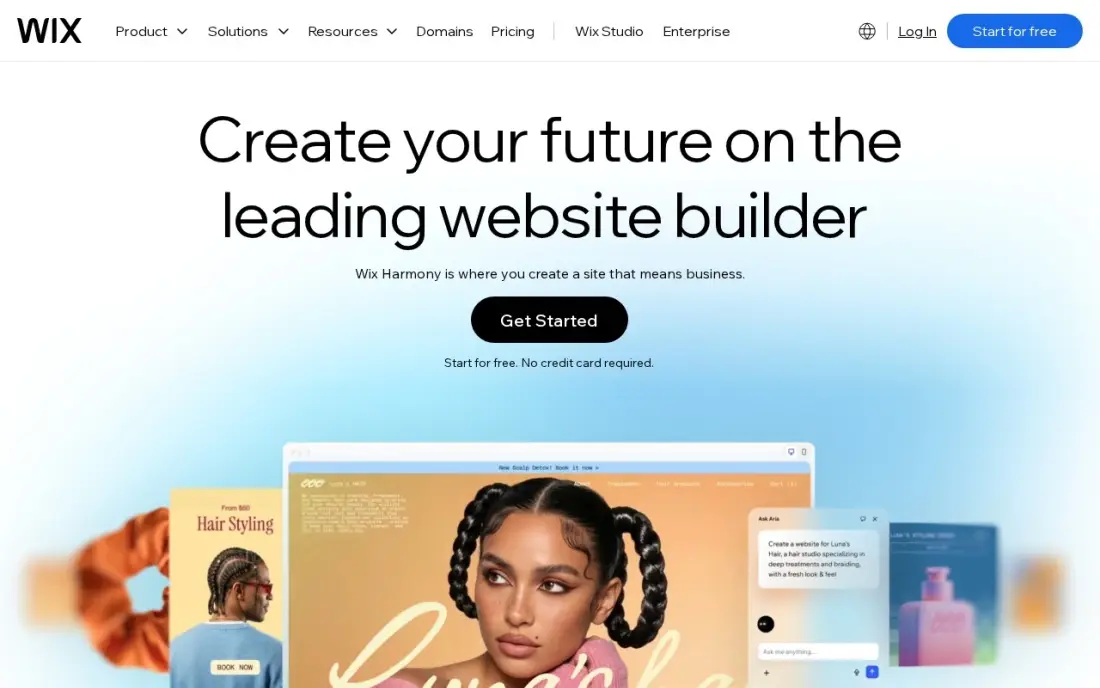
Wix gives a non-designer the most freedom: drag any element anywhere on the page, start from hundreds of templates and add bookings, a blog or a store from the same dashboard. A free plan lets you design and publish before paying, and the app market covers most features a small business needs without code.
The free-placement editor is also the weakness, because it is easy to build a page that looks good on desktop and messy on mobile. Selling starts on Core at $36 a month, or $29 billed annually, because the cheaper Light plan cannot take payments. Wix runs 50%-off first-year promotions often, so budget for the renewal price.
What we like
- Core takes payments with 0% platform fee through Wix Payments, at 2.9% + 30c a card sale
- Bookings, a blog and marketing tools sit in the same dashboard as the store
- Hundreds of templates and an app market, with no code needed to launch
- A free plan exists for the website, so the brand can build before it pays
Watch out for
- Light at $17 a month billed annually cannot take payments, so selling starts at Core
- Core's 50 GB of storage and 5 collaborators cap a growing catalog and team
- Wix runs 50%-off first-year promotions often, so the renewal price is the honest one to budget

Squarespace
Best for: Owners who want a polished, consistent design with little design skill
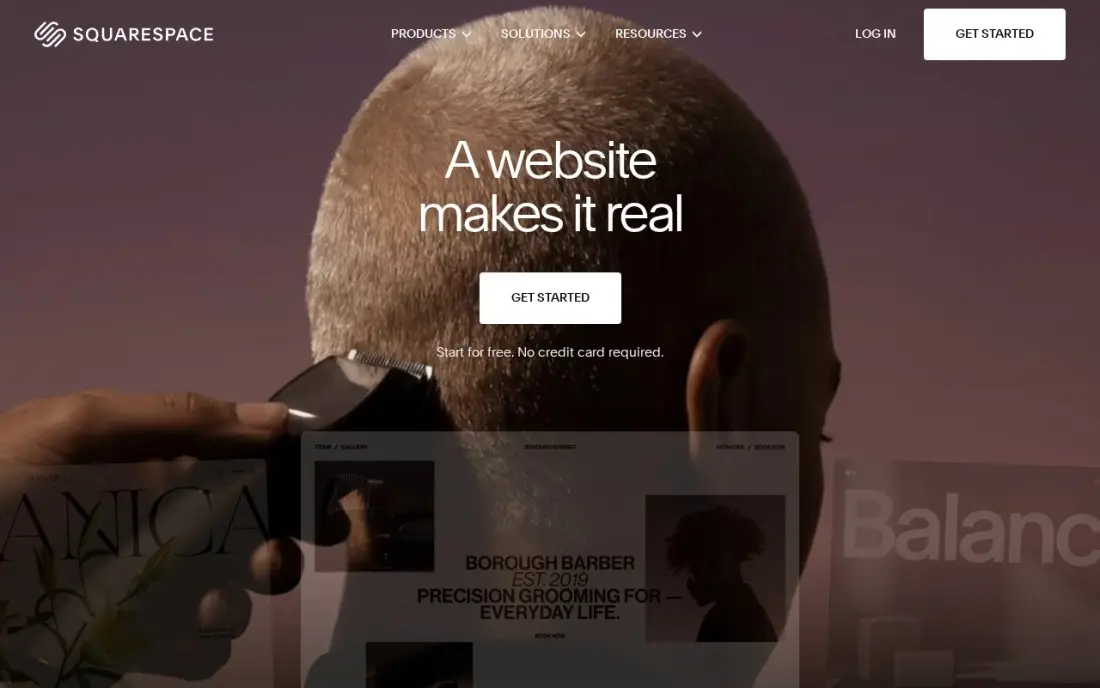
Squarespace trades freedom for taste. Its templates are the most polished in this list, with strong typography and image layouts, and the section-based editor keeps spacing consistent so a page rarely looks amateur. Hosting and SSL are included, and annual billing adds a free custom domain for the first year.
Basic costs $25 a month, or $19 billed annually, after a 14-day free trial. Basic adds a 2% fee on online store sales and has no code injection, so custom scripts and tracking wait for a higher plan, and only two contributors fit on Basic. For a service business or creative that wants a site that looks designed, it is the safest choice.
What we like
- The most polished templates here, with strong photography and video presentation for skin care
- Unlimited products, subscription products and abandoned cart recovery on every plan
- Hosting, SSL and a free custom domain for the first year are included on annual billing
- Invoices, memberships and digital content are built in, not add-ons
Watch out for
- Basic adds a 2% Squarespace fee on every online store sale, on top of card processing
- Only two contributors on Basic, so a team quickly outgrows it
- No code injection on Basic, which limits custom tracking and widgets

WordPress.org
Best for: Designers and developers who want full ownership of the code, theme and hosting
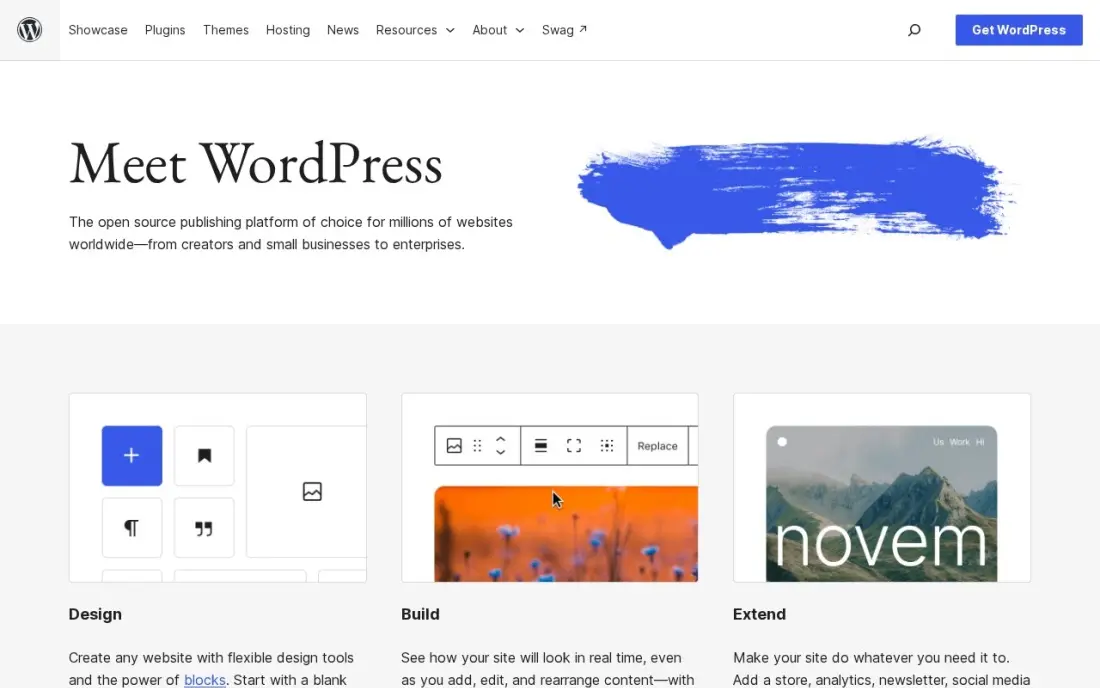
WordPress.org is free, open-source software, and with a block theme or a page builder it can produce almost any design. Its strength is ownership: you choose the host, edit the theme files, add custom post types and move the whole site whenever you like. The plugin library covers forms, SEO, memberships and stores.
The cost is everything around the software. Hosting and a domain are separate bills, and security, backups and updates are your responsibility or your developer's. Design quality depends on the theme you start from, so a cheap theme with heavy plugins can be slow. Choose it when control and portability matter more than convenience.
What we like
- Full control of technical SEO: URLs, redirects, schema, sitemaps and robots rules are all yours to change
- Largest plugin ecosystem of any platform here, including free SEO plugins such as Rank Math and Yoast SEO
- No platform lock-in: move hosts, change themes and keep your content and data
Watch out for
- You arrange hosting, security, backups and updates yourself, or pay someone to do it
- Speed and security depend on your host and plugin choices, so a bad setup can hold rankings back

Duda
Best for: Agencies and freelancers designing and managing many small business sites

Duda is web design software for people who design websites for other people. It has a visual editor with reusable sections and templates, client management, team collaboration and options to give clients limited editing rights, with hosting on AWS. Basic costs $19 a month billed annually, or $25 month to month, after a 14-day free trial, and includes unlimited storage and bandwidth.
The headline price covers one published site, and each extra site costs $19 a month, so model the cost for your real client count. White-label branding waits for the $149-a-month White Label plan. For a freelancer with three or four clients, Webflow or WordPress may cost less; for an agency shipping many sites, Duda's workflow saves hours.
What we like
- Built for client work: client management, team collaboration and white-label options in one account
- Basic includes unlimited storage and bandwidth, AWS hosting and 150 monthly AI credits
- AI tools include an AI Visibility add-on from $19 a month for tracking brand mentions in AI answers
Watch out for
- Basic includes only one published site, and each extra site costs $19 a month
- White-label branding waits for the $149-a-month White Label plan
- Priority support starts on Agency at $52 a month billed annually, not on Basic

Adobe Creative Cloud
Best for: Designers who create custom graphics, photos and brand assets for their websites
Adobe Creative Cloud is not a site builder, but most web designers still use it for the assets that make a site look professional: photo editing in Photoshop, icons and illustrations in Illustrator, and video for hero sections in Premiere Pro. Every individual plan includes Adobe Fonts and Adobe Portfolio, a simple way to publish a design portfolio site.
Creative Cloud Standard costs $54.99 a month on an annual plan billed monthly, and single apps start at $22.99 a month, so a designer who only needs Photoshop does not pay for the suite. Cancelling an annual plan early triggers a fee of 50% of the remaining balance, so try the 7-day free trial first.
What we like
- Standard costs $54.99 a month on an annual plan billed monthly and includes the full desktop app set: Photoshop, Illustrator, Premiere Pro and more
- 100 GB of cloud storage, Adobe Fonts and Adobe Portfolio are included on every individual plan
- The highest review score in this list, 4.7 out of 5 on Capterra from 7,327 reviews
- Single-app plans from $22.99 a month mean a team that needs only Photoshop never pays for the suite
Watch out for
- The old $59.99 All Apps price is gone: the plan is now Creative Cloud Pro at $69.99, with Standard at $54.99 below it
- Cancelling an annual plan early triggers a fee equal to 50% of the remaining balance
- Standard caps generative AI at 25 credits a month, far below Pro's 4,000
The best web design software lets you plan a site, shape every page and publish it without fighting the tool. We compared eight options across the three jobs web design involves — designing layouts, building the live site and creating the assets on it — and covered both the tools professionals use to design websites for clients and the builders owners use to design their own. Every price below was checked on the vendor's pricing page in November 2026.
How to choose the best web design software
- Decide whether you design, build or both. Figma designs and prototypes; Webflow, Framer, Wix and Squarespace design and publish; Adobe Creative Cloud makes the assets. Many teams need two of these, not one.
- Match the control to the skill. Webflow exposes real layout and CSS concepts; Squarespace hides them. More control is only useful if someone on the team knows how to use it.
- Check how the design behaves on mobile. Free-placement editors make desktop pages easy and phone pages messy, so preview every breakpoint before you commit to a tool.
- Price the editors, not just the site. Webflow, Framer and Figma all charge per editing seat, so a team of five pays far more than the headline plan.
- Look at the CMS limits. A blog, case studies or a portfolio needs collections; Webflow Basic has none and Framer Basic allows two with 1,000 items.
- Think about leaving. WordPress sites move between hosts freely; designs built in hosted builders mostly stay there.
A good-looking site still has to be found. Before you publish, run your page titles through our free title tag checker, and if you are redesigning an existing site, our SEO audit service maps the redirects and pages you must keep so the new design does not lose its rankings.
Web design software pricing: what you will actually pay
Take one designer building a five-page business site with a blog. Designing it in Figma on a Professional Full seat costs $16 a month. Building it in Webflow on the Premium Site plan costs $25 a month billed annually, or $39 billed monthly, so the year runs $300 on annual billing or $468 on monthly. The same site on Framer Basic costs $10 a month billed yearly, or $120 a year, as long as the blog stays within 2 collections and 1,000 items.
If the owner builds it instead, Squarespace Basic costs $19 a month billed annually, or $228 a year, and $25 a month on monthly billing, which is $300. Wix Core costs $29 a month billed annually, or $348 a year, but only matters if the site sells online; the free Wix plan publishes a simple site at no cost on a Wix subdomain. WordPress.org costs nothing as software, but you pay for hosting, a domain and often a premium theme. Add Adobe Creative Cloud Standard at $54.99 a month on an annual plan, about $660 a year, only if you need custom graphics.
Know the difference: design tool vs website builder
A design tool such as Figma produces a picture of a website: layouts, components and a clickable prototype that shows how pages link together. It is fast for trying ideas and gathering feedback, and developers read the file to build the real thing. Nothing in it is a working site until someone builds it.
A website builder such as Webflow, Framer, Wix or Squarespace produces the working site itself, with hosting, forms and a CMS. Webflow and Framer blur the line because you design on the same canvas you publish from, which is why many solo designers skip Figma entirely. Teams with several stakeholders usually keep both: design and approve in Figma, then build in the builder.
Quick comparison: tool type by need
| Buyer | Best pick | Why |
|---|---|---|
| Designers shipping real sites | Webflow | Visual control near code, CMS from $25/month billed annually |
| Design and prototyping teams | Figma | Free Starter plan, Full seat $16/month |
| Fast marketing sites | Framer | Design canvas that publishes, Basic $10/month billed yearly |
| DIY small business owners | Wix | Free plan and the most drag-and-drop freedom |
| Owners who want polish | Squarespace | Best templates, Basic $19/month billed annually |
| Full control and ownership | WordPress.org | Free software, any host, any theme |
| Agencies with many clients | Duda | Client management, Basic $19/month billed annually |
| Custom graphics and photos | Adobe Creative Cloud | Photoshop and Illustrator, Standard $54.99/month on an annual plan |
Mistakes to avoid
- Designing desktop first and forgetting phones. Most visitors arrive on a phone, so design the mobile layout early rather than squeezing the desktop page later.
- Picking the tool your favourite designer uses. If the owner will edit the site after launch, choose a builder the owner can actually use.
- Ignoring seat costs. A single designer's plan becomes a team bill once editors join; check per-seat prices before inviting everyone.
- Redesigning without a redirect plan. Changing URLs during a redesign can wipe out search traffic; list every old URL and where it should point.
- Overloading pages with effects. Heavy animations and huge images slow the site; check speed and Core Web Vitals before launch.
How we chose
We checked each vendor's pricing page in November 2026 and recorded the starting price as shown, including the annual-billing figure where one is listed. We grouped the tools by the job they do — design, build or create assets — and ranked them by fit for the most common buyer, a small team designing a business site. Ratings come from G2 or Capterra pages on the dates shown in the sources; where we could not verify a rating, we left it out. No vendor paid for a place in this list, and none of the links here are affiliate links.
What to do next
Pick one free plan that matches who will maintain the site — Figma plus Webflow for a designer, Wix or Squarespace for an owner — and build the home page in a week before you pay. If the new design needs to rank as well as it looks, book a free website review.
Frequently asked questions
What is the best web design software?
Webflow is the best web design software for most designers who want to build and publish real sites visually, with a free Starter plan and the Premium Site plan at $25 a month billed annually. Figma is the best tool for designing and prototyping before you build, with a free Starter plan and Full seats at $16 a month.
What is the best software for designing websites as a beginner?
Wix and Squarespace are the easiest for beginners. Wix has a free plan and the most drag-and-drop freedom; Squarespace costs $25 a month, or $19 billed annually, and its templates make it hard to build an ugly page.
Is there free web design software?
Yes. Figma, Webflow, Framer and Wix all have free plans, and WordPress.org is free open-source software, though hosting and a domain cost extra. Free plans usually publish on a subdomain such as webflow.io or framer.website.
Do I need Figma if I use Webflow or Framer?
Not always. Webflow and Framer let you design directly on the canvas, so a solo designer can skip Figma. Teams usually still design in Figma first because it is better for exploring options, getting feedback and handing off to developers.
Do professional web designers use Wix or WordPress?
Both, depending on the client. WordPress gives full control and portability for larger sites, while Wix suits small businesses that want to edit the site themselves. Agencies building many small sites often prefer Duda or Webflow for client management.
How much does web design software cost per year?
On published prices, Framer Basic costs $120 a year billed yearly, Webflow Premium $300 a year billed annually, Squarespace Basic $228 a year billed annually, and a Figma Professional Full seat $16 a month. WordPress.org is free but needs paid hosting.
Sources we checked (14)
- Webflow — webflow.com/pricing (checked November 10, 2026)
- Webflow reviews on G2 (checked November 10, 2026)
- Figma — www.figma.com/pricing (checked November 16, 2026)
- Framer — www.framer.com/pricing (checked November 5, 2026)
- Wix — www.wix.com/plans (checked November 12, 2026)
- Wix reviews on G2 (checked November 12, 2026)
- Squarespace — www.squarespace.com/pricing (checked November 12, 2026)
- Squarespace reviews on G2 (checked November 12, 2026)
- WordPress.org — wordpress.org (checked November 2, 2026)
- WordPress.org reviews on G2 (checked November 2, 2026)
- Duda — www.duda.com/pricing (checked November 10, 2026)
- Duda reviews on G2 (checked November 10, 2026)
- Adobe Creative Cloud — www.adobe.com/creativecloud/plans.html (checked November 4, 2026)
- Adobe Creative Cloud reviews on Capterra (checked November 4, 2026)
Make one of these tools?
We re-check this list every quarter. Send a correction, request a review, or ask about a clearly labeled sponsored spot.
Request a listingShamim
Founder of SerpAstra
A full-stack SEO and digital marketer who spends most days on Local SEO for dental practices, AI search visibility and lead generation.
Free SEO and AI visibility audit
Find out what is holding your rankings back
Send us your site. Within 2 business days you get a written audit, an AI visibility check and a short fix list ranked by impact. Free, with no contract attached.
Request my free audit→Related buying guides
 MarketingBest Landing Page Software for 2026: 10 Options Compared by Use CaseCompare the 10 best landing page software tools in 2026 on price, A/B testing, AI builders and free plans, with prices checked November 4, 2026.Read guide →
 Website Builders & Hosting7 Best Web Content Management Software in 2026, Compared7 best web content management software picks compared on price, ease of use and publishing power, with real 2026 prices checked November 10.Read guide →
 Website Builders & Hosting8 Best Website Platforms for SEO in 2026 (Pros, Cons and Pricing)The 8 best website platform for SEO options compared on price, controls, speed and ease of use, with real prices checked November 2, 2026, and pros and cons.Read guide →