
7 Best Case Management Software in 2026, Compared
Compare the 7 best case management software tools for legal matters, human services and customer cases, with free plans and real prices checked for 2026.
 Shamim Mia, Founder, SerpAstraLast verified November 8, 20268 min read
We compare pricing pages, documentation and public reviews. We never accept payment for rankings.

Key takeaways
- Case management means three different products: legal matter management, human services client records and customer service cases. Pick the type before the vendor.
- For law firms, Clio Manage starts at $49 per user a month and MyCase at $50 billed annually; CaseFox has a genuinely free plan for 2 users.
- Casebook is the human services pick, configured per program with HIPAA-compliant security, but it publishes no price.
- For customer cases, HubSpot Service Hub has free tools for 2 users, Salesforce Service Cloud starts at $25 per user a month and Zendesk Suite Team at $55 an agent billed annually.
On this page
Quick comparison
| Tool | Best for | Starting price | Free plan |
|---|---|---|---|
| Clio Manage | Law firms that want the most widely used legal case management system and the largest integration list | $49/user/mo | No (7-day trial) |
| MyCase | Small law firms that want case management, billing and a client portal in one subscription | $50/user/mo (annual) | No (free trial) |
| CaseFox | Solo attorneys and two-person firms that need case management with no software budget | Free (2 users); Pro $45/mo | Yes (Solo free) |
| Casebook | Human services agencies and nonprofits that manage clients across several programs | Custom quote | No |
| HubSpot Service Hub | Small businesses that want customer cases on the same record as sales and marketing | Free (2 users); $20/seat | Yes (free tools) |
| Salesforce Service Cloud | Companies on Salesforce that need case routing and escalation tied to accounts | $25/user/mo | No (30-day trial) |
| Zendesk | Support teams handling customer cases across email, chat, voice and social | $55/agent/mo (annual) | No (14-day trial) |
Make one of these tools?
We re-check this list every quarter. Send a correction, request a review, or ask about a clearly labeled sponsored spot.
Request a listingThe best case management software

Clio Manage
Best for: Law firms that want the most widely used legal case management system and the largest integration list
Clio Manage is the default legal case management system: each matter holds its contacts, documents, deadlines, time entries, invoices and trust transactions, so a lawyer opens one record and sees the whole case. The Starter plan costs $49 per user a month and already covers matters, documents, time tracking, online payments and trust accounting. Integrations with QuickBooks, Outlook, Dropbox and LawPay connect it to the tools a firm already uses.
Only Starter carries a public price. Core, Signature and Elite are quote-only, and Clio Duo, its AI assistant, sits on higher tiers. Per-user pricing grows quickly once paralegals and billing staff need seats. Pick Clio when you want the system most legal hires already know.
What we like
- The largest integration ecosystem in this list, with QuickBooks, Outlook, Dropbox and LawPay connections
- Starter covers contacts, matters, documents, time tracking, online payments and trust accounting
- The tool most US legal professionals already know, so hiring and training are easier
- Rated 4.6/5 on G2 from more than 1,100 reviews, the largest review base here
Watch out for
- Only the Starter price is published — Core, Signature and Elite are all quote-only
- AI features (Clio Duo) cost extra and sit on higher tiers, not Starter
- Per-user pricing adds up fast once paralegals and billing staff need seats

MyCase
Best for: Small law firms that want case management, billing and a client portal in one subscription
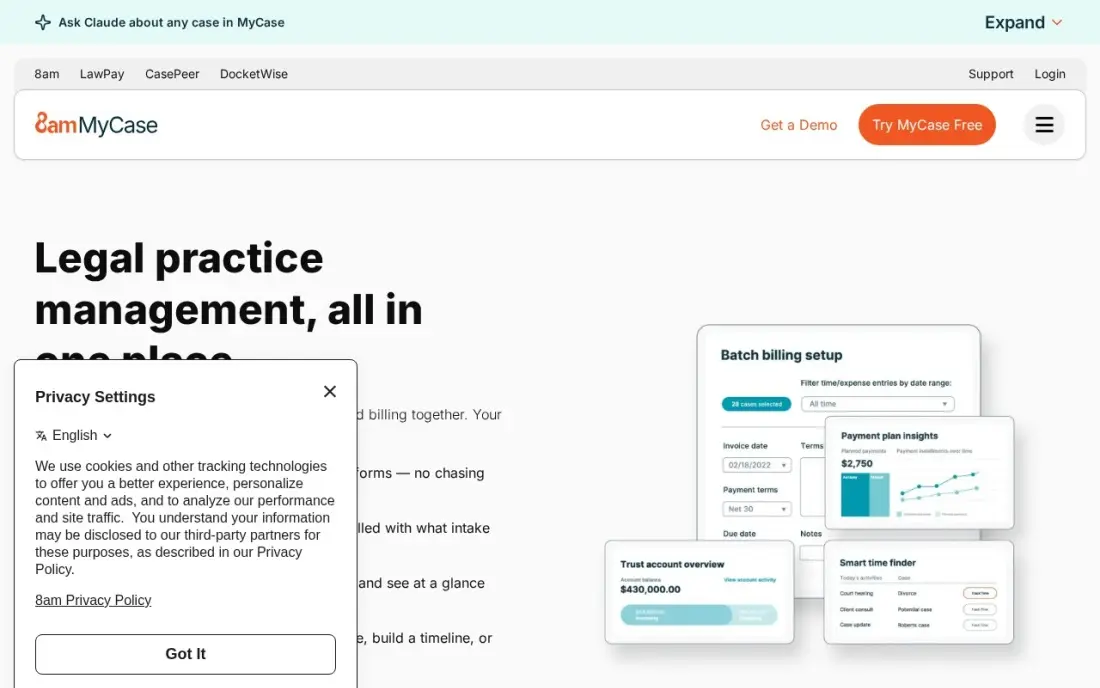
MyCase keeps legal cases, calendars, documents, time, invoices, online payments and a client portal in one subscription, with no setup fee and no long-term contract. Basic costs $50 per user a month billed annually, or $60 billed monthly. Pro, at $89 a user a month billed annually, adds client intake forms, workflows and unlimited e-signature, which is where many small firms end up.
Watch two details. MyCase's own pages disagree on the entry price, with older pages still showing $39, so confirm the figure at checkout. Trust accounting is thinner than ledger-first legal tools. For a small firm that wants clients to see case updates without a phone call, the built-in portal is the main reason to choose it.
What we like
- Case management, billing, online payments and client portal in a single subscription
- Basic covers the essentials for $50/user/month on annual billing, with no setup fee
- No setup fee and no long-term contract on any plan
- Client intake forms, workflows and unlimited eSignature arrive on Pro without a separate add-on
Watch out for
- MyCase's own pages disagree on the entry price: the help center lists Basic at $50/user/month billed annually, older pages list $39
- AI writing and intake automation wait for Pro at $89/user/month billed annually
- Trust accounting depth is thinner than CosmoLex, which was built around the ledger first

CaseFox
Best for: Solo attorneys and two-person firms that need case management with no software budget
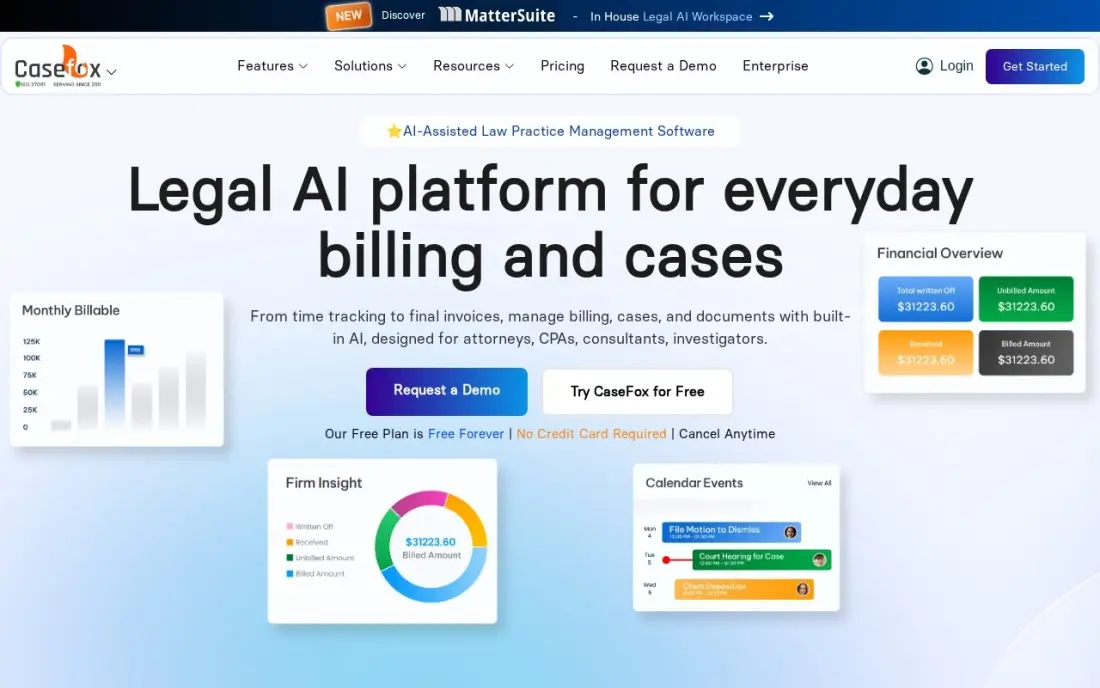
CaseFox is the cheapest way into legal case management because its free plan is a real one: Solo costs $0 for 2 users with no time limit and covers case management, timekeeping and billing. Pro costs $45 per user a month billed monthly, or $39 billed annually, and adds AI document templates, calendar management and full accounting. Enterprise costs $99 per user a month, and 24/7 live support is included.
The trade-offs are scale and track record. CaseFox has only 11 G2 reviews, no open API, and reviewers describe the mobile app as slow. A solo practitioner moving off spreadsheets loses nothing by starting here and can move to Clio or MyCase once the caseload grows.
What we like
- The only genuinely free plan here: Solo costs $0 for 2 users with no time limit
- Pro at $45/user/month is the cheapest paid entry in this list
- AI document templates are included on Pro, per reviewer reports
- 24/7 live-representative support is included, which is rare at this price
Watch out for
- Only 11 G2 reviews — the thinnest track record in this list, so the 4.0/5 rating is fragile
- No open API, so integrations depend on the vendor's own connectors
- The mobile app is slow when switching screens, and document storage needs improvement, per reviewers

Casebook
Best for: Human services agencies and nonprofits that manage clients across several programs
Casebook is built for the social services meaning of case management: an agency or nonprofit tracking clients, referrals and outcomes across programs such as child and family services, foster care, victim services, reentry and workforce programs. Intake is standardised across teams and each response links to the client record, while each program keeps its own forms and workflows. Staff can run prebuilt reports or build their own for funders.
Casebook says the platform is configured rather than custom-built and can go live in weeks, and it lists encryption, SSO, MFA and audit logging on a HIPAA-compliant platform. It publishes no prices, only that plans are per user and customisable, so ask for a written quote before a demo goes too far.
What we like
- Each program can run its own forms and workflows on one client record
- Prebuilt and custom reports from data staff already record
- Encryption, SSO, MFA and audit logging on a platform Casebook describes as HIPAA compliant
Watch out for
- No published prices, so budgeting needs a sales conversation
- Built for human services; not a fit for legal or customer service cases

HubSpot Service Hub
Best for: Small businesses that want customer cases on the same record as sales and marketing

HubSpot Service Hub treats each customer issue as a ticket on the same contact record as deals and marketing emails, so whoever picks up the case sees the full history. The free tools cover up to 2 users with live chat and basic tickets, and Starter costs $20 a seat a month, with a $7 a seat annual promotion for new customers. Over 1,000 integrations sit in its marketplace.
Starter has no full help desk workspace, customer portal or knowledge base; those arrive on Professional at $90 a seat a month. Budget renewals at the $20 list price rather than the promotion. Choose it when the business already runs HubSpot CRM and wants service cases in the same place.
What we like
- Tickets, deals and marketing share one contact record, so nothing is re-typed
- Free tools for up to 2 users cover live chat, tickets and a knowledge base at $0
- Starter at $20 a seat is the cheapest way into the HubSpot service suite
- More than 1,000 integrations in the App Marketplace
Watch out for
- Starter has no full help desk workspace, customer portal or knowledge base — those need Professional at $90 a seat
- AI features, including the Breeze Customer Agent, are excluded from Starter
- The $7 a seat Starter price is a new-customer promotion — budget renewals at the $20 list price

Salesforce Service Cloud
Best for: Companies on Salesforce that need case routing and escalation tied to accounts
Salesforce Service Cloud, now sold as Agentforce Service, is where the term case management is literal: the core object is the Case, linked to accounts, contacts and sales history on one platform. Starter Suite costs $25 per user a month, billed monthly or annually, and Pro Suite costs $100. Omnichannel routing, knowledge and AI arrive on higher editions, and a 30-day free trial is available.
The headline price is only the start. Knowledge editing, digital engagement, voice and AI are paid add-ons, implementation often takes months with outside help, and there is no free plan. Choose it when cases must connect to an existing Salesforce sales org.
What we like
- Cases, accounts and sales live on one Salesforce platform with no sync to maintain
- Starter Suite at $25/user/month is the cheapest entry point into Salesforce service
- Omnichannel routing, knowledge and AI arrive on the higher editions as the team grows
- The deepest customization and integration options in this list
Watch out for
- Knowledge editing, digital engagement, voice and AI are paid add-ons that can triple the per-user cost
- Implementation typically takes months and outside help for larger teams
- No free plan, and the admin learning curve is the steepest here

Zendesk
Best for: Support teams handling customer cases across email, chat, voice and social

Zendesk handles customer cases arriving from every channel in one agent workspace: email, chat, messaging, voice and social, with a help centre and AI agents included on Suite Team at $55 an agent a month billed annually, or $69 billed monthly. It has over 7,000 G2 reviews and the deepest integration catalogue among the customer service tools here.
The $19 Support Team plan is ticketing only, so most teams start on Suite Team. AI resolutions beyond five per agent a month cost $1.50 each committed or $2.00 pay-as-you-go, and Copilot is another $50 an agent a month on Suite Professional and above. Choose Zendesk when case volume, not CRM depth, is the problem.
What we like
- The broadest channel coverage here: email, chat, messaging, voice and social in one agent workspace
- AI agents included on Suite Team, with five automated resolutions per agent a month
- The largest review base in this list — over 7,000 G2 reviews — and the deepest integration catalog
Watch out for
- The $19 Support Team plan is ticketing only; chat, the help center and AI agents start on Suite Team at $55
- AI resolutions beyond the allowance cost $1.50 each committed or $2.00 pay-as-you-go
- Copilot costs $50 an agent a month and only on Suite Professional and above
The best case management software gives every case — a legal matter, a client in a social services program or a customer complaint — one record that holds the people, documents, deadlines and history, so nothing depends on someone's memory. We compared seven tools across those three kinds of case management, and every price below comes from the vendor's own pricing page or our verified tool data, checked in November 2026.
How to choose the best case management software
- Name your type of case first. Legal matters, human services clients and customer service tickets need different software, and a vendor strong in one is usually weak in the others.
- Map the record you need. List the fields, documents and dates a case must hold, then check the tool can hold them without workarounds.
- Check access and audit controls. Sensitive cases need role-based permissions, an audit trail and, for health information, a signed business associate agreement.
- Count every seat. Most tools price per user or per agent, so include part-time staff, supervisors and anyone who only reports.
- Test reporting early. Funders, courts and managers all ask for numbers; run the report you need most during the trial.
- Ask about migration. Moving years of case history is often the hardest part, so ask what the vendor imports for you.
If your organisation also needs to be found by the people it serves, our local SEO service helps law firms and community agencies show up in local search, and our guide to case management software for law firms covers legal tools in more depth.
Case management software pricing: what you will actually pay
Take a five-person law firm. Clio Manage Starter costs $49 per user a month, so $245 a month or $2,940 a year. MyCase Basic costs $50 per user a month billed annually, $3,000 a year, or $60 billed monthly, $3,600 a year, so annual billing saves $600. CaseFox Pro billed annually at $39 a user costs $2,340 a year, and a two-person firm could stay on its free plan.
A five-agent customer service team pays $3,300 a year on Zendesk Suite Team billed annually, against $4,140 billed monthly. Salesforce Service Cloud Starter Suite costs $1,500 a year for five users before add-ons, and HubSpot Service Hub Starter costs $1,200 a year at the $20 list price. Casebook publishes no price, so agencies should get a per-user quote, including implementation and training, in writing.
Know the difference: client case management vs customer case management
Client case management follows a person over time. A legal matter or a social services case stays open for months or years, collects documents, deadlines and notes from several staff, and has to show what happened and why. Clio Manage, MyCase, CaseFox and Casebook work this way, and their strengths are records, permissions and reporting.
Customer case management follows an issue to resolution. A support case opens when a customer writes in and closes when the problem is fixed, often within hours, and success is measured in response time and volume. Zendesk, HubSpot Service Hub and Salesforce Service Cloud work this way, with channels, routing and automation at the centre. Buying a help desk for social work, or a legal tool for customer support, means fighting the software every day.
Quick comparison: tool type by need
| Buyer | Best pick | Why |
|---|---|---|
| Law firms of any size | Clio Manage | The legal standard, Starter $49/user/month |
| Small firms wanting a client portal | MyCase | Cases, billing and portal, $50/user/month annual |
| Solo attorneys on no budget | CaseFox | Free Solo plan for 2 users |
| Human services agencies | Casebook | Program-based client records, custom quote |
| Small businesses on HubSpot | HubSpot Service Hub | Free tools for 2 users, Starter $20/seat |
| Salesforce companies | Salesforce Service Cloud | Cases tied to accounts, from $25/user/month |
| Multichannel support teams | Zendesk | Every channel in one workspace, $55/agent annual |
Mistakes to avoid
- Buying the wrong kind of case tool. A help desk cannot run a foster care caseload, and a legal tool cannot route support tickets.
- Storing health data without a BAA. If cases include health information, get a signed business associate agreement before migration.
- Budgeting on a promotional price. HubSpot's $7 Starter seat is a new-customer offer; renewals are at $20.
- Skipping the reporting test. A tool that cannot produce your funder or court report forces staff back into spreadsheets.
- Ignoring add-ons. Salesforce and Zendesk AI, voice and knowledge features cost extra; price the plan you will actually use.
How we chose
We split case management into its three common meanings — legal, human services and customer service — and chose the strongest tools for each, favouring published prices. Prices come from each vendor's own pricing page or our verified tool data checked in November 2026, with billing periods stated as the vendor shows them; Casebook's pages were read on November 21, 2026, and it publishes no prices, so we list it as custom quote. Ratings come from review pages checked on the dates shown in the sources. No vendor paid for a place in this list, and none of the links here are affiliate links.
What to do next
Write down the five fields and the one report your team needs most, then run a real case through two free plans or trials this week. Keep the tool where staff finish the case faster. If you also want more of the right clients to find you, book a free call.
Frequently asked questions
What is the best case management software?
It depends on the type of case. Clio Manage is the most widely used legal option from $49 per user a month, Casebook suits human services agencies on a custom quote, and Zendesk or Salesforce Service Cloud suit customer service teams, from $55 an agent and $25 a user a month respectively.
Is there free case management software?
Yes. CaseFox's Solo plan is free for 2 users with legal case management, timekeeping and billing, and HubSpot Service Hub's free tools cover tickets and live chat for up to 2 users. Casebook, Clio Manage, MyCase, Zendesk and Salesforce have no free plan.
How much does case management software cost?
On published prices, legal tools start at $39 to $50 per user a month (CaseFox Pro annual, Clio Manage Starter, MyCase Basic annual), customer service tools at $20 to $55 a seat a month, and human services platforms such as Casebook are quoted per organisation.
What is the difference between case management and practice management software?
In legal software the terms overlap: practice management includes case management plus billing, trust accounting and client intake. Clio Manage, MyCase and CaseFox are practice management systems with case management at their core.
What should case management software include?
At minimum, one record per case or client with contacts, documents, notes, tasks and deadlines, role-based access, an audit trail and reporting. Legal tools add time and billing; human services tools add intake, program enrolment and outcome reporting; customer service tools add channels and routing.
Is case management software HIPAA compliant?
Some is. Casebook describes its platform as HIPAA compliant with encryption, SSO and MFA. For any tool that will hold health information, ask the vendor to sign a business associate agreement before you store client records.
Sources we checked (10)
- Clio Manage — www.clio.com (checked November 8, 2026)
- Clio Manage reviews on G2 (checked November 8, 2026)
- MyCase — supportcenter.mycase.com/en/articles/14602725-mycase-basic-tier (checked November 8, 2026)
- CaseFox — www.casefox.com/pricing (checked November 8, 2026)
- CaseFox reviews on G2 (checked November 8, 2026)
- Casebook — www.casebook.net/pricing (checked November 21, 2026)
- HubSpot Service Hub — www.hubspot.com/pricing/service (checked November 12, 2026)
- Salesforce Service Cloud — www.salesforce.com/service-cloud/pricing (checked November 12, 2026)
- Zendesk — www.zendesk.com/pricing (checked November 12, 2026)
- Zendesk reviews on G2 (checked November 12, 2026)
Make one of these tools?
We re-check this list every quarter. Send a correction, request a review, or ask about a clearly labeled sponsored spot.
Request a listingShamim
Founder of SerpAstra
A full-stack digital marketer and SEO strategist covering technical and local SEO, AI search visibility, paid ads and lead generation for local businesses, e-commerce brands and SaaS teams.
Free SEO and AI visibility audit
Find out what is holding your rankings back
Send us your site. Within 2 business days you get a written audit, an AI visibility check and a short fix list ranked by impact. Free, with no contract attached.
Request my free audit→Related buying guides
 Legal8 Best Case Management Software for Law Firms in 2026, ComparedCompare the 8 best case management software for law firms on published prices, trust accounting and free trials, with prices checked November 7, 2026.Read guide →
 Nonprofit & Church8 Best Nonprofit CRM Software in 2026, ComparedCompare the 8 best nonprofit CRM software tools on donor management, fundraising, free plans, fees and contracts, with every price checked in November 2026.Read guide →
 Customer Service7 Best Help Desk Software with SLA Tracking in 2026Compare the 7 best help desk software with SLA tracking on SLA policies, escalations, the plan where SLAs start and real cost, with vendor-checked prices.Read guide →