
7 Best Help Desk Software with SLA Tracking in 2026
Compare the 7 best help desk software with SLA tracking on SLA policies, escalations, the plan where SLAs start and real cost, with vendor-checked prices.
 Shamim Mia, Founder, SerpAstraLast verified November 4, 20268 min read
We compare pricing pages, documentation and public reviews. We never accept payment for rankings.
Key takeaways
- Zoho Desk is the cheapest way to SLA tracking: SLAs and multi-level escalations come with the paid plans from Express at $7 an agent a month billed annually.
- Freshdesk puts multiple SLA policies on Pro at $55 an agent a month billed annually, and Zendesk's comparison table keeps SLAs off Support Team and Suite Team.
- For internal IT desks, Jira Service Management is free for 3 agents and Freshservice adds SLA management from Growth at $49 an agent a month billed annually.
- The real cost of SLA tracking is the plan it starts on, not the entry price — check that before you compare tools.
On this page
Quick comparison
| Tool | Best for | Starting price | Free plan |
|---|---|---|---|
| Zoho Desk | Small and mid-size support teams that want SLAs and escalations at the lowest price | $7/agent/mo (annual) | Yes (free plan) |
| Freshdesk | Growing support teams that need different SLA policies per customer tier | Pro $55/agent/mo (annual) | No (6-month program) |
| Zendesk | Omnichannel support teams that need SLA targets across email, chat and voice | SLAs on Suite Professional $115/agent/mo | No (14-day trial) |
| Jira Service Management | IT and internal service teams that want SLA goals on requests for free up to 3 agents | Free (3 agents); $21.50/agent/mo | Yes (3 agents) |
| Freshservice | IT teams that want SLA management with a service catalog in a mid-priced ITSM tool | $19/agent/mo (annual) | No (14-day trial) |
| ServiceNow | Large enterprises that need SLA tracking across IT, HR and facilities requests | Custom quote | No (demo only) |
| Salesforce Service Cloud | Salesforce companies that must track contract-based response commitments per account | $25/mo | No (30-day trial) |
Make one of these tools?
We re-check this list every quarter. Send a correction, request a review, or ask about a clearly labeled sponsored spot.
Request a listingThe best help desk software with SLA tracking

Zoho Desk
Best for: Small and mid-size support teams that want SLAs and escalations at the lowest price
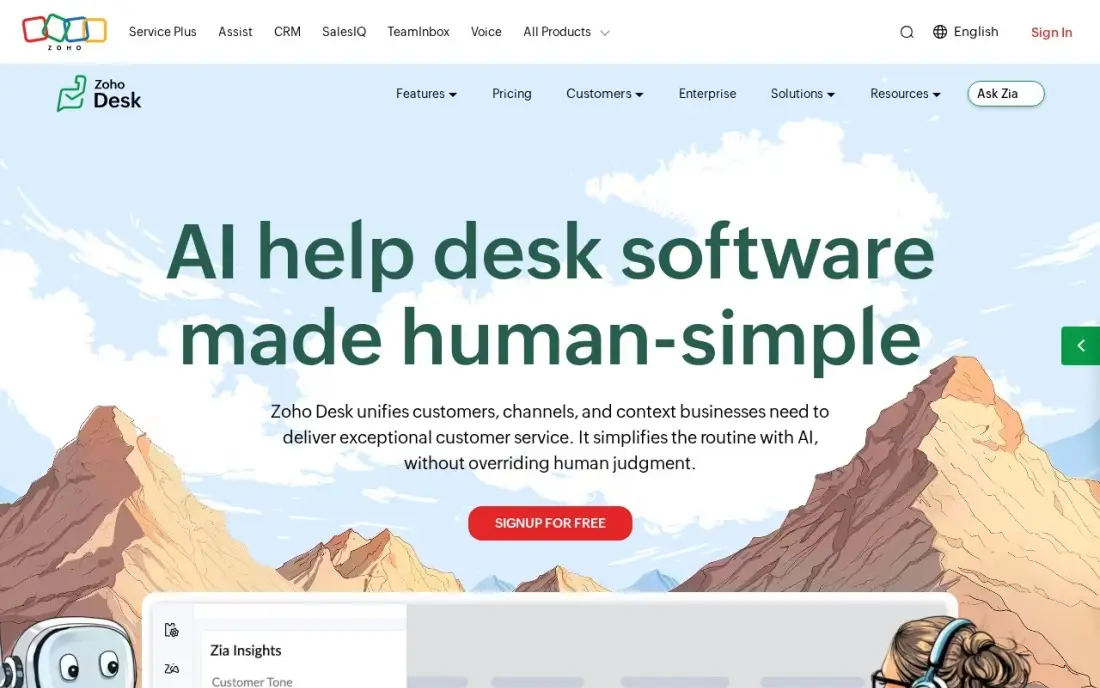
Zoho Desk is the cheapest help desk here with real SLA tracking. Its pricing FAQ says the free edition lacks SLAs and the paid editions unlock them, and the Express plan at $7 an agent a month billed annually lists multi-level escalations, so an overdue ticket can move up to a team lead and then a manager automatically. Standard at $14 adds the Answer Bot.
The limits are elsewhere: Express stops at five agents, so the sixth agent moves the whole team to Standard, and live chat and IVR wait for Enterprise at $40. For an email-first support team that needs response-time targets without a big budget, it is the easiest place to start.
What we like
- A real free plan for up to 3 agents, with no time limit
- Cheapest paid plan here: Express at $7/agent/month billed annually
- Generative AI features start on Express, and the Answer Bot arrives on Standard at $14
- Deep Zoho ecosystem: CRM, Books, SalesIQ and telephony connect without third-party tools
Watch out for
- Express stops at 5 agents — a sixth agent forces the whole team onto Standard at $14
- Live chat and IVR wait for Enterprise at $40/agent/month billed annually
- Telephony is metered separately, so call costs sit outside the seat price

Freshdesk
Best for: Growing support teams that need different SLA policies per customer tier
Freshdesk lists multiple SLA policies on its Pro plan at $55 an agent a month billed annually, which is what a team needs once VIP customers, standard customers and partners get different response and resolution targets. Growth starts at $19 an agent a month billed annually with ticketing, a portal, a knowledge base and automations, and Enterprise costs $89.
Budget at the Pro price if tiered SLAs are the reason you are buying. Freddy AI Copilot costs $29 an agent a month extra on Pro and Enterprise, and omnichannel messaging sits in the separate Freshdesk Omni line. Its SLA reports and automations are mature and well documented.
What we like
- The cheapest entry among the big three help desks at $19 an agent a month billed annually
- Growth covers email ticketing, a shared inbox, a customer portal, a knowledge base and automations from day one
- 500 Freddy AI Agent sessions included once per account, with AI answers on the entry plan
Watch out for
- No free plan anymore — only a six-month Free Program for up to two agents
- Freddy AI Copilot costs $29 an agent a month on Pro and Enterprise, and extra AI sessions cost $49 per 100
- Omnichannel messaging and chat sit on Freshdesk Omni, a separate, pricier product line

Zendesk
Best for: Omnichannel support teams that need SLA targets across email, chat and voice
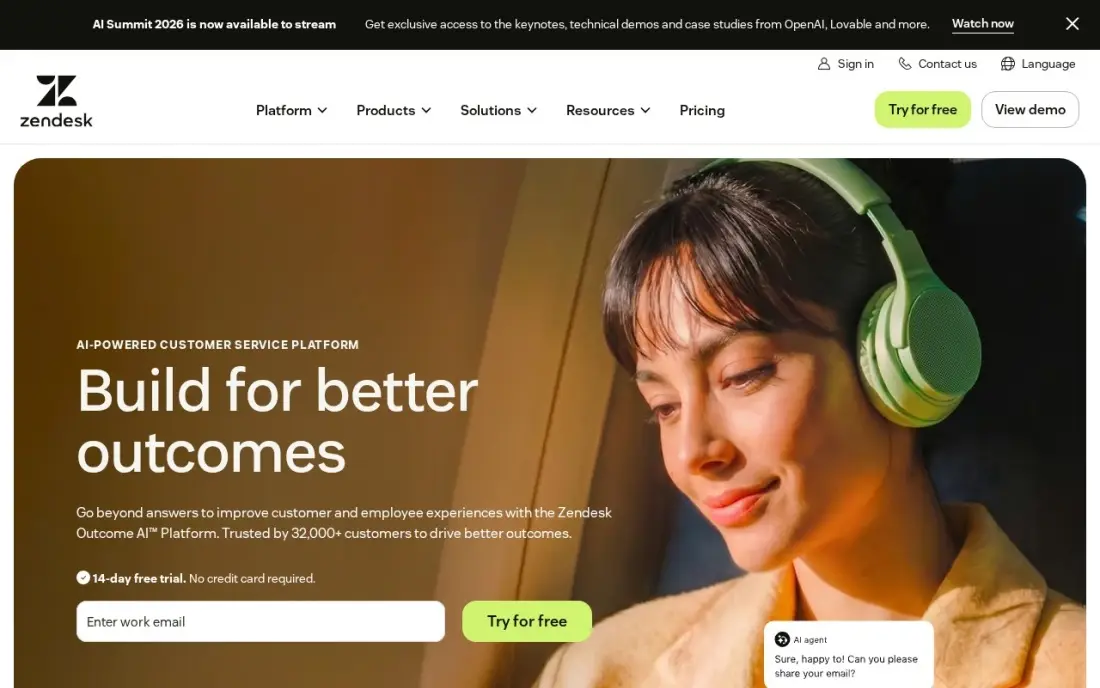
Zendesk's SLA policies set first-reply, next-reply and resolution targets that apply across email, messaging and voice tickets in one workspace, and its views and triggers make breaches visible to every agent. Its comparison table marks service level agreements as not included on Support Team or Suite Team, so plan on Suite Professional at $115 an agent a month billed annually, or $149 monthly.
That is the most expensive route to SLA tracking in this list for a small team. For a mid-size team that already needs Zendesk's channels and integrations, the SLA tooling is strong, but price AI resolutions beyond the allowance at $1.50 to $2.00 each on top.
What we like
- The broadest channel coverage here: email, chat, messaging, voice and social in one agent workspace
- AI agents included on Suite Team, with five automated resolutions per agent a month
- The largest review base in this list — over 7,000 G2 reviews — and the deepest integration catalog
Watch out for
- The $19 Support Team plan is ticketing only; chat, the help center and AI agents start on Suite Team at $55
- AI resolutions beyond the allowance cost $1.50 each committed or $2.00 pay-as-you-go
- Copilot costs $50 an agent a month and only on Suite Professional and above

Jira Service Management
Best for: IT and internal service teams that want SLA goals on requests for free up to 3 agents
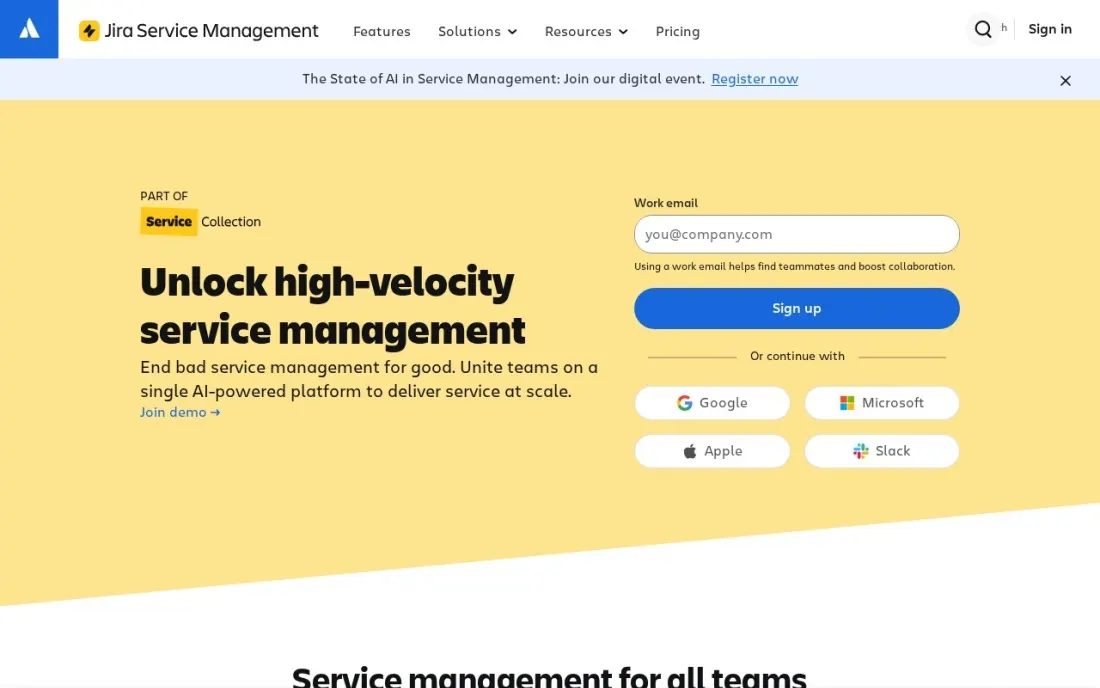
Jira Service Management is built for IT and internal service teams, and SLA goals are part of how it works: each request type can carry time-to-first-response and time-to-resolution targets that show on the queue. It is free forever for three agents with queues and a knowledge base, and Standard costs $21.50 an agent a month billed monthly, adding asset and configuration management.
Atlassian now sells it inside its Service Collection, and Premium at $55.28 an agent a month adds a financially backed 99.9% uptime SLA for the platform itself. Setup takes more configuration than a simple help desk, but tickets that need a developer link straight into Jira.
What we like
- Free forever for three agents, with queues and a knowledge base included
- Built around service requests, incidents and approvals with SLA goals on each request type
- Standard at $21.50 an agent a month adds asset and configuration management
- Requests link straight to engineering work in Jira
Watch out for
- Needs more configuration than a shared-inbox help desk
- Enterprise pricing is annual-only and available through sales
- Better suited to internal service than to customer email support

Freshservice
Best for: IT teams that want SLA management with a service catalog in a mid-priced ITSM tool
Freshservice is Freshworks' IT service management product, aimed at internal IT teams rather than customer support. According to its pricing comparison, SLA management starts on Growth at $49 an agent a month billed annually, alongside the service catalog, so an IT desk can set response targets by request type and priority. Starter costs $19 and Pro $99.
The free trial runs 14 days with every feature unlocked, and Enterprise is by quote. Asset management is licensed in packs of 500 asset units, so price that separately if you plan to track hardware. It is easier to run than ServiceNow for a mid-size IT team.
What we like
- SLA management and a service catalog both start on Growth at $49 an agent a month billed annually
- Knowledge management is included from the $19 Starter plan
- A 14-day trial unlocks every feature before you choose a plan
Watch out for
- Starter does not include SLA management, so the real entry for SLAs is $49
- Enterprise is priced by quote
- Asset management is licensed separately in packs of 500 asset units

ServiceNow
Best for: Large enterprises that need SLA tracking across IT, HR and facilities requests
ServiceNow tracks service levels across incidents, requests and changes on one platform, which matters when an SLA spans teams, such as a laptop request that needs HR approval, procurement and IT setup. It is sold in Foundation, Advanced and Prime tiers, AI assists have been in every tier since April 2026, and requesters are free.
There is no published price; third-party estimates put fulfiller licences at roughly $70 to $200 a user a month, and G2 reviewers report about five months to implement. Choose it when SLA reporting has to cover the whole enterprise, not one support queue.
What we like
- IT Service Management is sold in three tiers — Foundation, Advanced and Prime — with AI assists bundled into every tier since April 2026
- One platform covers incidents, requests, changes, problems and knowledge, with workflow automation across all of them
- Rated 4.5 out of 5 on G2 from 2,021 reviews, with features and automation the most-cited strengths
- Requesters are free: only the staff who fulfil tickets need paid licences
Watch out for
- No published price: every deal is a custom quote, and third-party estimates put ITSM fulfilment at roughly $70-$200 per user per month
- G2 reviewers report a typical implementation of about 5 months
- Heavy customization needs specialist administrators, and licensing costs rise with every module

Salesforce Service Cloud
Best for: Salesforce companies that must track contract-based response commitments per account
Service Cloud suits SLA tracking when commitments live in customer contracts: cases sit on the same Salesforce record as the account and contract, so a gold-tier customer's response target can follow the account automatically. Starter Suite costs $25 a user a month, and omnichannel routing, knowledge and AI arrive on higher editions.
The cost rises quickly. Knowledge editing, digital engagement, voice and AI are paid add-ons that can triple the per-user price, implementation usually takes months, and there is no free plan. It is worth it for teams already on Salesforce, not for a support team starting fresh.
What we like
- Cases, accounts and sales live on one Salesforce platform with no sync to maintain
- Starter Suite at $25/user/month is the cheapest entry point into Salesforce service
- Omnichannel routing, knowledge and AI arrive on the higher editions as the team grows
- The deepest customization and integration options in this list
Watch out for
- Knowledge editing, digital engagement, voice and AI are paid add-ons that can triple the per-user cost
- Implementation typically takes months and outside help for larger teams
- No free plan, and the admin learning curve is the steepest here
The best help desk software with SLA tracking starts a clock on every ticket, pauses it at the right times, warns agents before a target slips and reports how often you kept your promises. We compared seven tools for customer support and internal IT, focusing on the plan where SLA features actually begin, and every price below comes from the vendor's own pricing page as checked in November 2026.
How to choose the best help desk software with SLA tracking
- Find the plan where SLAs start. Several tools leave SLA policies off their entry plan, so the price that matters is the first plan with SLAs, not the cheapest plan.
- Check business hours and pauses. Timers should respect working hours, holidays and time zones, and pause while a ticket waits on the customer.
- Look for escalations before breach. Warnings at, say, 75% of the target and automatic reassignment do more than a red badge after the fact.
- Decide if you need several policies. Different targets for VIP customers or contract tiers need multiple SLA policies, which often cost more.
- Test the reports. You want breach rates by team, priority and channel, and the ability to export them for a client or manager.
- Match the tool to the desk. Customer support help desks and IT service desks both track SLAs, but around different workflows.
Response-time data also shows which questions take longest to answer. Turning those into clear help articles cuts ticket volume, and our AI search optimization service helps those articles get found in Google and AI answers before customers open a ticket.
Help desk software with SLA tracking pricing: what you will actually pay
Take a 10-agent customer support team that needs SLA tracking. On annual billing, Zoho Desk Express costs 10 × $7 = $70 a month, but a team of 10 is past Express's five-agent limit, so Standard at 10 × $14 = $140 a month is the real figure. Freshdesk Pro, the plan with multiple SLA policies, costs 10 × $55 = $550 a month. Zendesk Suite Professional costs 10 × $115 = $1,150 a month, or $1,490 billed monthly.
For a 10-agent IT desk, Jira Service Management Standard costs 10 × $21.50 = $215 a month billed monthly, with a free plan for up to three agents. Freshservice Growth, where SLA management starts, costs 10 × $49 = $490 a month billed annually. Over a year that is $2,580 for Jira Service Management against $5,880 for Freshservice and $13,800 for Zendesk Suite Professional on annual billing, so compare the features you will use, not only the timer.
Know the difference: SLA policy vs OLA
An SLA, or service level agreement, is the promise you make to the person who raised the ticket: a first response within four hours, a resolution within two business days. In a help desk it becomes a policy with conditions, such as priority or customer tier, and targets that start a timer on each matching ticket.
An OLA, or operational level agreement, is a promise between internal teams that supports the SLA. If support must resolve within two days but needs billing to issue a refund, an OLA gives billing its own target, such as one day. IT service desks such as Jira Service Management, Freshservice and ServiceNow handle these handoffs most naturally; customer help desks usually track them with group-level targets or automations instead.
Quick comparison: tool type by need
| Buyer | Best pick | Why |
|---|---|---|
| Lowest-cost SLAs | Zoho Desk | SLAs and escalations on paid plans from $7/agent/month annual |
| Tiered customer SLAs | Freshdesk | Multiple SLA policies on Pro at $55/agent/month annual |
| Omnichannel SLAs | Zendesk | SLA policies across channels on Suite Professional, $115/agent/month annual |
| Free IT service desk | Jira Service Management | Free for 3 agents, Standard $21.50/agent/month |
| Mid-size IT teams | Freshservice | SLA management and service catalog from $49/agent/month annual |
| Enterprise service management | ServiceNow | SLAs across IT, HR and facilities, by quote |
| Contract-based SLAs | Salesforce Service Cloud | Targets follow the account record, from $25/user/month |
Mistakes to avoid
- Setting targets you cannot meet. An SLA breached every week teaches agents to ignore the timer; start with targets you hit 90% of the time.
- Forgetting business hours. A 24-hour target that counts weekends will show false breaches every Monday.
- Not pausing on customer replies. If the clock keeps running while you wait for the customer, the report blames the wrong side.
- Tracking only first response. A fast "we're looking into it" can hide slow resolutions; track resolution time too.
- Buying the top tier for one feature. If you only need one SLA policy, a cheaper plan or tool may cover it.
How we chose
We checked each vendor's pricing and plan comparison pages in November 2026, recorded the starting price exactly as shown and noted the plan where SLA features begin, saying so where the page did not make it clear. We ranked tools by how well they handle SLA policies, business hours, escalations and reporting for a typical 5–50 agent team. Ratings come from G2 pages checked on the dates shown in the sources where we list them. No vendor paid for a place in this list, and none of the links here are affiliate links.
What to do next
Write down your current targets by priority, then run two weeks of real tickets through a trial of the tool that fits your desk and compare its breach report with what you see today. If faster answers on your website would mean fewer tickets to begin with, book a free consultation.
Frequently asked questions
What is the best help desk software with SLA tracking?
For customer support on a budget, Zoho Desk unlocks SLAs on its paid plans from $7 an agent a month billed annually. Freshdesk Pro at $55 adds multiple SLA policies, and Zendesk Suite Professional at $115 covers SLAs across every channel. For IT teams, Jira Service Management and Freshservice are the strongest picks.
What is SLA tracking in a help desk?
SLA tracking sets targets for first response and resolution, starts a timer on each ticket, pauses it outside business hours or while waiting on the customer, and warns or escalates before a breach. Reports then show the share of tickets that met each target.
Is there free help desk software with SLA tracking?
Jira Service Management is free forever for 3 agents and is built around SLA goals on requests. Zoho Desk's free plan does not include SLAs, according to its pricing FAQ, and Freshservice offers a 14-day trial with all features rather than a free plan.
Which Zendesk plan includes SLAs?
Zendesk's comparison table marks service level agreements as not included on Support Team or Suite Team, so teams that need SLA policies should budget for Suite Professional at $115 an agent a month billed annually, or $149 billed monthly.
How many SLA policies does a support team need?
Most teams start with one policy by priority, such as urgent, high, normal and low. Add separate policies only when contracts promise different targets to customer tiers, which is when tools like Freshdesk Pro with multiple SLA policies earn their price.
What is a good first response SLA for email support?
Many teams set four to eight business hours for normal email tickets and one hour or less for urgent issues. Pick targets you can meet at least 90% of the time with current staffing, then tighten them once you have a few months of data.
Sources we checked (10)
- Zoho Desk — www.zoho.com/desk/pricing.html (checked November 12, 2026)
- Freshdesk — www.freshworks.com/freshdesk/pricing (checked November 12, 2026)
- Freshdesk reviews on G2 (checked November 12, 2026)
- Zendesk — www.zendesk.com/pricing (checked November 12, 2026)
- Zendesk reviews on G2 (checked November 12, 2026)
- Jira Service Management — www.atlassian.com/software/jira/service-desk/pricing (checked November 19, 2026)
- Freshservice — www.freshworks.com/freshservice/pricing (checked November 19, 2026)
- ServiceNow — www.servicenow.com/lpgp/pricing.html (checked November 4, 2026)
- ServiceNow reviews on G2 (checked November 4, 2026)
- Salesforce Service Cloud — www.salesforce.com/service-cloud/pricing (checked November 12, 2026)
Make one of these tools?
We re-check this list every quarter. Send a correction, request a review, or ask about a clearly labeled sponsored spot.
Request a listingShamim
Founder of SerpAstra
A full-stack digital marketer and SEO strategist covering technical and local SEO, AI search visibility, paid ads and lead generation for local businesses, e-commerce brands and SaaS teams.
Free SEO and AI visibility audit
Find out what is holding your rankings back
Send us your site. Within 2 business days you get a written audit, an AI visibility check and a short fix list ranked by impact. Free, with no contract attached.
Request my free audit→Related buying guides
 Customer Service9 Best Ticketing Software for Support Teams in 2026, ComparedCompare the 9 best ticketing software for customer support on free plans, per-agent prices, AI fees and the real monthly cost for five agents, checked in 2026.Read guide →
 Customer Service7 Best Free Helpdesk Software in 2026, ComparedCompare the 7 best free helpdesk software on agent limits, ticketing, knowledge bases and the first paid step, with every free plan checked on vendor pages.Read guide →
 Customer Service7 Best Helpdesk Software for Enterprise in 2026, ComparedCompare the 7 best helpdesk software for enterprise on scale, AI agents, routing, admin depth and real seat cost, with every price checked on vendor pages.Read guide →