
7 Best Community Management Tools in 2026, Compared
Compare the 7 best community management tools for brands, creators and SaaS teams on moderation, integrations, fees and real monthly cost, with prices checked.
 Shamim Mia, Founder, SerpAstraLast verified November 5, 202610 min read
We compare pricing pages, documentation and public reviews. We never accept payment for rankings.

Key takeaways
- Circle is the best all-round community management tool for brands and creators, at $89 a month billed annually with unlimited members, courses and events.
- Bettermode is the pick for SaaS and customer communities that need SSO, API access and a Q&A knowledge base, from $4,788 a year on Starter.
- Discourse and Discord are free to start; Discourse suits searchable support forums and Discord suits real-time chat communities.
- Watch transaction fees on paid communities: Skool's Hobby plan keeps 10% plus 30 cents of every sale, while Circle and Mighty Networks take 2% on their entry plans.
On this page
Quick comparison
| Tool | Best for | Starting price | Free plan |
|---|---|---|---|
| Circle | Brands and creators that want one branded home for discussions, courses, events and paid memberships | $89/mo | No (14-day trial) |
| Bettermode | SaaS companies running customer communities with Q&A, SSO and product integrations | $399/mo (annual) | No |
| Discourse | Support and product teams that want a searchable forum they own and control | Free; Pro $100/mo | Yes (free) |
| Mighty Networks | Hosts who run a community alongside courses, memberships and livestreams | $79/mo | No (14-day trial) |
| Skool | Coaches running one paid group who want gamification to keep members active | $9/mo | No (14-day trial) |
| Discord | Gaming, creator and developer communities that want real-time chat and voice for free | $29.99/yr (Nitro Basic annual) | Yes (free) |
| Geneva | Small clubs and hobby groups that want chat, forums, video and events in one free app | Free | Yes (free) |
Make one of these tools?
We re-check this list every quarter. Send a correction, request a review, or ask about a clearly labeled sponsored spot.
Request a listingThe best community management tools

Circle
Best for: Brands and creators that want one branded home for discussions, courses, events and paid memberships
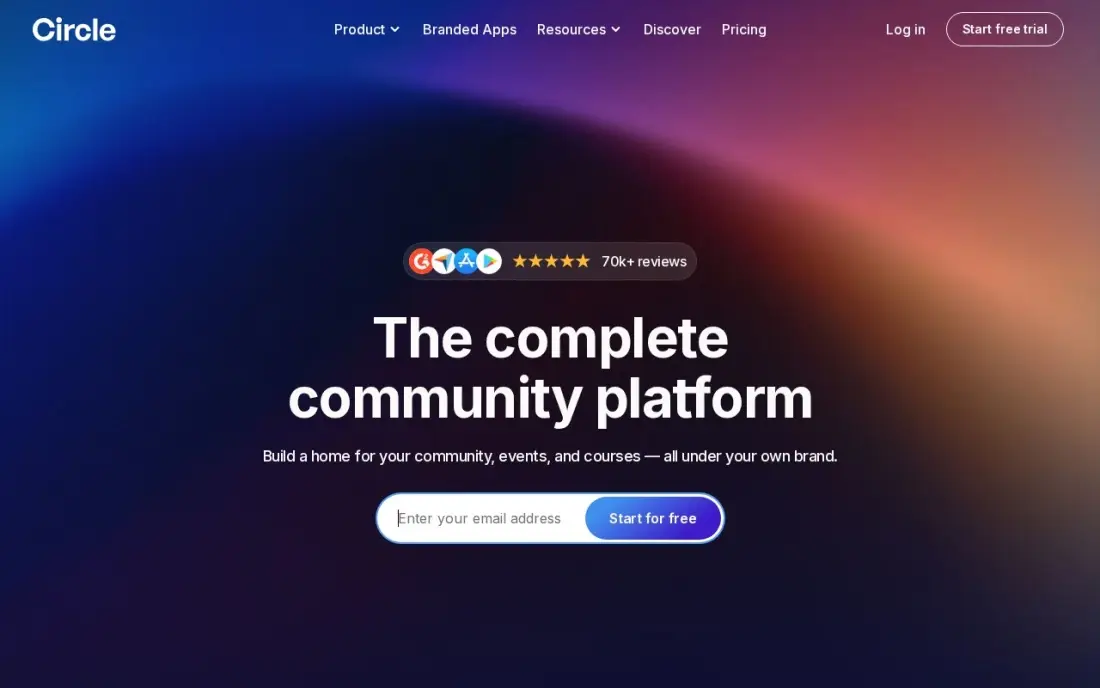
Circle gives a community manager most of the tools in one place: discussion spaces, live events, courses, a website and paid memberships, with unlimited members and a custom domain from the entry plan. Members use Circle's own apps, so posts are organised by space and searchable rather than buried in a feed. G2 rates it 4.5 out of 5 from 554 reviews.
Professional costs $89 a month billed annually, or $129 billed monthly, with a 14-day trial. Circle takes 2% of every payment on Professional on top of Stripe fees, and the workflows, API and removal of Circle branding wait for Business at $199 a month. Price that tier if you plan to automate onboarding.
What we like
- Unlimited members on every plan, so growth never forces an upgrade
- Community, courses, events and paid memberships in one subscription
- Custom domain included from the entry plan
- 14-day free trial with no credit card required
Watch out for
- No free plan — a 14-day trial is the only no-cost path
- A 2% transaction fee on Professional sits on top of Stripe processing
- Workflows, the API and removing Circle branding wait for Business at $199/month

Bettermode
Best for: SaaS companies running customer communities with Q&A, SSO and product integrations
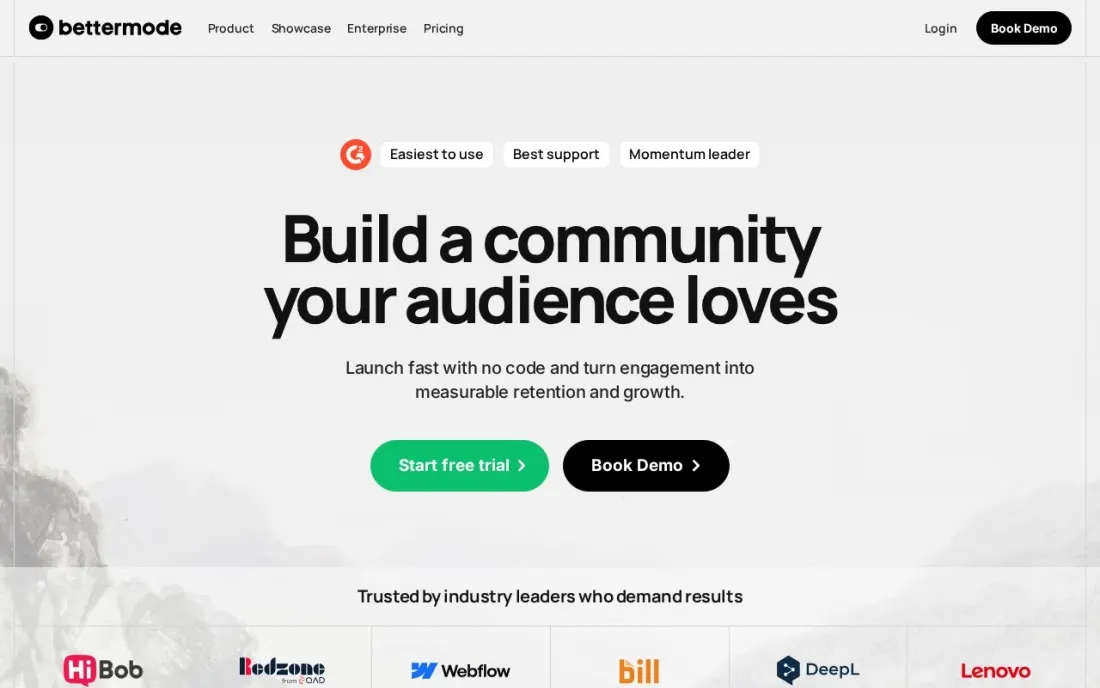
Bettermode is built for companies whose community is part of the product: a place for customers to ask questions, share answers and hear about releases. Every plan includes Q&A, discussions, events, polls, private messaging and chat, with a custom domain and social login, and Starter connects to Zapier, Slack, Mailchimp and HubSpot. It covers up to 10,000 members and five admins or moderators.
Starter costs $4,788 a year, which the pricing page shows as $399 a month on yearly billing, though its comparison table lists $499. API access, webhooks, OAuth2 single sign-on and Ask AI need Growth at $18,000 a year, and SAML needs Premium. There is no free plan or trial on the page.
What we like
- Q&A, discussions, events, polls, private messaging and chat on every plan
- Social login and integrations such as Zapier, Slack, Mailchimp and HubSpot on Starter
- Growth adds API, webhooks, OAuth2 single sign-on, Ask AI and removal of Bettermode branding
Watch out for
- Starter costs $4,788 a year and has no API access
- The pricing page shows two different monthly rates for yearly billing, so confirm the figure in writing
- Growth jumps to $18,000 a year; SAML and JWT single sign-on need the quote-only Premium plan

Discourse
Best for: Support and product teams that want a searchable forum they own and control
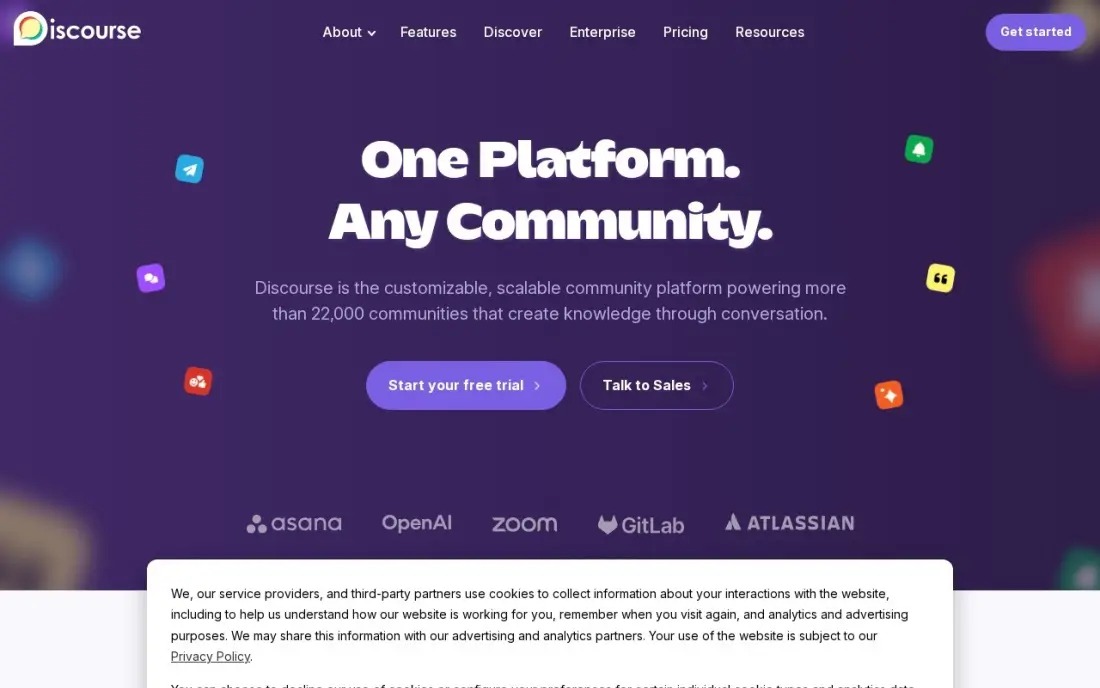
Discourse is the community tool for long-lived, searchable conversations. Every topic has its own URL, answers stay findable for years and can show up in Google, and the software is open source, so you can self-host it or pay for managed hosting. The hosted Free plan covers unlimited members, 500,000 page views a month, 5 GB of storage and 20,000 emails a month.
Pro costs $100 a month and adds a custom domain, API and webhook access and more staff seats. The format is a forum, not a chat app, so it suits Q&A and support better than casual conversation, and setup and theming take more work than a hosted app. G2 rates it 4.0 out of 5 from 68 reviews.
What we like
- Open source — self-host free or pay for managed hosting
- Discussions stay searchable for years
- Unlimited members even on the free plan
- Plugins and API on paid plans
Watch out for
- Forum format, not chat — slow back-and-forth suits Q&A better than live conversation
- Custom domain and API need Pro at $100/month
- Setup and theming take more work than a hosted community app

Mighty Networks
Best for: Hosts who run a community alongside courses, memberships and livestreams
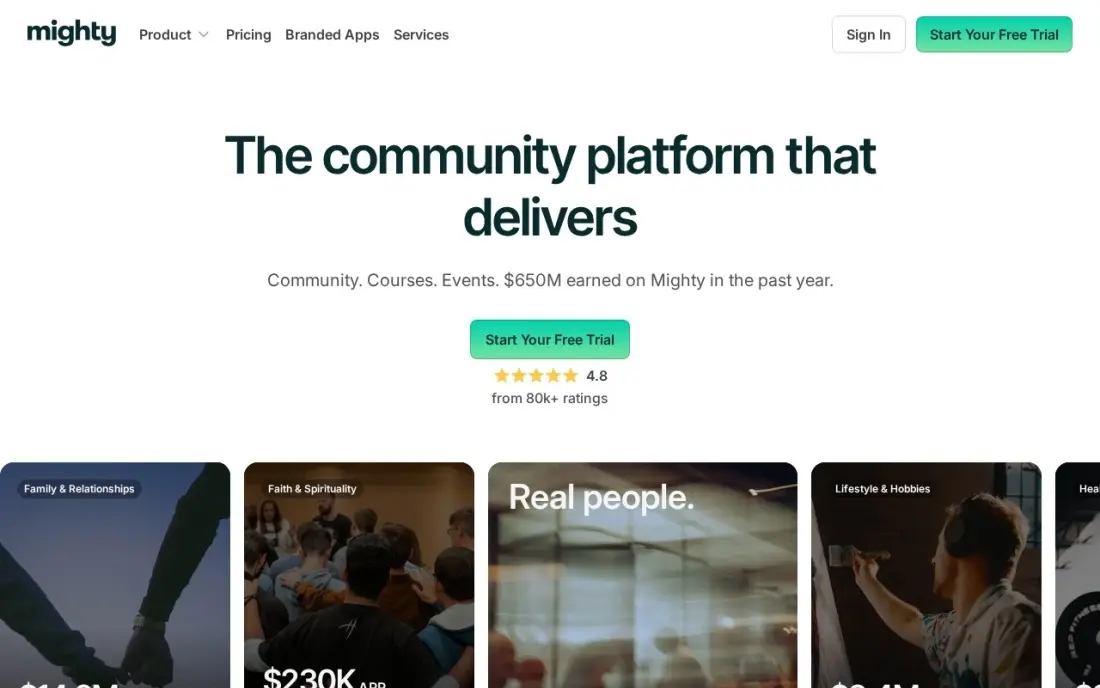
Mighty Networks suits community managers whose members come for learning as well as discussion. Launch includes unlimited members and spaces, courses, events, livestreaming and the AI Cohost assistant, which helps plan and run the community, all in one branded app. G2 rates it 4.6 out of 5 from 782 reviews.
Launch costs $79 a month billed annually, or $95 billed monthly, with a 14-day trial and no free plan. It takes 2% of each sale on Launch on top of Stripe fees, and the old $49 Community plan has been removed. Pick it when courses and live teaching sit at the centre of the community.
What we like
- Unlimited members and spaces on every plan
- Livestreaming and courses included from Launch, not held for a higher tier
- AI Cohost helps plan and run the community
- Annual billing gives two months free
Watch out for
- No free plan — a 14-day trial is the only no-cost path
- A 2% transaction fee on Launch sits on top of Stripe processing
- The old $49/month Community plan was removed, so entry now starts at $79/month

Skool
Best for: Coaches running one paid group who want gamification to keep members active
Skool is the simplest community tool here, and its gamification is the main draw: points, levels and leaderboards reward members for posting, finishing lessons and joining calls. Both plans include unlimited members, courses, videos and live calls, and the price is per group, so 5,000 members cost the same as 50.
Hobby costs $9 a month billed monthly, or $7.50 billed annually, and Pro $99 a month. The catch is the transaction fee: Hobby keeps 10% plus 30 cents of every sale, while Pro drops it to 2.9% plus 30 cents. There is no custom domain, so every group lives on skool.com, and there is a 14-day trial.
What we like
- Flat price per group, not per member — 50 members cost the same as 5,000
- Gamification (points, levels, leaderboards) built in
- Unlimited members, courses, videos and live calls on both plans
- 14-day free trial with no credit card required
Watch out for
- No free plan — a 14-day trial is the only no-cost path
- Hobby takes 10% + 30¢ of every sale, which gets expensive fast
- No custom domain — every group lives at skool.com/your-path

Discord
Best for: Gaming, creator and developer communities that want real-time chat and voice for free

Discord is the default for communities that talk in real time. Free servers include text channels, voice channels, screen sharing and video, on desktop, mobile and the web, and a well-run server with roles and channels can serve thousands of members without paying anything. Most servers never need a paid plan.
Nitro Basic costs $2.99 a month and full Nitro $9.99 a month, but those are personal perks rather than community management features. Messages are not end-to-end encrypted, conversations scroll away quickly and are hard to search, and you do not own the platform. Pair it with a forum or knowledge base if answers need to last.
What we like
- Free servers with text channels, voice channels, screen sharing and video — no paid plan needed to run a community
- Works on iPhone, Android, Windows, Mac, Linux and the web, with the same account everywhere
- Nitro Basic at $2.99 a month is the cheapest paid step up in this list
- Two Server Boosts come with full Nitro, and members can join up to 200 servers
Watch out for
- Messages are not end-to-end encrypted, and server admins can read channel messages
- Conversations scroll away quickly and are hard to search, so answers do not last
- Full Nitro at $9.99 a month buys cosmetics and perks, not features most people need

Geneva
Best for: Small clubs and hobby groups that want chat, forums, video and events in one free app

Geneva puts chat rooms, discussion boards, video hangouts, events, polls and member profiles in one free app on web and mobile. It was built for groups rather than adapted from a workplace tool, so a small club can run its conversations, calls and calendar from one place without the setup a forum or chat server needs.
Geneva publishes no paid price, so the cost of growing past the free plan is unclear until you ask. Its user base is small, which means fewer tutorials and integrations, and it has no native courses or paid memberships. Choose it for a volunteer-run club; choose Circle or Bettermode when the community is a business asset.
What we like
- Chat, forums, video and events in one app at no cost
- Clean, simple interface with little to learn
- No member caps published for the free plan
- Works on web and mobile
Watch out for
- Geneva publishes no paid price, so scaling costs are unclear
- Small user base means fewer tutorials and integrations
- No native courses or paid memberships
The best community management tools give your members a place to meet that you control, and give you the moderation, events, analytics and integrations to keep that place active. We compared seven platforms, from free chat servers and forums to branded community apps for creators and customer communities for SaaS companies, and every price below comes from the vendor's pricing page as checked in November 2026.
How to choose the best community management tools
- Decide what members come for. Support answers suit a forum, learning suits a course-led platform, and casual conversation suits chat.
- Check who owns the space. A platform on your own domain keeps members and content with you; a third-party server does not.
- Look at moderation and roles. Admin seats, moderator permissions and reporting tools decide how much work the community creates.
- Price transaction fees for paid communities. Fees from 2% to 10% plus 30 cents per sale can outweigh the subscription.
- Check integrations and single sign-on. Customer communities need to connect to the CRM, email tool and product login.
- Make content searchable. Answers that disappear into a chat scroll get asked again every week.
A community can be one of the best sources of search traffic you own, because members write the questions real buyers ask. Our monthly SEO service helps brands turn that content into rankings, and the free FAQ schema generator marks up your best-answered questions so search engines can show them.
Which community management tool fits your situation
A creator or brand launching a paid membership. Circle covers discussions, courses, events and paid memberships with unlimited members and a custom domain, at $89 a month billed annually. Use the 14-day trial, and budget for the 2% fee on Professional on top of Stripe. If you plan to automate onboarding or remove Circle branding, price Business at $199 a month from the start. Mighty Networks is the alternative when courses and livestreams sit at the centre, at $79 a month billed annually with the same 2% fee.
A coach running one paid group. Skool's flat per-group price and built-in points, levels and leaderboards suit a single coaching community. Hobby looks cheap at $9 a month, but it keeps 10% plus 30 cents of every sale, so once the group earns real revenue, Pro at $99 a month with 2.9% plus 30 cents usually costs less. There is no custom domain, so the group lives on skool.com.
A SaaS company building a customer community. Bettermode includes Q&A, discussions and events on every plan, with Zapier, Slack, Mailchimp and HubSpot on Starter at $4,788 a year for up to 10,000 members. API access, webhooks and OAuth2 single sign-on need Growth at $18,000 a year, and the pricing page shows two monthly rates for Starter, so confirm the figure in writing. Discourse is the lower-cost route, with a free hosted plan and Pro at $100 a month for a custom domain and API.
A gaming, creator or developer group that talks in real time. Discord servers are free with text, voice, screen sharing and video, and most servers never need a paid plan. Answers scroll away and are hard to search, and you do not own the platform, so pair it with Discourse if the same questions keep coming back.
A small volunteer-run club. Geneva puts chat, forums, video and events in one free app with little to learn. It publishes no paid price and has no courses or paid memberships, so move to Circle or Bettermode if the community becomes a business asset.
Community management tools pricing: what you will actually pay
Take a community of 2,000 members with a paid tier bringing in $3,000 a month. On Circle Professional, the subscription costs $89 a month billed annually, or $1,068 a year, and the 2% fee on $3,000 adds $60 a month. Mighty Networks Launch costs $79 a month billed annually, or $948 a year, with the same 2% fee. On Skool Hobby, the subscription is $9 a month, but the 10% fee on $3,000 is $300 a month before the 30-cent charge per sale; Pro at $99 a month with a 2.9% fee costs far less at that revenue.
For a free community, Discourse's hosted Free plan, Discord and Geneva cost nothing, and Discourse Pro at $100 a month adds a custom domain and API. A SaaS company that needs a customer community on its own domain with integrations would pay $4,788 a year on Bettermode Starter, and $18,000 a year on Growth for API access and single sign-on.
Know the difference: forums vs chat communities
Forums organise conversation into topics. Discourse, Bettermode and Circle's discussion spaces give every question its own page with replies underneath, so the best answer stays findable, can be marked as solved and can appear in search results. They suit support, product feedback and any community where the same questions come up again.
Chat communities organise conversation by time. Discord, Geneva's chat rooms and Skool's feed move fast and feel social, which builds relationships and keeps members coming back daily. The trade-off is memory: last month's answer is hard to find. Many community managers run both — chat for daily connection and a forum or knowledge base for the answers that need to last.
Quick comparison: tool type by need
| Buyer | Best pick | Why |
|---|---|---|
| Brands and creators | Circle | Discussions, courses, events and payments, $89/month billed annually |
| SaaS customer communities | Bettermode | Q&A, integrations and SSO, from $4,788/year |
| Support forums | Discourse | Free hosted plan, searchable threads you own |
| Course-led communities | Mighty Networks | Courses and livestreams, $79/month billed annually |
| Paid coaching groups | Skool | Gamification, from $9/month plus transaction fees |
| Real-time chat groups | Discord | Free servers with text and voice channels |
| Small clubs | Geneva | Chat, forums, video and events free in one app |
Mistakes to avoid
- Launching to an empty room. Seed the first spaces with real questions and answers before you invite members.
- Building on a platform you cannot leave. Check how members and content export before you put years of answers on it.
- Ignoring the fee on paid tiers. At a few thousand dollars a month, transaction fees matter more than the plan price.
- Too many spaces too early. A dozen empty channels looks dead; start with three and add more when they fill up.
- No moderation plan. Write the rules and name the moderators before the first argument, not after.
Related comparisons: Community Platform Software
How we chose
We picked platforms that cover the main community formats — branded community apps, forums, customer communities and chat servers — and judged each on moderation, member experience, integrations and cost. We checked starting prices on vendor pricing pages in November 2026 and recorded them exactly as shown, including annual and monthly figures; where Bettermode's page shows conflicting monthly rates, we say so. Ratings come from G2 pages on the dates shown in the sources. No vendor paid for a place in this list, and none of the links here are affiliate links.
What to do next
Write down the one thing members will come to your community for, choose the format that fits it, and run a 30-day pilot with 50 hand-picked members on a free plan or trial before opening the doors. If you want the community's answers to bring in search traffic, book a free consultation.
Frequently asked questions
What are the best community management tools?
Circle is the best all-round community platform for brands and creators, from $89 a month billed annually. Bettermode suits SaaS customer communities, Discourse suits searchable support forums, Mighty Networks suits course-led communities, Skool suits paid coaching groups, and Discord and Geneva are free for chat-based groups.
Is there a free community management platform?
Yes. Discourse has a free hosted plan with unlimited members and 500,000 page views a month, Discord servers are free, and Geneva has a free plan. Circle, Mighty Networks and Skool offer 14-day trials but no free plans.
How much does community software cost?
Skool starts at $9 a month, Mighty Networks at $79 a month billed annually, Circle at $89 a month billed annually and Discourse Pro at $100 a month. Bettermode Starter costs $4,788 a year, and Growth $18,000 a year.
What is the best community platform for SaaS companies?
Bettermode is built for customer communities, with Q&A, product integrations and single sign-on on higher plans. Discourse is the lower-cost alternative, with a free hosted plan and searchable threads that can rank in Google.
Should I use Discord or a community platform?
Use Discord for real-time chat and voice where conversations do not need to last. Use a platform such as Circle or Discourse when you want searchable discussions, member profiles, your own domain and data you control.
What does a community manager need from software?
Moderation tools and member roles, analytics on activity and retention, events, onboarding flows, integrations with the CRM or email tool, and a way to keep answers searchable. Paid communities also need payments with fees you have priced.
Sources we checked (10)
- Circle — circle.so/pricing (checked November 5, 2026)
- Circle reviews on G2 (checked November 5, 2026)
- Bettermode — go.bettermode.com/pricing (checked November 16, 2026)
- Discourse — www.discourse.org/pricing (checked November 5, 2026)
- Discourse reviews on G2 (checked November 5, 2026)
- Mighty Networks — www.mightynetworks.com/pricing (checked November 5, 2026)
- Mighty Networks reviews on G2 (checked November 5, 2026)
- Skool — www.skool.com/pricing (checked November 5, 2026)
- Discord — discord.com/nitro (checked November 10, 2026)
- Geneva — geneva.com (checked November 5, 2026)
Make one of these tools?
We re-check this list every quarter. Send a correction, request a review, or ask about a clearly labeled sponsored spot.
Request a listingShamim
Founder of SerpAstra
A full-stack digital marketer and SEO strategist covering technical and local SEO, AI search visibility, paid ads and lead generation for local businesses, e-commerce brands and SaaS teams.
Free SEO and AI visibility audit
Find out what is holding your rankings back
Send us your site. Within 2 business days you get a written audit, an AI visibility check and a short fix list ranked by impact. Free, with no contract attached.
Request my free audit→Related buying guides
 Marketing10 Best Alternatives to Facebook Groups in 2026Compare the 10 best alternatives to Facebook Groups by starting price, free plans and community features, with every price checked November 5, 2026.Read guide →
 Marketing7 Best Forum Platforms in 2026, ComparedCompare the 7 best forum platforms on hosting, ownership, moderation and real cost, from free open-source software to hosted plans, with prices checked.Read guide →
 Marketing8 Best Membership Website Software in 2026, ComparedCompare the 8 best membership website software on monthly price, transaction fees, courses, community and member limits, with prices checked on vendor pages.Read guide →