
9 Best Construction Company Website Design Platforms in 2026
Compare the 9 best construction company website design platforms and services on project galleries, quote forms, local SEO and cost, checked on vendor pages.
 Shamim Mia, Founder, SerpAstraLast verified November 1, 20268 min read
We compare pricing pages, documentation and public reviews. We never accept payment for rankings.

Key takeaways
- Squarespace and Wix are the quickest ways to build good construction company websites yourself, with polished project galleries from $19 and $29 a month billed annually.
- WordPress gives builders and contractors the most control over service-area pages and local SEO, as free software with paid hosting.
- Houzz Pro, Thryv and Jobber bundle a website with the tools contractors already need: Houzz Pro Teams adds a custom website from $399 a month, Thryv Starter costs $99 and Jobber Core includes a basic site.
- Webflow and Duda suit construction firms working with a designer or agency; Scorpion is the done-for-you option, priced by quote.
On this page
Quick comparison
| Tool | Best for | Starting price | Free plan |
|---|---|---|---|
| Squarespace | Builders and remodelers who want a polished project portfolio with little setup | $25/mo | No (14-day trial) |
| Wix | Small contractors who want to build their own site for free first | $36/mo | Yes (free plan) |
| WordPress.org | Contractors who want full control of local SEO and service-area pages | Free (software) | Yes (software free) |
| Webflow | Construction firms working with a designer on a custom, fast site | Free; CMS plans from $25/mo | Yes (Starter) |
| Duda | Web designers and agencies building sites for several construction clients | $19/mo (annual) | No (14-day trial) |
| Houzz Pro | Remodelers and design-build firms that want a website, CRM and Houzz profile together | $99/mo | Yes (free plan) |
| Thryv | Contractors whose main problem is being found locally | $99/mo | No (free trial) |
| Jobber | Small trade contractors who want a basic website inside their job management app | $49/mo | No (14-day trial) |
| Scorpion | Established contractors that want websites, SEO and ads done for them | Custom quote | No |
Make one of these tools?
We re-check this list every quarter. Send a correction, request a review, or ask about a clearly labeled sponsored spot.
Request a listingThe best construction company website design

Squarespace
Best for: Builders and remodelers who want a polished project portfolio with little setup
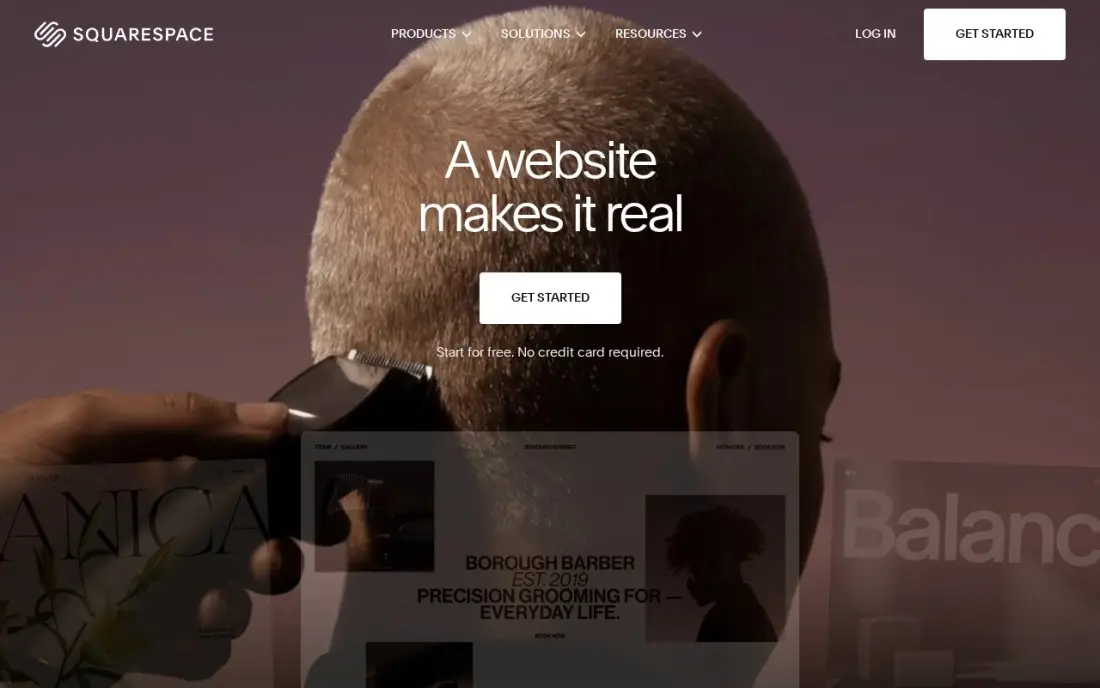
Squarespace has the most polished templates in this list, and its strong photo and video layouts suit a construction company whose best sales tool is finished work: before-and-after galleries, project case studies and a team page. Hosting and SSL are included, and annual billing adds a free custom domain for the first year.
Basic costs $25 a month, or $19 billed annually, with a 14-day trial. Basic allows two contributors and no code injection, which limits call-tracking and some estimate widgets. Its local SEO tools are simpler than WordPress's, so plan your service-area pages carefully.
What we like
- The most polished templates here, with strong photography and video presentation for skin care
- Unlimited products, subscription products and abandoned cart recovery on every plan
- Hosting, SSL and a free custom domain for the first year are included on annual billing
- Invoices, memberships and digital content are built in, not add-ons
Watch out for
- Basic adds a 2% Squarespace fee on every online store sale, on top of card processing
- Only two contributors on Basic, so a team quickly outgrows it
- No code injection on Basic, which limits custom tracking and widgets


Wix lets a contractor build a construction website from hundreds of templates with no code, and bookings, a blog and marketing tools sit in the same dashboard for consultation requests and project updates. The free plan lets you build and preview the whole site before paying, though it uses a Wix address.
Core costs $36 a month, or $29 billed annually, with 50 GB of storage and five collaborators, plenty for large project photo galleries. Wix runs first-year discounts often, so budget for the renewal price. It is a sensible do-it-yourself option for a small builder.
What we like
- Core takes payments with 0% platform fee through Wix Payments, at 2.9% + 30c a card sale
- Bookings, a blog and marketing tools sit in the same dashboard as the store
- Hundreds of templates and an app market, with no code needed to launch
- A free plan exists for the website, so the brand can build before it pays
Watch out for
- Light at $17 a month billed annually cannot take payments, so selling starts at Core
- Core's 50 GB of storage and 5 collaborators cap a growing catalog and team
- Wix runs 50%-off first-year promotions often, so the renewal price is the honest one to budget

WordPress.org
Best for: Contractors who want full control of local SEO and service-area pages
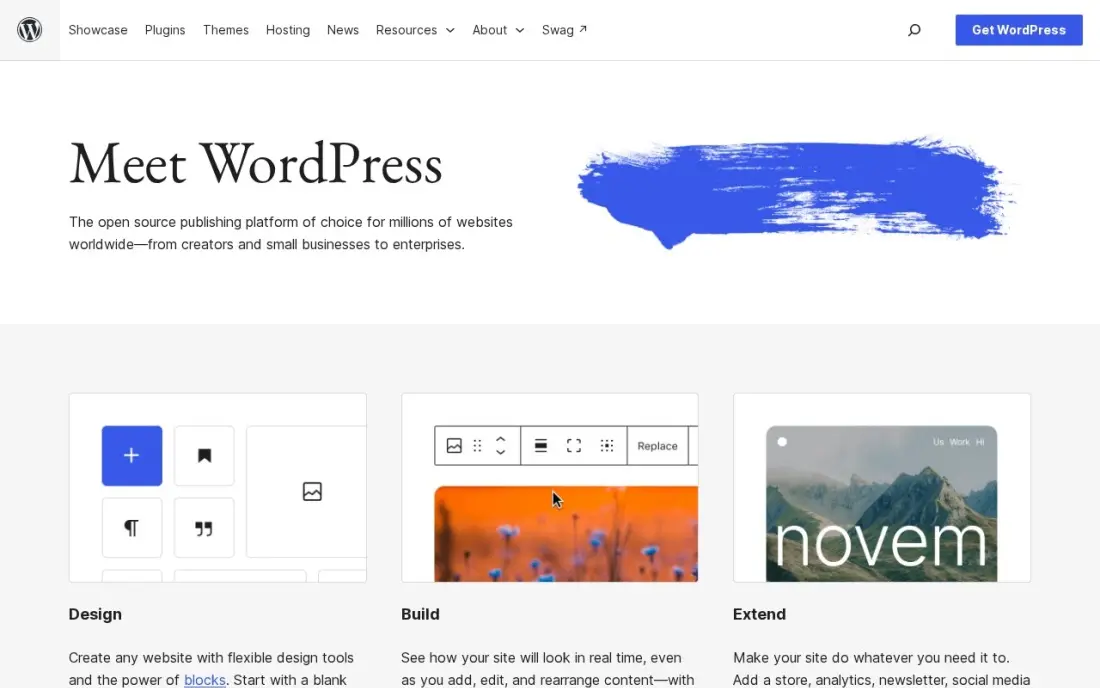
WordPress gives a construction company complete control over the pages that win local work: a page for each service and each town you cover, project pages with schema, and quote forms routed to the right estimator. The software is free, free SEO plugins such as Rank Math and Yoast SEO handle the technical basics, and you can move hosts or designers without losing the site.
Hosting, security, backups and updates are your job or your web designer's, and a site loaded with plugins can slow down on phones. Choose it when local search is your main lead source and you want to own the site outright.
What we like
- Full control of technical SEO: URLs, redirects, schema, sitemaps and robots rules are all yours to change
- Largest plugin ecosystem of any platform here, including free SEO plugins such as Rank Math and Yoast SEO
- No platform lock-in: move hosts, change themes and keep your content and data
Watch out for
- You arrange hosting, security, backups and updates yourself, or pay someone to do it
- Speed and security depend on your host and plugin choices, so a bad setup can hold rankings back

Webflow
Best for: Construction firms working with a designer on a custom, fast site
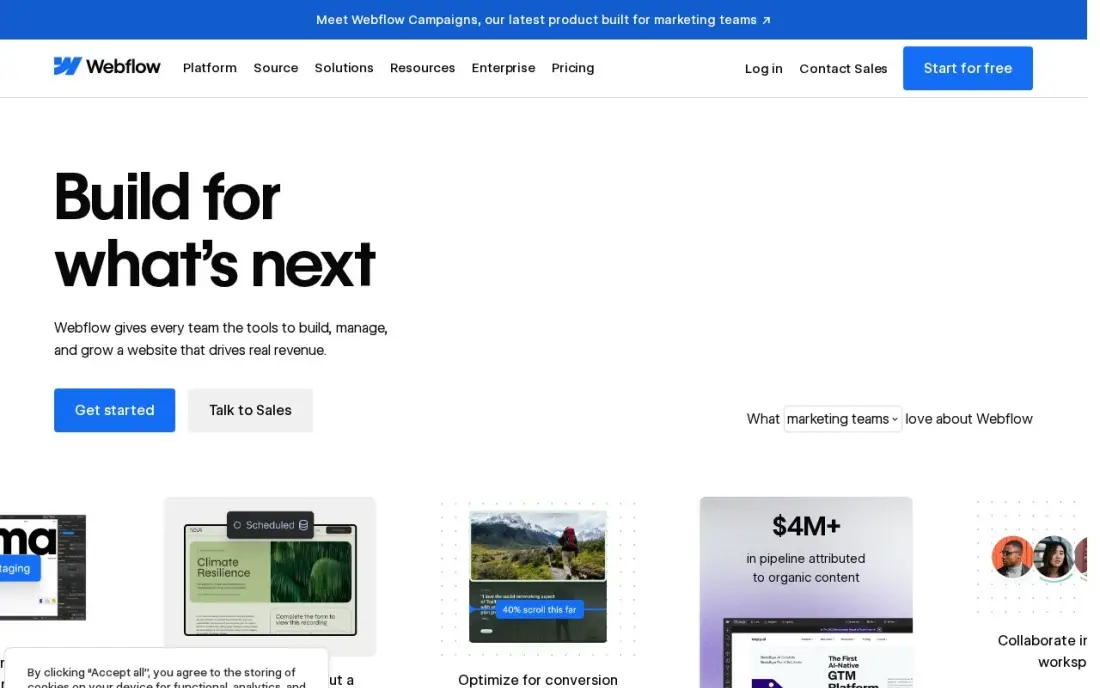
Webflow suits a commercial builder or design-build firm that wants its website to stand out: a designer builds custom templates visually, and the CMS stores projects, services and locations as collections, so adding a finished job is a form, not a design task. Hosting and security come from Webflow, with no plugins to update.
A site with a CMS costs $39 a month, or $25 billed annually; Basic at $15 has no CMS. Editor seats are billed separately at $15 or $39 a seat a month billed yearly. It is less suited to a contractor building the site alone.
What we like
- Visual designer with a real CMS: 20,000 CMS items and 40 collections on Premium
- Premium includes site search, 50 GB bandwidth and code components
- No plugins to update; hosting, security and the CMS come from one vendor
Watch out for
- Basic at $15 a month has no CMS at all, so a blog or content site must pay $25 a month billed annually
- Editing seats are a separate bill: $15 a month for a limited seat and $39 for a full seat, billed yearly

Duda
Best for: Web designers and agencies building sites for several construction clients

Duda is built for professionals who make websites for clients, so it fits an agency or freelancer serving builders, roofers and remodelers. Client management, team collaboration and AWS hosting are included, and Basic adds unlimited storage and bandwidth and 150 monthly AI credits for drafting service pages.
Basic costs $25 a month, or $19 billed annually, for one published site, and each extra site costs $19 a month. White-label branding needs the $149-a-month White Label plan. A construction company building its own site will find Squarespace or Wix simpler; agencies get more from Duda.
What we like
- Built for client work: client management, team collaboration and white-label options in one account
- Basic includes unlimited storage and bandwidth, AWS hosting and 150 monthly AI credits
- AI tools include an AI Visibility add-on from $19 a month for tracking brand mentions in AI answers
Watch out for
- Basic includes only one published site, and each extra site costs $19 a month
- White-label branding waits for the $149-a-month White Label plan
- Priority support starts on Agency at $52 a month billed annually, not on Basic

Houzz Pro
Best for: Remodelers and design-build firms that want a website, CRM and Houzz profile together
Houzz Pro sells business software and a lead source in one subscription: estimates, proposals, invoicing, a CRM and 3D floor plans, plus a profile on Houzz, where homeowners browse projects and find pros. Teams, from $399 a month, adds unlimited users, AI note-taking, email marketing and a custom website. A free plan covers the 3D floor planner, estimates and invoicing.
Design costs $99 a month and Pro $199, each for one user, with extra people at $50 a month, but the custom website arrives on Teams. The advertising package is a separate $499 a month. It suits a residential remodeler who wins work on Houzz.
What we like
- The only tool here that pairs the CRM with a Houzz profile where homeowners actually search for pros
- Design at $99 a month includes 3D floor plans, mood boards, selections, a CRM, estimates and online payments
- A real free plan covers the 3D floor planner, estimates and invoicing at $0
- Teams from $399 a month adds unlimited users, AI note-taking, email marketing and a custom website
Watch out for
- Design and Pro each cover one user — every extra person costs $50 a month until Teams at $399
- Contracts, takeoffs and schedules wait for Pro at $199 a month, not the $99 Design plan
- The advertising package is a separate $499 a month on top of any software plan

Thryv Starter costs $99 a month and combines an AI website builder with listings on more than 60 directories, AI review management and trackable phone numbers, so a contractor can see which marketing brings calls. For a builder whose phone is quiet, that mix tackles visibility rather than just design.
Starter covers one user and no social media management, which waits for Signature at $399 a month, and done-for-you Boosts for ads and search are sold separately. Ignore older $244-a-month bundle prices on third-party sites. It is a strong pick for a small contractor focused on local leads.
What we like
- Listings pushed to 60+ directories from one dashboard, with AI review management included on Starter
- AI website builder and trackable phone numbers show which marketing actually brings calls
- A $99 starting price undercuts most contractor marketing bundles by a wide margin
- 24/7 chat support on Starter, with phone and email support on Signature
Watch out for
- Starter covers one user and no social media management — that waits for Signature at $399/month
- Done-for-you Boosts (ads, search, social, brand) are sold separately on top of the plan
- Thryv's older Business Center bundles ($244/month and up) still circulate in third-party listings and confuse the price picture

Jobber
Best for: Small trade contractors who want a basic website inside their job management app
Jobber is job management software for home-service businesses, and Core includes a basic website alongside online booking, quoting, scheduling, invoicing and a client hub. For a small contractor, that means a simple site where customers can request work, with requests flowing straight into the quoting workflow.
Core costs $49 a month billed monthly, or $29 billed annually, for one user, and card payments cost 2.9% plus 30 cents per transaction. The website is basic, so a builder relying on search or a showcase portfolio will want Squarespace or WordPress, linking its booking form to Jobber.
What we like
- Built for field service: quoting, scheduling, invoicing, online booking and payments in one place
- Core at $49/month covers a solo operator with no per-job fees
- Clients get a self-serve hub for booking, quotes and payments
- More than 100 integrations, including QuickBooks and Google Calendar
Watch out for
- Core covers one user only — a second person means Connect, which starts higher
- The sales pipeline is a $49/month add-on, not included on Core
- Card payments cost 2.9% plus 30 cents per transaction on top of the plan price

Scorpion
Best for: Established contractors that want websites, SEO and ads done for them
Scorpion is a done-for-you digital marketing platform serving more than 20,000 businesses, combining websites, SEO, paid ads and AI tools, with reporting that ties leads to revenue. For a larger construction or home-improvement company that wants one provider to build the site and fill the pipeline, it covers more than any builder here.
Scorpion publishes no pricing, so every engagement is a custom quote. It serves many industries, so ask who on the team works on construction accounts, what results they can show for builders and who owns the website if you leave.
What we like
- Largest platform here: 20,000+ businesses served, with SEO, ads, websites and AI tools on one platform
- Reporting ties leads to revenue, with intake tools included rather than bolted on
- Deep bench and technology budget no boutique can match
Watch out for
- Not legal-only, so legal expertise varies by team — ask who actually works on your account
- No named AI-search or GEO service on its site, so confirm that work is included
The best construction company website design shows your finished work, makes it obvious which services and areas you cover, and turns a visitor into a quote request in two taps. We compared nine platforms and services for construction company websites, from do-it-yourself builders to contractor software with a website included and a done-for-you agency, on project galleries, quote forms, local SEO and real cost. Every price comes from the vendor's own pricing page, checked in November 2026.
How to choose the best construction company website design
- Lead with your projects. Large, fast-loading photo galleries and short case studies sell construction work better than any slogan.
- Build a page per service and area. "Kitchen remodeling in Austin" needs its own page to rank; one services page will not.
- Make contact effortless. Click-to-call, a short quote form and your licence and insurance details should appear on every page.
- Decide who will maintain it. Pick a platform you or your team can update with new projects every month.
- Connect it to your tools. Quote requests should flow into your CRM or job management software, not a forgotten inbox.
- Check mobile speed. Most homeowners browse on a phone, and heavy galleries can make pages slow.
Most construction leads start with a local search. Our local SEO service helps builders and contractors rank in Google Maps and local results, and the free local business schema generator marks up your service area, hours and contact details for search engines.
Construction company website design pricing: what you will actually pay
Take a small builder running a portfolio site for a year. Squarespace Basic costs $228 a year at $19 a month billed annually, or $300 billed monthly; Wix Core costs $348 a year at $29 a month billed annually; and Webflow's CMS tier costs $300 a year at $25 billed annually. WordPress.org is free software, so the cost is hosting, a theme and your designer's time. Duda Basic costs $19 a month billed annually per site, which an agency builds into its fee.
Bundled options cost more but do more. Thryv Starter costs $99 a month, $1,188 a year, with listings, reviews and an AI website. Houzz Pro's custom website comes with Teams, from $399 a month, or $4,788 a year, alongside unlimited users and email marketing. Jobber Core costs $29 a month billed annually, $348 a year, with a basic website inside the job management app. Scorpion quotes each engagement.
Know the difference: website builder vs contractor marketing platform
A website builder, such as Squarespace, Wix, WordPress, Webflow or Duda, gives you a site and the tools to design it. You, or your designer, decide the pages, write the copy and handle SEO, and you can switch builders without changing how you run jobs. It costs less and gives more design freedom.
A contractor platform, such as Houzz Pro, Thryv or Jobber, includes a website as one part of software you use to win and run work: listings and reviews on Thryv, a Houzz profile and CRM on Houzz Pro, quoting and scheduling on Jobber. The websites are simpler, but leads land straight in the system you already use. A done-for-you agency such as Scorpion builds and markets the site for you.
Quick comparison: tool type by need
| Buyer | Best pick | Why |
|---|---|---|
| Portfolio-first builders | Squarespace | Polished galleries, Basic $19/month billed annually |
| DIY on a budget | Wix | Free plan, Core $29/month billed annually |
| Local SEO control | WordPress.org | Free software, full control of service-area pages |
| Custom design | Webflow | Visual design with a CMS for projects |
| Agencies serving contractors | Duda | Client management, $19 per extra site |
| Remodelers on Houzz | Houzz Pro | CRM, Houzz profile and website on Teams |
| Being found locally | Thryv | AI website, listings and reviews for $99/month |
| Trades running jobs | Jobber | Basic website inside job management, from $29/month |
| Done-for-you marketing | Scorpion | Websites, SEO and ads, custom quote |
Mistakes to avoid
- Using stock photos of other people's work. Real project photos build trust; stock images undermine it.
- Hiding your service area. List the towns and regions you cover, each with its own page where it matters.
- Burying the phone number. Put click-to-call in the header on mobile.
- Uploading huge photo files. Resize and compress gallery images so pages load quickly on a phone.
- Leaving the site untouched for years. Add a finished project every month; fresh work shows you are busy and gives search engines new pages.
How we chose
We checked each vendor's pricing page in November 2026 and recorded the starting price exactly as shown, with annual-billing rates where listed. Scorpion publishes no prices, so we list it as a custom quote. We compared the nine options on project presentation, quote and lead handling, local SEO control, ease of updating and yearly cost for a small builder. Ratings come from G2 pages checked on the dates shown in the sources; options without a rating we verified show none. No vendor paid for a place in this list, and none of the links here are affiliate links.
What to do next
Gather photos of your ten best projects and list every service and town you want work from, then build those pages on the free trial or plan of your top two options. Make the quote form the last thing you test. See how your company ranks locally, free.
Frequently asked questions
What is the best website builder for a construction company?
Squarespace is the best do-it-yourself option for a polished project portfolio, from $19 a month billed annually. WordPress gives the most local SEO control, and Wix has a free plan for building first.
What should a construction company website include?
Services, service areas, a project gallery with case studies, licences and insurance, reviews, team, a clear quote request form and click-to-call on every page. Each main service and town deserves its own page.
How much does a construction company website cost?
Do-it-yourself platforms cost $19 to $29 a month billed annually on Squarespace or Wix. Bundled options include Thryv Starter at $99 a month and Houzz Pro Teams with a custom website from $399 a month. Agencies such as Scorpion quote each project.
Should a contractor hire a web designer or build the site?
A small contractor can build a good site on Squarespace or Wix in a few weekends. Firms competing in busy markets usually benefit from a designer or agency on WordPress, Webflow or Duda.
How do construction companies get leads from their website?
Through local search: service and town pages, a complete Google Business Profile, reviews and project pages with photos. A visible quote form and phone number on every page turn those visits into enquiries.
Do construction websites need a blog?
Not necessarily, but project write-ups, cost guides and permit explainers answer what homeowners and developers search for and give each service page more to link to.
Sources we checked (16)
- Squarespace — www.squarespace.com/pricing (checked November 12, 2026)
- Squarespace reviews on G2 (checked November 12, 2026)
- Wix — www.wix.com/plans (checked November 12, 2026)
- Wix reviews on G2 (checked November 12, 2026)
- WordPress.org — wordpress.org (checked November 2, 2026)
- WordPress.org reviews on G2 (checked November 2, 2026)
- Webflow — webflow.com/pricing (checked November 10, 2026)
- Webflow reviews on G2 (checked November 10, 2026)
- Duda — www.duda.com/pricing (checked November 10, 2026)
- Duda reviews on G2 (checked November 10, 2026)
- Houzz Pro — www.houzz.com/pro/pricing (checked November 12, 2026)
- Houzz Pro reviews on G2 (checked November 12, 2026)
- Thryv — thryv.com/pricing (checked November 5, 2026)
- Thryv reviews on G2 (checked November 5, 2026)
- Jobber — getjobber.com/pricing (checked November 12, 2026)
- Scorpion — www.scorpion.co (checked November 1, 2026)
Make one of these tools?
We re-check this list every quarter. Send a correction, request a review, or ask about a clearly labeled sponsored spot.
Request a listingShamim
Founder of SerpAstra
A full-stack SEO and digital marketer who spends most days on Local SEO for dental practices, AI search visibility and lead generation.
Free SEO and AI visibility audit
Find out what is holding your rankings back
Send us your site. Within 2 business days you get a written audit, an AI visibility check and a short fix list ranked by impact. Free, with no contract attached.
Request my free audit→Related buying guides
 Construction & Field Service7 Best Marketing Software for Contractors in 2026, ComparedCompare the 7 best marketing software for contractors on price, reviews and trade-specific features, with every price checked November 5, 2026.Read guide →
 Construction & Field Service12 Best Construction CRM Software in 2026, ComparedCompare the 12 best construction crm software options for builders and remodelers on price, free plans and fit, with every price checked November 12, 2026.Read guide →
 Construction & Field Service7 Best Apps for Contractors in 2026: Free and Paid Apps RankedCompare the 7 best app for contractors picks on price, free plans and field features — every price checked on the vendor page, November 7, 2026.Read guide →