
7 Best Contract Drafting Software in 2026, Compared
Compare the 7 best contract drafting software tools, from AI Word add-ins for lawyers to template builders for business teams, with prices from vendor pages.
 Shamim Mia, Founder, SerpAstraLast verified November 10, 20269 min read
We compare pricing pages, documentation and public reviews. We never accept payment for rankings.

Key takeaways
- Spellbook and Gavel Exec are the picks for lawyers who draft in Microsoft Word; Gavel Exec publishes its price at $160 a user a month.
- PandaDoc and Zoho Contracts are the cheapest ways for business teams to draft from templates, both with free plans.
- Juro and Contractbook suit growing companies that want browser-based drafting with templates and self-serve workflows.
- Ironclad is the enterprise choice when drafting has to sit inside approvals, negotiation and obligation tracking.
On this page
Quick comparison
| Tool | Best for | Starting price | Free plan |
|---|---|---|---|
 Spellbook | Transactional lawyers who draft clauses and full agreements inside Microsoft Word | Custom quote | No (7-day trial) |
 Gavel Exec | Attorneys who want AI drafting and redlining in Word with a published per-user price | $160/mo | No (25 free queries) |
 PandaDoc | Sales and operations teams drafting quotes, proposals and contracts from templates | $35/seat/mo | Yes (5 docs/mo) |
 Juro | Growing companies where business teams self-serve standard contracts from legal-approved templates | Custom quote | No (demo only) |
 Contractbook | Small teams that want browser drafting with a clause library and a self-serve trial | Custom quote | No (14-day trial) |
 Zoho Contracts | Small and mid-size teams that want templates, a clause library and approvals at a low per-user price | $25/user/mo (annual) | Yes (free plan) |
 Ironclad | Legal operations teams that need drafting inside approvals, negotiation and obligation tracking | Custom quote | No (demo only) |
Make one of these tools?
We re-check this list every quarter. Send a correction, request a review, or ask about a clearly labeled sponsored spot.
Request a listingThe best contract drafting software
Spellbook
Best for: Transactional lawyers who draft clauses and full agreements inside Microsoft Word
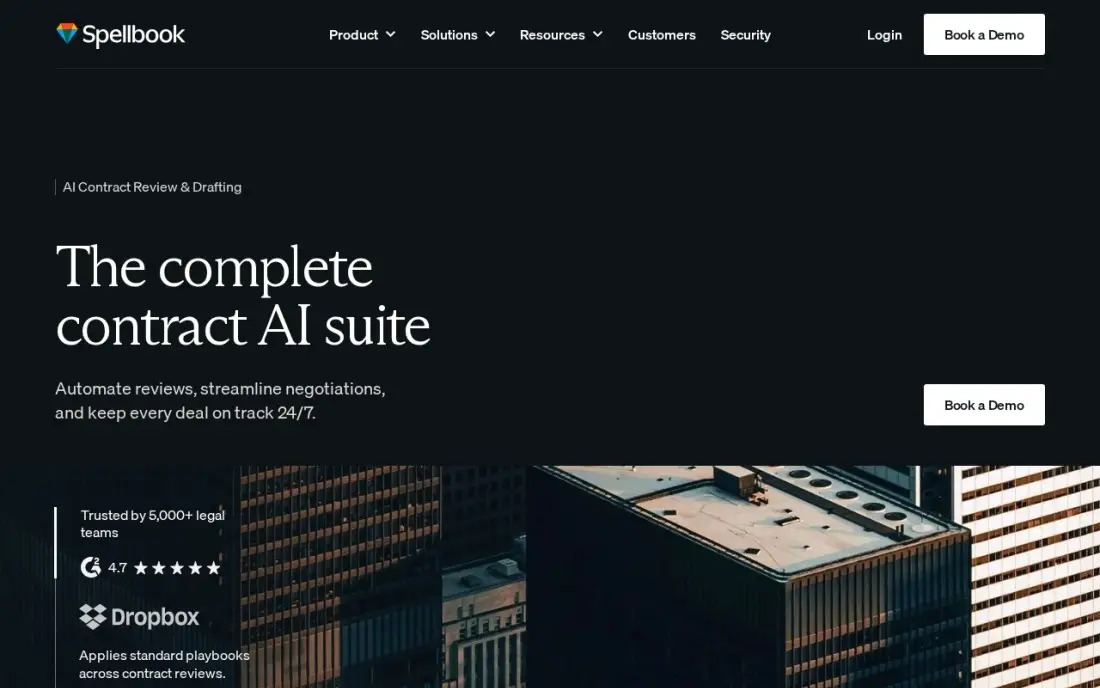
Spellbook is a Microsoft Word add-in that drafts clauses, suggests alternatives with source references and flags risky language without leaving the document. Lawyers can apply their own playbooks during drafting and live negotiation, and benchmark terms against market standards, which keeps first drafts closer to the firm's positions.
There is no published price; quotes depend on team size, and third-party reports of the seat price range from about $99 to about $500 a month. A 7-day free trial with no seat minimum lets a solo lawyer test the real workflow. Teams that draft in a browser get less from it.
What we like
- Native Word add-in that drafts clauses, flags risky language and generates redlines without leaving the document
- Applies your playbooks during live negotiation and benchmarks terms against market standards
- Answers questions about the contract and suggests clause alternatives with source references
- 7-day free trial with no published seat minimum, so a solo lawyer can try the real workflow
Watch out for
- No published price: quotes are set by team size, so budgeting starts with a demo and a sales call
- Third-party reports of its per-seat price disagree widely, from about $99 to about $500 a month
- Built entirely around Microsoft Word, so teams that review in a browser or a repository get less value
Gavel Exec
Best for: Attorneys who want AI drafting and redlining in Word with a published per-user price
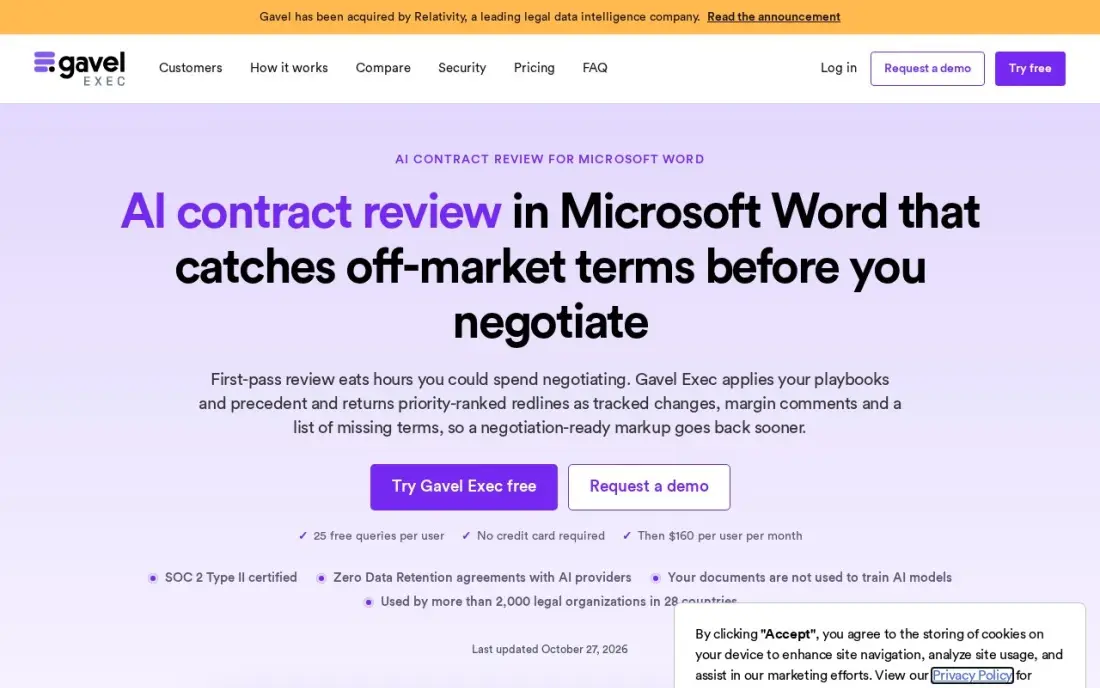
Gavel Exec drafts and redlines in Word and benchmarks each term against market data for your jurisdiction, industry and company size. It returns priority-ranked changes as tracked changes with comments, lists of missing terms and the reasoning behind each edit, so a junior lawyer can see why a clause was changed.
It costs $160 a user a month, or $1,740 a user a year billed annually, with team pricing from 10 seats and 25 free queries to start. Paid plans cap use at 1,000 queries per user a month. It is SOC 2 Type II certified, with zero data retention agreements with its AI providers.
What we like
- Published price: $160 per user per month, or $1,740 per user per year, with team pricing from 10 seats
- Benchmarks each term against market data for your jurisdiction, industry and company size
- Returns priority-ranked redlines as tracked changes, with comments, missing-term lists and the reasoning behind each change
- SOC 2 Type II certified, with zero data retention agreements with AI providers
Watch out for
- Per-user pricing adds up fast: five reviewers cost $800 a month on monthly billing
- Scoped to review and drafting, not a full contract lifecycle platform, so repository and obligation tracking live elsewhere
- Paid plans cap usage at 1,000 queries per user per month, so heavy playbook runs can eat the allowance
PandaDoc
Best for: Sales and operations teams drafting quotes, proposals and contracts from templates
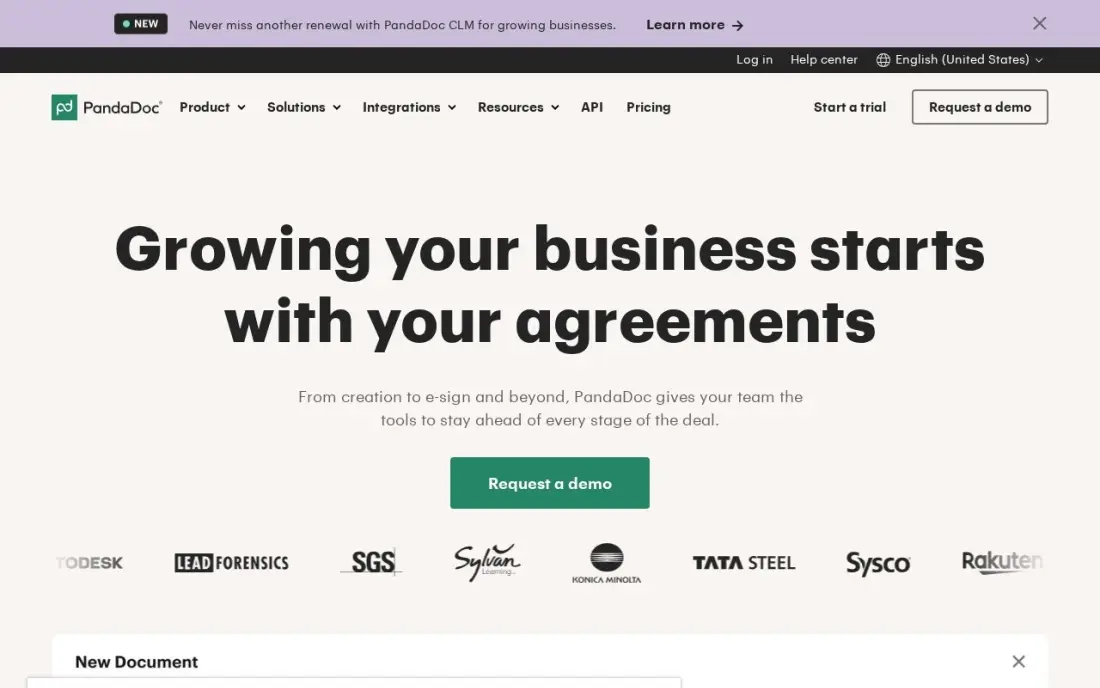
PandaDoc is drafting for business teams rather than lawyers. Contracts are built from templates with pricing tables, content blocks and variables, then sent and signed in the same document, with analytics showing when the other side opened it. Unlimited documents and e-signatures come with every paid plan.
The free plan covers 5 documents a month with unlimited seats. Starter costs $19 a seat a month billed annually, or $35 monthly, but includes only 5 templates; unlimited templates, branding and CRM integrations need Business at $49 a seat billed annually. Clause-level legal review is not its focus.
What we like
- Builds the document and collects the signature in one place, with pricing tables and payments
- Free plan covers a whole team: 5 documents a month with unlimited seats
- Unlimited documents and e-signatures on every paid plan, with document analytics
Watch out for
- Only 5 templates on Starter; unlimited templates need Business at $49/seat/month billed annually
- Bulk send, web forms and API calls can require usage credits the pricing page does not price
- Custom branding and CRM integrations wait for Business, not Starter
Juro
Best for: Growing companies where business teams self-serve standard contracts from legal-approved templates
Juro is a browser-native contract workspace where legal builds templates once and sales, HR and procurement generate agreements from them without emailing Word files. Drafting, negotiation, approval and signing happen in one place, and AI review and playbooks sit inside the workflow so business users stay within approved positions.
Every plan includes unlimited users, workflows and templates, with pricing set by contract volume rather than seats. Prices are not published, billing is annual and there is no free trial, only a demo. G2 reviewers note its Word integration is less smooth than its own editor.
What we like
- Browser-native workspace for creating, negotiating, approving and managing contracts end to end
- Unlimited users, workflows and templates on every plan, with pricing by contract volume rather than seats
- AI review and playbooks built into the workflow, so business teams can self-serve standard agreements
- Rated highly by G2 reviewers for ease of setup and quality of support
Watch out for
- No published prices and annual-only billing, so budgeting means a sales conversation and a written quote
- Pricing is based on contract volume and integration complexity, which is hard to estimate before the call
- Word integration is less seamless than the in-platform editor, per G2 reviewers
Contractbook
Best for: Small teams that want browser drafting with a clause library and a self-serve trial
Contractbook gives small teams browser-based drafting with templates, a clause library, automation and an AI contract assistant, so a founder or operations lead can produce consistent agreements without starting from an old Word file. Essential includes unlimited e-signatures, 5 reusable templates and 100 signed contracts a year.
Essential starts with a 14-day free trial but covers one user; extra users come in packs of 5 at €50 a month, and higher tiers are quote-only. It holds a 4.7 G2 score from 75 reviews, though reviewers mention occasional bugs, so test your main templates during the trial.
What we like
- Essential plan starts with a 14-day free trial and includes an AI contract assistant
- Unlimited e-signatures on Essential, with 5 reusable templates and 100 signed contracts a year
- Browser-native drafting with templates, automation and a clause library
- Highest G2 score in this list at 4.7 from 75 reviews, with ease of use praised most
Watch out for
- Every paid tier above Essential is a custom quote — no prices are published
- Essential covers 1 user only; extra users come in packs of 5 at €50 a month
- Reviewers report occasional bugs and stability issues
Zoho Contracts
Best for: Small and mid-size teams that want templates, a clause library and approvals at a low per-user price
Zoho Contracts covers drafting and the rest of the lifecycle at a small-business price. Templates and a clause library standardize drafts, approvals and negotiation run in the app, and Zoho Sign is bundled on every paid plan, with renewals and obligations tracked after signature.
The free plan covers 3 users and 10 contracts, and Standard costs $25 a user a month billed annually, or $30 monthly, with a 15-day trial and no card. Standard caps new contracts at 25 per user a month, and the ChatGPT integration needs a higher plan. Its G2 base is thin at 14 reviews.
What we like
- Free plan covers 3 users and 10 contracts, and Standard starts at $25 per user a month billed annually
- Full lifecycle in one place: templates, clause library, approvals, negotiation, e-signature, renewals and obligations
- Zoho Sign is bundled at no extra cost on every paid plan
- 15-day free trial of the paid plans needs no credit card
Watch out for
- Standard caps new contracts at 25 per user a month and counterparties at 500
- Obligation management, audit logs and the ChatGPT integration need Professional or Premium
- Only 14 G2 reviews, so the 4.6 score rests on a thin base
Ironclad
Best for: Legal operations teams that need drafting inside approvals, negotiation and obligation tracking
Ironclad puts drafting inside a full contract lifecycle platform. Legal builds templates and rules in a no-code workflow designer, business teams generate contracts within those guardrails, and AI Assist drafts, redlines and analyzes clauses. Approvals, negotiation, native e-signature and obligation tracking follow in the same system.
Ironclad publishes no price and offers demos only. Third-party buyer data puts typical annual contracts in the tens of thousands of dollars, with five-figure implementation fees. It was named a Forrester Wave CLM Leader in 2025, but it is too much for a team that only needs faster first drafts.
What we like
- Full lifecycle platform: drafting, approvals, negotiation, native e-signature and obligation tracking in one place
- No-code workflow designer lets legal set the rules once so business teams self-serve inside guardrails
- AI Assist drafts, redlines and analyses clauses, with contract analytics across the whole portfolio
- Named a Forrester Wave CLM Leader in 2025, with deep Salesforce and business-system integrations
Watch out for
- No published price: third-party buyer data puts typical annual contracts in the tens of thousands of dollars
- Implementation fees run into five figures on top of the licence, with a rollout measured in weeks
- Overkill for a team that only needs faster redlines rather than company-wide contract workflows
The best contract drafting software turns a blank page or an old precedent into a clean first draft that matches your standard positions. Some tools are AI add-ins for lawyers working in Word; others are template builders that let sales and HR produce approved agreements themselves. We compared seven tools on drafting quality, templates and clause libraries, where the drafting happens and what it costs, and every price below comes from the vendor's own page as checked in November 2026.
How to choose the best contract drafting software
- Decide who drafts. Lawyers want AI inside Word; business teams want locked templates they cannot break.
- Check the clause library. Approved fallback clauses save more time than any AI feature.
- Ask where data goes. Look for SOC 2 reports and zero data retention terms with AI providers.
- Price by your unit. Some tools charge per seat, others by contract volume; model your real usage.
- Test with your own precedents. Upload three agreements you know well and compare the drafts.
- Plan the hand-off to signing. Built-in e-signature removes a step; separate tools add one.
Law firms that draft well still need clients to find them. Our local SEO service helps practices rank in their city, and our guide to the best AI contract review software covers tools for reviewing the other side's paper.
Which contract drafting software fits your situation
A solo lawyer or small transactional practice. Start with Spellbook or Gavel Exec, since both work inside Microsoft Word where you already draft. Spellbook's 7-day trial has no seat minimum, so you can test it on live matters; Gavel Exec gives 25 free queries and a published price of $160 a user a month. Watch the 1,000-query monthly cap on Gavel Exec's paid plans if you draft at high volume.
A sales or operations team sending proposals and order forms. PandaDoc fits best. Templates with pricing tables and variables, built-in e-signature and open tracking keep deals moving, and the free plan covers 5 documents a month. Starter includes only 5 templates, so teams with many contract types should budget for Business at $49 a seat billed annually.
A small company without in-house counsel. Zoho Contracts and Contractbook give you templates, a clause library and approvals at a low cost. Zoho is free for 3 users and 10 contracts, and Standard adds Zoho Sign on every paid plan. Contractbook's Essential plan covers one user and 100 signed contracts a year, so check whether that is enough before the 14-day trial ends.
A scaling company where legal wants business teams to self-serve. Juro is built for this: legal sets the templates, and sales, HR and procurement generate agreements inside approved positions. Unlimited users on every plan helps when many people draft. Expect annual billing, no free trial and a weaker Word integration than its own editor.
An enterprise legal operations team. Ironclad fits when drafting must connect to approvals, negotiation, e-signature and obligation tracking in one system. Budget for a quote-only price that third-party data puts in the tens of thousands of dollars a year, plus implementation fees, and plan for a longer rollout than a drafting add-in needs.
Contract drafting software pricing: what you will actually pay
Only three tools here publish a full price. A five-person business team pays nothing on PandaDoc's free plan up to 5 documents a month, $1,140 a year on PandaDoc Starter at $19 a seat billed annually, or $1,500 a year on Zoho Contracts Standard at $25 a user billed annually.
Five lawyers on Gavel Exec cost $8,700 a year at $1,740 a user annually, or $800 a month on monthly billing. Spellbook, Juro and Ironclad are quote-only; third-party data puts Ironclad contracts in the tens of thousands of dollars a year plus implementation. Contractbook's Essential plan needs a quote after the trial, with extra users at €50 a month per pack of 5.
For a single lawyer, the comparison is simpler. Gavel Exec costs $160 a month on monthly billing or $1,740 a year billed annually, while Spellbook seats are quoted, with third-party reports from about $99 to about $500 a month. A solo business user can stay on PandaDoc's free plan or Zoho Contracts' free plan until volume passes 5 documents a month or 10 contracts. Monthly billing on PandaDoc Starter ($35) and Zoho Contracts Standard ($30) costs more than annual billing but avoids a year-long commitment.
Know the difference: AI drafting assistants vs template automation
AI drafting assistants such as Spellbook and Gavel Exec work like a fast associate: they write and revise clauses in Word, suggest alternatives and explain changes. They help lawyers handle bespoke agreements faster, but the lawyer stays in charge of every word.
Template automation tools such as PandaDoc, Juro, Contractbook and Zoho Contracts work the other way: legal fixes the language once and non-lawyers fill in the variables. They suit high-volume standard agreements such as NDAs, order forms and offer letters. Most legal teams eventually need both.
The third difference is where drafting stops. Spellbook and Gavel Exec stop at the Word document, so signing and storage happen elsewhere. PandaDoc adds e-signature and analytics, Zoho Contracts bundles Zoho Sign and tracks renewals and obligations, and Ironclad runs approvals, negotiation and obligation tracking in one platform. If your pain is the first draft, a drafting tool is enough; if contracts get lost after signature, look at the tools that cover the lifecycle.
Quick comparison: tool type by need
| Need | Best pick | Why |
|---|---|---|
| AI drafting in Word | Spellbook | Word add-in with playbooks, 7-day trial |
| Published AI price | Gavel Exec | $160/user/month, market benchmarking |
| Proposals and sales contracts | PandaDoc | Free plan, Starter from $19/seat billed annually |
| Self-serve business contracts | Juro | Unlimited users, priced by contract volume |
| Small team with clause library | Contractbook | Essential with 14-day free trial |
| Low-cost full lifecycle | Zoho Contracts | Free for 3 users, Standard from $25/user |
| Enterprise legal operations | Ironclad | Drafting inside full CLM workflows |
Mistakes to avoid
- Letting AI drafts go out unreviewed. Treat every AI draft as a first draft that a lawyer signs off.
- Automating messy templates. Clean up and approve your templates before you load them.
- Ignoring confidentiality terms. Read the AI data-use terms before uploading client agreements.
- Buying CLM when you only need drafting. Lifecycle platforms take months to implement; a drafting tool can work this week.
- Keeping fallback clauses in people's heads. Write them into the clause library so every draft uses them.
How we chose
We checked each vendor's own pricing page in November 2026 and recorded prices exactly as shown, including billing terms; where a vendor publishes no price we say so and cite only labelled third-party figures. We weighted drafting quality, template and clause control, security and price transparency for small firms, in-house teams and business users. Ratings come from G2 pages checked on the dates shown in the sources. No vendor paid for a place in this list, and none of the links here are affiliate links.
What to do next
Pick your most common agreement, turn it into a clean template with approved fallback clauses, and test it in one free plan or trial this week. When you want more clients to find your practice or business, our SEO audit shows where you rank today. Get your free audit.
Frequently asked questions
What is the best contract drafting software?
Spellbook and Gavel Exec are best for lawyers drafting in Word, PandaDoc and Zoho Contracts suit business teams on a budget, and Juro and Ironclad suit companies that want self-serve drafting with legal guardrails.
Is there free contract drafting software?
PandaDoc's free plan covers 5 documents a month, and Zoho Contracts is free for 3 users and 10 contracts. Spellbook, Contractbook and Gavel Exec offer trials or free queries.
How much does AI contract drafting software cost?
Gavel Exec publishes $160 a user a month or $1,740 a year. Spellbook, Juro and Ironclad are quote-only, and third-party reports of Spellbook seats range from about $99 to $500 a month.
Can AI draft a contract from scratch?
Tools such as Spellbook and Gavel Exec can draft clauses and full agreements, but a lawyer should review every draft. AI is best used to speed up first drafts and redlines.
What is the difference between contract drafting software and CLM?
Drafting software helps write the agreement. Contract lifecycle management adds approvals, signing, storage, renewals and obligation tracking. Ironclad, Juro and Zoho Contracts cover both.
Which contract drafting tools work in Microsoft Word?
Spellbook and Gavel Exec are built as Word add-ins. Juro, Contractbook, PandaDoc and Ironclad draft mainly in their own browser editors.
Is it safe to upload client contracts to AI drafting tools?
Check each vendor's security terms before uploading client agreements. Gavel Exec states SOC 2 Type II certification and zero data retention agreements with its AI providers. For other tools, ask for their SOC 2 report and AI data-use terms, and test with non-confidential precedents first.
Sources we checked (13)
- Spellbook — spellbook.com/pricing (checked November 10, 2026)
- Spellbook reviews on G2 (checked November 10, 2026)
- Gavel Exec — www.gavel.io/exec (checked November 10, 2026)
- PandaDoc — www.pandadoc.com/blog/pandadoc-pricing-value (checked November 12, 2026)
- PandaDoc reviews on G2 (checked November 12, 2026)
- Juro — juro.com/pricing (checked November 10, 2026)
- Juro reviews on G2 (checked November 10, 2026)
- Contractbook — contractbook.com/pricing (checked November 10, 2026)
- Contractbook reviews on G2 (checked November 10, 2026)
- Zoho Contracts — www.zoho.com/contracts/pricing.html (checked November 10, 2026)
- Zoho Contracts reviews on G2 (checked November 10, 2026)
- Ironclad — ironcladapp.com/pricing (checked November 10, 2026)
- Ironclad reviews on G2 (checked November 10, 2026)
Make one of these tools?
We re-check this list every quarter. Send a correction, request a review, or ask about a clearly labeled sponsored spot.
Request a listingShamim
Founder of SerpAstra
A full-stack digital marketer and SEO strategist covering technical and local SEO, AI search visibility, paid ads and lead generation for local businesses, e-commerce brands and SaaS teams.
Free SEO and AI visibility audit
Find out what is holding your rankings back
Send us your site. Within 2 business days you get a written audit, an AI visibility check and a short fix list ranked by impact. Free, with no contract attached.
Request my free audit→Related buying guides
 Legal8 Best AI Contract Review Software in 2026, ComparedThe 8 best AI contract review software tools compared with real 2026 prices: in-Word redlining, playbooks and CLM depth, so you can pick by fit.Read guide →
 Legal12 Best Contract Management Software Reviews in 2026, Compared12 best contract management software reviews compared on price, free plans and AI features, with prices checked November 10, 2026 — eight tools are quote-only.Read guide →
 Productivity & Office8 Best Digital Signature Software in 2026, ComparedCompare the 8 best digital signature software options on price, free plans and envelope limits, with every price checked on November 12, 2026.Read guide →