
8 Best CRMs with Google Apps Integration in 2026, Compared
Compare the 8 best CRMs with Google apps integration on Gmail, Calendar and Drive sync, free plans and price per seat, with every price checked on vendor pages.
 Shamim Mia, Founder, SerpAstraLast verified November 12, 20269 min read
We compare pricing pages, documentation and public reviews. We never accept payment for rankings.

Key takeaways
- Copper is the best CRM for teams that run on Google Workspace: it lives inside Gmail and syncs Calendar and Drive, from $23 a seat a month billed annually.
- Streak puts the pipeline inside the Gmail inbox itself, but it costs $49 a user a month billed annually and its free tier has no CRM pipeline.
- HubSpot and Zoho give the most for free: HubSpot for up to 2 users and Zoho for up to 3, both with Gmail and Google Calendar connections.
- Check what the entry plan actually syncs: Pipedrive Lite has no two-way email sync and Capsule Starter has no email sync at all.
On this page
Quick comparison
| Tool | Best for | Starting price | Free plan |
|---|---|---|---|
| Copper | Teams that run entirely on Google Workspace and want the CRM inside Gmail | $29/mo | No (14-day trial) |
| Streak | Gmail power users who want the pipeline to live inside the inbox itself | $49/user/mo (annual) | No (email tools only) |
| HubSpot CRM | Small teams that want a free CRM connected to Gmail and Google Calendar | Free; Starter $20/seat/mo | Yes (free CRM) |
| Zoho CRM | Budget teams of up to three that want Google sync on a free plan | $20/mo | Yes (3 users) |
| Pipedrive | Sales teams on Google Workspace that want the cleanest pipeline and will pay for email sync | $24/mo | No (14-day trial) |
| Nutshell | Small B2B teams that want email and calendar sync on the cheapest annual plan | $13/mo (annual) | No (14-day trial) |
| Freshsales | Teams that want Gmail plus built-in phone and chat on a low-cost paid plan | $11/mo | Yes (3 users) |
| Capsule CRM | Very small teams that want a simple CRM alongside Google Workspace for free | $18/user/mo (annual) | Yes (2 users) |
Make one of these tools?
We re-check this list every quarter. Send a correction, request a review, or ask about a clearly labeled sponsored spot.
Request a listingThe best CRM with Google apps integration

Copper
Best for: Teams that run entirely on Google Workspace and want the CRM inside Gmail
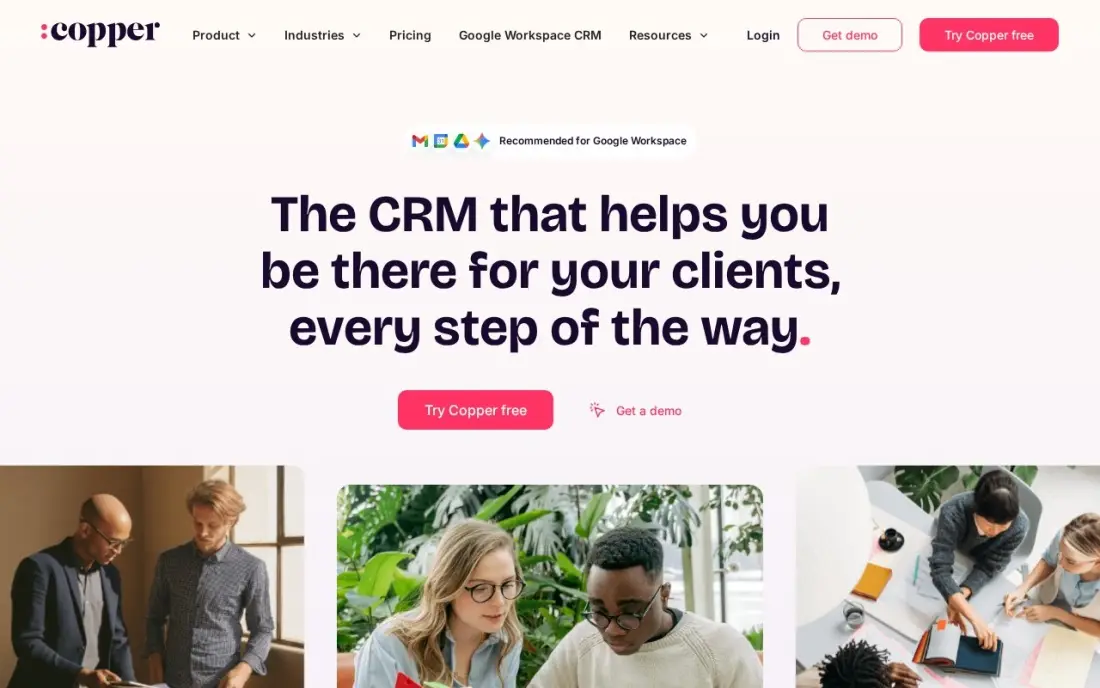
Copper is the CRM built for Google Workspace. It sits inside Gmail as a sidebar, pulls contacts and email history in automatically, and keeps deals synced with Google Calendar meetings and Drive files, so reps rarely type data into it. Basic costs $23 a seat a month billed annually, or $29 billed monthly, and covers pipelines, contact enrichment and team collaboration, with a 14-day trial and no credit card.
Basic caps at 2,500 contacts, so a business with years of email history outgrows it quickly, and real automation and reporting need Professional at $59 a seat billed annually. Outside Google Workspace it loses most of its value. Inside it, nothing here is closer to zero data entry.
What we like
- The only CRM here built for Google Workspace: contacts, emails, meetings and Drive files flow in automatically from Gmail
- Basic covers pipelines, contact enrichment and team collaboration for $23 a seat a month billed annually
- The highest ease-of-setup score among the Google-first tools, with a 14-day trial and no credit card required
Watch out for
- Basic caps at 2,500 contacts, so a business with history outgrows the entry plan fast
- Real automation and reporting need Professional at $59 a seat a month billed annually
- A poor fit outside Google Workspace — Microsoft 365 teams get little of the value Copper is built on

Streak
Best for: Gmail power users who want the pipeline to live inside the inbox itself
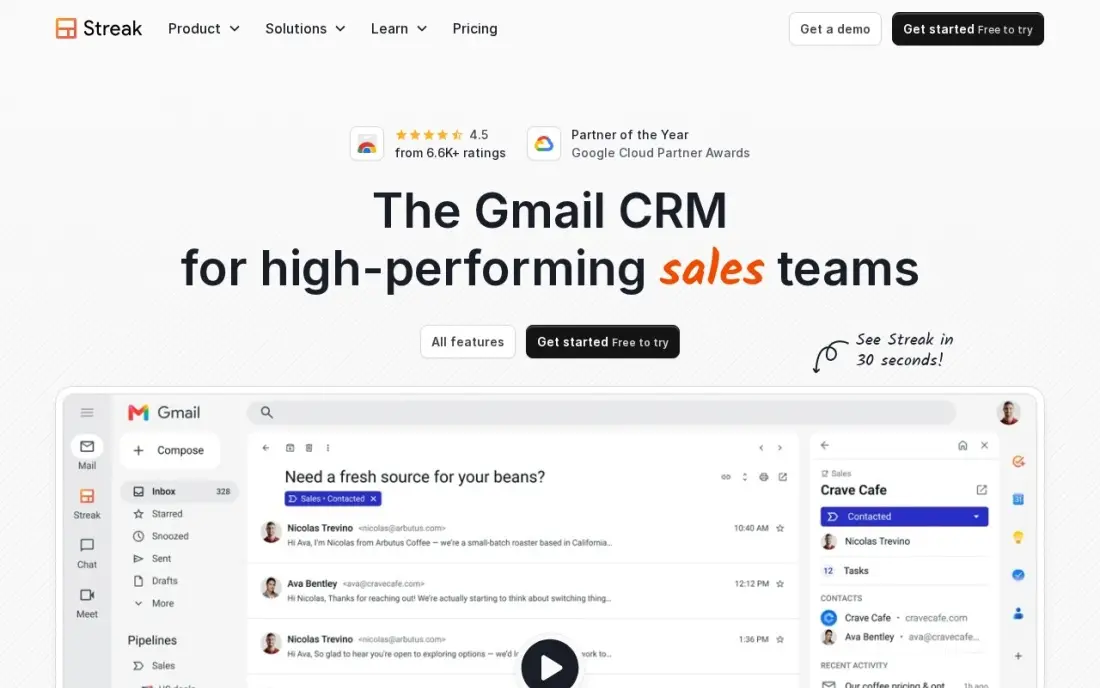
Streak goes one step further than Copper: the pipeline is not a sidebar but part of Gmail, with each prospect shown as a box on a board inside the inbox and emails attached to it automatically. Mail merge and email tracking run from the same place, and shared pipelines let a small team see the same stages. Pro costs $49 a user a month billed annually, or $59 monthly, with AI credits for summaries and autofill.
It is the priciest per-seat option here, the free tier covers email tools only with no pipeline, and automations wait for Pro+ at $69 a user billed annually. Choose it when the inbox is the whole workspace.
What we like
- Pipelines live inside Gmail — no tab-switching between inbox and CRM
- Mail merge and email tracking included on Pro
- Shared pipelines let a small team see the same prospect stages
- AI credits included on Pro for summaries and autofill
Watch out for
- No free CRM pipeline — the free tier covers email tools only
- Automations and native integrations wait for Pro+ at $69/user/month billed annually
- At $59/user/month billed monthly it is the priciest per-seat Gmail CRM here

HubSpot CRM
Best for: Small teams that want a free CRM connected to Gmail and Google Calendar
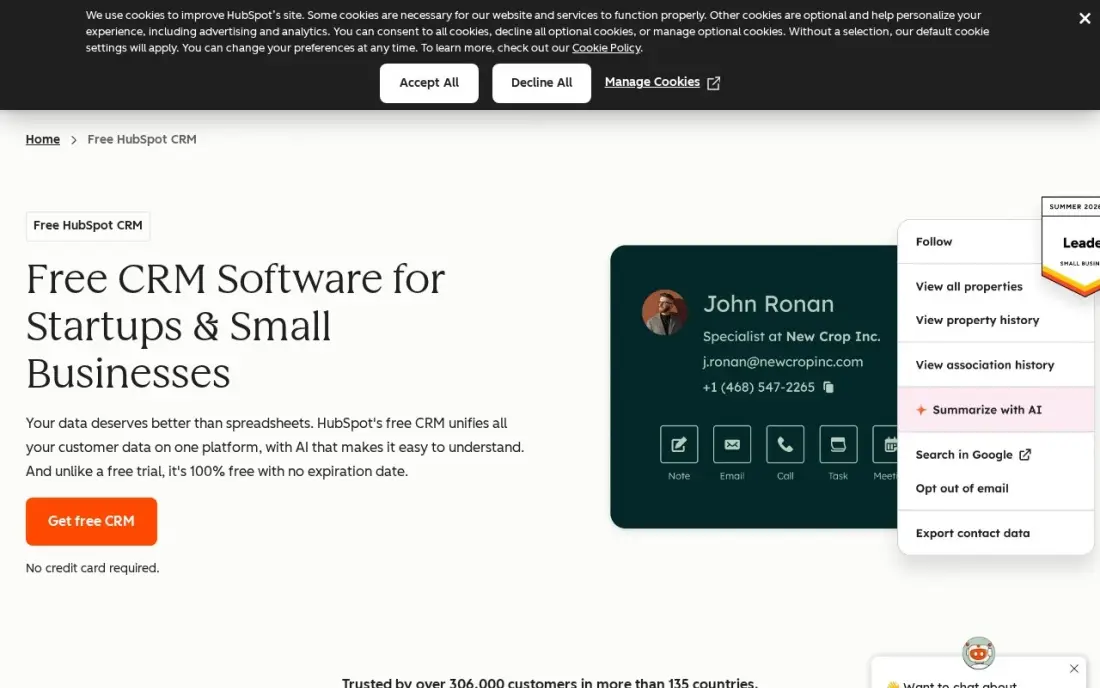
HubSpot's free CRM connects to Gmail and Google Calendar, logs emails to contact timelines, tracks opens and lets prospects book meetings into your calendar. The free tier covers two users with unlimited contacts and companies, one deal pipeline and a shared inbox, and it never expires, which makes it the easiest way to test a Google-connected CRM at no cost.
Unlike Copper, HubSpot is a separate app that reaches into Google rather than living inside it, so reps still switch tabs for pipeline work. A third user needs a Starter seat at $20 a month, and automation and reporting sit on Professional at $90 a seat.
What we like
- Free CRM with unlimited contacts and companies, one deal pipeline and email tracking
- Every contact carries its full history — emails, calls, meetings and deals — on one timeline
- Apps on iOS, Android, Windows and Mac, plus a web app that syncs everywhere
Watch out for
- Two free users only — a third teammate forces a paid Starter seat at $20/month
- Automation and reporting live on Professional at $90/seat/month, a steep step up

Zoho CRM
Best for: Budget teams of up to three that want Google sync on a free plan
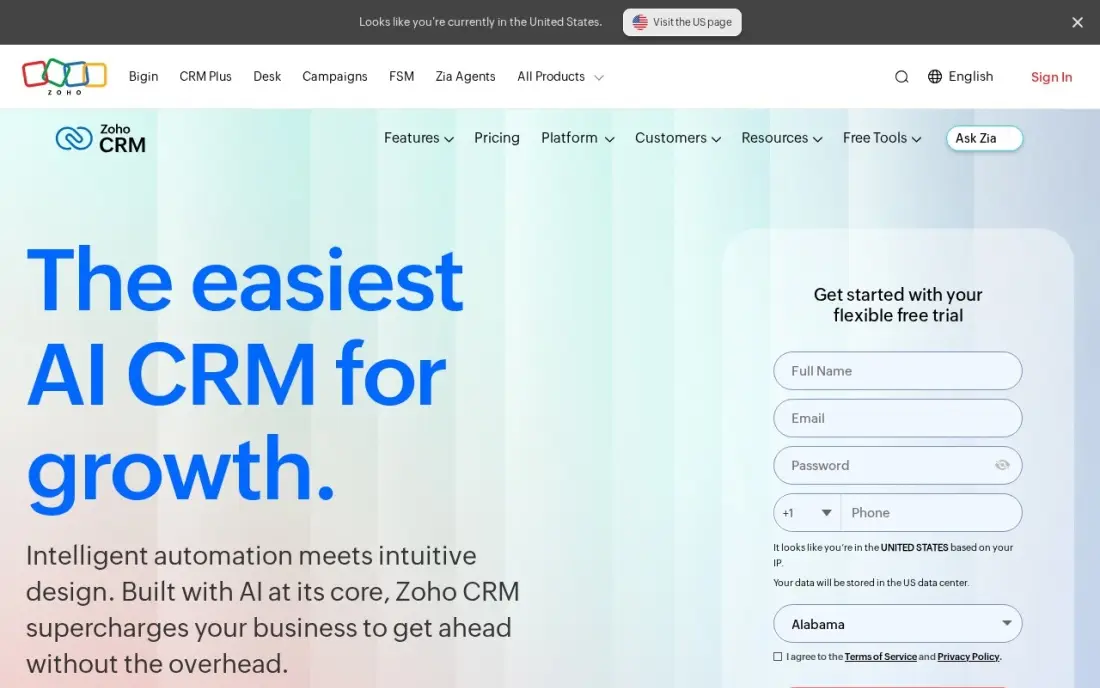
Zoho CRM connects to Gmail, Google Calendar and Google Contacts and has its own Google Workspace integration, and its free plan covers up to three users with leads, contacts and pipelines. Standard costs $14 a user a month billed annually, or $20 monthly, and adds email integration, built-in calling, five pipelines and forecasting.
Zoho runs its own office suite and email, so the Google connection is one option among several rather than the centre of the product, and G2 reviewers rate ease of setup lower than HubSpot and Pipedrive. For a three-person Google Workspace team that wants a free CRM with room to grow, it is the value choice.
What we like
- Free plan covers up to 3 users with pipelines, leads and contacts — the only free tier here that fits a tiny team, not just a solo user
- Zia, Zoho's AI assistant, predicts deal outcomes, flags anomalies and suggests the best time to contact a lead on Enterprise and the top tier
- The cheapest full-featured ladder here: Standard $14, Professional $23 and Enterprise $40 a user a month billed annually
Watch out for
- Zia's predictions and AI features need Enterprise at $40 a user a month — Standard buyers get scoring rules, not the AI assistant
- G2 reviewers rate ease of setup 8.0, the lowest here, and support scores trail HubSpot and Pipedrive
- Add-ons for support tiers, storage and training sit outside the seat price, so the invoice can exceed the plan price

Pipedrive
Best for: Sales teams on Google Workspace that want the cleanest pipeline and will pay for email sync
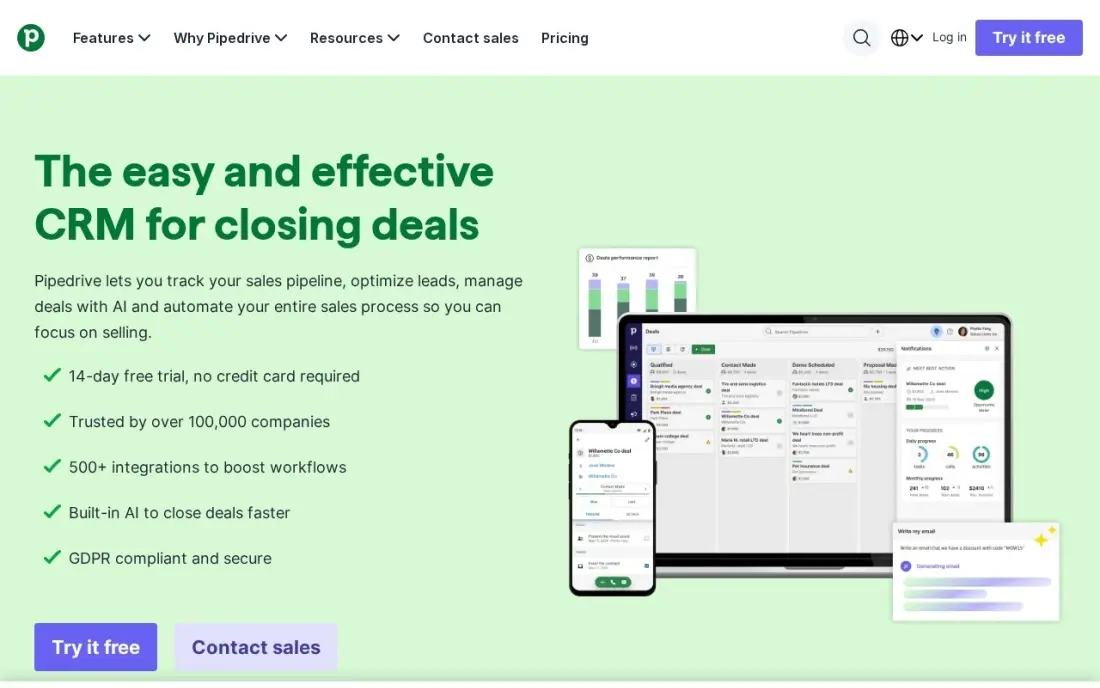
Pipedrive syncs with Google Calendar and Google Contacts and connects to Gmail, and its visual pipeline is the one reps adopt fastest: every deal is a card dragged between stages. Lite costs $14 a user a month billed annually, or $24 monthly, with no onboarding fees or seat minimums.
The catch for Gmail users is that Lite has no two-way email sync, so emails sent from Gmail do not land on the deal until you upgrade. Growth at $39 a user a month billed annually adds two-way sync and the Nova AI assistant. Budget for Growth if Gmail is where your conversations happen.
What we like
- The clearest visual pipeline in this list: drag-and-drop deals, custom stages and a mobile app reps actually use
- AI assistant Nova briefs reps before calls and keeps deal records current from the Growth plan up
- No onboarding fees and no seat minimums, so a two-person team pays for two seats and nothing else
Watch out for
- Lite has no two-way email sync and no AI — Nova starts on Growth at $39 a user a month billed annually
- LeadBooster, Smart Docs and Projects are paid add-ons, so the real bill is higher than the plan price
- No free plan, only a 14-day trial, and monthly billing costs $24 against $14 on annual billing

Nutshell
Best for: Small B2B teams that want email and calendar sync on the cheapest annual plan
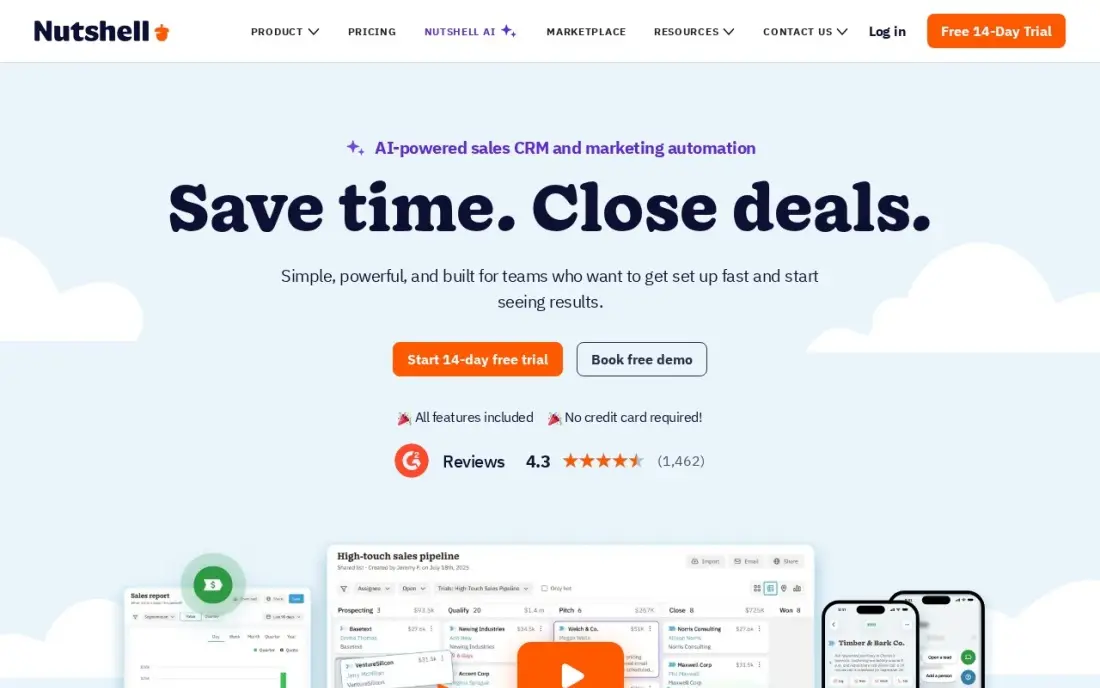
Nutshell includes email and calendar sync on its entry Foundation plan, which costs $13 a user a month billed annually or $19 monthly, with unlimited contacts and storage, a form builder and landing pages. There is no seat minimum, no onboarding fee and free live support, which suits a small team switching from a shared Google Sheet.
Foundation allows one pipeline and 100 open leads and has no sales automation; a second pipeline and automation wait for Pro at $42 a user a month billed annually. There is no free plan, only a 14-day trial. It is the cheapest way here to get email sync on a paid plan.
What we like
- Foundation is $13 a user a month billed annually, the lowest annual per-seat price here
- Unlimited contacts and storage on every tier, including Foundation
- No seat minimum and no onboarding fee, with free live support
- Email and calendar sync, forms and landing pages included on Foundation
Watch out for
- Foundation allows only one pipeline and 100 open leads, with no sales automation
- Automation and a second pipeline wait for Pro at $42 a user a month billed annually
- No free plan, only a 14-day trial, and the mobile app trails the desktop version

Freshsales
Best for: Teams that want Gmail plus built-in phone and chat on a low-cost paid plan
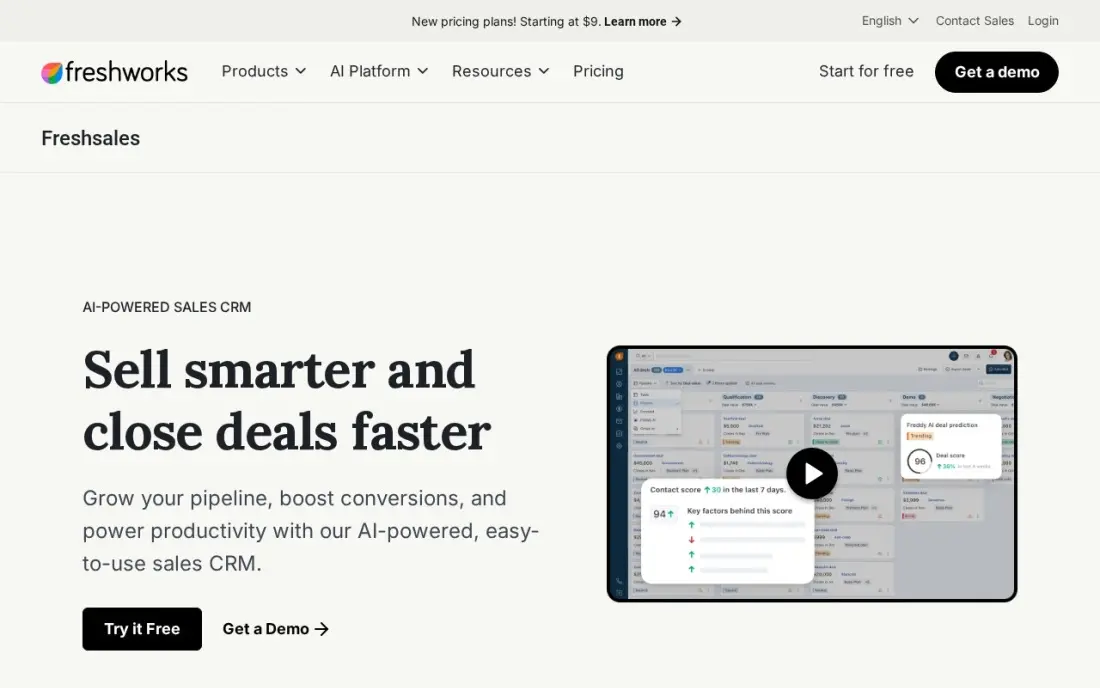
Freshsales connects to Gmail and Google Calendar and adds what the Google-native tools lack: built-in phone, chat and email inside the CRM. The free plan covers up to three users, and Growth costs $9 a user a month billed annually, or $11 monthly, with a Kanban pipeline and contact lifecycle stages.
Growth has one pipeline only, and Freddy AI scoring and sequences need Pro at $39 a user a month. Freshworks runs its own email and calendar tools too, so expect to set the Google connection up rather than have it default. For a team that calls as much as it emails, it costs far less than Streak.
What we like
- The lowest paid price in this list: $11 a user a month billed monthly ($9 billed annually) on Growth, with a Kanban pipeline, lifecycle stages and built-in chat, email and phone
- Freddy AI scores contacts, drafts sales emails and surfaces deal insights from the Pro plan at $39 a user a month
- No onboarding fee on any tier, and 500 Freddy AI Agent sessions come free once per account on paid plans
Watch out for
- Growth allows only one sales pipeline — multiple pipelines need Pro at $39 a user a month
- Freddy's scoring, sequences and AI sales emails need Pro at $39 — Growth is the pipeline, not the AI
- Branded documents cost $19 a user a month extra, and the Freddy AI Agent is $49 per 100 sessions beyond the free allowance

Capsule CRM
Best for: Very small teams that want a simple CRM alongside Google Workspace for free
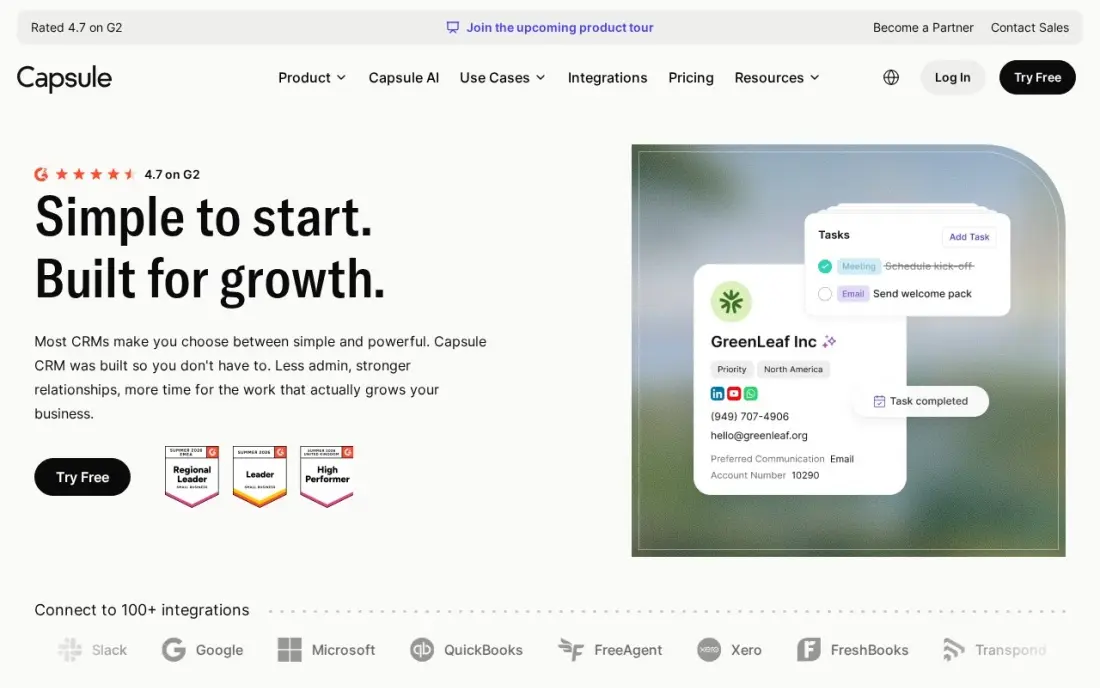
Capsule is the simplest CRM here and lists Google Workspace among its integrations for contacts and calendar. The free plan covers two users and 250 contacts, and Starter at $18 a user a month billed annually, or $21 monthly, raises the limit to 30,000 contacts with email templates, a shared mailbox and an AI pipeline generator. G2 reviewers give it 4.7.
For Gmail users the gap is clear: email sync and workflow automations are not on Starter and wait for Growth at $36 a user a month billed annually. Pick Capsule when ease of use matters most and you are happy to forward or log key emails by hand at first.
What we like
- Free plan for 2 users and 250 contacts, with a 14-day trial on paid plans
- Ease of use scores 9.4 on G2, with 85% of reviewers giving five stars
- Starter includes an AI pipeline generator, email templates and a shared mailbox
Watch out for
- Only one sales pipeline on Starter — a second pipeline needs Growth at $36 a user a month
- Workflow automations and email sync are not on Starter
- Reporting stays basic next to the fuller suites
The best CRM with Google apps integration takes the email, meetings and files your team already keeps in Gmail, Calendar and Drive and turns them into a sales record without retyping. We compared eight CRMs, from the two built directly on Gmail to the mainstream CRMs that connect to it, and every price below comes from the vendor's own pricing page as checked in November 2026.
How to choose the best CRM with Google apps integration
- Decide how deep the Google link must go. A Gmail-native CRM lives inside the inbox; a connected CRM syncs data but runs in its own tab. Native wins on adoption, connected wins on features.
- Check two-way email sync on the plan you will buy. Several entry plans only log emails you send from the CRM, which misses most of what happens in Gmail.
- Look at Calendar and Contacts, not just Gmail. Meetings booked in Google Calendar and contacts saved on a phone should appear in the CRM automatically.
- Watch contact caps. Gmail-based CRMs pull in everyone you have emailed, so a 2,500-contact limit fills faster than you expect.
- Count the seats you need now and in a year. Free plans stop at two or three users, and the price jump to the next tier varies a lot.
- Test it with real mail. Connect a working inbox during the trial and check what gets logged, what is missed and how duplicates are handled.
A CRM records the leads you get; it does not create them. If your Google presence is the weak point — a thin Business Profile or pages that do not rank — our SEO audit shows what to fix, and the free UTM builder helps you see which campaigns send the leads that land in your CRM.
CRM with Google apps integration pricing: what you will actually pay
Take a five-person team that lives in Gmail and wants two-way email sync. Copper Basic costs $23 a seat a month billed annually, so $115 a month or $1,380 a year, rising to $29 a seat, or $1,740 a year, on monthly billing. Streak Pro costs $49 a user a month billed annually, so $245 a month or $2,940 a year. Pipedrive needs Growth for two-way email sync, at $39 a user a month billed annually, so $195 a month or $2,340 a year. Nutshell Foundation includes email and calendar sync at $13 a user a month billed annually, so $65 a month or $780 a year.
The free routes cover smaller teams. HubSpot's free CRM handles two users and Zoho's and Freshsales's free plans handle three, so a three-person team can start at $0. Once that team grows to five, Zoho Standard costs $14 a user a month billed annually, or $840 a year, and Freshsales Growth $9, or $540 a year.
Know the difference: Gmail-native CRM vs connected CRM
A Gmail-native CRM such as Copper or Streak runs inside Google's interface. Contacts and deals appear next to the email you are reading, and logging happens as a side effect of normal work. That is why adoption is high, but it also ties the CRM to Google: if the company moves to Microsoft 365, the CRM loses most of its value.
A connected CRM such as HubSpot, Zoho, Pipedrive or Freshsales is its own application that syncs with Gmail, Calendar and Contacts through an integration. Reps switch tabs to update deals, but the CRM offers deeper reporting, automation and more integrations, and it keeps working whatever email system the company uses later.
Quick comparison: tool type by need
| Buyer | Best pick | Why |
|---|---|---|
| Google Workspace teams | Copper | Lives in Gmail, syncs Calendar and Drive, $23/seat/month billed annually |
| Inbox-only workers | Streak | Pipeline boards inside Gmail, Pro $49/user/month billed annually |
| Free for two users | HubSpot CRM | Gmail and Calendar connection on a free plan |
| Free for three users | Zoho CRM | Google sync, Standard $14/user/month billed annually |
| Pipeline-first teams | Pipedrive | Clearest deal board; two-way email sync on Growth at $39 |
| Lowest paid email sync | Nutshell | Email and calendar sync on Foundation at $13/user/month billed annually |
| Email plus calling | Freshsales | Built-in phone and chat, Growth $9/user/month billed annually |
| Simplest setup | Capsule CRM | Free for 2 users, highest ease-of-use scores |
Mistakes to avoid
- Assuming every plan syncs Gmail both ways. Read the plan table; one-way logging misses replies sent from your phone.
- Connecting every inbox on day one. Personal and supplier emails flood the CRM with contacts that count against your cap.
- Ignoring shared inboxes. Decide whether sales@ and info@ log to the CRM and who owns the replies.
- Forgetting Drive permissions. Files linked from deals should be shared with the team, or reps will click through to access-denied pages.
- Choosing native tools if a move to Microsoft is likely. Copper and Streak are only worth buying if you are staying on Google.
How we chose
We checked each vendor's own pricing page in November 2026 and recorded the starting price exactly as shown, including the annual and monthly rate where both are listed. We ranked the tools on how much of Gmail, Calendar and Contacts each one uses on the plan most small teams would buy, then on price for a five-person team. Ratings come from G2 pages checked on the dates shown in the sources. No vendor paid for a place in this list, and none of the links here are affiliate links.
What to do next
Pick the two tools that fit your team size, connect one real inbox to each trial for a week and compare what was logged without anyone typing. If leads are what is missing, book a free SEO call and we will show you where they could come from.
Frequently asked questions
What is the best CRM with Google apps integration?
Copper is the best for teams that run fully on Google Workspace, because it lives inside Gmail and syncs Calendar and Drive, from $23 a seat a month billed annually. HubSpot and Zoho are the best free options, and Streak is best if you want the pipeline inside the inbox.
Which CRM works inside Gmail?
Copper runs as a Gmail sidebar and Streak builds pipelines into the Gmail inbox itself. HubSpot, Zoho, Pipedrive and Freshsales connect to Gmail but run as separate apps.
Is there a free CRM that integrates with Google Workspace?
Yes. HubSpot's free CRM covers 2 users and connects to Gmail and Google Calendar, Zoho CRM is free for up to 3 users, Freshsales is free for up to 3 users and Capsule is free for 2 users and 250 contacts.
Does Google have its own CRM?
No. Google Workspace has no CRM of its own, which is why tools such as Copper and Streak were built on top of Gmail. Many small teams use Google Sheets as a stopgap before moving to one of them.
What should a Google-integrated CRM sync?
At minimum, two-way email sync with Gmail, meetings from Google Calendar and contacts from Google Contacts. Check the plan, because Pipedrive Lite has no two-way email sync and Capsule Starter has no email sync.
Copper or Streak: which is better for Gmail?
Copper is cheaper at $23 a seat a month billed annually and covers Calendar and Drive, but Basic caps at 2,500 contacts. Streak costs $49 a user a month billed annually and suits people who want to work only from the inbox.
Sources we checked (14)
- Copper — www.copper.com/pricing (checked November 12, 2026)
- Copper reviews on G2 (checked November 12, 2026)
- Streak — streak.com/pricing (checked November 12, 2026)
- HubSpot CRM — www.hubspot.com/products/crm (checked November 12, 2026)
- HubSpot CRM reviews on G2 (checked November 12, 2026)
- Zoho CRM — www.zoho.com/crm/pricing (checked November 12, 2026)
- Zoho CRM reviews on G2 (checked November 12, 2026)
- Pipedrive — www.pipedrive.com/pricing (checked November 12, 2026)
- Pipedrive reviews on G2 (checked November 12, 2026)
- Nutshell — www.nutshell.com/pricing (checked November 12, 2026)
- Freshsales — www.freshworks.com/crm/pricing (checked November 12, 2026)
- Freshsales reviews on G2 (checked November 12, 2026)
- Capsule CRM — capsulecrm.com/pricing (checked November 12, 2026)
- Capsule CRM reviews on G2 (checked November 12, 2026)
Make one of these tools?
We re-check this list every quarter. Send a correction, request a review, or ask about a clearly labeled sponsored spot.
Request a listingShamim
Founder of SerpAstra
A full-stack SEO and digital marketer who spends most days on Local SEO for dental practices, AI search visibility and lead generation.
Free SEO and AI visibility audit
Find out what is holding your rankings back
Send us your site. Within 2 business days you get a written audit, an AI visibility check and a short fix list ranked by impact. Free, with no contract attached.
Request my free audit→Related buying guides
 Sales & CRMBest CRM for Small Business in 2026: 10 Options Ranked and ReviewedCompare the 10 best crm for small business options on starting price, free plans and AI features, with every price checked on November 12, 2026.Read guide →
 Sales & CRM9 Best AI CRM Software in 2026: Pricing, Features and Pros & ConsCompare the 9 best AI CRM software options on price, AI features and free plans for small sales teams, with every price checked November 12, 2026.Read guide →
 Productivity & OfficeBest Ways to Manage Contacts Across Platforms in 2026: 8 Options ComparedCompare the best way to manage contacts across platforms: 8 options from Google and Apple Contacts to HubSpot, Zoho and Pipedrive — checked November 12, 2026.Read guide →