
7 Best Fitness Apps in 2026, Compared
Compare the 7 best fitness apps for workouts, strength, yoga and nutrition on price, free plans and trials, with website vs App Store prices checked.
 Shamim Mia, Founder, SerpAstraLast verified November 4, 20268 min read
We compare pricing pages, documentation and public reviews. We never accept payment for rankings.
Key takeaways
- Nike Training Club is the best free fitness app: the whole trainer-led library is free with a Nike account, with no paid tier.
- Peloton App One at $12.99 a month on the website is the pick for live, energetic classes, with a 30-day free trial and no equipment needed.
- Several apps charge more in the App Store than on their own website — Peloton, Down Dog and MyFitnessPal all do — so subscribe on the web.
- Fitbod is the pick for gym strength training, building each session from your history; the US App Store lists yearly plans from $79.99.
On this page
Quick comparison
| Tool | Best for | Starting price | Free plan |
|---|---|---|---|
| Nike Training Club | Anyone who wants trainer-led workouts and programs at zero cost | Free | Yes (free) |
| Peloton | People who want live, energetic classes across many workout types without buying equipment | $12.99/mo | No (30-day trial) |
| Apple Fitness+ | Apple Watch households that want polished classes for the whole family on one subscription | $9.99/mo | No (1-month trial) |
| Fitbod | Gym-goers who want each strength session planned from their own training history | From $12.99/mo | Trial only |
| Down Dog | Home exercisers who want yoga, HIIT, barre and Pilates sessions built fresh each time | $9.99/mo | No (brief trial) |
| Glo | Yoga and Pilates practitioners who want expert teachers and structured programs | $30/mo | No (7-day trial) |
| MyFitnessPal | Anyone pairing workouts with calorie and macro tracking | $19.99/mo | Yes (free plan) |
Make one of these tools?
We re-check this list every quarter. Send a correction, request a review, or ask about a clearly labeled sponsored spot.
Request a listingThe best fitness apps
Nike Training Club
Best for: Anyone who wants trainer-led workouts and programs at zero cost
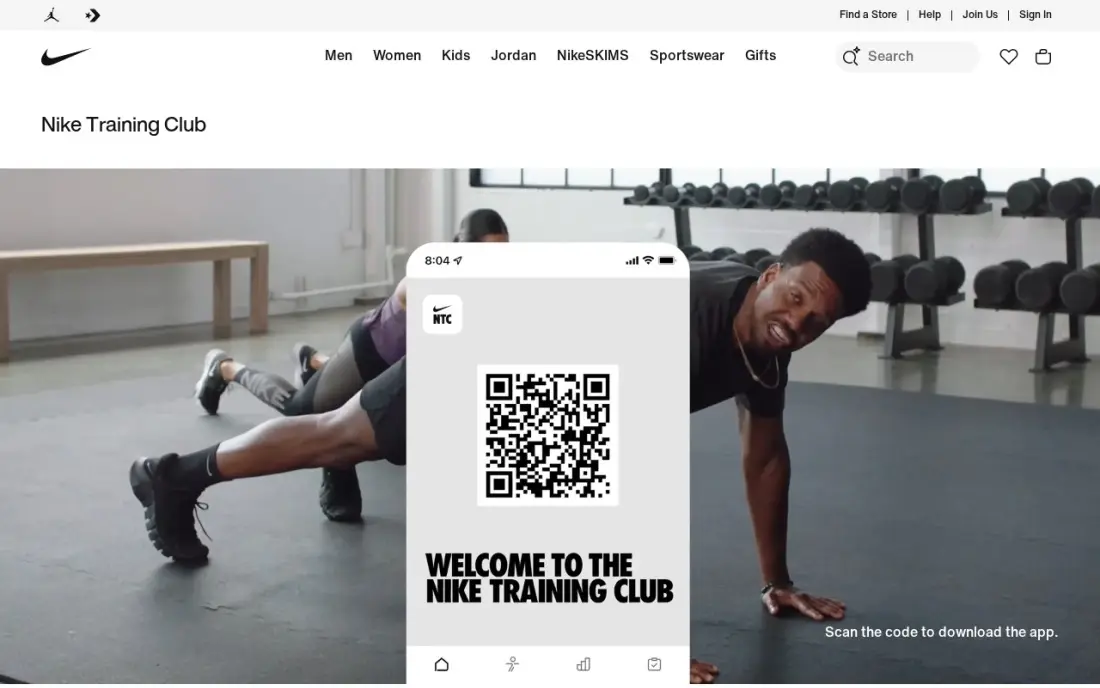
Nike Training Club is the first app to download because it costs nothing and never asks for a card. The full library of trainer-led workouts and multi-week programs is free with a Nike account, covering strength, HIIT, yoga, mobility and recovery, and you can filter by equipment, time and intensity to fit a session into any day. Workouts download for offline use and work with an Apple Watch.
The limits show once you train seriously. There is no set and rep logging, so progressive strength training needs a second app or a notebook, and there are no live classes. For a beginner building a habit, or anyone who wants variety without a subscription, it is hard to beat.
What we like
- Completely free: the whole library, with no premium tier, trial clock or in-app purchases
- Trainer-led multi-week programs across strength, HIIT, yoga, mobility and recovery
- Workouts filter by equipment, time and intensity, so a session fits any day
- Offline downloads and Apple Watch support
Watch out for
- No set and rep logging for strength work
- No live classes
- Requires a free Nike account, with no anonymous guest mode

Peloton
Best for: People who want live, energetic classes across many workout types without buying equipment
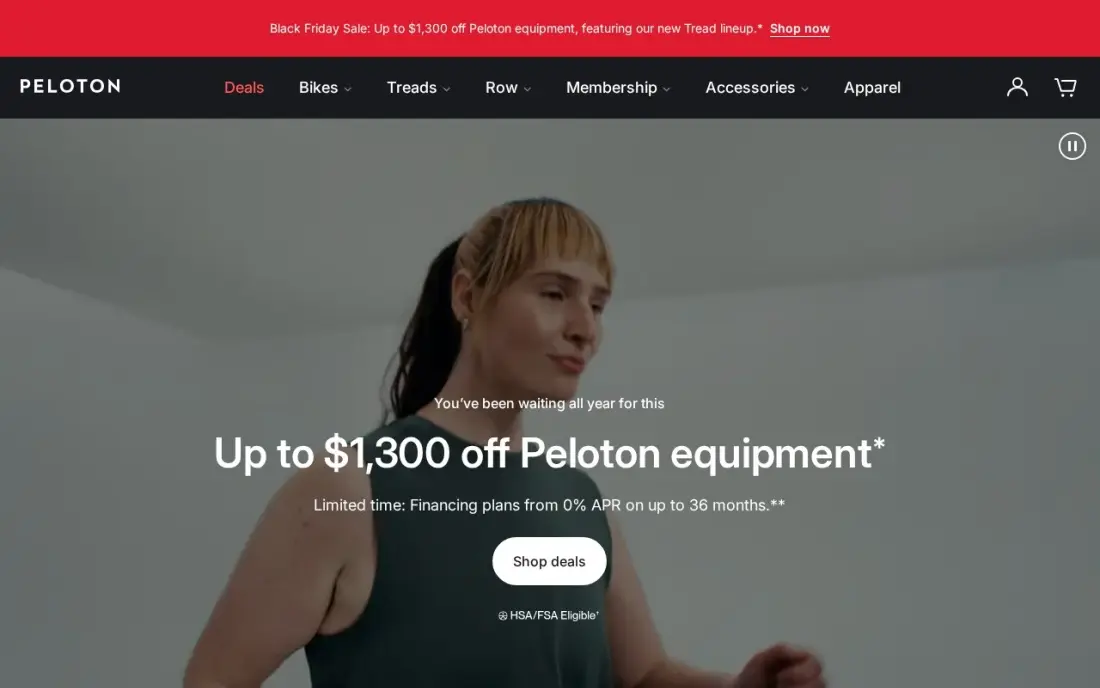
Peloton's app is the closest thing to a studio class at home: live sessions with music, a leaderboard and instructors who keep the energy up. App One costs $12.99 a month or $129 a year on Peloton's website and opens thousands of strength, running, cycling, yoga and meditation classes on a phone, tablet or TV, with no Peloton hardware required. The 30-day free trial is the longest here.
Two limits matter. App One caps Bike, Tread and Row classes at three a month, so cardio-machine owners need App+ at $28.99 a month, and the App Store charges $15.99 a month for App One. Subscribe on the website.
What we like
- Live classes with music, energy and a leaderboard
- A 30-day free trial, the longest in this list
- Thousands of classes across strength, running, cycling, yoga and meditation in one app
- No Peloton equipment needed: App One works on a phone, tablet or TV
Watch out for
- App One caps Bike, Tread and Row classes at 3 a month; unlimited equipment classes need App+ at $28.99 a month
- The App Store charges $15.99 a month against $12.99 on the website
- Trustpilot reviewers rate Peloton mostly on hardware and customer service, not the classes

Apple Fitness+
Best for: Apple Watch households that want polished classes for the whole family on one subscription
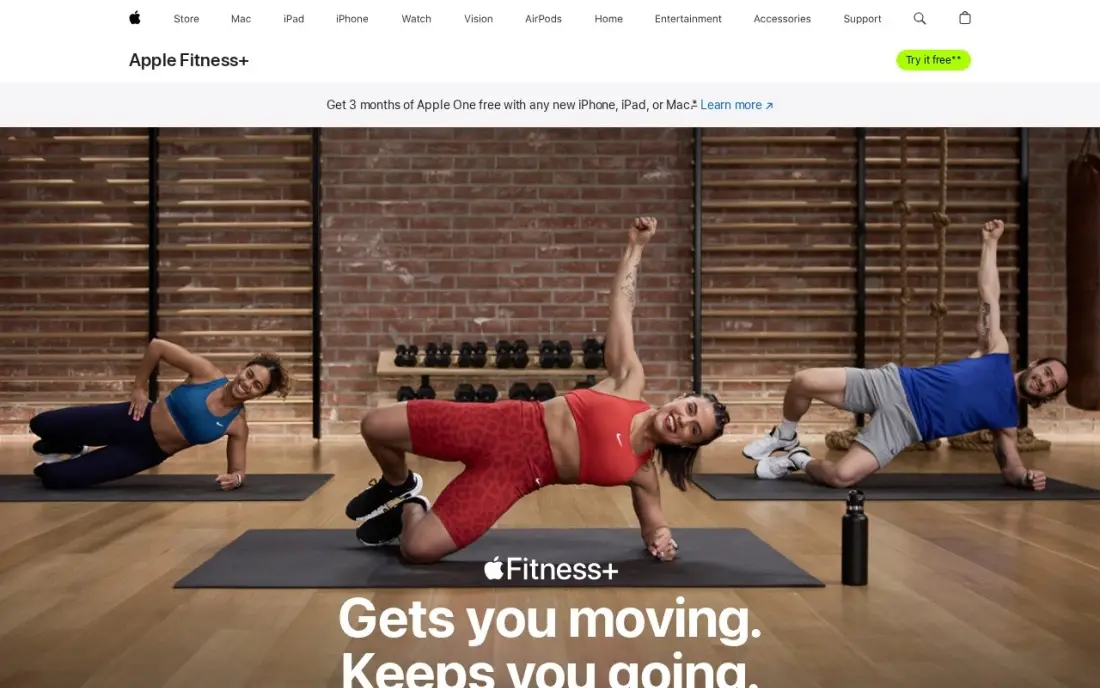
Apple Fitness+ is the best value for an Apple household. It costs $9.99 a month or $79.99 a year, covers up to five family members, and shows live Apple Watch metrics such as heart rate on screen during each class. The library spans HIIT, strength, Pilates, yoga, dance, cycling, rowing and meditation, with new workouts added weekly, and the trial runs one month, or three with an eligible Apple device.
The ecosystem is the limit. Fitness+ runs only on iPhone, iPad and Apple TV, and it is at its best with an Apple Watch. Android households should look at Peloton or Nike Training Club instead.
What we like
- One subscription covers up to 5 family members at no extra cost
- Live Apple Watch metrics on screen during class, with new workouts added weekly
- HIIT, strength, Pilates, yoga, dance, cycling, rowing and meditation in one app
- Also included in Apple One Premier at $39.95 a month
Watch out for
- Apple devices only, so it does not run on Android, Windows or a laptop browser
- The best experience needs an Apple Watch, a separate purchase

Fitbod
Best for: Gym-goers who want each strength session planned from their own training history
Fitbod is the pick for people who lift. Instead of a fixed program, it generates each session from your goals, level, available equipment and which muscles are recovered, then learns from the edits you make. The library holds more than 1,000 exercises with video demos, home workouts need no equipment, and logs sync with Apple Health, Strava and Fitbit. The US App Store rates it 4.8 out of 5 from about 289,000 ratings.
The app is free to download with a free trial, but the workouts need a subscription. The US App Store lists monthly plans at $12.99 and $15.99 and yearly plans at $79.99 and $95.99, so check which offer you are shown.
What we like
- Builds each workout around your goals, level, equipment and recovery, and adjusts as you edit it
- 1,000+ exercises with video demos, plus no-equipment home workouts
- Syncs with Apple Health, Strava and Fitbit
- Rated 4.8 out of 5 from about 289,000 ratings on the US App Store
Watch out for
- No free plan: the full workouts need a paid subscription after the trial
- The App Store lists several monthly and yearly prices, so check the offer shown before you pay
- Built for strength training, with little for classes or guided cardio

Down Dog
Best for: Home exercisers who want yoga, HIIT, barre and Pilates sessions built fresh each time
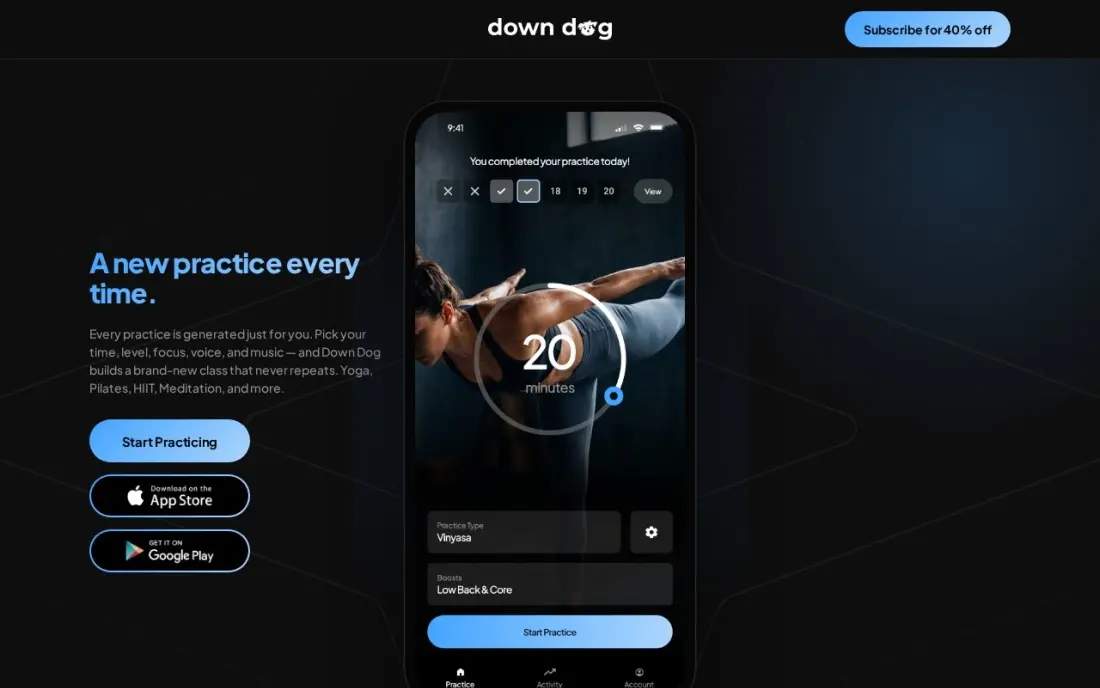
Down Dog is the best value for home workouts because one subscription covers seven apps: yoga, Pilates, HIIT, barre, meditation, running and 7-minute workouts. Each session is built fresh from the level, focus, pace and length you choose, so the routine never goes stale, and voices, music and cue detail are all adjustable. All Access costs $9.99 a month or $59.99 a year on Down Dog's website.
Buy on the web: the App Store charges $12.99 a month or $99.99 a year. There is no filmed teacher and no live class, only voice guidance over clips, and the trial is short. Students and teachers with a school email can apply for free access.
What we like
- Every session is generated fresh from your level, focus, pace and time
- One subscription unlocks seven apps: yoga, Pilates, HIIT, barre, meditation, running and 7-minute workouts
- Deep customization of voices, music and guidance level
- Students and teachers with a school email can apply for free access
Watch out for
- The website price ($9.99 a month) is lower than the App Store price ($12.99 a month)
- No filmed teacher-led classes and no live classes
- No free tier beyond a brief trial

Glo
Best for: Yoga and Pilates practitioners who want expert teachers and structured programs
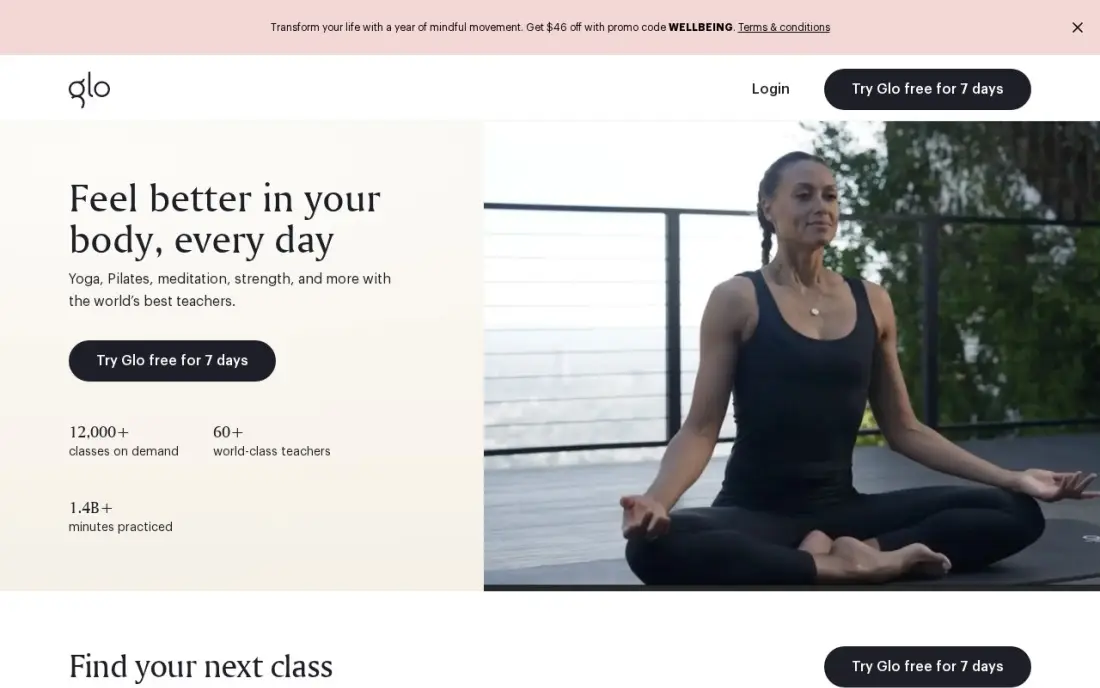
Glo is the specialist pick for people whose fitness centres on yoga and Pilates. It has taught online since 2011, holds more than 4,000 classes across yoga, meditation, Pilates and fitness, and runs live classes and structured multi-week programs with a strong teacher roster. Its class search, by style, level, length, teacher and body focus, is the most detailed here.
It is also the most expensive app in this list. Glo's support center lists $30 a month or $245 a year, while its homepage advertises $18 a month, so budget on the higher figure until checkout shows otherwise. A 7-day trial is the only free option.
What we like
- Strong teacher roster with live classes and structured multi-week programs
- More than 4,000 classes across yoga, meditation, Pilates and fitness
- Detailed class search by style, level, duration, teacher and body focus
Watch out for
- The most expensive app here at $30 a month or $245 a year
- Its homepage advertises $18 a month, which does not match its support center
- No free tier beyond the 7-day trial
MyFitnessPal
Best for: Anyone pairing workouts with calorie and macro tracking
Training results depend on eating, and MyFitnessPal is the tracker that connects the two. Its database of more than 20 million foods makes logging fast, the free plan covers food logging, macros and custom recipes, and it syncs with Apple Health, Google Fit, Fitbit and Garmin so workouts adjust the day's calorie budget.
Premium adds the barcode scanner, Meal Scan, voice logging, gram-level macro goals and an AI Coach. It costs $19.99 a month or $79.99 a year in the app, but $9.99 a month or $49.99 a year on the website, so subscribe on the web. Check packaged-food entries, as some crowdsourced ones are wrong.
What we like
- Largest food database here: 20 million-plus foods
- Free plan covers food logging, macro viewing and custom recipes
- Syncs with Apple Health, Google Fit, Fitbit, Garmin and most wearables
Watch out for
- Premium costs $19.99 a month in the app but $9.99 a month on the website
- Barcode scanning is a Premium feature
- Crowdsourced entries can be wrong or duplicated
The best fitness apps give you a plan you will actually follow: workouts that fit your equipment and schedule, a coach or class that keeps you going, and a way to see progress. We compared seven apps across free training, live classes, gym strength, home workouts, yoga and nutrition tracking, and every price below was checked on the vendor's own website or App Store listing in November 2026.
How to choose the best fitness apps
- Match the app to the training you do. Lifting in a gym needs set and rep logging; home workouts need no-equipment sessions; classes suit people who need a coach's energy.
- Start free before you pay. Nike Training Club is fully free, and most paid apps here have a trial — Peloton's runs 30 days.
- Buy on the website, not in the app. Peloton, Down Dog and MyFitnessPal all charge more through the App Store than on their own sites.
- Check your devices. Apple Fitness+ runs only on Apple hardware; the others work on Android and iPhone.
- Look at the yearly price. Annual plans cut the cost sharply — Down Dog falls to $59.99 a year on its website.
- Do not forget food. If your goal is weight loss or muscle gain, a nutrition tracker such as MyFitnessPal matters as much as the workout app.
- New to exercise? Pick an app that adjusts to you. Nike Training Club filters by intensity for free, Down Dog sets each session by your level and pace, and Fitbod plans strength work around your level and recovery, with video demos for every move.
If you are choosing a specialist app, our guides to the best yoga app and the best app to track macros go deeper on those two categories.
Fitness apps pricing: what you will actually pay
Take one person paying for a year of training. On website prices, Down Dog All Access costs $59.99 a year, Apple Fitness+ $79.99 a year for up to five family members, Peloton App One $129 a year and Glo $245 a year. Paying monthly instead costs $119.88 for Down Dog at $9.99, $119.88 for Apple Fitness+ at $9.99 and $155.88 for Peloton at $12.99.
Buying through the App Store changes the maths. Peloton App One costs $15.99 a month there, or $191.88 a year paid monthly — $36 more than on the website. Fitbod sells through the App Store, where the US listing shows yearly plans at $79.99 and $95.99. Adding MyFitnessPal Premium for nutrition costs $49.99 a year on the website against $79.99 in the app. Nike Training Club costs $0, so a beginner can train for a year before spending anything.
Know the difference: workout apps vs tracking apps
Workout apps tell you what to do. Nike Training Club, Peloton, Apple Fitness+, Down Dog and Glo provide classes, programs or generated sessions, and their value is the coaching and variety. Fitbod sits between the two groups: it plans strength sessions and logs the results.
Tracking apps record what you did and ate. MyFitnessPal logs food and macros and pulls activity from wearables to adjust your daily budget. Most people who stick with training end up running one of each — a workout app for the plan and a tracker for food and progress — rather than expecting one app to do both well.
Quick comparison: tool type by need
| Buyer | Best pick | Why |
|---|---|---|
| Free training | Nike Training Club | Full trainer-led library free with a Nike account |
| Live classes at home | Peloton | App One $12.99/month on the website, 30-day trial |
| Apple Watch households | Apple Fitness+ | $9.99/month for up to 5 family members |
| Gym strength training | Fitbod | Sessions planned from your history and recovery |
| Home workouts on a budget | Down Dog | Seven apps for $59.99/year on the website |
| Yoga and Pilates focus | Glo | 4,000+ classes with live sessions and programs |
| Nutrition alongside training | MyFitnessPal | Free food logging; Premium $9.99/month on the web |
Mistakes to avoid
- Subscribing in the app by default. The same plan can cost $3 to $10 a month more through the App Store; check the vendor's website first.
- Paying for a year on day one. Use the trial and one paid month to confirm the habit sticks before committing to an annual plan.
- Choosing by library size. Thousands of classes do not help if none match your equipment, time or goal; filter for what you will actually do.
- Ignoring progress tracking. Without logging sets, reps or food, it is hard to tell whether training is working.
- Forgetting to cancel trials. Most trials renew automatically into a paid plan, so set a reminder a few days before the trial ends.
Related comparisons: Fitness Studio Software
How we chose
We checked each app's own website or US App Store listing in November 2026 and recorded the starting price exactly as shown, noting where the App Store price differs from the website. We picked apps that cover the main reasons people train — free general fitness, live classes, gym strength, home workouts, yoga and nutrition — and that work without extra hardware, except where noted. Ratings come from the sources listed on the dates shown. No vendor paid for a place in this list, and none of the links here are affiliate links.
What to do next
Download Nike Training Club and do three workouts this week; if you want live coaching, gym programming or nutrition tracking after that, start the matching trial above on the vendor's website. If you run a gym or studio and want local members to find you, book a free call with SerpAstra.
Frequently asked questions
What is the best fitness app?
Nike Training Club is the best free fitness app, with its whole library free on a Nike account. Peloton App One at $12.99 a month on the website is best for live classes, Apple Fitness+ at $9.99 a month suits Apple Watch households, and Fitbod is the pick for gym strength training.
Is there a completely free fitness app?
Yes. Nike Training Club has no paid tier — the full library of workouts and programs is free with a Nike account. MyFitnessPal also has a free plan for food and macro logging.
Why is the App Store price higher than the website price?
Apple and Google take a cut of in-app subscriptions, so some vendors charge more there. Peloton App One costs $12.99 a month on the website and $15.99 in the App Store, Down Dog $9.99 against $12.99, and MyFitnessPal Premium $9.99 against $19.99. Subscribe on the vendor's website when you can.
Which fitness app is best for strength training?
Fitbod is built for it: it plans each gym session from your history, goals, equipment and recovery, and logs sets and reps. Nike Training Club has strong free strength workouts but no set and rep logging.
How much does a fitness app cost?
On published prices, Apple Fitness+ costs $9.99 a month or $79.99 a year, Peloton App One $12.99 a month or $129 a year on the website, Down Dog $9.99 a month or $59.99 a year on its website, and Glo $30 a month or $245 a year. Nike Training Club is free.
Do I need a smartwatch to use a fitness app?
No. All seven apps work on a phone. Apple Fitness+ is at its best with an Apple Watch, which shows live metrics on screen, and most apps sync with wearables if you have one.
What is the best fitness app for beginners?
Nike Training Club is the easiest place to start: the whole library is free, and workouts filter by equipment, time and intensity, so you can pick short, gentle sessions. Down Dog builds each session fresh from your level and pace for $9.99 a month on its website. If you want to lift, Fitbod plans each strength session around your level, equipment and recovery, with video demos for 1,000+ exercises.
Sources we checked (8)
- Nike Training Club — www.nike.com/ntc-app (checked November 10, 2026)
- Peloton — www.onepeloton.com/app (checked November 10, 2026)
- Peloton reviews on Trustpilot (checked November 10, 2026)
- Apple Fitness+ — www.apple.com/apple-fitness-plus (checked November 10, 2026)
- Fitbod — apps.apple.com/us/app/fitbod-gym-fitness-planner/id1041517543 (checked November 16, 2026)
- Down Dog — www.downdogapp.com (checked November 10, 2026)
- Glo — www.glo.com (checked November 10, 2026)
- MyFitnessPal — www.myfitnesspal.com/premium (checked November 4, 2026)
Make one of these tools?
We re-check this list every quarter. Send a correction, request a review, or ask about a clearly labeled sponsored spot.
Request a listingShamim
Founder of SerpAstra
A full-stack digital marketer and SEO strategist covering technical and local SEO, AI search visibility, paid ads and lead generation for local businesses, e-commerce brands and SaaS teams.
Free SEO and AI visibility audit
Find out what is holding your rankings back
Send us your site. Within 2 business days you get a written audit, an AI visibility check and a short fix list ranked by impact. Free, with no contract attached.
Request my free audit→Related buying guides
 Salon, Spa, Fitness & SportsBest Yoga Apps (2026): 11 Apps Worth DownloadingCompare the 11 best yoga apps on price, free plans, teachers and class libraries, with prices checked November 10, 2026 — from free to $30 a month.Read guide →
 Personal & Lifestyle AppsBest Apps to Track Macros (2026): 8 Apps Worth DownloadingCompare the 8 best app to track macros options on price, free plans, barcode scanning and adaptive targets, with every price checked November 4, 2026.Read guide →
 Salon, Spa, Fitness & SportsBest Fitness Studio Software for 2026: 12 Options Compared by Use CaseCompare the 12 best fitness studio software options for 2026 on price, class packs, memberships and free plans, with every price checked November 7, 2026.Read guide →