
8 Best Free CRM Software for Small Teams in 2026, Compared
Compare the 8 best free CRM software for small teams, in-office or remote, on free user limits, contact caps, mobile apps and upgrade cost, checked in 2026.
 Shamim Mia, Founder, SerpAstraLast verified November 4, 20268 min read
We compare pricing pages, documentation and public reviews. We never accept payment for rankings.
Key takeaways
- HubSpot is the best free CRM for a team of two: unlimited contacts, one pipeline, email tracking and a shared inbox, with apps on every device.
- For three people, Zoho CRM and Freshsales are both free; for up to 12, Bitrix24 is free and adds chat and tasks, which helps remote teams.
- Odoo's One App Free covers the CRM for unlimited users, and EngageBay covers 15 users but caps contacts at 250.
- Remote teams should favour CRMs with one shared timeline per contact and good mobile apps, so nobody needs to ask a colleague what happened.
On this page
Quick comparison
| Tool | Best for | Starting price | Free plan |
|---|---|---|---|
| HubSpot CRM | Teams of two that want the most polished free CRM, in the office or remote | Free; Starter $20/seat/mo | Yes (free CRM) |
| Zoho CRM | Teams of three that want a full free CRM and the cheapest paid ladder | $20/mo | Yes (3 users) |
| Freshsales | Three-person sales teams that call and email prospects all day | $11/mo | Yes (3 users) |
| Bitrix24 | Remote teams of up to 12 that want CRM, chat, tasks and video calls in one free tool | $49/mo | Yes (free plan) |
| Capsule CRM | Two-person teams that want a simple free CRM nobody needs training to use | $18/user/mo (annual) | Yes (2 users) |
| EngageBay | Small teams that want sales, marketing and support for up to 15 people on one free plan | $14.99/user/mo | Yes (15 users) |
| Odoo | Small teams that expect to grow and want a free CRM with no user limit | $31.10/mo | Yes (One App Free) |
| Airtable | Small teams that want to design their own lightweight CRM on a shared database | $24/seat/mo | Yes (free plan) |
Make one of these tools?
We re-check this list every quarter. Send a correction, request a review, or ask about a clearly labeled sponsored spot.
Request a listingThe best free CRM software for small teams
HubSpot CRM
Best for: Teams of two that want the most polished free CRM, in the office or remote
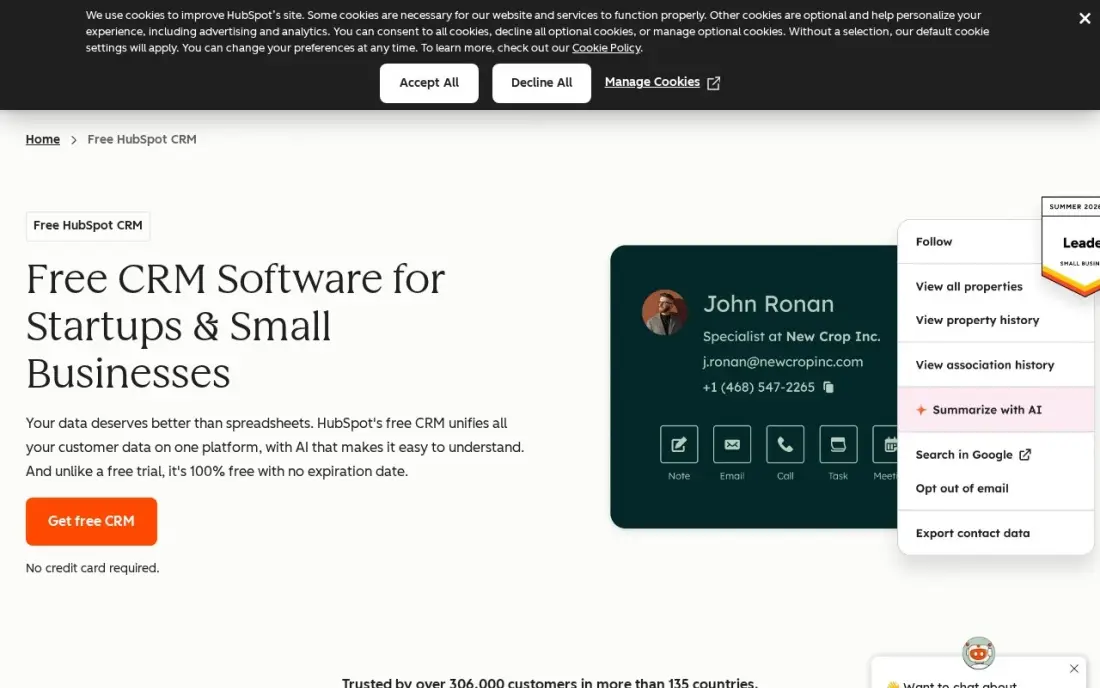
HubSpot's free CRM is the benchmark for a two-person team. It covers unlimited contacts and companies, one deal pipeline, email tracking, meeting scheduling and a shared inbox, and every email, call, meeting and deal sits on one timeline per contact. Apps run on iOS, Android, Windows, Mac and the web, so a remote partner sees the same record as the founder.
Two users is a hard limit. The third teammate needs a Starter seat at $20 a month list price, and automation and reporting need Professional at $90 a seat. Choose HubSpot when the team will stay at two for a while or expects to grow into its paid marketing tools.
What we like
- Free CRM with unlimited contacts and companies, one deal pipeline and email tracking
- Every contact carries its full history — emails, calls, meetings and deals — on one timeline
- Apps on iOS, Android, Windows and Mac, plus a web app that syncs everywhere
Watch out for
- Two free users only — a third teammate forces a paid Starter seat at $20/month
- Automation and reporting live on Professional at $90/seat/month, a steep step up

Zoho CRM
Best for: Teams of three that want a full free CRM and the cheapest paid ladder
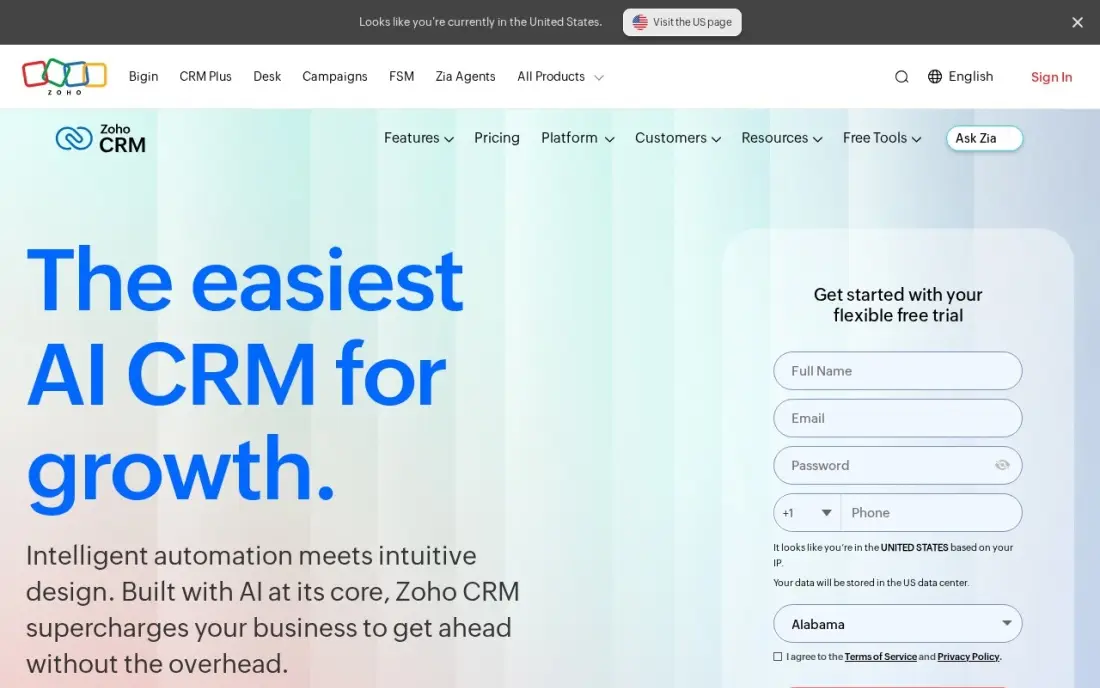
Zoho CRM's free plan covers up to three users with leads, contacts, deals and pipelines, which makes it the natural pick for a three-person team. It runs in the browser and on mobile, and the wider Zoho suite offers mail, desk and projects on the same login if a remote team wants one vendor for everything.
Standard costs $14 a user a month billed annually, or $20 monthly, and adds built-in calling, five pipelines and forecasting; Professional costs $23 and Enterprise $40. G2 reviewers rate Zoho's setup lower than HubSpot's, so allow time to configure fields and stages before inviting the team.
What we like
- Free plan covers up to 3 users with pipelines, leads and contacts — the only free tier here that fits a tiny team, not just a solo user
- Zia, Zoho's AI assistant, predicts deal outcomes, flags anomalies and suggests the best time to contact a lead on Enterprise and the top tier
- The cheapest full-featured ladder here: Standard $14, Professional $23 and Enterprise $40 a user a month billed annually
Watch out for
- Zia's predictions and AI features need Enterprise at $40 a user a month — Standard buyers get scoring rules, not the AI assistant
- G2 reviewers rate ease of setup 8.0, the lowest here, and support scores trail HubSpot and Pipedrive
- Add-ons for support tiers, storage and training sit outside the seat price, so the invoice can exceed the plan price

Freshsales
Best for: Three-person sales teams that call and email prospects all day
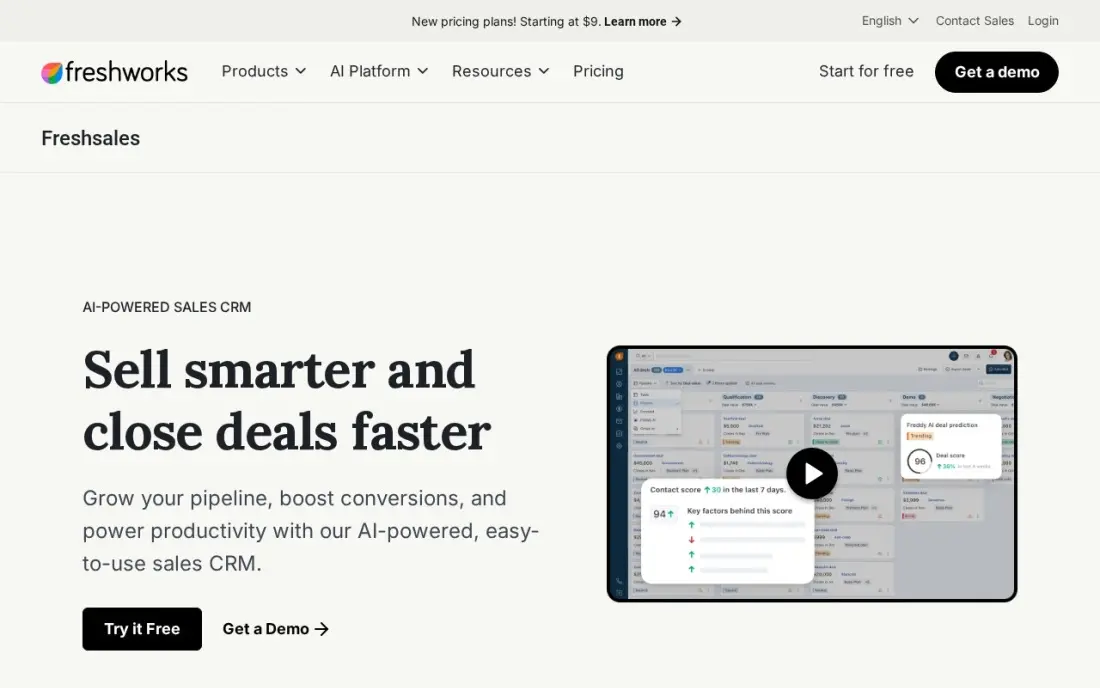
Freshsales is also free for up to three users and suits small teams whose day is calls and emails. The paid Growth plan, at $9 a user a month billed annually or $11 monthly, adds built-in phone, chat and email inside the CRM, a Kanban pipeline and lifecycle stages, with no onboarding fee, and the 21-day trial covers the full product.
Growth has one pipeline only, and Freddy AI scoring and sequences need Pro at $39 a user a month. For a small team that wants the cheapest paid seat when it outgrows free, nothing here costs less per user.
What we like
- The lowest paid price in this list: $11 a user a month billed monthly ($9 billed annually) on Growth, with a Kanban pipeline, lifecycle stages and built-in chat, email and phone
- Freddy AI scores contacts, drafts sales emails and surfaces deal insights from the Pro plan at $39 a user a month
- No onboarding fee on any tier, and 500 Freddy AI Agent sessions come free once per account on paid plans
Watch out for
- Growth allows only one sales pipeline — multiple pipelines need Pro at $39 a user a month
- Freddy's scoring, sequences and AI sales emails need Pro at $39 — Growth is the pipeline, not the AI
- Branded documents cost $19 a user a month extra, and the Freddy AI Agent is $49 per 100 sessions beyond the free allowance
Bitrix24
Best for: Remote teams of up to 12 that want CRM, chat, tasks and video calls in one free tool
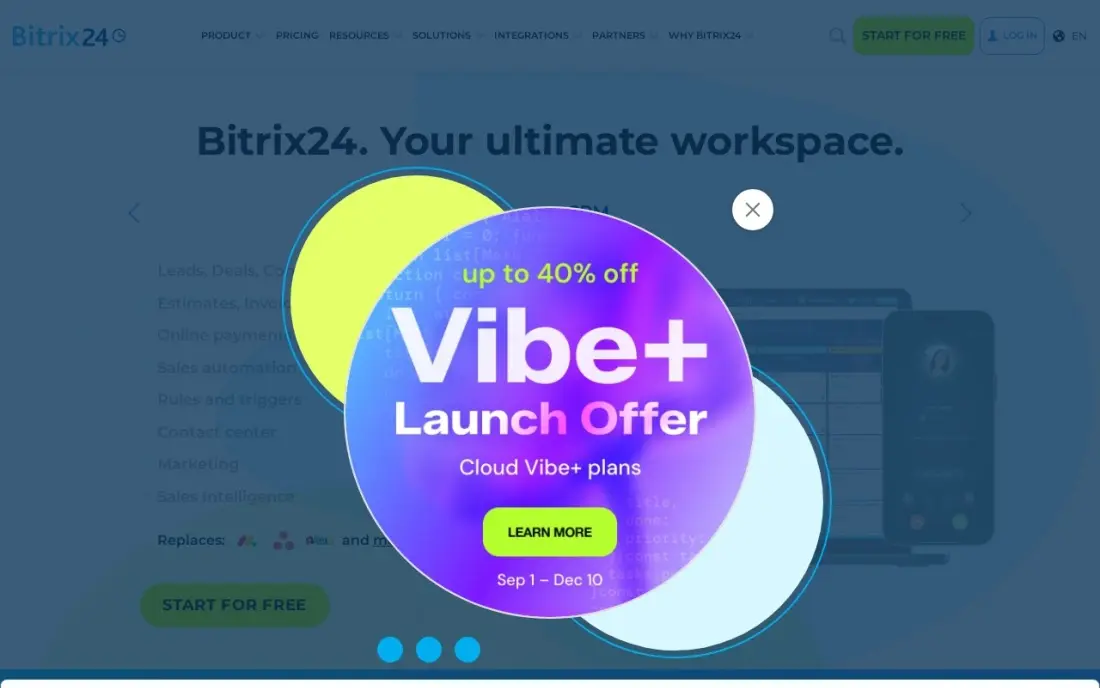
Bitrix24's free plan covers up to 12 users and goes beyond CRM: tasks, projects, team chat and telephony share the same login. For a remote small team, that means deals, the conversation about them and the follow-up task live in one place instead of being split across a CRM, Slack and a task app.
It charges per organisation when you pay: Basic is $49 a month for up to five users billed annually, or $61 monthly, and Standard $99 for up to 50. AI sales features start on Professional at $199 a month. The interface is dense, so give the team a short tour first.
What we like
- Flat per-organization pricing: Basic is $49 a month for up to 5 users, Standard $99 for up to 50
- Free plan covers up to 12 users with core CRM features included
- CRM, tasks, projects, HR, telephony and a website builder sit in one login
- At 50 users on Standard, the cost works out near $2 a user a month
Watch out for
- Flat pricing means a 6-user team pays the same $49 as a 5-user team pays nothing extra for
- AI-powered sales features start on Professional at $199 a month, not on Basic
- Telephony runs on paid credits even on paid plans, so calling costs sit outside the subscription

Capsule CRM
Best for: Two-person teams that want a simple free CRM nobody needs training to use
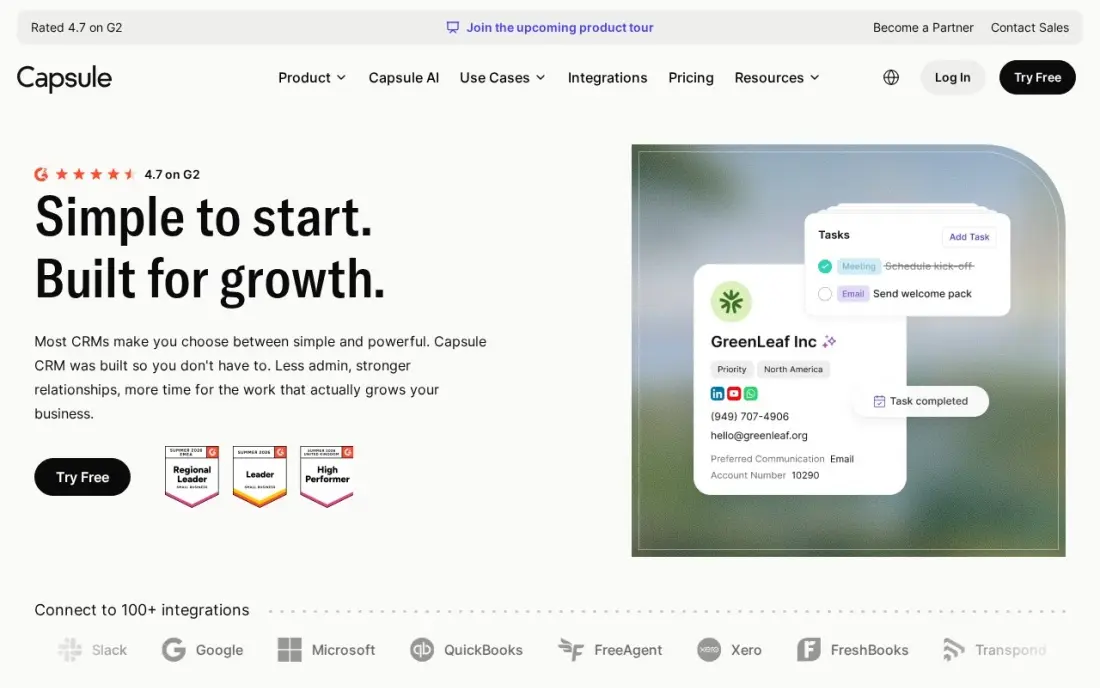
Capsule is the easiest CRM to hand to a small team: contacts, one pipeline and tasks, with nothing else to learn, and a mobile app just as plain. The free plan covers two users and 250 contacts, and G2 reviewers give it 4.7 with very high ease-of-use scores.
The 250-contact cap is low, so a team with an existing customer list will need Starter at $18 a user a month billed annually, or $21 monthly, which raises it to 30,000. Email sync and automations wait for Growth at $36 a user a month.
What we like
- Free plan for 2 users and 250 contacts, with a 14-day trial on paid plans
- Ease of use scores 9.4 on G2, with 85% of reviewers giving five stars
- Starter includes an AI pipeline generator, email templates and a shared mailbox
Watch out for
- Only one sales pipeline on Starter — a second pipeline needs Growth at $36 a user a month
- Workflow automations and email sync are not on Starter
- Reporting stays basic next to the fuller suites
EngageBay
Best for: Small teams that want sales, marketing and support for up to 15 people on one free plan
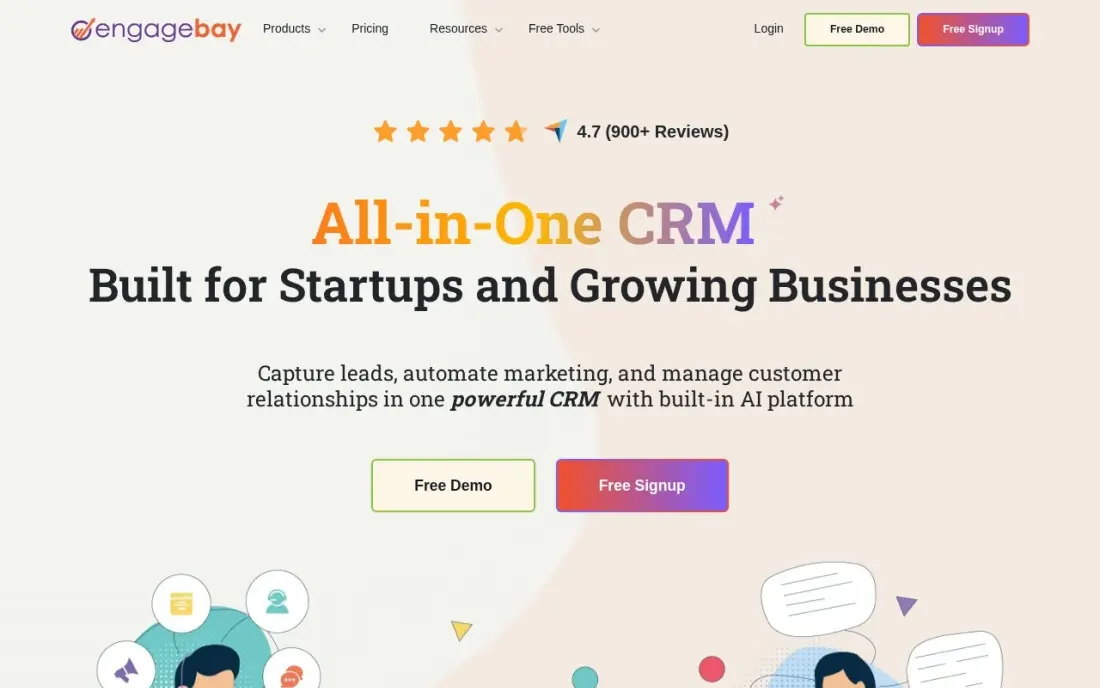
EngageBay's free plan stretches to 15 users and includes CRM, email marketing, helpdesk and live chat, so a small company's sales, marketing and support people can all work from the same contact records at no cost. That suits a remote team where the same customer emails sales, then support.
The free plan stops at 250 contacts, which is tight. Basic costs $14.99 a user a month billed monthly, or $13.79 billed annually, for 500 contacts, and marketing automation needs Growth at $64.99. Watch the billing toggle on the pricing page, which defaults to two-year terms.
What we like
- Most generous free plan here: CRM, email, helpdesk and live chat for up to 15 users and 250 contacts
- Flat per-user pricing with no onboarding fees, and Basic adds landing pages, lead scoring and SMS marketing
- One login covers marketing, sales and service, so small teams avoid three subscriptions
Watch out for
- Marketing automation needs Growth at $64.99 a user a month — a 4.3x jump from Basic
- The pricing page defaults to biennial billing, so the $12.74 headline assumes a two-year commitment

Odoo
Best for: Small teams that expect to grow and want a free CRM with no user limit
Odoo's One App Free plan gives one app free for unlimited users, so a team can run Odoo CRM for five people today and fifteen next year without paying. The CRM covers leads, pipeline stages and activities, and the same system offers accounting, inventory and projects as separate apps.
The moment you add a second app, every user moves to Standard at $24.90 a month billed annually in the first year, renewing at $31.10. Standard runs on Odoo Online only, without custom modules or API access. Keep to one app until you are ready for that bill.
What we like
- CRM and Accounting are two apps inside one system, sharing customers, invoices and payments
- One App Free covers a single app at $0 with unlimited users — the only free accounting entry here
- Standard includes every app, hosting, maintenance and unlimited support in one per-user price
- The modular design means the business adds inventory, projects or e-commerce without re-platforming
Watch out for
- The $24.90 first-year price renews at $31.10 a user a month — budget year two, not year one
- Standard runs on Odoo Online only, with no custom modules and no external API access
- Accounting depth varies by country, so local tax and reporting need checking before buying

Airtable
Best for: Small teams that want to design their own lightweight CRM on a shared database
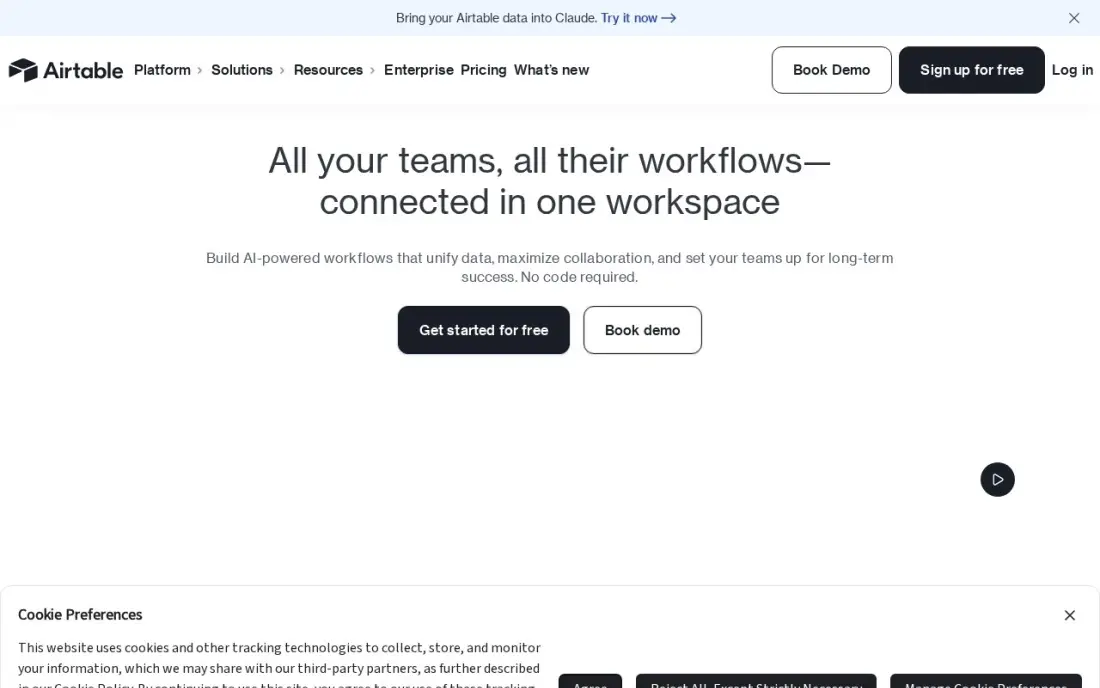
Airtable suits small teams whose sales process does not fit a standard CRM, such as a partnerships team or a studio tracking pitches. Contacts, companies and deals become linked tables, viewed as a kanban board, a calendar or a grid, and everyone sees updates live. The free plan covers 1,000 records per base.
You build every field, view and automation yourself, and there is no built-in email logging. Team costs $20 a seat a month billed annually, or $24 monthly, and anyone with comment access counts as a seat, so share carefully.
What we like
- A database you shape into a tracker: kanban, calendar and gallery views over the same records
- Team adds Gantt and timeline views, extensions and 15,000 AI credits per seat a month from $20 a seat
- Free plan covers 1,000 records per base, enough to prove the setup before paying
- Interfaces let a team build a simple front end for clients without code
Watch out for
- The dearest per-seat price here at $20, and Team bills Commenters as paid seats
- No native time tracking or workload planning — those need extensions or another tool
- Performance slows on very large bases, and two-way sync waits for Business at $45 a seat
The best free CRM software for small teams gives two to fifteen people one shared place for contacts, deals and follow-ups, without a monthly bill. We compared eight CRMs with permanent free plans, and looked closely at what matters when the team is remote as well as in the office: shared timelines, mobile apps and built-in chat. Every plan detail below comes from the vendor's own pricing page as checked in November 2026.
How to choose the best free CRM software for small teams
- Count your users first. Free plans range from two users to unlimited, and the number on your team today rules most options in or out.
- Check the contact cap against your list. A 250-contact limit is fine for a new business and useless for one with years of customers.
- Look for one timeline per contact. In a remote team, nobody can lean over and ask; every call, email and note should sit on the record.
- Test the mobile app. Small teams update deals between meetings, often on a phone, so a weak app means missing data.
- Price the first paid tier. Most growing teams pay within a year, and the per-seat cost after free varies from $9 to $20.
- Keep setup light. A small team has no admin; a CRM that needs a week of configuration will not get used.
A shared CRM makes every lead count, but it cannot create them. If you want more enquiries from search, our local SEO service helps small businesses get found nearby, and our guide to the best CRM for small business covers paid options when free stops being enough.
Free CRM software for small teams pricing: what you will actually pay
For a team of three, Zoho CRM and Freshsales cost $0, and HubSpot costs $0 for two people plus a $20-a-month Starter seat at list price for the third. At five people, the free options narrow: Bitrix24 is still free up to 12 users, EngageBay up to 15 with 250 contacts, and Odoo's One App Free has no user limit.
If that team of five moves to paid plans billed annually, Freshsales Growth costs $9 a user a month — $45 a month or $540 a year — and Zoho Standard $14 a user, or $840 a year. Capsule Starter costs $18 a user, or $1,080 a year, and Airtable Team $20 a seat, or $1,200 a year. Bitrix24 Basic costs $49 a month flat for up to five users billed annually, or $588 a year, and becomes cheaper per head as the team grows to 50 on Standard at $99 a month.
Know the difference: CRM for in-office teams vs remote teams
An in-office small team can get away with a CRM that only stores contacts and deals, because the context lives in conversation. People overhear calls, ask across the desk and agree next steps in person, and the CRM is a record of decisions made elsewhere.
A remote team needs the CRM to carry that context. Every email and call should log automatically, notes need to be easy to add from a phone, and handovers between time zones depend on the record being complete. That favours tools with automatic email logging and strong mobile apps, such as HubSpot, or tools that put chat and tasks next to the deal, such as Bitrix24.
Quick comparison: tool type by need
| Buyer | Best pick | Why |
|---|---|---|
| Teams of two | HubSpot CRM | Unlimited contacts, shared inbox and apps on every device |
| Teams of three | Zoho CRM | Free for 3 users, Standard $14/user/month billed annually |
| Calling teams of three | Freshsales | Free for 3 users, Growth $9/user/month billed annually |
| Remote teams up to 12 | Bitrix24 | CRM, chat and tasks free for 12 users |
| Simplest setup | Capsule CRM | Free for 2 users and 250 contacts |
| Sales, marketing and support | EngageBay | Free for 15 users with helpdesk and live chat |
| Growing teams | Odoo | One App Free covers the CRM for unlimited users |
| Custom processes | Airtable | Build-your-own CRM, free up to 1,000 records per base |
Mistakes to avoid
- Letting everyone set up their own pipeline. Agree stages and required fields as a team before importing anything.
- Keeping contacts in personal inboxes. Connect email logging on day one, or the CRM will only show half the story.
- Ignoring the free plan's limits until you hit them. Note the user and contact caps and plan the upgrade before a new hire joins.
- Choosing a tool nobody opens on their phone. Test the app with the person who is out of the office most.
- Skipping a weekly pipeline review. A five-minute review keeps a small team's CRM accurate better than any feature.
How we chose
We checked each vendor's own pricing page in November 2026 and included only CRMs with a free plan that has no end date. We ranked them by fit for a team of two to fifteen people, weighing free user and contact limits, shared timelines, mobile apps and the cost of the first paid tier. Ratings come from G2 pages checked on the dates shown in the sources. No vendor paid for a place in this list, and none of the links here are affiliate links.
What to do next
Pick the free CRM that fits your headcount, import your last 100 contacts and agree three to five pipeline stages as a team, then run one week of real work through it. If the pipeline needs more enquiries, book a free SEO call.
Frequently asked questions
What is the best free CRM software for small teams?
HubSpot is the best free CRM for two people. Zoho CRM and Freshsales are best for three, Bitrix24 for up to 12, and Odoo's One App Free plan covers the CRM for unlimited users.
Which free CRM is best for remote teams?
Bitrix24 is the strongest free option for remote teams of up to 12, because CRM, chat, tasks and telephony share one login. HubSpot is best for remote pairs, with one shared timeline per contact and apps on every device.
How many users do free CRMs allow?
HubSpot and Capsule allow 2, Zoho CRM and Freshsales 3, Bitrix24 12 and EngageBay 15. Odoo's One App Free plan has no user limit for a single app.
Do free CRMs limit contacts?
Some do. Capsule and EngageBay cap free plans at 250 contacts and Airtable at 1,000 records per base, while HubSpot's free CRM allows unlimited contacts.
When should a small team upgrade from a free CRM?
When you need automation, a second pipeline or more users than the free plan allows. Compare the first paid tier: Freshsales Growth costs $9 a user a month billed annually and Zoho Standard $14, against HubSpot Starter at $20 list.
Is a spreadsheet good enough instead of a free CRM?
For a few dozen contacts, yes. Once two or more people work the same leads, a free CRM is better because every call, email and next step is logged on one record instead of in someone's inbox.
Sources we checked (13)
- HubSpot CRM — www.hubspot.com/products/crm (checked November 12, 2026)
- HubSpot CRM reviews on G2 (checked November 12, 2026)
- Zoho CRM — www.zoho.com/crm/pricing (checked November 12, 2026)
- Zoho CRM reviews on G2 (checked November 12, 2026)
- Freshsales — www.freshworks.com/crm/pricing (checked November 12, 2026)
- Freshsales reviews on G2 (checked November 12, 2026)
- Bitrix24 — www.bitrix24.com/prices (checked November 12, 2026)
- Capsule CRM — capsulecrm.com/pricing (checked November 12, 2026)
- Capsule CRM reviews on G2 (checked November 12, 2026)
- EngageBay — www.engagebay.com/pricing/all-in-one (checked November 4, 2026)
- Odoo — www.odoo.com/pricing (checked November 12, 2026)
- Airtable — airtable.com/pricing (checked November 12, 2026)
- Airtable reviews on G2 (checked November 12, 2026)
Make one of these tools?
We re-check this list every quarter. Send a correction, request a review, or ask about a clearly labeled sponsored spot.
Request a listingShamim
Founder of SerpAstra
A full-stack SEO and digital marketer who spends most days on Local SEO for dental practices, AI search visibility and lead generation.
Free SEO and AI visibility audit
Find out what is holding your rankings back
Send us your site. Within 2 business days you get a written audit, an AI visibility check and a short fix list ranked by impact. Free, with no contract attached.
Request my free audit→Related buying guides
 Sales & CRMBest CRM for Small Business in 2026: 10 Options Ranked and ReviewedCompare the 10 best crm for small business options on starting price, free plans and AI features, with every price checked on November 12, 2026.Read guide →
 Sales & CRM10 Best CRM for Small Companies (2026): Who to Hire and What It CostsCompare the 10 best crm for small companies on price, free plans, pipelines and AI features in 2026, with every price checked November 12, 2026.Read guide →
 Sales & CRMBest CRM Mobile Apps (2026): 10 Apps Worth DownloadingCompare the 10 best crm mobile app options for small sales teams on price, free plans and offline access, with every price checked November 12, 2026.Read guide →