
Best CRM Mobile Apps (2026): 10 Apps Worth Downloading
Compare the 10 best crm mobile app options for small sales teams on price, free plans and offline access, with every price checked November 12, 2026.
 Shamim Mia, Founder, SerpAstraLast verified November 12, 202613 min read
We compare pricing pages, documentation and public reviews. We never accept payment for rankings.

Key takeaways
- HubSpot CRM leads for most teams at $0 free, with Pipedrive from $14 and Freshsales from $9 a user a month billed annually.
- The single most important buying factor is offline access: a mobile CRM that stops working without a signal is a notebook, not a tool.
- Five of the 10 tools have a free plan — HubSpot, Salesforce, Zoho, Freshsales and Capsule — but offline access, mobile calling and automation usually need a paid plan.
- Every price below was verified against the vendor's own pricing page through reads dated October to November 2026. Ratings are G2, with review counts shown.
On this page
Quick comparison
| Tool | Best for | Starting price | Free plan |
|---|---|---|---|
| HubSpot CRM | Small sales teams that want a free CRM with a full-featured mobile app and room to grow | $20/seat/mo | Yes (free CRM) |
| Pipedrive | Deal-led sales teams that want a visual pipeline on their phone | $14/user/mo (annual) | No (14-day trial) |
| Salesforce Sales Cloud | Growing teams that need the deepest CRM and expect to scale past 10 reps | $25/user/mo | Yes (Free Suite) |
| Zoho CRM | Small teams that want the most CRM per dollar and already use Zoho apps | $14/user/mo (annual) | Yes (3 users) |
| Freshsales | Small teams that want built-in phone, chat and email without buying add-ons | $11/user/mo | Yes (3 users) |
| Copper | Teams that run entirely on Google Workspace and live in Gmail | $23/user/mo (annual) | No (14-day trial) |
| monday sales CRM | Teams already on monday.com that want the pipeline on the same boards | $12/seat/mo (annual) | No (14-day trial) |
| Capsule CRM | Small teams that want the simplest CRM that still feels complete | $18/user/mo (annual) | Yes (2 users) |
| Less Annoying CRM | Solo founders and tiny teams that want one flat price and nothing to configure | $15/user/mo | No (30-day trial) |
| Insightly CRM | Small services firms that want CRM plus project delivery in one login | $29/user/mo (annual) | No (14-day trial) |
Make one of these tools?
We re-check this list every quarter. Send a correction, request a review, or ask about a clearly labeled sponsored spot.
Request a listingThe best crm mobile app

HubSpot CRM
Best for: Small sales teams that want a free CRM with a full-featured mobile app and room to grow
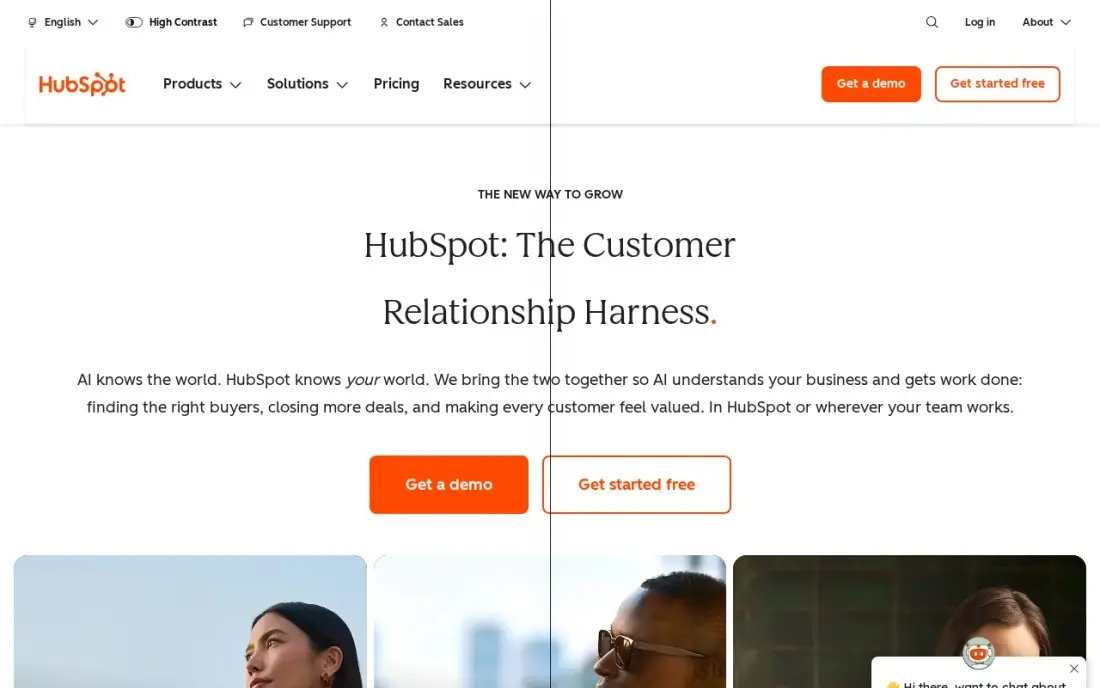
HubSpot CRM is the only tool here that starts free for up to two users and still feels like a complete CRM on a phone: contacts, deals, tasks, email tracking and meeting scheduling all work in the mobile app, and the app scores 4.7 on the App Store and 4.6 on Google Play, the best app-store ratings in this list. Starter at $20 a seat a month removes HubSpot branding and adds a second pipeline, with Breeze AI prospecting included.
The catch is the price curve. Starter is cheap, but Professional jumps to $90 a seat a month billed annually with a $1,500 one-time onboarding fee, and the features that make HubSpot powerful — sequences, forecasting and advanced automation — sit behind that jump. Start free, pay Starter when the team grows, and budget for Professional before you need it.
What we like
- Free CRM for up to 2 users with unlimited contacts and companies
- Best app-store ratings here: 4.7 on the App Store and 4.6 on Google Play
- Free plan covers contacts, deals, tasks, email tracking and a meeting scheduler
Watch out for
- Professional jumps to $90 a seat a month billed annually, plus a $1,500 one-time onboarding fee
- The $7 Starter price is a limited-time new-customer offer off the $20 list price
- Sequences, forecasting and advanced automation sit on Professional, not Starter

Pipedrive
Best for: Deal-led sales teams that want a visual pipeline on their phone
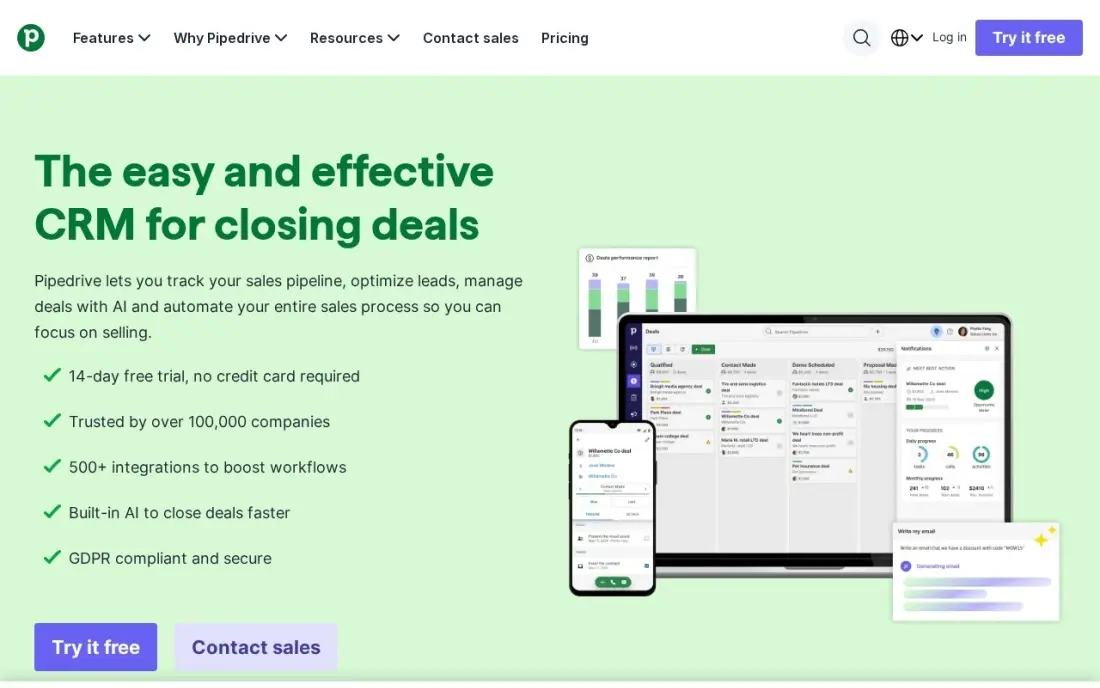
Pipedrive's mobile app is built around the same drag-and-drop pipeline as the desktop, so a rep can move a deal, log a call and add a note from a parking lot without opening a laptop. Lite costs $14 a user a month billed annually, or $24 month to month, and covers the pipeline, contacts, activities and basic reporting for teams that sell through stages rather than lists.
The honest cost is the add-ons. LeadBooster, Smart Docs and the Projects add-on are all billed separately, and two-way email sync, workflow automation and forecasting all wait for higher tiers — Advanced at $29 and Professional at $49 a user a month billed annually. Buy Lite when the pipeline is the job; budget Professional when automation is.
What we like
- Visual drag-and-drop pipeline works the same in the mobile app as on desktop
- More than 100,000 companies use it, and G2 ranks it sixth among 2026 sales software
- Lite includes email integration, activities and basic reporting from $14 a user a month
Watch out for
- No free plan — only a 14-day trial before the subscription starts
- LeadBooster, Smart Docs and Projects are paid add-ons, and two-way email sync needs Advanced
- Reviewers rate the iOS app lower than the Android app in the app stores

Salesforce Sales Cloud
Best for: Growing teams that need the deepest CRM and expect to scale past 10 reps
Salesforce Sales Cloud is the reference CRM everything else is measured against, and the Starter Suite at $25 a user a month is a genuine small-team product: leads, accounts, contacts, opportunities, built-in sales flows and AI-assisted email and calendar sync. The mobile app covers the same objects, so a rep can update an opportunity from the field and the office sees it at once.
The price is the floor, not the ceiling. Pro Suite is $100 a user a month, Core is $195, and the API costs another $25 a user a month, so a team that outgrows Starter should price the next tier before committing. Setup is also the heaviest here: G2 reviewers mention the steep learning curve more than any other drawback.
What we like
- Starter Suite includes leads, accounts, contacts, opportunities and built-in sales flows
- Free Suite at $0 and a 30-day trial, so a small team can start without paying
- The mobile app covers the same leads, accounts and opportunities as the desktop
Watch out for
- Pro Suite jumps to $100 a user a month, and API access costs another $25 a user a month
- G2 reviewers cite the steep learning curve and mobile UX challenges more than any other drawback
- Everything above Starter bills annually, so the monthly figure is an annual commitment

Zoho CRM
Best for: Small teams that want the most CRM per dollar and already use Zoho apps
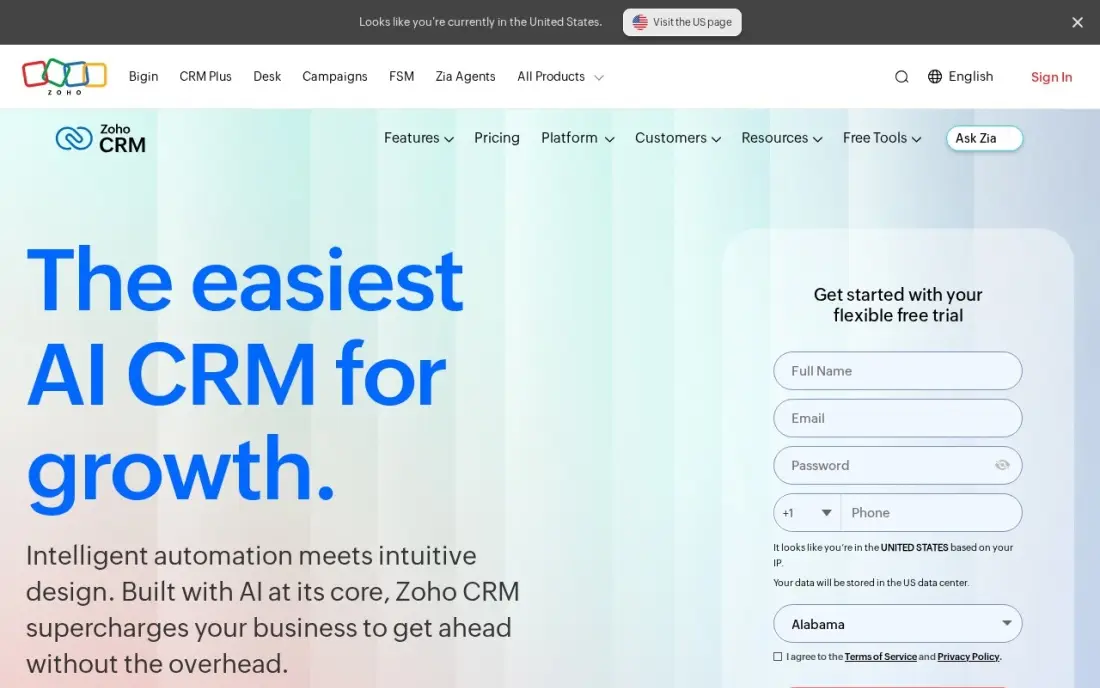
Zoho CRM is the value pick in this list: the free plan covers up to three users, and Standard costs $14 a user a month billed annually, or $20 month to month. That buys email integration, mass email, built-in calling, five pipelines, sales forecasting and custom modules — more on the entry plan than any rival here — and the mobile app covers the same records with Zia, Zoho's AI assistant, on hand.
The trade-off is support and setup. G2 reviewers praise the configurability but name the learning curve and slow support as the top complaints, and the pricing page sometimes serves local currency instead of dollars, so check the currency before you buy. Pick Zoho when the budget is tight and the team will live in the app daily; pick HubSpot when hand-holding matters more.
What we like
- Free plan for up to 3 users, and Standard at $14 a user a month billed annually
- Standard includes five pipelines, forecasting, workflows and built-in calling
- Zia AI agents are included on Standard, across Zoho's 55-plus business apps
Watch out for
- G2 reviewers name the learning curve and slow support as the top complaints
- The pricing page can serve prices in local currency, so US buyers must check the currency selector

Freshsales
Best for: Small teams that want built-in phone, chat and email without buying add-ons
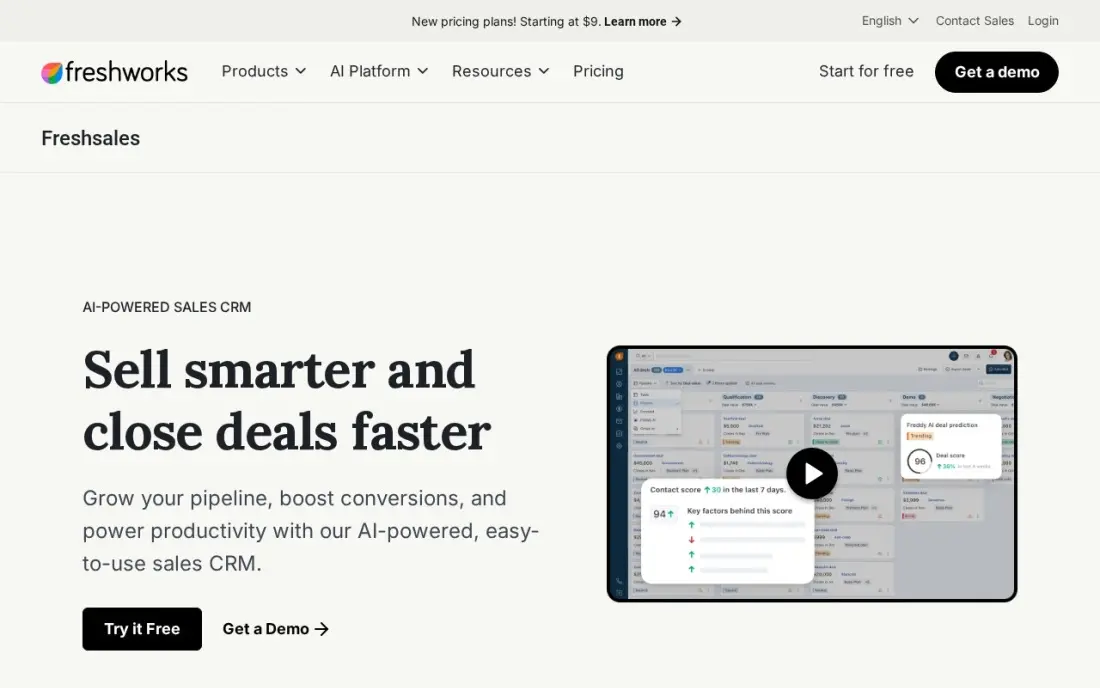
Freshsales is the cheapest paid start in this list: Growth costs $11 a user a month billed monthly ($9 billed annually) and includes a Kanban pipeline, contact lifecycle stages, built-in chat, email and phone, plus email templates and basic workflows. The mobile app carries the same pipeline, so a rep can take a call, log it and move the deal without switching tools.
Two things to know before buying. Monthly billing costs $11 a user a month against $9 billed annually, and the Freddy AI agent costs $49 per 100 sessions on top of the subscription. Freshworks also lists a free edition for up to three users on its comparison page, though the pricing page itself shows paid plans only.
What we like
- Cheapest paid start here: Growth at $11 a user a month billed monthly ($9 billed annually)
- Built-in phone, chat and email on the entry plan — no telephony add-on to buy
- Kanban pipeline, lifecycle stages and basic workflows from the first paid plan
Watch out for
- Monthly billing costs more: $11 a user a month against $9 billed annually
- Freddy AI Agent costs $49 per 100 sessions on top of the subscription
- Sequences, multiple pipelines and contact scoring wait for Pro at $39 a user a month

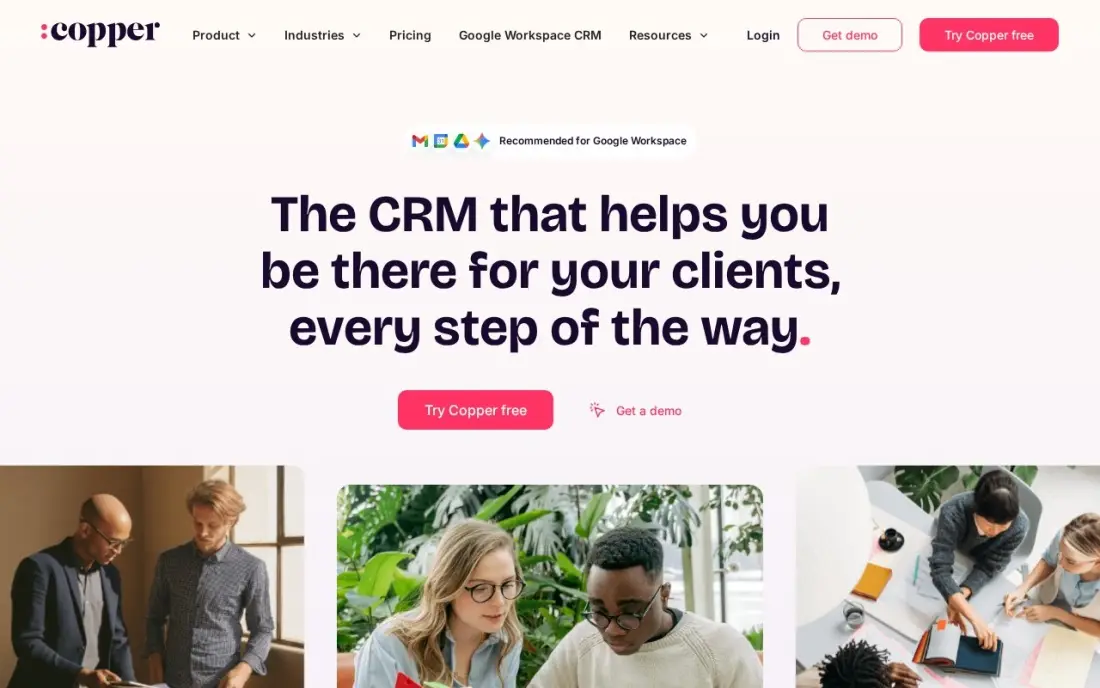
Copper is the CRM for companies that live in Gmail: contacts, emails, meetings and files flow into the CRM automatically from Google Workspace, and the mobile app keeps the same pipeline in your pocket. Basic costs $23 a user a month billed annually, or $29 month to month, and covers pipelines, task automation and contact enrichment for up to 2,500 contacts.
The limits are the contact cap and the tier jumps. Basic stops at 2,500 contacts, and the AI email tools and bulk email wait for Professional at $59 a user a month billed annually. There is no free plan, only a 14-day trial, and outside Google Workspace the magic fades — Copper is built for Gmail first and everything else second.
What we like
- Runs inside Gmail, Calendar and Drive, so emails and meetings log themselves
- Basic includes pipelines, task automation and contact enrichment from $23 a user a month
- Chrome extension enriches contacts with data from the web as you browse
Watch out for
- Basic caps at 2,500 contacts, so a business with history outgrows it fast
- No free plan — only a 14-day free trial before the subscription starts
- AI email tools and bulk email wait for Professional at $59 a user a month

monday sales CRM
Best for: Teams already on monday.com that want the pipeline on the same boards
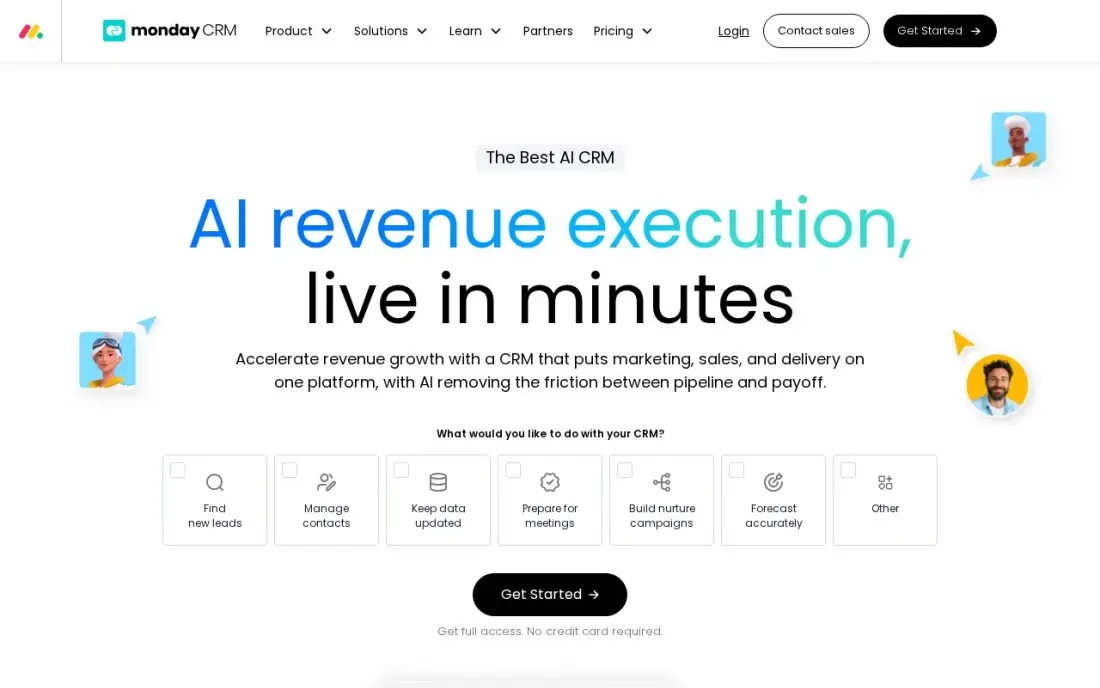
monday sales CRM puts the pipeline on the same boards as the rest of the business, and the mobile app carries that board view with contacts, deals and dashboards. Basic costs $12 a seat a month billed annually, or $18 month to month, and covers 1,000 active contacts and deals, one workspace and one custom dashboard.
Read the minimums before you buy. Every plan starts at three seats, so the smallest possible bill is $36 a month billed annually, and Basic has no custom automations — those start on Standard at $17 a seat a month. A team that already lives on monday.com will feel at home; a team buying a CRM alone should compare Pipedrive first.
What we like
- Pipeline, contacts and dashboards live on the same boards as the rest of monday.com
- Basic covers 1,000 active contacts and deals from $12 a seat a month billed annually
- iOS and Android apps keep the pipeline in your pocket
Watch out for
- Three-seat minimum on every plan, so a solo user cannot buy one seat
- No custom automations on Basic — they start on Standard at $17 a seat a month
- No free plan — only a 14-day free trial

Capsule CRM
Best for: Small teams that want the simplest CRM that still feels complete
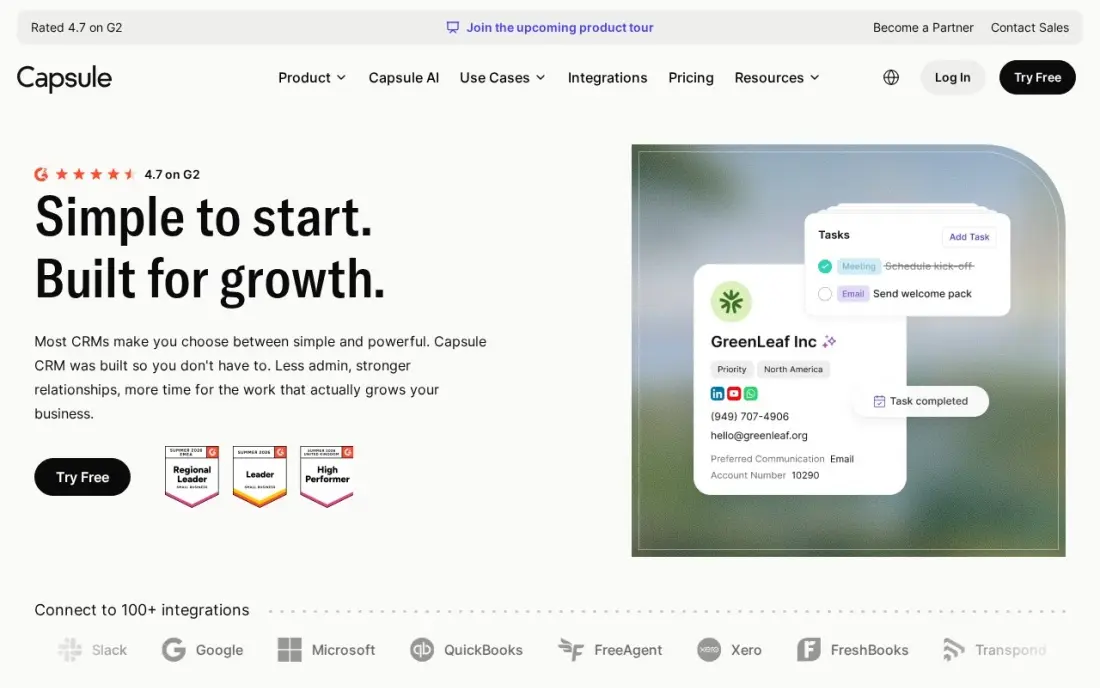
Capsule is the simplest CRM in this list, and its 4.7 G2 score is the second-highest here. The free plan covers two users and 250 contacts, and Starter at $18 a user a month billed annually, or $21 month to month, raises that to 30,000 contacts and adds email templates, a shared mailbox and the AI pipeline generator. The mobile app is as uncluttered as the desktop: contacts, one pipeline and tasks, nothing to learn.
Simplicity is the limit too. Starter allows only one sales pipeline — a second pipeline, workflow automations and email sync all wait for Growth at $36 a user a month billed annually. Pick Capsule when the team wants contacts and a pipeline without a learning curve; pick Zoho when the team needs automation on the entry plan.
What we like
- Free plan for 2 users and 250 contacts, with a 14-day trial on paid plans
- Ease of use scores 9.4 on G2, with 85% of reviewers giving five stars
- Starter includes an AI pipeline generator, email templates and a shared mailbox
Watch out for
- Only one sales pipeline on Starter — a second pipeline needs Growth at $36 a user a month
- Workflow automations and email sync are not on Starter
- Reporting stays basic next to the fuller suites

Less Annoying CRM
Best for: Solo founders and tiny teams that want one flat price and nothing to configure
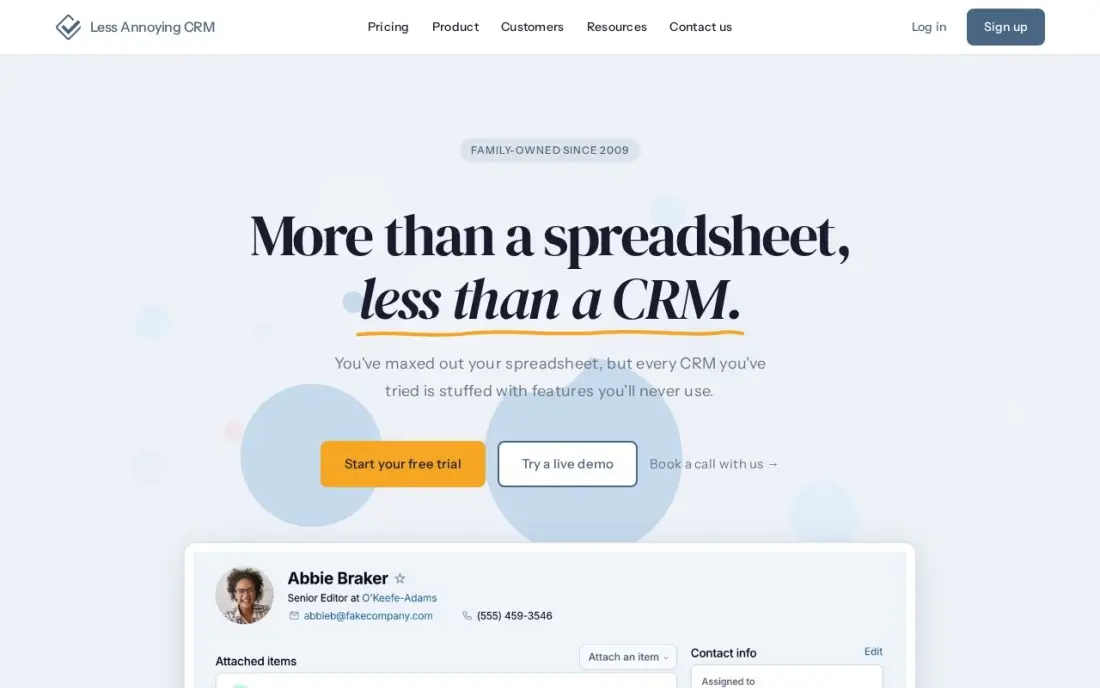
Less Annoying CRM charges one price — $15 a user a month, monthly billing only, no tiers, no annual plan, no add-ons — and every feature is included from the first seat. Contacts, pipelines, tasks, calendar and email logging are all in, with unlimited contacts and 25GB of file storage per user, and the 30-day trial needs no credit card.
The mobile app is the honest weak spot. The vendor calls its iOS and Android apps a work in progress: there is no offline mode, and push notifications and biometric login are still to come. That is the trade for the flat price and the 4.9 G2 score, the highest in this list — buy it for simplicity on a phone with signal, not for field work offline.
What we like
- One flat $15 a user a month — every feature included, no tiers or add-ons
- Highest G2 score here: 4.9 from 671 reviews, with ease of use the top praise
- Free phone, email and screen-share support on every plan
Watch out for
- No offline mode in the mobile apps, and push notifications are still to come
- No free plan — only a 30-day free trial
- No AI features, email sequences or built-in calling by design

Insightly CRM
Best for: Small services firms that want CRM plus project delivery in one login
Insightly pairs its CRM with project management, so a deal that closes turns into a tracked delivery project without a second tool. Plus costs $29 a user a month billed annually and covers 100,000 records, 10GB of storage, 2,500 emails a day and the project module — but Insightly publishes no monthly-billed rate, so month-to-month pricing needs a quote from sales.
Plus is a contact database with a pipeline, not a full CRM: workflow automation, lead routing and the AI Copilot all wait for Professional at $49 a user a month, and the AppConnect integration layer starts at $249 a month plus a $3,000 setup fee. There is no free plan, only a 14-day trial. Pick Insightly when delivery follows the sale; otherwise the cheaper tools above do the same selling for less.
What we like
- Project management is included from Plus, so closed deals become tracked projects
- Plus covers 100,000 records and 10GB of storage from $29 a user a month
- Pre-built dashboards and advanced reports come with Plus
Watch out for
- No workflow automation, lead routing or AI Copilot on Plus — all need Professional at $49
- No monthly-billed rate is published; month-to-month pricing needs a sales quote
- AppConnect integrations start at $249 a month plus a $3,000 setup fee
The best crm mobile app is the one your reps actually open between meetings, not the one with the longest feature list. The 10 apps below are ranked by fit for the most common buyer, a small US sales team of one to ten reps who work deals from their phones, and every price was verified against the vendor's own pricing page through reads dated October to November 2026.
How to choose the best crm mobile app
- Check offline access first. Some apps sync when the signal returns; Less Annoying CRM has no offline mode at all. A rep in a dead zone needs records on the phone, not a loading spinner.
- Check what the mobile app can actually do. A few tools strip automation, calling or reporting from the app. Open the app on a trial and move a deal, log a call and add a note before you pay.
- Count the pricing unit. Most tools charge per user or seat, monday CRM needs three seats minimum, and Salesforce charges extra for API access. Price the team you will have next year.
- Check the free-plan caps. HubSpot stops at two users, Zoho at three, Capsule at 250 contacts. A free plan that runs out mid-month is not a free plan.
- Check what the entry plan leaves out. Automation, sequences and AI sit on higher tiers at Pipedrive, Insightly and Freshsales — count the tier you actually need, not the cheapest one.
- Read the app-store ratings. HubSpot's app scores 4.7 on the App Store and 4.6 on Google Play; Pipedrive's iOS app scores lower than its Android app. The stores tell you what the marketing page will not.
A CRM keeps the pipeline tidy, but it does not fill it. If the team is not showing up when buyers nearby search, our local SEO service covers that side — and the same visibility work decides whether AI assistants recommend the business at all.
Before the team starts sending campaigns from the new CRM, build tracked links with the free UTM builder so every click lands in the right campaign. Whatever you shortlist, run the trial with real deals: move a deal on the phone, log a call from the car, and check the record syncs before the next meeting.
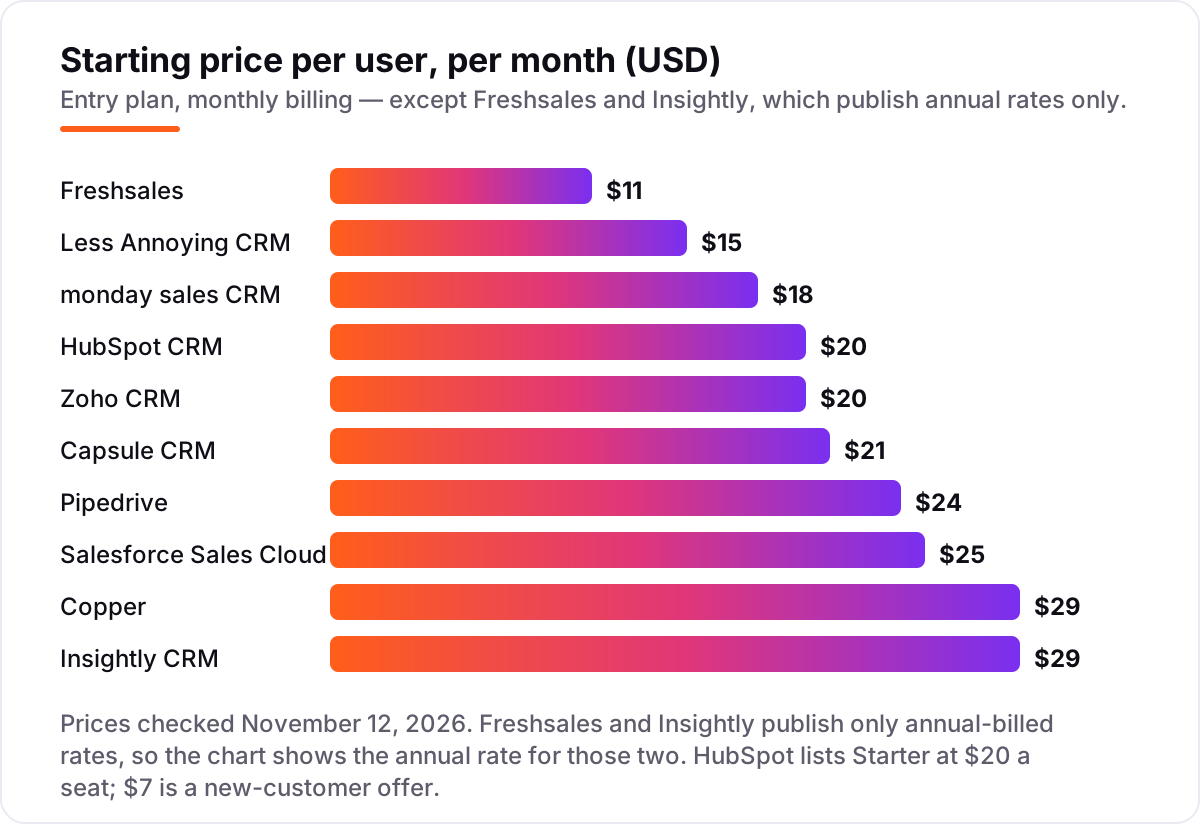
CRM mobile app pricing: what you will actually pay
Take a five-person sales team, all on the entry paid plan. On monthly billing, the subscription costs $100 a month on HubSpot Starter, $120 on Pipedrive Lite, $125 on Salesforce Starter Suite, $100 on Zoho Standard, $145 on Copper Basic, $90 on monday Basic, $105 on Capsule Starter and $75 on Less Annoying CRM. Freshsales Growth costs $55 a month on monthly billing ($45 billed annually), and Insightly Plus publishes no monthly rate: on annual billing it costs $145 a month.
Over a year on monthly billing, that is $1,200 on HubSpot and Zoho, $1,440 on Pipedrive, $1,500 on Salesforce, $1,740 on Copper, $1,080 on monday, $1,260 on Capsule and $900 on Less Annoying CRM. Annual billing cuts most of these: Pipedrive drops to $840 a year for five users, Zoho to $840, Copper to $1,380, monday to $720 and Capsule to $1,080, while Freshsales costs $540 a year billed annually ($660 billed monthly) and Insightly $1,740 either way. New HubSpot customers pay $420 a year on the $7-a-seat offer, against the $1,200 list price.
Three costs sit outside every number above. First, the tier jump: automation and sequences usually need the next plan up, which can double or triple the seat price. Second, add-ons: Salesforce API access is $25 a user a month, and Freshsales' Freddy AI agent is $49 per 100 sessions. Third, the seat minimums: monday CRM will not sell fewer than three seats, so a solo rep pays for three.
Know the difference: a mobile app and a mobile browser tab
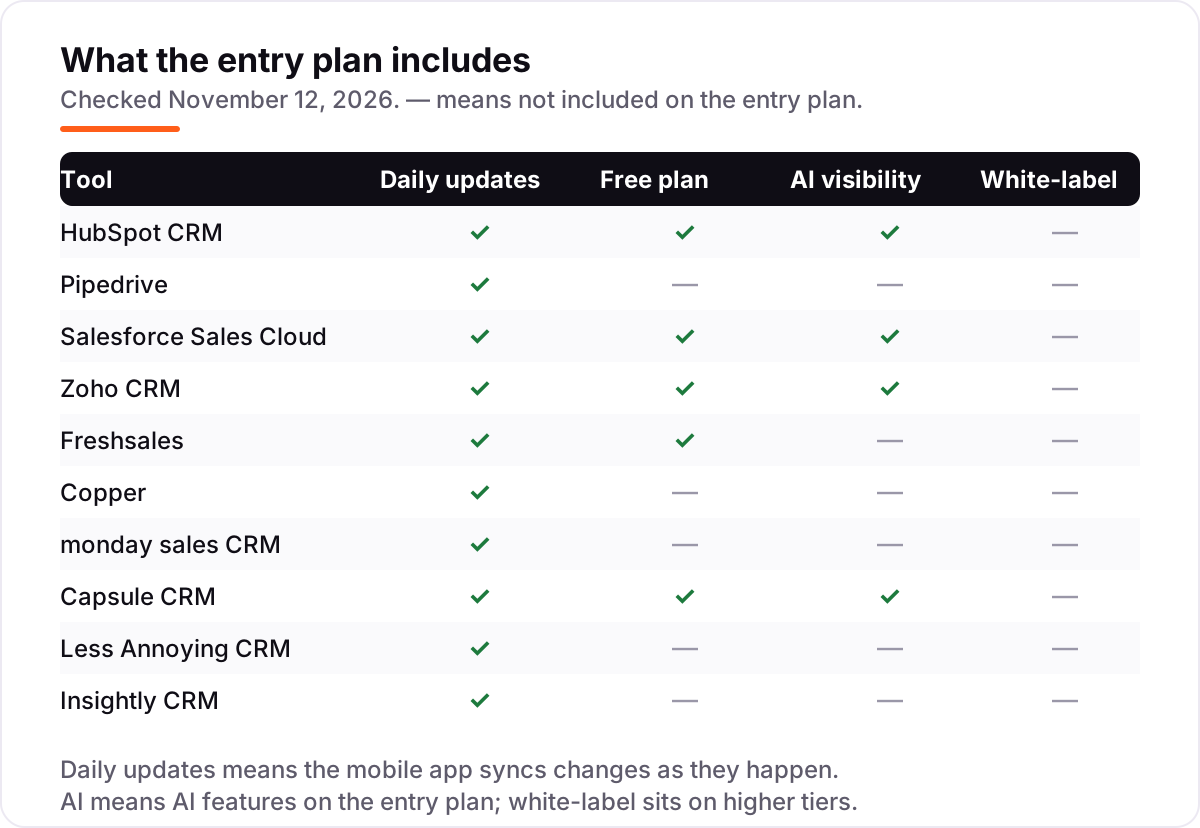
Every CRM in this list opens in a phone browser, but that is not a mobile app. A native app — one you install from the App Store or Google Play — can store records on the phone, send push notifications when a deal moves, and let a rep tap a contact to call. A browser tab can do none of that reliably: it needs a signal for every tap, it cannot notify the rep, and the login times out at the worst moment.
The confusion costs real deals. Less Annoying CRM's own apps are a work in progress with no offline mode, so a rep in a dead zone is stuck; HubSpot, Pipedrive and Salesforce keep recently used records on the phone and sync when the signal returns. Before you buy, install the app on a trial, switch the phone to airplane mode, and try to open a deal. What you can do with no signal is what the app is actually worth.
Quick comparison: tool type by need
| Your situation | Best pick | Why it fits |
|---|---|---|
| Solo rep who wants to pay nothing | HubSpot CRM | Free for 2 users; Starter is $20/seat/month |
| Deal-led team that lives in a pipeline | Pipedrive | Visual pipeline on mobile from $14/user/month |
| Team that expects to scale past 10 reps | Salesforce Sales Cloud | Deepest CRM here; Starter is $25/user/month |
| Small team on the tightest budget | Freshsales | Built-in phone, chat and email from $11/user/month billed monthly ($9 billed annually) |
| Team that lives in Gmail | Copper | CRM inside Google Workspace from $29/user/month billed monthly ($23 billed annually) |
| Team that wants the simplest CRM | Capsule CRM | Free for 2 users; Starter is $18/user/month |
Mistakes to avoid
- Buying on the monthly price without checking billing. Annual billing cuts most of these by 15 to 40 percent, and Insightly publishes no monthly rate at all.
- Ignoring the seat minimum. monday CRM will not sell fewer than three seats, so a solo rep pays $36 a month, not $12.
- Assuming the app does what the desktop does. Automation, calling and reporting are stripped from some mobile apps — test the app, not the website.
- Trusting a directory price. Directories still list Copper's retired $9 Starter plan, and one November read put Capsule's monthly rate at $22 against $21 in two others. Always check the vendor's own page.
- Forgetting the trial ends. Set a reminder for the day the trial converts, and check the first bill against the quote — promo prices like HubSpot's $7 Starter do not last forever.
How we chose
We verified each starting price against the vendor's own pricing page through independent reads dated October to November 2026, because the vendor pages would not load from our connection on the check date. Insightly publishes no monthly-billed rate, so its price is the annual-billed rate; Freshsales Growth is $11 a user a month billed monthly ($9 billed annually), and HubSpot's $7 Starter figure is a new-customer offer off the $20 list price. Capsule's monthly rate is $21 from two November reads, against $22 in one other. Ratings are G2 scores with review counts shown; most come from copies of the G2 pages crawled in the last three days, and HubSpot's count comes from an October 19 read of the same page. We ranked the tools by fit for the most common buyer — a small sales team working deals from their phones — not by brand size. No vendor paid for a place in this list, and none of the links here are affiliate links.
What to do next
Start with the free plan or trial of your top pick and run one real week of selling through it. Move a deal on the phone, log a call from the car, and check the record syncs before the next meeting. If the app survives a week in the field, it will survive the quarter. If the pipeline is sorted but new customers are not finding the business, our monthly SEO service handles the visibility side. Once your tools are in place, find out what's holding your rankings back.
Frequently asked questions
What is the best CRM mobile app?
HubSpot CRM is the best fit for most teams: a free plan for up to two users, the best app-store ratings in this list, and paid plans from $20 a seat a month. Pipedrive is the better pick for deal-led teams that live in a pipeline, and Salesforce is the pick for teams that expect to scale past ten reps.
How much does a CRM mobile app cost?
Paid plans in this list run $9 to $29 a user a month on annual billing. A five-person team pays $45 to $145 a month on list prices, before add-ons and taxes. Five tools have free plans, and every paid tool here offers a free trial of 14 to 30 days, so the cheapest way to compare them is to run the same five deals through two trials.
Is there a free CRM mobile app?
Yes. HubSpot, Salesforce, Zoho, Freshsales and Capsule all have free plans, though each caps users, contacts or features. The free plans work for a solo rep or a tiny team, but offline access, mobile calling and automation usually need a paid plan, so check what the free tier leaves out before you build on it.
What is the best CRM app for mobile use?
For reps who work mostly from a phone, the best CRM app for mobile use is the one with a native app, offline access and tap-to-call. HubSpot and Pipedrive lead here: both have full-featured iOS and Android apps with the whole pipeline on board. Less Annoying CRM is the exception to check — its apps have no offline mode yet.
Do CRM mobile apps work offline?
Some do, some do not, and the difference matters more than any feature list. Salesforce, HubSpot and Pipedrive let reps view and update recently used records without a signal and sync when the connection returns. Less Annoying CRM has no offline mode at all, so check offline access on the plan you would actually buy, not on the marketing page.
Can I switch CRM mobile apps later?
Yes, but move in a quiet week. Export contacts, companies, deals, activities and notes, then import them into the new app and check that pipelines, custom fields and attachments survived. Keep the old app open until the new one is proven, because a mid-week switch is how follow-ups get lost.
What should I check before paying for a CRM mobile app?
Four things: whether the app works offline and what it can do without a signal, whether mobile calling and push notifications need a paid plan, how the price grows with seats, and whether the entry plan includes the automation you need. Then run the 14-day trial with real deals before you pay.
Sources we checked (20)
- HubSpot Sales Hub pricing
- Pipedrive pricing
- Salesforce Sales Cloud pricing
- Zoho CRM pricing
- Freshsales pricing
- Copper pricing
- monday sales CRM pricing
- Capsule CRM pricing
- Less Annoying CRM pricing
- Insightly CRM pricing
- HubSpot Sales Hub on G2
- Pipedrive on G2
- Salesforce Sales Cloud on G2
- Zoho CRM on G2
- Freshsales on G2
- Copper on G2
- monday CRM on G2
- Capsule CRM on G2
- Less Annoying CRM on G2
- Insightly CRM on G2
Make one of these tools?
We re-check this list every quarter. Send a correction, request a review, or ask about a clearly labeled sponsored spot.
Request a listingShamim
Founder of SerpAstra
A full-stack SEO and digital marketer who spends most days on Local SEO for dental practices, AI search visibility and lead generation.
Free SEO and AI visibility audit
Find out what is holding your rankings back
Send us your site. Within 2 business days you get a written audit, an AI visibility check and a short fix list ranked by impact. Free, with no contract attached.
Request my free audit→Related buying guides
 Sales & CRMBest Marketing CRM Software for 2026: 11 Options Compared by Use CaseCompare the 11 best marketing crm software options for 2026 on price, free plans, automation and AI features, with every price checked November 5, 2026.Read guide →
 Sales & CRM12 Best CRM Email Marketing Software in 2026, Compared12 best crm email marketing software tools compared on price, CRM depth and automation, with real starting prices checked on November 4, 2026.Read guide →
 Sales & CRM11 Best B2C CRM and Marketing Automation Platforms in 2026, Compared11 best b2c crm and marketing automation platforms compared on price, free plans and automation depth, with every price checked November 4, 2026.Read guide →