
7 Best Free Speech Recognition Software in 2026, Compared
Compare the 7 best free speech recognition software for dictation and transcription, from built-in Windows and Mac tools to Whisper and Otter, checked Nov 2026.
 Shamim Mia, Founder, SerpAstraLast verified November 18, 202610 min read
We compare pricing pages, documentation and public reviews. We never accept payment for rankings.
Key takeaways
- Windows voice typing and Apple Dictation are the best free starting points because they are built into the computer you already have.
- OpenAI's Whisper is the most capable free option for transcribing recordings, released under the MIT License, but it needs Python, ffmpeg and ideally a GPU.
- Otter.ai's free Basic plan gives 300 transcription minutes a month, capped at 30 minutes per conversation.
- Google Docs voice typing is free in Chrome, Edge and Safari, but voice commands for punctuation work only in English.
On this page
Quick comparison
| Tool | Best for | Starting price | Free plan |
|---|---|---|---|
 Windows Voice Typing | Windows users who want free dictation into any text box with one keyboard shortcut | Built into Windows | Yes (built in) |
 Apple Dictation | Mac users who want free dictation with on-device processing and automatic punctuation | Built into macOS | Yes (built in) |
 Google Docs Voice Typing | Writers who draft in Google Docs and want free dictation in the browser | Free | Yes |
 OpenAI Whisper | Technical users who want free, offline-capable transcription of recordings in many languages | Free (open source) | Yes (open source) |
 Otter.ai | Students and professionals who want free live transcription of meetings and recordings | Free; Pro $8.33/mo (annual) | Yes (300 min/mo) |
 Speechnotes | People who want a free browser dictation notepad with no install or sign-up | Free; $1.90/mo ad-free | Yes (with ads) |
 Fireflies.ai | Teams that want a free AI notetaker to join and transcribe online meetings | Free; Pro $10/seat/mo | Yes (400 min storage) |
Make one of these tools?
We re-check this list every quarter. Send a correction, request a review, or ask about a clearly labeled sponsored spot.
Request a listingThe best free speech recognition software
Windows Voice Typing
Best for: Windows users who want free dictation into any text box with one keyboard shortcut
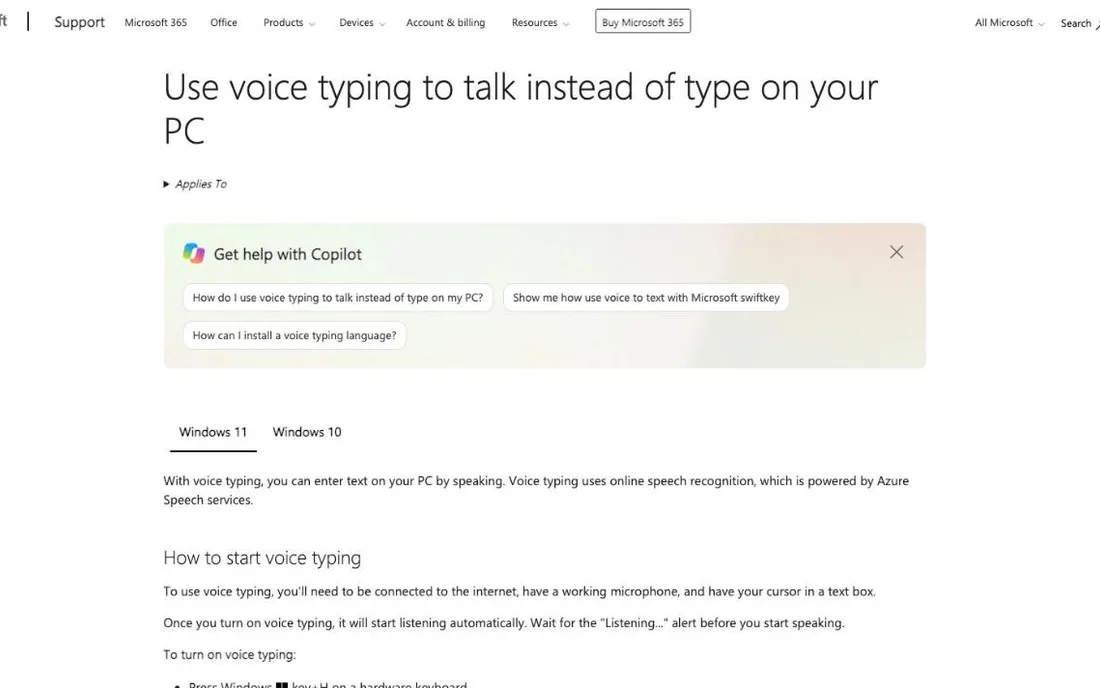
Windows voice typing is the free speech recognition most PC users already own. Press the Windows logo key + H with the cursor in any text box — an email, a form, a document — and start talking once the Listening alert appears. It can insert punctuation automatically or on spoken commands, and the voice typing language can differ from your Windows display language.
It needs an internet connection and a working microphone, because recognition runs on Azure Speech services. On Copilot+ PCs, fluid dictation also corrects grammar, punctuation and filler words as you speak, in all English locales. For everyday dictation on Windows, install nothing and start here.
What we like
- Starts anywhere with Windows logo key + H, in any text box
- Automatic punctuation and spoken punctuation commands
- Fluid dictation on Copilot+ PCs corrects grammar, punctuation and filler words as you speak
Watch out for
- Needs an internet connection, because recognition runs on Azure Speech services
- Fluid dictation is limited to Copilot+ PCs
Apple Dictation
Best for: Mac users who want free dictation with on-device processing and automatic punctuation
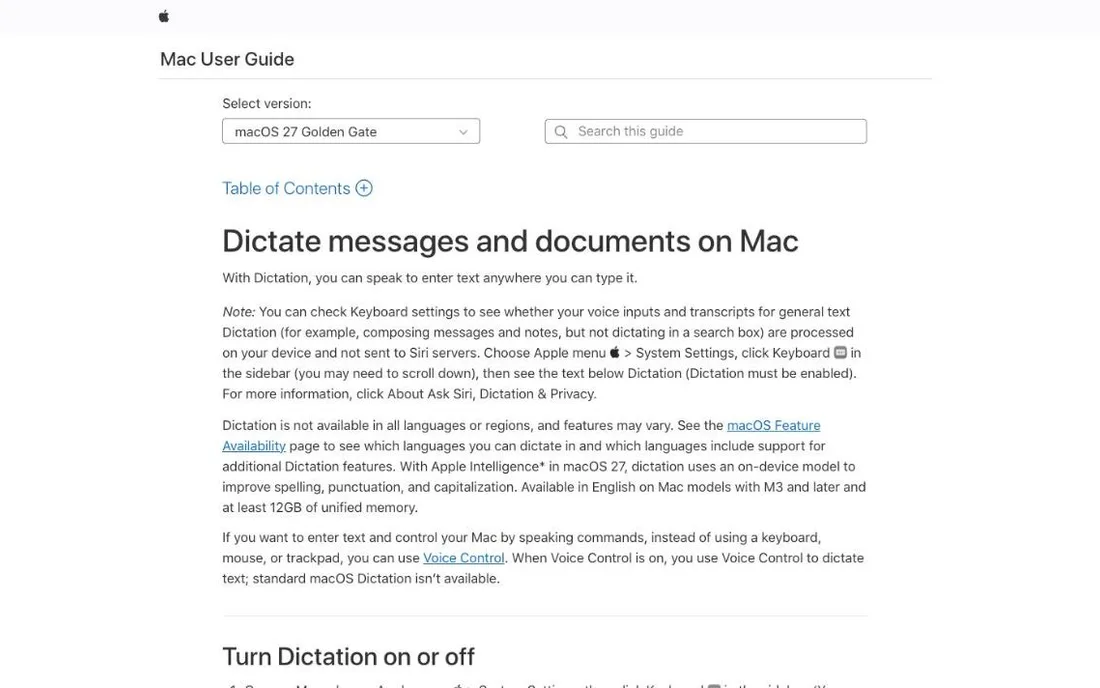
Apple Dictation is built into the Mac. Turn it on under System Settings > Keyboard, then start it with the Microphone key, your chosen shortcut or Edit > Start Dictation. In supported languages it inserts commas, periods and question marks automatically, and you can say "new line" or "new paragraph" or switch between several languages while you speak.
Keyboard settings show when your voice is processed on the device rather than sent to Siri servers. In macOS 27, an on-device model also improves spelling, punctuation and capitalization in English on Macs with M3 or later and at least 12GB of memory. Not every language or region is supported.
What we like
- Turned on in System Settings and started with the Microphone key or a shortcut
- Automatically inserts commas, periods and question marks in supported languages
- Settings show when dictation is processed on your device rather than sent to Siri servers
Watch out for
- Not available in all languages or regions, and features vary
- The improved on-device model in macOS 27 needs an M3 or later Mac with at least 12GB of memory
Google Docs Voice Typing
Best for: Writers who draft in Google Docs and want free dictation in the browser
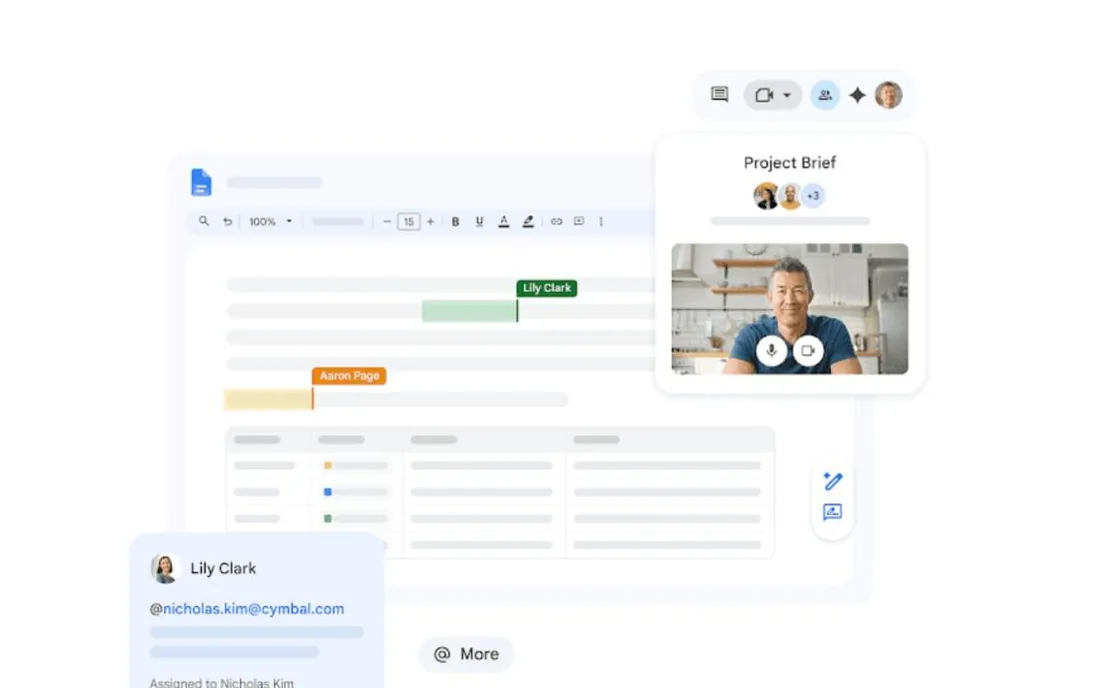
Google Docs voice typing turns the free word processor into a dictation tool. Open a document in the latest Chrome, Edge or Safari, choose Tools > Voice typing, click the microphone and talk. It supports many languages and accents, and in English you can say period, comma, exclamation point, question mark, new line or new paragraph.
Google Docs itself is free with a Google account, and the draft saves automatically with version history. The limits are scope and language: it types only into Docs and Slides speaker notes, and voice commands work only in English. For drafting long text by voice, it is a strong free choice.
What we like
- Built into Google Docs under Tools > Voice typing
- Works in the latest Chrome, Edge and Safari
- Many languages and accents, with spoken punctuation such as period, comma and new paragraph
Watch out for
- Voice commands work only in English
- Only types into Google Docs (and Slides speaker notes), not other apps
OpenAI Whisper
Best for: Technical users who want free, offline-capable transcription of recordings in many languages
Whisper is OpenAI's open-source speech recognition model, with code and model weights released under the MIT License. It handles multilingual speech recognition, speech translation and language identification, and it runs on your own machine, so recordings do not have to leave your computer. Six model sizes trade speed for accuracy, from tiny at about 1 GB of VRAM to large at about 10 GB.
It is a developer tool: you install it with Python and the ffmpeg command-line tool, and the official repository has no point-and-click app. For transcribing interviews, lectures or podcasts at no cost, it is the most capable free engine here.
What we like
- Code and model weights released under the MIT License
- Multilingual speech recognition, speech translation and language identification
- Six model sizes, from tiny (about 1 GB of VRAM) to large (about 10 GB)
Watch out for
- Needs Python and ffmpeg, with no graphical interface in the official repository
- Larger, more accurate models need a capable GPU
Otter.ai
Best for: Students and professionals who want free live transcription of meetings and recordings
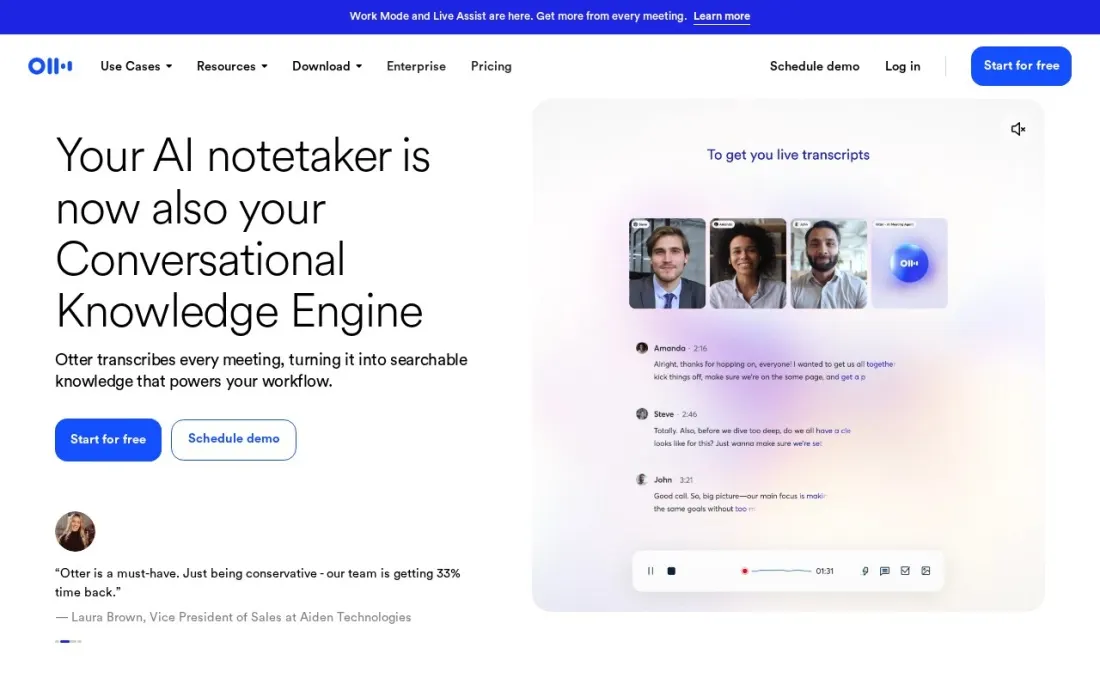
Otter.ai transcribes meetings and recordings live, with Otter AI Chat on top. The free Basic plan includes 300 minutes of transcription per user a month, 30 minutes per conversation, the 25 most recent conversations and 3 lifetime file imports, which suits a student recording a few lectures or a professional capturing short calls.
Pro costs $8.33 a user a month billed annually, or $16.99 monthly, and raises limits to 1,200 minutes a month and 90 minutes per conversation, with unlimited history and custom vocabulary. Students and teachers with a .edu email get 20% off Pro.
What we like
- Basic plan transcribes 300 minutes per user a month at no cost
- Pro raises the limit to 1,200 minutes and 90 minutes per conversation
- Students and teachers get 20% off Pro with a .edu email
Watch out for
- Basic caps each conversation at 30 minutes and keeps only the 25 most recent
- Only 3 lifetime file imports on the free plan
Speechnotes
Best for: People who want a free browser dictation notepad with no install or sign-up
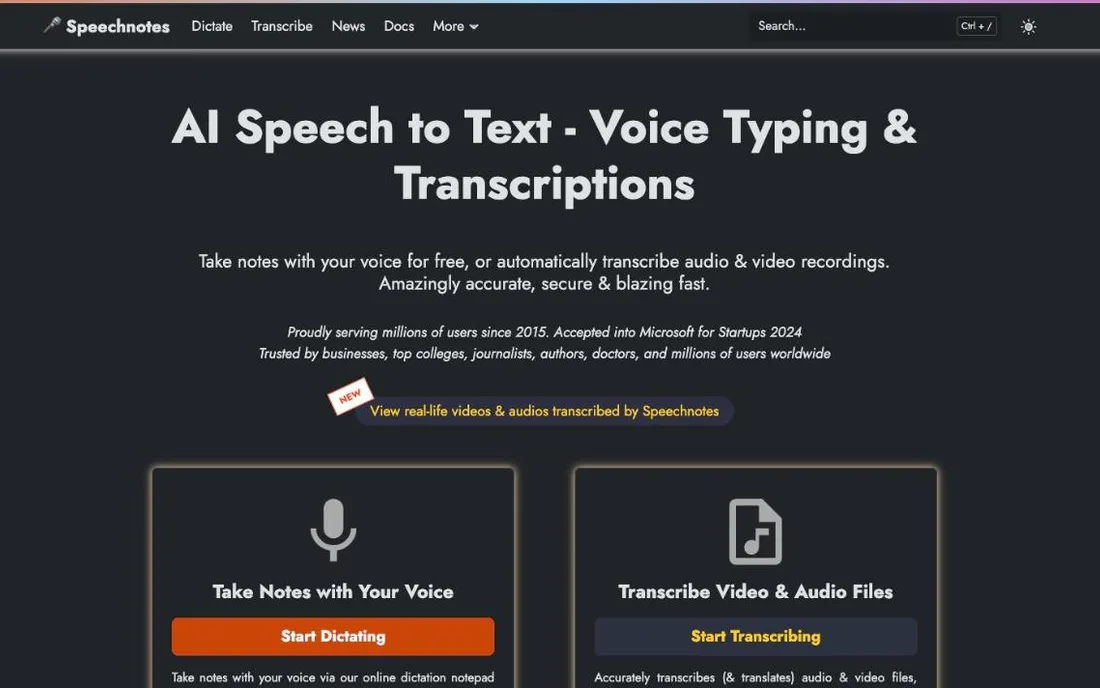
Speechnotes is a free dictation notepad that runs in Chrome with no install and no registration: open the page, click the microphone and talk, then copy or download the text. The free version shows ads, and Dictation Premium removes them for $1.90 a month.
It also transcribes audio, video and YouTube files at $0.10 a minute with no subscription, including timestamps, English speaker diarization and .srt captions. That makes it a cheap middle ground between free dictation and a full transcription subscription: a one-hour interview costs $6 to transcribe, and you pay nothing in months with no recordings. The catch is that it works online in Chrome only.
What we like
- Free dictation notepad in Chrome with no install or registration
- Dictation Premium removes ads for $1.90 a month
- Pay-as-you-go file transcription at $0.10 a minute with timestamps and .srt captions
Watch out for
- Free dictation shows Google ads
- Works online in Chrome only
Fireflies.ai
Best for: Teams that want a free AI notetaker to join and transcribe online meetings
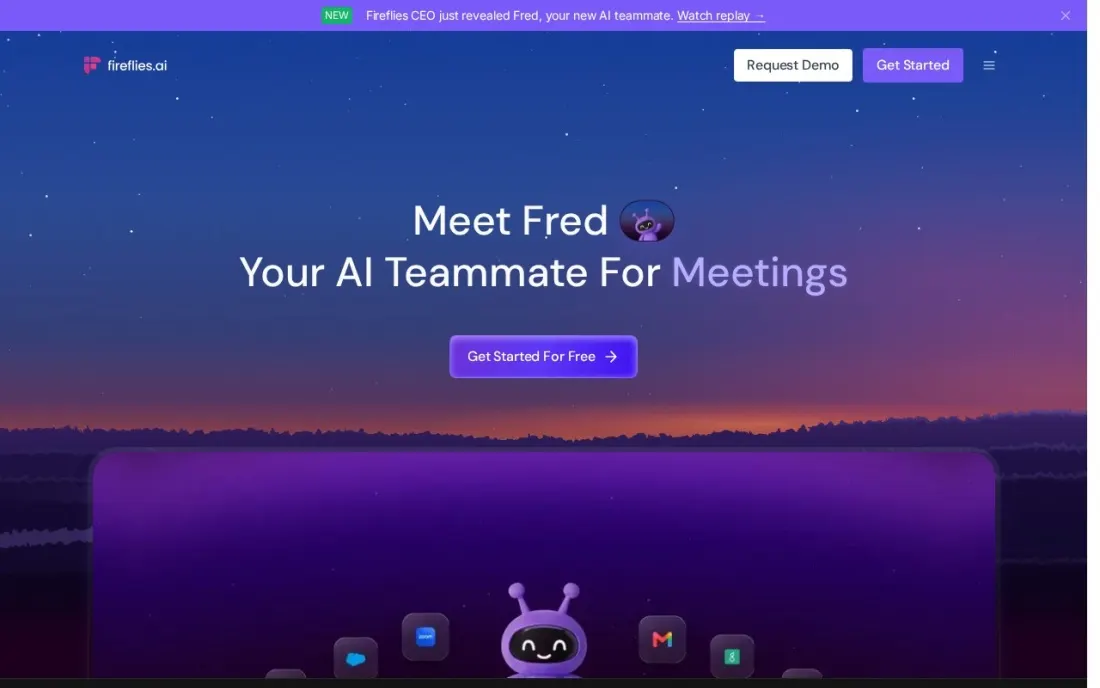
Fireflies.ai is speech recognition for meetings: it records, transcribes and summarizes calls so nobody has to take notes. The free forever plan includes transcription, limited AI summaries and 20 AI credits, with 400 minutes of storage per team and a 2-hour recording limit, enough for a small team's weekly calls.
Pro costs $10 a seat a month billed annually and lifts the storage limits, and Business at $19 adds conversation intelligence. It is not a dictation tool for typing into documents, so pair it with your computer's built-in dictation for that job.
What we like
- Free forever plan with transcription and limited AI summaries
- Pro costs $10 a seat a month billed annually
- Business adds conversation intelligence at $19 a seat billed annually
Watch out for
- Free plan stores 400 minutes per team, with a 2-hour recording limit
- Built for online meetings rather than dictating into documents
The best free speech recognition software turns your voice into accurate text without a subscription — whether you are dictating an email, drafting a long document or transcribing a recorded interview. We compared seven free options across three jobs: dictation built into your computer, transcription engines for recordings, and meeting notetakers, checking each vendor's own page in November 2026.
How to choose the best free speech recognition software
- Separate dictation from transcription. Dictation types as you speak into an app; transcription turns a recording into text afterwards. Windows voice typing, Apple Dictation and Google Docs dictate; Whisper, Otter and Speechnotes transcribe.
- Use what you already have. Windows logo key + H and Mac Dictation cost nothing extra and work in almost any text box.
- Check the free limits. Otter.ai's Basic plan gives 300 minutes a month with a 30-minute cap per conversation; Fireflies stores 400 minutes per team.
- Decide where your audio goes. Whisper runs on your own machine; Windows voice typing sends audio to Azure; Apple shows when dictation stays on the device.
- Test with your voice and microphone. Accents, background noise and cheap microphones change accuracy more than the software does.
- Look at languages. Google Docs voice commands work only in English, and Apple Dictation is not available in every language or region.
Speaking is also how more people search: voice assistants turn questions into queries. If you want your business to be the answer, our guide to voice search optimization explains how, and the free FAQ schema generator helps search engines read the question-and-answer content voice results draw on.
Which free speech recognition software fits your situation
An office worker who wants to dictate emails and forms. Use what is already on your computer. On Windows, press the Windows logo key + H in any text box; it needs an internet connection because recognition runs on Azure Speech services. On a Mac, turn on Apple Dictation under System Settings > Keyboard, and check the settings to see whether your voice is processed on the device. Neither needs an install or an account.
A writer drafting long pieces by voice. Google Docs voice typing is the strongest free choice for long text, because the draft saves automatically with version history and it works in the latest Chrome, Edge and Safari. Spoken punctuation helps, but voice commands work only in English. If you write in other apps, Speechnotes gives a no-install notepad in Chrome you can copy from.
A student recording lectures. Otter.ai's free Basic plan gives 300 minutes a month, but the 30-minute cap per conversation cuts most lectures short, and only the 25 most recent conversations are kept. Students with a .edu email get 20% off Pro. A student with a capable laptop can run Whisper instead and pay nothing.
A researcher or journalist with confidential interviews. Whisper runs on your own machine, so audio never has to leave it, and it handles many languages plus speech translation. You will need Python and ffmpeg, and the larger, more accurate models need a capable GPU. For occasional files without that setup, Speechnotes charges $0.10 a minute with timestamps and speaker diarization in English.
A small team that wants meeting notes. Fireflies.ai's free forever plan joins online meetings, transcribes them and gives limited AI summaries. Storage is 400 minutes per team with a 2-hour recording limit, so a busy team will reach Pro at $10 a seat billed annually. It does not type into documents, so pair it with built-in dictation.
Free speech recognition pricing: what you will actually pay
For dictation, the cost is usually zero: Windows voice typing and Apple Dictation are built into the operating system, Google Docs voice typing is free with a Google account, and Speechnotes is free with ads or $1.90 a month without them.
For transcription, the limits decide the bill. Take a student recording 8 lectures a month at 50 minutes each — 400 minutes. Otter.ai Basic covers 300 minutes but only 30 minutes per conversation, so the student would need Pro at $8.33 a month billed annually, $99.96 a year. Speechnotes would charge $0.10 a minute, $40 a month for 400 minutes. Whisper costs nothing in software if the student has a computer that can run it; the small model needs about 2 GB of VRAM. Fireflies.ai's free plan suits meetings rather than lectures, and Pro costs $10 a seat a month billed annually.
A freelance journalist with four one-hour interviews a month faces a similar choice. Otter.ai Basic would split each interview at 30 minutes, and Pro caps conversations at 90 minutes, which covers them. Speechnotes would cost $6 an interview, $24 a month, and nothing in quiet months. Whisper keeps the audio on the journalist's own computer at no software cost.
Know the difference: live dictation vs recorded transcription
Live dictation listens as you talk and types into the app in front of you. It is built for writing — emails, notes, documents — and it works best with a decent microphone and short, clear sentences, plus spoken commands for punctuation. Windows voice typing, Apple Dictation, Google Docs voice typing and Speechnotes all work this way.
Recorded transcription processes audio after the fact, from a meeting, an interview or a lecture. It handles longer speech, several speakers and timestamps, and accuracy matters more than speed. Whisper, Otter.ai, Speechnotes' file service and Fireflies.ai do this job. Most people need one of each: built-in dictation for writing, and a transcription tool for recordings.
Quick comparison: tool type by need
| Buyer | Best pick | Why |
|---|---|---|
| Windows users | Windows Voice Typing | Built in; Windows logo key + H in any text box |
| Mac users | Apple Dictation | Built in, with automatic punctuation and on-device processing |
| Google Docs writers | Google Docs Voice Typing | Free in Chrome, Edge and Safari; many languages |
| Private, offline transcription | OpenAI Whisper | Free under the MIT License; runs on your own machine |
| Meetings and lectures | Otter.ai | Free 300 minutes a month; Pro $8.33/month annual |
| No-install browser dictation | Speechnotes | Free with ads; files at $0.10 a minute |
| Team meeting notes | Fireflies.ai | Free notetaker; Pro $10/seat/month annual |
Mistakes to avoid
- Blaming the software for a bad microphone. A headset microphone close to your mouth improves accuracy more than switching tools.
- Recording people without consent. Tell meeting participants before a notetaker records them, and follow local recording laws.
- Uploading sensitive audio to a free cloud service. For confidential material, use an on-device option such as Whisper.
- Skipping the proofread. Names, numbers and technical terms are where recognition fails; read every transcript before sharing it.
- Dictating in one long breath. Short sentences with spoken punctuation give cleaner text than a continuous stream.
How we chose
We included only tools that are free to use without a time-limited trial and checked each vendor's own pricing or support page in November 2026, recording free limits and paid prices exactly as shown, with monthly or annual billing stated. We ranked them by fit for an individual who wants to dictate and occasionally transcribe recordings, weighing accuracy features, privacy, limits and setup effort. Ratings come from G2 pages checked on the dates shown in the sources. No vendor paid for a place in this list, and none of the links here are affiliate links.
What to do next
Try your built-in dictation today — Windows logo key + H or Mac Dictation — on a real email, and transcribe one recording with Otter.ai's free plan or Whisper to compare accuracy. If you want customers who search by voice to find your business, book a free call.
Frequently asked questions
What is the best free speech recognition software?
For dictation, the best free speech recognition software is what is built into your computer: Windows voice typing (Windows logo key + H) or Apple Dictation on a Mac. For transcribing recordings, OpenAI's Whisper is the most capable free option, and Otter.ai's free plan gives 300 minutes a month.
Is Windows speech recognition free?
Windows voice typing is built into Windows with no separate charge. Press Windows logo key + H in any text box. It needs an internet connection because recognition runs on Azure Speech services.
Is Whisper free to use?
Yes. Whisper's code and model weights are released under the MIT License. You need Python and ffmpeg to run it, and larger models need more GPU memory — about 10 GB of VRAM for the large model.
How many free minutes does Otter.ai give?
Otter.ai's Basic plan gives 300 transcription minutes per user a month, with a 30-minute limit per conversation and 3 lifetime file imports. Pro raises that to 1,200 minutes for $8.33 a month billed annually.
Does Google Docs have free voice typing?
Yes. In Google Docs, choose Tools > Voice typing in the latest Chrome, Edge or Safari. It supports many languages, but voice commands such as punctuation work only in English.
Can free speech recognition work offline?
Whisper runs on your own computer, so it can transcribe without sending audio anywhere. Apple Dictation can process voice input on the device when settings show it. Windows voice typing needs an internet connection.
Which free speech recognition tool is best for transcribing a recorded interview?
Whisper is the most capable free option if you can run Python and ffmpeg, and it keeps the audio on your computer. Otter.ai's free plan allows 3 lifetime file imports and caps conversations at 30 minutes. Speechnotes is not free for files, but at $0.10 a minute a one-hour interview costs $6.
Sources we checked (7)
- Windows Voice Typing — support.microsoft.com/en-us/windows/use-voice-typing-to-talk-instead-of-type-on-your-pc-fec94565-c4bd-329d-e59a-af033fa5689f (checked November 18, 2026)
- Apple Dictation — support.apple.com/guide/mac-help/use-dictation-mh40584/mac (checked November 18, 2026)
- Google Docs Voice Typing — support.google.com/docs/answer/4492226 (checked November 18, 2026)
- OpenAI Whisper — github.com/openai/whisper (checked November 18, 2026)
- Otter.ai — otter.ai/pricing (checked November 18, 2026)
- Speechnotes — speechnotes.co (checked November 18, 2026)
- Fireflies.ai — fireflies.ai/pricing (checked November 18, 2026)
Make one of these tools?
We re-check this list every quarter. Send a correction, request a review, or ask about a clearly labeled sponsored spot.
Request a listingShamim
Founder of SerpAstra
A full-stack digital marketer and SEO strategist covering technical and local SEO, AI search visibility, paid ads and lead generation for local businesses, e-commerce brands and SaaS teams.
Free SEO and AI visibility audit
Find out what is holding your rankings back
Send us your site. Within 2 business days you get a written audit, an AI visibility check and a short fix list ranked by impact. Free, with no contract attached.
Request my free audit→Related buying guides
 Productivity & Office6 Best AI Note Taking Apps in 2026, ComparedCompare the 6 best AI note taking apps for meetings, from Otter and Fireflies to Fathom and Granola, on free plans, bot-free recording, CRM sync and price.Read guide →
 Audio, Music & Podcasting7 Best Voice Recording Software in 2026, ComparedCompare the 7 best voice recording software for voiceovers, podcasts and narration on editing, noise cleanup, free plans and real cost, with vendor-page prices.Read guide →
 Customer Service8 Best Speech Analytics Software in 2026, Compared8 best speech analytics software compared on price, call coverage and QA depth. Only one publishes a price — the rest are custom quotes. Checked Nov 2, 2026.Read guide →