
7 Best Voice Recording Software in 2026, Compared
Compare the 7 best voice recording software for voiceovers, podcasts and narration on editing, noise cleanup, free plans and real cost, with vendor-page prices.
 Shamim Mia, Founder, SerpAstraLast verified November 7, 20268 min read
We compare pricing pages, documentation and public reviews. We never accept payment for rankings.
Key takeaways
- Audacity is the best free voice recorder on Windows, macOS and Linux, with no paid plan at all.
- Descript is the fastest way from raw voice take to finished file, editing by transcript with Studio Sound cleanup, from $16 a month billed annually.
- Adobe Audition is the professional editor for voiceover and narration at $22.99 a month, with no perpetual licence.
- Recording well beats repairing later, but Adobe Podcast's free Enhance Speech and iZotope RX from $99 once rescue noisy takes.
On this page
Quick comparison
| Tool | Best for | Starting price | Free plan |
|---|---|---|---|
| Audacity | Anyone who wants a free, full-featured voice recorder and editor on Windows, macOS or Linux | Free | Yes (free) |
| GarageBand | Mac users who want a free, polished recorder for voice, music and simple podcasts | Free | Yes (Mac only) |
| Descript | Creators who record voiceovers and narration and want to edit by deleting words in a transcript | $16/mo (Hobbyist, annual) | Yes (1 hour/mo) |
| Adobe Audition | Professional voiceover artists and narrators who need precise editing and repair | $22.99/mo | No (7-day trial) |
| Riverside | Recording remote voices, such as interviews or voice actors, at local quality | $24/mo (Pro, annual) | Yes (watermark) |
| Adobe Podcast | Anyone who needs to make a laptop or phone voice recording sound clean in the browser | $9.99/mo | Yes (free tier) |
| iZotope RX | Voiceover and audiobook professionals who must rescue takes that cannot be re-recorded | $99 one-time | No (trial) |
Make one of these tools?
We re-check this list every quarter. Send a correction, request a review, or ask about a clearly labeled sponsored spot.
Request a listingThe best voice recording software
Audacity
Best for: Anyone who wants a free, full-featured voice recorder and editor on Windows, macOS or Linux
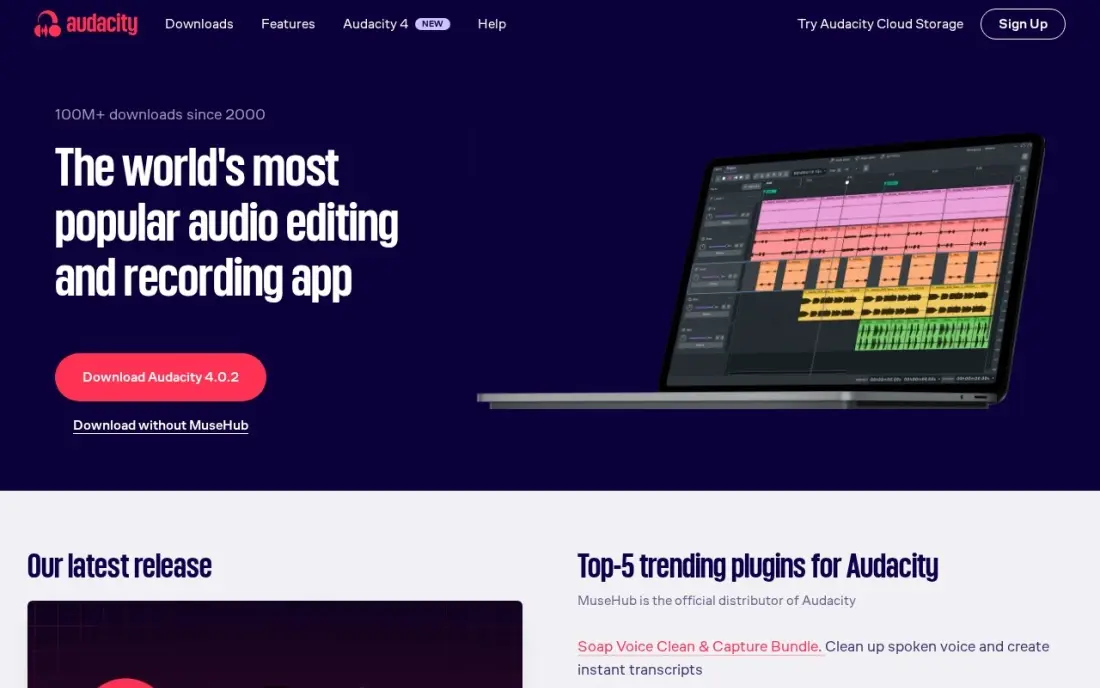
Audacity is the default free voice recorder for good reason. It records from any USB or interface microphone, lets you cut, trim and level a take on a waveform, and exports WAV or MP3, all with no account, no watermark and no paid plan. It runs on Windows, macOS and Linux, and a large free plug-in ecosystem fills the gaps.
Cleanup is hands-on: capture a noise profile from a quiet stretch and Noise Reduction removes that signature from the whole take, while the spectrogram view lets you find and silence individual noises. It is easy to over-process a voice until it sounds hollow, and the interface looks dated, but for $0 nothing else here does as much.
What we like
- Completely free and open source, with no paid plan at all
- Noise Reduction works from a noise profile you capture from the recording itself
- Spectrogram view lets you find and fix individual noises by sight
- Runs on Windows, macOS and Linux, with a huge free plugin ecosystem
Watch out for
- Manual and slow next to AI tools — you set the noise profile yourself
- Dated interface that takes a while to learn
- Easy to over-process a track and leave audible artifacts

GarageBand
Best for: Mac users who want a free, polished recorder for voice, music and simple podcasts
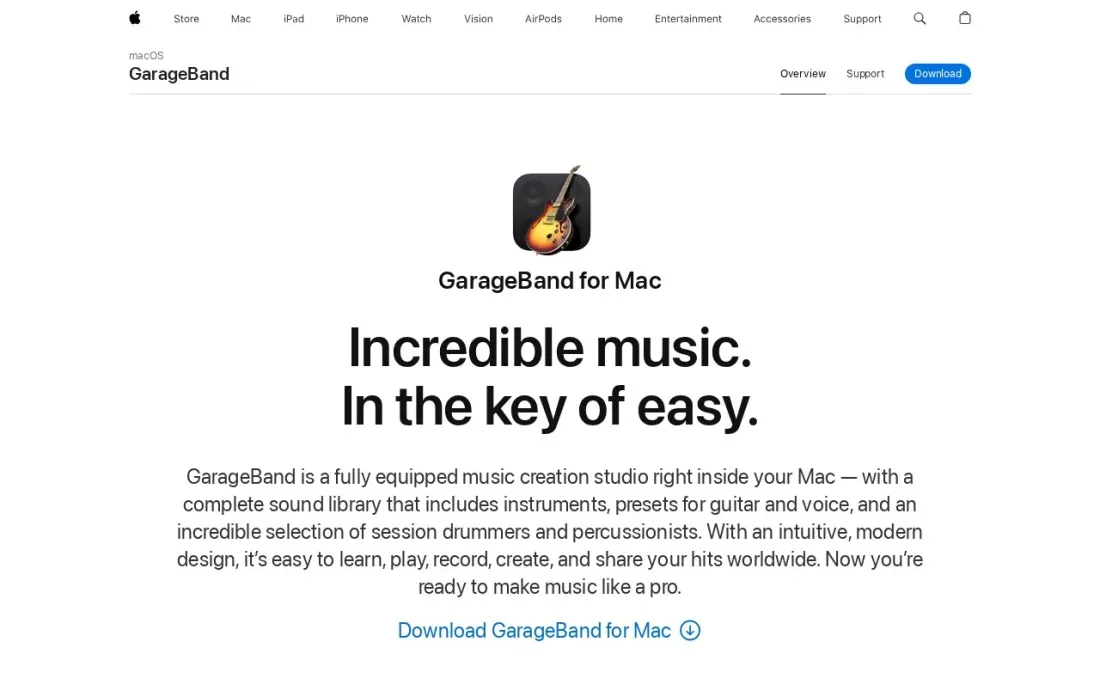
GarageBand is the free recorder every Mac owner already has access to. Plug in a USB or interface microphone, pick a voice preset and record as many takes as you like, then choose the best one. It mixes up to 255 audio tracks, so a voiceover with music bed and sound effects fits easily, and audio effect plug-ins shape the voice.
It is free on the Mac App Store and the current version requires macOS 14.4 or later. It is built for music, so it lacks the transcript editing of Descript and the repair depth of Audition or RX, and there is no Windows version. For a Mac user recording voice at home, it is the obvious starting point.
What we like
- Free on the Mac App Store, with no account beyond an Apple Account to download
- Records unlimited takes and mixes up to 255 audio tracks
- Built-in voice presets and audio effect plug-ins shape a voice without extra software
Watch out for
- Mac only on this page, and the current version needs macOS 14.4 or later
- Built for music first, so spoken-word repair tools are basic next to Audition or RX

Descript
Best for: Creators who record voiceovers and narration and want to edit by deleting words in a transcript
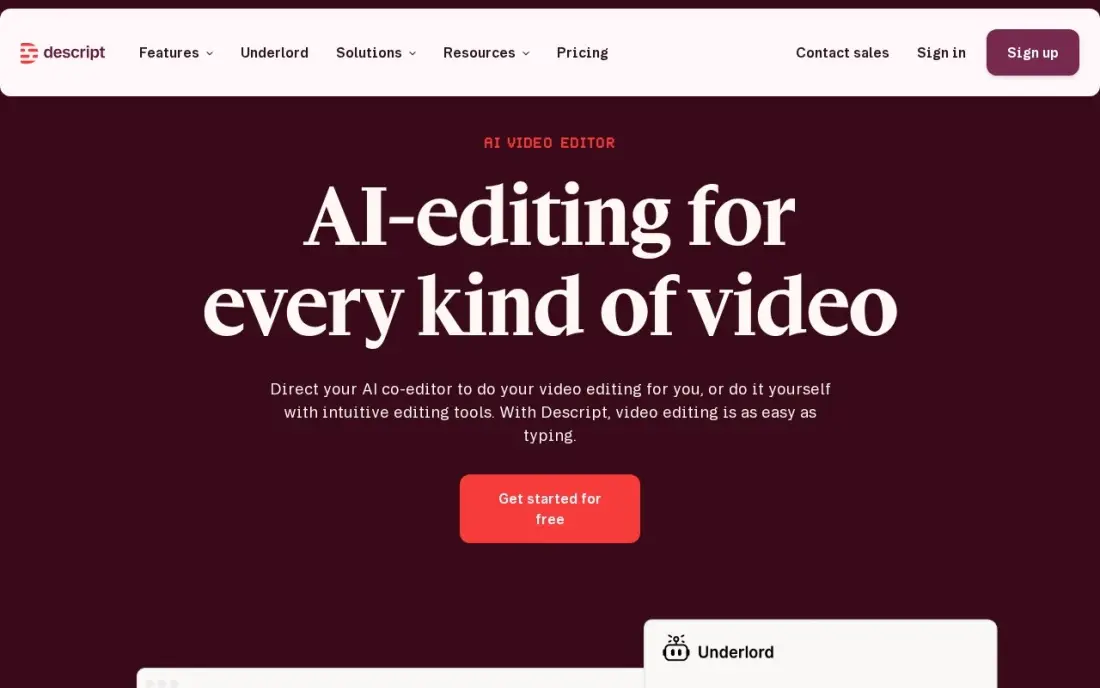
Descript records your voice and transcribes it as you go, so editing a voiceover means editing a document: delete a sentence in the transcript and the audio follows. Studio Sound cleans up room echo and background noise in one click, filler-word removal strips out the ums, and Overdub can patch a misread word without re-recording.
The free plan gives 1 media hour a month at 720p. Hobbyist costs $24 a month billed monthly or $16 billed annually and covers 10 media hours, and Creator at $24 billed annually adds more hours and 4K export. G2 reviewers note it can feel slow on large projects. Pick Descript when editing time matters more than recording.
What we like
- Text-based editing: delete a word in the transcript and the video and audio follow
- Studio Sound, filler-word removal and Overdub clean up recordings without a separate audio tool
- Rated 4.6/5 on G2 from 936 reviews, with easy editing the most cited strength
Watch out for
- Hobbyist covers only 10 media hours a month, and the two meters (hours plus AI credits) confuse new buyers
- The app can feel slow or glitchy on large projects, per G2 reviewers
- Creator at $24/month billed annually is the practical entry for serious creators, not Hobbyist

Adobe Audition
Best for: Professional voiceover artists and narrators who need precise editing and repair
Audition is the professional choice for voice work. It records single takes or multitrack sessions, and its waveform and spectral editors, noise reduction, click removal and diagnostics give voiceover artists and audiobook narrators precise control over every breath and plosive. It round-trips audio with Premiere Pro for video projects.
Audition costs $22.99 a month as a single app on an annual plan billed monthly, with a 7-day free trial, and there is no perpetual licence. Creative Cloud subscribers may already have it. It has a real learning curve, and you do manually what AI tools now automate, but nothing here gives finer control.
What we like
- Deep manual repair: noise reduction, click removal, diagnostics, spectral display
- Multitrack recording, editing and mixing in one editor
- Round-trips audio with Premiere Pro for video workflows
- Part of Creative Cloud, so subscribers may already have it
Watch out for
- Subscription only — $22.99 a month adds up fast for occasional use
- Manual tools in an AI era: you do the work the one-click tools automate
- Learning curve for beginners, and no perpetual licence exists

Riverside
Best for: Recording remote voices, such as interviews or voice actors, at local quality
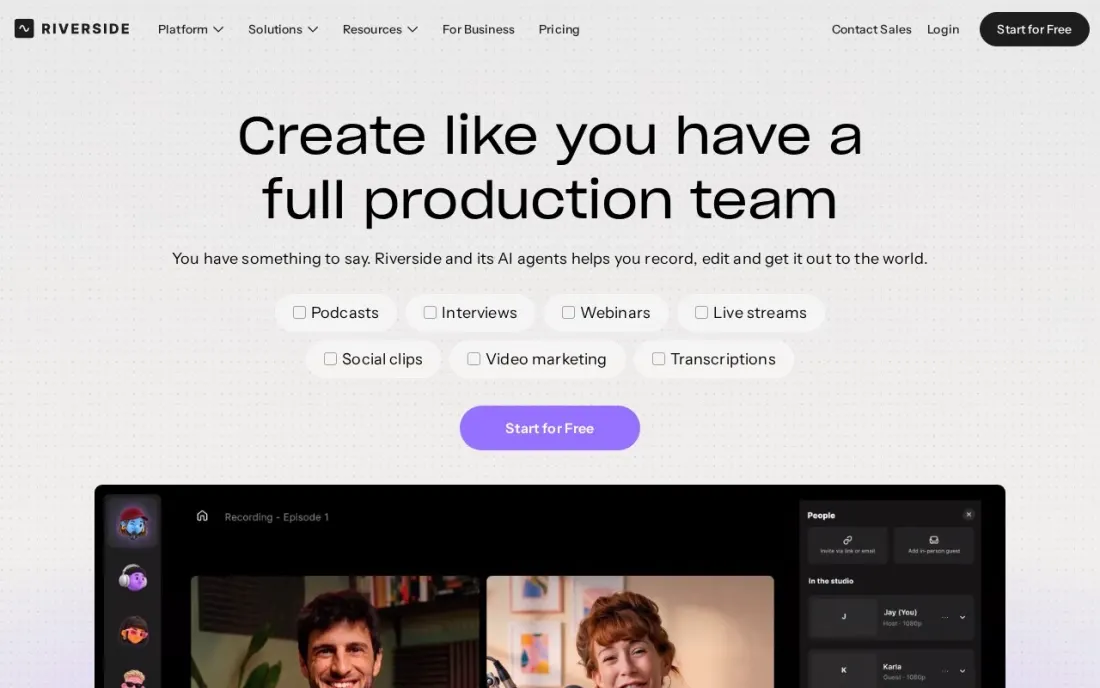
Riverside solves the remote version of voice recording. When the voice belongs to someone else, a guest, a client or a voice actor in another city, it records their microphone locally on their own device and uploads the file as you talk, so the result sounds like they were in your room rather than on a call. Pro records audio at 48 kHz.
Pro costs $29 a month billed monthly or $24 billed annually, with text-based editing and unlimited transcriptions. The free plan allows unlimited single-track recording but only 2 hours of multi-track recording once, with a watermark on content. For solo voiceovers, a desktop recorder is simpler.
What we like
- Records each remote voice locally at up to 48 kHz on Pro, so internet glitches stay out of the file
- Unlimited single-track recording and editing on the free plan
- Text-based editing and unlimited transcriptions on Pro
Watch out for
- Multi-track recording on the free plan is a one-off 2 hours, and free content carries a watermark
- Built around video podcasts, so it is more than a solo voiceover needs
Adobe Podcast
Best for: Anyone who needs to make a laptop or phone voice recording sound clean in the browser
Adobe Podcast is the quickest fix for a voice recorded in the wrong room. Upload a file to Enhance Speech and the AI strips background noise and echo, returning audio that sounds close to a studio take. Nothing installs, and it handles recordings from any of the other tools here, including phone voice memos.
The free tier processes audio files up to 30 minutes, with an hour of enhancement a day and no watermark. Premium costs $9.99 a month and adds video files, bulk uploads, longer files and a strength slider. Heavy enhancement can make a voice sound processed, so pull the strength back and keep the original.
What we like
- One-click Enhance Speech turns laptop-mic recordings into near-studio audio
- Runs entirely in the browser — nothing to install
- Free tier is genuinely usable for short files, with no watermark on output
- Premium adds video files, bulk uploads and an adjustable strength slider
Watch out for
- Free tier caps files at 30 minutes and 1 hour of enhancement a day
- Heavy enhancement can make a voice sound processed or robotic
- Speech only — it will not clean up music or sound design
iZotope RX
Best for: Voiceover and audiobook professionals who must rescue takes that cannot be re-recorded
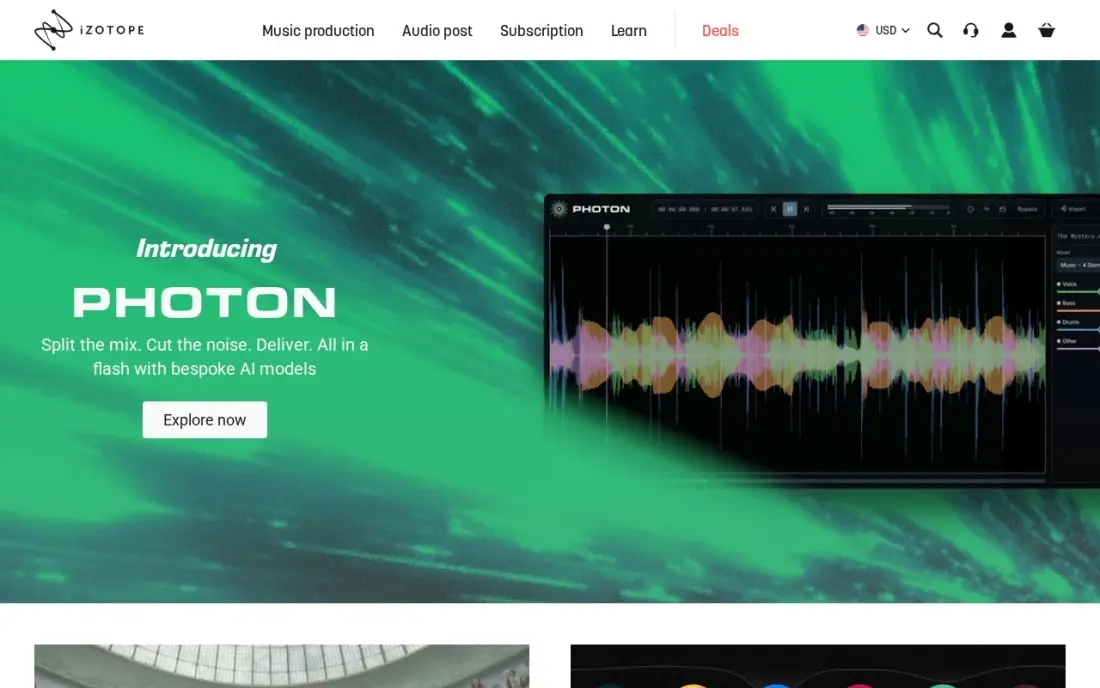
iZotope RX is the repair tool professionals use when a take cannot be recorded again. Its modules remove hiss, hum, clicks, clipping, mouth noise and room reverb, the spectral editor lets you see and remove a single noise, and Repair Assistant analyses a file and suggests fixes. Dialogue Isolate pulls a voice out of a noisy background.
RX 12 Elements costs $99 once but is plug-ins only, for use inside a recorder such as Audition. The standalone RX Audio Editor starts with Standard at $399, and Advanced costs $1,399. It is overkill for an occasional voice memo, but essential for anyone selling voice work.
What we like
- The professional standard for deep repair: hiss, hum, clicks, clipping, reverb
- Spectral editor lets you see a noise and remove it surgically
- Repair Assistant analyzes a file and suggests fixes automatically
- Dialogue Isolate and Music Rebalance handle the hardest separation jobs
Watch out for
- Elements is plug-ins only — the RX Audio Editor starts at Standard ($399)
- Steep learning curve; the spectral editor rewards practice
- Overkill and overpriced for a podcaster who only needs hum removed
The best voice recording software captures a clean take, makes editing quick and helps fix the noise that every home recording picks up. We compared seven tools for voiceovers, narration, podcasts and voice memos — free desktop recorders, transcript and pro editors, a remote recorder and two cleanup tools — on recording quality, editing, noise repair and real cost, and every price below comes from the vendor's own pricing page as checked in November 2026.
How to choose the best voice recording software
- Start with where the voice is. A voice in your own room needs a desktop recorder; a voice in another city needs a remote recorder such as Riverside that records locally on their device.
- Record uncompressed. Make sure the tool records WAV at 44.1 or 48 kHz, and export MP3 only at the end.
- Decide how you like to edit. Waveform editors such as Audacity, GarageBand and Audition suit precise cuts; Descript lets you edit the words instead.
- Plan for noise. Every home recording has some, so check what cleanup is built in before buying a separate repair tool.
- Match the price to how often you record. Free tools cover occasional voice work; subscriptions such as Audition at $22.99 a month earn their cost only for regular paid work.
- Check your platform. GarageBand is Mac-only, while Audacity runs on Windows, macOS and Linux and Descript, Riverside and Adobe Podcast work across platforms.
If the recordings are for marketing — explainer voiceovers, podcasts or video narration — they need to be found as well as heard. Our video SEO guide covers transcripts and titles that help recorded content rank, and our monthly SEO service keeps the pages that host it climbing.
Voice recording software pricing: what you will actually pay
For occasional voice work, the cost can be $0: Audacity, and GarageBand on a Mac record and edit for nothing, and Adobe Podcast's free tier cleans up a 30-minute file at a time. Descript's free plan adds 1 media hour a month with transcript editing.
Regular voice work changes the maths. Descript Hobbyist costs $16 a month billed annually, or $192 a year, against $24 a month, or $288, billed monthly. Adobe Audition costs $22.99 a month on an annual plan, about $276 a year, with no perpetual licence. Riverside Pro for remote voices costs $24 a month billed annually, or $288 a year. Cleanup tools sit on top: Adobe Podcast Premium at $9.99 a month, or iZotope RX 12 Elements at $99 once, with the standalone RX editor from $399. A home voiceover setup built on Audacity plus RX Elements costs $99 in total and no monthly bill.
Know the difference: recording software vs audio repair software
Recording software captures the take and lets you edit it: Audacity, GarageBand, Audition and Descript all record directly from your microphone, cut and arrange takes and export the finished file. Most include basic noise reduction, and for a quiet room and a decent microphone that is enough.
Audio repair software fixes what recording could not prevent. Adobe Podcast's Enhance Speech and iZotope RX analyse a finished file and remove background noise, echo, hum, clicks and mouth sounds. They do not record anything themselves, so they sit beside a recorder rather than replacing it. Treat repair as a safety net: ten minutes spent softening a room with blankets and cushions beats an hour of repair later.
Quick comparison: tool type by need
| Buyer | Best pick | Why |
|---|---|---|
| Free on any desktop | Audacity | Open source recorder and editor, no paid plan |
| Mac users | GarageBand | Free, unlimited takes and up to 255 tracks |
| Edit by transcript | Descript | Delete words to edit audio, Hobbyist $16/month billed annually |
| Professional voiceover | Adobe Audition | Precise editing and repair, $22.99/month |
| Remote voices | Riverside | Local 48 kHz recording, Pro $24/month billed annually |
| Quick noise cleanup | Adobe Podcast | Free Enhance Speech for 30-minute files |
| Rescuing unusable takes | iZotope RX | Pro repair, Elements $99 once, editor from $399 |
Mistakes to avoid
- Recording in an echoey room. Bare walls and hard floors add reverb that no tool fully removes; record near soft furnishings or in a closet of clothes.
- Recording compressed MP3 masters. Noise reduction and editing damage compressed files faster; keep a WAV original.
- Over-processing the voice. Heavy noise reduction or enhancement makes speech sound hollow or robotic; apply less than you think and compare with the original.
- Recording too quietly or too hot. Aim for peaks around -12 to -6 dB; clipped audio cannot be fully repaired and very quiet audio raises the noise floor.
- Paying for a subscription you use twice a year. Occasional voice work is covered by free tools; subscribe only when recording is regular, paid work.
Related comparisons: Recording Software · Online Podcast Recording Software · Voice AI Software Tools · Voice Analytics Software
How we chose
We checked each vendor's own pricing page in November 2026 and recorded the starting price exactly as shown, including the annual-billing figure where the page lists one. We ranked the tools by fit for the most common buyer — a creator, marketer or small business recording voiceovers, narration or podcasts at home — and weighed recording quality, editing speed, built-in cleanup and cost. Ratings come from G2 pages checked on the dates shown in the sources. No vendor paid for a place in this list, and none of the links here are affiliate links.
What to do next
Record the same one-minute script in Audacity and one other tool from the table, in the quietest room you have, and compare the raw files before any cleanup — the room usually matters more than the software. When the recordings are ready to bring in an audience, book a free call with us.
Frequently asked questions
What is the best voice recording software?
Audacity is the best free choice on any desktop, Descript is best when you want to edit by transcript and clean up audio automatically, and Adobe Audition is best for professional voiceover and narration at $22.99 a month.
What is the best free voice recording software?
Audacity is free and open source on Windows, macOS and Linux with no paid plan. GarageBand is free on the Mac App Store, Descript has a free plan with 1 media hour a month, and Adobe Podcast cleans up files up to 30 minutes for free.
Do I need a paid tool to record voiceovers?
No. A free recorder captures the same audio as a paid one; what you pay for is faster editing and cleanup. Descript's transcript editing and Audition's repair tools save time on long or frequent recordings.
How do I remove background noise from a voice recording?
Record in a quiet, soft-furnished room first. For cleanup, Audacity's Noise Reduction works from a noise profile you capture, Adobe Podcast's free Enhance Speech handles 30-minute files in the browser, and iZotope RX is the professional repair tool.
What file format should I record voice in?
Record in an uncompressed format such as WAV at 48 kHz for video or 44.1 kHz for audio-only work, then export MP3 for sharing. Uncompressed masters survive editing and noise reduction far better.
Can I record a remote guest's voice in high quality?
Yes, with a remote recorder. Riverside records each guest locally at up to 48 kHz on Pro, from $24 a month billed annually, and its free plan includes 2 hours of multi-track recording once.
What is the best voice recording software for PC?
Audacity is the best free recorder on a Windows PC: it is open source with no paid plan, and its Noise Reduction and spectrogram view clean up home recordings. For professional voiceover work, Adobe Audition runs on Windows at $22.99 a month. Descript, Riverside and Adobe Podcast also work across platforms. Skip GarageBand on a PC, because it is Mac-only and has no Windows version.
What is the best voice recording software for voice acting?
Adobe Audition is the professional choice for voice actors at $22.99 a month: single-take or multitrack recording, plus waveform and spectral editors, noise reduction and click removal for control over every breath and plosive. Add iZotope RX, from $99 one-time, to rescue takes that cannot be re-recorded. When the voice actor is in another city, Riverside records their microphone locally on their own device.
What is the best software for recording audiobooks?
Audiobook narrators need precise editing and repair, so Adobe Audition at $22.99 a month is the main pick, with multitrack recording, noise reduction, click removal and diagnostics. iZotope RX is the professional repair standard for hiss, hum, clicks and reverb, from $99 one-time for RX 12 Elements. Record uncompressed WAV at 44.1 or 48 kHz and export a compressed file only at the end.
Sources we checked (11)
- Audacity — www.audacityteam.org (checked November 7, 2026)
- Audacity reviews on G2 (checked November 7, 2026)
- GarageBand — apps.apple.com/us/app/garageband/id682658836 (checked November 16, 2026)
- Descript — www.descript.com/pricing (checked November 10, 2026)
- Descript reviews on G2 (checked November 10, 2026)
- Adobe Audition — www.adobe.com/products/audition.html (checked November 7, 2026)
- Adobe Audition reviews on G2 (checked November 7, 2026)
- Riverside — riverside.com/pricing (checked November 16, 2026)
- Adobe Podcast — podcast.adobe.com/pricing (checked November 7, 2026)
- Adobe Podcast reviews on G2 (checked November 7, 2026)
- iZotope RX — www.izotope.com/en/products/rx.html (checked November 7, 2026)
Make one of these tools?
We re-check this list every quarter. Send a correction, request a review, or ask about a clearly labeled sponsored spot.
Request a listingShamim
Founder of SerpAstra
A full-stack digital marketer and SEO strategist covering technical and local SEO, AI search visibility, paid ads and lead generation for local businesses, e-commerce brands and SaaS teams.
Free SEO and AI visibility audit
Find out what is holding your rankings back
Send us your site. Within 2 business days you get a written audit, an AI visibility check and a short fix list ranked by impact. Free, with no contract attached.
Request my free audit→Related buying guides
 Audio, Music & PodcastingBest Audio Cleaning Software for 2026: 8 Options Compared by Use CaseCompare the 8 best audio cleaning software tools on price, free plans and AI cleanup, with every price checked November 7, 2026, for podcasters.Read guide →
 Audio, Music & Podcasting7 Best Audio Software in 2026, ComparedCompare the 7 best audio software for editing, recording, music and repair on features, free options and one-time vs subscription cost, with checked prices.Read guide →
 Audio, Music & Podcasting7 Best Online Podcast Recording Software in 2026, ComparedCompare the 7 best online podcast recording software on separate tracks, guest limits, free plans and real monthly cost, with prices checked on vendor pages.Read guide →