
9 Best Ticketing Software for Support Teams in 2026, Compared
Compare the 9 best ticketing software for customer support on free plans, per-agent prices, AI fees and the real monthly cost for five agents, checked in 2026.
 Shamim Mia, Founder, SerpAstraLast verified November 2, 202610 min read
We compare pricing pages, documentation and public reviews. We never accept payment for rankings.
Key takeaways
- Zoho Desk is the cheapest real ticketing system here: free for up to 3 agents, then Express at $7 an agent a month billed annually.
- Freshdesk is the value pick for growing teams at $19 an agent a month billed annually, with a knowledge base and automations on the entry plan.
- Zendesk covers the most channels, but chat, the help center and AI agents start on Suite Team at $55 an agent a month billed annually.
- AI is now a second meter on most bills: Intercom's Fin costs $0.99 per resolved outcome and Help Scout's AI agent $0.75 per resolved conversation.
On this page
Quick comparison
| Tool | Best for | Starting price | Free plan |
|---|---|---|---|
| Zendesk | Mid-size support teams that handle email, chat, voice and social tickets in one workspace | $55/agent/mo (annual) | No (14-day trial) |
| Freshdesk | Small and mid-size teams that want full email ticketing live in a day at a low per-agent price | $19/agent/mo (annual) | No (6-month program) |
| Zoho Desk | Tiny teams that want a free ticketing system for up to three agents | $7/mo (annual) | Yes (free plan) |
| Help Scout | Small teams that want ticketing that looks and feels like a shared email inbox | Free; Standard $25/mo | Yes (free plan) |
| HubSpot Service Hub | Businesses already on HubSpot CRM that want tickets on the same customer record | $20/mo | Yes (free tools) |
| Intercom | Software companies that want AI to resolve tickets inside in-app chat before an agent sees them | $29/seat/mo (annual) | No (14-day trial) |
| Gorgias | Shopify and ecommerce stores that want order data and refunds inside every ticket | $10/mo | No (7-day trial) |
| Front | Small teams that run support from a shared inbox with chat and SMS in one queue | $25/seat/mo | No (14-day trial) |
| Hiver | Teams that live in Gmail and want ticketing without leaving it | $35/user/mo; $25 annual | No (7-day trial) |
Make one of these tools?
We re-check this list every quarter. Send a correction, request a review, or ask about a clearly labeled sponsored spot.
Request a listingThe best ticketing software

Zendesk
Best for: Mid-size support teams that handle email, chat, voice and social tickets in one workspace
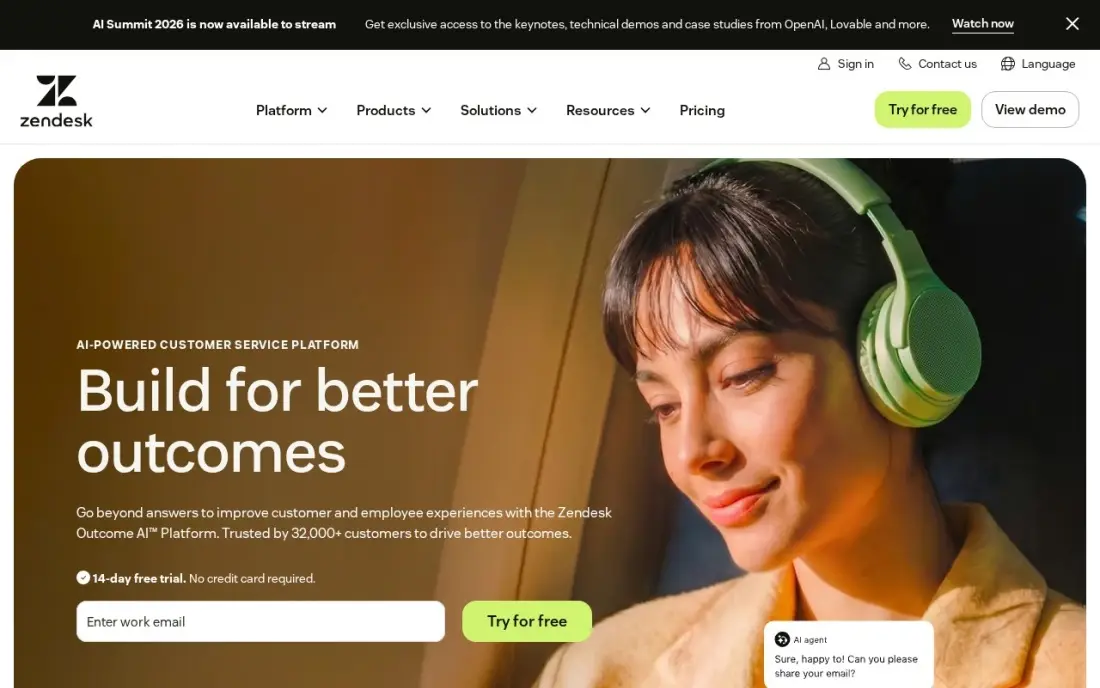
Zendesk is the default ticketing system for teams that take requests on many channels. Suite Team pulls email, chat, messaging, voice and social into one agent workspace with a help center and AI agents, at $55 an agent a month billed annually or $69 month to month, and it has the largest review base here, with over 7,000 G2 reviews.
Read the plan grid closely. The $19 Support Team plan is ticketing only, AI resolutions past the included five per agent a month cost $1.50 to $2.00 each, and Copilot adds $50 an agent on Suite Professional and above. It is worth it when channel breadth matters most.
What we like
- The broadest channel coverage here: email, chat, messaging, voice and social in one agent workspace
- AI agents included on Suite Team, with five automated resolutions per agent a month
- The largest review base in this list — over 7,000 G2 reviews — and the deepest integration catalog
Watch out for
- The $19 Support Team plan is ticketing only; chat, the help center and AI agents start on Suite Team at $55
- AI resolutions beyond the allowance cost $1.50 each committed or $2.00 pay-as-you-go
- Copilot costs $50 an agent a month and only on Suite Professional and above

Freshdesk
Best for: Small and mid-size teams that want full email ticketing live in a day at a low per-agent price
Freshdesk is the value pick among the big help desks. Growth costs $19 an agent a month billed annually, or $23 billed monthly, and includes email ticketing, a shared inbox, a customer portal, a knowledge base and automations. Connect the support address, add agents and the queue is working the same afternoon.
There is no permanent free plan any more, only a six-month Free Program for up to two agents. Freddy AI Copilot costs $29 an agent a month on Pro and Enterprise, and omnichannel chat sits in the separate Freshdesk Omni line. For a pure ticket queue, though, it is the cheapest of the large vendors.
What we like
- The cheapest entry among the big three help desks at $19 an agent a month billed annually
- Growth covers email ticketing, a shared inbox, a customer portal, a knowledge base and automations from day one
- 500 Freddy AI Agent sessions included once per account, with AI answers on the entry plan
Watch out for
- No free plan anymore — only a six-month Free Program for up to two agents
- Freddy AI Copilot costs $29 an agent a month on Pro and Enterprise, and extra AI sessions cost $49 per 100
- Omnichannel messaging and chat sit on Freshdesk Omni, a separate, pricier product line

Zoho Desk
Best for: Tiny teams that want a free ticketing system for up to three agents
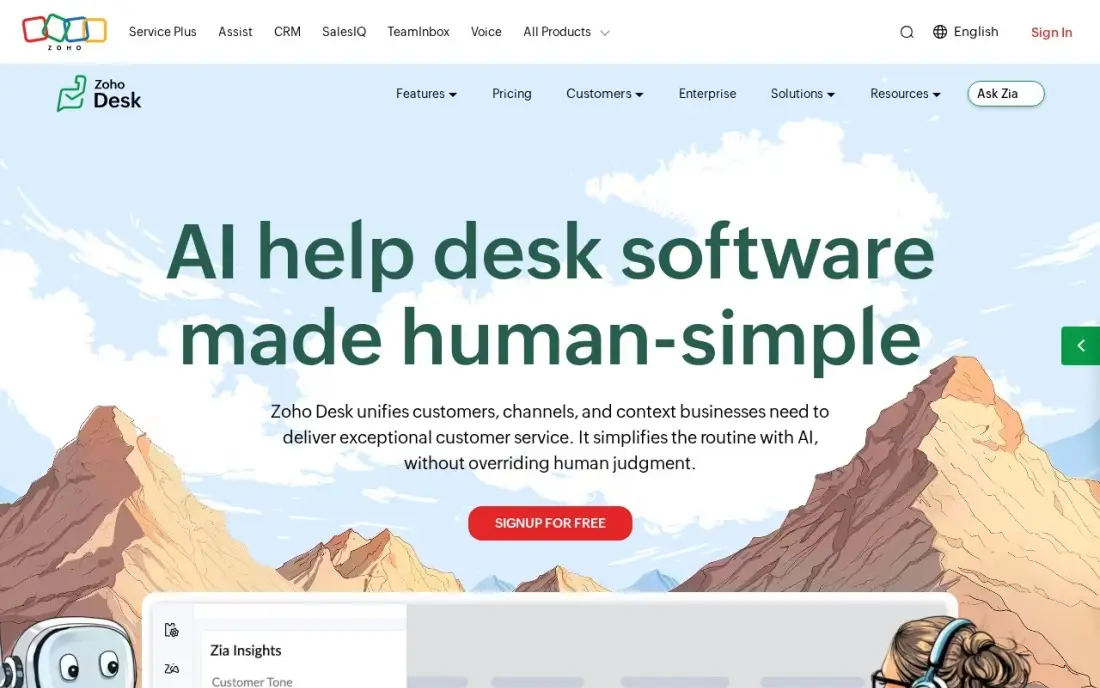
Zoho Desk has the most useful free plan in this list: email ticketing and a knowledge base for up to 3 agents, with no time limit. Express costs $7 an agent a month billed annually, or $9 billed monthly, and Standard at $14 billed annually removes the agent cap and adds an Answer Bot.
The tier limits are firm. Express stops at 5 agents, so a sixth hire moves everyone to Standard, and live chat and IVR wait for Enterprise at $40 an agent a month billed annually. It fits a small team, especially one already using Zoho CRM or Books, that wants tickets without a monthly bill.
What we like
- A real free plan for up to 3 agents, with no time limit
- Cheapest paid plan here: Express at $7/agent/month billed annually
- Generative AI features start on Express, and the Answer Bot arrives on Standard at $14
- Deep Zoho ecosystem: CRM, Books, SalesIQ and telephony connect without third-party tools
Watch out for
- Express stops at 5 agents — a sixth agent forces the whole team onto Standard at $14
- Live chat and IVR wait for Enterprise at $40/agent/month billed annually
- Telephony is metered separately, so call costs sit outside the seat price

Help Scout
Best for: Small teams that want ticketing that looks and feels like a shared email inbox
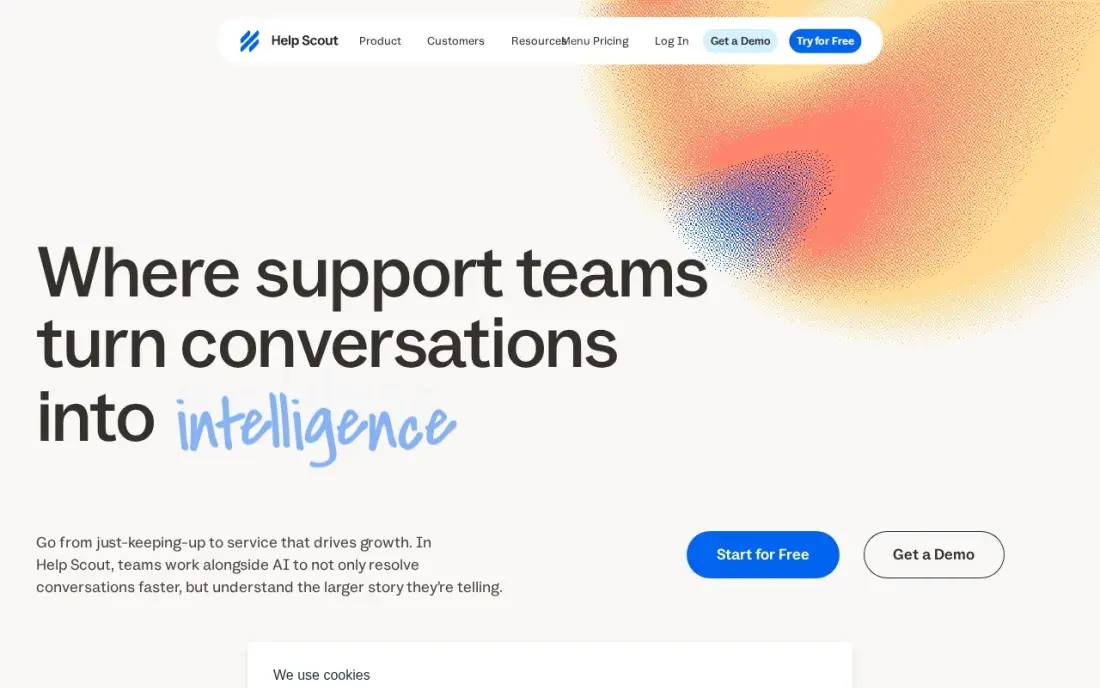
Help Scout hides the ticket machinery behind something that looks like email, so new agents need almost no training. The free plan covers 5 users, 1 inbox and 1 Docs site, limited to 100 contacts a month. Standard costs $25 a user a month billed annually, or $30 monthly, and adds Beacon live chat, more inboxes and WhatsApp, Instagram and Messenger.
Watch three costs: Docs is $10 a user extra on Standard, the AI agent costs $0.75 per resolved conversation, and Standard stops at 25 users, after which every seat moves to Plus at $45. For a team under that line that values tidy email support, it is the easiest system here.
What we like
- A real free plan for 5 users, with 1 inbox and 1 Docs site at $0
- Beacon, the live chat widget, comes with Standard — chat is not a separate product
- The inbox feels like email with ownership added, so new agents need almost no training
- WhatsApp, Instagram and Messenger sit on the entry paid plan, not a higher tier
Watch out for
- The AI agent is an add-on at $0.75 per resolved conversation, on top of every paid tier
- Standard stops at 25 users — the 26th hire forces every seat onto Plus at $45
- Docs costs $10 a user extra on Standard, so the knowledge base is not in the headline price

HubSpot Service Hub
Best for: Businesses already on HubSpot CRM that want tickets on the same customer record
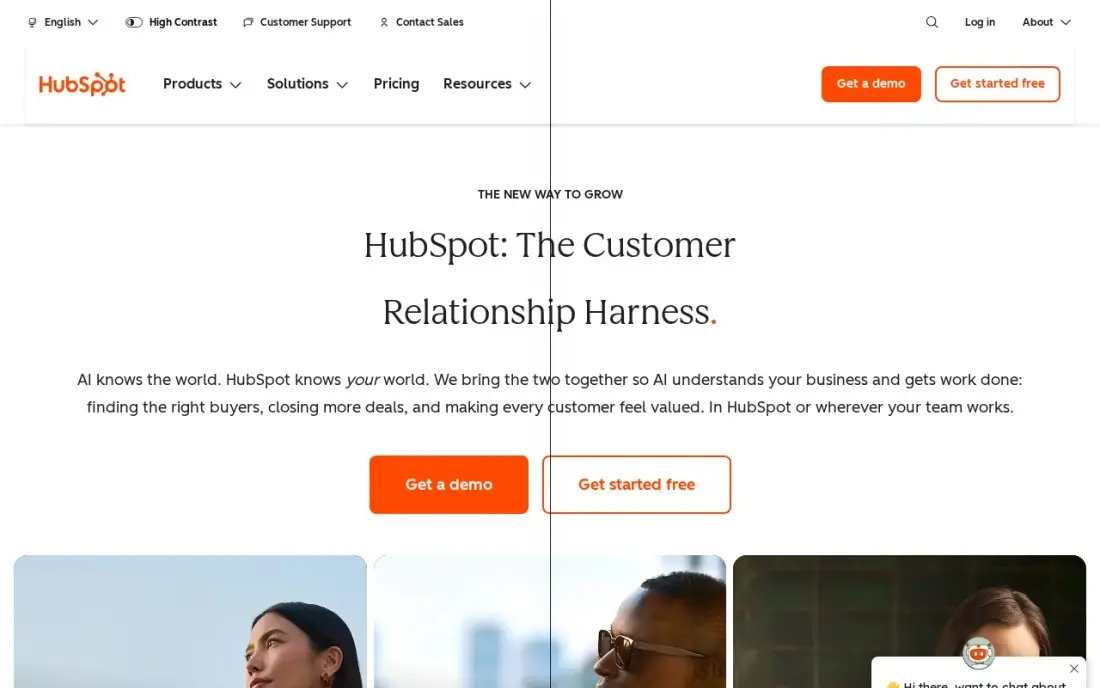
HubSpot Service Hub puts tickets on the same contact record as deals and marketing, so an agent sees what a customer bought and what sales promised before replying. Free tools cover up to 2 users with live chat and basic tickets, and Starter costs $20 a seat a month, with a $7 a seat annual promotion for new customers.
Starter is thin as a help desk. The full help desk workspace, customer portal and knowledge base arrive on Professional at $90 a seat plus a $1,500 onboarding fee, and AI features are excluded from Starter. Choose it when HubSpot is already the CRM; otherwise a dedicated desk does more for less.
What we like
- Tickets, deals and marketing share one contact record, so nothing is re-typed
- Free tools for up to 2 users cover live chat, tickets and a knowledge base at $0
- Starter at $20 a seat is the cheapest way into the HubSpot service suite
- More than 1,000 integrations in the App Marketplace
Watch out for
- Starter has no full help desk workspace, customer portal or knowledge base — those need Professional at $90 a seat
- AI features, including the Breeze Customer Agent, are excluded from Starter
- The $7 a seat Starter price is a new-customer promotion — budget renewals at the $20 list price

Intercom
Best for: Software companies that want AI to resolve tickets inside in-app chat before an agent sees them
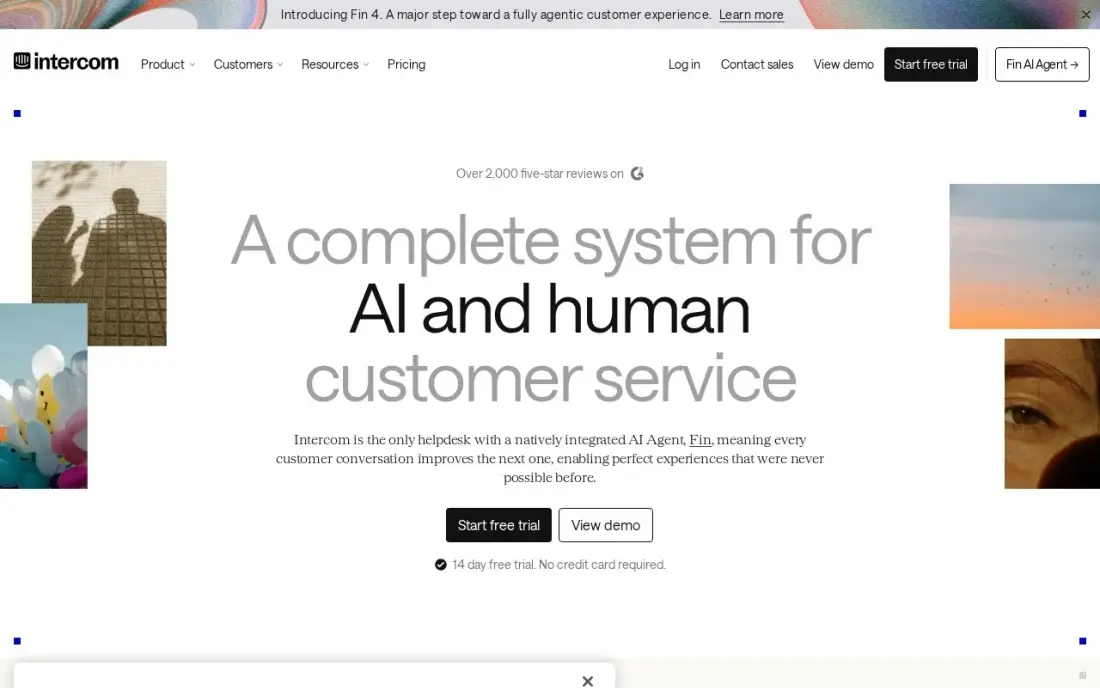
Intercom is built for support that starts in the product. Its Fin AI agent is included on every plan and answers routine questions inside the Messenger, inbox and help center, handing the rest to agents as tickets. Essential costs $29 a seat a month billed annually, or $39 monthly.
The second meter is Fin itself: $0.99 per resolved outcome with a 50-outcome monthly minimum, so a five-seat team pays at least $49.50 a month in AI fees. There is no free plan, Copilot adds $29 a seat, and Salesforce completed its acquisition of the company in September 2026. It suits SaaS teams with high repeat-question volume.
What we like
- Fin AI Agent is included on every plan and resolves routine questions inside Messenger, the inbox and the help center
- The most polished messenger in this category, with in-app chat, email, SMS, WhatsApp and social in one inbox
- Workflow automation, round-robin assignment and a multilingual help center from Advanced
Watch out for
- Fin costs $0.99 per resolved outcome on top of seats, with a 50-outcome monthly minimum
- No free plan — only a 14-day trial — and Copilot is another $29 a seat a month
- Salesforce completed its acquisition of the company, now called Fin, in September 2026, so the roadmap bears watching

Gorgias
Best for: Shopify and ecommerce stores that want order data and refunds inside every ticket
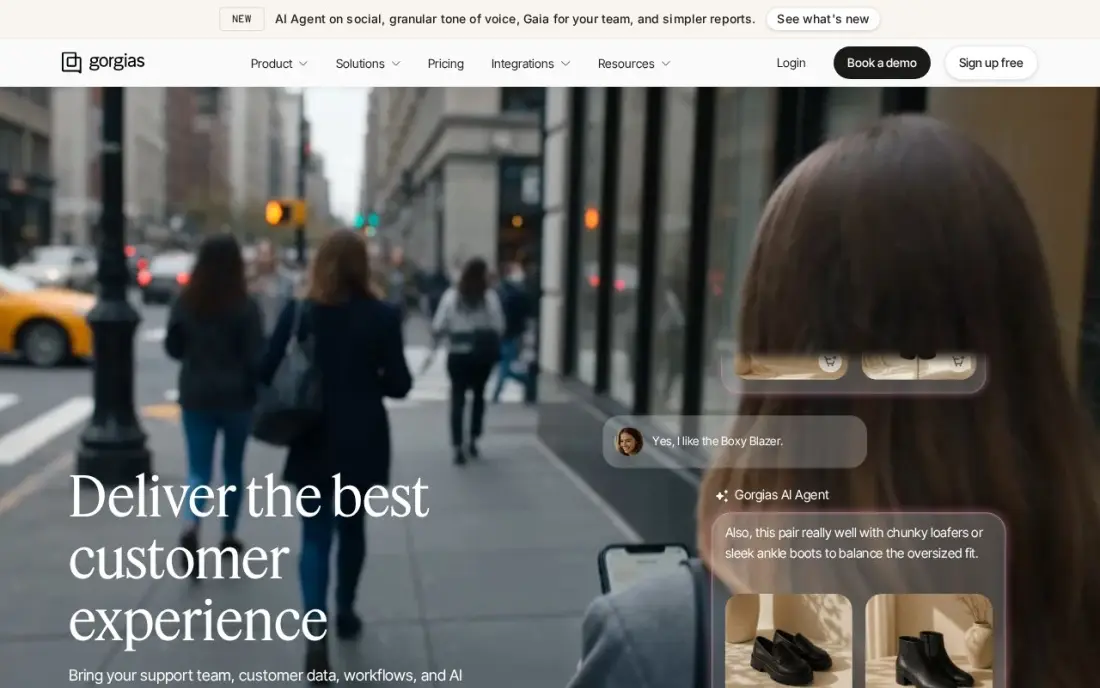
Gorgias is a ticketing system built around orders. Agents see order history, tracking and refunds inside each ticket and can act without opening the store admin, and its AI Agent handles where-is-my-order questions on its own. Pricing follows ticket volume rather than seats: Starter costs $10 a month for 50 tickets, billed monthly.
Because pricing is by ticket, a holiday spike can push you into a higher tier mid-month, and each AI Agent interaction, at $0.90 on annual plans, also counts as a billable ticket. At 2,000 tickets a month you are on the $300 Pro plan. For a store with a steady order flow, it beats a general help desk.
What we like
- Agents see order history, tracking and refunds inside the ticket and can act without leaving the inbox
- AI Agent resolves order-status and shipping questions and takes simple order actions on its own
- Never priced per agent, so adding teammates costs nothing on Basic and above
Watch out for
- Every AI Agent resolution also counts as a billable helpdesk ticket, so one answer is billed twice
- Ticket-based pricing means a holiday spike can push you into a higher tier mid-month

Front
Best for: Small teams that run support from a shared inbox with chat and SMS in one queue
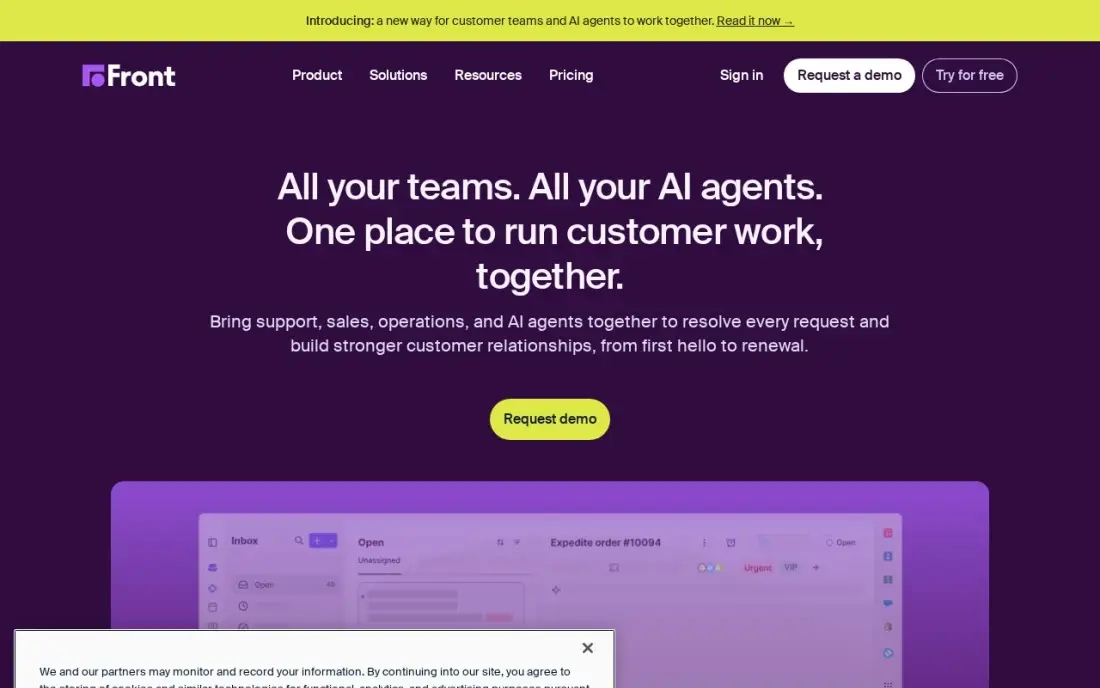
Front sits between an email client and a help desk. Chat, email and SMS land in one queue with collision detection, rules, tagging and assignment, and analytics and a knowledge base come on the entry plan. Starter costs $25 a seat a month billed annually, or $35 billed monthly.
Starter covers one channel type and stops at 10 seats, so adding a second channel or an eleventh person moves every seat to Professional at $65. Copilot is a $20 a seat add-on. Front suits teams of up to ten who think of support as shared email with ownership, not as a formal ticket queue.
What we like
- The cleanest shared inbox here: chat, email and SMS in one queue with collision detection
- Front Chat is a real channel on Starter, so a chat-only team can buy in at $25 a seat
- Rules, tagging and assignment keep a small team organized without a separate help desk
- Strong analytics and a knowledge base on the entry plan, with AI Topics included
Watch out for
- Starter covers one channel type only — email plus chat together need Professional at $65
- Starter stops at 10 seats, so the 11th hire moves every seat to Professional
- Copilot is a $20-a-seat add-on on Starter and Professional, and Autopilot is metered per conversation

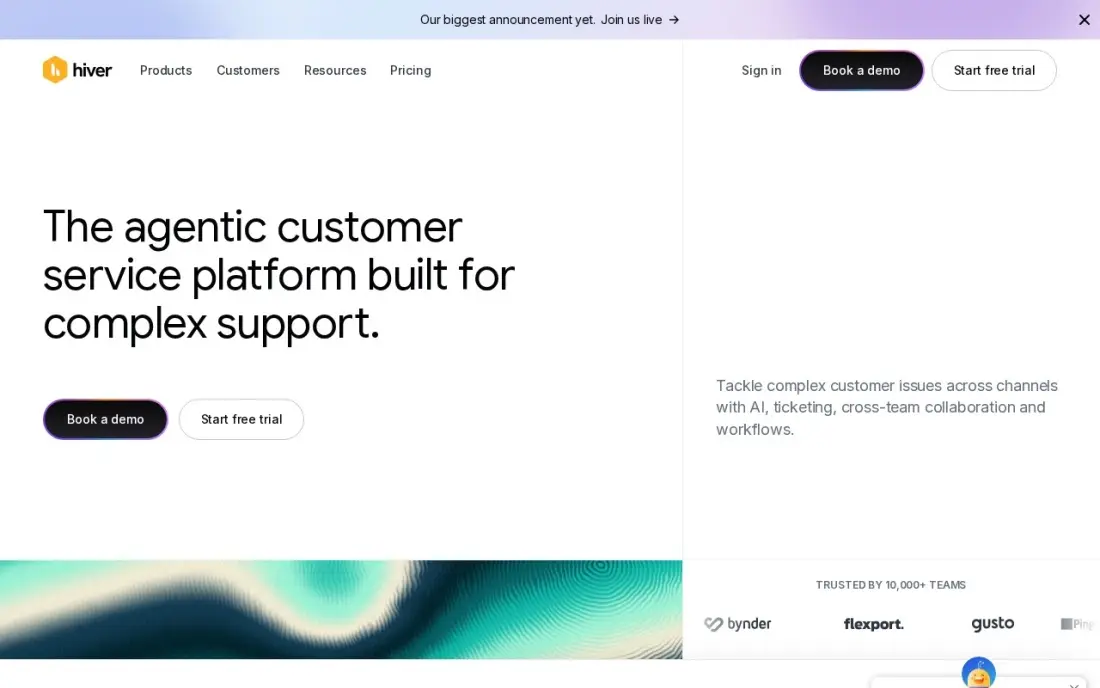
Hiver turns Gmail itself into a ticketing system. A shared address such as support@ gets assignments, collision detection, tags, notes, SLAs and analytics inside the Gmail window, so nobody learns a new interface. Growth costs $35 a user a month billed monthly, or $25 billed annually, with a 2-seat minimum, and AI Agents and Copilot are included on paid plans.
The free plan was removed from the pricing page in September 2026, so the entry point is now a 7-day trial. Outlook teams get a newer, less proven experience through Hiver Omni. Pick it when Gmail is home and a separate help desk would never get opened.
What we like
- Runs inside Gmail, so there is no new interface for the team to learn
- AI Agents and Copilot are included on paid plans, not sold as add-ons
- Assignments, collision detection, SLAs and analytics turn Gmail into a help desk
- Hiver Omni adds a standalone web platform for Outlook and other providers
Watch out for
- Paid plans start at 2 seats and scale in packs of 5 past five users
- The free plan was removed from the pricing page in September 2026 — only a 7-day trial remains
- Outlook support is newer and less proven than the Gmail experience
The best ticketing software turns every customer email, chat and call into a request with an owner, a status and a history, so nothing is lost and nobody answers the same person twice. We compared nine support ticketing systems on free plans, per-agent prices, channel coverage and AI fees, and every price below comes from the vendor's own pricing page, checked in November 2026. If you are looking for software to sell tickets to events, our guide to the best ticket apps for event organizers covers that instead.
How to choose the best ticketing software
- Count channels before agents. If tickets only come by email, a shared-inbox tool is enough; if they also come by chat, phone and social, you need a desk that covers all of them on one plan.
- Find the tier cliffs. Zoho Desk Express stops at 5 agents, Front Starter at 10 seats and Help Scout Standard at 25 users; crossing the line moves every seat up, not just the new one.
- Price the AI meter separately. Several tools now charge per AI resolution on top of seats, so estimate how many tickets the bot will close.
- Check where the knowledge base sits. A help center cuts ticket volume, but on some plans it is an add-on or a higher tier.
- Match the data source. Ecommerce teams need order data in the ticket, SaaS teams need product data, and CRM-led teams need the sales history.
- Test reporting on a real week. First-response time and resolution time by agent are the two numbers you will look at most.
A good ticketing system answers customers faster; a good help center stops many of them needing a ticket at all. If you publish help articles, the free FAQ schema generator helps search engines show those answers, and our AI search optimization service helps AI assistants quote them correctly.
Ticketing software pricing: what you will actually pay
Take a five-agent support team on annual billing. Zoho Desk Express costs $7 an agent, so $35 a month, and that is the last size Express allows. Freshdesk Growth costs $19 an agent, so $95 a month, or $115 billed monthly at $23. Help Scout Standard, Front Starter and Hiver Growth each cost $25 an agent, so $125 a month, before Help Scout's $10 a user Docs add-on.
Intercom Essential costs $29 a seat, so $145 a month, plus at least $49.50 for Fin's 50-outcome minimum, which takes the floor to $194.50. Zendesk Suite Team costs $55 an agent, so $275 a month billed annually or $345 billed monthly. HubSpot Service Hub Starter costs $20 a seat at list, so $100 a month, but the full help desk on Professional costs $90 a seat, or $450 a month, plus a $1,500 onboarding fee.
Over a year, that puts the same five-agent team anywhere from $420 on Zoho Desk to $3,300 on Zendesk Suite Team before AI usage. Gorgias does not fit this model at all: it charges by tickets, from $10 a month for 50 up to $300 a month on Pro at 2,000 tickets.
Know the difference: help desk vs shared inbox
A help desk treats each request as a formal ticket. Zendesk, Freshdesk, Zoho Desk and Gorgias assign ticket numbers, statuses, priorities and SLAs, and they add a customer portal and knowledge base around the queue. That structure suits teams with many agents, many channels or contractual response times, where reporting on every ticket matters.
A shared inbox keeps the feel of email. Help Scout, Front and Hiver show conversations rather than ticket numbers, and add ownership, notes and collision detection so two people never reply to the same customer. That suits small teams whose customers expect a personal email reply. Many teams start with a shared inbox and move to a help desk once volume or channels outgrow it.
Quick comparison: tool type by need
| Buyer | Best pick | Why |
|---|---|---|
| Omnichannel mid-size teams | Zendesk | Email, chat, voice and social on Suite Team, $55/agent annual |
| Growing support teams | Freshdesk | Full ticketing and knowledge base from $19/agent annual |
| Teams of three or fewer | Zoho Desk | Free for 3 agents, Express $7/agent annual |
| Email-style support | Help Scout | Free for 5 users, Standard $25/user annual |
| HubSpot CRM users | HubSpot Service Hub | Tickets on the contact record, Starter $20/seat |
| SaaS with in-app chat | Intercom | Fin AI on every plan, $0.99 per resolution |
| Shopify stores | Gorgias | Order data in every ticket, priced by ticket volume |
| Small shared-inbox teams | Front | Chat, email and SMS in one queue, $25/seat annual |
| Gmail-based teams | Hiver | Ticketing inside Gmail, $25/user annual |
Mistakes to avoid
- Buying for the team you have today. Tier caps at 5, 10 or 25 seats can double the bill overnight; price the plan at next year's headcount.
- Leaving AI fees out of the budget. Per-resolution charges look small but scale with volume, and some tools bill them on top of a minimum.
- Skipping the help center. Without a knowledge base, every repeat question becomes a ticket; write the top 20 answers before launch.
- Migrating without tags and history. Map your old categories and import past conversations, or agents lose context on returning customers.
- Measuring only ticket counts. Track first-response and resolution times, plus the reasons tickets arrive, so the queue gets smaller over time.
Related comparisons: NPS Software · Website Live Chat Software · Shared Inbox Software · Free Helpdesk Software
How we chose
We selected nine ticketing systems from our database of verified tools and checked each vendor's own pricing page in November 2026, recording starting prices exactly as shown and keeping annual and monthly billing separate. We grouped them by type — full help desk, shared inbox, CRM-led and ecommerce — and worked out a five-agent example from list prices. AI usage fees are shown separately because they depend on volume. Ratings come from G2 pages checked on the dates shown in the sources. No vendor paid for a place in this list, and none of the links here are affiliate links.
What to do next
Export one week of support email, count the requests by channel and by question, and then trial the two tools that fit that mix with the same week's volume. If the same ten questions fill the queue, publish answers to them on your site first. When you want those answers to reach customers through search and AI assistants, book a free review.
Frequently asked questions
What is the best ticketing software?
For most growing support teams, Freshdesk is the best value at $19 an agent a month billed annually. Zendesk is best for many channels at $55 an agent on Suite Team billed annually, Zoho Desk is best free for up to 3 agents, and Help Scout is easiest for email-style support.
Is there free ticketing software?
Yes. Zoho Desk is free for up to 3 agents with no time limit, Help Scout is free for 5 users and 100 contacts a month, and HubSpot's free tools cover basic tickets for up to 2 users. Freshdesk offers a six-month Free Program for up to two agents rather than a permanent free plan.
How much does ticketing software cost per agent?
On annual billing, Zoho Desk Express costs $7 an agent a month, Freshdesk Growth $19, Help Scout Standard and Front Starter $25, Hiver Growth $25, Intercom Essential $29 and Zendesk Suite Team $55. Gorgias charges by ticket volume instead, from $10 a month for 50 tickets.
What is the difference between ticketing software and a help desk?
Ticketing is the core of a help desk: it turns each request into a record with an owner, status and history. A full help desk adds a knowledge base, customer portal, live chat, automation and reporting around that queue.
Do AI features cost extra in ticketing software?
Often, yes. Intercom's Fin costs $0.99 per resolved outcome, Help Scout's AI agent $0.75 per resolved conversation, Zendesk charges $1.50 to $2.00 per AI resolution past its allowance, and Gorgias charges $0.90 per AI interaction on annual plans. Hiver includes AI Agents and Copilot on paid plans.
Is this about event ticketing software?
No. This guide covers support ticketing for customer service teams. If you sell tickets to events, see our guide to the best ticket apps for event organizers.
Sources we checked (13)
- Zendesk — www.zendesk.com/pricing (checked November 12, 2026)
- Zendesk reviews on G2 (checked November 12, 2026)
- Freshdesk — www.freshworks.com/freshdesk/pricing (checked November 12, 2026)
- Freshdesk reviews on G2 (checked November 12, 2026)
- Zoho Desk — www.zoho.com/desk/pricing.html (checked November 12, 2026)
- Help Scout — www.helpscout.com/pricing (checked November 12, 2026)
- HubSpot Service Hub — www.hubspot.com/pricing/service (checked November 12, 2026)
- Intercom — www.intercom.com/pricing (checked November 12, 2026)
- Gorgias — www.gorgias.com/pricing (checked November 2, 2026)
- Gorgias reviews on G2 (checked November 2, 2026)
- Front — front.com/pricing (checked November 12, 2026)
- Hiver — hiverhq.com/pricing (checked November 6, 2026)
- Hiver reviews on G2 (checked November 6, 2026)
Make one of these tools?
We re-check this list every quarter. Send a correction, request a review, or ask about a clearly labeled sponsored spot.
Request a listingShamim
Founder of SerpAstra
A full-stack digital marketer and SEO strategist covering technical and local SEO, AI search visibility, paid ads and lead generation for local businesses, e-commerce brands and SaaS teams.
Free SEO and AI visibility audit
Find out what is holding your rankings back
Send us your site. Within 2 business days you get a written audit, an AI visibility check and a short fix list ranked by impact. Free, with no contract attached.
Request my free audit→Related buying guides
 Business Software7 Best Support Ticket Systems for SAAS Companies in 2026, ComparedCompare the 7 best support ticket systems for saas companies on price, free plans, AI features and per-seat costs, with every price checked November 4, 2026.Read guide →
 Customer Service10 Best Live Chat Support Software in 2026, ComparedCompare the 10 best live chat support software tools on price, free plans, AI chatbots and per-seat costs, with every price checked November 4, 2026.Read guide →
 Customer Service9 Best AI Chatbot for Customer Service Software in 2026The 9 best AI chatbot for customer service software options compared on price, AI billing and free plans, with every starting price checked on November 2, 2026.Read guide →