
10 Best IVR Software in 2026, Compared
Compare the 10 best IVR software, from contact center voice bots to small business auto attendants, on routing, AI and real cost, with vendor-checked prices.
 Shamim Mia, Founder, SerpAstraLast verified November 4, 20269 min read
We compare pricing pages, documentation and public reviews. We never accept payment for rankings.
Key takeaways
- Genesys Cloud CX is the strongest contact center IVR for the money: virtual agents and predictive routing are included from CX 1 at $75 a user a month billed annually, with a $2,000 monthly minimum.
- Small businesses rarely need a contact center for a phone menu: Nextiva includes an auto attendant from $18.95 a user a month billed annually, and Ooma Office includes a virtual receptionist at $19.95.
- Read where the phone menu starts: Google Voice needs Standard at $20 a user, Quo needs Business at $33, and Zoho Desk keeps IVR for Enterprise at $40 billed annually.
- Five9 and NICE CXone suit large blended centres, but Five9 sells voice from $159 per concurrent seat with a 50-seat minimum.
On this page
Quick comparison
| Tool | Best for | Starting price | Free plan |
|---|---|---|---|
 Genesys Cloud CX | Mid-size and enterprise centers that want AI voice bots and routing in the base price | $75/mo (annual) | No (demo only) |
 NICE CXone | Enterprise centers that want IVR, routing, recording and analytics from one vendor | $110/agent/mo | No (demo only) |
 Talkdesk | Mid-market centers that want industry-ready call flows and a free small-team tier | $85/mo | Yes (Express free) |
 Five9 | Large blended inbound and outbound centers with 50+ concurrent agents | $159/seat/mo (voice) | No (demo only) |
 RingCentral RingCX | Small contact centers that want IVR, voice and digital channels in one seat | $65/mo | No (demo) |
 Zoho Desk | Support teams on Zoho that want the phone menu tied to tickets | IVR on Enterprise $40/agent/mo | Yes (free plan) |
 Nextiva | Small businesses that want an auto attendant included on the entry plan | $18.95/mo (annual) | No (7-day trial) |
 Ooma Office | Small offices that want a virtual receptionist with no contract | $19.95/mo | No (30-day guarantee) |
 Quo | Small teams that want a shared number with phone menus and an AI agent | Menus on Business $33/user/mo | No (7-day trial) |
 Google Voice | Google Workspace teams that want a simple auto attendant inside Gmail | Menus on Standard $20/user/mo | Yes (free personal) |
Make one of these tools?
We re-check this list every quarter. Send a correction, request a review, or ask about a clearly labeled sponsored spot.
Request a listingThe best IVR software
Genesys Cloud CX
Best for: Mid-size and enterprise centers that want AI voice bots and routing in the base price
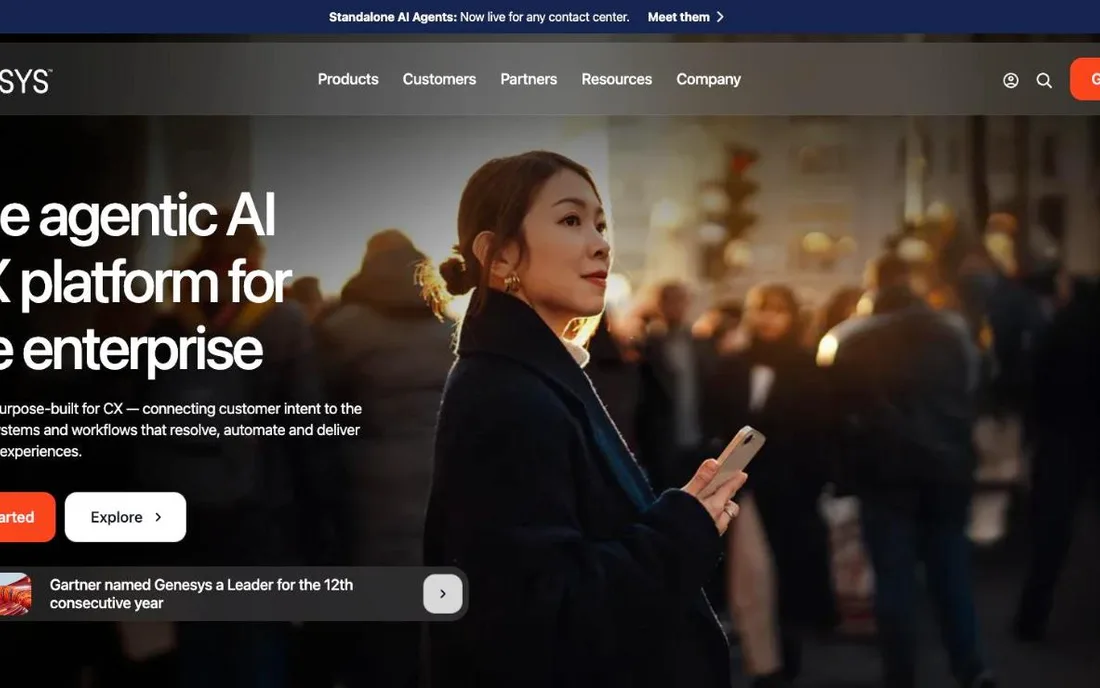
Genesys Cloud CX is the most complete IVR for its entry price. Its call-flow designer builds menus, data dips into the CRM and self-service paths, and virtual agents, predictive routing and Agent Copilot are included from CX 1 at $75 a user a month billed annually. CX 2 costs $115, CX 3 $155 and CX 4 $240, so the upgrade path is visible before a sales call.
The floor is the catch: a $2,000 monthly minimum spend, about 27 agents on CX 1, shuts out small teams. Named, concurrent and hourly licensing lets shift-based centres share seats. Reviewers say administration takes time to learn, so plan for a trained flow builder rather than a weekend project.
What we like
- Cheapest enterprise suite here: CX 1 at $75/user/month billed annually, with speech and text analytics in the platform
- Agent Copilot, predictive routing and virtual agents are included from CX 1, not held for the top tier
- Named, concurrent and hourly licensing models, so shift teams can share seats instead of buying one per agent
- Four published tiers ($75–$240) make the upgrade path clear before any sales call
Watch out for
- A $2,000 monthly minimum spend shuts out very small teams — about 27 agents on CX 1
- Speech and text analytics are an add-on on CX 1 and CX 2; full WEM waits for CX 3 at $155
- Reviewers say reporting could be more flexible and administration takes time to learn
NICE CXone
Best for: Enterprise centers that want IVR, routing, recording and analytics from one vendor
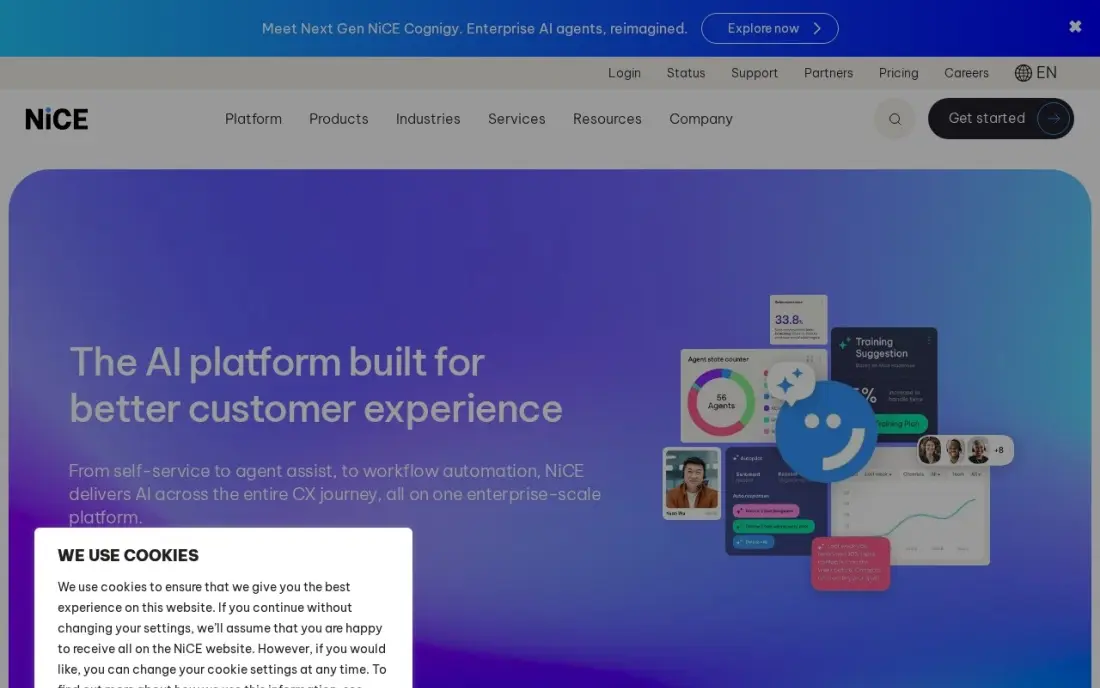
NICE CXone wraps its IVR studio inside a full contact center: routing, recording, workforce tools and Enlighten AI sit in one login, and the self-service menus feed the same reporting as live calls. Pricing is published, from the $110 Omnichannel Suite through Essential at $135, Core at $169 and Complete at $209 an agent a month.
Billing is monthly in arrears with usage charges on top, so a busy IVR that handles thousands of self-service minutes adds to the seat price. Interaction analytics that score self-service and live calls together need Core or above. It is a strong choice for regulated enterprises consolidating vendors.
What we like
- The most complete bundle here: omnichannel routing, recording, quality and workforce tools plus Enlighten AI in one login
- Publishes its whole ladder — Omnichannel $110 to $249 at the top tier per agent a month — with monthly billing in arrears and no prepay
- Interaction Analytics scores every voice, digital and self-service interaction, not a sample
- Strongest fit for regulated teams: recording, compliance and workforce tools are built in, not bolted on
Watch out for
- Interaction Analytics is not in the $110 Omnichannel Suite — the full analytics story needs Core ($169) or Complete ($209)
- Reviewers report occasional call drops and glitches, and custom reports are hard to configure
- Billing is monthly in arrears with usage charges on top, so the seat price is not the whole bill
Talkdesk
Best for: Mid-market centers that want industry-ready call flows and a free small-team tier
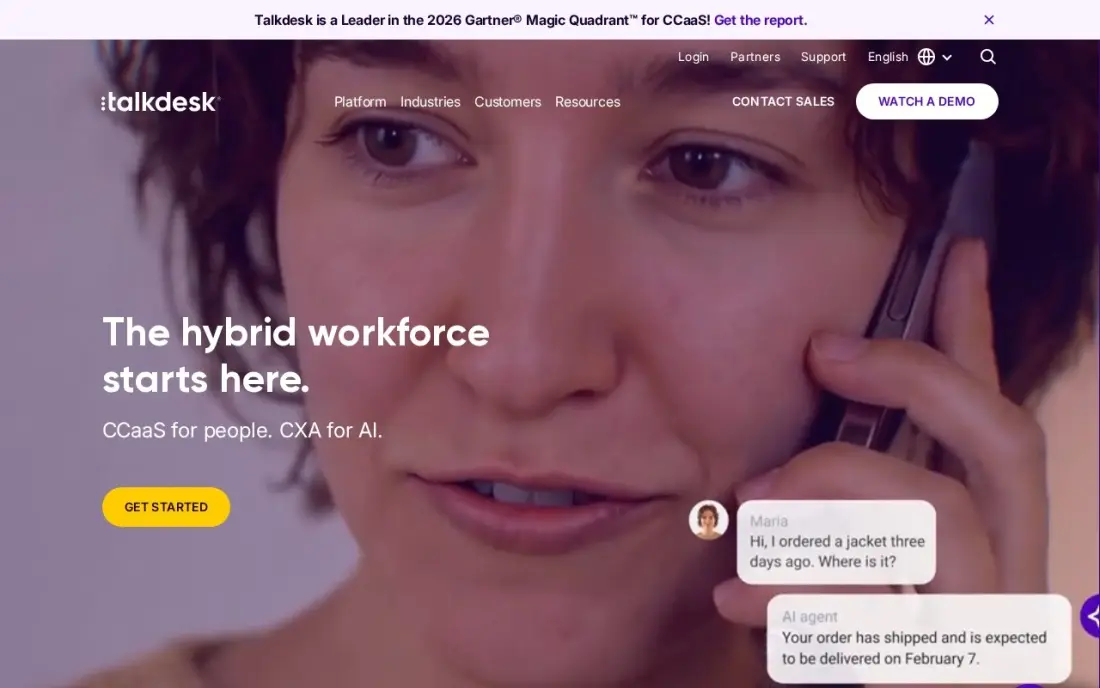
Talkdesk's strength for IVR buyers is pre-built industry workflows: its Industry Experience Clouds at $225 ship call flows for healthcare, banking, retail and other sectors, so a clinic or lender is not designing an appointment or balance menu from scratch. Voice Essentials costs $105 an agent a month and Elite, which adds digital channels, costs $165.
A free Express tier with 25 licences lets small US and Canadian businesses start without paying. Prices assume a minimum three-year commitment, and telecom and usage fees sit outside the seat price. G2 reviewers give it the best ease-of-use marks among the large suites.
What we like
- CXA automation, live dashboards and quality management are included from the $85 Digital Essentials plan
- Industry Experience Clouds ($225) ship pre-built workflows for healthcare, banking, retail and more
- A free Express tier (25 licences) lets small US and Canadian teams start without paying
- Highest ease-of-use scores in this list on G2, with quick setup praised across 2,602 reviews
Watch out for
- The $85 Digital Essentials plan has no voice and the $105 Voice Essentials plan has no digital — omnichannel needs Elite at $165
- Prices are based on a minimum three-year commitment, and telecom and usage fees sit outside the seat price
- Reviewers say some advanced reporting is hard to find and simple customizations are missing
Five9
Best for: Large blended inbound and outbound centers with 50+ concurrent agents
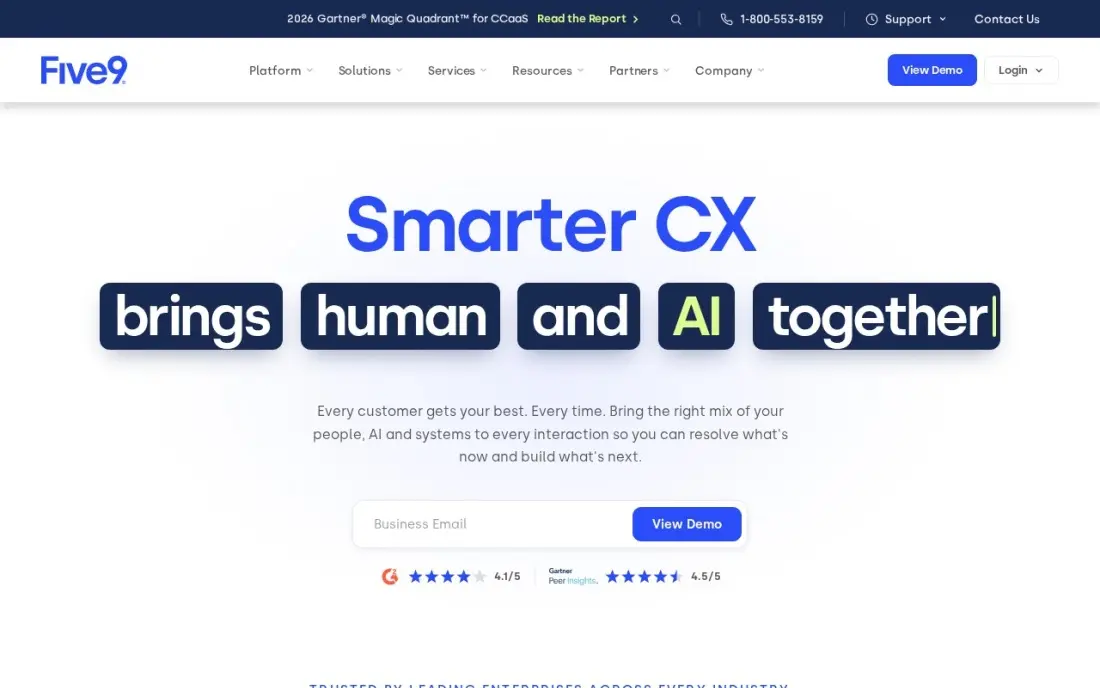
Five9 pairs an established IVR with the deepest outbound dialing in this list, which suits centres where the same agents take inbound queues and run campaigns. Voice and dialing start on Core at $159 per concurrent seat a month, and each bundled seat comes with 3,000 AI minutes under the Genius AI packaging, useful for intelligent virtual agents in the IVR.
The 50-concurrent-seat minimum means the smallest voice order is $7,950 a month, and the $119 Digital plan has no voice at all. G2 reviewers report about two months to implement. It is built for large operations, not a business that wants a press-one menu.
What we like
- Four dialer modes — preview, progressive, power and predictive — plus Manual Touch Mode for compliance
- Concurrent-seat licensing suits shift-based teams where agents share seats
- Named a Leader in Gartner's Magic Quadrant for CCaaS eight times
- 3,000 AI minutes per bundled seat with Genius AI packaging
Watch out for
- 50-concurrent-seat minimum — the smallest voice order is 50 x $159, or $7,950 a month
- Digital at $119 has no voice at all; dialing starts on Core at $159 per concurrent seat
- Implementation typically runs about two months, per G2, and the higher tiers are quote-only
RingCentral RingCX
Best for: Small contact centers that want IVR, voice and digital channels in one seat
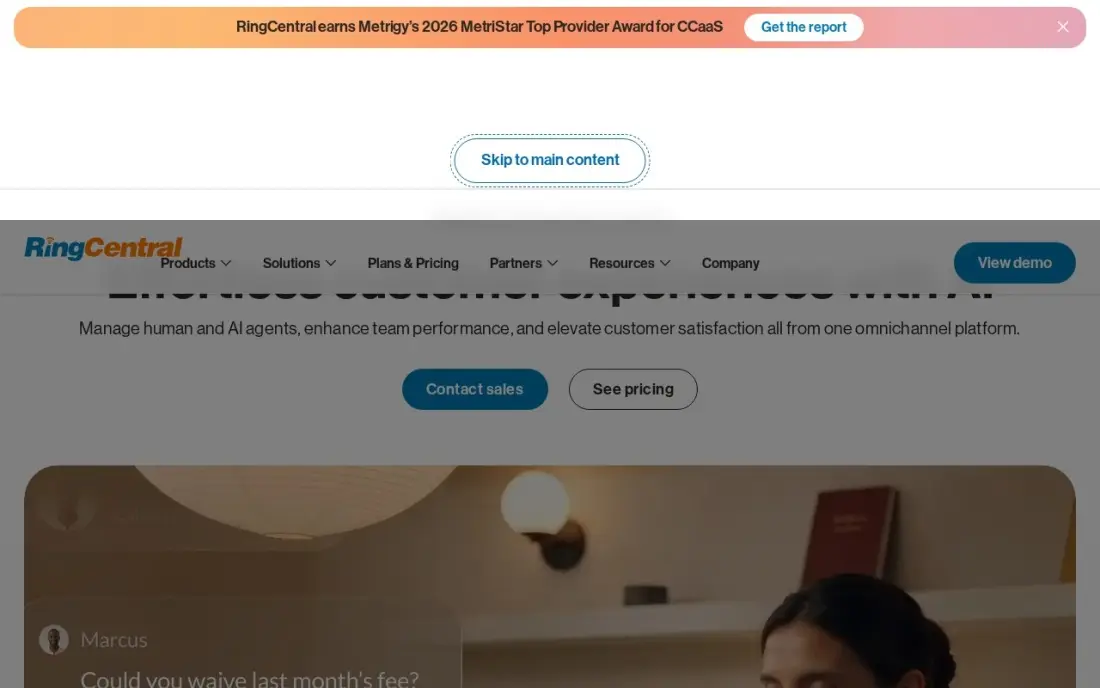
RingCentral RingCX gives a small contact centre a full IVR and queue setup with voice, video and more than 20 digital channels in one seat at $65 an agent a month billed annually. Unlimited domestic inbound and outbound minutes are included, which keeps a busy menu from running up usage charges, and CRM integrations with Salesforce, HubSpot, ServiceNow and Zendesk cost nothing extra.
The $65 price needs annual prepay, and agent assist and quality management wait for Professional at $95. RingCX is sold separately from RingEX phone plans, so a business on RingCentral's phone system pays for a second subscription to add it.
What we like
- Voice, video and 20+ digital channels in a single seat price
- AI summaries included on the Standard plan
- Unlimited domestic inbound and outbound minutes
- CRM integrations (Salesforce, HubSpot, ServiceNow, Zendesk) included at no extra charge
Watch out for
- AI agent assist and quality management wait for Professional at $95/agent/month
- The $65 price needs annual prepay — monthly billing costs more
- Sold separately from RingEX phone plans, so it is a second subscription for RingCentral phone users
Zoho Desk
Best for: Support teams on Zoho that want the phone menu tied to tickets
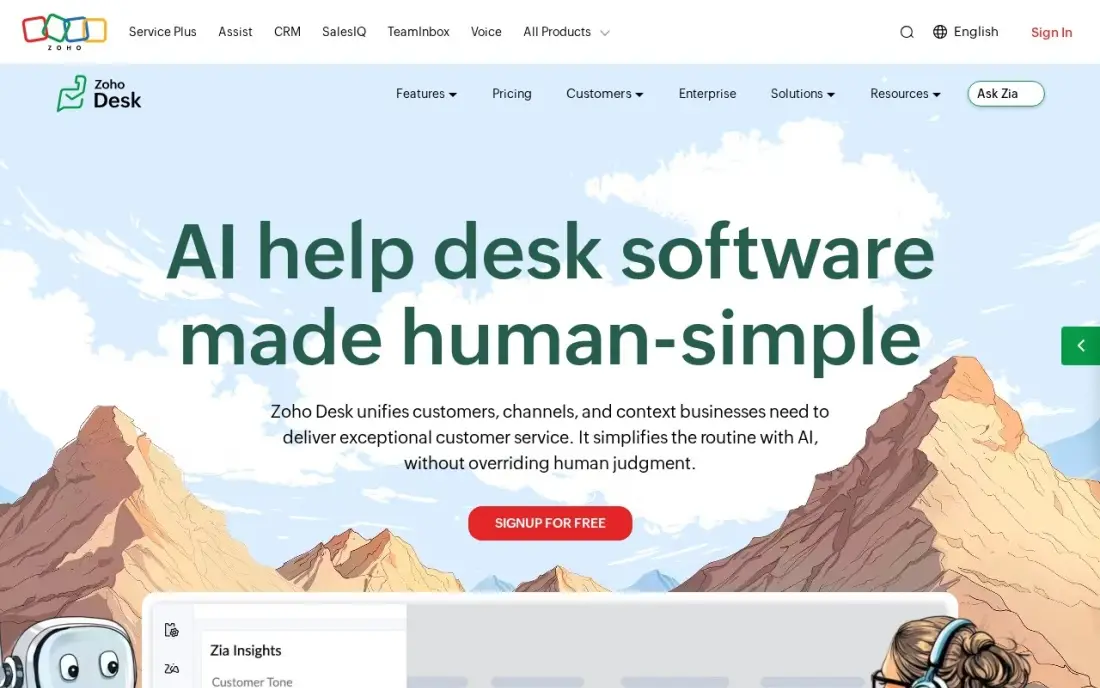
Zoho Desk adds IVR to a helpdesk rather than a phone system, so every call that passes through the menu can create or update a ticket with the caller's history. IVR and live chat sit on the Enterprise plan at $40 an agent a month billed annually, and the platform connects to Zoho CRM, Books and SalesIQ without third-party tools.
Express at $7 and Standard at $14 do not include IVR, and telephony is metered separately from the seat price. It is a good fit for a support team already on Zoho that wants menu routing to land in the same ticket queue as email.
What we like
- A real free plan for up to 3 agents, with no time limit
- Cheapest paid plan here: Express at $7/agent/month billed annually
- Generative AI features start on Express, and the Answer Bot arrives on Standard at $14
- Deep Zoho ecosystem: CRM, Books, SalesIQ and telephony connect without third-party tools
Watch out for
- Express stops at 5 agents — a sixth agent forces the whole team onto Standard at $14
- Live chat and IVR wait for Enterprise at $40/agent/month billed annually
- Telephony is metered separately, so call costs sit outside the seat price
Nextiva
Best for: Small businesses that want an auto attendant included on the entry plan
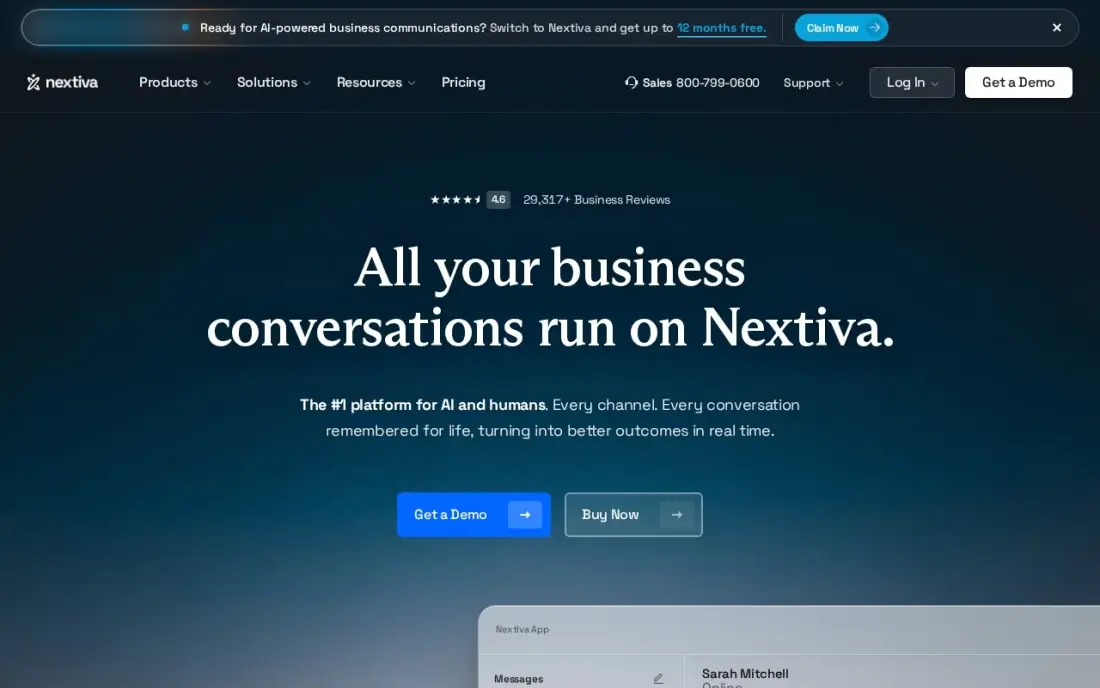
Most small businesses searching for IVR need an auto attendant: press one for sales, two for support, with after-hours routing. Nextiva includes that on its Essential plan at $18.95 a user a month billed annually, along with toll-free numbers, unlimited voice and video calling and a basic CRM, and US-based support has a reputation for answering quickly.
Advanced call-centre features such as queues and analytics sit on higher tiers, no monthly-billing price is published for Essential, and the free trial is only seven days. For a 10-person office that wants a professional menu, it covers the need at a phone-system price.
What we like
- Phone, video calling and basic CRM in one subscription at $18.95/user/month billed annually
- Unlimited voice and video calling on the entry plan
- Auto-attendant and toll-free numbers included from the start
- US-based support with a reputation for answering quickly
Watch out for
- No monthly-billing price is published for Essential, so month-to-month budgeting is guesswork
- Advanced call-center features such as queues and analytics sit on the higher tiers
- The 7-day trial is the shortest trial in this list
Ooma Office
Best for: Small offices that want a virtual receptionist with no contract
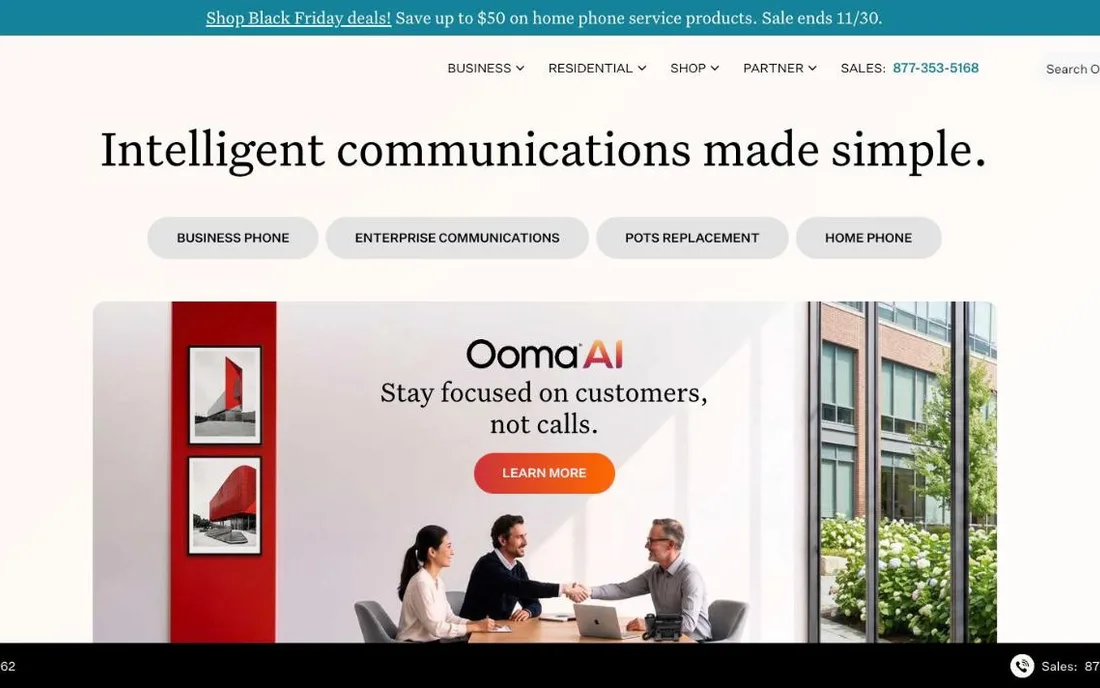
Ooma Office includes a virtual receptionist on Office Essentials at $19.95 a user a month, with no contract and no separate annual price. That gives a small office a multi-level greeting and routing menu, plus unlimited calling to the US, Canada, Mexico and Puerto Rico and one free toll-free number with 500 minutes.
Essentials has no SMS, no call recording and no desktop-app calling; those start on Pro at $24.95. Taxes, regulatory fees and a one-time activation fee are added on top. G2 reviewers rate it 4.5 out of 5, and setup is simple enough for an owner to do.
What we like
- No contract and no annual-commitment discount games — $19.95 is the price either way
- More than 50 features on Essentials, including a virtual receptionist and unlimited calling to the US, Canada, Mexico and Puerto Rico
- One free toll-free number with 500 included minutes on every plan
- Rated 4.5 out of 5 on G2, and setup is simple enough for a non-technical owner
Watch out for
- No SMS, no call recording and no desktop-app calling on Essentials — those start at Pro ($24.95)
- No video meetings on Essentials; video starts on Pro for up to 25 people
- Taxes and regulatory fees are added on top, and a one-time activation fee applies
Quo
Best for: Small teams that want a shared number with phone menus and an AI agent
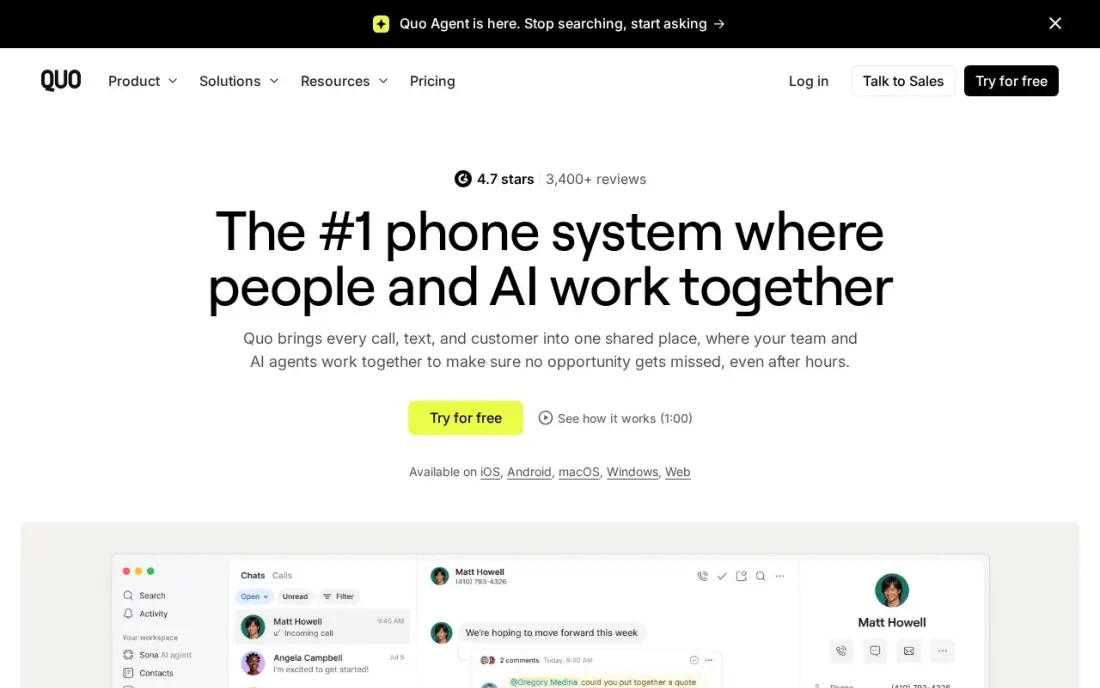
Quo is built around a shared business number that the whole team can answer, with calling and texting in one app. Its Sona AI agent can pick up calls, and Starter includes 10 AI-handled calls a month. Starter costs $19 a user a month billed monthly, or $15 billed annually.
Phone menus and CRM integrations wait for Business at $33 a user a month, so a team that wants press-one routing starts there. A one-time $19.50 carrier fee and $1.50 to $3 a month in messaging fees apply. It is the most highly rated tool here on G2, at 4.7 across 3,400 reviews.
What we like
- Shared numbers let the whole team answer one business line
- Sona AI agent included, with 10 free AI-handled calls a month on Starter
- Unlimited calling and texting in the US and Canada on every plan
Watch out for
- CRM integrations and phone menus wait for Business at $33/user/month
- A one-time $19.50 carrier fee plus $1.50 to $3 a month in messaging fees apply
- No video meetings or screen sharing — it is phone and text only
Google Voice
Best for: Google Workspace teams that want a simple auto attendant inside Gmail
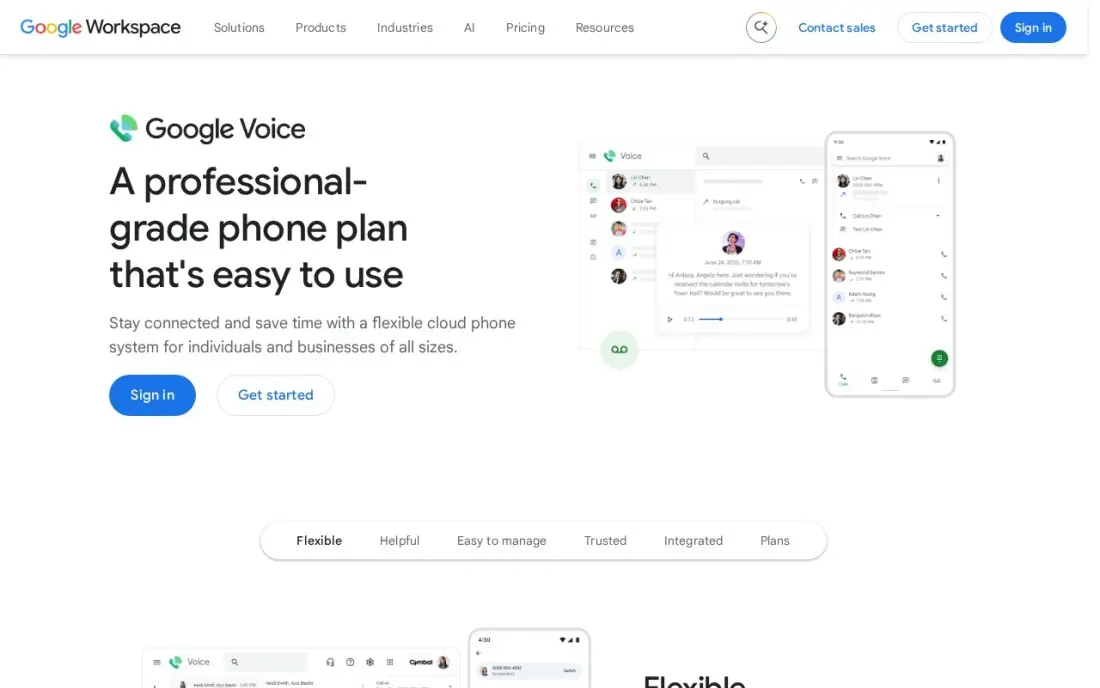
Google Voice suits teams that live in Gmail and Calendar and want a basic phone menu without a new vendor. Voice Starter costs $10 a user a month, but the auto attendant and ring groups need Standard at $20 a user, and teams also need a paid Google Workspace subscription underneath, at least $7 a user a month.
It is the simplest setup here, often live in under a day according to G2 reviewers, with unlimited domestic calling and voicemail transcription. There is no free trial for paid tiers, and support is mostly forums and help articles. Choose it for a straightforward menu, not complex call flows.
What we like
- Cheapest real business number here at $10 a user a month, with a standalone plan for one person
- Runs inside Gmail and Google Calendar, so there is nothing new to install for Workspace teams
- Unlimited domestic calling and texting, voicemail transcription and 24/7 support on Starter
- Setup takes under a day for most teams, per G2 reviewers
Watch out for
- Teams need a paid Google Workspace subscription underneath — at least $7 a user a month on top of Voice
- No auto attendant or ring groups on Starter; those need Standard at $20 a user
- No free trial for the paid tiers, and support is mainly forums and help articles
The best IVR software answers every call, sends each caller to the right person or self-service path and does it without making people press through five menus. We compared ten tools, from contact center platforms with AI voice agents to small business phone systems with a built-in auto attendant, and every price below comes from the vendor's own pricing page as checked in November 2026.
How to choose the best IVR software
- Decide how much IVR you need. A press-one, press-two menu is an auto attendant, which most phone systems include; payments, bookings and database lookups need a contact center IVR.
- Check which plan the menu starts on. Several tools keep phone menus off the entry plan, so compare the plan that actually includes IVR.
- Test speech recognition and AI agents. If callers will speak instead of pressing keys, try it with your own accents, product names and background noise.
- Look at how the IVR hands off. The caller's choices and account details should reach the agent's screen so nobody asks twice.
- Count usage charges. Contact center suites often bill self-service minutes or AI minutes on top of seats, which can add up on a busy line.
- Ask who will build the flows. A visual designer helps, but complex flows still need someone trained to maintain them.
An IVR shows exactly why people call, and the most common reasons are often questions your website should answer. If those answers are hard to find in Google, our SEO audit shows what is missing so fewer callers need the menu in the first place.
IVR software pricing: what you will actually pay
Take a 10-person office that wants a professional menu with after-hours routing. Nextiva Essential costs 10 × $18.95 = $189.50 a month billed annually, Ooma Office Essentials costs 10 × $19.95 = $199.50 a month with no contract, and Google Voice Standard costs 10 × $20 = $200 a month plus at least $70 for the Google Workspace seats underneath. Quo, where menus start on Business at $33, costs $330 a month.
A 40-agent contact center is a different budget. RingCentral RingCX costs 40 × $65 = $2,600 a month billed annually, and Genesys Cloud CX 1 costs 40 × $75 = $3,000 a month, above its $2,000 minimum, with virtual agents included. Talkdesk Voice Essentials costs 40 × $105 = $4,200 a month on a minimum three-year term, before telecom fees. Five9 would not sell this centre voice below its 50-seat minimum, which starts at $7,950 a month.
Know the difference: auto attendant vs contact center IVR
An auto attendant is the menu built into a business phone system. It greets callers, offers a few options by keypress, routes to extensions or ring groups and sends after-hours calls to voicemail. Nextiva, Ooma Office, Google Voice Standard and Quo Business all include one, and for most small businesses it is all the IVR they need.
A contact center IVR goes further. It can read the caller's number, look up their account, let them check a balance or book an appointment, and pass the call to a queue with that context on the agent's screen. Genesys Cloud CX, NICE CXone, Talkdesk, Five9 and RingCentral RingCX work this way, often with AI voice agents that understand spoken requests. They cost more per seat and take longer to set up, and they earn it only when call volume is high enough that self-service saves real agent time.
Quick comparison: tool type by need
| Buyer | Best pick | Why |
|---|---|---|
| AI self-service at mid-size scale | Genesys Cloud CX | Virtual agents included from $75/user/month annual |
| Enterprise consolidation | NICE CXone | IVR, routing, recording and analytics from $110/agent/month |
| Industry call flows | Talkdesk | Pre-built flows by sector, free Express tier |
| Blended inbound and outbound | Five9 | Voice from $159/concurrent seat, 50-seat minimum |
| Small contact centers | RingCentral RingCX | IVR, voice and 20+ channels at $65/agent/month annual |
| Zoho support teams | Zoho Desk | Menu calls land as tickets, Enterprise $40/agent/month annual |
| Small business auto attendant | Nextiva | Included from $18.95/user/month annual |
| No-contract offices | Ooma Office | Virtual receptionist at $19.95/user/month |
| Shared team number | Quo | Phone menus on Business at $33/user/month |
| Google Workspace teams | Google Voice | Auto attendant on Standard at $20/user/month |
Mistakes to avoid
- Building a maze. Deep menus with many options frustrate callers; keep the first level short and test it yourself every quarter.
- Hiding the human option. Callers who cannot reach a person hang up or press random keys; always offer a clear route to an agent.
- Buying a contact center for a phone menu. A small office pays several times more for features it will never use.
- Forgetting after-hours and holiday routing. Set schedules in advance so callers hear the right message on public holidays.
- Never reading the reports. Drop-off points and most-chosen options tell you what to fix in the menu and what to publish on your website.
How we chose
We checked each vendor's pricing page in November 2026 and recorded the starting price exactly as shown, including the plan where phone menus or IVR actually begin. We grouped the tools into contact center IVR and small business auto attendants and ranked them by fit for the buyer each serves. Ratings come from G2 pages checked on the dates shown in the sources. No vendor paid for a place in this list, and none of the links here are affiliate links.
What to do next
Pull last month's call log and list the top five reasons people called. If a simple menu covers them, start with a phone system that includes an auto attendant; if callers need to look up or change something, trial a contact center IVR. To answer more of those questions on your website before the phone rings, book a free consultation.
Frequently asked questions
What is the best IVR software?
For contact centres, Genesys Cloud CX is the strongest value, with virtual agents and routing included from $75 a user a month billed annually. For small businesses that need an auto attendant, Nextiva at $18.95 a user a month billed annually and Ooma Office at $19.95 a month include one on the entry plan.
How much does IVR software cost?
Small business phone systems with an auto attendant start at $18.95 a user a month for Nextiva billed annually, $19.95 for Ooma Office and $20 for Google Voice Standard. Contact centre IVR starts at $65 an agent a month for RingCentral RingCX billed annually and $75 for Genesys Cloud CX, with Five9 voice at $159 per concurrent seat.
What is the difference between IVR and an auto attendant?
An auto attendant plays a menu and routes the caller by keypress. A full IVR can also collect information, check a database, let callers complete tasks such as paying or booking, and hand off to a queue with the details attached. Many small businesses only need the first.
Is there free IVR software?
Talkdesk Express is free for up to 25 licences for small businesses in the US and Canada. Google Voice is free for personal use but has no auto attendant on the free tier. Most business IVR is paid, often as part of a phone system plan.
Can IVR use AI instead of keypad menus?
Yes. Genesys Cloud CX includes virtual agents from CX 1, Five9 bundles 3,000 AI minutes per seat, and Quo's Sona AI agent can answer calls, with 10 AI-handled calls a month on Starter. AI voice agents let callers say what they need instead of pressing numbers.
How many options should an IVR menu have?
Keep the first level to four or five options, put the most common reason first and always offer a way to reach a person. Review call recordings and drop-off reports every month to see where callers give up.
Sources we checked (18)
- Genesys Cloud CX — www.genesys.com (checked November 10, 2026)
- Genesys Cloud CX reviews on G2 (checked November 10, 2026)
- NICE CXone — www.nice.com/pricing (checked November 10, 2026)
- NICE CXone reviews on G2 (checked November 10, 2026)
- Talkdesk — www.talkdesk.com/pricing (checked November 10, 2026)
- Talkdesk reviews on G2 (checked November 10, 2026)
- Five9 — www.five9.com/pricing (checked November 12, 2026)
- Five9 reviews on G2 (checked November 12, 2026)
- RingCentral RingCX — www.ringcentral.com/sem/ringcx.html (checked November 4, 2026)
- RingCentral RingCX reviews on G2 (checked November 4, 2026)
- Zoho Desk — www.zoho.com/desk/pricing.html (checked November 12, 2026)
- Nextiva — www.nextiva.com/pricing.html (checked November 12, 2026)
- Ooma Office — www.ooma.com (checked November 4, 2026)
- Ooma Office reviews on G2 (checked November 4, 2026)
- Quo — www.quo.com/pricing (checked November 4, 2026)
- Quo reviews on G2 (checked November 4, 2026)
- Google Voice — workspace.google.com/products/voice (checked November 4, 2026)
- Google Voice reviews on G2 (checked November 4, 2026)
Make one of these tools?
We re-check this list every quarter. Send a correction, request a review, or ask about a clearly labeled sponsored spot.
Request a listingShamim
Founder of SerpAstra
A full-stack digital marketer and SEO strategist covering technical and local SEO, AI search visibility, paid ads and lead generation for local businesses, e-commerce brands and SaaS teams.
Free SEO and AI visibility audit
Find out what is holding your rankings back
Send us your site. Within 2 business days you get a written audit, an AI visibility check and a short fix list ranked by impact. Free, with no contract attached.
Request my free audit→Related buying guides
 Customer Service8 Best Cloud Contact Center Software in 2026, ComparedCompare the 8 best cloud contact center software on voice and digital channels, AI, seat minimums and real per-agent cost, with prices checked on vendor pages.Read guide →
 Communication & Community8 Best VOIP Phone Services for Small Business in 2026Compare the 8 best voip phone service for small business options on price, trials and AI features, with every price checked November 4, 2026.Read guide →
 Customer Service11 Best Contact Center Software for Small Business in 2026, ComparedCompare the 11 best contact center software for small business options on price, channels and AI features, with every price checked November 4, 2026.Read guide →