
6 Best Labeling Software in 2026, Compared
Compare the 6 best labeling software for barcode, shipping and product labels, from free printer tools to automated label printing, with vendor prices.
 Shamim Mia, Founder, SerpAstraLast verified November 12, 20269 min read
We compare pricing pages, documentation and public reviews. We never accept payment for rankings.
Key takeaways
- BarTender is the standard for business barcode labeling, from $199 a year for Starter and $575 a year for Automation, on annual agreements only.
- Labeljoy and Label LIVE are the budget picks: Labeljoy Business costs $379 once, and Label LIVE Business costs $147.99 once per computer.
- ZebraDesigner Essentials and Avery Design & Print are free for simple labels on Zebra printers and Avery sheets.
- Canva is the pick for designing good-looking product labels to print, not for barcodes or database-driven printing.
On this page
Quick comparison
| Tool | Best for | Starting price | Free plan |
|---|---|---|---|
 BarTender | Manufacturers and warehouses that need reliable barcode labels, automation and compliance labels | From $199/yr | 30-day trial |
 Labeljoy | Small businesses that want barcode labels from Excel or database data at a one-time price | $379 one-time | Trial |
 Label LIVE | Small shops printing on USB thermal printers who want a simple, modern label app | From $47.99 one-time | 14-day trial |
 ZebraDesigner | Businesses with Zebra printers that need free label design for barcodes and shipping labels | Free (Essentials) | Yes |
 Avery Design & Print | Offices and small sellers printing address, product and price labels on Avery sheets | Free | Yes |
 Canva | Small brands designing attractive product, jar and packaging labels to print | $18/mo | Yes (free plan) |
Make one of these tools?
We re-check this list every quarter. Send a correction, request a review, or ask about a clearly labeled sponsored spot.
Request a listingThe best labeling software
BarTender
Best for: Manufacturers and warehouses that need reliable barcode labels, automation and compliance labels
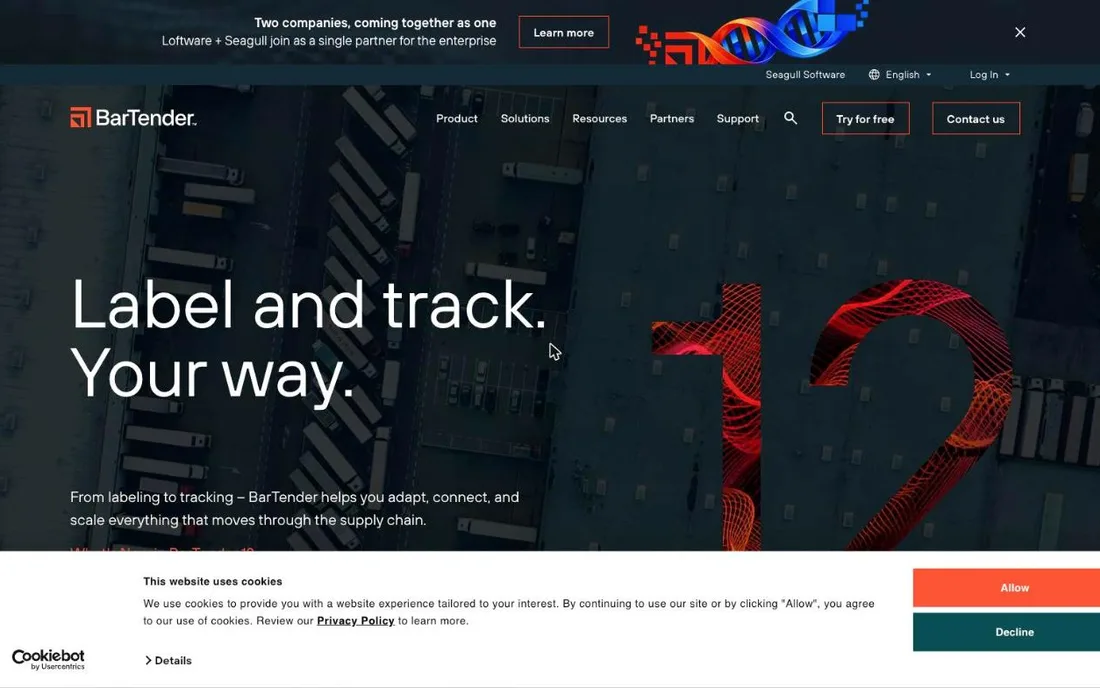
BarTender, from Seagull Scientific, is labeling software built for barcodes, shipping labels and regulated product labels in manufacturing and warehouses. On-premises Starter costs from $199 a year and Professional from $299 a year as workstation licences, and Automation, which prints labels automatically when an ERP or warehouse system sends data, starts at $575 a year with printer-based licensing. Cloud Essentials starts at $390 a year.
Every licence is an annual agreement, with 1-, 3- or 5-year terms and a required maintenance and support agreement. Enterprise is quote-only. A 30-day trial includes all features.
What we like
- Published starting prices for on-premises and cloud editions
- Automation edition prints labels triggered by other systems
- Multi-year terms of 1, 3 or 5 years
Watch out for
- Annual agreements only; no monthly plans
- Automation and cloud editions use printer-based licensing that adds up across many printers
Labeljoy
Best for: Small businesses that want barcode labels from Excel or database data at a one-time price
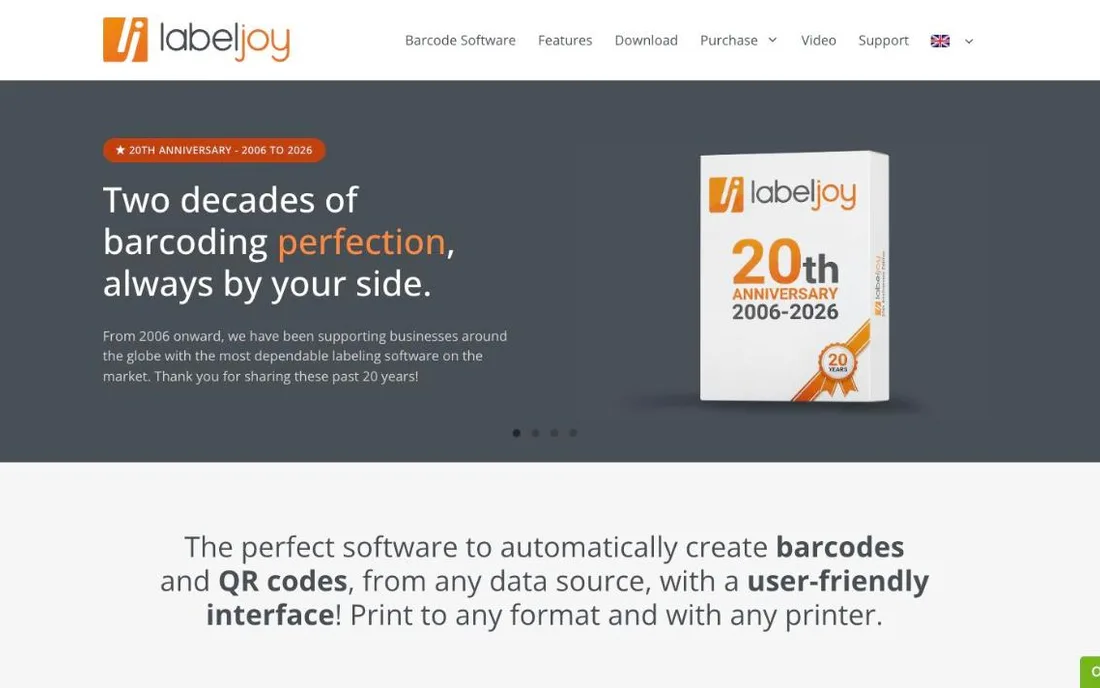
Labeljoy is affordable desktop labeling software for small businesses. It supports 26 barcode types and QR codes with automatic checksums, imports data from Excel, Access, MySQL and Oracle for batch printing, and ships with about 11,000 preinstalled layouts for common label sheets. Business costs $379 once with the first year of updates and priority support, and Flex costs $14.90 a month billed annually.
Flex billed monthly adds a $29.90 setup fee, and when a Flex subscription ends the software reverts to trial mode. Enterprise costs $1,799 once for multi-user Windows Server setups.
What we like
- 26 barcode types, QR codes and automatic checksums
- Imports data from Excel, Access, MySQL and Oracle
- Around 11,000 preinstalled layouts
Watch out for
- Monthly Flex billing adds a $29.90 setup fee
- Care+ updates after the first year are a separate renewal
Label LIVE
Best for: Small shops printing on USB thermal printers who want a simple, modern label app
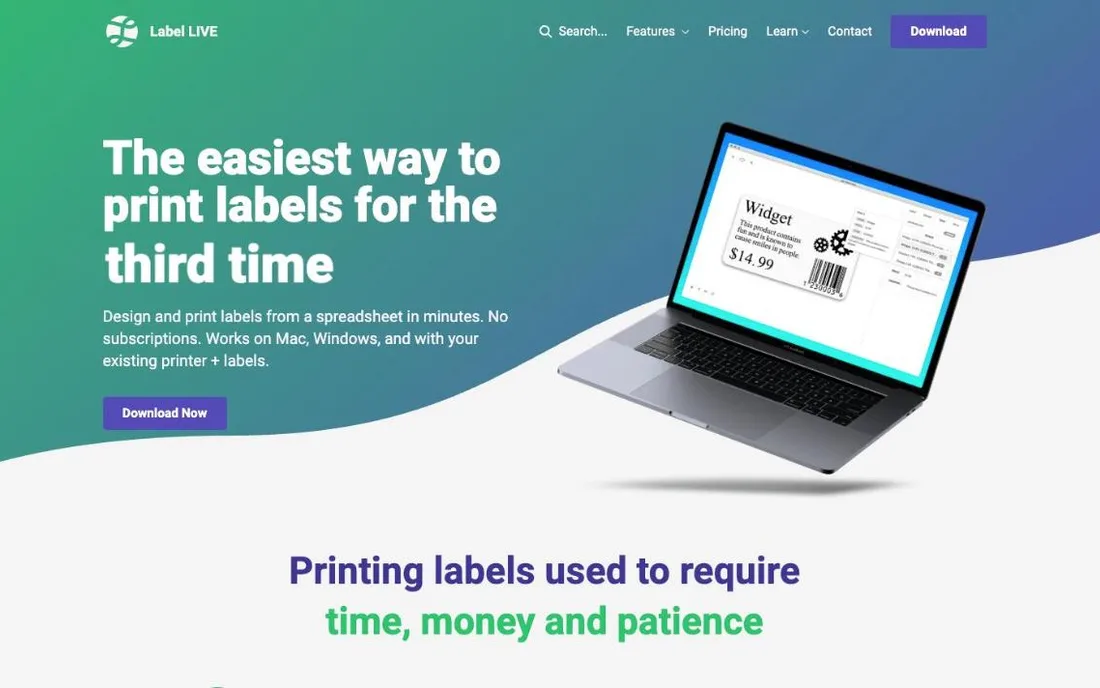
Label LIVE is a modern label design app for small shops, makers and offices that print on USB thermal printers. It prints without drivers on popular thermal models and also works with full-colour inkjet and laser printers. Home costs $47.99 once per computer and works with more than 40 printers, with a 14-day trial first.
Barcode printing and thermal transfer printers need Business at $147.99 once, and Logic at $247.99 adds script variables and integration APIs. A $19.99 monthly subscription includes every feature and can be cancelled at any time, which suits seasonal sellers.
What we like
- One-time prices per computer, from $47.99
- Driverless printing on popular USB thermal printers
- Works with thermal, colour inkjet and laser printers
Watch out for
- Barcode printing needs the $147.99 Business licence
- Licensed per computer
ZebraDesigner
Best for: Businesses with Zebra printers that need free label design for barcodes and shipping labels
ZebraDesigner is the free starting point for any business that already owns Zebra label printers. ZebraDesigner Essentials costs nothing and supports all Zebra Link-OS and Link-OS Basic printers, which covers most barcode, shipping and shelf label needs from a single workstation.
ZebraDesigner Professional adds RFID encoding, database connectivity, simple VB scripting and combined data fields, sold as a one-time activation licence key with a 30-day free trial; the price is not shown on the product page. For mixed printer brands or automated printing from other systems, BarTender is the usual next step up.
What we like
- Essentials is free for Zebra Link-OS and Link-OS Basic printers
- Professional adds RFID, database connectivity and scripting
- 30-day free trial of Professional
Watch out for
- Essentials is tied to Zebra printers
- Professional price is not listed on the product page
Avery Design & Print
Best for: Offices and small sellers printing address, product and price labels on Avery sheets
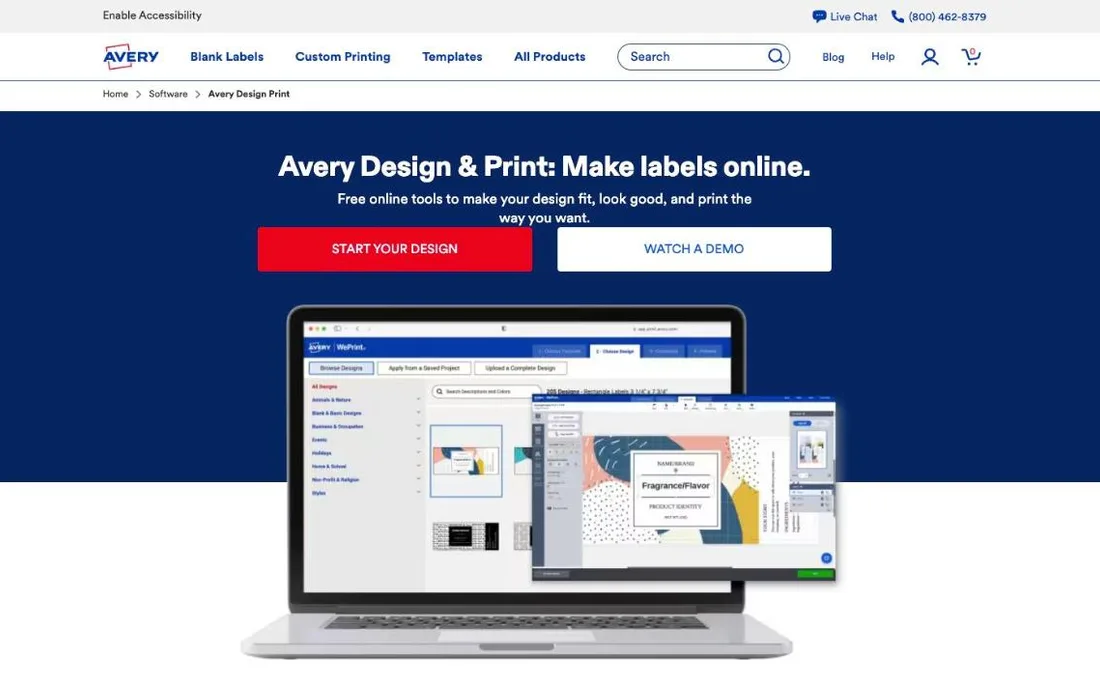
Avery Design & Print Online is a free design tool for printing on Avery label sheets with an ordinary inkjet or laser printer. It offers templates, a free barcode and QR code generator for product labels and price tags, and mail merge that imports contact or product data for address labels and other variable printing. Projects can be saved online for reordering and editing.
It is built around Avery's own label products and does not describe thermal printer support or automation, so it suits an office or small seller printing sheets, not a warehouse printing thousands of shipping labels.
What we like
- Free online tool with professionally designed templates
- Free barcode and QR code generator
- Mail merge for address labels and variable data
Watch out for
- Built around Avery label products
- No thermal printer or automation support described
Canva
Best for: Small brands designing attractive product, jar and packaging labels to print
Canva is the pick when the label is part of the product's look: candle jars, cosmetics, food packaging and stickers. It has a large template library and drag-and-drop design, the free plan includes more than 250,000 templates and 5 GB of storage, and Pro costs $18 a month or $144 a year with brand kits and AI design tools.
It is a design tool, not labeling software. It has no database-driven batch printing or thermal printer control, so design the label in Canva and send it to a print shop or label printer, and use BarTender or Labeljoy for barcodes and shipping labels.
What we like
- The easiest way to design a publication from scratch: thousands of magazine and ebook templates with drag-and-drop editing
- Magic Studio AI tools and Brand Kit come with Pro, so a small team can stay on-brand without a designer
- Publish as a website link that updates when the design changes, or export a print-ready PDF for the flipbook tools above
Watch out for
- It designs publications but does not produce a page-flip reader — the output is a PDF or a website link, not a flipbook
- Brand Kit, background remover and Magic Resize all need Pro, so the free plan is template-only for branding
- No reader analytics: there is no way to see how far readers get through a published document
The best labeling software designs and prints barcode, shipping and product labels quickly and correctly, pulls data from a spreadsheet or business system instead of retyping it, and works with the printer you already own. We compared six tools, from free printer-maker software to automated enterprise labeling, and every price below comes from the vendor's own pricing or product page as checked in November 2026.
How to choose the best labeling software
- Match the printer. Thermal label printers, desktop inkjet or laser printers and industrial printers each need software that drives them well.
- Check barcode support. Make sure the barcode types you need — UPC, EAN, Code 128, GS1 or QR — are included in your edition, not a higher one.
- Connect your data. Printing from Excel, a database or an ERP removes typing errors; check which sources each edition reads.
- Decide if you need automation. If labels should print automatically when an order or production run starts, you need an automation edition.
- Compare licensing models. One-time per computer, annual per workstation and per-printer subscriptions give very different bills at scale.
- Think about compliance. Food, chemical and medical labels may need specific formats and version control.
Product labels and packaging often carry a website address or QR code. Our free UTM builder tags those links so you can see how many people scan them, and our monthly SEO service helps the pages they land on rank.
Which labeling software fits your situation
A small seller printing product and address labels on sheets. Avery Design & Print is free online, with templates, a free barcode and QR code generator and mail merge for address labels. Canva is the better pick when the label is part of the brand look, such as candle jars or cosmetics, with Pro at $144 a year. Neither drives thermal printers or prints in batches from a database, so plan a change when volume grows.
An online shop with one USB thermal printer. Label LIVE prints without drivers on popular thermal models. Home at $47.99 once covers plain labels, but barcodes and thermal transfer printers need Business at $147.99 once. Seasonal sellers can use the $19.99 monthly subscription and cancel between peaks. If the printer is a Zebra Link-OS model, try free ZebraDesigner Essentials first.
A small business printing barcodes from Excel. Labeljoy reads Excel, Access, MySQL and Oracle data, supports 26 barcode types with automatic checksums and ships about 11,000 layouts. Business at $379 once includes the first year of updates. Avoid monthly Flex billing if you can, because it adds a $29.90 setup fee and the software reverts to trial mode when Flex ends.
A warehouse with several Zebra printers. ZebraDesigner Essentials handles most barcode, shipping and shelf labels for free. Professional adds RFID encoding, database connectivity and scripting as a one-time licence, with a 30-day trial; ask Zebra for the price, because it is not listed. Move to BarTender if you add other printer brands.
A manufacturer printing compliance labels from an ERP. BarTender Automation prints labels when another system sends data, from $575 a year with printer-based licensing. Count your printers before comparing quotes, and remember every BarTender licence is an annual agreement with a required maintenance and support agreement.
Labeling software pricing: what you will actually pay
Take a small online shop printing shipping and barcode labels on one USB thermal printer. Label LIVE Business costs $147.99 once, and Labeljoy Business $379 once with a year of updates, after which Care+ renewal is optional. ZebraDesigner Essentials costs nothing if the printer is a Zebra Link-OS model. Over three years, BarTender Starter at $199 a year would cost $597.
A manufacturer printing labels automatically from its ERP across several lines is in BarTender Automation territory, from $575 a year with printer-based licensing, or Cloud Automation from $1,750 a year; Enterprise is quote-only. Label LIVE Logic at $247.99 once per computer adds integration APIs for lighter automation. An office printing address labels on sheets pays nothing with Avery Design & Print.
Licensing changes the maths as you add desks. Label LIVE is licensed per computer, so Business on five computers costs $739.95 once. BarTender Professional is a workstation licence from $299 a year, so five stations start at $1,495 a year before printer-based Automation. For design only, Canva Pro costs $144 a year billed annually against $216 a year at $18 a month.
Know the difference: label design tools vs labeling systems
A label design tool such as Canva, Avery Design & Print or Label LIVE Home helps one person make a label look right and print it. It is ideal for product labels, address labels and small runs, and the main skill involved is design.
A labeling system such as BarTender, ZebraDesigner Professional or Labeljoy Enterprise treats labels as data. It connects to spreadsheets, databases and business systems, prints barcodes that must scan correctly every time, controls templates so nobody changes a compliant layout by accident and, in automation editions, prints without anyone clicking print. Warehouses and manufacturers need the second kind. Our guide to inventory management software covers the systems those labels connect to.
Quick comparison: tool type by need
| Buyer | Best pick | Why |
|---|---|---|
| Manufacturing and warehouses | BarTender | Barcodes and automation from $199/year, annual agreements |
| Barcodes from Excel | Labeljoy | 26 barcode types and data import, Business $379 one-time |
| USB thermal printers | Label LIVE | Driverless printing, from $47.99 one-time |
| Zebra printer owners | ZebraDesigner | Essentials free for Link-OS printers |
| Office sheet labels | Avery Design & Print | Free online templates, barcodes and mail merge |
| Branded product labels | Canva | Design templates, Pro $144/year |
Mistakes to avoid
- Not test-scanning barcodes. Print a sample and scan it with the scanners your customers or warehouse use before a full run.
- Buying the wrong edition. Barcode printing, database connections and automation often sit in higher editions; check before you buy.
- Retyping data. Manual entry causes most label errors; connect a spreadsheet or system instead.
- Ignoring printer licensing. Per-printer subscriptions multiply across a warehouse; count printers before comparing prices.
- Designing compliance labels from scratch. Use templates and lock them, so required information is never dropped by accident.
How we chose
We read each vendor's own pricing or product page in November 2026 and recorded prices and licence terms exactly as shown; where a vendor publishes no price for an edition, we say so. The Canva entry was checked earlier in November 2026. We ranked the tools for a small or mid-size business printing barcode, shipping or product labels, from a single desk to a production line. No vendor paid for a place in this list, and none of the links here are affiliate links.
What to do next
Print ten real labels from your own data on the printer you already own using a free option or a trial — ZebraDesigner Essentials, Label LIVE or BarTender — and scan every barcode. If your packaging links to your website, book a free SEO review to make sure those pages are worth the visit.
Frequently asked questions
What is the best labeling software?
BarTender is the best labeling software for businesses that print barcode and compliance labels at volume, from $199 a year. Labeljoy at $379 once and Label LIVE from $47.99 once are the budget picks, and ZebraDesigner Essentials and Avery Design & Print are free.
Is there free label printing software?
Yes. ZebraDesigner Essentials is free for Zebra Link-OS printers, Avery Design & Print is free online for Avery sheets, and Canva's free plan works for designing product labels.
How much does barcode label software cost?
On published prices, Label LIVE Business costs $147.99 once per computer, Labeljoy Business $379 once, BarTender Starter $199 a year and BarTender Automation $575 a year. BarTender Cloud Essentials starts at $390 a year.
What is label automation?
Label automation means another system, such as an ERP or warehouse management system, triggers label printing automatically with the right data, without anyone opening a design program. BarTender Automation and Label LIVE Logic support this.
Can I print barcodes from Excel?
Yes. Labeljoy imports data from Excel and databases to print barcode labels in batches, and BarTender and ZebraDesigner Professional also connect to databases. Avery Design & Print offers mail merge for simple variable data.
Do I need special software for a thermal label printer?
Usually yes. Thermal printers print best from software that supports them directly, such as ZebraDesigner for Zebra printers, Label LIVE for popular USB thermal printers, or BarTender for most industrial brands.
Should I choose a one-time licence or an annual subscription for labeling software?
One-time licences suit stable needs on a few computers: Label LIVE Business costs $147.99 once and Labeljoy Business $379 once. Annual agreements, such as BarTender from $199 a year, include ongoing support and suit businesses that rely on labels daily. Seasonal sellers can use Label LIVE's $19.99 monthly subscription and cancel when quiet.
Sources we checked (7)
- BarTender — www.bartendersoftware.com/buy (checked November 18, 2026)
- Labeljoy — www.labeljoy.com/purchase (checked November 18, 2026)
- Label LIVE — label.live/pricing (checked November 18, 2026)
- ZebraDesigner — www.zebra.com/us/en/software/printer-software/zebradesigner.html (checked November 18, 2026)
- Avery Design & Print — www.avery.com/software/design-and-print (checked November 18, 2026)
- Canva — www.canva.com/pricing (checked November 12, 2026)
- Canva reviews on G2 (checked November 12, 2026)
Make one of these tools?
We re-check this list every quarter. Send a correction, request a review, or ask about a clearly labeled sponsored spot.
Request a listingShamim
Founder of SerpAstra
A full-stack digital marketer and SEO strategist covering technical and local SEO, AI search visibility, paid ads and lead generation for local businesses, e-commerce brands and SaaS teams.
Free SEO and AI visibility audit
Find out what is holding your rankings back
Send us your site. Within 2 business days you get a written audit, an AI visibility check and a short fix list ranked by impact. Free, with no contract attached.
Request my free audit→Related buying guides
 Logistics, Supply Chain & Procurement10 Best Inventory Management Software Small Business in 2026, Compared10 best inventory management software small business picks compared with real 2026 prices, free plans and order limits, so you can choose by volume.Read guide →
 Ecommerce6 Best Web to Print Software in 2026, ComparedCompare the 6 best web to print software for print shops on storefronts, online designers, pricing engines, fees and monthly cost, with vendor prices checked.Read guide →
 Ecommerce8 Best Ecommerce Inventory Management Software in 2026, ComparedCompare the 8 best ecommerce inventory management software on multichannel stock sync, order caps, free plans and real monthly cost, with prices checked.Read guide →