
6 Best Live Stream Platforms in 2026, Compared
Compare the 6 best live stream platforms for creators and businesses, from StreamYard and Restream to Castr and Dacast, on multistreaming, paywalls and price.
 Shamim Mia, Founder, SerpAstraLast verified November 2, 20269 min read
We compare pricing pages, documentation and public reviews. We never accept payment for rankings.
Key takeaways
- StreamYard is the easiest browser studio for interviews and shows, from $14.99 a month billed yearly, with a free plan that carries its logo.
- Restream is the multistreaming pick, free for 2 channels at once and $19 a month on Standard to remove its branding.
- Castr and Dacast are for streaming on your own website with a player, paywall and hosting; Castr starts at $19.99 a month with month-to-month billing.
- YouTube costs nothing to stream to and has the largest audience, but you trade control of the player and ads.
On this page
Quick comparison
| Tool | Best for | Starting price | Free plan |
|---|---|---|---|
| StreamYard | Creators and marketers who want a browser studio for interviews, panels and shows | From $14.99/mo | Yes |
| Restream | Streamers who want to go live on several platforms at once from one studio | Free; $19/mo | Yes |
| Castr | Businesses that want to stream on their own website with hosting, multistreaming and a paywall | From $19.99/mo | Trial |
| Dacast | Broadcasters and event organisers who charge for access and need a white-label player | $39/mo (annual) | No (14-day trial) |
| Vimeo | Businesses that want ad-free branded video hosting with live events on higher tiers | $20/mo | Yes (free plan) |
| YouTube | Creators and businesses that want the largest free audience for their live streams | Free; Premium $15.99/mo | Yes (free) |
Make one of these tools?
We re-check this list every quarter. Send a correction, request a review, or ask about a clearly labeled sponsored spot.
Request a listingThe best live stream platforms

StreamYard
Best for: Creators and marketers who want a browser studio for interviews, panels and shows
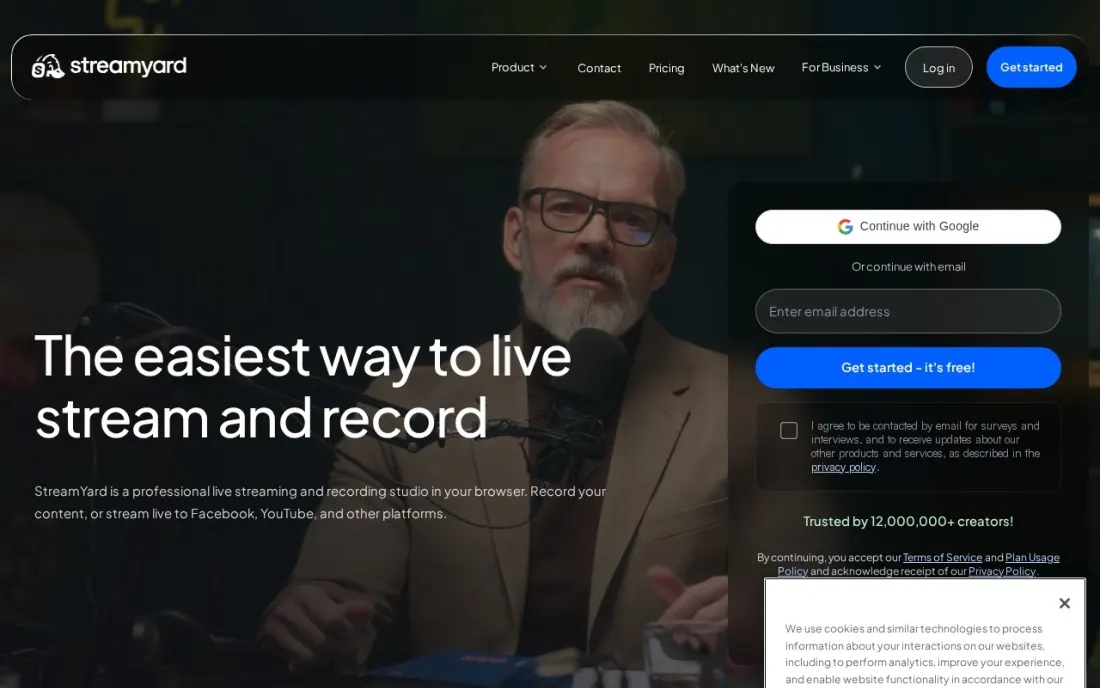
StreamYard is the simplest way to run a live show with guests. Everything happens in the browser: you send guests a link, arrange them on screen with your branding and go live. The free plan supports 6 on-screen participants with the StreamYard logo, and Essential at $18.99 a month, or $14.99 billed yearly, adds unlimited streaming and multistreaming to 2 destinations in 1080p.
Core at $44.99 a month, or $35.99 billed yearly, removes the logo, allows 10 on-screen participants, cloud recording, custom RTMP destinations and 3 destinations. Advanced adds 4K local recording, 8 destinations and webinars for 100 viewers. It suits interview shows and webinars rather than streaming to your own website.
What we like
- Runs in the browser, so guests join from a link
- Essential includes unlimited streaming and multistreaming to 2 destinations in 1080p
- Core adds cloud recording, custom RTMP and 50 hours of permanent storage
Watch out for
- The StreamYard logo stays on streams until Core
- Individual plans are single-user; business plans are sold separately
- Prices may vary with promotions and renewal terms

Restream
Best for: Streamers who want to go live on several platforms at once from one studio
Restream is built around multistreaming: you go live once and it pushes the stream to several social and video channels together. The free plan streams to 2 channels at once with Restream branding. Standard at $19 a month removes the branding and allows 3 channels, and Professional at $49 a month adds Full HD 1080p streaming, 4K recording and 5 channels.
Business at $239 a month allows 8 channels and adds a 1,000-viewer website player, two team seats and co-producer mode. Clips and webinars are add-ons, from $19 and $99 a month. Annual billing saves 20%, but the page did not show annual prices clearly, so confirm at checkout.
What we like
- Free plan multistreams to 2 channels at once
- Standard removes branding and adds a third channel
- Business adds a 1,000-viewer website player and team seats
Watch out for
- 1080p streaming needs Professional at $49 a month
- Clips and webinars are paid add-ons
- Business jumps to $239 a month

Castr
Best for: Businesses that want to stream on their own website with hosting, multistreaming and a paywall
Castr is a streaming host for your own site. Starter at $19.99 a month, or $199.99 a year, includes an embedded player, cloud recording, live-to-VOD, a paywall, TV playout and multistreaming to 6 destinations, with unlimited viewers and 200 GB of player bandwidth a month. Standard at $49.99 a month adds in-stream advertising and 500 GB.
Adaptive bitrate, custom transcoding, geographic controls and API access need Premium at $199.99 a month, and a branded OTT app with subscriptions needs Events at $749.99. Plans are month to month, and annual billing includes two months free. There is a 7-day trial. It suits churches, schools and businesses that want viewers on their own site.
What we like
- Unlimited viewers on every plan
- Embedded player, cloud recording, paywall and multistreaming from Starter
- Month-to-month plans, with two months free on annual billing
Watch out for
- Player bandwidth is capped by plan, from 200 GB a month on Starter
- Adaptive bitrate and API access need Premium at $199.99 a month
- OTT apps and subscriptions need Events at $749.99 a month

Dacast
Best for: Broadcasters and event organisers who charge for access and need a white-label player
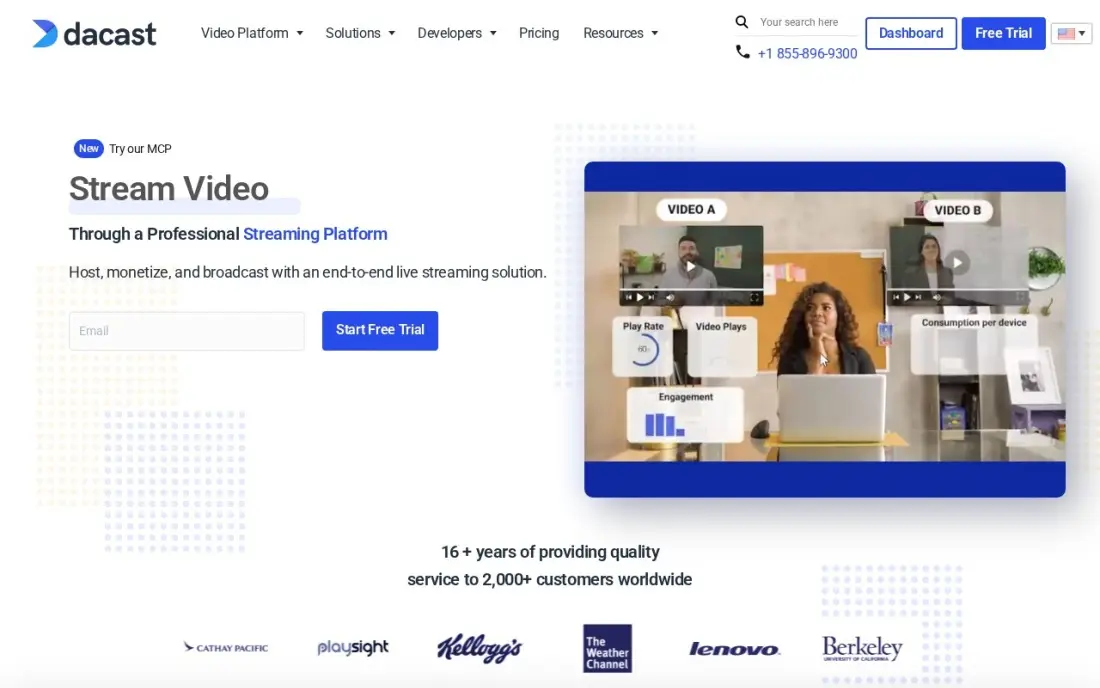
Dacast combines live streaming, video-on-demand hosting, a paywall and real-time analytics in one plan, with a fully white-label player on every tier. Pay-per-view and subscriptions let event organisers sell access to a conference, concert or class, and analytics show concurrent viewers and geography while the event runs.
Starter costs $39 a month billed annually, which means $468 upfront, with no month-to-month option, and there is a 14-day free trial. Reviewers report auto-renewal charges without a reminder and mixed support, and say the dashboard feels dated. It fits paid live events where the player must carry your brand.
What we like
- Live streaming, VOD hosting, paywall and analytics in one plan from $39/month billed annually
- Fully white-label player on every plan, with monetization through pay-per-view and subscriptions
- Real-time analytics cover concurrent viewers, geography and engagement during live events
Watch out for
- Starter is billed annually only — $468 up front — with no month-to-month option
- G2 reviewers report auto-renewal charges with no reminder, and mixed support experiences
- The dashboard and API feel dated next to Wistia and Vimeo, per G2 reviewers

Vimeo
Best for: Businesses that want ad-free branded video hosting with live events on higher tiers
Vimeo is best known for ad-free business video hosting, with a privacy-controlled 4K player, review tools and live events on its higher plans. For a company that already hosts training or marketing video on Vimeo, adding live events keeps recordings, the player and viewer data in one place.
Starter costs $12 a month billed annually, or $20 monthly, with 100 GB of storage for one seat, and branding removal and lead capture need Standard at $25 a month billed annually. Vimeo restructured its plans in 2026, so confirm which tier includes live events before you buy.
What we like
- Ad-free 4K player with strong privacy controls on every plan
- Vimeo Review collects time-stamped feedback on cuts
- 100 GB of storage on Starter, with live events on higher tiers
- The most recognised name in business video hosting
Watch out for
- Starter covers 1 seat — a team pays per extra seat
- Player branding removal and lead capture wait for Standard at $25/month billed annually
- Vimeo restructured its plans in 2026, so some accounts are moved to new plans at renewal

YouTube
Best for: Creators and businesses that want the largest free audience for their live streams
YouTube is free to stream to and has the largest video audience anywhere, with live streams sitting beside Shorts and long-form video in one channel. Its search and discovery keep replays finding viewers long after the stream ends, which no self-hosted player can match. Most tools in this list can send a stream to YouTube at the same time as other destinations.
The trade-off is control. Viewers see ads on the free service, YouTube owns the player and the recommendations, and there is no built-in paywall of the kind Castr and Dacast offer. Use it for reach, and pair it with a studio such as StreamYard or Restream for production.
What we like
- The largest video audience anywhere, with Shorts, long-form video, live streams and music in one app
- Free to watch and upload, with no cap on how many videos a channel can publish
- The strongest search and discovery of any video app, so good videos keep finding viewers for years
- Premium Lite at $8.99 a month removes most ads, and full Premium adds background play and downloads
Watch out for
- Full Premium costs $15.99 a month after the April 2026 price rise, up from $13.99
- Ads run on the free plan, including ads you cannot skip on many videos
- Growing a channel takes consistent uploads, and the recommendation feed rewards watch time over new creators
The best live stream platform depends on where you want viewers to watch: on social channels where the audience already is, or on your own site where you control the player and can charge for access. We compared six platforms across browser studios, multistreaming tools and self-hosted streaming services on features, free plans and real monthly cost, and every price below was checked on vendor pages in November 2026.
How to choose the best live stream platform
- Decide where viewers will watch. Social channels bring reach; your own website brings control, data and a paywall.
- Count your guests. Interview shows need a studio that handles several on-screen participants from a browser link.
- Check how many destinations you need. Multistreaming limits rise by plan, from 2 on free tiers to 30 on large hosting plans.
- Look at branding on free plans. Most free tiers add the vendor's logo; removing it is often the first reason to pay.
- Price bandwidth if you self-host. Hosted players cap bandwidth or storage by plan, and big events can need a higher tier.
- Plan for the replay. Cloud recording and video-on-demand turn one live event into content that keeps working.
A live stream reaches more people when its replay can be found in search. Our video SEO guide covers titles, chapters and schema for replays, and our guide to video hosting platforms for business covers where to keep the recordings.
Which live stream platform fits your situation
A creator or marketer hosting interviews and panels. StreamYard is the easiest start. Guests join from a browser link, the free plan supports 6 on-screen participants, and Essential at $14.99 a month billed yearly adds unlimited streaming and multistreaming to 2 destinations in 1080p. Plan for Core if the StreamYard logo matters to your brand, since it stays on streams until then.
A streamer who wants to reach every platform at once. Restream is built for this. The free plan already streams to 2 channels, Standard at $19 a month removes the branding and adds a third, and Professional at $49 a month brings 1080p and 5 channels. Clips and webinars are paid add-ons, so price them before you commit, and confirm annual pricing at checkout.
A church, school or business that wants viewers on its own website. Castr gives you an embedded player, cloud recording, live-to-VOD, a paywall and multistreaming to 6 destinations from Starter at $19.99 a month, with unlimited viewers and month-to-month billing. Watch the 200 GB monthly player bandwidth on Starter; larger audiences push you to Standard at 500 GB or beyond.
An event organiser selling tickets to a conference, concert or class. Dacast fits paid events, with pay-per-view, subscriptions and a fully white-label player on every tier, plus real-time analytics on concurrent viewers. Starter is billed annually at $468 upfront with no monthly option, and reviewers report auto-renewal charges without a reminder, so set your own renewal reminder.
A company that already hosts video on Vimeo, or simply wants reach. Vimeo keeps live events, recordings and the ad-free player in one place, but confirm which tier includes live events after its 2026 plan changes. If reach matters more than control, stream to YouTube for free and produce the show in StreamYard or Restream; viewers will see ads, and there is no built-in paywall.
Live stream platform pricing: what you will actually pay
Take a business streaming a weekly show for a year. StreamYard Essential costs $14.99 a month billed yearly, or $179.88 a year, and Core, which removes the logo, costs $35.99 a month billed yearly, or $431.88. Restream Standard costs $19 a month, or $228 a year at the monthly price, and Professional $49 a month for 1080p.
If the show runs on your own site, Castr Starter costs $199.99 a year billed annually, or $19.99 a month, with 200 GB of player bandwidth a month, and Dacast Starter costs $468 a year upfront. Vimeo Starter costs $12 a month billed annually, but check which tier includes live events. Streaming to YouTube costs nothing beyond your studio tool.
Larger setups cost more in clear steps. A team that needs 10 on-screen guests, cloud recording and custom RTMP pays $44.99 a month for StreamYard Core, or $35.99 billed yearly. A brand that wants Restream's 1,000-viewer website player and team seats moves to Business at $239 a month. On Castr, Standard at $49.99 a month adds in-stream advertising and 500 GB of bandwidth, Premium at $199.99 adds adaptive bitrate and API access, and Events at $749.99 adds a branded OTT app with subscriptions.
Know the difference: streaming studios vs streaming hosts
A streaming studio, such as StreamYard or Restream, is where you produce the show. It brings guests on screen, adds overlays and branding, records the session and sends the stream out to one or more destinations. It does not usually give you a player on your own website, and viewers watch on YouTube, Facebook, LinkedIn or Twitch.
A streaming host, such as Castr, Dacast or Vimeo, delivers the stream to viewers through its own player, which you embed on your site. Hosts handle bandwidth, recordings, paywalls and analytics. Many businesses use both: a studio to produce, and a host or social channel to deliver.
The line is blurring at the top of each range. Restream Business adds a website player for up to 1,000 viewers, StreamYard Advanced adds webinars for 100 viewers, and Castr multistreams to 6 destinations from Starter. Even so, free reach and ownership still pull in opposite directions: YouTube brings the largest audience and search discovery for replays, while Castr and Dacast give you the player, the viewer data and the paywall.
Quick comparison: tool type by need
| Buyer | Best pick | Why |
|---|---|---|
| Interview shows | StreamYard | Browser studio, from $14.99/month yearly |
| Multistreaming | Restream | 2 channels free, Standard $19/month |
| Streaming on your website | Castr | Player, paywall and multistream from $19.99/month |
| Paid live events | Dacast | White-label player and pay-per-view |
| Branded business video | Vimeo | Ad-free player with live events on higher tiers |
| Maximum free reach | YouTube | Largest audience at no cost |
Mistakes to avoid
- Testing on launch day. Run a private test stream with the same guests and setup a few days before.
- Ignoring upload speed. A weak connection drops quality for every destination at once; use a wired connection.
- Paying for destinations you do not use. Most audiences sit on one or two platforms.
- Forgetting the replay. Without recording and a searchable title, the stream stops working when it ends.
- Underestimating bandwidth on self-hosted events. Check plan caps against expected viewers and stream length.
How we chose
We checked each vendor's own pricing page in November 2026 and recorded prices exactly as shown, with monthly and annual billing stated where the page made it clear. We grouped platforms into studios, multistreaming tools and hosts, and ranked them by fit for a small business or creator streaming weekly. Ratings, where shown, come from G2 pages checked on the dates in the sources. No vendor paid for a place in this list, and none of the links here are affiliate links.
What to do next
Run one private test stream on StreamYard's or Restream's free plan to YouTube this week, and record it. If you want the replay to rank, book a free SEO review.
Frequently asked questions
What is the best live stream platform?
For browser-based shows with guests, StreamYard. For streaming to several platforms at once, Restream. For streaming on your own website with a paywall, Castr or Dacast. For the biggest free audience, YouTube.
Is there a free live stream platform?
Yes. YouTube is free to stream to. StreamYard and Restream have free plans that carry their branding; Restream's free plan streams to 2 channels at once. Castr and Dacast offer 7-day and 14-day trials.
How much does live streaming software cost?
StreamYard Essential costs $14.99 a month billed yearly, Restream Standard $19 a month, Castr Starter $19.99 a month, Vimeo Starter $12 a month billed annually and Dacast Starter $39 a month billed annually.
What is multistreaming?
Multistreaming sends one live stream to several destinations, such as YouTube, Facebook and LinkedIn, at the same time. Restream, StreamYard and Castr all support it, with destination limits that rise by plan.
Can I charge viewers for a live stream?
Yes. Castr includes a paywall from Starter, and Dacast supports pay-per-view and subscriptions. Free social platforms do not offer the same built-in paywall.
Do I need streaming software and a streaming platform?
Often, yes. A studio such as StreamYard or Restream produces the show; a destination such as YouTube, or a host such as Castr, delivers it to viewers. Some tools do both.
Which live stream platform records the stream for replay?
StreamYard's free plan includes 2 hours of local recording a month, and Core adds cloud recording with 50 hours of permanent storage. Castr includes cloud recording and live-to-VOD from Starter, and Dacast combines live streaming with video-on-demand hosting. YouTube keeps replays on your channel, where search can find them after the stream ends.
Sources we checked (7)
- StreamYard — streamyard.com/pricing (checked November 18, 2026)
- Restream — restream.io/pricing (checked November 18, 2026)
- Castr — castr.com/pricing (checked November 18, 2026)
- Dacast — www.dacast.com/pricing (checked November 2, 2026)
- Dacast reviews on G2 (checked November 2, 2026)
- Vimeo — vimeo.com/upgrade-plan (checked November 5, 2026)
- YouTube — www.youtube.com/premium (checked November 6, 2026)
Make one of these tools?
We re-check this list every quarter. Send a correction, request a review, or ask about a clearly labeled sponsored spot.
Request a listingShamim
Founder of SerpAstra
A full-stack digital marketer and SEO strategist covering technical and local SEO, AI search visibility, paid ads and lead generation for local businesses, e-commerce brands and SaaS teams.
Free SEO and AI visibility audit
Find out what is holding your rankings back
Send us your site. Within 2 business days you get a written audit, an AI visibility check and a short fix list ranked by impact. Free, with no contract attached.
Request my free audit→Related buying guides
 Video Editing & Streaming8 Best Video Hosting Platforms for Business in 2026, ComparedCompare the 8 best video hosting platforms for business on player branding, lead capture, analytics, bandwidth and price, with every plan checked.Read guide →
 Video Editing & Streaming8 Best Private Video Hosting Platforms in 2026, ComparedCompare the 8 best private video hosting platforms on password protection, white-label players, paywalls, bandwidth and real cost, prices from vendor pages.Read guide →
 Marketing12 Best Video Marketing Platforms for 2026 (Pros, Cons and Pricing)Compare the 12 best video marketing platforms on price, free plans, hosting and AI creation for small teams, with every price checked November 5, 2026.Read guide →