
8 Best Photo Editing Software for Beginners in 2026, Compared
Compare the 8 best photo editing software for beginners on guided edits, one-click AI fixes, free plans and real cost, with every price checked on vendor pages.
 Shamim Mia, Founder, SerpAstraLast verified November 8, 20269 min read
We compare pricing pages, documentation and public reviews. We never accept payment for rankings.
Key takeaways
- Adobe Photoshop Elements is the best first desktop editor for beginners: Guided Edits explain each step, and $99.99 covers three years with no monthly bill.
- Canva, Pixlr, Fotor and Picsart all have free plans, so a beginner can learn the basics for $0 before paying for anything.
- Adobe Lightroom is the beginner pick for people who shoot a lot of photos and want them to look consistent, at $11.99 a month on an annual plan.
- Luminar Neo is the one-click AI option without a subscription at $99 once, but its generative tools are only included for the first year.
On this page
Quick comparison
| Tool | Best for | Starting price | Free plan |
|---|---|---|---|
 Adobe Photoshop Elements | Beginners who want a desktop editor that teaches them each step, without a monthly subscription | $99.99 one-time | No (7-day trial) |
 Canva | Beginners who edit photos mostly to post them, and want templates and simple fixes in one place | $18/mo | Yes (free plan) |
| Adobe Lightroom | Beginners who take a lot of photos and want them to look consistent with presets and AI masks | $11.99/mo | No (7-day trial) |
 Luminar Neo | Beginners who want one-click AI fixes for skies, light and portraits and prefer to pay once | $99 one-time | No (14-day trial) |
 Fotor | Beginners on a tight budget who want one-click AI enhancement in a browser | $8.99/mo | Yes (free) |
 Pixlr | Beginners who need quick fixes from any computer and the lowest paid price | $2.49/mo | Yes (free plan) |
 PicMonkey | Beginners who want an easy browser editor with collages, effects and fonts | $7.99/mo | No (7-day trial) |
 Picsart | Beginners who edit on their phone and want filters, retouching and AI tools in one app | $15/mo | Yes |
Make one of these tools?
We re-check this list every quarter. Send a correction, request a review, or ask about a clearly labeled sponsored spot.
Request a listingThe best photo editing software for beginners
Adobe Photoshop Elements
Best for: Beginners who want a desktop editor that teaches them each step, without a monthly subscription
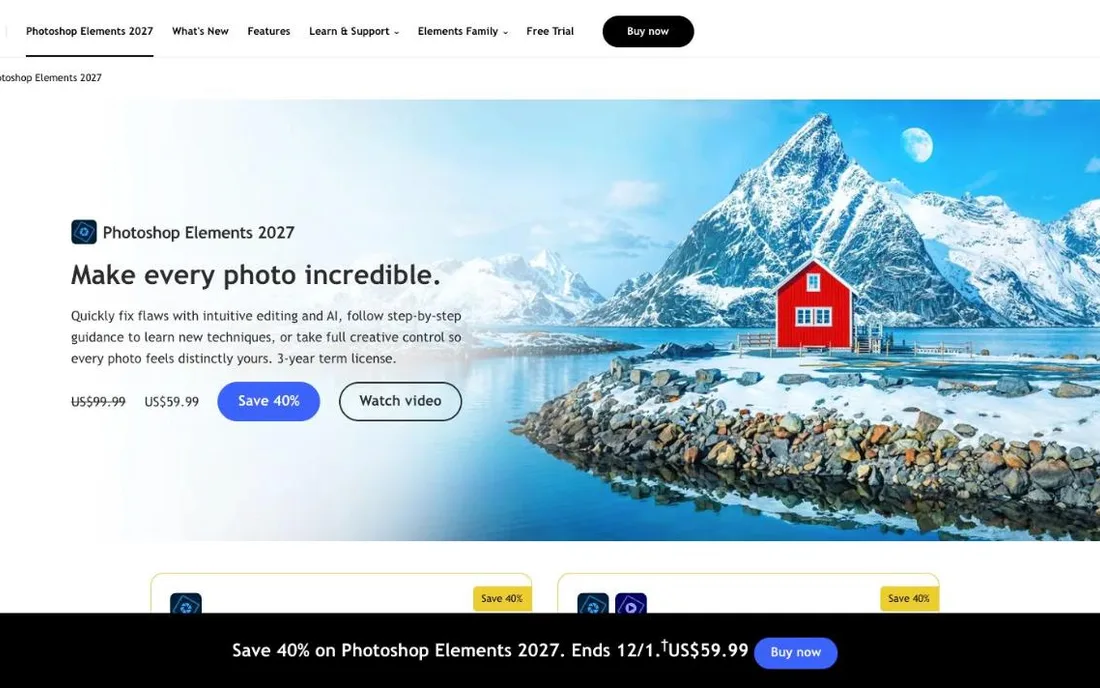
Photoshop Elements is built for people who have never edited a photo properly. Guided Edits walk you through jobs such as replacing a sky, removing an object or creating a double exposure one step at a time, so you learn what each tool does while you use it. Full layers are there when you are ready, and the Organizer keeps thousands of photos sorted.
The $99.99 payment buys a three-year licence rather than a lifetime one; when it ends, the app stops opening until you buy again. It also needs Windows 11 version 24H2 or later, and its 25 generative AI credits a month go quickly. For a beginner who wants to learn real editing on a computer, it is the best place to start.
What we like
- Guided Edits walk beginners through each step, from sky replacement to double exposure
- Full layer support and an Organizer for sorting thousands of photos
- Generative AI can create images and backgrounds from a text prompt
- No monthly bill: one $99.99 payment covers three years of use
Watch out for
- The $99.99 licence lasts 3 years, then the app stops opening until you buy again
- Needs Windows 11 version 24H2 or later on Intel or AMD; Windows 10 and Arm laptops are not supported
- Only 25 generative AI credits a month, with more needing a separate Firefly subscription
Canva
Best for: Beginners who edit photos mostly to post them, and want templates and simple fixes in one place
Canva is the easiest way for a beginner to turn a photo into something finished: crop, filter and adjust it, then drop it straight into a social post, flyer or presentation from more than 250,000 templates. Nothing needs installing, and the free plan includes 5GB of storage, which is enough to learn on.
It is a design tool with photo editing inside, not a dedicated photo editor, so it has no RAW processing or detailed retouching. The background remover and Magic Resize sit on Pro at $18 a month billed monthly, or $144 a year billed annually. Pick Canva when your photos end up in posts and graphics rather than in prints or albums.
What we like
- The easiest way to design a publication from scratch: thousands of magazine and ebook templates with drag-and-drop editing
- Magic Studio AI tools and Brand Kit come with Pro, so a small team can stay on-brand without a designer
- Publish as a website link that updates when the design changes, or export a print-ready PDF for the flipbook tools above
Watch out for
- It designs publications but does not produce a page-flip reader — the output is a PDF or a website link, not a flipbook
- Brand Kit, background remover and Magic Resize all need Pro, so the free plan is template-only for branding
- No reader analytics: there is no way to see how far readers get through a published document
Adobe Lightroom
Best for: Beginners who take a lot of photos and want them to look consistent with presets and AI masks
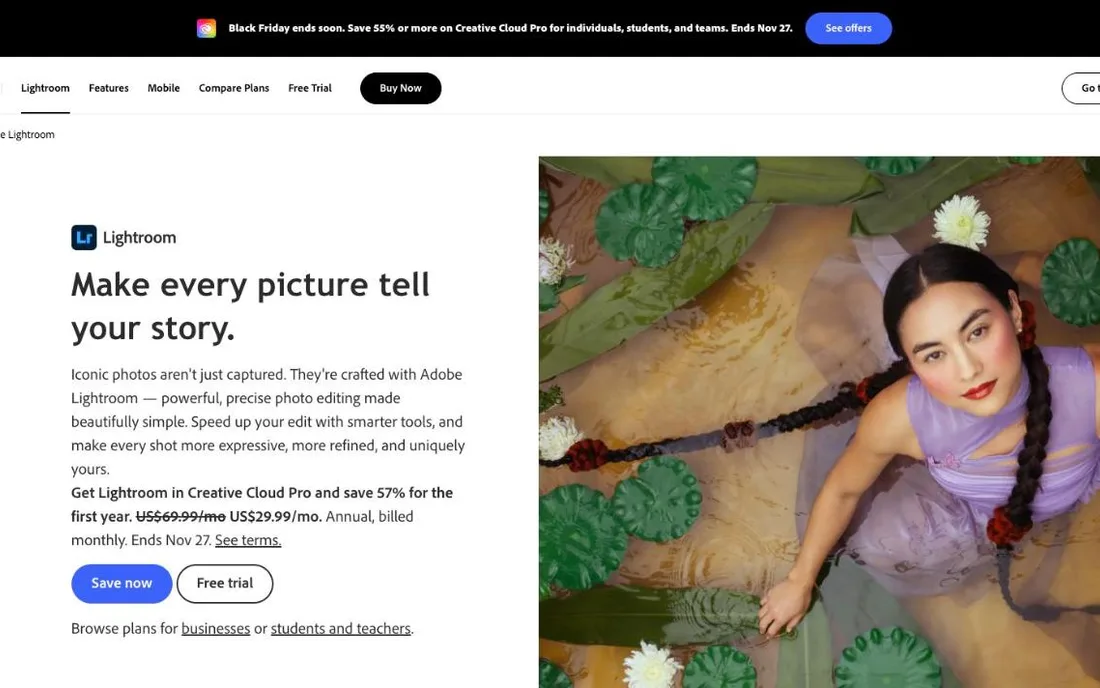
Lightroom is the right first editor for someone who comes home with hundreds of photos rather than one. Apply a preset to a whole set, then nudge exposure and colour photo by photo; AI masking selects a sky or a person for you, and Generative Remove erases distractions. Edits never touch the original file, so a beginner cannot ruin a shot.
The Lightroom plan costs $11.99 a month on an annual plan, or $119.88 a year prepaid, and includes the desktop, mobile and web apps with 1TB of cloud storage. It is subscription only, so stop paying and the app stops working. Choose it when you shoot regularly and want to build good habits from the start.
What we like
- Batch editing with presets and sync keeps every room in a listing matched in minutes
- AI masking selects skies, windows and interiors automatically, and Generative Remove erases clutter
- Non-destructive edits with a catalog, so the original RAW files are never touched
- Lightroom Classic is included, which is the desktop catalog most working photographers already use
Watch out for
- Subscription only — stop paying and the app stops working, with no perpetual license to fall back on
- Cloud storage caps bite fast: 1TB fills quickly with RAW brackets from a busy week of shoots
- Lightroom Classic's catalog workflow takes real setup before batch editing feels fast
Luminar Neo
Best for: Beginners who want one-click AI fixes for skies, light and portraits and prefer to pay once
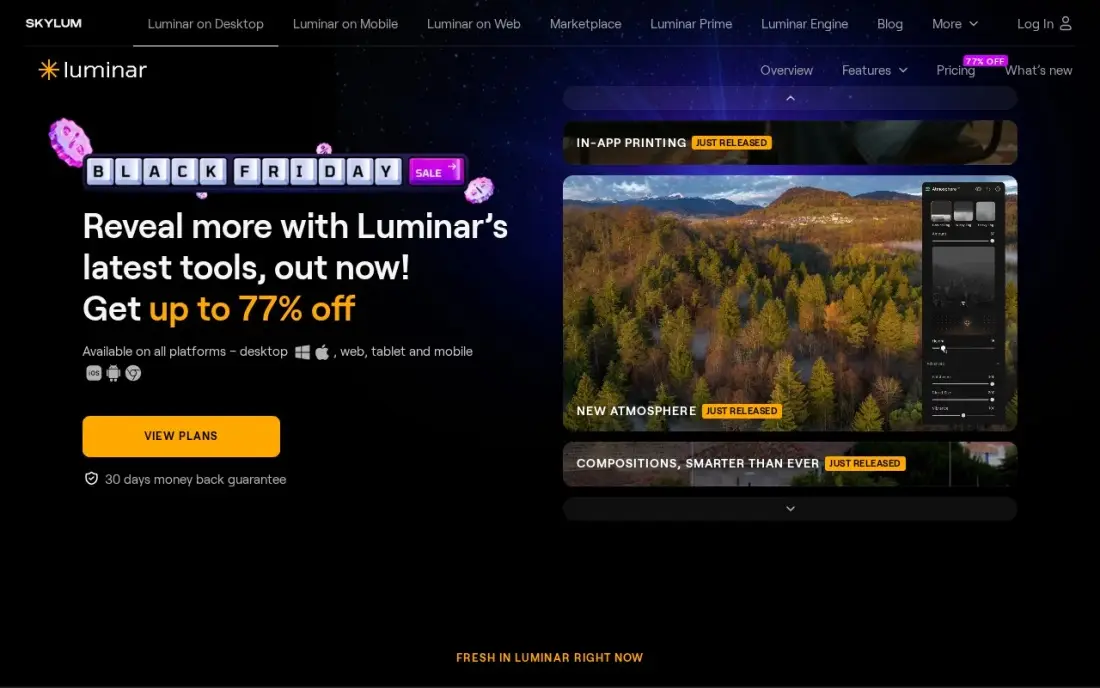
Luminar Neo does a lot of the hard work for you. Sky AI replaces a flat sky in one click, Relight AI brightens a dark room without masks, and slider-based tools handle portraits and landscapes, so a beginner gets results that would take hours of manual editing. The Desktop Only licence costs $99 once, with All Platforms at $139 and Max at $159, and there is a 14-day free trial.
Two things to know before buying. The generative tools, GenErase, GenSwap and GenExpand, are included for only one year, after which they need the Luminar Prime subscription, and the app can lag on older computers. Pick it if you want quick, striking results more than fine control.
What we like
- Sky AI and Twilight Enhancer AI turn a flat midday exterior into a dusk hero shot in one click
- Relight AI and Atmosphere AI fix dim interiors without manual masking or layers
- One-time perpetual license — pay once and keep the app, with no subscription to maintain
- Preset and extension marketplace covers real estate looks, skies and LUTs
Watch out for
- The generative tools (GenErase, GenSwap, GenExpand) are included for only one year, then need Luminar Prime
- Heavy on system resources — it lags on older machines with stacked AI effects on high-resolution RAW files
- No catalog or library depth to match Lightroom, so large listing archives are harder to manage
Fotor
Best for: Beginners on a tight budget who want one-click AI enhancement in a browser
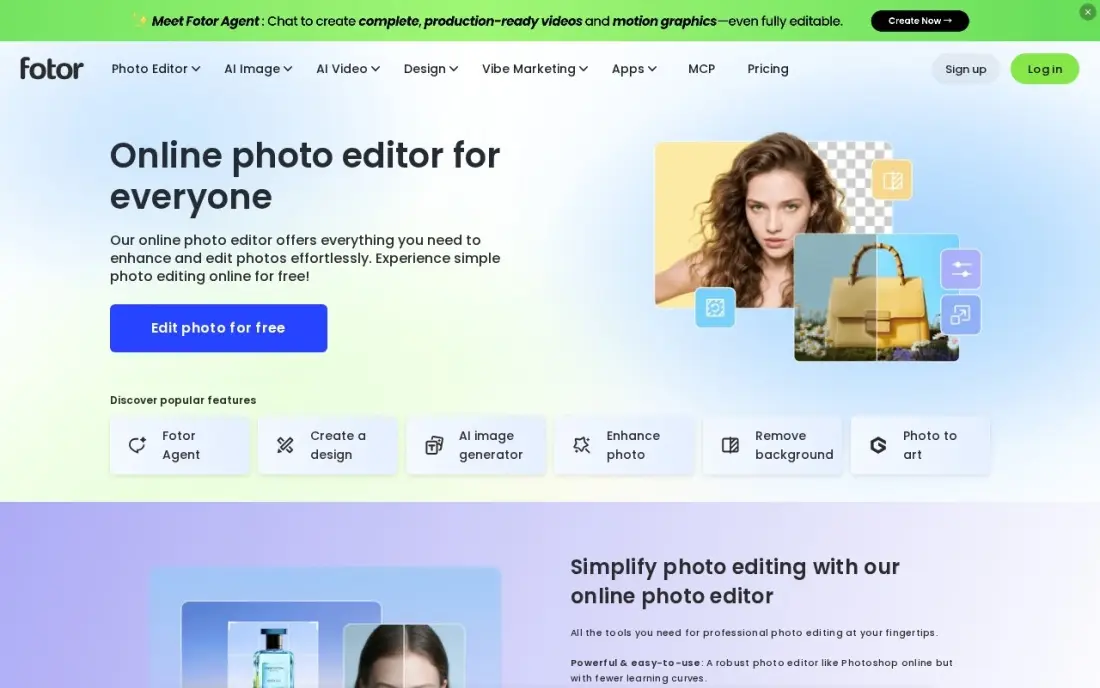
Fotor keeps editing simple: a one-click AI enhancer fixes dull phone photos, the background remover cuts out a subject in seconds, and batch editing applies the same fix to a whole set. It runs in the browser, and the free Basic plan lets a beginner try the editor before paying.
Pro costs $8.99 a month billed monthly, or $39.99 a year billed annually, which makes it one of the cheapest paid plans here. The free plan watermarks exports and locks most AI tools, and Pro includes 100 AI credits a month, so heavy AI use hits a ceiling. Payments once billed are non-refundable, so start with the free plan.
What we like
- One-click AI enhancer and background remover fix phone photos fast
- Over 1,000 collage layouts plus batch editing for whole albums at once
- Pro includes brand kits, HD export and transparent PNG export
- Free Basic plan covers simple pages, with a 7-day Pro trial to test the paid tools
Watch out for
- AI tools run on monthly credits: Pro gets 100 a month, so heavy AI use hits a ceiling fast
- Free plan exports carry a watermark and lock most AI tools behind Pro
- Fees once billed are non-refundable, so a mistaken subscription cannot be clawed back
Pixlr
Best for: Beginners who need quick fixes from any computer and the lowest paid price
Pixlr runs in a browser tab, so a beginner can crop, brighten or remove a background on any computer without installing anything. One-click AI tools handle common fixes, and Pixlr Editor adds layers and masks for when you want to learn a little more, which gives it a natural path from simple to more advanced editing.
The free plan shows ads and limits saves. Plus costs $2.49 a month billed monthly, or $1.99 a month billed yearly, and removes ads while adding 80 AI credits a month; heavier AI use needs Premium at $9.99 a month. There is no RAW processing or photo library, so it suits one photo at a time rather than whole shoots.
What we like
- Runs in the browser with nothing to install, so a quick fix works from any computer
- Plus is the cheapest paid plan here at $2.49 a month, or $1.99 a month billed yearly
- Generative Fill, generative expand and background remover handle common listing fixes
- Pixlr Editor adds layers and masks for agents who want more than one-click fixes
Watch out for
- AI actions run on monthly credits, so heavy use on many listings burns through the allowance
- No RAW processing and no catalog, so it cannot replace a desktop editor for full shoots
- The free plan shows ads and limits saves, and paid tiers are the only way past the credit caps
PicMonkey
Best for: Beginners who want an easy browser editor with collages, effects and fonts

PicMonkey has one of the friendliest interfaces in this list. Effects, text, collage layouts and templates are laid out plainly, so a beginner can make a family collage or a captioned photo without a tutorial, and Hub cloud storage keeps projects in sync between computer and phone.
There is no free plan: you can edit for free, but downloading or sharing needs a subscription, starting with Basic at $7.99 a month billed monthly. One-click background removal and Smart Resize need Pro at $12.99 a month, and there is a 7-day free trial. Pick it for easy, good-looking results rather than detailed photo correction.
What we like
- Easiest photo-first editor here, with collage layouts built for memory pages
- Hub cloud storage keeps projects in sync between desktop and mobile
- Huge library of fonts, effects and templates that suit scrapbook pages
- Pro at $12.99 a month adds unlimited storage, Smart Resize and background removal
Watch out for
- No free plan: you can create for free but must subscribe to download or share a finished page
- Background remover and Smart Resize need Pro at $12.99 a month, not Basic
- Batch editing is limited, so multi-size exports mean manual resizing
Picsart
Best for: Beginners who edit on their phone and want filters, retouching and AI tools in one app
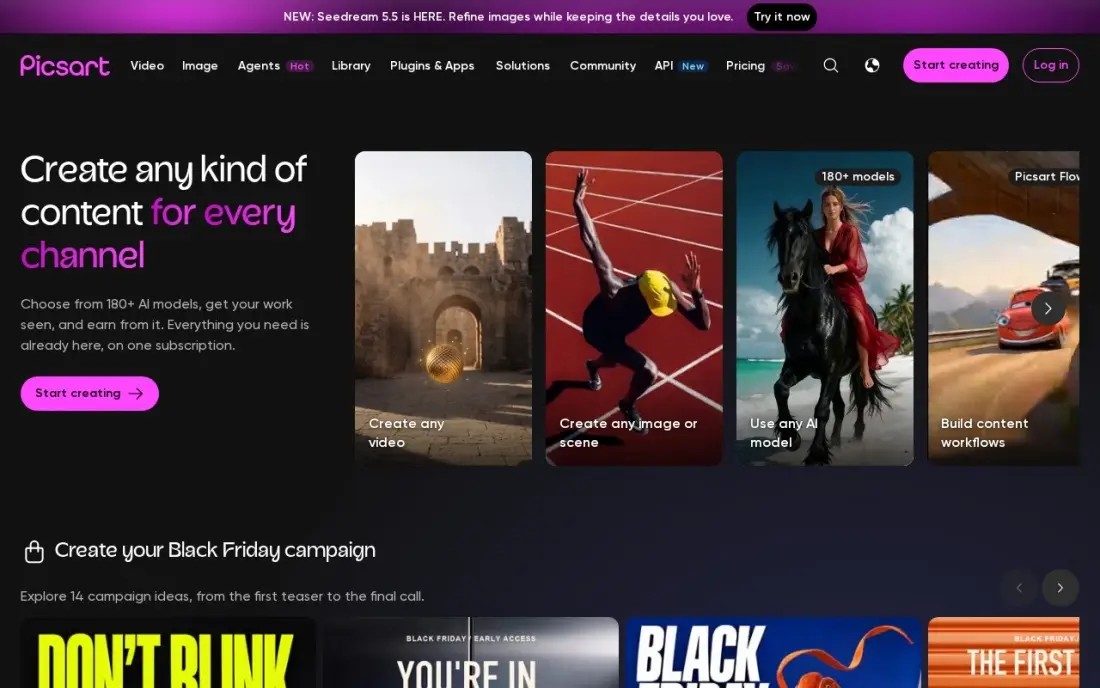
Picsart is the phone-first choice. Filters, a one-tap enhancer, background and object removal, stickers and templates sit in one mobile app that a beginner can learn in an afternoon, and it handles short video as well as photos. The free plan covers the basics, with ads and some tools locked.
Pro costs $15 a month billed monthly, or $126 a year billed annually, and adds 500 AI credits a month, 100 GB of storage and premium templates; in-app prices differ, with the App Store selling Pro from $13.99 a month. Pick Picsart if your phone is your camera and your editing studio; pick Lightroom if you want to grow into serious photo work.
What we like
- Photo and video editing plus AI image and video generation in one app, with 500 AI credits a month on Pro
- Pro includes advanced background and object removal, a one-tap enhancer, premium templates and 100 GB of storage
- Bulk editing handles 50 images at once, and three brand kits come with Pro
Watch out for
- AI generation is capped at 500 credits a month on Pro, so heavy AI use hits the ceiling fast
- In-app prices differ from the website: the App Store sells Pro from $13.99 a month, cheaper on yearly billing
- Free tier locks several desirable features behind the paywall and shows ads
The best photo editing software for beginners gets a good result quickly and teaches you why it worked, without burying you in panels on day one. We compared eight editors that suit first-time users, from guided desktop programs to browser and phone apps, on ease of learning, one-click fixes, free plans and real cost, and every price below comes from the vendor's own pricing page as checked in November 2026.
How to choose the best photo editing software for beginners
- Decide where you will edit. A desktop editor suits people with a laptop and a camera; a browser tool works on any computer; a phone app suits people whose phone is their camera.
- Look for guidance, not just tools. Guided Edits in Photoshop Elements and presets in Lightroom show you what good edits look like, which speeds up learning.
- Try the free plan or trial first. Canva, Pixlr, Fotor and Picsart have free plans, and the paid desktop editors offer 7- to 14-day trials, so test with your own photos.
- Choose between a subscription and paying once. Lightroom, Canva and Picsart are monthly or yearly; Luminar Neo is $99 once and Photoshop Elements $99.99 for three years.
- Check the AI credit limits. One-click AI fixes are the main time-saver for beginners, but several tools cap them by monthly credits.
- Think about where the photos go. Prints and albums need real photo correction; social posts and flyers are faster in a design tool like Canva.
Editing your own photos well is a useful skill for any small business, because original images make product pages and Google Business Profile listings stand out. If you want those images to bring in search traffic as well, our local SEO service covers the rest, and our guide to the best apps to edit photos compares tools for more experienced editors.
Photo editing software for beginners pricing: what you will actually pay
Over the first year, the free route costs $0: Canva, Pixlr, Fotor and Picsart all let a beginner learn without paying, with ads, watermarks or locked AI tools as the trade-off. The cheapest paid step is Pixlr Plus at $1.99 a month billed yearly, about $24 a year, or $2.49 a month billed monthly. Fotor Pro costs $39.99 a year billed annually, against $8.99 a month billed monthly, or about $108 a year.
The mid-range subscriptions cost more. Adobe Lightroom costs $119.88 a year prepaid, Picsart Pro $126 a year billed annually or $15 a month, and Canva Pro $144 a year billed annually or $18 a month. PicMonkey Basic costs $7.99 a month, about $96 a year, with Pro at $12.99 a month for background removal. Paying once changes the maths: Luminar Neo Desktop Only is $99 and Photoshop Elements is $99.99 for three years, roughly $33 a year, though Luminar's generative tools need a subscription after year one.
Know the difference: guided editors vs one-click AI editors
A guided editor teaches you to edit. Photoshop Elements walks you through each step of a technique, and Lightroom's presets and sliders show how light, colour and contrast change a photo. You learn slowly at first, but you end up understanding your photos and can fix new problems on your own.
A one-click AI editor does the work for you. Luminar Neo's Sky AI, Fotor's enhancer and Picsart's one-tap tools give a polished result in seconds, which is ideal when you just want a better photo for a post. The trade-off is control: when the AI gets it wrong, you have fewer skills to fall back on. Many beginners start with one-click tools and move to a guided editor once they care about the details.
Quick comparison: tool type by need
| Buyer | Best pick | Why |
|---|---|---|
| Learning on a desktop | Adobe Photoshop Elements | Guided Edits teach each step, $99.99 for three years |
| Photos for social posts | Canva | Edit and design in one place, free plan |
| Shooting a lot of photos | Adobe Lightroom | Presets and AI masks, $11.99/month on an annual plan |
| One-click AI, pay once | Luminar Neo | Sky AI and Relight AI, $99 one-time |
| AI fixes on a budget | Fotor | One-click enhancer, Pro $39.99/year billed annually |
| Quick fixes on any computer | Pixlr | Browser editor, Plus from $1.99/month billed yearly |
| Collages and effects | PicMonkey | Friendly interface, Basic $7.99/month |
| Editing on a phone | Picsart | Phone-first app with a free plan |
Mistakes to avoid
- Starting with the most powerful editor. Full Photoshop or GIMP can put a beginner off editing altogether; learn the basics in a friendlier tool first.
- Editing the only copy of a photo. Keep the original file, or use a non-destructive editor such as Lightroom, so you can always start again.
- Overdoing the sliders. Heavy saturation, clarity and HDR effects are the most common beginner mistake; compare before and after at normal size.
- Ignoring the licence terms. Photoshop Elements stops opening after three years, and Luminar Neo's generative tools need Prime after one year, so read what you are buying.
- Paying for AI credits you will not use. If you edit a few photos a month, a free plan or the cheapest tier is enough; upgrade only when you hit the limit.
How we chose
We checked each vendor's own pricing page in November 2026 and recorded the starting price exactly as shown, including annual and monthly billing where both are listed. We favoured tools a first-time user can learn in an afternoon, with guided steps, presets or one-click fixes, and we weighed free plans and trials heavily because beginners should test before paying. Ratings come from G2 pages checked on the dates shown in the sources, and we left a rating out where we had not read the page. No vendor paid for a place in this list, and none of the links here are affiliate links.
What to do next
Pick two tools that match where you edit, such as Canva and Lightroom, and edit the same ten photos in each during the free plan or trial. Keep the one you reached for without thinking. If the photos are for a business website or listing, book a free call about getting them found in search.
Frequently asked questions
What is the best photo editing software for beginners?
Adobe Photoshop Elements is the best desktop choice, because Guided Edits teach each step and $99.99 covers three years with no subscription. Canva is the easiest for photos that go into social posts, and Lightroom is best for beginners who shoot a lot and want consistent results at $11.99 a month on an annual plan.
Is there free photo editing software for beginners?
Yes. Canva, Pixlr, Fotor and Picsart all have free plans. Fotor's free plan watermarks exports and Pixlr's shows ads and limits saves, so they are best for learning. GIMP is also free but is harder for beginners to learn.
Should a beginner start with Photoshop or Lightroom?
Most beginners should start with Lightroom, which is built for adjusting light and colour across many photos without touching the original files. Photoshop is for detailed retouching and compositing. Photoshop Elements is a gentler version of Photoshop with guided steps and no subscription.
What is the cheapest paid photo editor for beginners?
Pixlr Plus costs $2.49 a month billed monthly, or $1.99 a month billed yearly. Fotor Pro costs $39.99 a year billed annually. If you would rather pay once, Luminar Neo costs $99 and Photoshop Elements costs $99.99 for a three-year licence.
Can beginners edit photos on a phone?
Yes. Picsart is built for phone editing, the Lightroom plan includes the mobile app, and PicMonkey syncs projects between computer and phone. Phone editing is fine for social posts; for prints and large batches, a desktop editor such as Lightroom or Elements gives more control.
Do beginners need AI photo editing tools?
They help. One-click tools such as Luminar Neo's Sky AI, Fotor's enhancer and Lightroom's AI masking do in seconds what used to take manual selections. Watch the credit limits: Fotor Pro includes 100 AI credits a month and Picsart Pro 500.
Sources we checked (13)
- Adobe Photoshop Elements — www.adobe.com/products/photoshop-elements.html (checked November 10, 2026)
- Canva — www.canva.com/pricing (checked November 12, 2026)
- Canva reviews on G2 (checked November 12, 2026)
- Adobe Lightroom — www.adobe.com/products/photoshop-lightroom.html (checked November 8, 2026)
- Luminar Neo — skylum.com/luminar/pricing (checked November 8, 2026)
- Luminar Neo reviews on G2 (checked November 8, 2026)
- Fotor — www.fotor.com/pricing (checked November 10, 2026)
- Fotor reviews on G2 (checked November 10, 2026)
- Pixlr — pixlr.com/pricing (checked November 8, 2026)
- PicMonkey — www.picmonkey.com/pricing (checked November 10, 2026)
- PicMonkey reviews on G2 (checked November 10, 2026)
- Picsart — www.picsart.com/pricing (checked November 10, 2026)
- Picsart reviews on G2 (checked November 10, 2026)
Make one of these tools?
We re-check this list every quarter. Send a correction, request a review, or ask about a clearly labeled sponsored spot.
Request a listingShamim
Founder of SerpAstra
A full-stack digital marketer and SEO strategist covering technical and local SEO, AI search visibility, paid ads and lead generation for local businesses, e-commerce brands and SaaS teams.
Free SEO and AI visibility audit
Find out what is holding your rankings back
Send us your site. Within 2 business days you get a written audit, an AI visibility check and a short fix list ranked by impact. Free, with no contract attached.
Request my free audit→Related buying guides
 Photo Editing & Photography9 Best Apps to Edit Photos in 2026, ComparedCompare the 9 best apps to edit photos, from free GIMP and Photopea to Lightroom and Photoshop, on AI tools, free plans and real yearly cost, checked Nov 2026.Read guide →
 Photo Editing & Photography9 Best Cheap Photo Editing Software in 2026, ComparedCompare the 9 best cheap photo editing software, from free editors to one-time licences under $100, on RAW support, AI tools and the real cost over three years.Read guide →
 Photo Editing & Photography8 Best Photo Editing Software Without Subscription in 2026Compare the 8 best photo editing software without subscription: one-time licences, free editors, upgrade costs and RAW support, with prices from vendor pages.Read guide →