
8 Best Photo Editing Software Without Subscription in 2026
Compare the 8 best photo editing software without subscription: one-time licences, free editors, upgrade costs and RAW support, with prices from vendor pages.
 Shamim Mia, Founder, SerpAstraLast verified November 4, 20269 min read
We compare pricing pages, documentation and public reviews. We never accept payment for rankings.
Key takeaways
- ON1 Photo RAW is the best all-in-one buy without a subscription: organizing, RAW editing, layers and effects for $99.99 once.
- DxO PhotoLab 10 Essential at $159.99 once gives the cleanest RAW files from high-ISO shots, but each major version is a separate paid upgrade.
- Photoshop Elements costs $99.99 but the licence lasts 3 years, so it is not a lifetime purchase.
- GIMP and Photopea are the free options: GIMP is free and open source on desktop, and Photopea's full browser editor is free with ads.
On this page
Quick comparison
| Tool | Best for | Starting price | Free plan |
|---|---|---|---|
| ON1 Photo RAW | Photographers who want one app for organizing, RAW editing, layers and effects for a single payment | $99.99 one-time | No (30-day trial) |
| Luminar Neo | Hobbyists and travel photographers who want one-click AI edits for a one-time price | $99 one-time | No (14-day trial) |
| DxO PhotoLab | Enthusiasts who shoot RAW in low light and want the cleanest files without paying monthly | $159.99 one-time | No (30-day trial) |
| ACDSee Photo Studio | Windows and Mac users with big photo libraries who want organizing and editing for the lowest one-time price | $49.95 once | No (30-day trial) |
| Adobe Photoshop Elements | Beginners who want guided Adobe editing without a monthly bill and accept a 3-year licence | $99.99 one-time | No (7-day trial) |
| Capture One | Professional studio and portrait photographers who want to own a licence for exacting colour work | $508 perpetual | No (free trial) |
| GIMP | Anyone who needs layered, Photoshop-style editing on desktop for $0 | Free | Yes (free) |
| Photopea | Occasional editors who want Photoshop-style tools in a browser with nothing to install or buy | Free; Premium $5/mo | Yes (free) |
Make one of these tools?
We re-check this list every quarter. Send a correction, request a review, or ask about a clearly labeled sponsored spot.
Request a listingThe best photo editing software without a subscription

ON1 Photo RAW
Best for: Photographers who want one app for organizing, RAW editing, layers and effects for a single payment
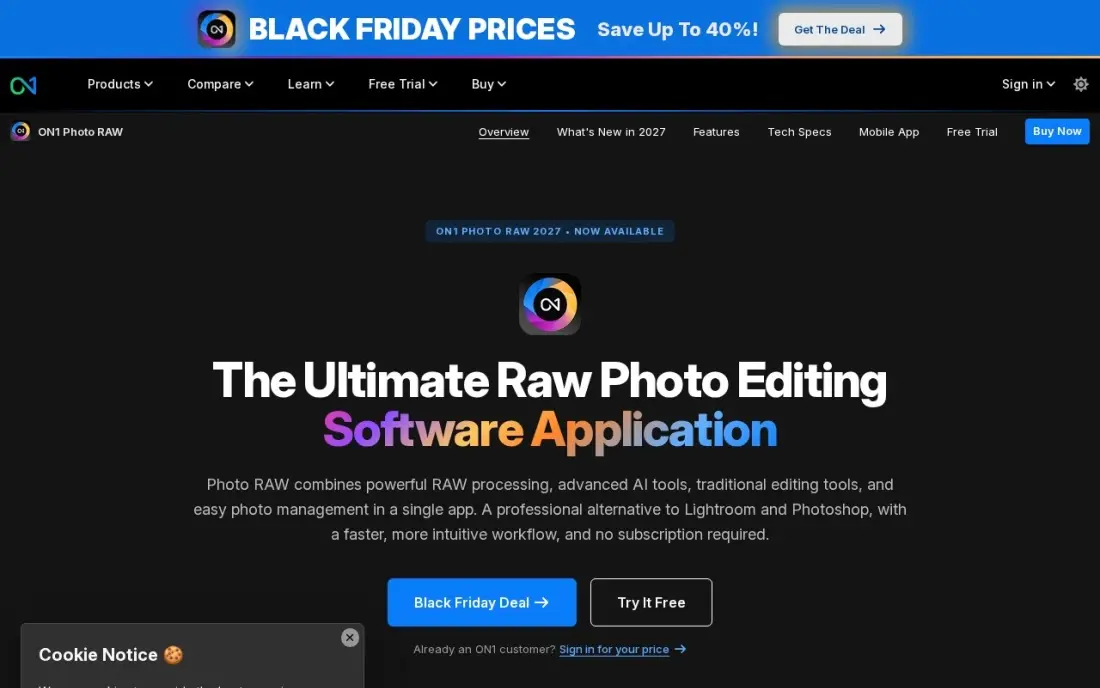
ON1 Photo RAW is the closest thing to replacing a Lightroom and Photoshop subscription with one purchase. Photo RAW 2027 organizes the shoot, edits RAW files non-destructively and adds layers, effects and retouching in the same app, with NoNoise AI for high-ISO files and Sky Swap AI for flat skies. The licence installs on 2 computers.
The standard edition costs $99.99 once. MAX costs $169.99 once, or $89.99 a year, and holds the best extras: Restore AI, the AI Culling Assistant and the Photoshop and Lightroom plug-ins. Check which edition the features you want sit in before buying, because that is where the upsell lives.
What we like
- One app covers organizing, RAW editing, layers, effects and retouching — no second tool needed
- NoNoise AI cleans high-ISO files and Sky Swap AI replaces flat skies without leaving the app
- One-time purchase with no subscription, and the license installs on 2 computers
- Brilliance AI and Portrait AI give one-slider starting points for whole images and portraits
Watch out for
- The best extras (Restore AI, AI Culling Assistant, Photoshop and Lightroom plugins) wait for MAX at $169.99
- Smaller preset and tutorial community than Lightroom, so a specific look takes more setup
- Interface packs a lot in and feels crowded until the layout is learned

Luminar Neo
Best for: Hobbyists and travel photographers who want one-click AI edits for a one-time price
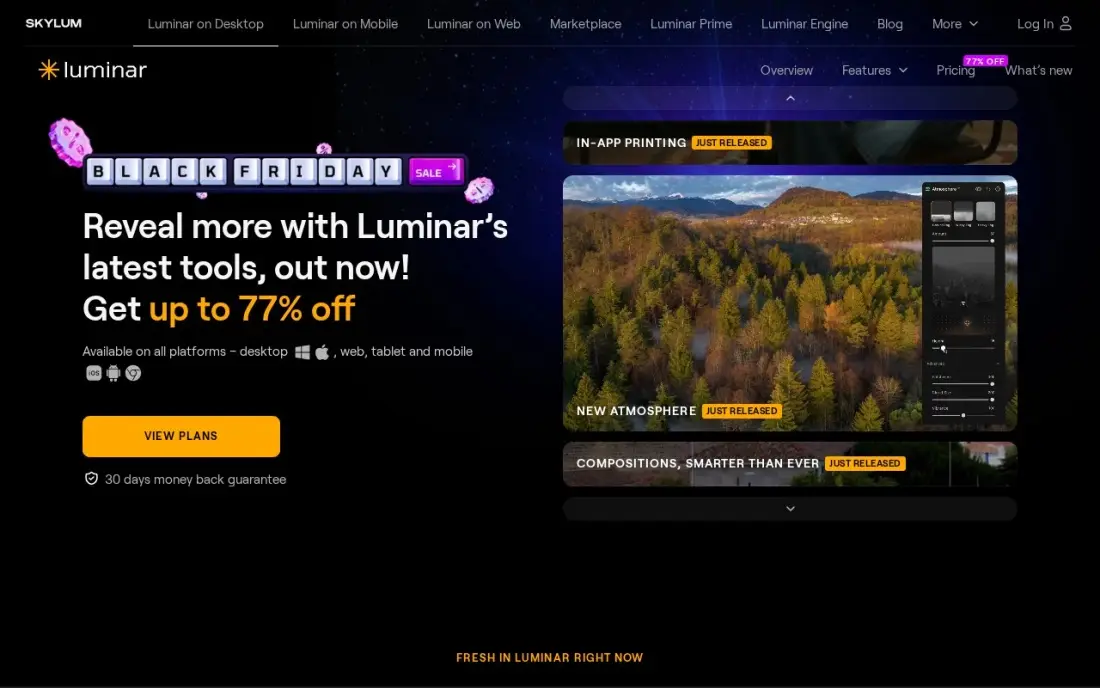
Luminar Neo is the fastest way to a finished-looking photo. Sky AI, Relight AI and Atmosphere AI fix skies, light and haze with sliders rather than masks, and the preset marketplace covers most looks. The Desktop Only licence costs $99 once, All Platforms $139 and Max $159, with a 14-day free trial.
Read the small print on the generative tools. GenErase, GenSwap and GenExpand are included for one year from purchase, then need the Luminar Prime subscription to keep working, so part of the app quietly becomes a subscription. The core editor keeps working on the one-time licence. It is also heavy on older machines.
What we like
- Sky AI and Twilight Enhancer AI turn a flat midday sky into a dusk look in one click
- Relight AI and Atmosphere AI fix light and haze with sliders rather than masks or layers
- One-time perpetual license — pay once and keep the app, with no subscription to maintain
- Preset and extension marketplace covers most looks, skies and LUTs
Watch out for
- The generative tools (GenErase, GenSwap, GenExpand) are included for only one year, then need Luminar Prime
- Heavy on system resources — it lags on older machines with stacked AI effects on high-resolution RAW files
- No catalog or library depth to match Lightroom, so large photo archives are harder to manage

DxO PhotoLab
Best for: Enthusiasts who shoot RAW in low light and want the cleanest files without paying monthly
DxO PhotoLab is the image-quality specialist. DeepPRIME noise reduction recovers clean detail from high-ISO RAW files better than any other tool here, and the optical modules correct distortion, vignetting and soft corners for your exact camera-and-lens pair. AI masks and control points handle local adjustments without layers.
PhotoLab 10 Essential costs $159.99 once and Elite $249.99, with a 30-day free trial. The one-time licence covers one version, so the next major release is a paid upgrade, and the library tools are thin next to Lightroom. Many photographers pair it with ACDSee or ON1 for organizing.
What we like
- DeepPRIME noise reduction recovers clean detail from high-ISO low-light shots better than anything else here
- Optical modules correct distortion, vignetting and soft corners per camera-and-lens pair
- AI masks and control points make local adjustments without layers
- No subscription: buy PhotoLab 10 once and keep using it
Watch out for
- One-time license covers one version only — the next major release is a separate paid upgrade
- Thin library and catalog tools next to Lightroom, so it suits editing more than organizing
- No cloud sync, mobile app or collaboration features at any price

ACDSee Photo Studio
Best for: Windows and Mac users with big photo libraries who want organizing and editing for the lowest one-time price
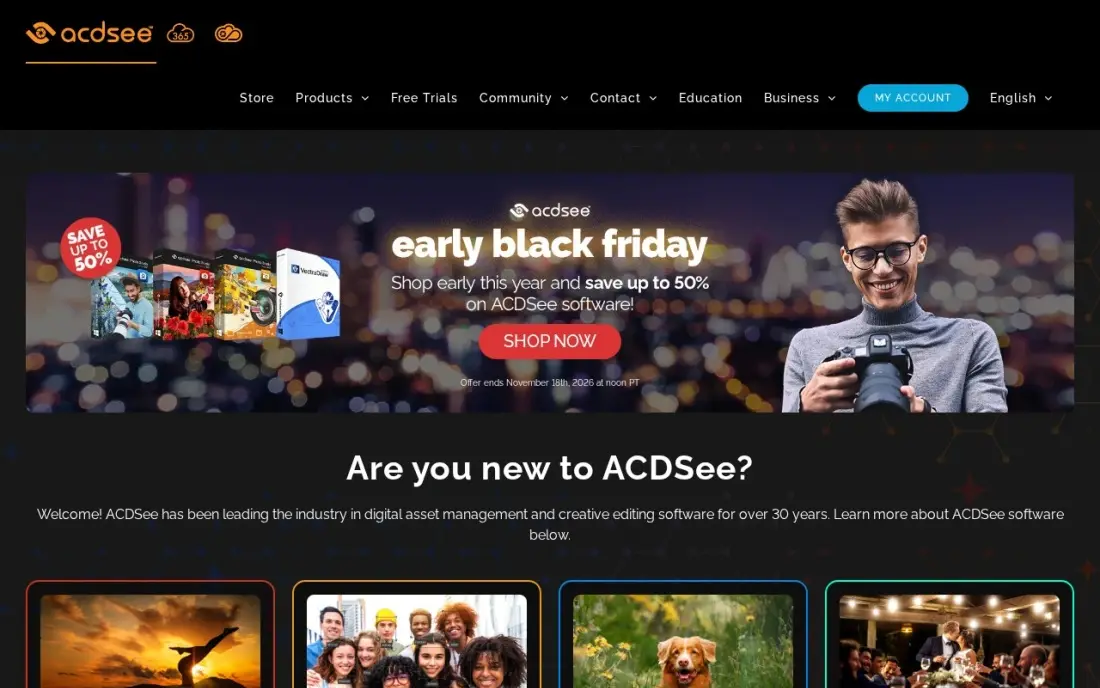
ACDSee Photo Studio is the cheapest paid way out of a subscription. The Home edition costs $49.95 once and combines fast photo browsing, keywording and face detection with non-destructive RAW editing and layered retouching, so a family archive or a busy hobbyist's library lives in one app. A 30-day trial is available.
Check the edition before you pay. Higher editions cost more and add deeper editing, and the top edition is Windows-only, so Mac users need Home or Professional. Very large libraries can feel slow. Buy ACDSee when sorting thousands of photos is as much of the job as editing them.
What we like
- One app covers digital asset management, RAW editing and layered retouching for whole archives
- Fast browsing and batch tools make culling and exporting a full shoot quick
- One-time purchase with no subscription, so the cost stops after the first payment
- AI tools for keywording, face detection and subject selection speed up organizing
Watch out for
- The 2026 Home edition starts at $49.95, while the top edition costs more — check which edition is on sale
- The top edition is Windows-only, so Mac photographers need the Home or Professional edition instead
- Can feel slow with very large libraries, and the interface packs in a lot to learn

Adobe Photoshop Elements
Best for: Beginners who want guided Adobe editing without a monthly bill and accept a 3-year licence
Photoshop Elements is Adobe's answer for people who do not want Creative Cloud. Guided Edits walk you through jobs such as replacing a sky or removing an object, full layer support handles composites, and the Organizer keeps thousands of photos sorted. The 2026 version adds generative AI, with 25 credits a month.
It is not a lifetime purchase. The $99.99 payment buys a 3-year licence, after which the app stops opening until you buy again, and upgrades cost $79.99. On Windows it needs Windows 11 version 24H2 or later on Intel or AMD. Pick it for guided editing, and treat it as about $33 a year.
What we like
- Guided Edits walk beginners through each step, from sky replacement to double exposure
- Full layer support and an Organizer for sorting thousands of photos
- Generative AI can create images and backgrounds from a text prompt
- No monthly bill: one $99.99 payment covers three years of use
Watch out for
- The $99.99 licence lasts 3 years, then the app stops opening until you buy again
- Needs Windows 11 version 24H2 or later on Intel or AMD; Windows 10 and Arm laptops are not supported
- Only 25 generative AI credits a month, with more needing a separate Firefly subscription

Capture One
Best for: Professional studio and portrait photographers who want to own a licence for exacting colour work
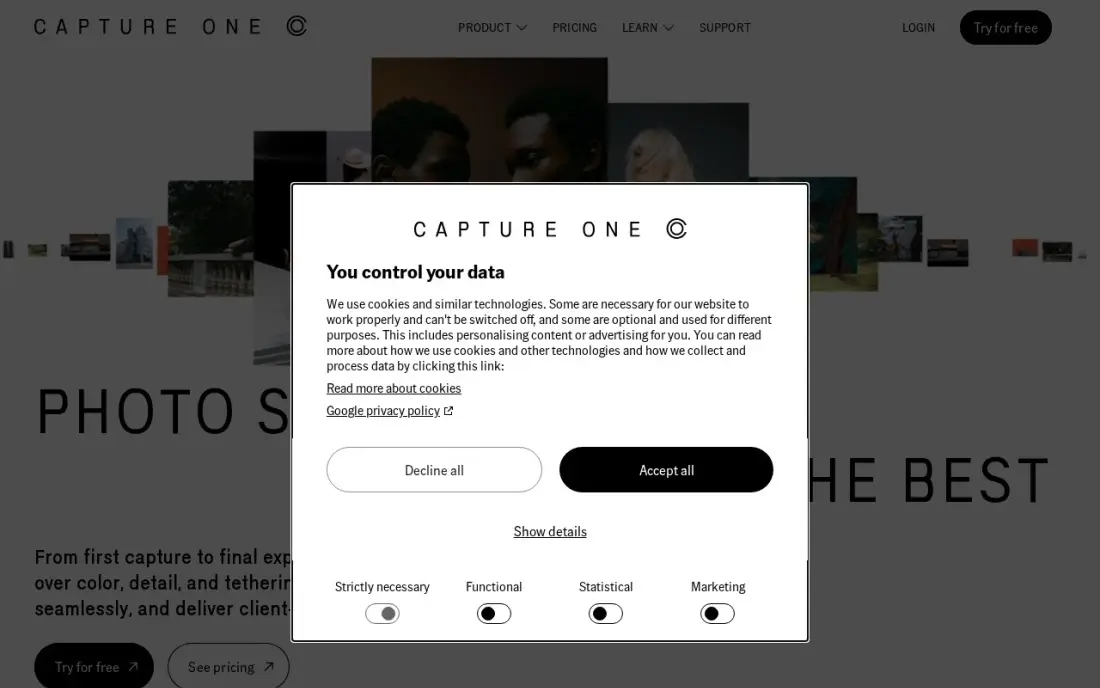
Capture One still sells a perpetual licence, which makes it the professional's way to avoid renting software. Its colour tools, including the Color Editor and skin-tone controls, go further than Lightroom, tethered shooting puts each frame on screen seconds after the shutter, and sessions or catalogs let you organize by project or by archive.
The perpetual licence lists at $508, against Pro at $26.25 a month billed annually or $40 monthly, so ownership pays back in about 19 months against the annual plan. It has a real learning curve, especially for Lightroom users. Buy it when colour accuracy and tethering are part of paid work.
What we like
- Industry-leading tethered shooting with live view on set
- Color editing tools, including the Color Editor and skin-tone controls, that go beyond Lightroom
- Sessions and catalogs let you choose between project-based and archive-based organization
- A perpetual license is still sold for photographers who want to own a version
Watch out for
- The price rose again in 2026 — the $18/month figure in older roundups no longer matches the pricing page
- The organizing tools are competent but secondary to editing and capture
- The learning curve is real, especially coming from Lightroom

GIMP
Best for: Anyone who needs layered, Photoshop-style editing on desktop for $0
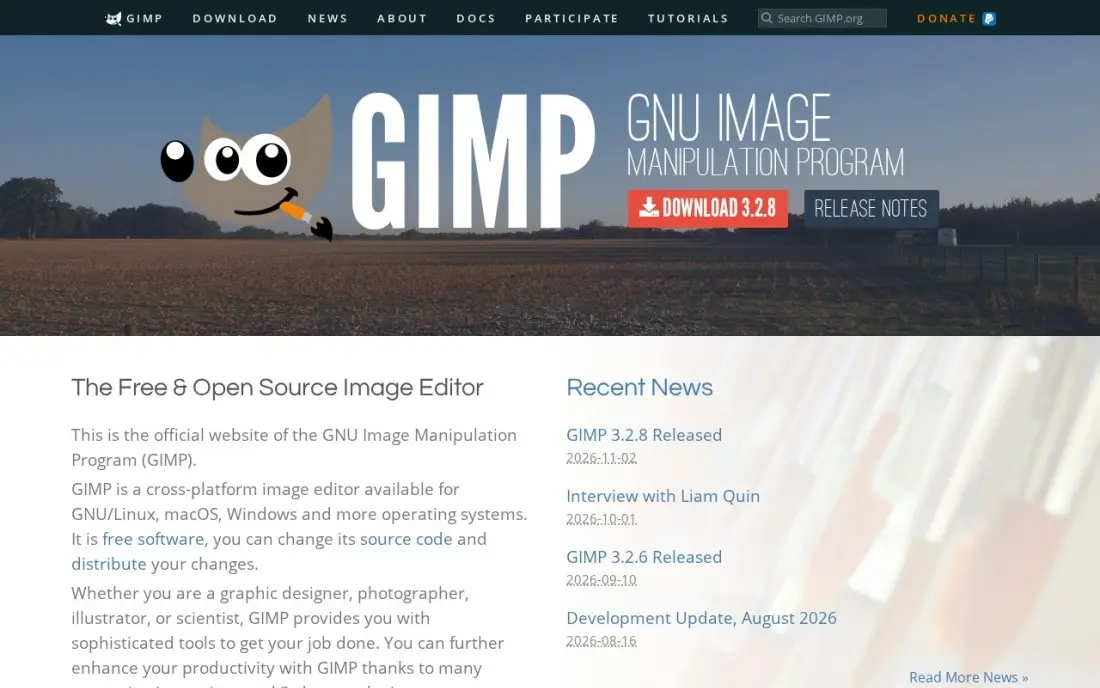
GIMP is the long-running free answer to Photoshop. It is open source with no paid tier, no account and no trial, and it covers retouching, compositing, layers and masks and batch work through Script-Fu on Windows, macOS and Linux. It opens PSD files, and a large library of community plug-ins extends it.
The cost is polish. The interface takes longer to learn than Photoshop's, some jobs take more clicks, and non-destructive editing arrived later than in paid rivals. For RAW files, most users pair it with a separate free RAW converter. Choose GIMP when the budget is zero and you are willing to learn.
What we like
- Free and open source, with no paid tier, no account and no trial because it is all free
- Deep photo retouching, compositing and batch work through Script-Fu
- A large library of community plug-ins extends it for free
- Runs on Windows, macOS and Linux and supports PSD files
Watch out for
- The interface is less polished than Photoshop's, and some jobs take more clicks
- Non-destructive editing arrived later than in paid rivals
- A photo editor first, not a painting app — Krita's brushes are better for illustration

Photopea
Best for: Occasional editors who want Photoshop-style tools in a browser with nothing to install or buy
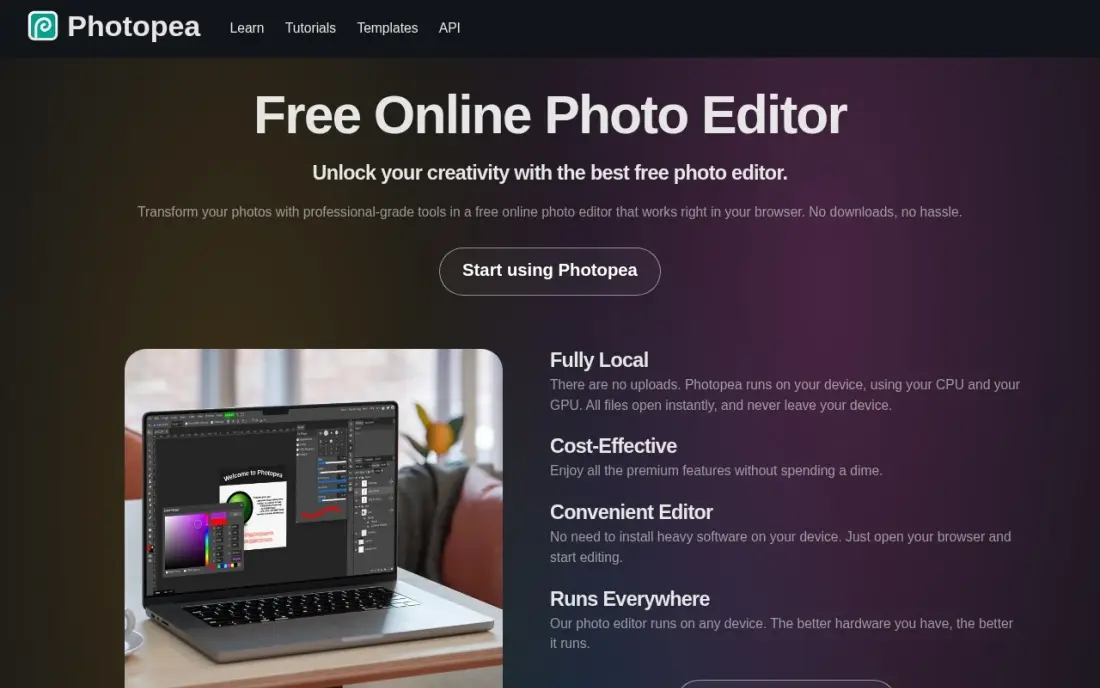
Photopea runs a Photoshop-style editor in a browser tab. Layers, masks, adjustment tools and PSD support are all free, it opens RAW, AI and Figma files, and it processes files locally in the browser rather than uploading them. There is nothing to install, so it works on a borrowed or locked-down computer.
The free editor shows ads down the side of the workspace. Premium costs $5 a month and only removes ads, unlocking no features, so you never need it to edit. There is no mobile app, and support is a help page and a community. Use Photopea for occasional edits and PSD files.
What we like
- The full editor is free, including layers, masks and PSD support, with nothing paywalled
- Opens and saves PSD, AI, Figma and RAW files, so designer files survive the trip intact
- Runs locally in the browser with no uploads, so files never leave your device
- Premium is a flat $5 a month and only removes ads — it unlocks no features
Watch out for
- Video ads run down the side of the free editor and distract during long sessions
- No mobile app and no cloud sync beyond 5GB of PeaDrive storage on Premium
- A one-person project, so support is a help page and a community, not a support team
The best photo editing software without a subscription lets you pay once, or not at all, and keep editing for years without a monthly bill. We compared eight editors — one-time licences from ON1, Luminar, DxO, ACDSee, Adobe and Capture One, plus two free tools — on RAW support, organizing, AI features and what "one-time" really means once upgrades are counted, and every price below comes from the vendor's own pricing page as checked in November 2026.
How to choose the best photo editing software without subscription
- Read what "one-time" covers. Most licences cover one major version; DxO's next release is a paid upgrade, and Photoshop Elements stops opening after 3 years.
- Check for subscription features inside a perpetual app. Luminar Neo's generative tools are included for one year, then need Luminar Prime, even though the core editor keeps working.
- Decide whether you need a library. ON1 and ACDSee organize photos as well as edit them; DxO PhotoLab, GIMP and Photopea are editors first.
- Match the editor to your files. If you shoot RAW in low light, DxO's noise reduction matters more than a sky-swap button.
- Check platform limits. ACDSee's top edition is Windows-only, and Photoshop Elements needs Windows 11 version 24H2 or later on Windows.
- Use the trials. DxO, ON1 and ACDSee all offer 30-day trials, which is enough to edit a real shoot before you buy.
Editing software is only part of a photography business. If the photos sell your services, the website needs to rank as well as look good — our guide to the best website platforms for photographers covers where to show the work, and our SEO audit finds what stops a portfolio site being found.
Photo editing software without subscription pricing: what you will actually pay
Take a hobbyist who edits RAW files and wants to stay on one tool for three years. ACDSee Photo Studio Home costs $49.95 once, Luminar Neo Desktop Only $99 once, ON1 Photo RAW $99.99 once, Photoshop Elements $99.99 for its 3-year licence, and DxO PhotoLab 10 Essential $159.99 once. GIMP costs $0 and Photopea costs $0 with ads.
Compare that with renting. Capture One Pro costs $26.25 a month billed annually, or $315 a year, while its perpetual licence lists at $508 — ownership pays back in under two years against the annual plan. Over three years Photoshop Elements works out at about $33 a year; ON1 or Luminar cost the same up front but keep running after year three, though you will want to pay for an upgrade eventually to support newer cameras. Budget for one paid upgrade every two or three years and a one-time editor still costs far less than most subscriptions.
Know the difference: perpetual licence vs term licence
A perpetual licence lets you keep using the version you bought indefinitely. ON1 Photo RAW, Luminar Neo's core editor, DxO PhotoLab, ACDSee and Capture One's perpetual option all work this way. What you do not get forever is new features or support for cameras released after your version, which is why upgrades are sold separately.
A term licence is a one-time payment that expires. Photoshop Elements is the main example: $99.99 buys three years, then the app stops opening. Some perpetual apps also carry term-limited extras, such as Luminar Neo's generative tools for one year. Neither model is wrong, but they are not the same thing, and only a perpetual licence truly ends the bill.
Quick comparison: tool type by need
| Buyer | Best pick | Why |
|---|---|---|
| One app for everything | ON1 Photo RAW | Library, RAW editing, layers and effects for $99.99 once |
| One-click AI edits | Luminar Neo | Sky and light AI tools from $99 once |
| Low-light RAW quality | DxO PhotoLab | DeepPRIME noise reduction, Essential $159.99 once |
| Big libraries on a budget | ACDSee Photo Studio | Organizing and editing from $49.95 once |
| Guided beginner editing | Adobe Photoshop Elements | Guided Edits, $99.99 for a 3-year licence |
| Professional colour work | Capture One | Perpetual licence at $508 with tethered shooting |
| Free desktop editing | GIMP | Open source, no paid tier, Windows, macOS and Linux |
| Free browser editing | Photopea | Full Photoshop-style editor free with ads |
Mistakes to avoid
- Assuming every one-time price is permanent. Photoshop Elements is a 3-year licence; check the term before you compare it with a perpetual app.
- Forgetting new cameras. An old perpetual version may not open RAW files from a camera bought later, so plan for a paid upgrade when you change bodies.
- Buying the base edition when you need the extras. ON1's best AI tools sit in MAX, and DxO's advanced features sit in Elite.
- Leaving your catalog behind. Moving from Lightroom keeps your photos but not every edit; test how your chosen app reads your existing library before you cancel.
- Paying for Photopea Premium to get features. Premium only removes ads; every editing tool is already free.
Related comparisons: Ecommerce Subscription Platforms · Subscription and SAAS Accounting Software · AI Video Editing Software · Desktop Video Editing Software
How we chose
We checked each vendor's own pricing page in November 2026 and recorded the starting price exactly as shown, including the licence term where it is limited. We ranked the tools by fit for the most common buyer — a hobbyist or semi-professional who shoots RAW and wants to stop paying monthly — and weighed editing depth, organizing, upgrade costs and platform limits. Ratings come from G2 pages checked on the dates shown in the sources. No vendor paid for a place in this list, and none of the links here are affiliate links.
What to do next
Pick two editors from the table, install both trials and edit the same ten RAW files in each, including your hardest low-light shot. Keep the one that gets you there faster. If those photos also sell your services online, book a free call and we will show you how to get them seen.
Frequently asked questions
What is the best photo editing software without a subscription?
ON1 Photo RAW is the best all-round choice, with organizing, RAW editing, layers and effects for $99.99 once. DxO PhotoLab is best for image quality from $159.99 once, and GIMP is the best free option.
Is there a Lightroom alternative without a subscription?
Yes. ON1 Photo RAW at $99.99 and ACDSee Photo Studio Home at $49.95 both combine a photo library with RAW editing for a one-time price, and Capture One sells a perpetual licence for $508 for professional work.
Is Photoshop Elements a one-time purchase?
Not permanently. The $99.99 payment buys a 3-year licence; when it ends, the app stops opening until you buy again. Upgrades cost $79.99, so budget it as roughly $33 a year.
Do one-time licences include future updates?
Usually only within the version you buy. DxO PhotoLab's licence covers one major version, so the next release is a paid upgrade, and Luminar Neo's generative tools are included for one year before they need the Luminar Prime subscription.
What is the best free photo editor?
GIMP is the best free desktop editor, open source with no paid tier on Windows, macOS and Linux. Photopea is the best free browser editor, with every feature free and ads that Premium at $5 a month removes.
Can I edit RAW photos without a subscription?
Yes. ON1 Photo RAW, DxO PhotoLab, Luminar Neo, ACDSee Photo Studio and Capture One's perpetual licence all edit RAW files for a one-time price, and Photopea opens RAW files for free in the browser.
Is there photo editing software without a subscription for Mac?
Yes. GIMP is free and open source and runs on macOS, Windows and Linux, and Photopea runs in any browser, so it works on a Mac with nothing to install. For a paid one-time licence, ACDSee Photo Studio's Home and Professional editions run on Mac, though the top edition is Windows-only. Check each vendor's system requirements during the free trial before you buy.
What is the easiest photo editing software without a subscription?
Photoshop Elements is the easiest for beginners: Guided Edits walk you through each step, from sky replacement to double exposure, for $99.99 covering three years. Luminar Neo is the fastest for one-click results, with Sky AI and Relight AI on a $99 perpetual licence. If you want free and simple, Photopea runs in the browser with nothing to install.
Sources we checked (13)
- ON1 Photo RAW — www.on1.com/products/photo-raw (checked November 8, 2026)
- Luminar Neo — skylum.com/luminar/pricing (checked November 8, 2026)
- Luminar Neo reviews on G2 (checked November 8, 2026)
- DxO PhotoLab — www.dxo.com/dxo-photolab (checked November 8, 2026)
- DxO PhotoLab reviews on G2 (checked November 8, 2026)
- ACDSee Photo Studio — www.acdsee.com (checked November 8, 2026)
- ACDSee Photo Studio reviews on G2 (checked November 8, 2026)
- Adobe Photoshop Elements — www.adobe.com/products/photoshop-elements.html (checked November 10, 2026)
- Capture One — www.captureone.com/en/pricing (checked November 7, 2026)
- Capture One reviews on G2 (checked November 7, 2026)
- GIMP — www.gimp.org (checked November 4, 2026)
- Photopea — www.photopea.com (checked November 4, 2026)
- Photopea reviews on G2 (checked November 4, 2026)
Make one of these tools?
We re-check this list every quarter. Send a correction, request a review, or ask about a clearly labeled sponsored spot.
Request a listingShamim
Founder of SerpAstra
A full-stack digital marketer and SEO strategist covering technical and local SEO, AI search visibility, paid ads and lead generation for local businesses, e-commerce brands and SaaS teams.
Free SEO and AI visibility audit
Find out what is holding your rankings back
Send us your site. Within 2 business days you get a written audit, an AI visibility check and a short fix list ranked by impact. Free, with no contract attached.
Request my free audit→Related buying guides
 Photo Editing & Photography9 Best Editing Software for Photography in 2026, ComparedCompare the 9 best editing software for photography on RAW quality, catalogs, AI tools and subscription vs one-time cost, with prices from vendor pages.Read guide →
 Photo Editing & Photography9 Best Apps to Edit Photos in 2026, ComparedCompare the 9 best apps to edit photos, from free GIMP and Photopea to Lightroom and Photoshop, on AI tools, free plans and real yearly cost, checked Nov 2026.Read guide →
 Photo Editing & Photography6 Best Photo Organizing Software in 2026, ComparedCompare the 6 best photo organizing software, free and paid, on tagging, face recognition, catalogs and real cost, with every price checked on vendor pages.Read guide →