
8 Best Survey Software Tools in 2026, Compared
Compare the 8 best survey software tools on free plans, response limits, logic, AI analysis and real monthly cost, with every price checked on vendor pages.
 Shamim Mia, Founder, SerpAstraLast verified November 2, 20269 min read
We compare pricing pages, documentation and public reviews. We never accept payment for rankings.
Key takeaways
- Google Forms and Tally are the free starting points: Google Forms is free with a personal Google account, and Tally keeps almost every feature on its free plan.
- SurveyMonkey is the all-round pick for teams, but Team Advantage has a three-seat minimum at $30 a user a month billed annually, so the floor is $90 a month.
- Response caps decide the real bill: Typeform Basic stops at 100 responses a month and SurveySparrow counts its allowance per year, not per month.
- Qualtrics and Zonka Feedback publish no price, so they belong on the shortlist only when a research or CX program needs their depth.
On this page
Quick comparison
| Tool | Best for | Starting price | Free plan |
|---|---|---|---|
| SurveyMonkey | Small teams that want templates, logic and a large shared response allowance | $30/user/mo (annual) | Yes (Basic plan) |
| Typeform | Marketing and product teams that want surveys people actually finish | $28/mo (annual) | Yes (10 responses/mo) |
| Google Forms | Teachers, clubs and small businesses that need free surveys with results in Google Sheets | Free | Yes |
| Tally | Founders and small teams that want a generous free form and survey builder | Free; Pro $29/mo | Yes |
| SurveySparrow | Growing teams that want chat-style surveys and AI analysis of open answers on a small budget | $19/mo (annual) | Yes (75 responses/qtr) |
| Alchemer | Research-minded teams that need advanced logic and unlimited responses without enterprise contracts | $55/user/mo | No (7-day trial) |
| Zonka Feedback | CX teams running NPS, CSAT and CES surveys across email, SMS, web and kiosks | Custom quote | No (14-day trial) |
| Qualtrics | Large organizations running research-grade experience programs with dedicated staff | Custom quote | No (30-day trial) |
Make one of these tools?
We re-check this list every quarter. Send a correction, request a review, or ask about a clearly labeled sponsored spot.
Request a listingThe best survey software

SurveyMonkey
Best for: Small teams that want templates, logic and a large shared response allowance
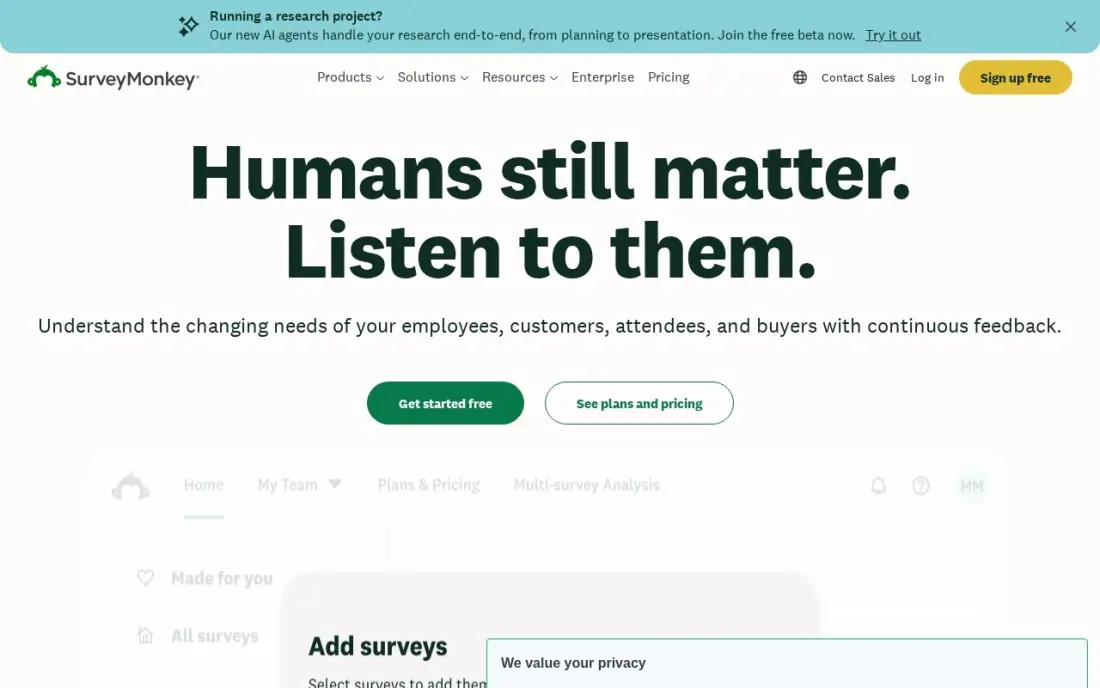
SurveyMonkey is the safe default for a team that runs surveys every month. Its expert-written templates, skip logic, branching, A/B testing and cross-tab analysis cover customer, employee and market surveys, and more than 200 integrations push results into Salesforce, Slack or Microsoft Teams. The free Basic plan allows 10 questions and 40 viewable responses per survey, enough to test a short poll.
Team Advantage costs $30 a user a month billed annually with a three-user minimum, so the smallest team pays $90 a month for 50,000 responses a year shared across the account. Responses beyond the allowance cost $0.15 each, and individual plan prices only appear after you create an account. Pick it when several people build surveys and need a shared library.
What we like
- Team Advantage includes 50,000 responses a year shared across the team, with shared libraries and collaboration
- Expert-certified templates, skip logic, branching, A/B testing and real-time analysis with cross-tabs
- More than 200 integrations, including Salesforce, Slack and Microsoft Teams
Watch out for
- Individual plan prices are not shown on the public pricing page until you create an account
- Extra responses cost $0.15 each beyond the plan allowance, so a big launch can add up
- The free Basic plan caps surveys at 10 questions and only 40 viewable responses per survey

Typeform
Best for: Marketing and product teams that want surveys people actually finish
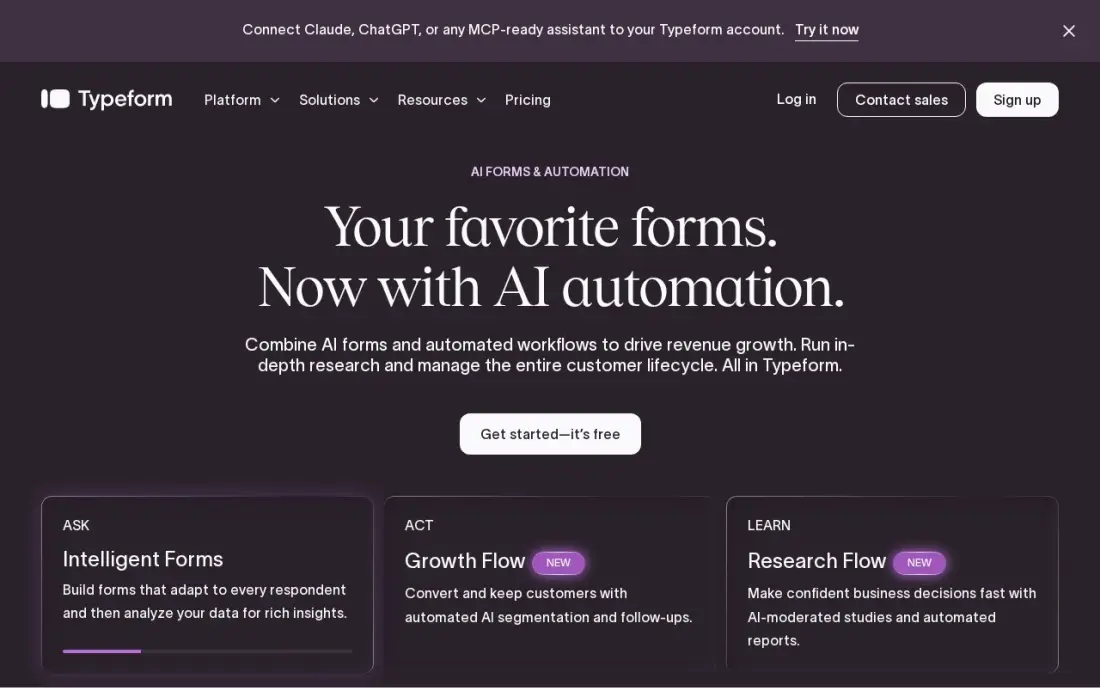
Typeform asks one question at a time, with smooth transitions and full brand control, and that format keeps respondents moving through surveys that would stall as a long grid. Basic includes logic and branching, payments, file uploads and webhooks for $28 a month billed annually, or $39 billed monthly. The free plan collects 10 responses a month, which is only enough to build and test.
Volume is the limit to plan around. Basic caps at 100 responses a month and keeps the Typeform logo, Plus at $56 a month billed annually removes the branding and raises the cap to 1,000, and drop-off analysis waits for Business at $91. Choose Typeform when completion rate matters more than response count, such as lead forms and customer research.
What we like
- One-question-at-a-time conversational format that keeps respondents moving through long surveys
- Basic includes logic and branching, payments, file uploads and webhooks for $28/month billed annually
- Plus ($56/month billed annually) removes Typeform branding and adds 1,000 responses a month
Watch out for
- Basic caps at 100 responses a month and keeps the Typeform logo on every form
- Monthly billing costs about 40% more than annual billing on every plan
- Drop-off analysis and conversion tracking need the Business plan ($91/month billed annually)

Google Forms
Best for: Teachers, clubs and small businesses that need free surveys with results in Google Sheets
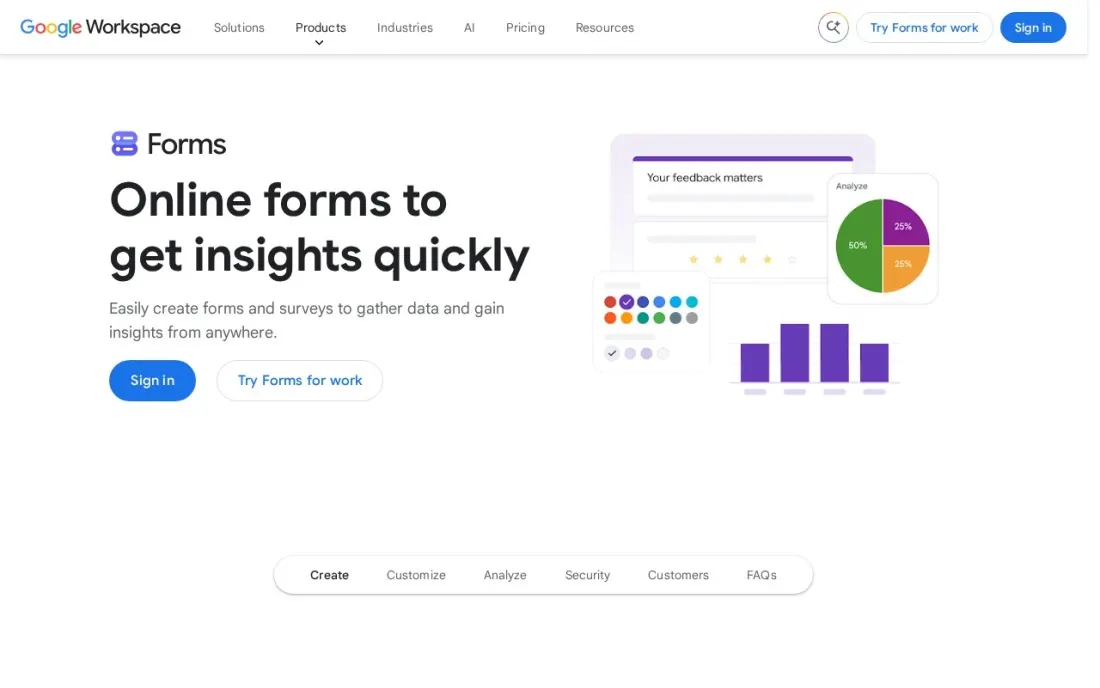
Google Forms is the survey tool most people already have: it is free with a personal Google account, and every response can land in a Google Sheet where you sort, chart and share it. That covers class quizzes, event sign-ups, staff check-ins and short customer polls without paying anything, and anyone with the link can answer on a phone.
The ceilings are feature thresholds, not paid tiers. Google notes that individual response views may stop above 10,000 responses and summaries above 50,000, and Sheets syncing may stop above 100,000. Design and logic are basic, and there is no AI reading of open answers. Forms is included in every Workspace business plan, which starts at $7 a user a month with a one-year commitment.
What we like
- Free with a personal Google account, with no paid response tiers
- Responses flow straight into Google Sheets for sorting, charts and sharing
- Included in every Google Workspace business plan for teams that need shared admin
Watch out for
- Individual response views may be unavailable above 10,000 responses and summaries above 50,000
- Basic design and logic next to Typeform, SurveyMonkey or Tally
- No built-in AI analysis of open-ended answers

Tally
Best for: Founders and small teams that want a generous free form and survey builder
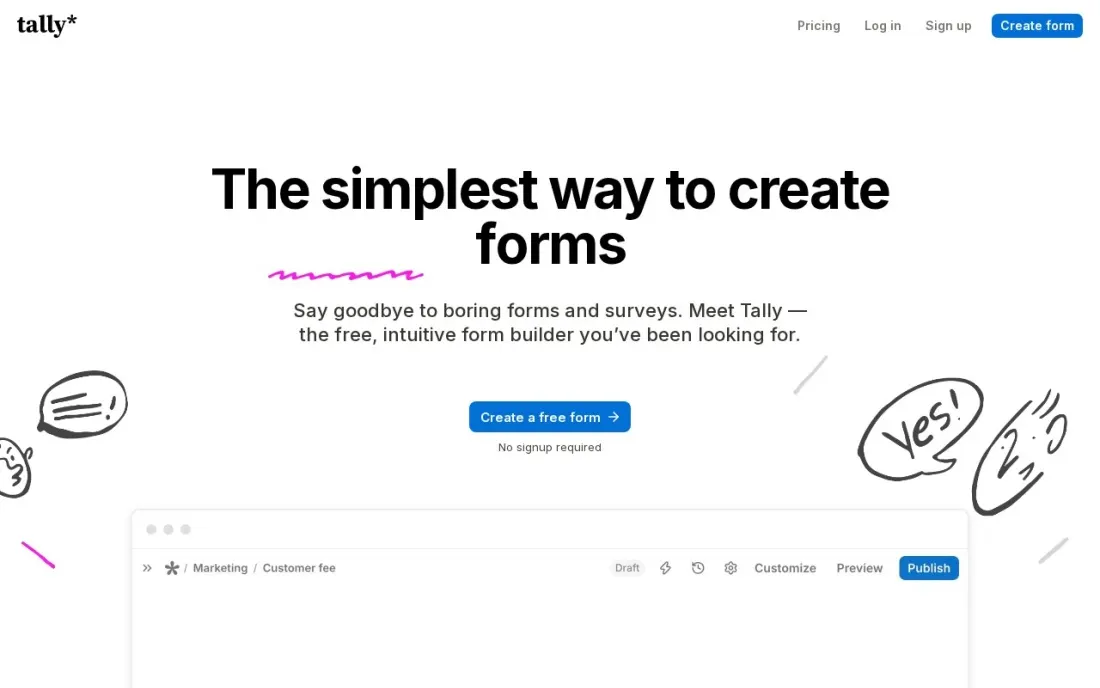
Tally is the most generous free plan in this list: the company says 99% of its features are available to all users for free and without limits, subject to its fair use guidelines. You build a survey the way you write a document, typing questions on a blank page, which makes a ten-question customer survey a few minutes' work rather than an afternoon.
Paying is mostly about polish and teamwork. Pro at $29 a month removes Tally branding and adds custom domains, partial submissions and team collaboration, and Business at $89 a month adds data retention controls and email verification. Reporting is lighter than SurveyMonkey's, so serious analysis happens in a spreadsheet. For a startup that needs real surveys before it has a budget, start here.
What we like
- Tally says 99% of its features are free without limits, subject to its fair use guidelines
- Pro at $29 a month adds custom domains, partial submissions and team collaboration
- Document-style editor that makes building a survey as quick as writing a note
Watch out for
- Tally branding stays on free forms until you pay for Pro
- Data retention controls and email verification need Business at $89 a month
- Lighter reporting than dedicated survey suites, so analysis usually happens in a spreadsheet

SurveySparrow
Best for: Growing teams that want chat-style surveys and AI analysis of open answers on a small budget
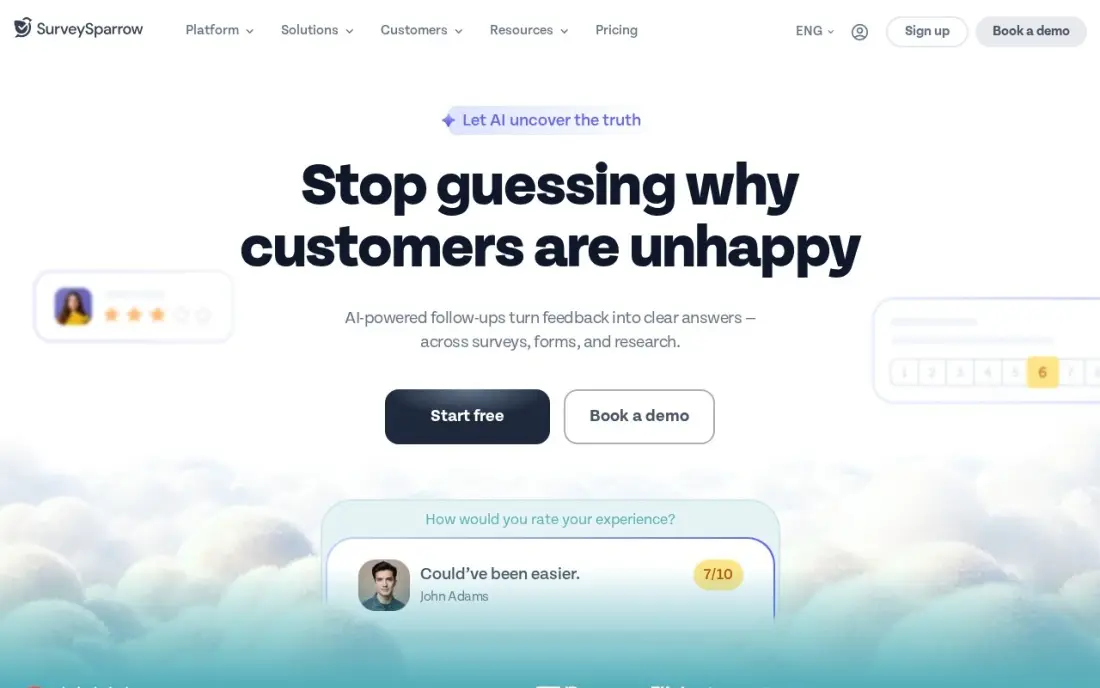
SurveySparrow turns a questionnaire into a conversation, one question at a time, and the company reports roughly 40% higher completion than standard forms. Its CogniVue AI reads open-ended answers for sentiment and themes as they arrive, and surveys go out by email, SMS, WhatsApp, in-app, web or offline. The free plan covers 3 active surveys and 75 responses per quarter.
Basic costs $19 a month billed annually, the cheapest route here to conversational surveys with AI analysis, but it is a single-user plan, so a second editor means Business at $79 a month. Response allowances are annual, so a busy launch quarter can use up the year's quota early. Check the allowance against your real survey calendar before you buy.
What we like
- Conversational surveys lift completion rates — SurveySparrow reports roughly 40% higher completion than standard forms
- CogniVue AI reads open-ended answers for sentiment and themes automatically as responses arrive
- Omnichannel distribution: email, SMS, WhatsApp, in-app, web and offline surveys in one plan
Watch out for
- Basic is a single-user plan, so a second editor forces the $79/month Business plan
- Response allowances are annual, not monthly, so a busy quarter can burn the year's quota early

Alchemer
Best for: Research-minded teams that need advanced logic and unlimited responses without enterprise contracts
Alchemer sits between the simple tools and the enterprise suites. Collaborator includes 25 question types, advanced logic, piping and branching, and virtually unlimited responses with no per-response charges, so a market research or HR survey can be built the way the questions demand. 64 integrations include Salesforce, Tableau, SPSS and Google Sheets.
It is priced per seat. Collaborator costs $55 a user a month billed monthly, or $315 a user a year billed annually, so a four-person team pays $220 a month on monthly billing. API access needs a Business Platform quote, and G2 reviewers report steep rises at renewal. There is a 7-day trial rather than a free plan, so prepare a real survey to test.
What we like
- 25 question types with advanced logic, piping and branching on the entry plan
- Virtually unlimited responses with no per-response charges on any self-serve tier
- 64 integrations including Salesforce, Tableau, SPSS and Google Sheets, plus closed-loop workflows
Watch out for
- Per-seat pricing: a 4-person team pays $220/month on Collaborator before any add-on
- API access needs a Business Platform quote, not a self-serve plan
- G2 reviewers report steep price rises at renewal once you outgrow the self-serve tiers

Zonka Feedback
Best for: CX teams running NPS, CSAT and CES surveys across email, SMS, web and kiosks
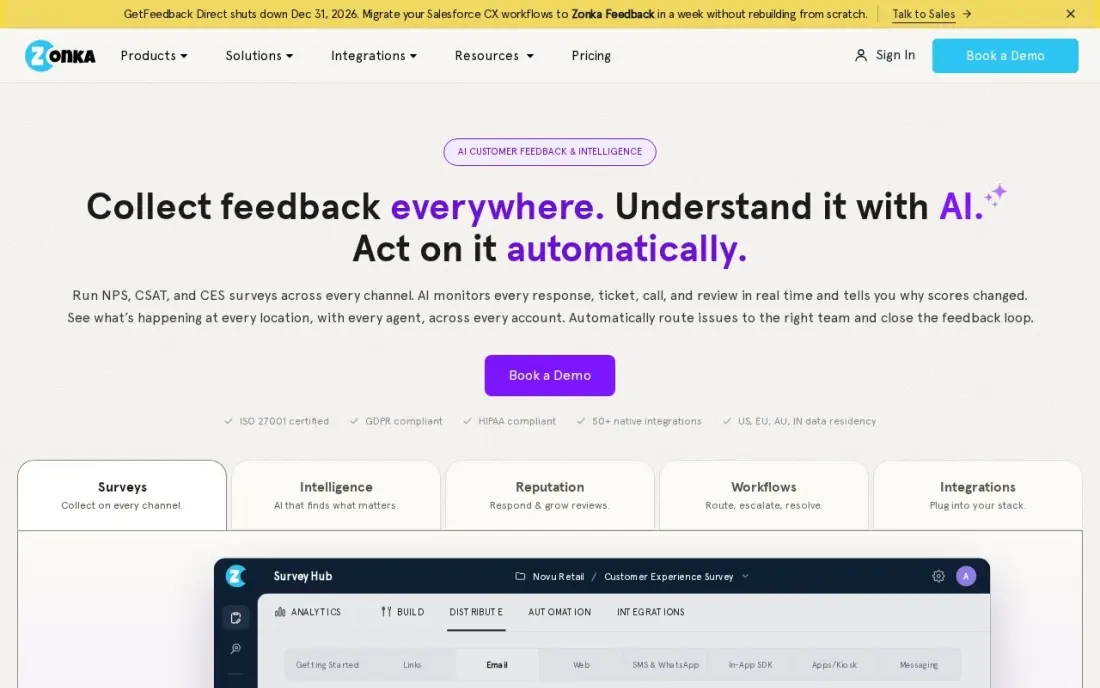
Zonka Feedback is survey software built for customer experience rather than one-off research. It sends NPS, CSAT and CES surveys by email, SMS, web, kiosk and offline, tracks the scores over time, and runs closed-loop workflows that turn a detractor into a CRM task and alert the team when a score drops. AI analysis reads the open-ended comments.
It holds the highest G2 score in this list at 4.7 out of 5 from 85 reviews, with reviewers praising support and setup. The drawback is that the pricing page shows no dollar amounts, so every plan is a custom quote, and the AI Feedback Intelligence tier is a separate, higher-priced platform. Use the 14-day trial to test one real feedback loop.
What we like
- The highest G2 score in this list at 4.7/5, with reviewers praising support and ease of setup most
- Multi-channel surveys — email, SMS, web, kiosk and offline — with CX metrics tracked over time
- Closed-loop workflows route detractors to a CRM task automatically and alert teams when scores drop
Watch out for
- No published pricing — every plan is a custom quote, so you cannot compare costs before a sales call
- The AI Feedback Intelligence tier is a separate, higher-priced platform rather than an add-on

Qualtrics
Best for: Large organizations running research-grade experience programs with dedicated staff
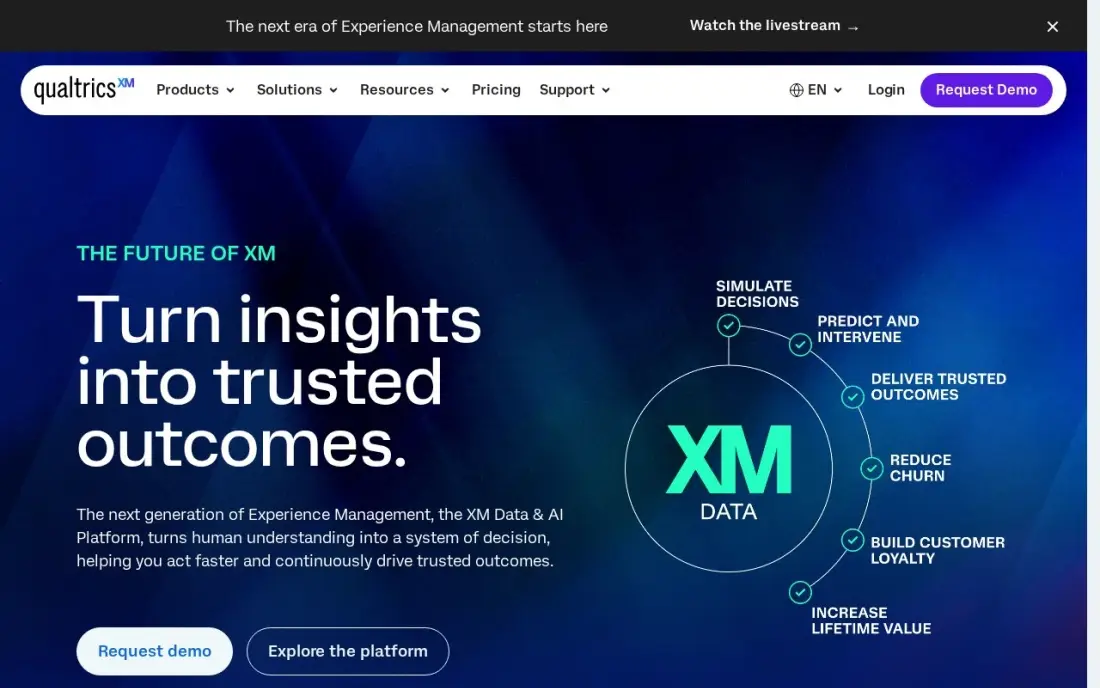
Qualtrics is the enterprise end of survey software and the standard for experience management: research-grade surveys, feedback from surveys, reviews and support signals joined across the customer journey, and Text iQ, which reads open-text answers for the themes behind the scores. It is built for large organizations with dedicated research staff running always-on programs.
The cost is opaque. The CustomerXM platform has no published price and is sold as an enterprise contract, and a self-serve Strategic Research plan is listed at $420 a month billed annually for research surveys only. Smaller teams will pay for features they never use. Choose Qualtrics when you have a research team to run it; otherwise SurveyMonkey or Alchemer covers the job.
What we like
- The most complete feedback toolkit here: surveys, reviews and support signals joined across the journey
- Text iQ reads open-text answers for the themes behind the scores, not just the numbers
- The enterprise standard for experience management, with the largest research-grade feature set
Watch out for
- No published price for the CX platform — CustomerXM is custom-quoted as an enterprise contract
- Built for teams with dedicated research staff; smaller teams will underuse it
- The published $420-a-month plan covers research surveys only, not the CX platform
The best survey software gets the right questions in front of the right people, keeps them answering to the end, and turns the replies into something you can act on. We compared eight tools, from free form builders to enterprise research platforms, on free plans, response limits, logic, distribution channels and AI analysis of open-ended answers. Every price below was checked on the vendor's own pricing page, or a page we read that cites it, in November 2026.
How to choose the best survey software
- Count responses before you count features. Plans are capped by responses per month, per quarter or per year, and the cap decides the bill more than any feature list.
- Decide who builds the surveys. One person can live on a single-user plan; three editors on SurveyMonkey or Alchemer means paying for three seats.
- Match the format to the audience. One-question-at-a-time surveys from Typeform and SurveySparrow suit customers on phones; long grids suit staff and research panels.
- Check the logic you need on the plan you can afford. Skip logic, piping and branching are on most paid tiers, but some free plans cap questions or hide logic.
- Plan the analysis. Open-ended answers are where the useful detail lives; AI theme analysis saves hours if you collect hundreds of comments.
- Look at where the data goes. Sheets, CRM and Slack integrations decide whether results get used or sit in a dashboard nobody opens.
Surveys are also one of the cheapest ways to find out what customers search for and how they describe your product. Our guide to keyword research for local businesses shows how to turn those answers into page topics, and our monthly SEO service can do it for you.
Survey software pricing: what you will actually pay
Take a small business that wants to run a quarterly customer survey and a monthly short poll, with about 400 responses a month and two people building surveys. Google Forms costs $0 with personal Google accounts, and Tally costs $0 on its free plan, or $29 a month on Pro if you want your own domain and no Tally branding. Typeform Basic would not fit, because it caps at 100 responses a month; Plus at $56 a month billed annually raises the cap to 1,000.
SurveySparrow Basic costs $19 a month billed annually but is a single-user plan, so two editors push you to Business at $79 a month. SurveyMonkey Team Advantage needs three seats, so the floor is $90 a month, or $1,080 a year, with 50,000 responses included. Alchemer Collaborator costs $55 a user a month billed monthly, or $110 a month for two people, or $315 a user a year on annual billing, which brings two seats to $630 a year. Qualtrics and Zonka Feedback publish no price, so only a quote tells you their cost.
Know the difference: form builders vs survey platforms
A form builder collects answers. Google Forms and Tally are excellent at this: fast to build, free or cheap, and good at sending responses to a spreadsheet. They work well for sign-ups, quizzes, order forms and short polls, where you read the answers one by one or in a simple chart.
A survey platform is built around analysis and repeat programs. SurveyMonkey, Alchemer, SurveySparrow, Zonka Feedback and Qualtrics add cross-tabs, benchmarks, NPS tracking over time, closed-loop alerts and AI reading of comments. If you run the same survey every quarter and need to see whether scores moved, you have outgrown a form builder.
Quick comparison: tool type by need
| Buyer | Best pick | Why |
|---|---|---|
| Small teams running regular surveys | SurveyMonkey | Templates, logic and 50,000 responses a year from $90/month for 3 seats |
| Customer-facing surveys and lead forms | Typeform | One question at a time, Basic $28/month billed annually |
| Free surveys into Sheets | Google Forms | Free with a personal Google account |
| Startups on no budget | Tally | Most features free, Pro $29/month |
| Chat-style surveys with AI | SurveySparrow | Basic $19/month billed annually, AI theme analysis |
| Market and HR research | Alchemer | Advanced logic and virtually unlimited responses, $55/user/month |
| NPS and CSAT programs | Zonka Feedback | Multi-channel CX surveys with closed-loop workflows, custom quote |
| Enterprise research teams | Qualtrics | Research-grade surveys and Text iQ, custom quote |
Mistakes to avoid
- Buying on the plan name, not the response cap. A plan that stops at 100 responses a month will cut off a survey halfway through a launch.
- Writing surveys that are too long. Every extra question costs completions; ask only what you will act on.
- Forgetting seat minimums. SurveyMonkey's team plan needs three seats, so a two-person team still pays for three.
- Ignoring the open-ended answers. The scores tell you what moved; the comments tell you why, so budget time or AI to read them.
- Collecting data without a plan to use it. Decide who reads the results and what changes before you send the survey.
Related comparisons: White Label Software Platforms for Agencies · Website Traffic Analysis Tools · Website Design Companies for Small Business · Website Content Writing Services
How we chose
We read each vendor's pricing page, or a page citing it, in November 2026, including Tally's plans page and a Google Forms pricing explainer on 16 November 2026, and recorded starting prices exactly as listed, with the billing period. We ranked the tools for the most common buyer, a small or mid-size team that runs customer or staff surveys several times a year, and weighed response limits and seat rules as heavily as features. Ratings come from G2 pages checked on the dates shown in the sources; where we did not read a review page, we list no rating. No vendor paid for a place in this list, and none of the links here are affiliate links.
What to do next
Write the one survey you most need this quarter, then build it in two tools from this list: one free option and one paid trial. Send it to a small group, compare completion rates and how easy the results are to read, and keep the winner. If the answers show customers cannot find you online, book a free SEO review.
Frequently asked questions
What is the best survey software?
SurveyMonkey is the best all-round survey software for teams, with templates, logic and 50,000 responses a year on Team Advantage at $30 a user a month billed annually. Typeform is best for completion rates, and Google Forms and Tally are the best free options.
What is the best free survey software?
Google Forms is free with a personal Google account and sends responses to Google Sheets. Tally says 99% of its features are free without limits under its fair use rules. SurveyMonkey's free Basic plan is far tighter, at 10 questions and 40 viewable responses per survey.
How much does survey software cost?
On published prices, SurveySparrow Basic costs $19 a month billed annually, Typeform Basic $28 a month billed annually, Tally Pro $29 a month, and Alchemer Collaborator $55 a user a month billed monthly. SurveyMonkey Team Advantage starts at $90 a month because of its three-seat minimum. Qualtrics and Zonka Feedback are quote-only.
Are paid survey apps the same as survey software?
No. Paid survey apps pay members small rewards for answering other companies' questionnaires. Survey software is what a business uses to build and send its own surveys. This guide covers survey software and its paid plans, not apps that pay you to take surveys.
Which survey tool is best for customer feedback?
For NPS, CSAT and CES programs, Zonka Feedback and SurveySparrow are built for repeat customer surveys across email, SMS and web, with AI reading the comments. SurveyMonkey also works well when a small team wants templates and a shared response allowance.
How many responses do I need?
Count your yearly volume before choosing a plan. Typeform Basic stops at 100 responses a month, SurveySparrow allowances are annual, SurveyMonkey Team Advantage includes 50,000 a year and charges $0.15 per extra response, and Alchemer's self-serve plans have virtually unlimited responses.
What is the best online survey software for education?
Google Forms is the default for teachers and schools: it is free with a personal Google account, and every response can land in a Google Sheet to sort, chart and share, which covers class quizzes, event sign-ups and staff check-ins. Tally is a strong free alternative, with most features on its free plan. SurveyMonkey's free Basic plan caps each survey at 10 questions and 40 responses.
Sources we checked (13)
- SurveyMonkey — www.surveymonkey.com/pricing (checked November 2, 2026)
- SurveyMonkey reviews on G2 (checked November 2, 2026)
- Typeform — www.typeform.com/pricing (checked November 2, 2026)
- Typeform reviews on G2 (checked November 2, 2026)
- Google Forms — www.jetadmin.io/blog/google-forms-pricing (checked November 16, 2026)
- Tally — tally.so/help/plans-and-pricing (checked November 16, 2026)
- SurveySparrow — www.surveysparrow.com/pricing (checked November 2, 2026)
- SurveySparrow reviews on G2 (checked November 2, 2026)
- Alchemer — www.alchemer.com/plans-pricing (checked November 2, 2026)
- Alchemer reviews on G2 (checked November 2, 2026)
- Zonka Feedback — www.zonkafeedback.com/pricing (checked November 2, 2026)
- Zonka Feedback reviews on G2 (checked November 2, 2026)
- Qualtrics — www.qualtrics.com/pricing (checked November 12, 2026)
Make one of these tools?
We re-check this list every quarter. Send a correction, request a review, or ask about a clearly labeled sponsored spot.
Request a listingShamim
Founder of SerpAstra
A full-stack digital marketer and SEO strategist covering technical and local SEO, AI search visibility, paid ads and lead generation for local businesses, e-commerce brands and SaaS teams.
Free SEO and AI visibility audit
Find out what is holding your rankings back
Send us your site. Within 2 business days you get a written audit, an AI visibility check and a short fix list ranked by impact. Free, with no contract attached.
Request my free audit→Related buying guides
 Data, Analytics & AI10 Best Feedback Analytics Software in 2026, ComparedThe 10 best feedback analytics software tools for 2026, compared on real prices, free plans, and NPS, CSAT and CES tracking. Prices checked November 2, 2026.Read guide →
 Marketing11 Best Software for Voice of Customer Analytics in 2026, Compared11 best software for voice of customer analytics compared on price, surveys, text analysis and AI. Prices checked November 2, 2026, free plans noted.Read guide →
 Customer Service8 Best Website Feedback Tools in 2026, ComparedCompare the 8 best website feedback tools for visual bug reports, client reviews, on-page surveys and heatmaps, from Userback and Pastel to Hotjar and Clarity.Read guide →