
8 Best Website Platforms for Artists in 2026, Compared
Compare the 8 best website platforms for artists to show a portfolio, sell prints and take commissions, from Squarespace and Wix to Shopify and Ko-fi.
 Shamim Mia, Founder, SerpAstraLast verified November 4, 20268 min read
We compare pricing pages, documentation and public reviews. We never accept payment for rankings.

Key takeaways
- Squarespace is the best website platform for most artists: gallery-quality templates, a built-in store and hosting, from $19 a month billed annually after a 14-day trial.
- Artists who already pay for Adobe Creative Cloud get Adobe Portfolio included, and Carrd builds a one-page artist site for $9 a year.
- Shopify is the pick once selling prints and originals becomes the main business, from $29 a month billed annually; Ko-fi takes tips, commissions and shop sales for free with a 5% fee on sales.
- Wix gives the most layout freedom with a free plan to start, and WordPress.com suits artists who want to blog and grow through search.
On this page
Quick comparison
| Tool | Best for | Starting price | Free plan |
|---|---|---|---|
| Squarespace | Artists who want a gallery-quality portfolio with a built-in shop and little setup | $25/mo | No (14-day trial) |
| Wix | Artists who want complete layout freedom and a free plan to start | $36/mo | Yes (free plan) |
| Shopify | Artists whose main business is selling prints, originals and merchandise online | $39/mo | No (trial) |
| WordPress.com | Artists who want to blog about their process and grow an audience through search | $40/mo | Yes (free plan) |
| Adobe Creative Cloud | Artists already on Creative Cloud who want a portfolio site at no extra cost | $54.99/mo | No (7-day trial) |
| Framer | Digital artists and designers who want a modern, animated portfolio site | $10/mo (annual) | Yes (free plan) |
| Carrd | Emerging artists who need a simple one-page site with links to their work | $9/yr | Yes (free plan) |
| Ko-fi | Artists who take commissions, tips and small shop sales from their fans | Free; Gold $12/mo | Yes (free plan) |
Make one of these tools?
We re-check this list every quarter. Send a correction, request a review, or ask about a clearly labeled sponsored spot.
Request a listingThe best website platforms for artists

Squarespace
Best for: Artists who want a gallery-quality portfolio with a built-in shop and little setup
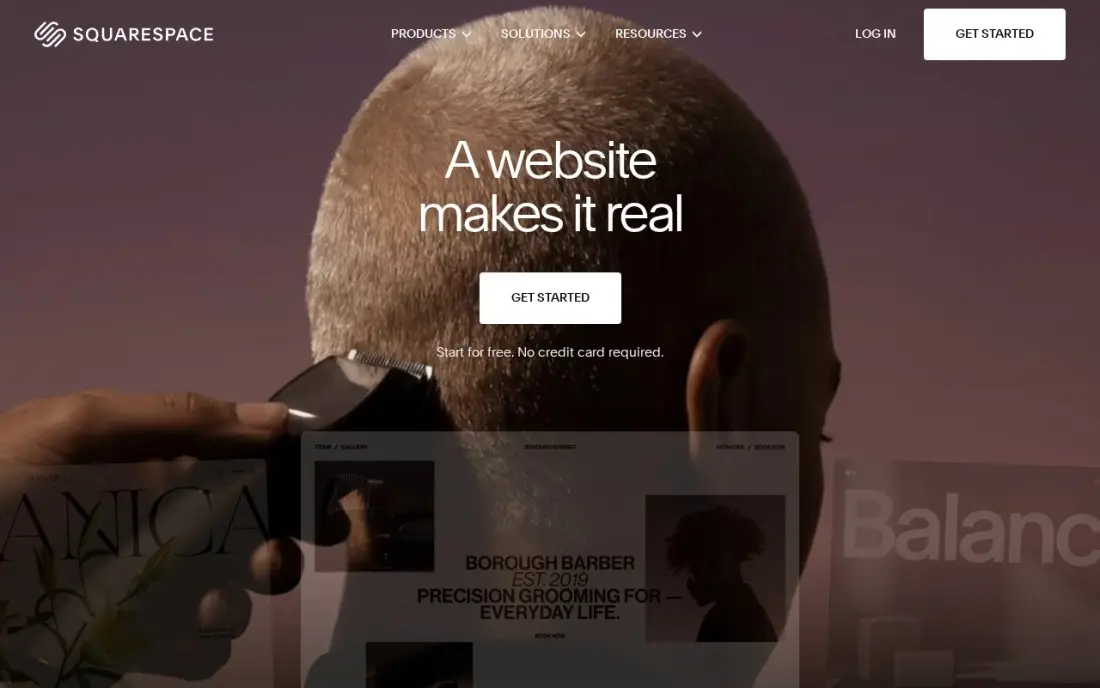
Squarespace suits artists because its templates are built around large images, generous white space and clean typography, so the work looks the way it would on a gallery wall. Galleries, an about page, an exhibition list and a contact form take an afternoon, and every plan includes a store with unlimited products for prints, originals or digital downloads, plus hosting and SSL.
Basic costs $25 a month, or $19 billed annually, after a 14-day free trial; annual billing adds a free domain for the first year. Basic adds a 2% fee on store sales and allows two contributors. For an artist who wants a professional site without fuss, it is the safest choice.
What we like
- The most polished templates here, with strong photography and video presentation for skin care
- Unlimited products, subscription products and abandoned cart recovery on every plan
- Hosting, SSL and a free custom domain for the first year are included on annual billing
- Invoices, memberships and digital content are built in, not add-ons
Watch out for
- Basic adds a 2% Squarespace fee on every online store sale, on top of card processing
- Only two contributors on Basic, so a team quickly outgrows it
- No code injection on Basic, which limits custom tracking and widgets

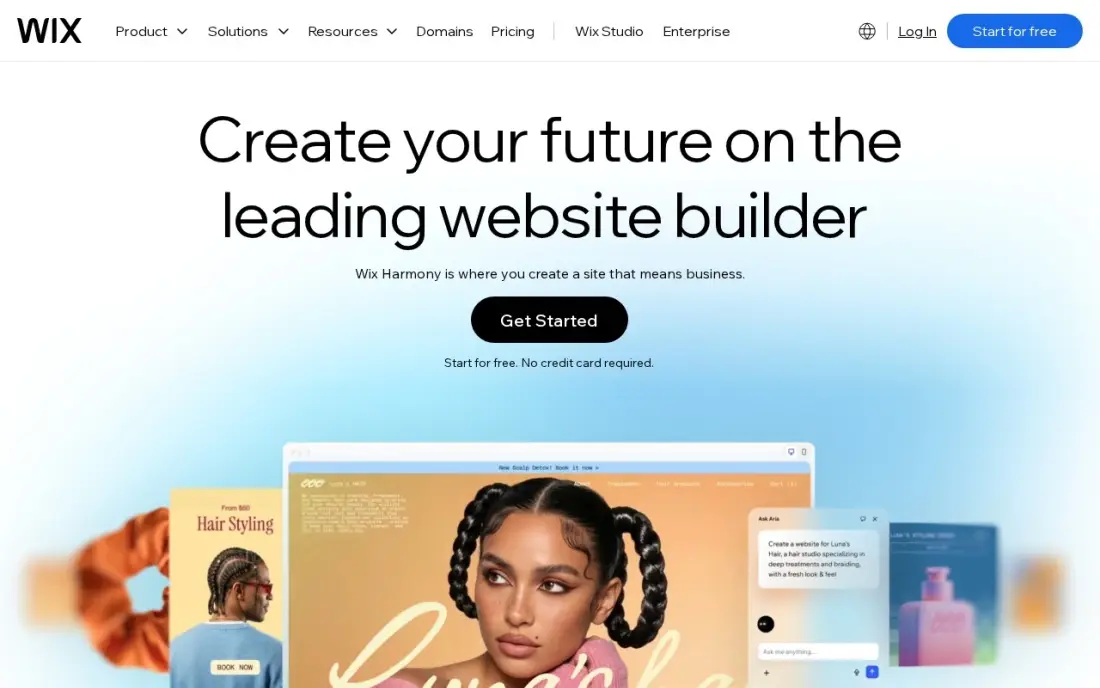
Wix lets an artist place any image or text anywhere on the page, which suits illustrators and multidisciplinary artists who want an unusual layout rather than a standard grid. Hundreds of templates, a blog, bookings for workshops or studio visits and an online store live in one dashboard, and the free plan lets you build and publish before paying.
Selling starts on Core at $36 a month, or $29 billed annually, because Light cannot take payments. The freedom has a cost: pages that look striking on desktop can be messy on phones, so check every page in mobile view. Budget on renewal prices, since first-year discounts are common.
What we like
- Core takes payments with 0% platform fee through Wix Payments, at 2.9% + 30c a card sale
- Bookings, a blog and marketing tools sit in the same dashboard as the store
- Hundreds of templates and an app market, with no code needed to launch
- A free plan exists for the website, so the brand can build before it pays
Watch out for
- Light at $17 a month billed annually cannot take payments, so selling starts at Core
- Core's 50 GB of storage and 5 collaborators cap a growing catalog and team
- Wix runs 50%-off first-year promotions often, so the renewal price is the honest one to budget

Shopify
Best for: Artists whose main business is selling prints, originals and merchandise online

Shopify is the platform for artists who are building a shop first and a portfolio second. It handles unlimited products, variants for print sizes and framing, inventory, shipping and checkout, connects to print-on-demand apps, and Basic includes POS for selling at art fairs and markets. The theme and app library is the largest of any platform here.
Basic costs $39 a month, or $29 billed annually, after a 3-day trial and then $1 a month for three months. A paid theme and apps can double the bill, a 2% fee applies if you skip Shopify Payments, and Basic includes only one staff account.
What we like
- The largest app and theme ecosystem here, with skin care and beauty themes ready to install
- Unlimited products, hosting, SSL and checkout included, with AI-chat selling on the entry plan
- Shopify Payments charges 2.9% + 30c online with no extra platform fee
- POS for in-person sales at markets and pop-ups is included on Basic
Watch out for
- Apps and a paid theme push the real bill well above the $39 headline price
- A 2% fee applies on sales through a third-party payment gateway on Basic
- Only the store owner gets a staff account on Basic, so a small team must upgrade

WordPress.com
Best for: Artists who want to blog about their process and grow an audience through search
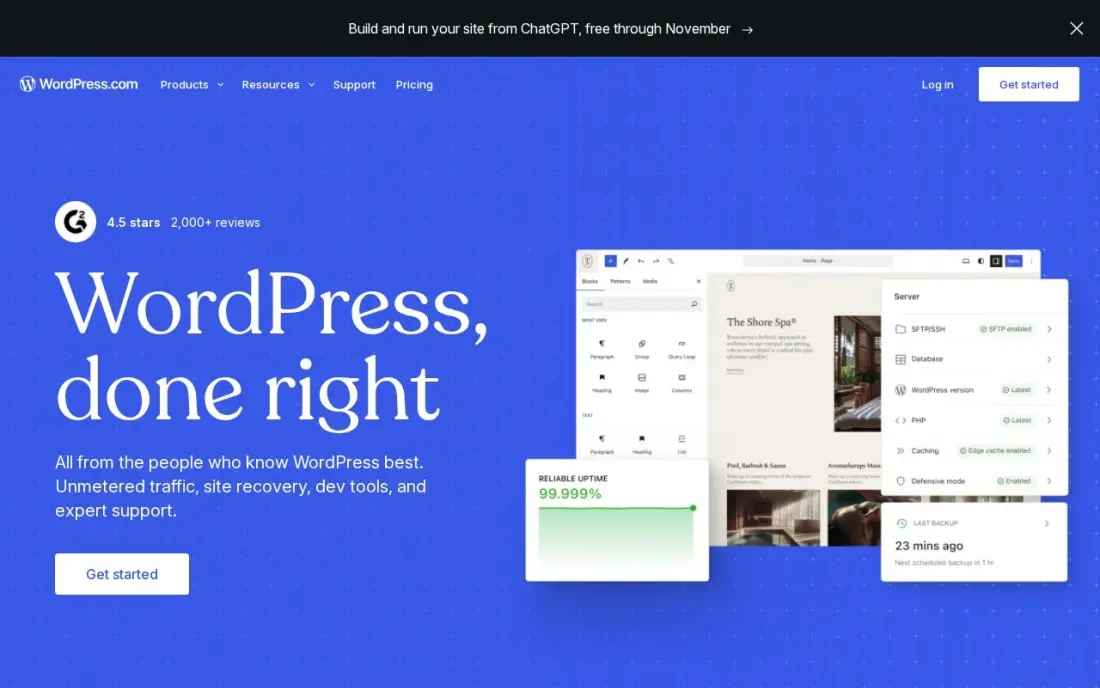
WordPress.com combines a portfolio with a real blog and the WordPress plugin library, so an artist who writes about process, techniques or exhibitions can build an audience through search over time. Hosting, security and updates are included, a free plan exists, and Personal at $4 a month billed annually can now install plugins.
Business costs $40 a month billed monthly, or $25 billed annually in the first year, renewing at $28, and adds staging and real-time backups. Portfolio themes are less striking out of the box than Squarespace's, so expect to spend time on design.
What we like
- The lowest-friction way to run a manufacturing website: hosting, security, updates and CDN included
- Business adds staging, real-time backups, SFTP, WP-CLI and GitHub deployments for developer teams
- More than 60,000 plugins cover product catalogues, quote forms, dealer locators and multilingual sites
- A free plan exists, and Personal at $4 a month billed annually can now install plugins too
Watch out for
- The $25 a month annual figure is a first-year price; Business renews at $28 a month
- Each site needs its own plan, so a second brand site doubles the bill
- Plugin and theme choice is broad, but deep custom development still needs a developer

Adobe Creative Cloud
Best for: Artists already on Creative Cloud who want a portfolio site at no extra cost
Every individual Adobe Creative Cloud plan includes Adobe Portfolio, a simple way to publish a portfolio website from the same subscription that pays for Photoshop, Illustrator and the rest of the desktop apps. For a digital artist or illustrator already paying for Adobe, that removes a separate website bill, and 100 GB of cloud storage and Adobe Fonts come too.
Creative Cloud Standard costs $54.99 a month on an annual plan billed monthly, and single apps start at $22.99 a month. Cancelling an annual plan early triggers a fee of 50% of the remaining balance. Portfolio is built for showing work, not running a full shop.
What we like
- Standard costs $54.99 a month on an annual plan billed monthly and includes the full desktop app set: Photoshop, Illustrator, Premiere Pro and more
- 100 GB of cloud storage, Adobe Fonts and Adobe Portfolio are included on every individual plan
- The highest review score in this list, 4.7 out of 5 on Capterra from 7,327 reviews
- Single-app plans from $22.99 a month mean a team that needs only Photoshop never pays for the suite
Watch out for
- The old $59.99 All Apps price is gone: the plan is now Creative Cloud Pro at $69.99, with Standard at $54.99 below it
- Cancelling an annual plan early triggers a fee equal to 50% of the remaining balance
- Standard caps generative AI at 25 credits a month, far below Pro's 4,000

Framer
Best for: Digital artists and designers who want a modern, animated portfolio site
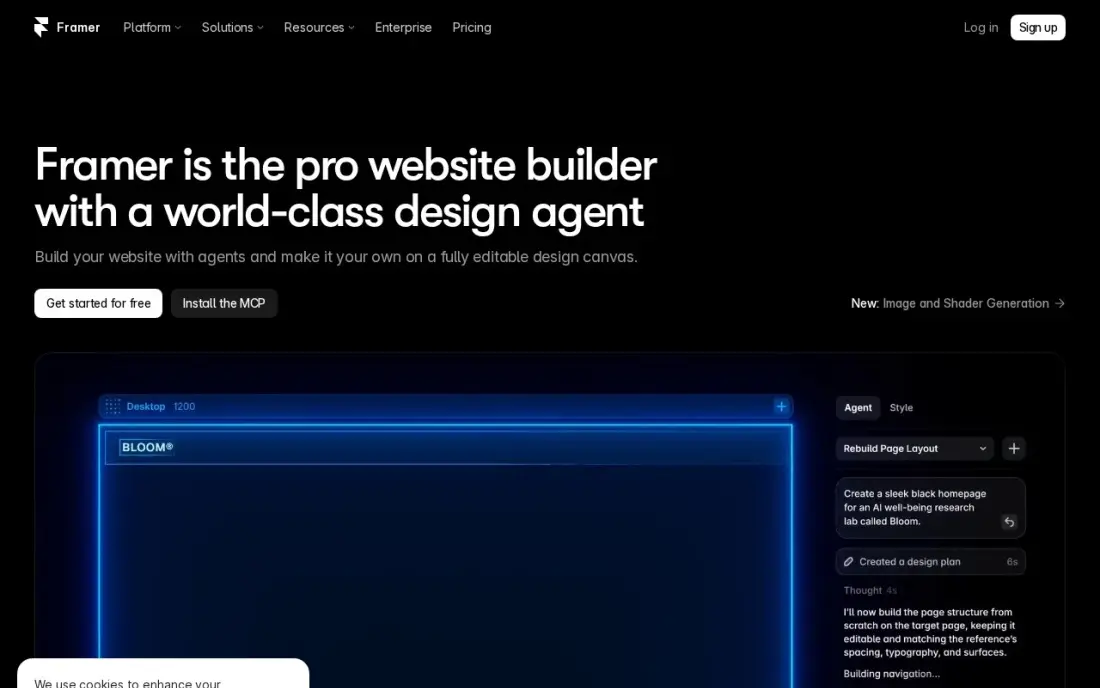
Framer suits digital artists, motion designers and illustrators who want a portfolio with smooth transitions and interactions that feel like a piece of work in itself. You design on a freeform canvas, the AI builder can draft a first version from a prompt, and hosting and SEO controls are included. A free plan publishes on a framer.website subdomain.
Basic costs $10 a month billed yearly with a custom domain, 2 CMS collections and 1,000 items, which covers a sizeable portfolio. There is no built-in store, extra editors cost $20 a month each, and the ecosystem is smaller than WordPress's.
What we like
- AI generation turns a prompt into a publishable modern site
- Modern templates and smooth interactions with no code
- Custom domain and your own branding on Basic
- Fast managed hosting with SEO controls included
Watch out for
- Basic allows only 2 CMS collections and 1,000 items
- Extra editors cost $20/month each, on top of the site plan
- A smaller ecosystem than WordPress — no plugin marketplace

Carrd
Best for: Emerging artists who need a simple one-page site with links to their work
Carrd builds a clean one-page artist site — a few images, a short bio, links to Instagram, a shop and a contact form — in under an hour, and it looks good on phones. For an emerging artist who mainly needs somewhere to send gallery contacts and social followers, it does the job for almost nothing.
Pro Lite costs $9 a year for three sites with custom domains, and Pro Standard at $19 a year adds forms and ten sites. Each site is a single page, so there are no separate series or exhibition pages, and there is no built-in shop. The free plan carries a Carrd badge.
What we like
- Pro Lite costs $9 a year, the cheapest paid option in this list by a wide margin
- Fast to publish: pick a template, edit the text, connect a domain and go live
- Pro Standard at $19 a year adds custom domains, forms and 10 sites
- Pages load fast and look clean on mobile with almost no setup
Watch out for
- One page per site only, so multi-page campaigns need another tool
- No built-in analytics, A/B testing or integrations beyond embeds and forms
- The free plan shows a Carrd badge and uses a carrd.co subdomain

Ko-fi
Best for: Artists who take commissions, tips and small shop sales from their fans
Ko-fi gives artists one page for tips, commissions, memberships and a small shop, with payments going straight to their own PayPal or Stripe and no payout minimum. For an illustrator who takes commissions from social media followers, it is a quick way to start earning without building a full website.
Joining is free, and one-time tips carry a 0% platform fee, but shop sales, memberships and commissions carry a 5% fee on the free plan. Gold costs $12 a month for new users and removes it, which pays off once those sales pass about $240 a month. There is no discovery network, so traffic comes from you.
What we like
- Free to join with no monthly fee, and 0% platform fee on one-time tips
- Payments go straight to the creator's own PayPal or Stripe, with no payout minimum
- One page covers tips, memberships, a shop and commissions, so a creator needs no second tool
- Gold at $12 a month for new users removes the 5% fee on shop, membership and commission sales
Watch out for
- Shop sales, memberships and commissions cost 5% on the free plan — only one-time tips are 0%
- Gold costs $12 a month for new users, not the $6 figure still quoted across the web; annual plans are gone
- Membership and analytics tools are weaker than Patreon's, and there is no discovery network
The best website platform for artists shows the work at its best, makes it easy for galleries, collectors and fans to get in touch, and lets you sell prints, originals or commissions without a second tool. We compared eight platforms artists actually use — portfolio builders, a full e-commerce platform, a blog-first option and fan-funding pages — and checked every price on the vendor's pricing page in November 2026.
How to choose the best website platforms for artists
- Put the images first. Choose templates that show work large and uncluttered, and test how they crop vertical and horizontal pieces.
- Decide how much you will sell. A few prints suit a built-in store; a growing print business needs Shopify's inventory and shipping tools.
- Check selling fees. Squarespace Basic adds 2% on store sales, Ko-fi's free plan takes 5% on shop and commission sales, and Shopify adds 2% without its own payments.
- Think about commissions. A simple enquiry form or Ko-fi commissions page saves long message threads.
- Own your domain. A custom domain looks professional and stays yours if you change platforms.
- Plan for growth. A mailing list and a blog keep collectors coming back between shows.
Artists are searched for by name and by style. The free title tag checker and meta description checker help each series page show up well in Google, and our AI search optimization service helps your name and work appear in AI answers.
Artist website pricing: what you will actually pay
Take an artist who wants a portfolio, a custom domain and a small shop for prints. Squarespace Basic costs $19 a month billed annually, or $228 a year, plus 2% on store sales, and $25 a month on monthly billing. Wix Core costs $29 a month billed annually, or $348 a year. Shopify Basic costs $29 a month billed annually, or $348 a year, before any paid theme or apps.
For portfolio-only sites, Framer Basic costs $10 a month billed yearly, or $120 a year, and Carrd Pro Lite costs $9 a year. WordPress.com Personal costs $4 a month billed annually, or $48 a year. Adobe Portfolio is included with Creative Cloud, whose Standard plan costs $54.99 a month on an annual plan. Ko-fi is free to join, but $1,000 of commission sales a month on the free plan costs $50 in fees, so Gold at $12 a month would save $38.
Know the difference: portfolio site vs online art store
A portfolio site is built to show the work and start conversations. It groups pieces into series, tells your story, lists exhibitions and makes it easy for a gallery, curator or collector to get in touch. Squarespace, Framer, Adobe Portfolio and Carrd all do this well, and some add a simple store for occasional sales.
An online art store is built to sell. It handles product variants for sizes and framing, stock levels, shipping rates, taxes, discount codes and abandoned-cart emails. Shopify leads here, with Wix and Squarespace close behind for smaller catalogues. Many artists start with a portfolio and a few prints, then move the shop to a dedicated store as sales grow.
Quick comparison: tool type by need
| Buyer | Best pick | Why |
|---|---|---|
| Most artists | Squarespace | Gallery-quality templates and a store, $19/month billed annually |
| Layout freedom | Wix | Free plan, Core $29/month billed annually |
| Selling prints and originals | Shopify | Strongest store and POS, Basic $29/month billed annually |
| Blogging and search growth | WordPress.com | Blog and plugins, Personal $4/month billed annually |
| Creative Cloud subscribers | Adobe Creative Cloud | Adobe Portfolio included |
| Animated digital portfolios | Framer | Modern interactions, $10/month billed yearly |
| Emerging artists | Carrd | One-page site for $9/year |
| Commissions and tips | Ko-fi | Free to join, 0% on one-time tips |
Mistakes to avoid
- Uploading low-quality photos. Poor lighting and cropping undersell the work; photograph or scan it properly.
- Showing everything. Curate your strongest series rather than every piece you have made.
- Hiding prices or how to buy. If collectors cannot tell how to buy or enquire, they leave.
- Relying only on social media. Keep a mailing list on your own site so you can reach collectors directly.
- Huge image files. Compress images so pages load quickly on phones.
How we chose
We checked each vendor's pricing page in November 2026 and recorded the starting price exactly as shown, including whether it is billed monthly or annually and any sales fees. We ranked the platforms by fit for the most common buyer, a working artist who wants to show a portfolio and sell some work online. Ratings come from G2 or Trustpilot pages on the dates shown in the sources; where no rating was verified, we left it out. No vendor paid for a place in this list, and none of the links here are affiliate links.
What to do next
Choose your 15 strongest pieces, build a free or trial site on your top pick, and send the link to three people whose opinion you trust before you pay. When the site is live and you want collectors to find it, book a free SEO review.
Frequently asked questions
What is the best website platform for artists?
Squarespace is the best website platform for most artists, with gallery-quality templates and a built-in store from $19 a month billed annually. Shopify is better when selling is the main business, Wix offers the most layout freedom, and Carrd is the cheapest at $9 a year.
Can artists build a website for free?
Yes, with limits. Wix, WordPress.com, Framer and Carrd all have free plans that publish on their own subdomain, and Ko-fi is free to join. A custom domain on a paid plan looks more professional to galleries and buyers.
Which website platform is best for selling art prints?
Shopify has the strongest store tools, print-on-demand apps and POS for art fairs, from $29 a month billed annually. Squarespace and Wix also sell prints, and Squarespace Basic adds a 2% fee on store sales.
Do artists need a website if they have Instagram?
Yes. Social platforms change their rules and reach, while a website gives you a permanent portfolio, your own domain, a mailing list and a shop that you control. Use social media to send people to it.
What should an artist website include?
Strong images of your work grouped by series, a short bio and artist statement, exhibitions or press, prices or a way to enquire, a mailing list sign-up and clear contact details.
How do artists get their website found on Google?
Give each series and artwork its own page with a descriptive title and alt text, write about your process and exhibitions, and keep your name consistent across the site, social profiles and gallery listings.
Sources we checked (14)
- Squarespace — www.squarespace.com/pricing (checked November 12, 2026)
- Squarespace reviews on G2 (checked November 12, 2026)
- Wix — www.wix.com/plans (checked November 12, 2026)
- Wix reviews on G2 (checked November 12, 2026)
- Shopify — shopify.com/pricing (checked November 12, 2026)
- Shopify reviews on G2 (checked November 12, 2026)
- WordPress.com — wordpress.com/pricing (checked November 12, 2026)
- WordPress.com reviews on G2 (checked November 12, 2026)
- Adobe Creative Cloud — www.adobe.com/creativecloud/plans.html (checked November 4, 2026)
- Adobe Creative Cloud reviews on Capterra (checked November 4, 2026)
- Framer — www.framer.com/pricing (checked November 5, 2026)
- Carrd — carrd.co (checked November 4, 2026)
- Ko-fi — ko-fi.com/pricing (checked November 12, 2026)
- Ko-fi reviews on Trustpilot (checked November 12, 2026)
Make one of these tools?
We re-check this list every quarter. Send a correction, request a review, or ask about a clearly labeled sponsored spot.
Request a listingShamim
Founder of SerpAstra
A full-stack SEO and digital marketer who spends most days on Local SEO for dental practices, AI search visibility and lead generation.
Free SEO and AI visibility audit
Find out what is holding your rankings back
Send us your site. Within 2 business days you get a written audit, an AI visibility check and a short fix list ranked by impact. Free, with no contract attached.
Request my free audit→Related buying guides
 Website Builders & Hosting8 Best Platforms for Portfolio Websites in 2026, ComparedCompare the 8 best platforms for portfolio websites for designers, artists and freelancers on design control, free plans and yearly cost, prices checked.Read guide →
 Graphic Design & CreativeBest Digital Art Software for 2026: 11 Options Compared by Use CaseCompare the 11 best digital art software options for 2026 by use case, with real prices — from free open-source tools to Photoshop at $22.99 a month.Read guide →
 Marketing7 Best Platforms for Content Creators in 2026 (Pros, Cons and Pricing)Compare the 7 best platforms for content creators on fees, free plans and features, with every price checked November 12, 2026, against the vendor's own page.Read guide →