
7 Best AI Apps for T-Shirt Design in 2026, Compared
Compare the 7 best AI app for t-shirt design options for print-ready graphics, text effects and mockups, with free plans, commercial terms and prices checked.
 Shamim Mia, Founder, SerpAstraLast verified November 2, 20268 min read
We compare pricing pages, documentation and public reviews. We never accept payment for rankings.
Key takeaways
- Kittl is the most merch-focused app here: Pro costs $12 a month per editor billed annually and includes a commercial licence for up to 500,000 copies; the free plan is personal use only.
- Canva is the easiest all-rounder, with a free plan and Pro at $18 a month or $144 a year, but the background remover needs Pro.
- ChatGPT and the Gemini app are the fastest way to generate a graphic idea from words, both with free tiers.
- Whatever app you use, export a transparent PNG at print size and check the licence before you sell a single shirt.
On this page
Quick comparison
| Tool | Best for | Starting price | Free plan |
|---|---|---|---|
 Kittl | Print-on-demand sellers who want typography-heavy shirt designs with a clear commercial licence | Free; Pro $12/mo | Yes (personal use) |
 Canva | Beginners who want shirt templates, AI tools and easy text layouts in one familiar editor | $18/mo | Yes (free plan) |
 Adobe Express | Designers who want Firefly AI text effects and Adobe Fonts for shirt slogans at a low monthly price | $9.99/mo | Yes (free plan) |
 Picsart | Phone-first creators who design shirts on mobile with AI images and background removal | $15/mo | Yes |
 ChatGPT | Sellers who want to describe a shirt graphic in words and refine it in conversation | $20/mo (no annual) | Yes (limited images) |
 Gemini app | Anyone who wants free AI shirt graphics with just a Google account | Free (Pro $199.99/yr) | Yes (daily limits) |
 Fotor | Budget sellers who want cheap AI tools and transparent PNG export for simple shirt designs | $8.99/mo | Yes (free) |
Make one of these tools?
We re-check this list every quarter. Send a correction, request a review, or ask about a clearly labeled sponsored spot.
Request a listingThe best AI apps for t-shirt design
Kittl
Best for: Print-on-demand sellers who want typography-heavy shirt designs with a clear commercial licence
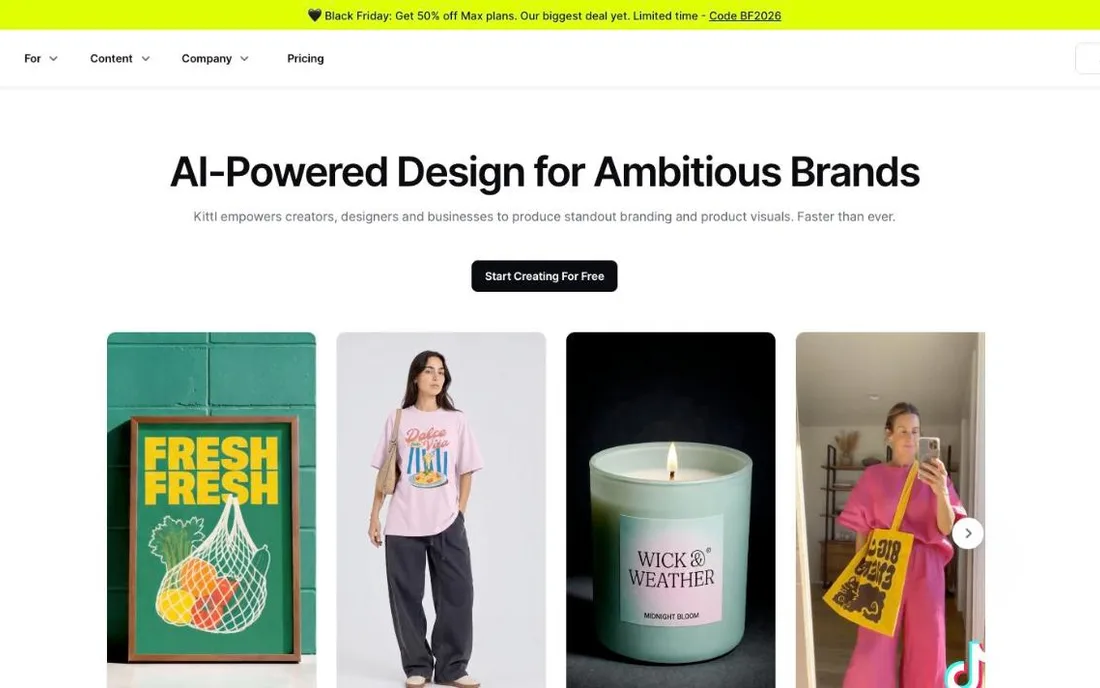
Kittl is the app in this list that feels built for merch. Its templates lean on typography, badges, retro lettering and illustration styles that suit shirts, and its AI tools generate graphics and text effects you can lay out on the same canvas. The free plan gives access to curated templates and tools, but it is for personal use only.
Pro costs $12 a month per editor billed annually and includes a commercial licence for reproducing designs in up to 500,000 copies, which covers almost any print-on-demand shop. Expert at $26 a month adds 200 daily AI tokens, and Max at $48 a month adds 600. Monthly tokens do not roll over, and the page does not state how many each plan includes.
What we like
- Pro and Expert include a commercial licence for up to 500,000 copies
- Built around typography, badges and vintage-style templates that suit apparel
- Expert adds 200 daily AI tokens on top of the monthly allowance
Watch out for
- Free plan designs cannot be used commercially
- Prices shown are per editor billed annually; monthly prices are not on the page
- Monthly AI tokens do not roll over
Canva
Best for: Beginners who want shirt templates, AI tools and easy text layouts in one familiar editor
Canva is the easiest place to start a t-shirt design if you have never used design software. Drag-and-drop editing, a huge template library and Magic Studio AI tools let you build a slogan shirt or a simple graphic in minutes, and the free plan includes more than 250,000 templates and 5GB of storage.
For print, Pro matters. The background remover, Brand Kit and Magic Resize all need Pro, which costs $18 a month billed monthly or $144 a year. Removing backgrounds is what gives you a clean transparent PNG for the printer, so most sellers will upgrade. Check Canva's licence terms for templates and elements before you sell.
What we like
- The easiest way to design a publication from scratch: thousands of magazine and ebook templates with drag-and-drop editing
- Magic Studio AI tools and Brand Kit come with Pro, so a small team can stay on-brand without a designer
- Publish as a website link that updates when the design changes, or export a print-ready PDF for the flipbook tools above
Watch out for
- It designs publications but does not produce a page-flip reader — the output is a PDF or a website link, not a flipbook
- Brand Kit, background remover and Magic Resize all need Pro, so the free plan is template-only for branding
- No reader analytics: there is no way to see how far readers get through a published document
Adobe Express
Best for: Designers who want Firefly AI text effects and Adobe Fonts for shirt slogans at a low monthly price
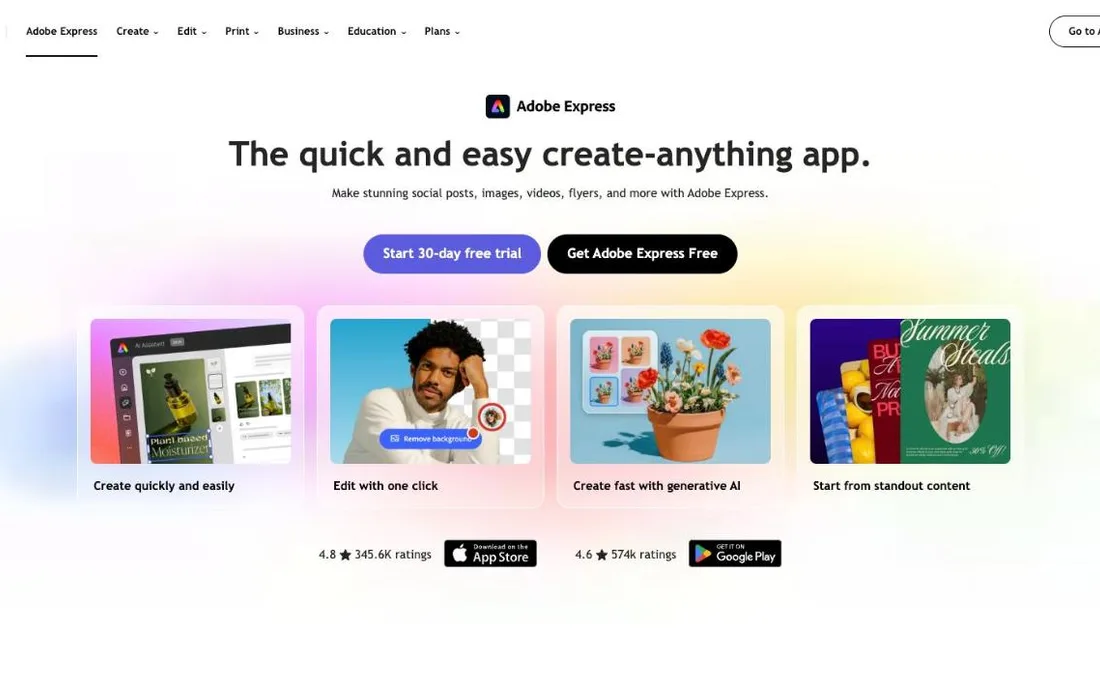
Adobe Express is strong on the part of t-shirt design that sells most: words. Firefly AI generates images and text effects from a prompt, and Premium includes Adobe Fonts and Adobe Stock photos, so a slogan shirt can use a distinctive typeface instead of the same fonts everyone else picks.
Premium costs $9.99 a month, and the free plan covers basic templates and tools. Brand Kits keep colours and logos consistent across a collection, and files work on web and mobile. It has fewer ready-made apparel templates than Canva, so it suits people who like to design from a blank canvas.
What we like
- Adobe Stock photos and Adobe Fonts are included in the price
- Firefly AI generates images and text effects from a prompt
- Brand Kits keep logos and colors consistent across every design
- Works on web and mobile with the same files
Watch out for
- No scheduling or publishing — designs still need a scheduler
- Fewer ready-made retail templates than Canva
- $9.99 a month buys design only, not distribution
Picsart
Best for: Phone-first creators who design shirts on mobile with AI images and background removal
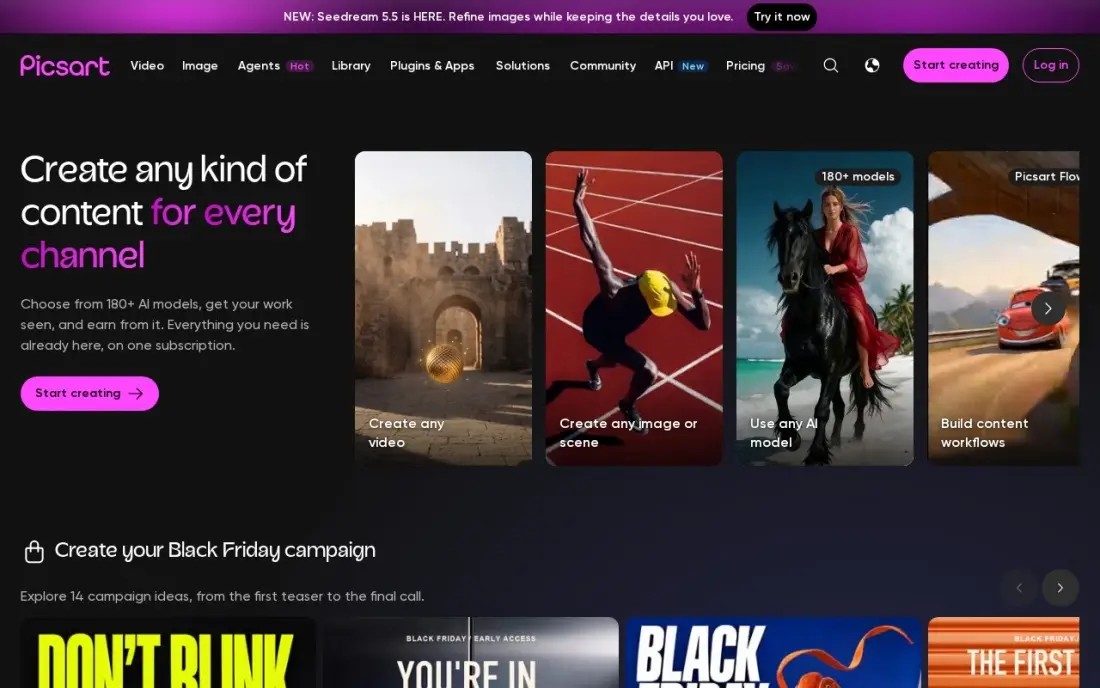
Picsart puts AI image generation, photo editing and advanced background removal in one phone app, which suits sellers who design between other jobs. Generate a graphic, cut it out cleanly and drop it onto a layout without moving to a computer. Pro includes 500 AI credits a month, premium templates and 100 GB of storage.
Pro costs $15 a month billed monthly, or $126 a year billed annually, on the website; the App Store sells Pro from $13.99 a month, so prices vary by where you buy. The free tier shows ads and locks several features. Heavy AI users will hit the 500-credit cap fast.
What we like
- Photo and video editing plus AI image and video generation in one app, with 500 AI credits a month on Pro
- Pro includes advanced background and object removal, a one-tap enhancer, premium templates and 100 GB of storage
- Bulk editing handles 50 images at once, and three brand kits come with Pro
Watch out for
- AI generation is capped at 500 credits a month on Pro, so heavy AI use hits the ceiling fast
- In-app prices differ from the website: the App Store sells Pro from $13.99 a month, cheaper on yearly billing
- Free tier locks several desirable features behind the paywall and shows ads
ChatGPT
Best for: Sellers who want to describe a shirt graphic in words and refine it in conversation
ChatGPT is the quickest way to turn a shirt idea into a picture. Describe the graphic, the style and the words, then refine it turn by turn — bolder outline, fewer colours, text on two lines — without starting over. The free plan includes everyday chats plus limited image generation, so you can test ideas at no cost.
Plus costs $20 a month, billed monthly only, and raises image limits. The free plan's image cap is not published. Use ChatGPT for concepts and artwork, then finish the file in Kittl, Canva or Picsart, because shirts need a clean transparent background and print-size export.
What we like
- Describe the backdrop, outfit and lighting in plain words and iterate in conversation
- Free plan includes unlimited everyday text chats plus limited image generation
- Refine the same image across turns instead of starting over each time
- Plus raises image limits and adds advanced reasoning for $20 a month
Watch out for
- Free plan caps image generation at an unpublished number of images
- No trained face model, so likeness varies from one generation to the next
- Plus is billed monthly only, so there is no annual discount to take
Gemini app
Best for: Anyone who wants free AI shirt graphics with just a Google account
The Gemini app generates images from a written prompt for free with a Google account, which makes it a no-cost way to explore shirt concepts: a mascot, a retro badge, a pattern. There is nothing to install, and you can edit the image by asking for changes in plain words.
Free accounts hit daily limits that Google does not publish and says may change. Google AI Pro costs $19.99 a month, or $199.99 a year, for higher limits. As with ChatGPT, treat the output as artwork to finish elsewhere, and check that text in the image is spelled correctly before printing.
What we like
- Turns one selfie into a polished headshot in seconds with a plain written prompt
- Free tier includes the Nano Banana image model with no watermark on results
- No app install and no credit card, just a free Google account
- Paid Pro plan quadruples usage limits and adds 5 TB of storage
Watch out for
- One selfie gives the model little to work with, so faces can drift after several rounds of edits
- Free accounts hit unpublished daily limits that Google says may change
- No trained model of your face, so every new style starts from scratch
Fotor
Best for: Budget sellers who want cheap AI tools and transparent PNG export for simple shirt designs
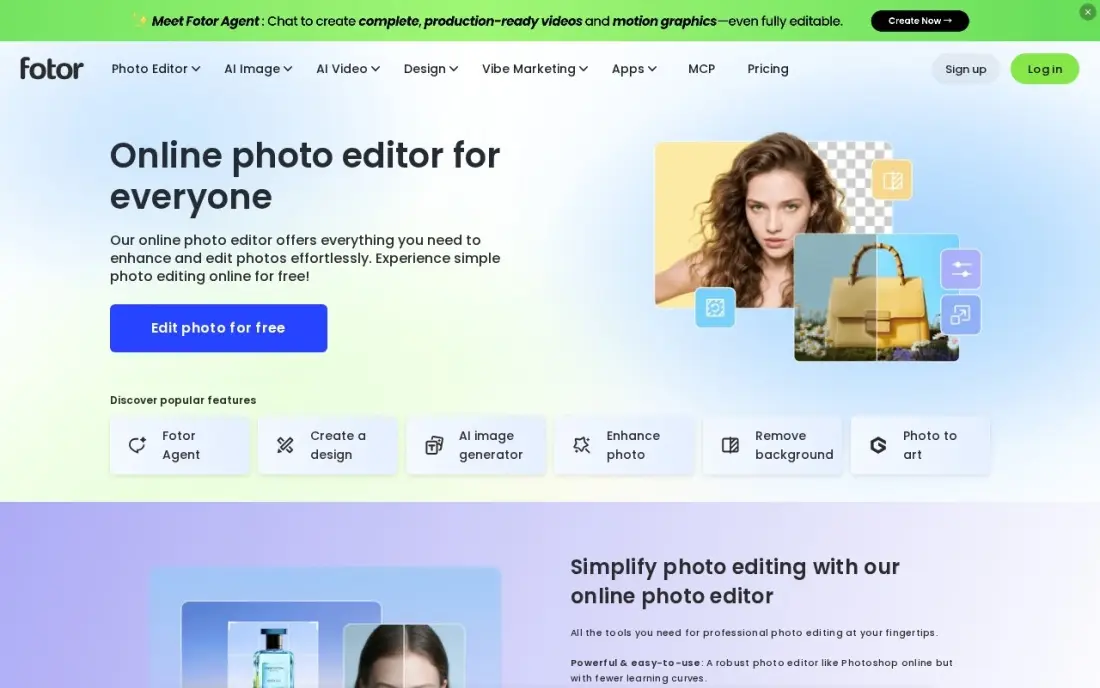
Fotor is the budget option for simple shirt designs. Its one-click background remover and AI tools prepare artwork quickly, and Pro includes HD export and transparent PNG export, which is the file most print-on-demand services want. Brand kits on Pro help keep a small collection consistent.
Pro costs $8.99 a month billed monthly, or $39.99 a year billed annually, the cheapest paid plan here. AI tools run on credits, with 100 a month on Pro, and free exports carry a watermark. Fees are non-refundable once billed, so try the 7-day Pro trial before paying.
What we like
- One-click AI enhancer and background remover fix phone photos fast
- Over 1,000 collage layouts plus batch editing for whole albums at once
- Pro includes brand kits, HD export and transparent PNG export
- Free Basic plan covers simple pages, with a 7-day Pro trial to test the paid tools
Watch out for
- AI tools run on monthly credits: Pro gets 100 a month, so heavy AI use hits a ceiling fast
- Free plan exports carry a watermark and lock most AI tools behind Pro
- Fees once billed are non-refundable, so a mistaken subscription cannot be clawed back
The best AI app for t-shirt design helps you go from an idea to a print-ready file you are allowed to sell. We compared seven apps: Kittl, built around merch-style typography; three all-round design editors with AI built in; two AI image generators for artwork; and one budget editor. Every price below comes from the vendor's pricing page or our verified database, checked in November 2026.
How to choose the best AI app for t-shirt design
- Read the licence first. Kittl's free plan is personal use only, while Pro covers up to 500,000 copies; check the terms of any app before you sell.
- Check for transparent export. Shirts need artwork on a transparent background, so background removal and PNG export matter more than fancy filters.
- Look at the text tools. Most shirts that sell are words; good fonts and text effects matter more than complex illustrations.
- Count AI credits. Picsart Pro includes 500 credits a month and Fotor Pro 100, and image-heavy testing uses them fast.
- Design for print size. Make sure the app exports at the resolution your print-on-demand service needs for a full chest print.
- Keep a consistent style. Brand kits in Canva, Adobe Express, Picsart and Fotor help a collection look like one shop.
A good design only sells if people find the shop. If you run your own store, our SEO audit checks product pages and collections, and the free title tag checker helps each shirt page earn its click from Google.
AI t-shirt design app pricing: what you will actually pay
Take a print-on-demand seller making 20 new designs a month. On yearly billing, Fotor Pro costs $39.99 a year, Kittl Pro costs $12 a month per editor ($144 a year), Picsart Pro costs $126 a year and Canva Pro costs $144 a year. On monthly billing, Adobe Express Premium is $9.99 a month, Picsart $15 and Canva $18.
Adding an AI generator for artwork changes the total. ChatGPT Plus costs $20 a month billed monthly only, or $240 a year, and Google AI Pro is $19.99 a month or $199.99 a year; both have free tiers that may be enough for a few concepts a week. A realistic setup for a new seller is one paid editor with commercial rights, such as Kittl Pro at $144 a year, plus a free AI generator for first drafts.
Know the difference: AI image generator vs design editor
An AI image generator such as ChatGPT or the Gemini app turns words into a picture. It is excellent for concepts — a mascot, a scene, a retro badge — and you can refine it in conversation. What it does not give you is control: exact fonts, precise layout, a guaranteed transparent background or the right print size. Text inside the image can also come out misspelled.
A design editor such as Kittl, Canva, Adobe Express, Picsart or Fotor gives you that control. You place each element, choose fonts, remove backgrounds and export at the size your printer needs. Most of these editors now include AI tools too. The practical workflow is to generate artwork where it is easiest, then assemble and export the final shirt file in an editor whose licence covers selling.
Quick comparison: tool type by need
| Buyer | Best pick | Why |
|---|---|---|
| Print-on-demand sellers | Kittl | Merch-style templates; commercial licence on Pro, $12/month billed annually |
| Complete beginners | Canva | Huge template library; Pro $18/month or $144/year |
| Slogan and type shirts | Adobe Express | Firefly text effects and Adobe Fonts, $9.99/month |
| Designing on a phone | Picsart | AI images plus background removal, Pro $15/month |
| Concepts from words | ChatGPT | Refine artwork in conversation; Plus $20/month |
| Free artwork ideas | Gemini app | Free image generation with a Google account |
| Tight budgets | Fotor | Transparent PNG export on Pro, $39.99/year |
Mistakes to avoid
- Selling designs from a personal-use plan. Free tiers such as Kittl's do not include commercial rights.
- Using brands or characters you do not own. AI tools may draw them, but printing them can get your shop removed.
- Exporting at screen size. A design that looks sharp on a phone can print blurry; export at the size your printer asks for.
- Trusting AI spelling. Check every word in a generated graphic, or add the text yourself in the editor.
- Ignoring shirt colours. A design with black lines disappears on a dark shirt; preview it on every colour you sell.
How we chose
We read Kittl's pricing page on November 19, 2026, and used verified database entries for the other six apps, checked earlier in November 2026. We ranked the apps for a small print-on-demand seller who needs commercial rights, transparent export and good text tools. Licence notes come from the vendors' pages where we could read them; we did not confirm print-on-demand terms for every app, so check each one before selling. No vendor paid for a place in this list, and none of the links here are affiliate links.
What to do next
Pick your three best shirt ideas, generate artwork for one in a free AI tool, and finish all three in the free plan of Kittl or Canva. Upgrade only when you are ready to sell. Once your shop is live, get a free check on how buyers will find it.
Frequently asked questions
What is the best AI app for t-shirt design?
Kittl is the most merch-focused, with Pro at $12 a month per editor billed annually and a commercial licence for up to 500,000 copies. Canva is the easiest all-rounder, and ChatGPT or the Gemini app are the fastest way to generate a graphic idea from words.
Can I sell t-shirts with AI-generated designs?
Often yes, but it depends on the app's licence and the content. Kittl's free plan is personal use only, while Pro includes commercial rights. Never use logos, characters or brand names you do not own, even if an AI tool will draw them.
Is there a free AI app for t-shirt design?
Yes. Canva, Adobe Express, Picsart and Fotor all have free plans, and ChatGPT and the Gemini app generate images for free within limits. Kittl's free plan works for practice but not for designs you sell.
What file format do I need for t-shirt printing?
Most print-on-demand services want a high-resolution PNG with a transparent background. Canva Pro, Picsart Pro and Fotor Pro include background removal, and Fotor Pro lists transparent PNG export. Check your printer's size and resolution rules.
How much does an AI t-shirt design app cost?
Fotor Pro costs $39.99 a year billed annually, Adobe Express Premium $9.99 a month, Kittl Pro $12 a month per editor billed annually, Picsart Pro $15 a month, Canva Pro $18 a month and ChatGPT Plus $20 a month.
Can AI put text on a t-shirt design correctly?
Better than before, but check every letter. Image generators still misspell words at times, so it is safer to generate the graphic and add the text yourself in Kittl, Canva or Adobe Express.
Sources we checked (11)
- Kittl — www.kittl.com/pricing (checked November 19, 2026)
- Canva — www.canva.com/pricing (checked November 12, 2026)
- Canva reviews on G2 (checked November 12, 2026)
- Adobe Express — www.adobe.com/express/pricing (checked November 12, 2026)
- Adobe Express reviews on G2 (checked November 12, 2026)
- Picsart — www.picsart.com/pricing (checked November 10, 2026)
- Picsart reviews on G2 (checked November 10, 2026)
- ChatGPT — chatgpt.com/pricing (checked November 2, 2026)
- Gemini app — gemini.google.com (checked November 2, 2026)
- Fotor — www.fotor.com/pricing (checked November 10, 2026)
- Fotor reviews on G2 (checked November 10, 2026)
Make one of these tools?
We re-check this list every quarter. Send a correction, request a review, or ask about a clearly labeled sponsored spot.
Request a listingShamim
Founder of SerpAstra
A full-stack digital marketer and SEO strategist covering technical and local SEO, AI search visibility, paid ads and lead generation for local businesses, e-commerce brands and SaaS teams.
Free SEO and AI visibility audit
Find out what is holding your rankings back
Send us your site. Within 2 business days you get a written audit, an AI visibility check and a short fix list ranked by impact. Free, with no contract attached.
Request my free audit→Related buying guides
 Graphic Design & Creative7 Best AI Software for Logo Design in 2026, ComparedCompare the 7 best AI software for logo design, from one-time logo generators to vector editors, with file formats, licences and every price checked.Read guide →
 Graphic Design & Creative8 Best AI Design Apps Free to Use in 2026, ComparedCompare the 8 best AI design apps free to use, with what each free plan includes, its AI limits and the real price of upgrading, checked on vendor pages.Read guide →
 Graphic Design & Creative7 Best AI Image Generation Tools in 2026, ComparedCompare the 7 best AI image generation tools on image quality, text in images, free plans and real monthly cost, with every price checked in November 2026.Read guide →