
8 Best AI Design Apps Free to Use in 2026, Compared
Compare the 8 best AI design apps free to use, with what each free plan includes, its AI limits and the real price of upgrading, checked on vendor pages.
 Shamim Mia, Founder, SerpAstraLast verified November 2, 20269 min read
We compare pricing pages, documentation and public reviews. We never accept payment for rankings.
Key takeaways
- No AI design app is unlimited for free: every free plan here caps AI use with credits, weekly allowances or daily limits, and several make free images public.
- Canva has the biggest free template library at 250,000+ templates, but its main AI tools such as Magic Resize and the background remover need Pro at $18 a month or $144 a year.
- Ideogram is the free pick for designs with readable text in the image, with 30 credits a week when you sign in with Google, Apple or Microsoft — but free images are public.
- The Gemini app and ChatGPT both generate images free inside a chat, with daily or unpublished limits, and suit one-off graphics more than brand work.
On this page
Quick comparison
| Tool | Best for | Starting price | Free plan |
|---|---|---|---|
| Canva | Non-designers who want templates first and AI help second, with a large free plan | Free; Pro $18/mo | Yes (free plan) |
| Gemini app | Anyone who wants free AI images and edits from a plain written prompt with no install | Free; AI Pro $19.99/mo | Yes (daily limits) |
| Ideogram | Designers who need AI images with clear, correctly spelled text such as posters and logos | Free; Plus $15/mo (annual) | Yes (30 credits/week) |
| ChatGPT | ChatGPT users who want to create and refine graphics through conversation | Free; Plus $20/mo | Yes (limited images) |
| Adobe Express | Small businesses that want Adobe fonts, stock and Firefly generative AI in a simple editor | Free; Premium $9.99/mo | Yes (free plan) |
| Picsart | Phone-first creators who mix photo edits, AI images and short video in one app | Free; Pro $15/mo | Yes |
| Pixlr | Budget users who want AI photo fixes such as generative fill in the browser | Free; Plus $1.99/mo (annual) | Yes (free plan) |
| Fotor | Casual users who want one-click AI photo fixes and collages from a free browser tool | Free; Pro $39.99/yr | Yes (free) |
Make one of these tools?
We re-check this list every quarter. Send a correction, request a review, or ask about a clearly labeled sponsored spot.
Request a listingThe best free AI design apps
Canva
Best for: Non-designers who want templates first and AI help second, with a large free plan
Canva is where most people start, because the free plan alone gives you more than 250,000 templates, drag-and-drop editing and 5GB of storage. For a social post, flyer or presentation, picking a template and swapping the words gets you a finished design faster than prompting an image generator from nothing.
The AI is where the free plan stops. Magic Studio tools, the Brand Kit, the background remover and Magic Resize come with Pro, which costs $18 a month or $144 a year billed annually. Use the free plan to learn the editor, and upgrade only when resizing one design into many formats becomes a weekly job.
What we like
- More than 250,000 templates on the free plan with drag-and-drop editing, so most designs start from a finished layout
- Magic Studio AI tools and Brand Kit come with Pro, so a small team can stay on-brand without a designer
- Picking a template and swapping the words gets a social post, flyer or presentation done faster than prompting from nothing
Watch out for
- The free plan includes only 5GB of storage, and the Magic Studio AI tools are held for Pro
- Brand Kit, background remover and Magic Resize all need Pro, so the free plan is template-only for branding
- Pro costs $18 a month or $144 a year, so regular use of its AI tools is a paid upgrade

Gemini app
Best for: Anyone who wants free AI images and edits from a plain written prompt with no install
The Gemini app generates and edits images free with a Google account, using the Nano Banana image model, and needs no download or card. Describe a poster background, a product scene or a mock-up in plain words, then ask for changes in the next message. Results carry no watermark, which makes it a useful free starting point for social graphics.
It is an image generator inside a chatbot, not a layout tool, so text placement, brand fonts and multi-page designs belong in an editor afterwards. Free accounts hit daily limits Google does not publish. Google AI Pro at $19.99 a month, or $199.99 a year, raises the limits.
What we like
- Generates and edits images from a plain written prompt, then takes changes in the next message
- Free tier includes the Nano Banana image model with no watermark on results
- No app install and no credit card, just a free Google account
- Paid Pro plan quadruples usage limits and adds 5 TB of storage
Watch out for
- An image generator inside a chatbot, not a layout tool, so text placement and brand fonts need an editor afterwards
- Free accounts hit unpublished daily limits that Google says may change
- Multi-page designs are out of scope: it makes single images, not documents

Ideogram
Best for: Designers who need AI images with clear, correctly spelled text such as posters and logos
Ideogram is the AI image generator to try when the design needs words in it — a poster headline, a logo mark or a sale banner — because its images are known for legible text. The free plan gives 30 credits every week, but only if you sign in with Google, Apple or Microsoft; email-and-password accounts get none.
Two limits matter. Everything made on the free plan is public, so avoid it for client work, and the weekly credits go quickly. Plus costs $20 a month, or $15 a month billed yearly at $180, with 2,400 credits a month and private images. Pro is $60 a month, or $42 billed yearly.
What we like
- Free plan gives 30 credits every week with a Google, Apple or Microsoft sign-in
- Plus includes 2,400 credits a month, and generations continue in a slower queue after credits run out
- Paid plans keep new images private until you publish them
Watch out for
- Everything generated on the free plan is public
- Accounts created with email and password get no free credits
- Edits, reference images and custom models still need credits on paid plans

ChatGPT
Best for: ChatGPT users who want to create and refine graphics through conversation
ChatGPT turns design into a conversation: describe an image, then refine the same image across several turns instead of starting over. For a blog header, a simple illustration or a quick concept for a client, that back-and-forth is often faster than learning a design tool. The free plan includes everyday chats plus limited image generation.
OpenAI does not publish the free image cap, so you can run out mid-project without warning, and it has no templates, layers or brand kit. Plus costs $20 a month and raises the image limits, but it is billed monthly only. Generate the image here, then finish the layout in Canva or Adobe Express.
What we like
- Describe a blog header or simple illustration in plain words and iterate in conversation
- Free plan includes unlimited everyday text chats plus limited image generation
- Refine the same image across turns instead of starting over each time
- Plus raises image limits and adds advanced reasoning for $20 a month
Watch out for
- Free plan caps image generation at an unpublished number of images
- No templates, layers or brand kit, so layouts still need Canva or Adobe Express
- Plus is billed monthly only, so there is no annual discount to take

Adobe Express
Best for: Small businesses that want Adobe fonts, stock and Firefly generative AI in a simple editor
Adobe Express is the simple end of Adobe, and its free plan includes basic templates and tools in an editor you can learn in an afternoon. Firefly AI generates images and text effects from a prompt, and the same files open on web and mobile, so a design started on a phone can be finished at a desk.
Premium at $9.99 a month adds premium templates, Adobe Stock photos, Adobe Fonts and Brand Kits. It does not schedule or publish anything, and its template library is thinner than Canva's. Pick Adobe Express when Adobe's fonts and stock matter more to the look than template choice.
What we like
- Adobe Stock photos and Adobe Fonts are included in the price
- Firefly AI generates images and text effects from a prompt
- Brand Kits keep logos and colors consistent across every design
- Works on web and mobile with the same files
Watch out for
- The free plan covers only basic templates and tools, so premium templates need a paid plan
- Its template library is thinner than Canva's
- Adobe Stock, Adobe Fonts and Brand Kits are Premium features at $9.99 a month, not free

Picsart
Best for: Phone-first creators who mix photo edits, AI images and short video in one app
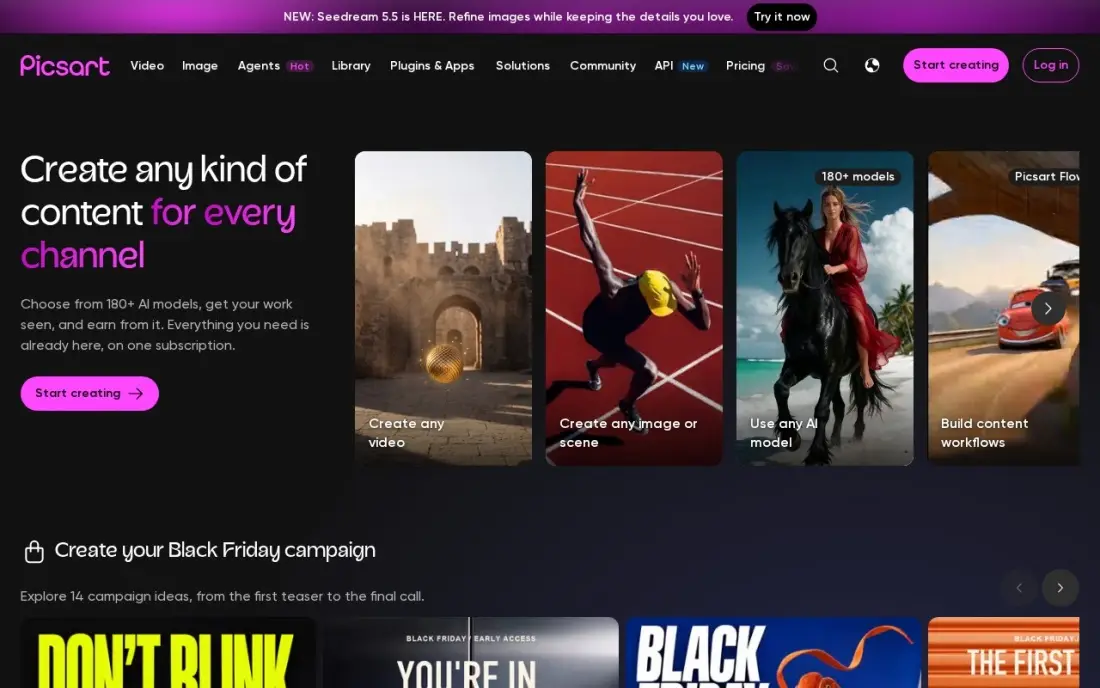
Picsart is the AI design app to try when your phone is your studio. It combines photo editing, short video and AI image and video generation in one app, and the free plan lets you test the editor before paying. Pro adds advanced background and object removal, a one-tap enhancer, premium templates, three brand kits and 100 GB of storage.
The AI runs on credits: Pro includes 500 a month, which heavy generation uses up fast. Pro costs $15 a month or $126 a year on the website, and the App Store sells it from $13.99 a month. The free tier shows ads and locks several tools behind the paywall.
What we like
- Photo and video editing plus AI image and video generation in one app, with 500 AI credits a month on Pro
- Pro includes advanced background and object removal, a one-tap enhancer, premium templates and 100 GB of storage
- Bulk editing handles 50 images at once, and three brand kits come with Pro
Watch out for
- AI generation is capped at 500 credits a month on Pro, so heavy AI use hits the ceiling fast
- In-app prices differ from the website: the App Store sells Pro from $13.99 a month, cheaper on yearly billing
- Free tier locks several desirable features behind the paywall and shows ads

Pixlr
Best for: Budget users who want AI photo fixes such as generative fill in the browser
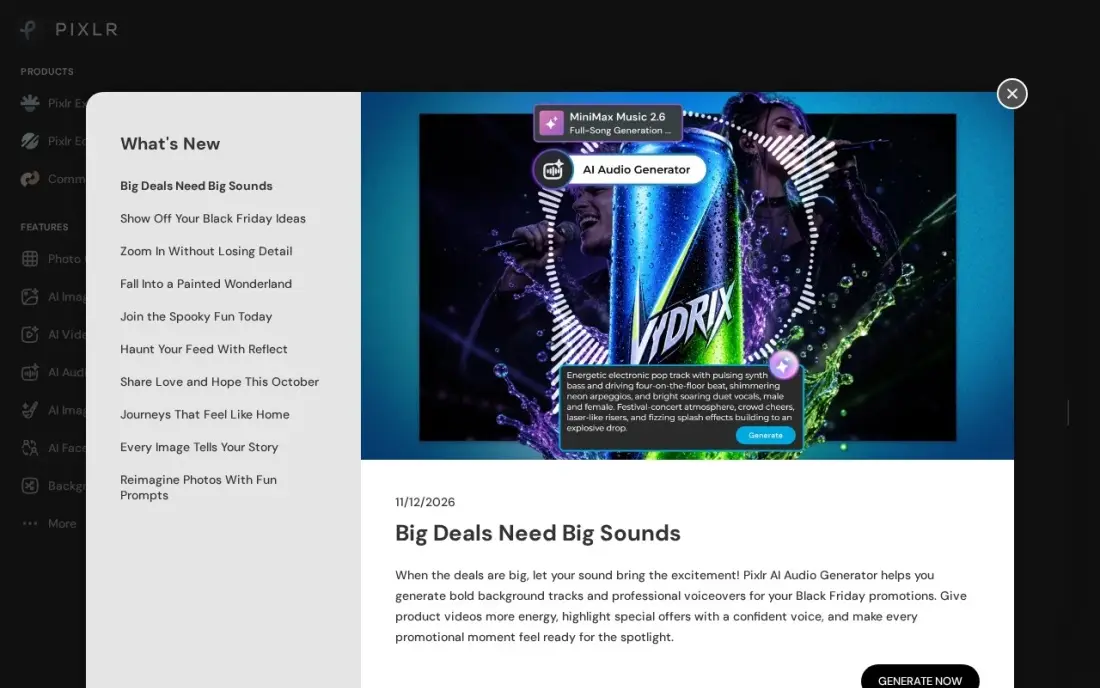
Pixlr is the cheapest way into AI image editing. It runs in the browser with nothing to install, and the free plan includes a limited number of AI credits for tools such as generative fill, generative expand and the background remover. Pixlr Editor adds layers and masks when a one-click fix is not enough.
The free plan shows ads and limits saves. Plus costs $2.49 a month, or $1.99 a month billed yearly, removes ads and gives 80 AI credits a month; Premium at $9.99 a month suits heavier use. It edits images well but has far fewer layout templates than Canva or Adobe Express.
What we like
- Runs in the browser with nothing to install, so a quick fix works from any computer
- Plus is the cheapest paid plan here at $2.49 a month, or $1.99 a month billed yearly
- Generative Fill, generative expand and background remover handle common photo fixes
- Pixlr Editor adds layers and masks for users who want more than one-click fixes
Watch out for
- AI actions run on monthly credits, 80 a month on Plus, so heavy use burns through the allowance
- It edits images well but has far fewer layout templates than Canva or Adobe Express
- The free plan shows ads and limits saves, and paid tiers are the only way past the credit caps
Fotor
Best for: Casual users who want one-click AI photo fixes and collages from a free browser tool
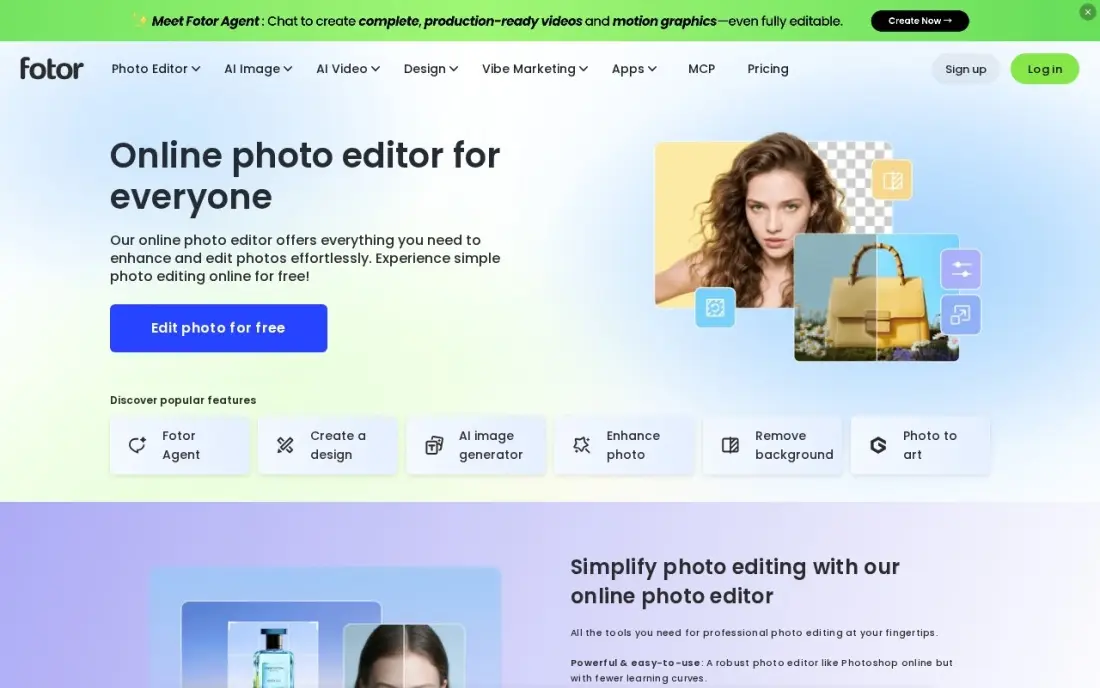
Fotor pairs a simple design editor with one-click AI tools: an enhancer that rescues dull phone photos, a background remover and more than 1,000 collage layouts. Batch editing handles a whole set of images at once, which helps for product shots or event photos.
The free Basic plan watermarks exports and locks most AI tools behind Pro, so treat it as a trial. Pro costs $8.99 a month or $39.99 a year, includes brand kits and transparent PNG export, and gets 100 AI credits a month. Fees once billed are non-refundable, so start on the free plan or the 7-day Pro trial.
What we like
- One-click AI enhancer and background remover fix phone photos fast
- Over 1,000 collage layouts plus batch editing for whole albums at once
- Pro includes brand kits, HD export and transparent PNG export
- Free Basic plan lets you try the editor, with a 7-day Pro trial to test the paid tools
Watch out for
- AI tools run on monthly credits: Pro gets 100 a month, so heavy AI use hits a ceiling fast
- Free plan exports carry a watermark and lock most AI tools behind Pro
- Fees once billed are non-refundable, so a mistaken subscription cannot be clawed back
The best AI design app free to use will get a social post, poster or flyer out of your head and into a file without a design budget — but every free plan draws a line somewhere. We compared eight apps across two kinds of tool, template editors with AI features and AI image generators, on what the free plan really includes, how the AI is capped, whether free images stay private and what the first paid plan costs. Every price below comes from vendor pages checked in November 2026.
How to choose the best AI design app free to use
- Decide whether you need a layout or an image. Canva and Adobe Express build finished designs from templates; Gemini, ChatGPT and Ideogram generate images that still need text and layout added.
- Read the AI cap, not the word "free". Ideogram gives 30 credits a week, Pixlr a limited monthly allowance, and Gemini and ChatGPT unpublished limits.
- Check whether free images are public. Everything made on Ideogram's free plan is public, which rules it out for client work.
- Look for watermarks before you design. Fotor's free plan watermarks exports; finding that out after an hour of editing is painful.
- Match the device. Picsart is built for phones, Pixlr runs in any browser and Adobe Express syncs between web and mobile.
- Price the first upgrade. Annual plans here cost from $23.88 a year for Pixlr Plus to $180 a year for Ideogram Plus, so know where you will land.
Good design only pays off when people see it. If the graphics are for a business website or blog, our AI search optimization service helps that content get found in Google and AI answers, and the free SERP snippet preview shows how a page will look in results before you publish.
Free AI design app pricing: what you will actually pay
Most people start free and upgrade one app. Over a year, Pixlr Plus costs $23.88 billed yearly at $1.99 a month, or $29.88 at $2.49 billed monthly. Fotor Pro costs $39.99 a year, against $107.88 on its $8.99 monthly plan. Adobe Express Premium at $9.99 a month comes to $119.88 a year. Picsart Pro costs $126 a year, or $180 billed monthly at $15.
The bigger tools cost more. Canva Pro is $144 a year billed annually, or $216 at $18 a month. Ideogram Plus is $180 a year billed yearly, or $240 at $20 a month. ChatGPT Plus costs $240 a year at $20 a month, with no annual discount, and Google AI Pro for higher Gemini limits costs $199.99 a year. A designer who pairs one image generator with one editor should budget for both upgrades, not one.
Know the difference: AI design editor vs AI image generator
An AI design editor such as Canva, Adobe Express, Picsart, Pixlr or Fotor starts from a canvas. You choose a template or upload a photo, and AI helps with specific jobs — removing a background, resizing for another platform, generating an image to drop in. You stay in control of fonts, layout and brand colours, which is what most business graphics need.
An AI image generator such as Gemini, ChatGPT or Ideogram starts from a prompt. It produces a complete image in seconds, which is ideal for backgrounds, illustrations and concepts, but you have less control over exact layout and brand fonts. Most people get the best results using both: generate the image, then finish it in an editor.
Quick comparison: tool type by need
| Buyer | Best pick | Why |
|---|---|---|
| Template-first beginners | Canva | 250,000+ free templates, Pro $144/year for the AI tools |
| Free images from a prompt | Gemini app | Free with a Google account, no watermark |
| Text inside images | Ideogram | 30 free credits a week, Plus $15/month billed yearly |
| Design by conversation | ChatGPT | Refine one image across turns, Plus $20/month |
| Adobe fonts and stock | Adobe Express | Free plan, Premium $9.99/month |
| Phone-first creators | Picsart | Photo, video and AI in one app, Pro $126/year |
| Lowest upgrade cost | Pixlr | Browser AI edits, Plus $1.99/month billed yearly |
| Quick photo fixes and collages | Fotor | One-click AI enhancer, Pro $39.99/year |
Mistakes to avoid
- Assuming free means unlimited. Every app here caps AI use; plan the big jobs for when your credits reset.
- Using public free images for a client. Free Ideogram images are public, so a client's unreleased product does not belong there.
- Designing on a watermarked plan. Check the export before the work, not after.
- Paying for two subscriptions that overlap. If Canva Pro covers your background removal and resizing, a second editor may add little.
- Skipping the terms of use. Commercial rights and ownership differ by app and by plan, so read them before you sell a design.
Related comparisons: App Design Software · AI Home Design Apps · Brochure Design Software · Banner Design Software
How we chose
We checked each vendor's pricing page or plan documentation in November 2026 and recorded the free plan limits and starting prices exactly as shown, including annual and monthly figures. We picked apps that offer a genuine free way to design with AI and ranked them by how much useful work the free plan allows for a small business owner or creator. Where a vendor does not publish a free limit, we say so rather than guess. Ratings come from G2 pages checked on the dates shown in the sources. No vendor paid for a place in this list, and none of the links here are affiliate links.
What to do next
Pick one editor and one image generator from this list, make the same social post in both free plans this week and keep whichever got you to a finished file faster. If those designs are meant to bring traffic to your site, book a free visibility review.
Frequently asked questions
What is the best free AI design app?
For finished layouts, Canva has the strongest free plan with 250,000+ templates, though its main AI tools need Pro. For AI-generated images, the Gemini app is free with a Google account and Ideogram gives 30 free credits a week and handles text in images well.
Is Canva's AI free?
Only in part. The free plan covers templates, editing and 5GB of storage, while Magic Studio AI tools, the background remover, Magic Resize and the Brand Kit come with Pro at $18 a month or $144 a year billed annually.
Can I use free AI design apps for commercial work?
Check each app's terms before you sell or publish a design. Some free plans make your images public: everything generated on Ideogram's free plan is public, so use a paid plan, which keeps images private, for client work.
Which free AI design app is best for text in images?
Ideogram is the one to try for posters, logos and banners with words in them, because its images are known for legible text. Its free plan gives 30 credits a week when you sign in with Google, Apple or Microsoft.
How much do AI design apps cost after the free plan?
Pixlr Plus costs $1.99 a month billed yearly, Fotor Pro $39.99 a year, Adobe Express Premium $9.99 a month, Picsart Pro $126 a year, Canva Pro $144 a year and Ideogram Plus $180 a year. ChatGPT Plus costs $20 a month, billed monthly only.
Do free AI design apps add watermarks?
Some do. Fotor's free Basic plan watermarks exports, while the Gemini app returns images with no watermark. Pixlr's free plan shows ads and limits saves rather than watermarking.
Is there a free AI app for interior or room design?
None of the apps in this list is built for interior, house or garden design; they are general graphic and image tools. For a free concept image of a room or garden, the Gemini app generates and edits images from a plain written prompt, and ChatGPT's free plan lets you refine an image through conversation. Pixlr's generative fill can change part of a photo in the browser. Treat the results as mood images, not plans.
Sources we checked (12)
- Canva — www.canva.com/pricing (checked November 12, 2026)
- Canva reviews on G2 (checked November 12, 2026)
- Gemini app — gemini.google.com (checked November 2, 2026)
- Ideogram — docs.ideogram.ai/plans-and-pricing/available-plans (checked November 16, 2026)
- ChatGPT — chatgpt.com/pricing (checked November 2, 2026)
- Adobe Express — www.adobe.com/express/pricing (checked November 12, 2026)
- Adobe Express reviews on G2 (checked November 12, 2026)
- Picsart — www.picsart.com/pricing (checked November 10, 2026)
- Picsart reviews on G2 (checked November 10, 2026)
- Pixlr — pixlr.com/pricing (checked November 8, 2026)
- Fotor — www.fotor.com/pricing (checked November 10, 2026)
- Fotor reviews on G2 (checked November 10, 2026)
Make one of these tools?
We re-check this list every quarter. Send a correction, request a review, or ask about a clearly labeled sponsored spot.
Request a listingShamim
Founder of SerpAstra
A full-stack digital marketer and SEO strategist covering technical and local SEO, AI search visibility, paid ads and lead generation for local businesses, e-commerce brands and SaaS teams.
Free SEO and AI visibility audit
Find out what is holding your rankings back
Send us your site. Within 2 business days you get a written audit, an AI visibility check and a short fix list ranked by impact. Free, with no contract attached.
Request my free audit→Related buying guides
 Marketing7 Best AI Platforms for Ad Design in 2026 (Pros, Cons and Pricing)The 7 best ai platform for ad design options compared on price, AI generation and ad formats, with real 2026 prices checked on each vendor pricing page.Read guide →
 Website Builders & Hosting8 Best AI Tools for Website Design in 2026, ComparedCompare the 8 best AI tools for website design, from prompt-to-site builders to wireframe tools, with free plans and real monthly cost checked on vendor pages.Read guide →
 Photo Editing & Photography8 Best AI Headshot App Free Picks for 2026, Tested on Features and Price8 best ai headshot app free picks for 2026, compared on free limits, likeness and price, with real prices checked on the vendors' own pages.Read guide →