
9 Best AI Assistant Apps in 2026, Compared
Compare the 9 best AI assistant apps on free plans, paid tiers, research, writing and app integrations, with every price checked on the vendor's own pages.
 Shamim Mia, Founder, SerpAstraLast verified November 2, 20269 min read
We compare pricing pages, documentation and public reviews. We never accept payment for rankings.
Key takeaways
- ChatGPT and Claude set the standard paid price at $20 a month; Claude drops to $17 a month on annual billing, while ChatGPT Plus has no annual option.
- Gemini has the cheapest paid step in this list at $4.99 a month for Google AI Plus, and it works inside Gmail, Docs and Drive on paid plans.
- Perplexity is the pick for research because every answer carries inline citations from the live web.
- DeepSeek and Meta AI have no paid chat tier at all, and Microsoft Copilot is free in Windows, Edge and on the web.
On this page
Quick comparison
| Tool | Best for | Starting price | Free plan |
|---|---|---|---|
| ChatGPT | Everyday users who want one assistant for writing, questions and images | $20/mo (no annual) | Yes (limited images) |
| Claude | Writers and knowledge workers who need long, careful drafts and long-document analysis | $17/mo (annual) | Yes (free plan) |
| Gemini | Google Workspace users who want an assistant inside Gmail, Docs and Drive | $4.99/mo (Plus) | Yes (free plan) |
| Microsoft Copilot | Windows and Microsoft 365 users who want an assistant already on their PC | $19.99/mo (M365 Premium) | Yes (free plan) |
| Perplexity | Students and researchers who want every answer backed by checkable sources | $20/mo (Pro) | Yes (free plan) |
| Meta AI | People who want a free assistant inside WhatsApp, Instagram and Messenger | $0 | Yes (free) |
| Mistral Le Chat | Privacy-minded users who want a fast assistant at a lower paid price | $14.99/mo (Pro) | Yes (free plan) |
| Poe | Curious users who want to try many AI models under one account | $4.99/mo | Yes (free plan) |
| DeepSeek | Coders and students who want strong free reasoning with no subscription | $0 | Yes (free) |
Make one of these tools?
We re-check this list every quarter. Send a correction, request a review, or ask about a clearly labeled sponsored spot.
Request a listingThe best AI assistant apps

ChatGPT
Best for: Everyday users who want one assistant for writing, questions and images
ChatGPT is the general-purpose assistant most people try first, and it remains the broadest: chat, writing help, image generation and iterative editing all happen in one conversation. The free plan includes everyday text chats plus limited image generation, which is enough to learn what the app is good at before paying anything.
Plus costs $20 a month, raises the image limits and adds advanced reasoning. It is billed monthly only, so there is no annual discount to lock in, and OpenAI does not publish the free plan's exact image cap. If you want one app that does a bit of everything competently, this is the default to beat.
What we like
- Chat, writing help, image generation and iterative editing all happen in one conversation
- Free plan includes unlimited everyday text chats plus limited image generation
- The broadest general-purpose assistant here, and the one most people try first
- Plus raises image limits and adds advanced reasoning for $20 a month
Watch out for
- Free plan caps image generation at an unpublished number of images
- Plus is billed monthly only, so there is no annual discount to take

Claude
Best for: Writers and knowledge workers who need long, careful drafts and long-document analysis
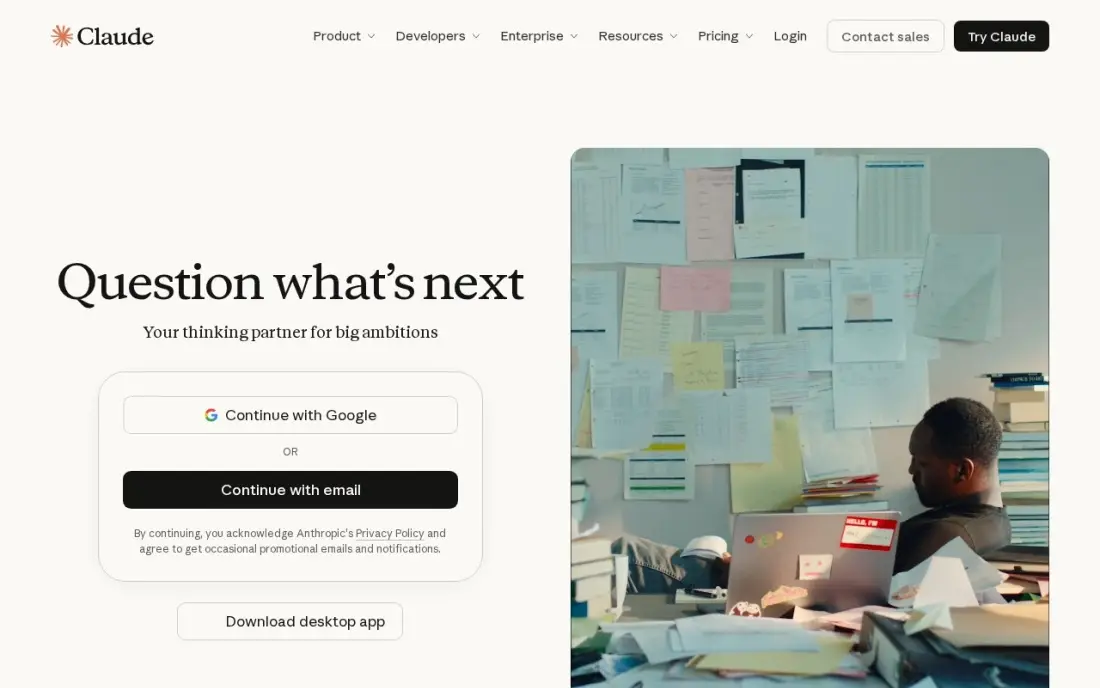
Claude is the assistant to pick when the job is reading or writing at length: blog drafts, reports, scripts and summaries of long documents, with up to 1M tokens of context depending on the model. Projects keep related drafts and files together, and Pro adds Claude Code, task scheduling and more models. Pro costs $20 a month billed monthly, or $17 a month billed annually.
Usage limits reset on rolling five-hour and weekly windows, so a heavy day of work can hit a pause, and the free plan is limited in the same way. Answers can also run longer than asked, and image generation is not a strength, so pair it with another tool for visuals.
What we like
- The strongest long-form writing in this list, with a clean interface and Projects for organizing drafts
- Handles long documents well, with up to 1M tokens of context depending on the model
- Pro includes Claude Code, task scheduling and access to more models
Watch out for
- Answers can run longer than asked, so short-form copy needs extra editing
- Usage limits reset on rolling five-hour and weekly windows, which can interrupt a long work session
- No image generation on the scale of ChatGPT, and no built-in publishing or scheduling

Gemini
Best for: Google Workspace users who want an assistant inside Gmail, Docs and Drive
Gemini is the natural assistant for anyone whose work lives in Google. Paid plans put it inside Gmail, Docs and Drive, it draws on live Google Search results, and Pro brings a 1-million-token context window for large files. The free plan includes 15 GB of storage, and Google AI Plus at $4.99 a month is the cheapest paid step in this list, with Pro at $19.99 a month.
Free accounts are limited to the Flash-Lite model, with no access to the Pro model, and Google describes usage limits as multiples of an unpublished baseline, which makes plans hard to compare. Try the free tier, then decide whether AI Plus covers your daily use.
What we like
- Deep ties to Google apps: Gemini works inside Gmail, Docs and Drive on paid plans
- Live Google Search results and a 1-million-token context window on Pro
- Google AI Plus is the cheapest paid step in this list, at $4.99 a month
Watch out for
- Free accounts are limited to the Flash-Lite model, with no access to the Pro model
- Usage limits are described as multiples of an unpublished baseline, so they are hard to compare

Microsoft Copilot
Best for: Windows and Microsoft 365 users who want an assistant already on their PC
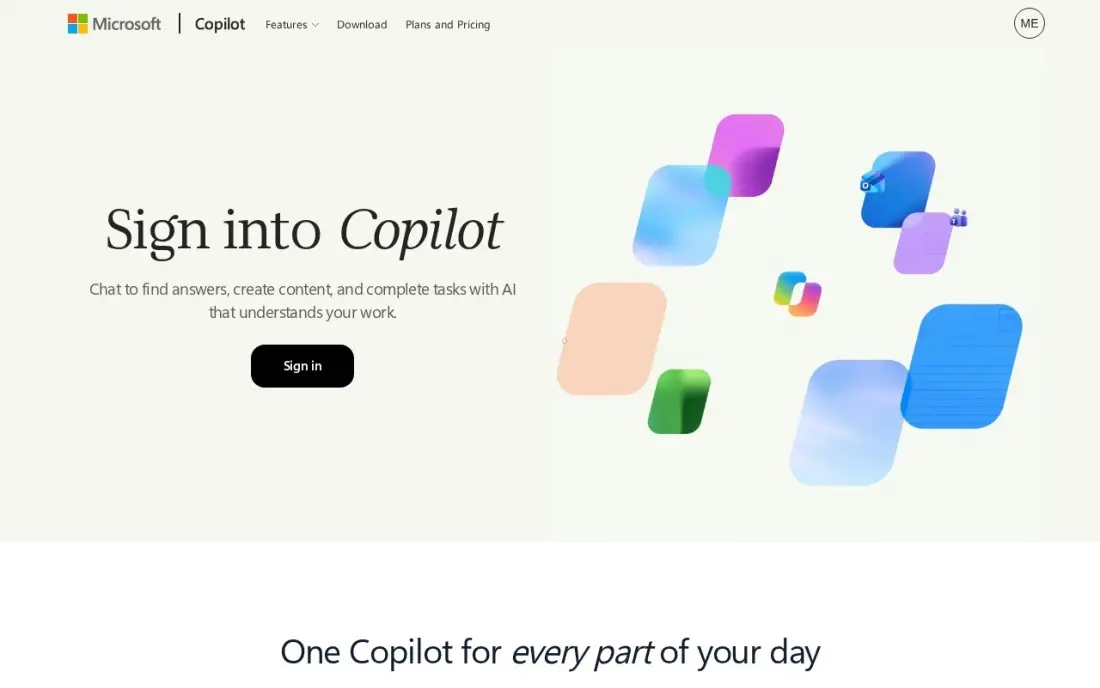
Microsoft Copilot is already installed for most Windows users: it is free on the web, in Windows 11, in Edge and in the mobile apps, with real-time search, voice mode and image creation inside standard daily limits. For people who never want to install another app, it is the lowest-effort way to start using an AI assistant.
Paying now means a bundle. Copilot Pro, the old $20 standalone plan, was retired in 2025, and Microsoft 365 Premium at $19.99 a month adds Copilot inside Word, Excel, PowerPoint and Outlook. Reviewers rate its answers behind ChatGPT and Claude on complex tasks, so it fits best for quick help inside Office.
What we like
- Free on the web, in Windows 11, Edge and mobile apps, with real-time search and image generation
- Microsoft 365 Premium adds Copilot inside Word, Excel, PowerPoint and Outlook for $19.99 a month
- Voice mode and image creation are included on the free plan, with standard daily limits
Watch out for
- Copilot Pro, the old $20 standalone plan, was retired in 2025; paying now means a Microsoft 365 bundle
- Answers can be generic, and reviewers rate it behind ChatGPT and Claude on complex tasks

Perplexity
Best for: Students and researchers who want every answer backed by checkable sources
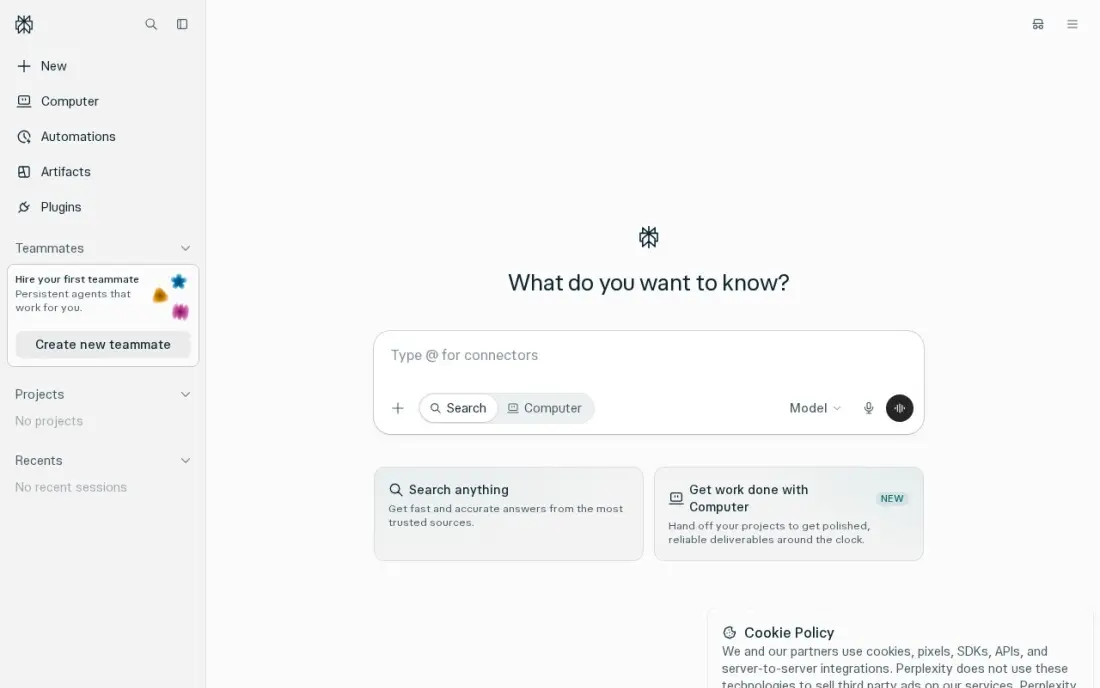
Perplexity behaves more like an answer engine than a chatbot. Every reply carries inline citations from the live web, so you can open the source behind a claim in one click, which makes it the safest assistant here for research and fact-finding. The free plan includes unlimited quick searches and a limited number of Pro searches.
Pro costs $20 a month or $200 a year and lets you choose the underlying model, including Claude, Gemini and GPT models, with Deep Research and up to 50 files per project. Perplexity no longer publishes the daily free Pro search count, and it is weaker than ChatGPT or Claude for long creative writing.
What we like
- Every answer carries inline citations from the live web, so claims can be checked in one click
- Pro lets you choose the model, including Claude, Gemini and GPT models, for $20 a month
- Deep Research and file uploads are included on Pro, with up to 50 files per project
Watch out for
- The free plan gives only a few Pro searches a day, and Perplexity no longer publishes the exact number
- Perplexity is a research tool first; it is weaker than ChatGPT or Claude for long creative writing

Meta AI
Best for: People who want a free assistant inside WhatsApp, Instagram and Messenger
Meta AI lives where billions of people already chat: WhatsApp, Instagram, Facebook, Messenger and Threads, plus the web and a standalone app. Image generation and voice are free, and there is no paid chatbot tier to unlock, so it costs nothing to ask a quick question in the middle of a group chat. Meta One Core at $7.99 a month is an optional bundle, not a requirement.
It is weaker than ChatGPT, Claude or Gemini for serious writing, coding and research. Your chats are also used to personalise ads, and Meta AI cannot be removed from Instagram, which matters if privacy is a priority.
What we like
- Free everywhere Meta already is: WhatsApp, Instagram, Facebook, Messenger and Threads, plus the web and a standalone app
- Image generation and voice are included free, with no paid chatbot tier to unlock
- The widest reach of any chatbot here, since it sits inside apps billions of people already open daily
Watch out for
- Weaker than ChatGPT, Claude or Gemini for serious writing, coding and research work
- Chats are used to personalise ads, and there is no way to remove Meta AI from Instagram

Mistral Le Chat
Best for: Privacy-minded users who want a fast assistant at a lower paid price
Le Chat, from the French company Mistral, gives free users the top models, image generation, a code interpreter and web search with citations. Pro costs $14.99 a month, which undercuts the $20 standard set by ChatGPT Plus and Claude Pro. A no-telemetry option and European data residency appeal to users and businesses that care where their data goes.
The free plan is soft-capped at roughly 25 messages a day, which runs out quickly for daily users. Its ecosystem is also smaller than the big three, with fewer integrations and third-party tools, so check that it connects to the apps you use.
What we like
- Pro at $14.99 a month undercuts the $20 standard set by ChatGPT Plus and Claude Pro
- Free tier includes the top models, image generation, a code interpreter and web search with citations
- European company with a no-telemetry option and data residency that appeals to privacy-minded users
Watch out for
- Free plan is soft-capped at roughly 25 messages a day, which runs out fast for daily users
- Smaller ecosystem than the big three, with fewer integrations and third-party tools

Poe is less an assistant than a front door to many of them. One account reaches models from OpenAI, Anthropic, Google, xAI and Meta, plus image and video models, and multi-bot chats put answers from different models side by side in one conversation. You can also build and share your own bots without coding. Paid plans start at $4.99 a month, with Plus at $19.99 a month.
Usage is metered in compute points, so one long answer from a top model can use a day's free allowance. The free plan's daily points are small, and Poe no longer publishes the figure.
What we like
- One subscription covers models from OpenAI, Anthropic, Google, xAI and Meta, plus image and video models
- Multi-bot chats compare answers from different models side by side in one conversation
- Build your own bots and share them, with no coding needed
Watch out for
- Usage is metered in compute points, so a single long answer on a top model can eat a day's free allowance
- The free plan's daily points allowance is small — about 300 points a day — and Poe no longer publishes the figure

DeepSeek
Best for: Coders and students who want strong free reasoning with no subscription
DeepSeek gives away its full chat app, including its reasoning model and web search, with no subscription tier at all. That makes it the strongest fully free option here for maths, logic and coding help. The models are open-weight under the MIT licence, so developers can run distilled versions on their own hardware.
No paid plan also means no way to buy higher limits or priority access when the service is busy. The developer API is pay-as-you-go with no permanent free allowance. Treat it as a free second opinion for technical work rather than an everyday assistant for your whole team.
What we like
- The full chat, including the reasoning model and web search, is free with no subscription tier
- Open-weight models under the MIT licence, so developers can run distilled versions locally
- Strong reasoning and coding help at a fraction of the API cost of Western rivals
Watch out for
- No paid plan means no way to buy higher limits or priority access when the service is busy
- The developer API is pay-as-you-go with no permanent free allowance, so app builders pay per token
The best AI assistant apps answer questions, draft text, summarise documents and help you think, on your phone and on your desktop. We compared nine assistants on free plans, paid tiers, research quality, writing and where each one fits into the apps you already use, and every price below comes from the vendor's own pricing page as checked in November 2026.
How to choose the best AI assistant apps
- Start with your main job. Long writing points to Claude, research with sources to Perplexity, all-round help and images to ChatGPT, and coding or maths on a zero budget to DeepSeek.
- Follow the apps you already use. Gemini works inside Gmail, Docs and Drive on paid plans, Microsoft Copilot sits in Windows and Office, and Meta AI is already in WhatsApp and Instagram.
- Read the free plan limits. Claude resets usage every five hours and weekly, Mistral Le Chat caps free users at roughly 25 messages a day, and Gemini's free tier uses the Flash-Lite model only.
- Check annual billing. Claude Pro drops from $20 to $17 a month billed annually and Perplexity Pro costs $200 a year, but ChatGPT Plus is monthly only.
- Decide how much you need citations. If you will quote the answer, pick an assistant that shows its sources, and still open them.
- Look at data controls. Some assistants use chats for ads or training; business users should check settings before pasting anything confidential.
AI assistants are also changing how people find businesses. If you want your brand to be the one these apps recommend, our AI search optimization service covers it, and our guide on how to get cited in ChatGPT explains the basics.
AI assistant app pricing: what you will actually pay
Take one person who wants a paid assistant for a year. ChatGPT Plus costs $20 a month billed monthly, or $240 a year with no annual discount. Claude Pro costs $240 a year on monthly billing, or $204 at the $17 annual rate. Perplexity Pro costs $200 a year on annual billing against $240 paid monthly. Gemini Pro costs $19.99 a month, or about $240 a year.
The cheaper paid steps are Google AI Plus at $4.99 a month, about $60 a year, Poe from $4.99 a month and Mistral Le Chat Pro at $14.99 a month, about $180 a year. Microsoft 365 Premium costs $19.99 a month but also includes the Office apps, so compare it against what you already pay for Microsoft 365. DeepSeek and Meta AI cost nothing for chat. Most people should run two free plans side by side for a week before paying for either.
Know the difference: AI assistant vs AI answer engine
An AI assistant such as ChatGPT, Claude or Gemini is built to work with you: it drafts, rewrites, summarises files and holds a long conversation about a project. It may search the web, but its main value is reasoning and writing over what you give it, and its answers are only as current as the search it runs.
An AI answer engine such as Perplexity is built to find things out. It searches the live web for each question and returns a short answer with citations attached, which is faster for fact-finding and easier to check. Many people keep one of each: an answer engine for research and an assistant for turning that research into finished work.
Quick comparison: tool type by need
| Buyer | Best pick | Why |
|---|---|---|
| Everyday all-round use | ChatGPT | Chat, writing and images in one app, Plus $20/month |
| Long writing and documents | Claude | Up to 1M tokens of context, Pro $17/month billed annually |
| Google Workspace users | Gemini | Works in Gmail, Docs and Drive, AI Plus $4.99/month |
| Windows and Office users | Microsoft Copilot | Free in Windows and Edge, Office features in 365 Premium |
| Research with sources | Perplexity | Inline citations on every answer, Pro $200/year |
| Chat app users | Meta AI | Free inside WhatsApp, Instagram and Messenger |
| Privacy-minded users | Mistral Le Chat | No-telemetry option, Pro $14.99/month |
| Trying many models | Poe | Models from five labs under one account, from $4.99/month |
| Free reasoning and code | DeepSeek | Full chat and reasoning model free, no paid tier |
Mistakes to avoid
- Paying for two $20 plans that overlap. Most people need one paid assistant plus a free one for a second opinion.
- Trusting answers without checking. Every assistant can state wrong facts confidently; verify numbers, quotes and legal or medical claims at the source.
- Pasting confidential data into a personal account. Client files and passwords belong only in tools with business data controls you have read.
- Judging an app on one prompt. Give each assistant the same three real tasks from your week before deciding.
- Ignoring usage limits. A plan that stops you mid-afternoon costs more in lost time than its price suggests.
Related comparisons: AI Email Assistant Tools · AI Companies · AI Marketing Platforms · AI CRM Software
How we chose
We checked each vendor's own pricing page in November 2026 and recorded free plans and paid tiers exactly as shown, including annual billing where offered. We picked nine assistants that cover the main needs — general use, writing, research, office suites, chat apps, privacy, model variety and free reasoning — and compared limits, integrations and data practices. Ratings come from G2 pages checked on the dates shown in the sources. SerpAstra uses several of these assistants in its own work. No vendor paid for a place in this list, and none of the links here are affiliate links.
What to do next
Install two free assistants that match your main job — for example Claude for writing and Perplexity for research — and use both for a week on real tasks. Pay only for the one you kept opening. If you want AI assistants to recommend your business by name, book a free AI visibility consultation.
Frequently asked questions
What is the best AI assistant app?
ChatGPT is the best general-purpose AI assistant app for most people, with a free plan and Plus at $20 a month. Claude is better for long writing and documents, Gemini fits Google users best, and Perplexity is the pick for research with citations.
What is the best free AI assistant app?
ChatGPT, Claude, Gemini, Microsoft Copilot and Perplexity all have free plans. DeepSeek and Meta AI are fully free with no paid chat tier, and Mistral Le Chat's free plan includes its top models with a soft cap of roughly 25 messages a day.
How much do AI assistant apps cost?
The common paid price is about $20 a month: ChatGPT Plus and Claude Pro are $20 a month, Perplexity Pro is $20 a month or $200 a year, and Gemini Pro is $19.99. Cheaper steps include Google AI Plus at $4.99 and Mistral Le Chat Pro at $14.99 a month.
Which AI assistant is best for research?
Perplexity, because every answer includes inline citations from the live web that you can open and check. Gemini also uses live Google Search results, and Perplexity Pro adds Deep Research and file uploads.
Is Claude or ChatGPT better?
Claude is stronger for long-form writing and long documents, with up to 1M tokens of context depending on the model. ChatGPT is broader, with image generation and editing in the same chat. Both cost $20 a month, and Claude Pro drops to $17 a month on annual billing.
Are AI assistant apps safe for work data?
Check each app's data settings before pasting client or company information. Meta AI uses chats to personalise ads, while Mistral offers a no-telemetry option and European data residency. For sensitive work, use a business plan with clear data controls.
What is the best AI assistant app for your phone?
For a free assistant on a phone, Microsoft Copilot, Meta AI and DeepSeek are the easy picks. Copilot is free in its mobile apps with real-time search, voice mode and image creation. Meta AI is free inside WhatsApp, Instagram and Messenger and in a standalone app, with voice included. DeepSeek offers free web and mobile chat, including its reasoning model, with no paid tier at all.
Which AI assistant app is best for work?
Pick the assistant that lives inside the tools you already work in. Gemini works inside Gmail, Docs and Drive on paid plans, from Google AI Plus at $4.99 a month. Microsoft 365 Premium puts Copilot inside Word, Excel, PowerPoint and Outlook for $19.99 a month. For long reports and document analysis, Claude Pro at $20 a month handles long documents best, and Perplexity suits research that needs sources.
Sources we checked (10)
- ChatGPT — chatgpt.com/pricing (checked November 2, 2026)
- Claude — claude.com/pricing (checked November 2, 2026)
- Claude reviews on G2 (checked November 2, 2026)
- Gemini — gemini.google/subscriptions (checked November 2, 2026)
- Microsoft Copilot — copilot.microsoft.com (checked November 2, 2026)
- Perplexity — www.perplexity.ai/hub/pricing (checked November 2, 2026)
- Meta AI — www.meta.ai (checked November 2, 2026)
- Mistral Le Chat — chat.mistral.ai (checked November 2, 2026)
- Poe — poe.com/subscription_plans (checked November 2, 2026)
- DeepSeek — chat.deepseek.com (checked November 2, 2026)
Make one of these tools?
We re-check this list every quarter. Send a correction, request a review, or ask about a clearly labeled sponsored spot.
Request a listingShamim
Founder of SerpAstra
A full-stack digital marketer and SEO strategist covering technical and local SEO, AI search visibility, paid ads and lead generation for local businesses, e-commerce brands and SaaS teams.
Free SEO and AI visibility audit
Find out what is holding your rankings back
Send us your site. Within 2 business days you get a written audit, an AI visibility check and a short fix list ranked by impact. Free, with no contract attached.
Request my free audit→Related buying guides
 Customer Service10 Best Free AI Chatbots Alternatives to Grok in 202610 best free ai chatbots alternatives to Grok compared on price, free limits and live search. Real prices checked November 2, 2026, sorted by everyday use.Read guide →
 Marketing8 Best AI Tools for Content Creators in 2026 (Free and Paid, Compared)The 8 best ai tools for content creators, compared on price, free plans and strengths — writing, design, video. Prices checked on vendor sites, Nov 2, 2026.Read guide →
 Data, Analytics & AI11 Best AI Email Assistant Tools in 2026 (Free and Paid, Compared)Compare the 11 best ai email assistant tools on price, AI drafting, triage and team inbox features, with every price checked November 5, 2026.Read guide →