
7 Best AI Podcast Editing Software in 2026, Compared
Compare the 7 best AI podcast editing software on text-based editing, filler-word removal, audio cleanup, free plans and real cost, checked on vendor pages.
 Shamim Mia, Founder, SerpAstraLast verified November 7, 20268 min read
We compare pricing pages, documentation and public reviews. We never accept payment for rankings.

Key takeaways
- Descript is the best all-round AI podcast editor: you edit the transcript and the audio follows, from $16 a month billed annually on Hobbyist, with a free plan of 1 media hour a month.
- Riverside is the pick when you record remote guests, because Pro at $24 a month billed annually records and edits in one place with unlimited text-based editing.
- Cleanvoice and Auphonic do one job — automatic cleanup — and do it cheaply: Cleanvoice from $11 for 5 hours pay as you go, Auphonic free for 2 hours a month.
- Adobe Podcast's free Enhance Speech tier is the quickest fix for a noisy voice track; Adobe Audition is for manual repair when the AI is not enough.
On this page
Quick comparison
| Tool | Best for | Starting price | Free plan |
|---|---|---|---|
 Descript | Podcasters who want to edit an episode by editing its transcript | $16/mo (Hobbyist, annual) | Yes (1 hour/mo) |
 Riverside | Interview shows that want to record remote guests and edit in the same tool | $24/mo (Pro, annual) | Yes (watermark) |
 Adobe Podcast | Creators who need a noisy voice track cleaned in one click, free | $9.99/mo | Yes (free tier) |
 Cleanvoice | Podcasters who want filler words, silences and mouth sounds removed automatically | $11 (5 hrs, pay as you go) | Trial (30 min) |
 Auphonic | Podcasters who want automatic levelling and loudness that meets platform specs | Free (2 hrs/month) | Yes (2 hrs/month) |
 Alitu | First-time podcasters who want cleanup, editing and hosting in one simple app | $20.58/mo (annual, sale) | 7-day trial |
| Adobe Audition | Editors in Creative Cloud who need manual repair when one-click AI is not enough | $22.99/mo | No (7-day trial) |
Make one of these tools?
We re-check this list every quarter. Send a correction, request a review, or ask about a clearly labeled sponsored spot.
Request a listingThe best AI podcast editing software
Descript
Best for: Podcasters who want to edit an episode by editing its transcript
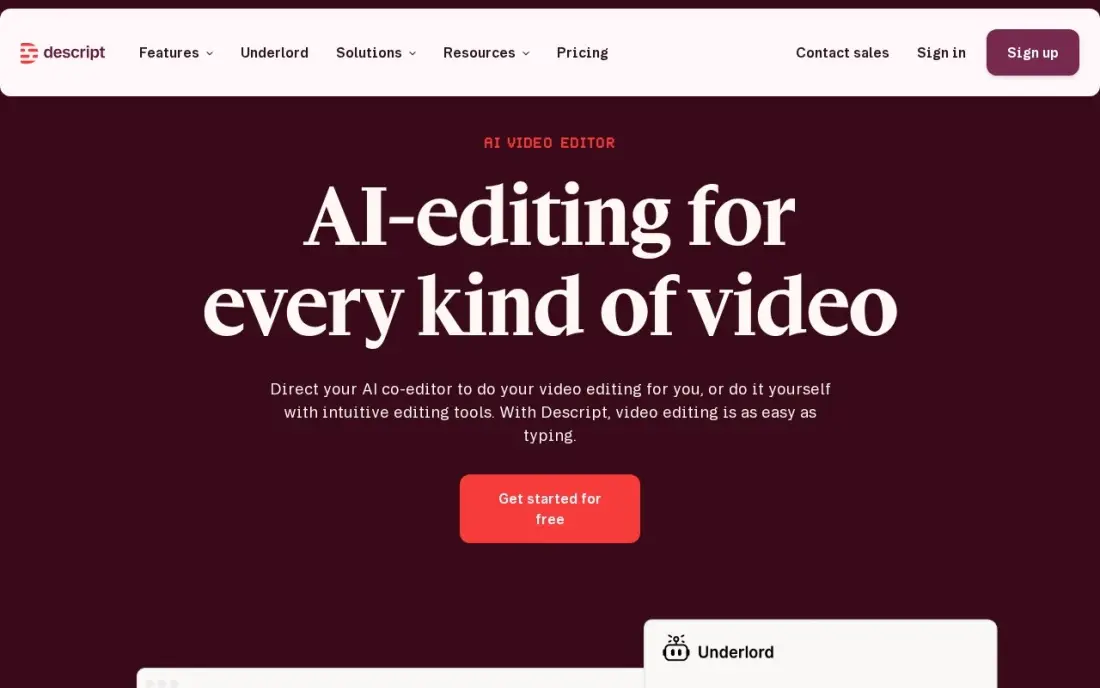
Descript turns podcast editing into document editing: delete a sentence in the transcript and the audio and video follow. Studio Sound cleans up a rough recording, filler-word removal clears the ums and you-knows in one pass, and Overdub fixes a misspoken word without re-recording. G2 reviewers rate it 4.6 out of 5, with easy editing the most cited strength.
The free plan gives 1 media hour a month at 720p. Hobbyist costs $24 a month billed monthly or $16 billed annually for 10 media hours, and Creator at $24 billed annually raises that to 30 hours. Hours and AI credits are metered separately, and reviewers report slowdowns on large projects.
What we like
- Text-based editing: delete a word in the transcript and the video and audio follow
- Studio Sound, filler-word removal and Overdub clean up recordings without a separate audio tool
- Rated 4.6/5 on G2 from 936 reviews, with easy editing the most cited strength
Watch out for
- Hobbyist covers only 10 media hours a month, and the two meters (hours plus AI credits) confuse new buyers
- The app can feel slow or glitchy on large projects, per G2 reviewers
- Creator at $24/month billed annually is the practical entry for serious creators, not Hobbyist
Riverside
Best for: Interview shows that want to record remote guests and edit in the same tool
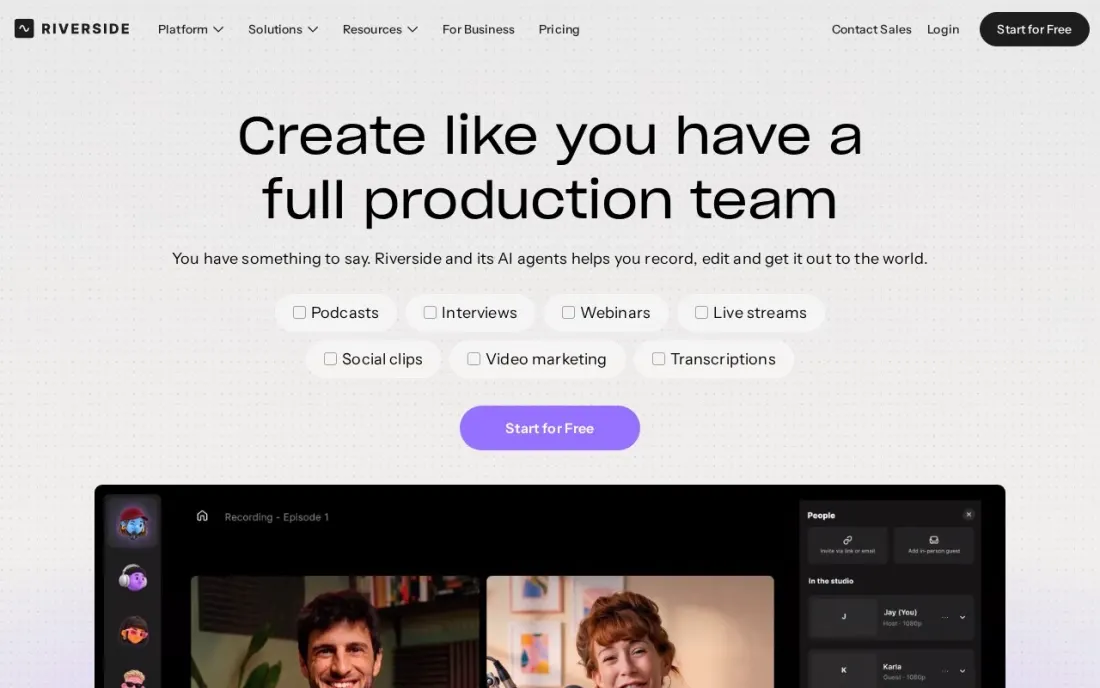
Riverside makes the most sense when the editing problem starts at recording: each guest is captured on their own device, and the files land in an editor that works from the transcript. Pro includes unlimited text-based editing and transcriptions, Magic Audio enhancement, Magic Clips for social cuts, show notes and an AI agent that edits and repurposes episodes.
Pro costs $29 a month billed monthly or $24 billed annually, with 5 hours of separate-track recording a month; Grow at $39, or $34 annually, raises that to 15 hours. The free plan includes the editing tools but exports at 720p with a watermark.
What we like
- Pro includes unlimited text-based editing, unlimited transcriptions and an AI editing and repurposing agent
- Magic Audio enhancement and Magic Clips do not use AI credits
- Records up to 4K video and 48 kHz audio on Pro, so editing starts from clean source files
- Show notes, podcast hosting and publishing to major platforms are on Pro
Watch out for
- The free plan's 2 hours of multi-track recording is a one-off allowance
- Free exports are capped at 720p and carry a Riverside watermark
- Pro allows 5 hours of separate-track recording a month, so weekly long shows may need Grow
Adobe Podcast
Best for: Creators who need a noisy voice track cleaned in one click, free
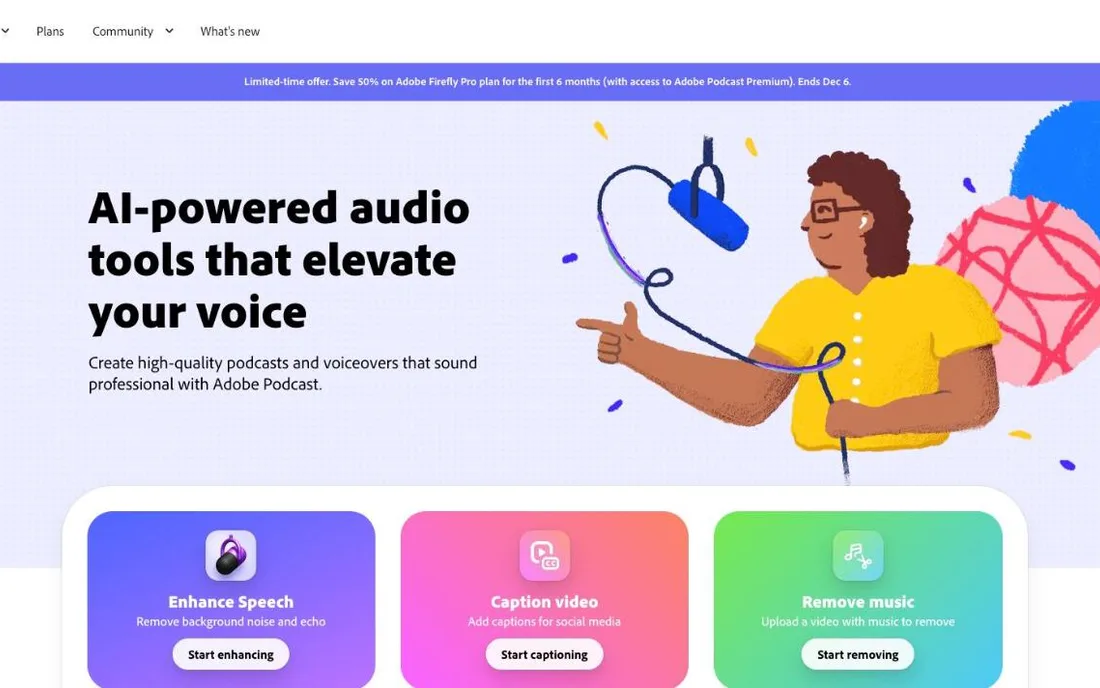
Adobe Podcast's Enhance Speech is the fastest repair in this list: upload a voice recording in the browser and the AI strips background noise and room echo, returning something close to studio sound. The free tier takes files up to 30 minutes with an hour of enhancement a day and adds no watermark, which covers a weekly show one episode at a time.
Premium costs $9.99 a month and adds video files, bulk uploads, longer files and a strength slider for when voices sound over-processed. It is a cleanup tool, not a full editor, and it handles speech only, so pair it with an editor for cuts, music and structure.
What we like
- One-click Enhance Speech turns laptop-mic recordings into near-studio audio
- Runs entirely in the browser — nothing to install
- Free tier is genuinely usable for short files, with no watermark on output
- Premium adds video files, bulk uploads and an adjustable strength slider
Watch out for
- Free tier caps files at 30 minutes and 1 hour of enhancement a day
- Heavy enhancement can make a voice sound processed or robotic
- Speech only — it will not clean up music or sound design
Cleanvoice
Best for: Podcasters who want filler words, silences and mouth sounds removed automatically
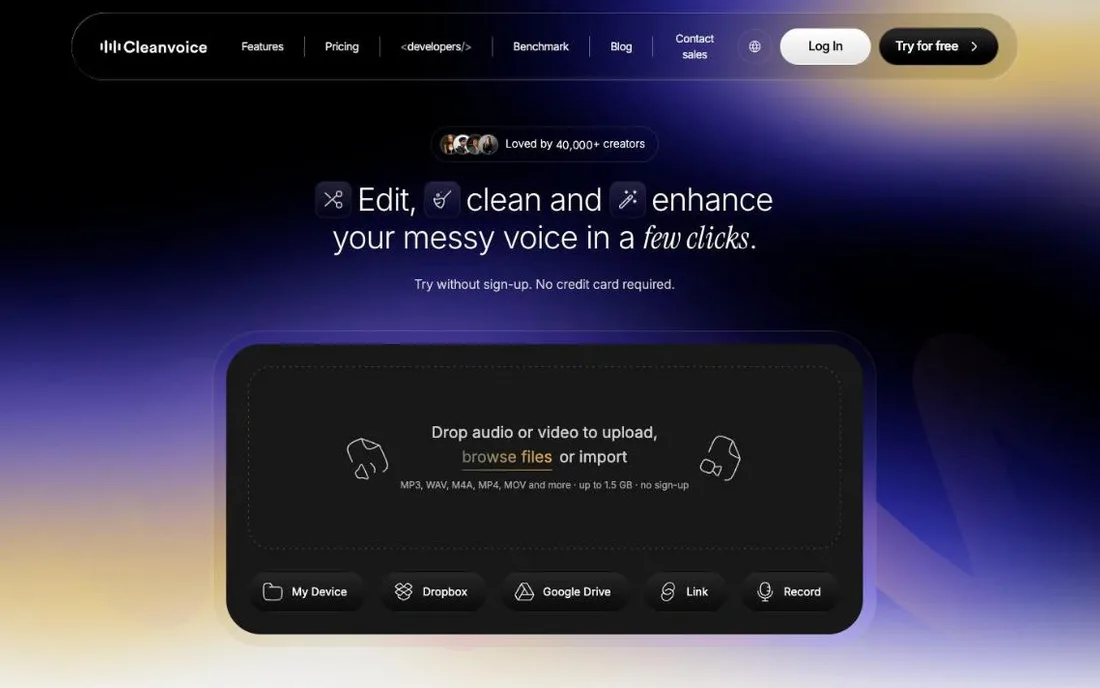
Cleanvoice does the tedious part of podcast editing and nothing else: it finds and removes filler words, long silences, mouth clicks and breaths, cleans background noise and returns a tighter file. Timeline export lets you open its edits in your own editor and check every cut, which matters for a host whose pauses are part of the delivery.
Pay as you go starts at $11 for 5 hours, with credits valid for 2 years, and subscriptions start at $11 for 10 hours a month, with unused hours rolling over. A free trial cleans 30 minutes without a card. It is a finishing tool, so you still need an editor for structure.
What we like
- Removes filler words, silences, mouth sounds, breaths and background noise in one pass
- Every plan includes every feature, including video podcast editing and transcription with summary
- Pay-as-you-go credits last 2 years, and unused subscription hours roll over up to three times the plan limit
- Timeline export hands the cleaned edit back to your usual editor
Watch out for
- Cleanup only — there is no multitrack editor for building an episode
- The pricing page does not say whether subscription prices are monthly or annual billing
- Prices are listed without VAT
Auphonic
Best for: Podcasters who want automatic levelling and loudness that meets platform specs
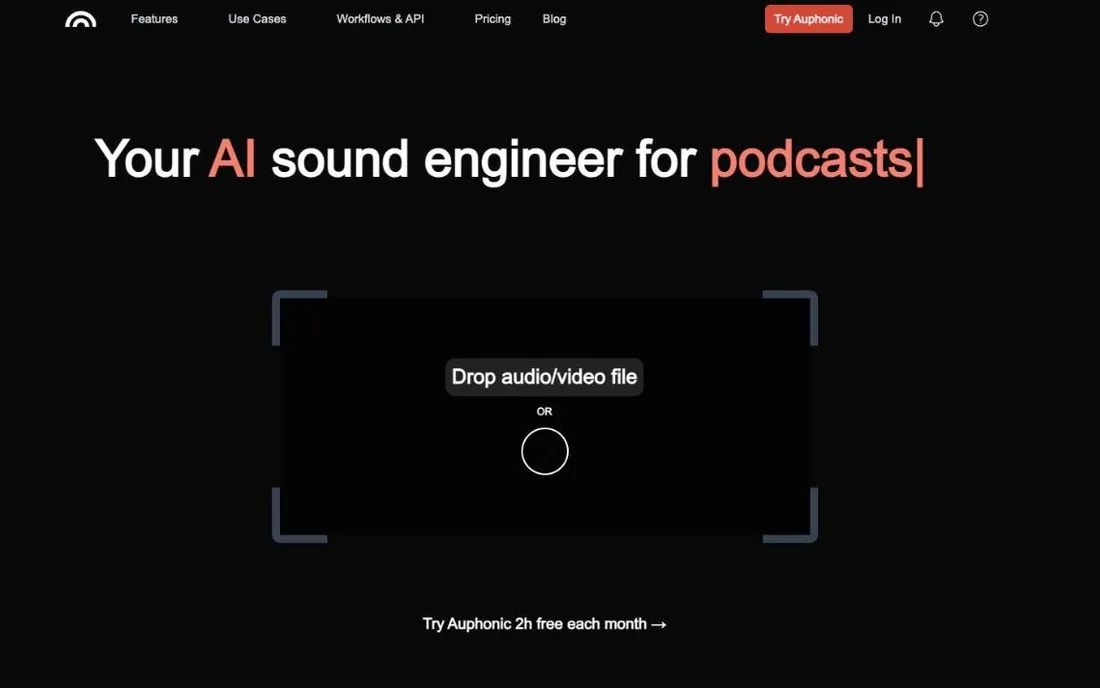
Auphonic is the quiet workhorse of podcast post-production. Its Intelligent Leveler evens out a loud host and a quiet guest, it hits the loudness targets podcast and streaming platforms expect, and noise and reverb reduction plus filler and silence cutting are included even on the free plan. Upload a file, pick a preset and download a mastered episode.
The free plan covers 2 hours of processed audio a month, which suits a weekly half-hour show. Recurring plans run from 9 to 250 hours a month with 20% off yearly, but the pricing page we read did not show the prices, so check them at checkout. Free multitrack jobs must be under 20 minutes.
What we like
- Intelligent Leveler balances hosts and guests automatically
- Noise and reverb reduction, loudness targets and filler and silence cutting on the free plan
- Recurring plans from 9 to 250 hours a month, plus one-time credits, with 20% off yearly
Watch out for
- The pricing page we read showed plan sizes but not the price per plan
- Free multitrack productions are limited to under 20 minutes
- Free hours reset monthly and do not carry over
Alitu
Best for: First-time podcasters who want cleanup, editing and hosting in one simple app
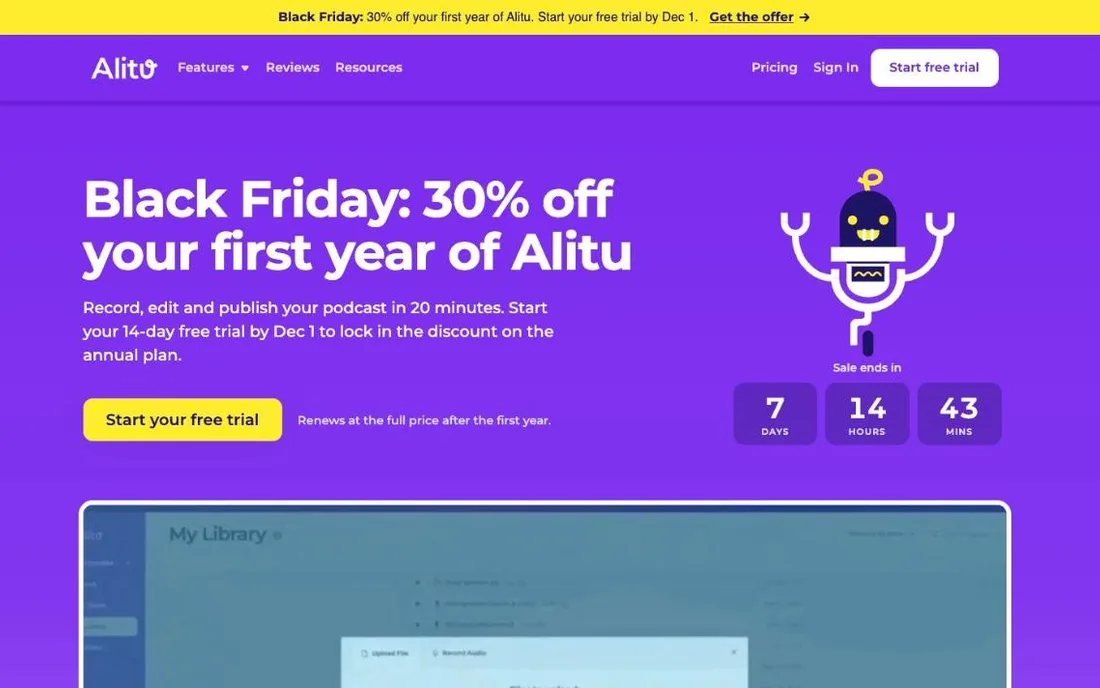
Alitu is built for people who want a podcast, not an audio hobby. Every upload is cleaned automatically, with background noise removed, levels balanced and mixing and EQ applied, and episodes are built in a drag-and-drop builder that edits by text or by waveform. Magic Filters strip filler words and silence, and AI writes show notes and transcripts in 17 languages.
The page we read listed $20.58 a month billed annually as a sale price, with no monthly figure, so confirm the price before you commit. A 7-day trial and a 30-day guarantee lower the risk, and free hosting covers up to 1,000 downloads a month.
What we like
- Automatic noise removal, levelling, hum removal, mixing and EQ on every upload
- Edit with text or a simple waveform, with Magic Filters for filler words and silence
- Free hosting up to 1,000 downloads a month and one-click publishing to Apple Podcasts
- AI show notes and transcripts in 17 languages
Watch out for
- The pricing page shows only a sale price on annual billing, with no monthly price
- Fewer advanced editing controls than Descript or Audition
- Hosting above 1,000 downloads a month costs $10 for up to 10,000
Adobe Audition
Best for: Editors in Creative Cloud who need manual repair when one-click AI is not enough

Adobe Audition is the backstop for everything the AI tools above cannot fix. Spectral display, click removal, diagnostics and detailed noise reduction let you repair a dropped-out word or a cough under speech by hand, and multitrack recording and mixing handle a full episode with music beds. It round-trips with Premiere Pro for video podcasts.
It costs $22.99 a month as a single app on an annual plan billed monthly, with a 7-day free trial and no perpetual licence, and Creative Cloud subscribers may already have it. It is a manual editor with a learning curve, so most podcasters pair it with an AI cleanup tool rather than using it alone.
What we like
- Deep manual repair: noise reduction, click removal, diagnostics, spectral display
- Multitrack recording, editing and mixing in one editor
- Round-trips audio with Premiere Pro for video workflows
- Part of Creative Cloud, so subscribers may already have it
Watch out for
- Subscription only — $22.99 a month adds up fast for occasional use
- Manual tools in an AI era: you do the work the one-click tools automate
- Learning curve for beginners, and no perpetual licence exists
The best AI podcast editing software takes the hours out of post-production: it removes the ums and long pauses, evens out a loud host and a quiet guest, cleans background noise and lets you cut the episode by editing a transcript instead of a waveform. We compared seven tools — full editors, recording studios with editing built in, and one-job cleanup tools — and every price below comes from the vendor's own pricing page as checked in November 2026.
How to choose the best AI podcast editing software
- Decide whether you need an editor or a cleaner. Descript, Riverside, Alitu and Audition build episodes; Cleanvoice, Auphonic and Adobe Podcast clean audio you then edit elsewhere.
- Edit by transcript if you talk for a living. Text-based editing in Descript, Riverside and Alitu is faster than a timeline for interview and solo shows.
- Check how the plan meters usage. Descript counts media hours and AI credits, Riverside counts recording hours, and Cleanvoice and Auphonic sell processed hours.
- Listen to every automatic cut. Filler-word removal is good but not perfect, so choose a tool that shows or exports its edits, as Cleanvoice's timeline export does.
- Match loudness to the platforms. Auphonic is built to hit podcast loudness targets; if your editor does not, run the final mix through it.
- Count the whole workflow. If you record remotely or need hosting, a tool that bundles both, such as Riverside or Alitu, can replace two subscriptions.
A clean episode still has to be found. If the show has a website, our AI search optimization service helps episode pages and transcripts surface in AI answers, and the guide to the best podcast hosting platform covers where to publish.
AI podcast editing software pricing: what you will actually pay
Take a weekly interview show of about an hour, four episodes a month. Descript Hobbyist costs $16 a month billed annually, or $192 a year, and its 10 media hours cover the month; billed monthly it is $24, or $288 a year. Riverside Pro costs $24 a month billed annually, or $288 a year, and includes 5 hours of separate-track recording, which fits four one-hour sessions; billed monthly it is $29, or $348 a year.
If you only want cleanup, the numbers drop. Cleanvoice's $11 subscription covers 10 hours a month, and pay as you go costs $11 for 5 hours, enough for a month of this show. Auphonic's free 2 hours a month would cover two of the four episodes. Adobe Podcast Premium costs $9.99 a month, or $119.88 a year. At the top end, Adobe Audition costs $22.99 a month on an annual plan, or $275.88 a year, for manual repair.
Know the difference: AI editors vs AI cleanup tools
An AI editor builds the episode. Descript, Riverside and Alitu give you the whole recording as a transcript, let you cut sections by deleting text, add music and intros, and export a finished show. Their AI features — Studio Sound, Magic Audio, filler removal, show notes — sit inside that editor, so one subscription covers the job from raw file to publish.
An AI cleanup tool improves the sound of audio you have already structured, or are about to. Cleanvoice removes fillers, silences and mouth sounds; Auphonic levels and masters to loudness targets; Adobe Podcast makes a laptop-mic voice sound clearer. They are cheaper and often better at their single job, and many podcasters run one after their editor rather than relying on the editor's built-in version.
Quick comparison: tool type by need
| Buyer | Best pick | Why |
|---|---|---|
| Most podcasters | Descript | Edit by transcript with Studio Sound and filler removal, from $16/month billed annually |
| Remote interview shows | Riverside | Records each guest locally and edits in one place, Pro from $24/month billed annually |
| Noisy voice tracks | Adobe Podcast | One-click Enhance Speech, free tier up to 30-minute files |
| Filler-heavy hosts | Cleanvoice | Removes fillers, silences and mouth sounds, from $11 for 5 hours |
| Loudness and levelling | Auphonic | Automatic levelling and loudness targets, free for 2 hours a month |
| First-time podcasters | Alitu | Cleanup, editing and hosting in one app, 7-day trial |
| Manual repair | Adobe Audition | Spectral repair and multitrack mixing, $22.99/month |
Mistakes to avoid
- Publishing automatic cuts unheard. AI filler removal sometimes clips a word or a laugh; listen to the edited version at normal speed before it goes out.
- Over-processing the voice. Heavy enhancement makes speech sound robotic — Adobe Podcast's strength slider exists for a reason.
- Paying for two editors. If you record in Riverside, its editor may already do what you bought Descript for; trial one workflow before stacking both.
- Ignoring usage meters. Media hours, recording hours and processed hours run out at different speeds, so price the plan on your real monthly output.
- Fixing in post what you could fix at recording. A better microphone position and a quieter room save more time than any AI tool.
How we chose
We checked each vendor's own pricing page in November 2026 and recorded the starting price exactly as shown, including the annual-billing figure where the page lists one. Where a page did not show a price — Auphonic's paid plans — or showed only a sale price, as Alitu's did, we say so rather than repeating a third-party figure. We ranked the tools for the most common buyer, a solo or two-host show publishing weekly. Ratings come from G2 pages checked on the dates shown in the sources. No vendor paid for a place in this list, and none of the links here are affiliate links.
What to do next
Take your last raw episode, run it through Descript's free plan and one cleanup tool such as Cleanvoice's free trial, and time how long each takes to reach a version you would publish. If you want the show's website to bring in new listeners, book a free SEO call.
Frequently asked questions
What is the best AI podcast editing software?
Descript is the best all-round choice because you edit the transcript and the audio follows, with Studio Sound and filler-word removal built in, from $16 a month billed annually. Riverside is better if you also record remote guests, and Cleanvoice or Auphonic are the cheapest ways to automate cleanup.
Is there free AI podcast editing software?
Yes, with limits. Descript's free plan includes 1 media hour a month, Riverside's free plan includes its editing tools with a watermark, Adobe Podcast's free tier enhances files up to 30 minutes, and Auphonic processes 2 hours of audio a month free.
Can AI remove filler words from a podcast?
Yes. Descript, Cleanvoice, Alitu and Auphonic all remove filler words and long silences automatically. Check the result before publishing, because a cut in the wrong place can clip a word or make a natural pause sound rushed.
How much does AI podcast editing software cost?
On published prices, Adobe Podcast Premium costs $9.99 a month, Cleanvoice starts at $11 for 5 hours pay as you go, Descript Hobbyist costs $16 a month billed annually, Riverside Pro costs $24 a month billed annually and Adobe Audition costs $22.99 a month.
Do I still need a human editor if I use AI?
For most solo and interview shows, AI handles cleanup and rough cuts well enough to publish. A human editor still adds value on structure, pacing and storytelling, which is why services such as Alitu's done-for-you editing exist alongside the software.
What is the difference between Descript and Adobe Podcast?
Descript is a full editor where you cut the episode by editing its transcript. Adobe Podcast's Enhance Speech is a cleanup tool that makes a noisy voice recording sound clearer, but it does not cut or assemble an episode.
Sources we checked (10)
- Descript — www.descript.com/pricing (checked November 10, 2026)
- Descript reviews on G2 (checked November 10, 2026)
- Riverside — riverside.com/pricing (checked November 19, 2026)
- Adobe Podcast — podcast.adobe.com/pricing (checked November 7, 2026)
- Adobe Podcast reviews on G2 (checked November 7, 2026)
- Cleanvoice — cleanvoice.ai/pricing (checked November 19, 2026)
- Auphonic — auphonic.com/pricing (checked November 19, 2026)
- Alitu — alitu.com/pricing (checked November 19, 2026)
- Adobe Audition — www.adobe.com/products/audition.html (checked November 7, 2026)
- Adobe Audition reviews on G2 (checked November 7, 2026)
Make one of these tools?
We re-check this list every quarter. Send a correction, request a review, or ask about a clearly labeled sponsored spot.
Request a listingShamim
Founder of SerpAstra
A full-stack digital marketer and SEO strategist covering technical and local SEO, AI search visibility, paid ads and lead generation for local businesses, e-commerce brands and SaaS teams.
Free SEO and AI visibility audit
Find out what is holding your rankings back
Send us your site. Within 2 business days you get a written audit, an AI visibility check and a short fix list ranked by impact. Free, with no contract attached.
Request my free audit→Related buying guides
 Audio, Music & PodcastingBest Audio Cleaning Software for 2026: 8 Options Compared by Use CaseCompare the 8 best audio cleaning software tools on price, free plans and AI cleanup, with every price checked November 7, 2026, for podcasters.Read guide →
 Audio, Music & Podcasting7 Best Online Podcast Recording Software in 2026, ComparedCompare the 7 best online podcast recording software on separate tracks, guest limits, free plans and real monthly cost, with prices checked on vendor pages.Read guide →
 Audio, Music & Podcasting7 Best Podcast Hosting Platforms in 2026, ComparedCompare the 7 best podcast hosting platforms for beginners and growing shows on upload limits, downloads, free plans and price, checked on vendor pages.Read guide →