
7 Best Online Podcast Recording Software in 2026, Compared
Compare the 7 best online podcast recording software on separate tracks, guest limits, free plans and real monthly cost, with prices checked on vendor pages.
 Shamim Mia, Founder, SerpAstraLast verified November 7, 20269 min read
We compare pricing pages, documentation and public reviews. We never accept payment for rankings.
Key takeaways
- Riverside is the all-round pick for video podcasts, with local 4K recording on Pro at $24 a month billed annually or $29 billed monthly.
- Descript is the best choice if you edit as well as record: its Rooms studio takes up to 10 participants, and the free plan includes 2 recording hours.
- Zencastr's free plan is the most generous here, with unlimited separate audio and video tracks for up to 6 participants.
- Cleanfeed is the audio-only pick: Cleanfeed Lite is free with unlimited recording time for 2 guests, and Pro adds a separate track per guest for up to 32 guests.
On this page
Quick comparison
| Tool | Best for | Starting price | Free plan |
|---|---|---|---|
| Riverside | Video podcasters who want local 4K recording, separate tracks and editing in one browser studio | $24/mo (Pro, annual) | Yes (2 hrs, watermark) |
| Descript | Podcasters who want to record remote guests and edit the episode by editing the transcript | $16/mo (Hobbyist, annual) | Yes (1 hour/mo) |
| StreamYard | Podcasters who stream episodes live to YouTube or LinkedIn and record at the same time | $14.99/mo (annual) | Yes (2 hrs local/mo) |
| Zencastr | Independent podcasters who want separate-track recording, editing and hosting on a free plan | Free; Enterprise quote | Yes (6 participants) |
| Cleanfeed | Audio-only shows and radio-style producers who want broadcast-quality remote audio | Free; Pro $36/mo | Yes (2 guests) |
| Zoom | Occasional interview shows where the guest will only join a tool they already know | Free; Pro $14.16/mo (annual) | Yes (40-min meetings) |
| Adobe Podcast | Podcasters who need to rescue a noisy remote recording in the browser after the session | $9.99/mo | Yes (free tier) |
Make one of these tools?
We re-check this list every quarter. Send a correction, request a review, or ask about a clearly labeled sponsored spot.
Request a listingThe best online podcast recording software

Riverside
Best for: Video podcasters who want local 4K recording, separate tracks and editing in one browser studio
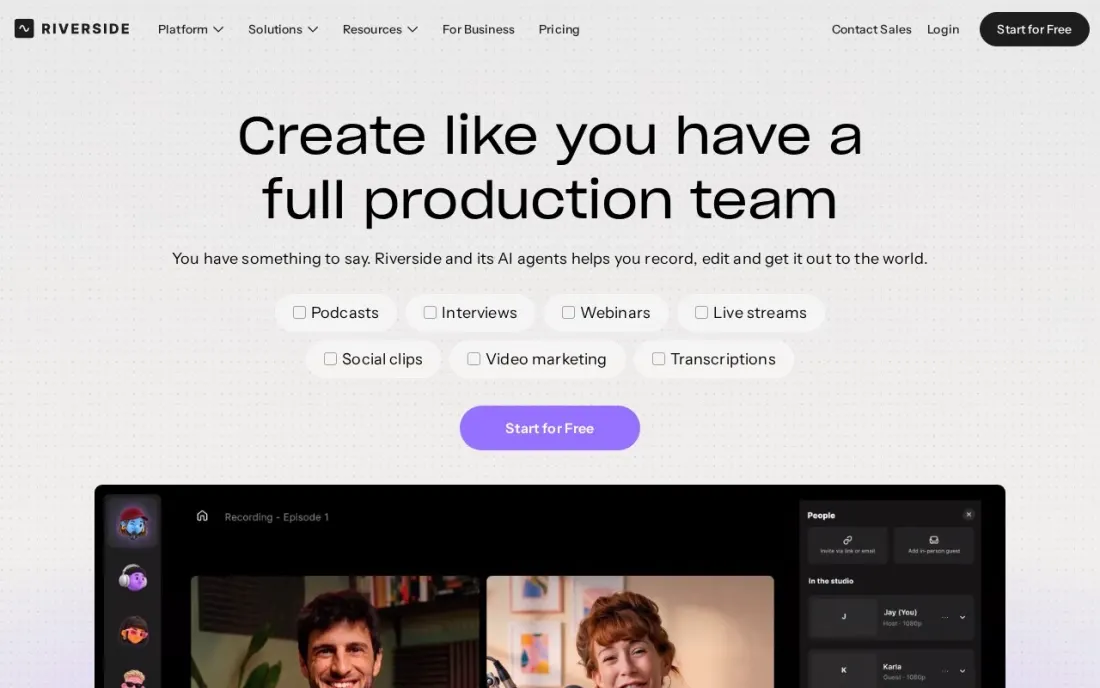
Riverside records every participant on their own device and uploads the files as the session runs, so a weak home connection does not ruin the master recording. Pro gives you up to 4K video and 48 kHz audio per guest, a host teleprompter, in-person multi-cam recording and a text-based editor with unlimited transcriptions, Magic Clips and show notes.
Pro costs $29 a month billed monthly or $24 a month billed annually, and includes 15 hours of separate track downloads. The free plan is a trial in practice: 2 hours of multi-track recording once, at up to 720p with a watermark. Choose Riverside when the show goes to YouTube as well as audio apps.
What we like
- Records each guest locally, up to 4K video and 48 kHz audio on Pro
- Text-based editing, unlimited transcriptions, Magic Clips and show notes on Pro
- Grow at $34 a month billed annually adds live streaming, multistreaming and hosting for 2 shows
Watch out for
- The free plan's 2 hours of multi-track recording is a one-off allowance, not monthly
- Free recordings are capped at 720p and carry a Riverside watermark
- Pro includes 15 hours of separate track downloads, so weekly long-form shows can hit the limit

Descript
Best for: Podcasters who want to record remote guests and edit the episode by editing the transcript
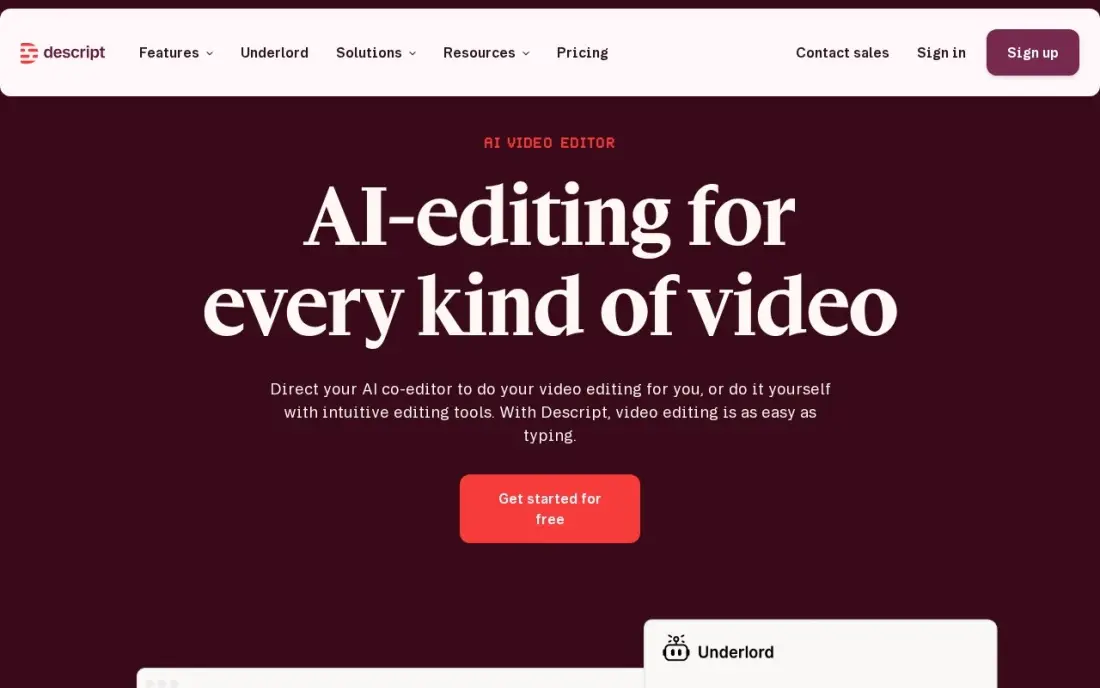
Descript has its own remote recording studio, Rooms, which takes up to 10 participants per room, keeps backup cloud copies of each session and can record up to two screens. Recordings land straight in a Descript project, where you edit the episode by deleting words in the transcript, then clean the audio with Studio Sound and filler-word removal.
The free plan includes 2 recording hours. Hobbyist costs $24 a month billed monthly or $16 billed annually and allows 5 recording hours a month, and Creator at $24 billed annually raises that to 15 hours. Pick Descript when editing time, not recording, is the bottleneck in your show.
What we like
- Text-based editing: delete a word in the transcript and the video and audio follow
- Studio Sound, filler-word removal and Overdub clean up recordings without a separate audio tool
- Rated 4.6/5 on G2 from 936 reviews, with easy editing the most cited strength
Watch out for
- Hobbyist covers only 10 media hours a month, and the two meters (hours plus AI credits) confuse new buyers
- The app can feel slow or glitchy on large projects, per G2 reviewers
- Creator at $24/month billed annually is the practical entry for serious creators, not Hobbyist

StreamYard
Best for: Podcasters who stream episodes live to YouTube or LinkedIn and record at the same time
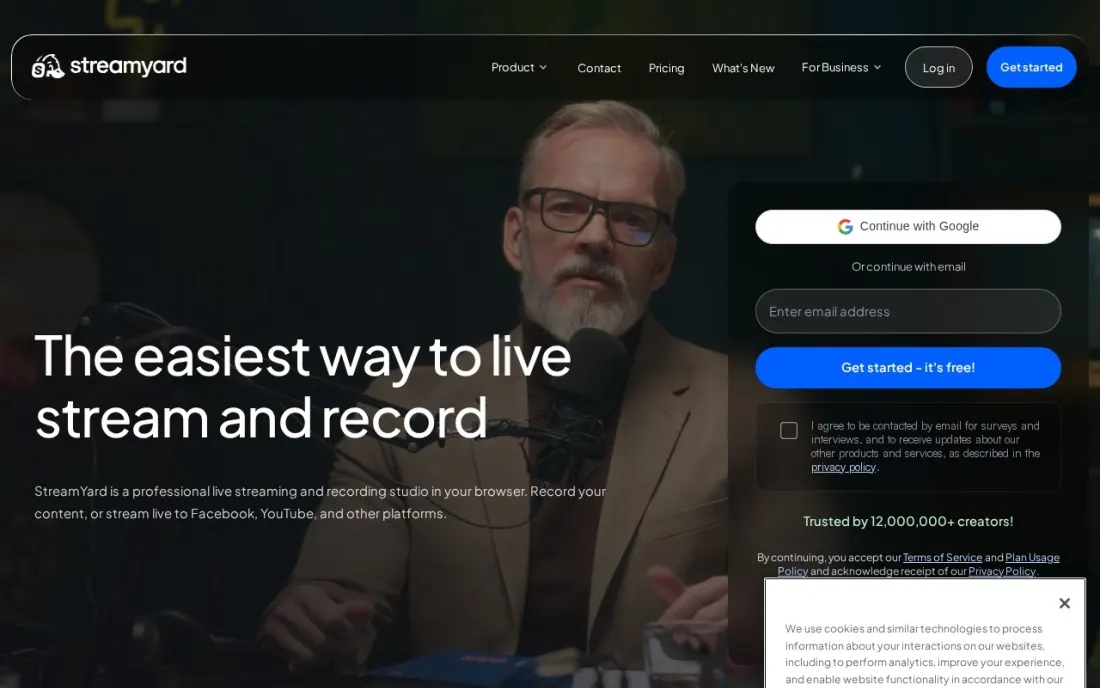
StreamYard is the easiest way to run a podcast as a live show. Guests join a browser studio from a link, you add logos, overlays and layouts, and the episode streams to YouTube, LinkedIn or other platforms while it records. Core adds unlimited local recordings, cloud recording, 10 on-screen participants and 50 hours of permanent storage.
Essential costs $18.99 a month or $14.99 billed yearly, but the recording features that matter for a podcast sit on Core at $44.99 a month or $35.99 billed yearly. The free plan allows 2 hours of local recording a month with a logo on streams. Choose StreamYard when the live audience matters as much as the audio file.
What we like
- Simple browser studio that guests join from a link, with up to 6 on-screen participants free
- Core adds unlimited local recordings, cloud recording and 10 on-screen participants
- Advanced records locally in 4K and streams to 8 destinations
Watch out for
- Free local recordings are capped at 2 hours a month and streams carry a StreamYard logo
- Unlimited local recording starts on Core at $35.99 a month billed yearly
- Built for live streaming first, so post-production tools are lighter than Riverside or Descript

Zencastr
Best for: Independent podcasters who want separate-track recording, editing and hosting on a free plan
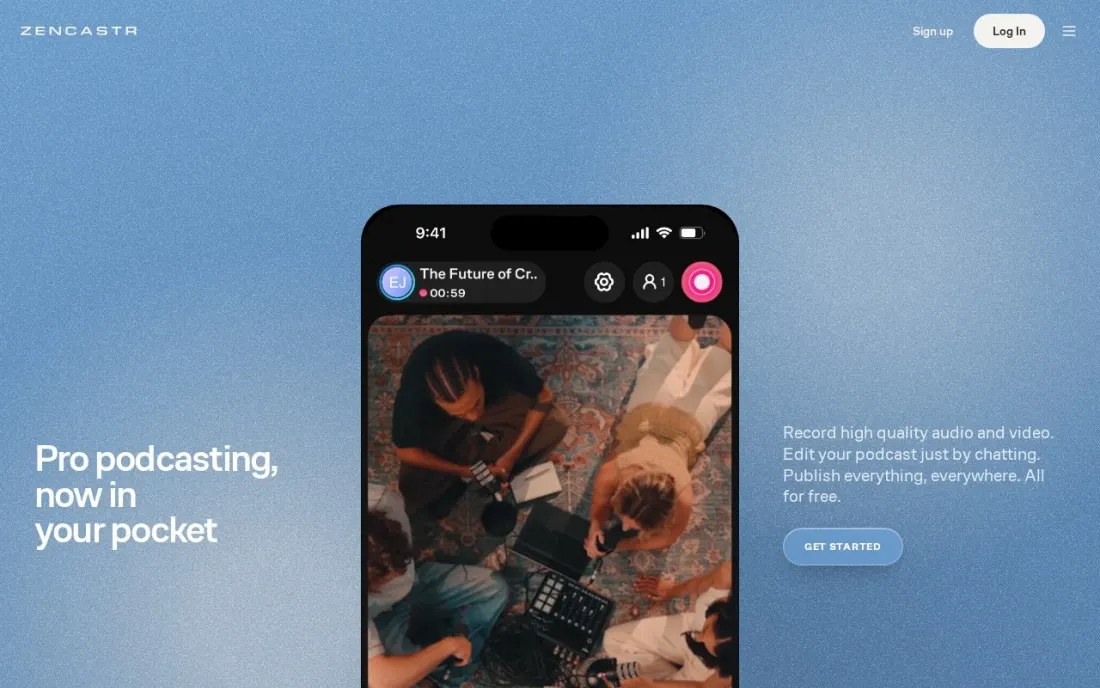
Zencastr gives away more than any other tool here. Its free plan records up to 6 participants locally, with progressive uploads, automatic cloud backups and unlimited separate audio and video tracks in 48 kHz WAV and 4K video. The same plan adds text-based editing, filler-word and noise removal, animated captions, and hosting with an RSS feed for up to 5 shows.
The pricing page lists only that free plan and an Enterprise tier priced by quote, so a growing network should ask sales what it gets beyond the free limits. For a solo host or a two-person show that wants clean separate tracks for nothing, Zencastr is the first tool to try.
What we like
- Unlimited separate audio and video tracks with 48 kHz WAV output on the free plan
- Local recording with progressive uploads and automatic cloud backups
- Free plan includes text-based editing, noise removal, hosting for 5 shows and publishing to podcast platforms
Watch out for
- Only the free plan and a quote-only Enterprise tier are listed, so there is no mid-priced paid plan to compare
- Up to 6 participants, fewer than Descript Rooms or Cleanfeed Pro

Cleanfeed
Best for: Audio-only shows and radio-style producers who want broadcast-quality remote audio
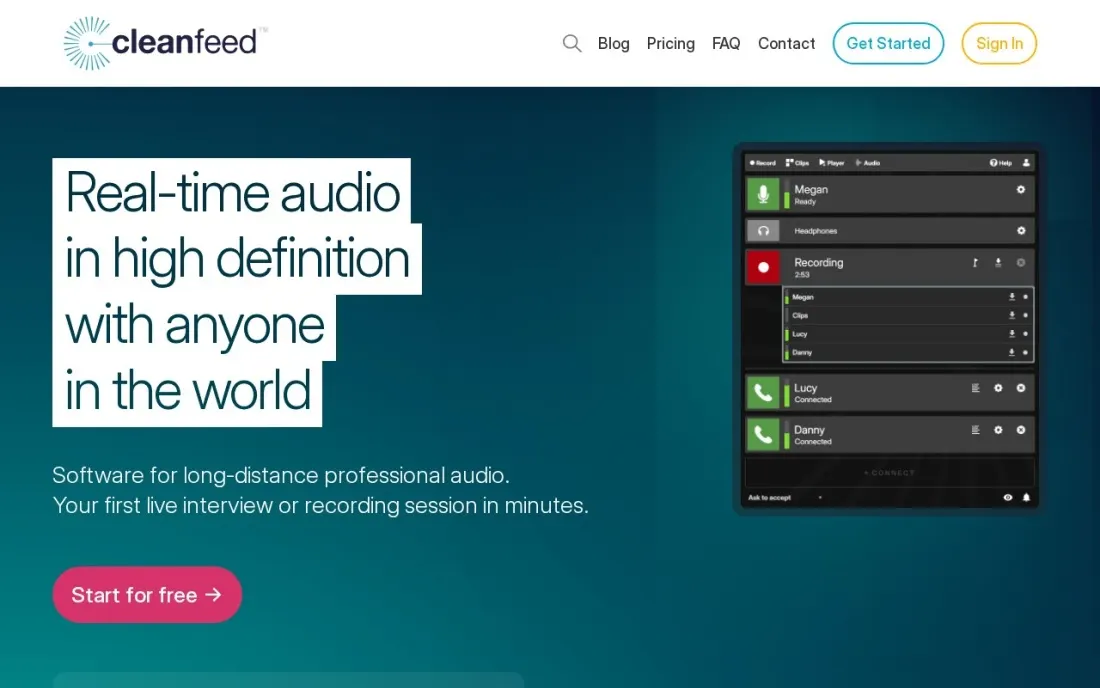
Cleanfeed is built by and for audio people, and it shows in the sound: clean remote audio, low latency and controls that suit a producer running a radio-style show. Cleanfeed Lite is free, including commercial use, with unlimited recording time for 2 guests, though it records a single mix with mono remote audio.
Pro costs $36 a month for businesses, with a lower subsidised rate for personal use, charities and schools, and yearly renewal takes another 20% off. It adds multitrack recording with an isolated track per guest, up to 32 guests, stereo remote audio and audio repair. Choose it for interview and panel shows that never need video.
What we like
- Cleanfeed Lite is free for commercial use with unlimited recording time
- Pro records an isolated track for each guest, with up to 32 guests
- Pro adds audio repair modes, markers and notes, and a 20% discount for yearly renewal
Watch out for
- Lite records a single mix with mono remote audio and no multitrack recording
- Audio-first, so video podcasters need Riverside, Descript or Zencastr instead

Zoom
Best for: Occasional interview shows where the guest will only join a tool they already know
Zoom is the fallback every podcaster ends up using at least once, because some guests will only join a link they recognise. It records reliably and handles weak connections well, but it is a meeting tool, so it compresses the call rather than recording each guest locally at full quality the way Riverside, Zencastr or Cleanfeed do.
The free Basic plan caps group meetings at 40 minutes, which cuts off most episodes. Workplace Pro costs $16.99 a user a month billed monthly or $14.16 billed annually, with 30-hour meetings and 10 GB of cloud recording per licence. Use Zoom when the guest is the constraint, then clean the file afterwards.
What we like
- Pro lifts meetings from 40 minutes to 30 hours and adds unlimited AI meeting notes and summaries
- 10 GB of cloud recording per licence, plus Zoom Mail and Calendar in the same subscription
- The most-reviewed video tool here, with 4.5 stars from more than 56,000 G2 reviews
Watch out for
- Pro still caps meetings at 100 participants; larger calls need Business at $18.33 a user a month
- Cloud recording is only 10 GB per licence on Pro, so heavy recorders pay for more storage
- Prices exclude tax, and the annual figure is charged as one upfront payment

Adobe Podcast
Best for: Podcasters who need to rescue a noisy remote recording in the browser after the session
Adobe Podcast is the clean-up step rather than the studio. Upload a recording to Enhance Speech in the browser and the AI removes background noise and room echo, which rescues a guest who recorded on a laptop microphone in a kitchen. It works on files from any of the recorders above, including a Zoom call.
The free tier handles audio files up to 30 minutes with an hour of enhancement a day, enough for one episode at a time. Premium costs $9.99 a month and adds video files, bulk uploads, longer files and a strength slider. Pull the slider back if voices start to sound processed, and keep the original file.
What we like
- One-click Enhance Speech turns laptop-mic recordings into near-studio audio
- Runs entirely in the browser — nothing to install
- Free tier is genuinely usable for short files, with no watermark on output
- Premium adds video files, bulk uploads and an adjustable strength slider
Watch out for
- Free tier caps files at 30 minutes and 1 hour of enhancement a day
- Heavy enhancement can make a voice sound processed or robotic
- Speech only — it will not clean up music or sound design
The best online podcast recording software records each guest on their own device, uploads the files while you talk, and hands you separate tracks you can edit without fighting a bad connection. We compared seven browser-based recorders on track quality, guest limits, free plans and real monthly cost, plus one clean-up tool for rescuing a noisy file, and every price below comes from the vendor's own pricing page as checked in November 2026.
How to choose the best online podcast recording software
- Insist on local recording. Tools that record on each guest's device sound far better than a recorded video call, because internet glitches never reach the master file.
- Check the separate-track allowance. Riverside, Descript and StreamYard meter recording hours or downloads per month, while Zencastr and Cleanfeed do not, so count how many hours a month your show really records.
- Decide whether video matters. Riverside, Zencastr and StreamYard record up to 4K video; Cleanfeed is audio-first and does not try.
- Count your guests. Most shows need two to four people, but panel and network shows should check limits: 6 on Zencastr's free plan, 10 in Descript Rooms and 32 on Cleanfeed Pro.
- Look at what happens after recording. Descript, Riverside and Zencastr include text-based editing and clips, which can replace a separate editing subscription.
- Make joining easy for guests. Every tool here works from a browser link, but test it with a non-technical guest before a recording that matters.
Recording is only half of a podcast that grows. Episodes get found when each one has its own indexable page with show notes and a transcript, which our guide to the best podcast hosting platforms covers, and our AI search optimization service helps a show get cited when listeners ask ChatGPT or Perplexity for recommendations.
Online podcast recording software pricing: what you will actually pay
Take a weekly interview show that records about four hours a month with one or two remote guests. Zencastr costs $0 on its free plan, and Cleanfeed Lite costs $0 for an audio-only show with up to 2 guests. Descript Hobbyist costs $16 a month billed annually, or $24 monthly, and covers 5 recording hours a month. Riverside Pro costs $24 a month billed annually, or $29 monthly, with 15 hours of separate track downloads. StreamYard Core, the first plan with unlimited local recordings, costs $35.99 a month billed yearly, or $44.99 monthly.
Over a year that is $192 for Descript Hobbyist on annual billing, $288 for Riverside Pro and about $432 for StreamYard Core billed yearly. Cleanfeed Pro costs $36 a month for businesses before the 20% yearly-renewal discount, with a lower subsidised rate for personal, charity and education use. Add $9.99 a month for Adobe Podcast Premium only if your guests regularly record in noisy rooms; the free tier covers one 30-minute file at a time.
Know the difference: local recording vs call recording
Local recording captures each person's microphone and camera on their own computer at full quality, then uploads those files to the studio as the conversation runs. If a guest's Wi-Fi stutters, the live call might glitch, but the file you edit does not. Riverside, Descript Rooms, Zencastr, StreamYard's local recordings and Cleanfeed Pro's multitrack all work this way, and they give you one track per person.
Call recording captures the meeting as everyone heard it: compressed, mixed together and including every dropout. Zoom works this way, and so does Cleanfeed Lite's single mix, which is fine for a quick interview but hard to edit. If your guests will only join Zoom, ask each of them to record their own microphone as a backup, or run the result through Adobe Podcast afterwards.
Quick comparison: tool type by need
| Buyer | Best pick | Why |
|---|---|---|
| Video podcasts | Riverside | Local 4K recording and editing, Pro $24/month billed annually |
| Record and edit in one tool | Descript | Rooms for up to 10 participants, then edit by transcript |
| Live-streamed shows | StreamYard | Stream and record together, Core $35.99/month billed yearly |
| Zero budget | Zencastr | Free unlimited separate tracks for up to 6 participants |
| Audio-only and radio-style | Cleanfeed | Free Lite plan; Pro isolates each of up to 32 guests |
| Guests who only use Zoom | Zoom | Familiar link, Pro $14.16/user/month billed annually |
| Fixing noisy recordings | Adobe Podcast | Free Enhance Speech for 30-minute files, Premium $9.99/month |
Mistakes to avoid
- Recording a video call and calling it a podcast. A meeting tool's compressed mix is the main reason remote shows sound worse than in-person ones; use a local recorder whenever the guest allows it.
- Ignoring the hour meters. Descript, Riverside and StreamYard's free tier all cap recording hours or track downloads, so a long-form weekly show can run out mid-month.
- Skipping the guest test. Browser permissions, Bluetooth headsets and corporate laptops cause most failed sessions; send guests a two-minute check link before the real recording.
- Letting guests use laptop speakers. Without headphones, the host's voice bleeds back into the guest's microphone and no tool fully removes the echo.
- Deleting the raw tracks. Keep the original separate files after you export; AI clean-up and editing tools improve every year, and a re-edit needs the source.
Related comparisons: Recording Software · Podcast Hosting Platforms · Voice Recording Software · Call Recording Software
How we chose
We read each vendor's own pricing page in November 2026 and recorded the starting price exactly as shown, with the annual-billing figure where the page lists one. We ranked the tools by fit for the most common buyer, an independent show with one host and one or two remote guests, and weighed local recording, separate tracks, guest limits and the cost of a realistic month. Zencastr lists only a free plan and a quote-only Enterprise tier, so we report it that way. Ratings appear only where we read the review page. No vendor paid for a place in this list, and none of the links here are affiliate links.
What to do next
Record a 15-minute test episode with a real guest on two of these tools — Zencastr's free plan and a Riverside or Descript trial make a fair pair — and compare the separate tracks side by side before you commit. When the show is ready to grow its audience, talk to us about getting it found.
Frequently asked questions
What is the best online podcast recording software?
Riverside is the best all-round choice for video podcasts, with local 4K recording on Pro at $24 a month billed annually. Descript is best if you also edit the episode yourself, and Zencastr has the most generous free plan, with unlimited separate tracks for up to 6 participants.
Is there free online podcast recording software?
Yes. Zencastr's free plan records up to 6 participants with unlimited separate tracks, Cleanfeed Lite is free with unlimited recording time for 2 guests, Descript's free plan includes 2 recording hours, and StreamYard's free plan includes 2 hours of local recording a month.
Why does local recording matter for remote podcasts?
Local recording captures each guest's audio and video on their own device and uploads it separately, so a dropped or choppy connection does not spoil the final file. Meeting tools such as Zoom record the compressed call instead, which is why dedicated recorders sound better.
How much does online podcast recording software cost?
On published prices, Riverside Pro costs $24 a month billed annually or $29 monthly, Descript Hobbyist $16 billed annually or $24 monthly, StreamYard Core $35.99 billed yearly or $44.99 monthly, and Cleanfeed Pro $36 a month for businesses. Zencastr and Cleanfeed Lite are free.
How many guests can I record at once?
Descript Rooms takes up to 10 participants, Zencastr's free plan up to 6, StreamYard up to 6 on-screen participants free and 10 on Core, and Cleanfeed Pro up to 32 guests for audio-only shows.
Do I need separate tracks for each guest?
For any show you plan to edit, yes. Separate tracks let you fix one person's volume, cut crosstalk and remove noise from one voice without touching the others. Riverside, Descript, Zencastr and Cleanfeed Pro all record them; Cleanfeed Lite records a single mix.
Does online podcast recording software work on Mac and Windows?
Yes. Every tool in this list runs from a browser, and guests join from a link, so a Mac, MacBook or Windows PC works without separate software. Zencastr and Cleanfeed Lite are free options, and Riverside, Descript and StreamYard all have free plans to test first. Before a recording that matters, test the link with a non-technical guest on their own computer.
Is online podcast recording as good as desktop recording software?
It can be, if the tool records locally. Riverside, Zencastr and StreamYard record on each guest's device, so internet glitches never reach the master file, and Riverside and Zencastr capture 48 kHz audio. Recording a plain video call is weaker, because the connection quality is baked into the file. Zoom suits occasional interviews, but dedicated tools sound better.
Sources we checked (10)
- Riverside — riverside.com/pricing (checked November 16, 2026)
- Descript — www.descript.com/pricing (checked November 10, 2026)
- Descript reviews on G2 (checked November 10, 2026)
- StreamYard — streamyard.com/pricing (checked November 16, 2026)
- Zencastr — zencastr.com/pricing (checked November 16, 2026)
- Cleanfeed — cleanfeed.net/pricing (checked November 16, 2026)
- Zoom — zoom.us/pricing (checked November 10, 2026)
- Zoom reviews on G2 (checked November 10, 2026)
- Adobe Podcast — podcast.adobe.com/pricing (checked November 7, 2026)
- Adobe Podcast reviews on G2 (checked November 7, 2026)
Make one of these tools?
We re-check this list every quarter. Send a correction, request a review, or ask about a clearly labeled sponsored spot.
Request a listingShamim
Founder of SerpAstra
A full-stack digital marketer and SEO strategist covering technical and local SEO, AI search visibility, paid ads and lead generation for local businesses, e-commerce brands and SaaS teams.
Free SEO and AI visibility audit
Find out what is holding your rankings back
Send us your site. Within 2 business days you get a written audit, an AI visibility check and a short fix list ranked by impact. Free, with no contract attached.
Request my free audit→Related buying guides
 Audio, Music & Podcasting7 Best Podcast Hosting Platforms in 2026, ComparedCompare the 7 best podcast hosting platforms for beginners and growing shows on upload limits, downloads, free plans and price, checked on vendor pages.Read guide →
 Audio, Music & PodcastingBest Audio Cleaning Software for 2026: 8 Options Compared by Use CaseCompare the 8 best audio cleaning software tools on price, free plans and AI cleanup, with every price checked November 7, 2026, for podcasters.Read guide →
 Website Builders & Hosting7 Best Website Platforms for Podcasts in 2026, ComparedCompare the best website platform for podcasts on episode pages, auto-import, show notes, monetization and yearly cost, with prices checked on vendor sites.Read guide →