
8 Best AI Scraping Tools in 2026, Compared
Compare the 8 best AI scraping tools for LLM-ready pages, no-code robots and structured extraction, with free plans and credit pricing checked on vendor sites.
 Shamim Mia, Founder, SerpAstraLast verified November 6, 20269 min read
We compare pricing pages, documentation and public reviews. We never accept payment for rankings.
Key takeaways
- Firecrawl is the developer pick for feeding pages to AI models: the free plan gives 1,000 credits a month and Hobby costs $19 a month, or $16 billed annually.
- Browse AI is the no-code pick for monitoring sites with trained robots, with a free plan of 50 credits a month and Personal at $19 a month billed annually.
- Diffbot's AI returns structured data without selectors and adds a Knowledge Graph of more than 10 billion entities, but paid plans start at $299 a month.
- When sites fight back, an access layer such as Bright Data or Zyte matters more than the AI: both charge only for successful results.
On this page
Quick comparison
| Tool | Best for | Starting price | Free plan |
|---|---|---|---|
| Firecrawl | Developers building AI apps and agents that need web pages as clean, LLM-ready content | Free; Hobby $19/mo | Yes (1,000 credits/mo) |
| Browse AI | Non-developers who want no-code robots that extract and monitor website data on a schedule | Free; $19/mo (annual) | Yes (50 credits/mo) |
| Diffbot | Teams that want AI to return structured page data and entity enrichment without selectors | Free; Startup $299/mo | Yes (free plan) |
| Apify | Developers and analysts who want ready-made scrapers plus custom code on one platform | Free; Starter $19/mo | Yes (free plan) |
| Bright Data | Teams collecting data at scale from sites with strong anti-bot defences | From $1.50/1,000 records | Yes (free tier) |
| Octoparse | Non-coders who want a visual scraper with AI-assisted field detection and cloud scheduling | Free; $69/mo (annual) | Yes (free plan) |
| Bardeen | Sales and growth teams that want an AI agent to scrape, qualify and enrich lists in the browser | Free; Basic $10/mo | Yes (free) |
| Zyte | Developers who need a reliable access layer for AI crawlers and pay only for successful pages | From $0.13/1,000 responses | No ($5 credit trial) |
Make one of these tools?
We re-check this list every quarter. Send a correction, request a review, or ask about a clearly labeled sponsored spot.
Request a listingThe best AI scraping tools

Firecrawl
Best for: Developers building AI apps and agents that need web pages as clean, LLM-ready content
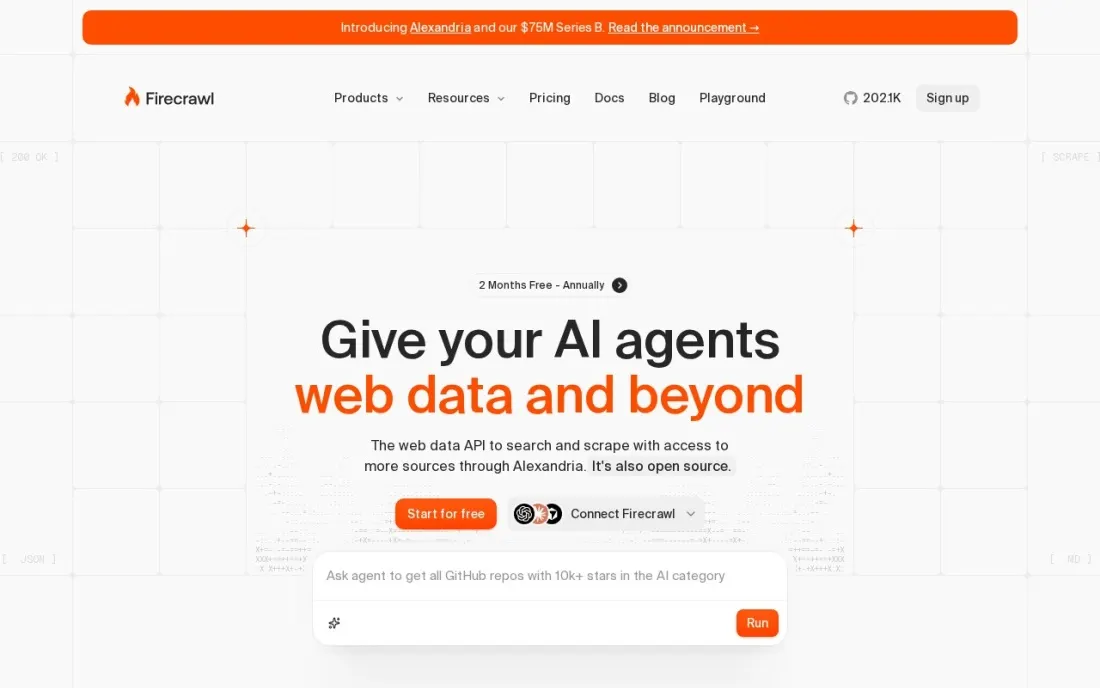
Firecrawl is built for the job most people now mean by AI scraping: turning web pages into clean content that a language model or agent can read. Its API scrapes single pages, crawls sites and runs web searches, returning content ready to drop into a retrieval pipeline. The free plan gives 1,000 credits a month, enough for 1,000 pages or 500 searches, with no card.
Hobby costs $19 a month, or $16 billed annually, for 5,000 credits and 5 concurrent requests. Standard costs $99, or $83 annually, for 100,000 credits and 25 concurrent requests, and Growth $399, or $333, for 500,000. It is a developer tool with no visual builder, so non-coders should look at Browse AI instead.
What we like
- Free plan with 1,000 credits a month and no card
- Annual billing cuts every paid plan, such as Standard from $99 to $83 a month
- Search and scrape in one API, built for AI pipelines
Watch out for
- Free plan has low rate limits and only 2 concurrent requests
- Community support only on the free plan
- Developer tool: no point-and-click interface for non-coders

Browse AI
Best for: Non-developers who want no-code robots that extract and monitor website data on a schedule
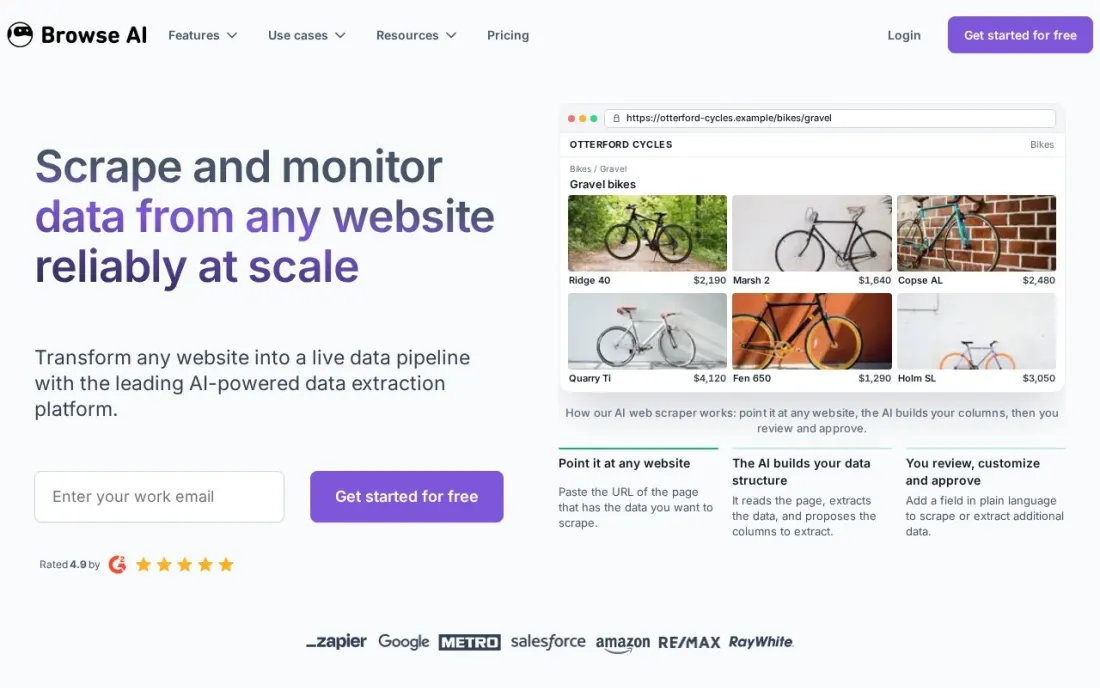
Browse AI lets a non-developer train a robot by showing it what to extract on a page, then run it on a schedule and get alerts when the data changes. That suits price tracking, competitor monitoring and lead lists, and every plan includes unlimited robots. The free plan is free forever with 50 credits a month, 2 websites and 3 users.
Personal costs $19 a month billed annually, or $48 monthly, with 2,000 credits a month and 5 websites. Professional costs $69 annually or $87 monthly, with 10 websites and 10 users, and Premium starts at $500. Extra websites cost $5 a month on Personal monthly billing, so count your target sites first.
What we like
- Free forever plan with access to all features
- Unlimited robots on every plan
- Annual prepayment gives a 20% discount
Watch out for
- 50 free credits a month is enough only for testing
- Monthly billing costs far more than annual: $48 versus $19 on Personal
- Website limits per plan, with extra sites charged monthly

Diffbot
Best for: Teams that want AI to return structured page data and entity enrichment without selectors
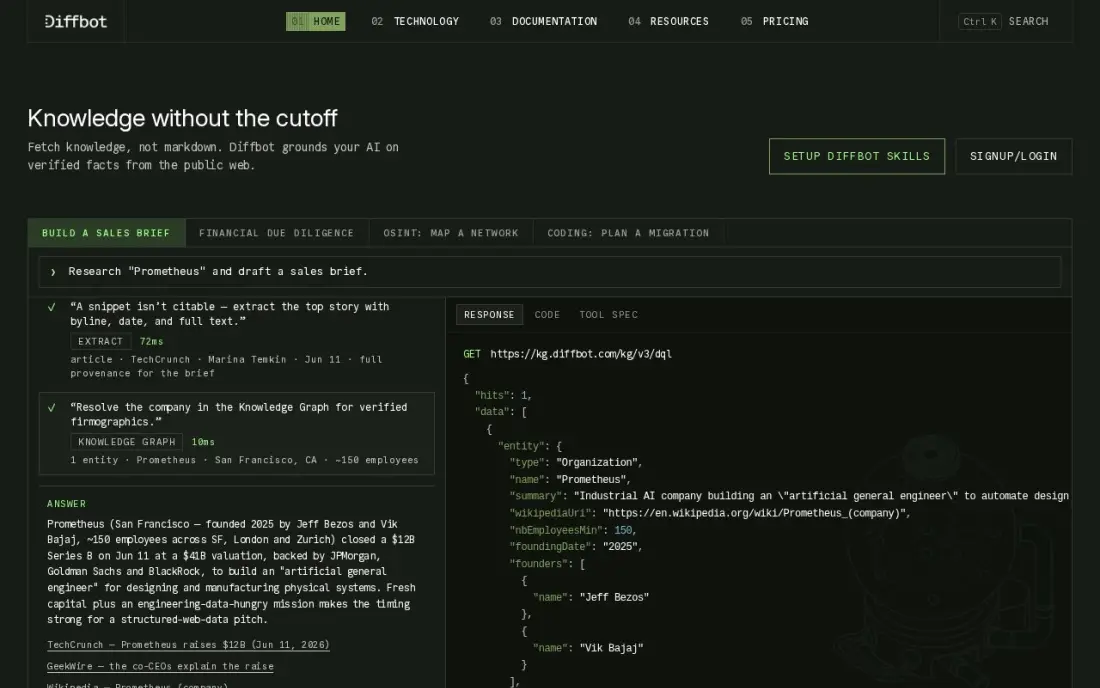
Diffbot was doing AI extraction before the term was fashionable. Instead of returning HTML, its AI reads an article, product or discussion page and returns structured fields, so there are no selectors to fix when a site changes layout. Its Knowledge Graph holds more than 10 billion entities and 1 trillion facts, per Diffbot, for enriching companies, people and products.
The free plan includes 10,000 credits a month across its APIs with no card. Startup costs $299 a month billed monthly for 250,000 credits. Page extraction costs 1 credit, but Knowledge Graph entity exports cost 25 to 100, which changes the maths. Its 4.9 out of 5 G2 score rests on only 29 reviews.
What we like
- AI reads any page and returns structured data directly, with no selectors to maintain
- Knowledge Graph holds more than 10 billion entities and 1 trillion facts, per Diffbot
- Free plan includes 10,000 credits a month across all four APIs, with no card
- Crawlbot spiders whole sites for links and pages at 0 credits per crawl call
Watch out for
- At $299 a month, the entry plan excludes small teams and casual users
- Knowledge Graph queries cost 25 to 100 credits each, so 250,000 credits buy only 10,000 entity exports
- Only 29 reviews on G2, so the 4.9/5 score rests on a small sample

Apify
Best for: Developers and analysts who want ready-made scrapers plus custom code on one platform
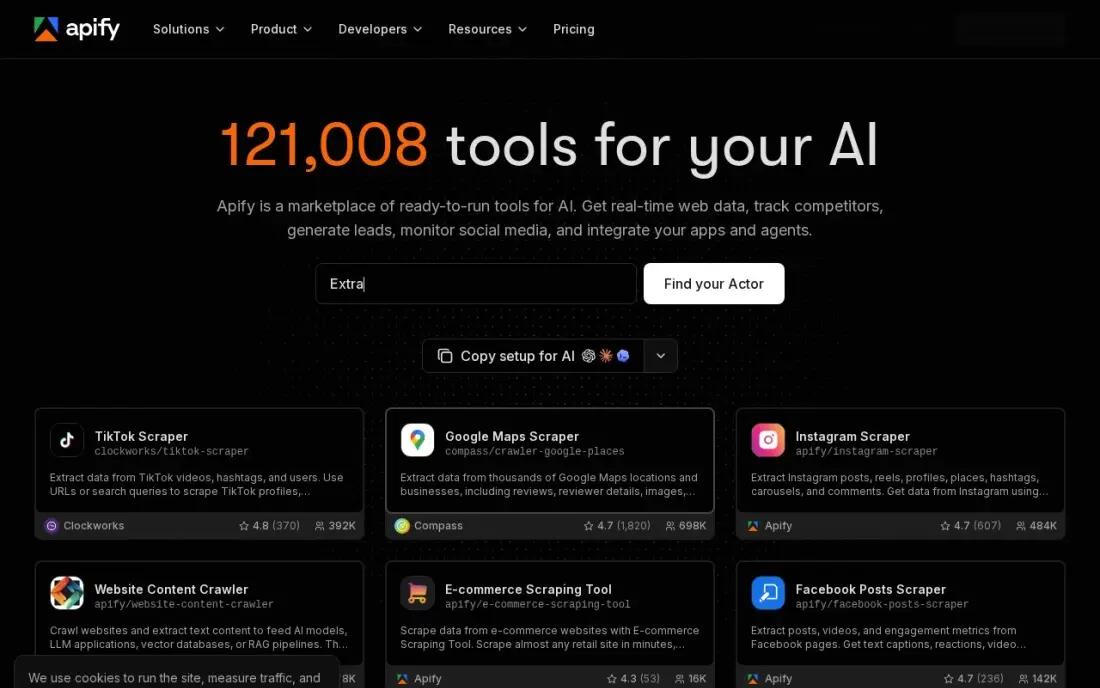
Apify covers both ends of the skill range: run a ready-made Actor from a marketplace of thousands, including scrapers for Google Maps, Instagram and TikTok, or write your own in Python or JavaScript and run it on the same platform. Output can feed spreadsheets, databases or AI pipelines through the API, which makes it a common backbone for AI data collection.
The free plan includes $5 of platform usage a month with no card. Starter costs $19 a month, or $17 billed annually, and includes $19 of prepaid usage; compute units cost $0.20 each and proxies and storage bill separately. A misconfigured Actor can burn credit fast, so set billing limits before large runs. It is rated 4.7 on G2.
What we like
- Free plan includes $5 of platform usage every month, with no card required
- Starter is $19 a month and includes $19 of prepaid usage, with 10% off billed annually
- Marketplace of thousands of ready-made Actors for Google Maps, Instagram, TikTok and more
- Pay-as-you-go overage beyond the included credit, so light months stay cheap
Watch out for
- Usage billing can spike if an Actor is misconfigured or a target triggers heavy proxy use
- Starter buys the same $0.20 compute-unit rate as the free plan, so the $19 mainly buys overage rights, concurrency and a Store discount
- Building your own Actors has a learning curve for non-developers

Bright Data
Best for: Teams collecting data at scale from sites with strong anti-bot defences
Bright Data is the heavyweight for scale and access. It runs one of the largest residential proxy networks with built-in anti-bot bypass, more than 1,000 pre-built scrapers that return structured data and ready-made datasets. For an AI project that needs large volumes from difficult sites, it removes the blocking problem that breaks lighter tools.
The Web Scraper API costs $1.50 per 1,000 delivered records pay as you go, with a free tier of 5,000 records a month, and the Scale plan starts at $499 a month. You pay only for successful records. Identity checks can take up to three business days, so start onboarding before the project deadline.
What we like
- One of the largest residential proxy networks, with built-in anti-bot bypass
- More than 1,000 pre-built scrapers return structured data without writing selectors
- You pay only for successful requests or delivered records, not for blocked attempts
- Free tier covers 5,000 records or requests a month with no card required
Watch out for
- No flat monthly plan for the scraping APIs, so costs scale directly with record volume
- Identity (KYC) approval can take up to three business days before you can start
- Proxy bandwidth is premium-priced next to budget providers

Octoparse
Best for: Non-coders who want a visual scraper with AI-assisted field detection and cloud scheduling
Octoparse is the visual scraper with AI help: AI-assisted task creation and automatic field detection suggest what to extract, and you refine it in a point-and-click workflow builder with more than 500 preset templates. Pagination, logins and scheduling are handled in the builder, and cloud runs keep going when your computer is off.
The free plan covers 10 tasks with local extraction. Standard costs $69 a month billed annually, or $83 monthly, and adds scheduling, IP rotation, CAPTCHA solving and the Data Export API. Residential proxy bandwidth and CAPTCHA solving bill separately, and Trustpilot reviews mention billing and cancellation complaints, so read the plan table closely.
What we like
- Point-and-click workflow builder with more than 500 preset scraping templates
- Free plan covers 10 tasks with local extraction, so you can learn the tool at $0
- Standard adds scheduling, IP rotation, CAPTCHA solving and the Data Export API
- AI-assisted task creation and automatic field detection speed up new scrapers
Watch out for
- The $69 headline is the annual figure; month-to-month Standard is $83
- Residential proxy bandwidth and CAPTCHA solving bill separately on top of the plan
- Trustpilot reviews are polarized at 4.1/5, with billing and cancellation complaints prominent

Bardeen
Best for: Sales and growth teams that want an AI agent to scrape, qualify and enrich lists in the browser
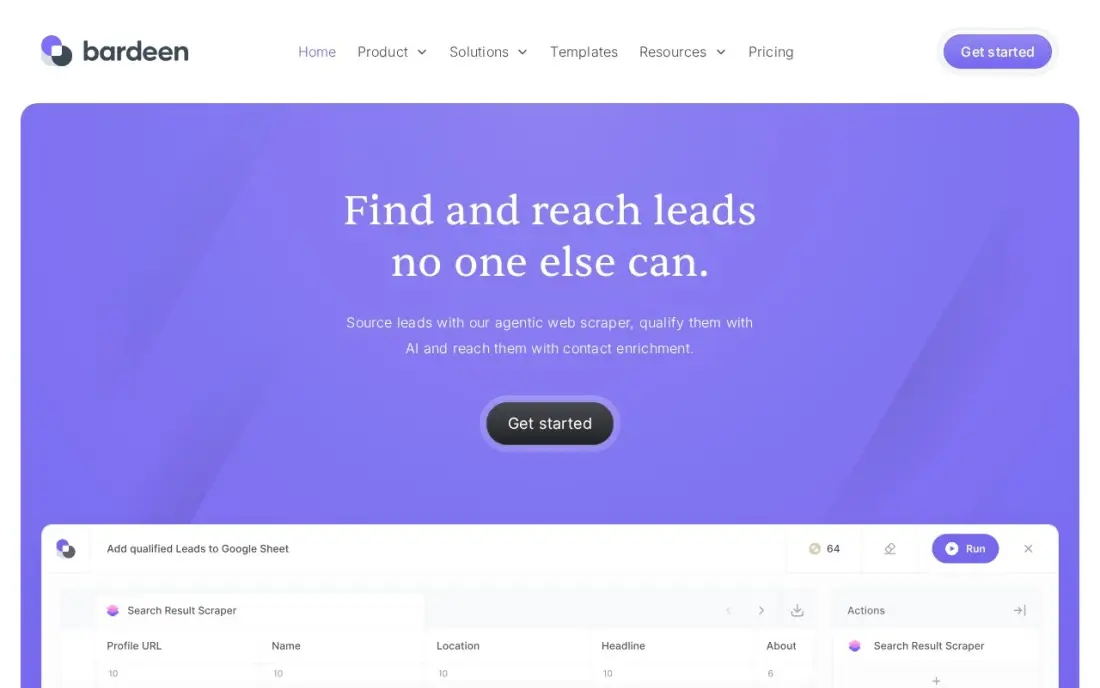
Bardeen runs its AI agent inside Chrome: scrape a list from a page you are viewing, qualify it with AI, enrich contact details and send the result to a sheet or CRM, all in one playbook with no server to set up. SOC 2 Type II and GDPR certifications cover the security questions a sales team will be asked.
The free plan gives 100 credits a month forever. Basic costs $10 a month for 100 more credits, and Premium $50 a month for 1,000 credits, or $40 billed annually. Scraping costs 1 credit a row and enrichment 3, and because it runs in your browser, heavy jobs tie up your machine. It suits hundreds of rows, not millions.
What we like
- An AI agent scrapes a list, qualifies it and enriches contact details in one flow
- No-code playbooks run inside Chrome, so there is no server to set up
- Free plan gives 100 credits a month forever, with unlimited Builder Mode testing
- SOC 2 Type II and GDPR certifications cover the security side
Watch out for
- Runs in your browser, so heavy jobs tie up your machine and scale poorly next to cloud runners
- The credit system confuses buyers: scraping costs 1 credit a row and enrichment costs 3
- Only 36 G2 reviews, and the profile has not been actively maintained in over a year

Zyte
Best for: Developers who need a reliable access layer for AI crawlers and pay only for successful pages
Zyte, the company behind the open-source Scrapy framework, sells one API that chooses how to reach each site: plain requests for easy pages, residential IPs or a headless browser for hard ones. For a team building its own AI crawler, it handles the part that fails most often — getting the page — and you pay only for successful responses.
Prices start at $0.13 per 1,000 HTTP responses on the simplest sites, but Zyte assigns each site a difficulty tier, and browser rendering on the hardest tier costs up to $16.08 per 1,000 responses pay as you go. Monthly commitments of $100, $200 or $500 cut rates by up to half. New accounts get $5 of credit for 30 days.
What we like
- You pay only for successful responses, which is the fairest billing model in this list
- One API picks the access method each site needs: plain requests, residential IPs or a headless browser
- Monthly commitments of $100, $200 or $500 cut the per-request rates by up to half
- Built by the team behind Scrapy, with Scrapy Cloud hosting for your own crawlers
Watch out for
- No monthly plan: your cost depends on the difficulty tier Zyte assigns each site
- Browser rendering on hard sites runs up to $16.08 per 1,000 responses pay as you go
- No free plan, only $5 of credit for the first 30 days
The best AI scraping tools do one of two things well: they use AI to find and structure the data on a page without brittle selectors, or they turn pages into clean content that AI models and agents can read. We compared eight tools across both camps — developer APIs, no-code robots, AI extraction services and the access layers that get past blocks — on how they work and what they cost, with every free plan and price checked on vendor pages in November 2026.
How to choose the best AI scraping tools
- Decide who will build it. Developers get the most from Firecrawl, Apify and Zyte; non-coders should start with Browse AI, Octoparse or Bardeen.
- Know your output. Clean page text for a language model is a different job from structured fields such as price, title and rating.
- Test a hard site first. Run your toughest target on a free plan; blocked requests matter more than AI features.
- Model credits at real volume. Credits, compute units and per-record fees all scale differently, so price a month of actual pages.
- Check scheduling and change alerts. Monitoring jobs need runs on a timer and a notice when data changes.
- Respect the rules. Read each site's terms and robots.txt, and keep personal data out unless you have a lawful basis.
Scraping is also how AI search engines read your own site. If you want your pages to be the ones AI answers quote, our AI search optimisation service covers that, and the free llms.txt generator and AI crawler robots generator control what AI crawlers can access.
AI scraping tools pricing: what you will actually pay
Take a project that needs 20,000 pages a month. On Firecrawl, that fits Standard at $99 a month, or $83 billed annually, with 100,000 credits; Hobby's 5,000 credits would be too few. On Browse AI, Personal includes 2,000 credits a month and Professional, from $69 a month billed annually, offers tiers from 5,000 to 30,000 credits; credits per page depend on the robot, so run one test job to see how many a run uses. On Diffbot, 20,000 page extractions fit inside Startup's 250,000 credits at $299 a month, with room for enrichment.
For blocked or large-scale targets, Bright Data's Web Scraper API at $1.50 per 1,000 records would cost $30 for 20,000 records pay as you go, and Zyte would cost from $2.60 on easy sites to over $300 on the hardest tier. Apify bills compute units at $0.20 each on top of Starter's $19 of included usage, so cost depends on how heavy each Actor is.
Know the difference: AI extraction vs LLM-ready crawling
AI extraction tools look at a page and return structured data: the product name, price and rating, or an article's author and date. Diffbot, Octoparse's auto-detection and Browse AI's trained robots work this way. The value is resilience: when a site moves an element, the AI still finds it, so you spend less time fixing broken selectors.
LLM-ready crawling tools such as Firecrawl return the whole page as clean text or markdown, stripped of menus and scripts, for a model to read and reason over. That is the input for chatbots, retrieval systems and AI agents that browse. Many projects use both: a crawler to collect content and an extraction step, or the model itself, to pull out the fields that matter.
Quick comparison: tool type by need
| Buyer | Best pick | Why |
|---|---|---|
| AI app developers | Firecrawl | LLM-ready pages and search, 1,000 free credits a month |
| No-code monitoring | Browse AI | Trained robots and change alerts, $19/month annual |
| Structured AI extraction | Diffbot | Fields without selectors plus a Knowledge Graph, from $299/month |
| Ready-made and custom scrapers | Apify | Thousands of Actors, free $5 usage a month |
| Scale on hard sites | Bright Data | Large proxy network, $1.50 per 1,000 records |
| Visual scraping with AI help | Octoparse | Auto field detection, 500+ templates, $69/month annual |
| Browser-based lead lists | Bardeen | Scrape, qualify and enrich in Chrome, Basic $10/month |
| Access layer for custom crawlers | Zyte | Pay per successful response from $0.13 per 1,000 |
Mistakes to avoid
- Buying AI when the problem is blocking. If requests fail, smarter extraction will not help; fix access first.
- Ignoring credit maths. One credit rarely equals one page on every tool; run a sample job and read the usage log.
- Scraping personal data carelessly. Names, emails and profiles carry legal duties under privacy laws in many countries.
- Sending raw HTML to a model. Clean, trimmed content cuts token costs and improves answers.
- Skipping monitoring. Schedule a daily check that output row counts look normal, so silent failures are caught early.
Related comparisons: Email Scraping Tools · Lead Scraping Tools · Web Scraping Tools for E-commerce · Social Media Scraping Tools
How we chose
We read each vendor's pricing page in November 2026 and recorded free plans, credit allowances and prices exactly as shown, including annual and monthly billing where both are published. We picked tools that use AI for extraction or produce AI-ready output, plus two access layers because blocking is the most common failure, and favoured tools with a free plan or trial. Ratings come from G2 pages checked on the dates shown in the sources. No vendor paid for a place in this list, and none of the links here are affiliate links.
What to do next
Pick your hardest target page and run it through two tools from different camps — Firecrawl and Browse AI, for example — on their free plans, then compare output quality and credits used. If you want AI tools to find and cite your own site, book a free AI search review.
Frequently asked questions
What are the best AI scraping tools?
Firecrawl is the best for developers feeding pages to AI models, Browse AI is the best no-code option, and Diffbot is the best for structured AI extraction and entity data. Apify, Bright Data and Zyte cover scale and difficult sites, Octoparse suits visual scraping and Bardeen suits browser-based lead lists.
What is an AI scraping tool?
It is a scraper that uses AI to find and structure the data on a page instead of relying on hand-written selectors, or one that outputs clean content for AI models to read. The first kind survives layout changes better; the second feeds chatbots, agents and retrieval systems.
Are there free AI scraping tools?
Yes. Firecrawl gives 1,000 free credits a month, Diffbot 10,000 credits, Browse AI 50 credits, Bardeen 100 credits and Apify $5 of usage. Octoparse's free plan covers 10 tasks, and Bright Data's free tier covers 5,000 records a month.
How much do AI scraping tools cost?
Entry paid plans range from $10 a month on Bardeen Basic to $19 on Firecrawl Hobby, Apify Starter and Browse AI Personal billed annually, $69 on Octoparse Standard billed annually and $299 on Diffbot Startup. Bright Data and Zyte charge per successful record or response.
Is AI web scraping legal?
Scraping publicly available data is often lawful, but it depends on the site's terms, the type of data and the law where you operate, especially for personal data under rules such as GDPR. Respect robots.txt, avoid logins you are not authorised to use and take legal advice for commercial projects.
Can AI scrapers handle sites that block bots?
The AI helps with extraction, not access. For sites with strong anti-bot defences, you need proxies, headless browsers and retries, which Bright Data and Zyte provide and charge for per successful result.
What are some examples of AI scraping tools?
They fall into three groups: developer APIs, no-code scrapers and browser agents. Firecrawl, Diffbot and Zyte are developer tools that return clean or structured page data. Browse AI and Octoparse let non-coders build scrapers by pointing and clicking. Bardeen runs an AI agent inside Chrome for sales lists, Apify offers a marketplace of ready-made scrapers, and Bright Data handles large jobs on sites with strong anti-bot defences.
Sources we checked (14)
- Firecrawl — www.firecrawl.dev/pricing (checked November 16, 2026)
- Browse AI — www.browse.ai/pricing (checked November 16, 2026)
- Diffbot — www.diffbot.com/pricing (checked November 7, 2026)
- Diffbot reviews on G2 (checked November 7, 2026)
- Apify — apify.com/pricing (checked November 7, 2026)
- Apify reviews on G2 (checked November 7, 2026)
- Bright Data — brightdata.com/pricing (checked November 7, 2026)
- Bright Data reviews on G2 (checked November 7, 2026)
- Octoparse — www.octoparse.com/pricing (checked November 7, 2026)
- Octoparse reviews on G2 (checked November 7, 2026)
- Bardeen — www.bardeen.ai/pricing (checked November 6, 2026)
- Bardeen reviews on G2 (checked November 6, 2026)
- Zyte — www.zyte.com/pricing (checked November 7, 2026)
- Zyte reviews on G2 (checked November 7, 2026)
Make one of these tools?
We re-check this list every quarter. Send a correction, request a review, or ask about a clearly labeled sponsored spot.
Request a listingShamim
Founder of SerpAstra
A full-stack digital marketer and SEO strategist covering technical and local SEO, AI search visibility, paid ads and lead generation for local businesses, e-commerce brands and SaaS teams.
Free SEO and AI visibility audit
Find out what is holding your rankings back
Send us your site. Within 2 business days you get a written audit, an AI visibility check and a short fix list ranked by impact. Free, with no contract attached.
Request my free audit→Related buying guides
 Data, Analytics & AIBest Web Scraping Software Reviews for 2026: 10 Options Compared by Use CaseCompare the 10 best web scraping software reviews by price, free plan and use case, from $19 APIs to enterprise tools, with prices checked November 7, 2026.Read guide →
 Sales & CRM9 Best Lead Scraping Tools in 2026, ComparedCompare the 9 best lead scraping tools for LinkedIn, Google Maps and websites on credits, enrichment, free plans and cost, with prices checked November 2026.Read guide →
 Marketing8 Best Social Media Scraping Tools in 2026 (Free and Paid, Compared)Compare the 8 best social media scraping tools on price, free plans, platforms covered and account safety, with every price checked November 6, 2026.Read guide →