
7 Best AI Text Effects Apps for Designers in 2026
Compare the 7 best AI text effects apps for designers, from Firefly-powered type styles to vector lettering, with commercial terms and every price checked.
 Shamim Mia, Founder, SerpAstraLast verified November 4, 20268 min read
We compare pricing pages, documentation and public reviews. We never accept payment for rankings.
Key takeaways
- Adobe Express is the quickest AI text effects app for designers: Firefly turns a word into a textured or illustrated style from a prompt, with a free plan and Premium at $9.99 a month.
- Adobe Firefly Standard costs $9.99 a month with 2,000 generative credits, and suits designers who want text effects alongside image generation and Generative Expand.
- Kittl is the pick for editable type layouts and merch lettering, with Pro at $12 a month billed annually and vector exports.
- Ideogram and Picsart generate stylised lettering as images; for scalable type that prints at any size, finish the work in Adobe Illustrator.
On this page
Quick comparison
| Tool | Best for | Starting price | Free plan |
|---|---|---|---|
 Adobe Express | Designers who want Firefly text effects from a prompt with Adobe Fonts in a quick editor | Free; Premium $9.99/mo | Yes (free plan) |
 Adobe Firefly | Designers who want AI text effects alongside image generation and expansion in one credit plan | Free; Standard $9.99/mo | Yes (limited) |
 Kittl | Designers making type-led posters, badges and merch who want editable lettering and vector export | Free; Pro $12/mo (annual) | Yes (personal use) |
 Ideogram | Designers exploring stylised typographic images and lettering concepts from a prompt | Free; Plus $15/mo | Yes (public) |
 Canva | Designers on mixed teams who want text effects and AI tools inside a shared editor | Free; Pro $18/mo | Yes (free plan) |
 Picsart | Mobile-first designers who want AI text and image effects on the phone | Free; Pro $15/mo | Yes |
 Adobe Illustrator | Designers who need AI-assisted lettering as true vector type that scales for print | $22.99/mo (annual) | No (7-day trial) |
Make one of these tools?
We re-check this list every quarter. Send a correction, request a review, or ask about a clearly labeled sponsored spot.
Request a listingThe best AI text effects apps
Adobe Express
Best for: Designers who want Firefly text effects from a prompt with Adobe Fonts in a quick editor
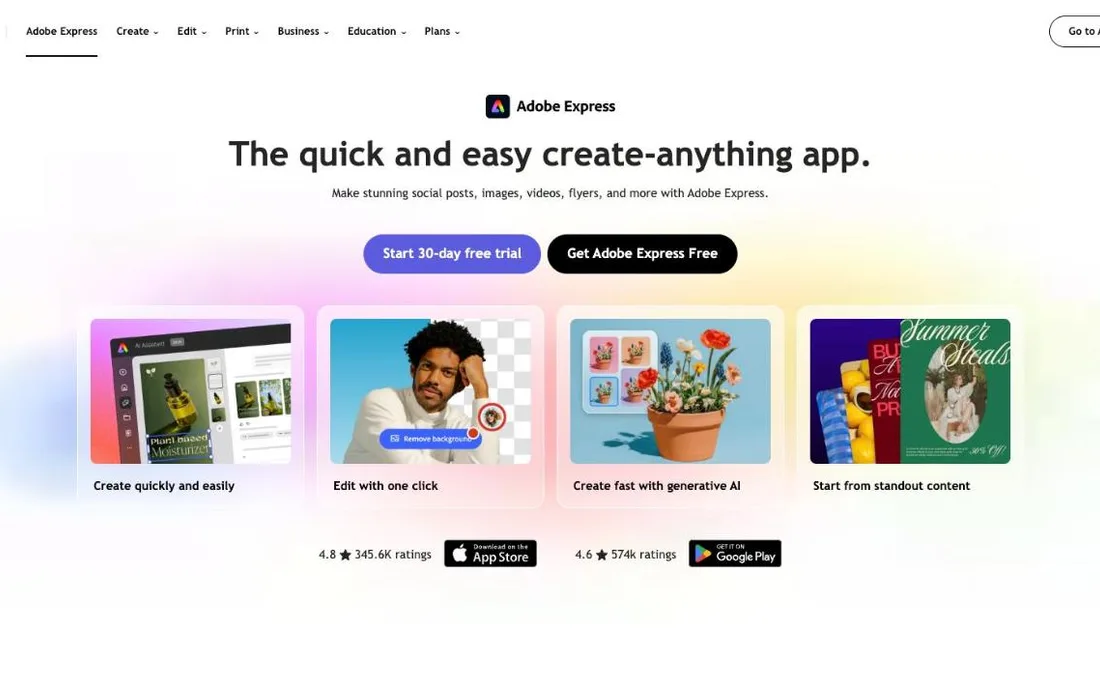
Adobe Express is the most direct route to AI text effects. Type a word, pick a font, then describe a texture or material, such as chrome, moss or neon, and Firefly fills the letterforms with it while keeping the word readable. Adobe Fonts are included, so the base type is better than most free apps, and the free plan lets you try the effects on real headlines.
Premium costs $9.99 a month and adds Adobe Stock photos and Brand Kits for consistent colours and fonts across a campaign. The output is a raster graphic for social posts, thumbnails and banners. For print-scale lettering, move the idea into Illustrator.
What we like
- Adobe Stock photos and Adobe Fonts are included in the price
- Firefly AI generates images and text effects from a prompt
- Brand Kits keep logos and colors consistent across every design
- Works on web and mobile with the same files
Watch out for
- No scheduling or publishing — designs still need a scheduler
- Fewer ready-made retail templates than Canva
- $9.99 a month buys design only, not distribution
Adobe Firefly
Best for: Designers who want AI text effects alongside image generation and expansion in one credit plan
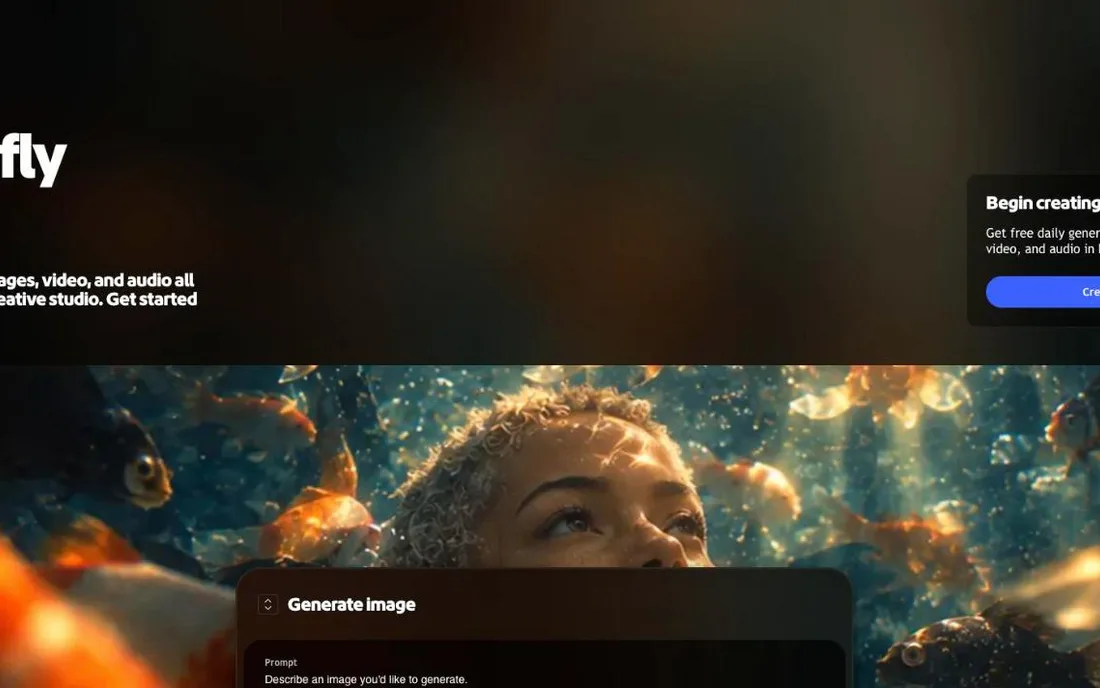
Adobe Firefly is the engine behind the text effects in Adobe Express, and the Firefly app itself suits designers who want those effects next to image generation, Generative Expand and video in one place. Credits are pooled, so the same allowance covers a stylised headline, a background and an expanded canvas.
Standard costs $9.99 a month with 2,000 generative credits. Pro is regularly $19.99 a month with 4,000 credits, though a six-month discount was running when we checked, ending December 6. The free plan offers limited daily generations, enough to test whether Firefly's style suits your work.
What we like
- Standard includes 2,000 generative credits a month
- Paid plans include unlimited standard features such as Generative Expand
- Credit add-ons cover extra images, videos and text effects
Watch out for
- Free plan limits are described only as limited daily generations
- Current Pro and Pro Plus prices are 6-month promotions ending December 6
- Credits are shared across images, video and text effects
Kittl
Best for: Designers making type-led posters, badges and merch who want editable lettering and vector export
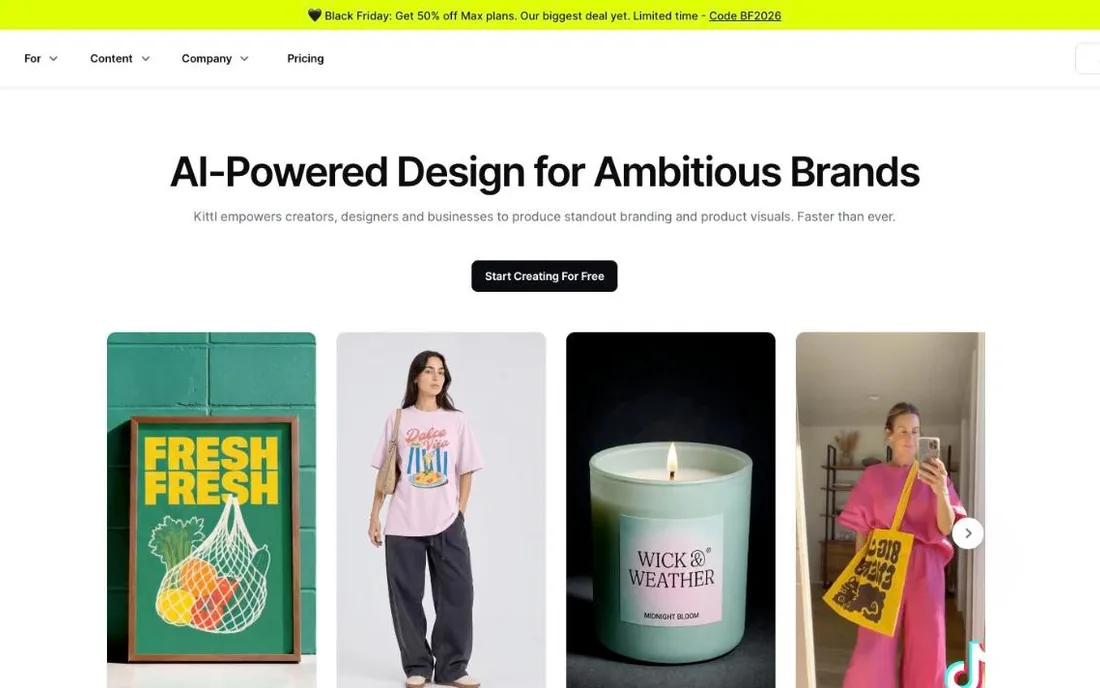
Kittl is where type-heavy design is the whole point. Its templates and text tools handle curved, outlined, layered and vintage lettering for posters, badges and T-shirts, and AI tokens generate icons and illustrations to sit around the type, all on one canvas that keeps the text editable instead of baking it into an image.
Pro costs $12 a month per editor billed annually and adds vector exports and a commercial licence for up to 500,000 copies, which matters for merch sellers. Expert costs $26 and Max $48 a month. The free plan is personal use only, and cancelling locks vector exports, so download files first.
What we like
- Paid plans include vector exports
- Commercial licence on Pro and Expert covers up to 500,000 copies
- Expert and Max add daily AI tokens on top of the monthly allowance
Watch out for
- Free plan is personal use only
- Vector exports lock if you cancel
- Monthly-billing prices are not listed
Ideogram
Best for: Designers exploring stylised typographic images and lettering concepts from a prompt
Ideogram generates whole typographic images from a prompt, such as a word made of clouds or a retro sign with your headline, and it gets the spelling right more often than most image models. That makes it a fast concept tool when you want ten directions for a title treatment before committing to one.
The free plan gives weekly slow credits, with generations public by default. Plus is listed at $15 a month with 1,000 priority credits, and Pro costs $42 a month billed annually with private generation. Ideogram allows commercial use, but the text is baked into the image, so rebuild the chosen look in an editor.
What we like
- Renders words inside generated images more reliably than most generators
- Commercial use allowed, and Ideogram does not claim ownership
- Plus includes 1,000 priority credits a month
Watch out for
- Output is a flat image; the text cannot be edited afterwards
- Free generations are public by default
- AI editing features need priority credits
Canva
Best for: Designers on mixed teams who want text effects and AI tools inside a shared editor
Canva's text effects are simpler than Firefly's, with shadows, outlines, curves, glitch and neon styles applied in one click, and its Magic Studio AI tools generate images and graphics to pair with the type. The point is speed and sharing: a designer can set a style and marketers on the same team reuse it in their own posts.
Pro costs $18 a month billed monthly, or $144 a year, and adds Brand Kit, background removal and Magic Resize. It will not create a new material texture inside the letters the way Firefly does, so treat it as the place where effects are applied at scale, not invented.
What we like
- The easiest way to design a publication from scratch: thousands of magazine and ebook templates with drag-and-drop editing
- Magic Studio AI tools and Brand Kit come with Pro, so a small team can stay on-brand without a designer
- Publish as a website link that updates when the design changes, or export a print-ready PDF for the flipbook tools above
Watch out for
- It designs publications but does not produce a page-flip reader — the output is a PDF or a website link, not a flipbook
- Brand Kit, background remover and Magic Resize all need Pro, so the free plan is template-only for branding
- No reader analytics: there is no way to see how far readers get through a published document
Picsart
Best for: Mobile-first designers who want AI text and image effects on the phone
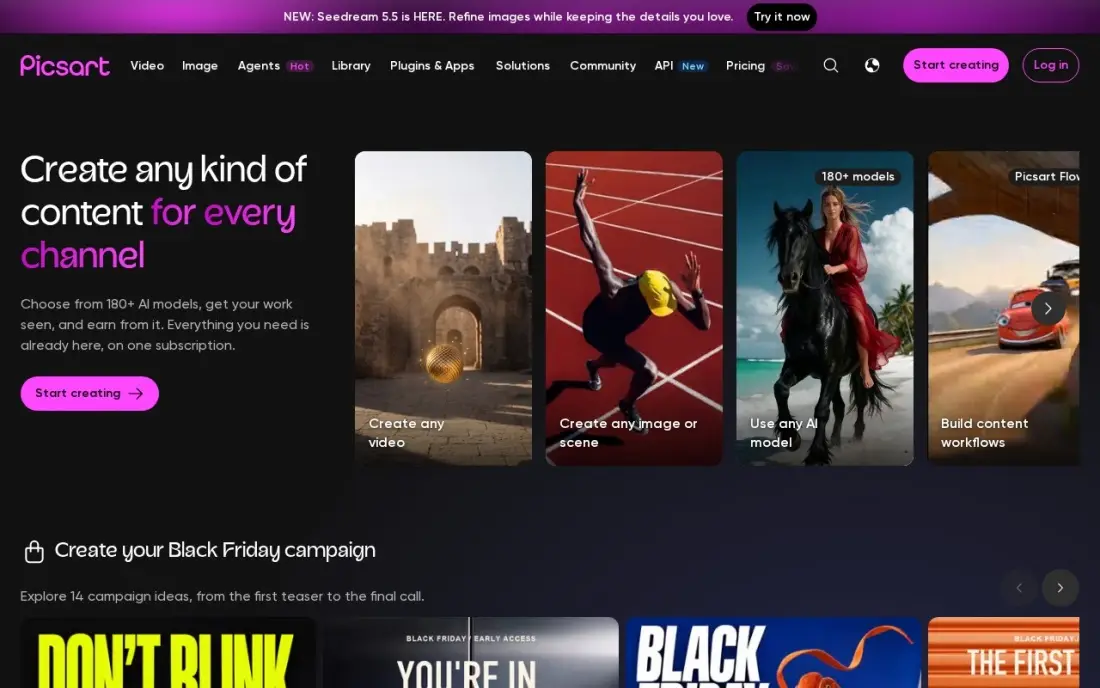
Picsart puts AI generation, text styling and photo editing in one phone app, so a designer can create a stylised headline, cut out a subject and composite them for a story or thumbnail without opening a laptop. Pro includes 500 AI credits a month, premium templates, three brand kits and 100 GB of storage.
Pro costs $15 a month billed monthly, or $126 a year on the website, and the App Store sells Pro from $13.99 a month. The free tier shows ads and locks several features, and 500 credits run out quickly if you generate every day.
What we like
- Photo and video editing plus AI image and video generation in one app, with 500 AI credits a month on Pro
- Pro includes advanced background and object removal, a one-tap enhancer, premium templates and 100 GB of storage
- Bulk editing handles 50 images at once, and three brand kits come with Pro
Watch out for
- AI generation is capped at 500 credits a month on Pro, so heavy AI use hits the ceiling fast
- In-app prices differ from the website: the App Store sells Pro from $13.99 a month, cheaper on yearly billing
- Free tier locks several desirable features behind the paywall and shows ads
Adobe Illustrator
Best for: Designers who need AI-assisted lettering as true vector type that scales for print
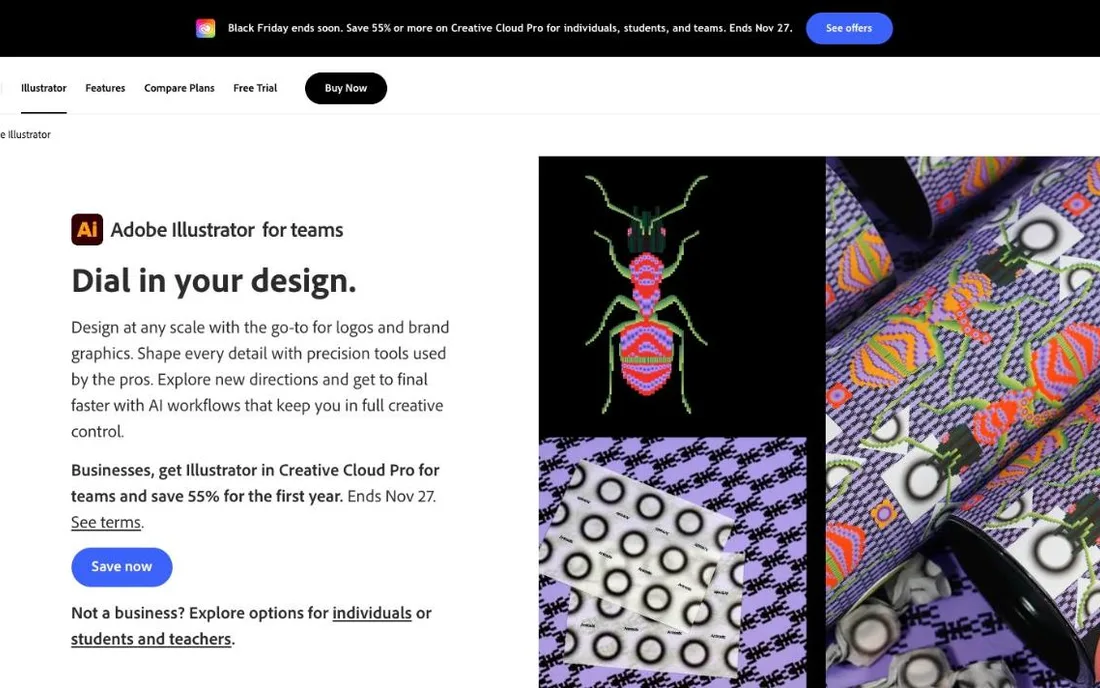
Adobe Illustrator is where a text effect becomes production artwork. Text to Vector Graphic generates editable vector elements from a prompt, Generative Recolor tries palettes across an entire lettering piece, and the type stays live and scalable from a business card to a billboard. Adobe Fonts and 100 GB of cloud storage are included.
It costs $22.99 a month as a single app on an annual plan billed monthly, with a 7-day trial and no free plan. The learning curve is real, so it suits working designers. Explore styles in Express, Firefly or Ideogram, then rebuild the final treatment here for print and packaging.
What we like
- The professional vector editor: logos, icons, type, packaging and print in one program
- Text to Vector Graphic and Generative Recolor add Firefly AI to vector work
- Works on desktop and iPad with 100GB of cloud storage and Adobe Fonts included
- Files open everywhere in the print and branding world, with no conversion worries
Watch out for
- Subscription only — no perpetual license, and access ends when you stop paying
- The pen tool and path workflow take real practice; beginners face a steep first month
- No free plan, only a 7-day trial
The best AI text effects app for designers turns a plain word into a styled headline — a material, a texture, a 3D look or an illustrated treatment — in seconds, and the better apps keep that text editable or export it as vector. We compared seven apps across three groups — Adobe's Firefly-powered tools, type-first design apps and image generators that render lettering — and every price below comes from the vendor's own pricing page as checked in November 2026.
How to choose the best AI text effects app for designers
- Decide if the text must stay editable. Image generators bake letters into pixels; Kittl, Canva and Illustrator keep live type you can fix.
- Check the output format. Social and web work is fine as PNG; print and merch need vector exports.
- Read the commercial licence. Free plans on several tools are personal use only or publish your work publicly.
- Count credits for your volume. Firefly, Picsart and Ideogram meter AI use; estimate how many headlines you style each month.
- Test spelling on long words. AI still mangles some words, so test with real headlines, not single short words.
- Fit the tool to the hand-off. If marketers reuse your styles, a shared editor such as Canva or Express saves more time than a better generator.
Strong headline graphics help social posts and thumbnails earn clicks, but the page they link to still needs to rank. Our monthly SEO service handles that side, and our AI logo design guide covers the brand marks your type sits beside.
AI text effects app pricing: what you will actually pay
Take a freelance designer styling around 40 headlines a month for social and web clients. Adobe Express Premium costs $9.99 a month, or about $120 a year, and covers the Firefly effects plus Adobe Stock and Brand Kits. Firefly Standard also costs $9.99 a month with 2,000 credits for designers who want image generation and Generative Expand as well.
Kittl Pro costs $12 a month billed annually, $144 a year, and is the cheapest way here to export vector lettering with a commercial licence. Ideogram Plus is listed at $15 a month, Picsart Pro $15 a month billed monthly or $126 a year, and Canva Pro $18 a month or $144 a year. Adding Illustrator at $22.99 a month on an annual plan, about $276 a year, gives a full concept-to-print workflow for under $400 a year with Kittl or Express.
Know the difference: generated lettering vs styled live type
Generated lettering comes from an image model. Ideogram, and Firefly's text-effect fills, create a picture of the word with the texture or scene built in. The look can be striking and original, but the text is pixels: you cannot change a letter, swap the font or scale it up without regenerating or redrawing.
Styled live type keeps the word as text and applies effects on top, such as outlines, warps, shadows and layered fills, as Kittl, Canva and Illustrator do. It is less surprising visually, but it stays editable, consistent across a campaign and, in Kittl and Illustrator, exportable as vector. Most designers use generated lettering to explore and live type to deliver.
Quick comparison: tool type by need
| Buyer | Best pick | Why |
|---|---|---|
| Fast prompt-based effects | Adobe Express | Firefly text effects with Adobe Fonts, Premium $9.99/month |
| Effects plus image generation | Adobe Firefly | Standard $9.99/month with 2,000 credits |
| Posters and merch lettering | Kittl | Editable type and vector export from $12/month billed annually |
| Concept exploration | Ideogram | Typographic images from prompts, free weekly credits |
| Shared team styles | Canva | One-click text effects, Pro $18/month |
| Mobile design | Picsart | AI text and image effects on the phone, Pro $15/month |
| Print-ready vector type | Adobe Illustrator | Text to Vector Graphic, $22.99/month on an annual plan |
Mistakes to avoid
- Delivering baked-in text to a client. If the headline changes next week, you start over; deliver editable files where you can.
- Sacrificing legibility for texture. Check the effect at thumbnail size, where most people will see it.
- Mixing too many effects. One strong treatment per layout reads better than three competing ones.
- Ignoring licences on free plans. Personal-use or public generations can block commercial use.
- Copying a brand's signature lettering. AI makes imitation easy; it does not make it legal.
How we chose
We read the pricing pages for Adobe Firefly, Kittl and Ideogram on 19 November 2026, and used pricing we verified in November 2026 for Adobe Express, Canva, Picsart and Adobe Illustrator. We judged each app's fit for designers on three points: quality of the text effect, whether the text stays editable, and the export and licence terms for client work. Ratings are not shown for tools we did not check on a review site. No vendor paid for a place in this list, and none of the links here are affiliate links.
What to do next
Take one real headline, style it in Adobe Express and Kittl, and check both at thumbnail size and as a printed A4 proof; keep the app that won on both. When the designs go live on your own site, book a free SEO review.
Frequently asked questions
What is the best AI text effects app for designers?
Adobe Express is the best AI text effects app for most designers, with Firefly effects from a prompt, a free plan and Premium at $9.99 a month. Kittl is the best for editable type layouts with vector export, and Adobe Illustrator is best for print-ready vector lettering.
Is there a free AI text effects app?
Yes. Adobe Express, Adobe Firefly, Canva, Kittl, Ideogram and Picsart all have free plans. Kittl's free plan is personal use only and Ideogram's free generations are public, so check the terms before using results for clients.
Can I edit text after applying an AI effect?
It depends on the tool. Kittl, Canva and Illustrator keep text editable, while Ideogram and other image generators bake the letters into a picture, so a typo means generating again.
How much do AI text effects apps cost?
On published prices, Adobe Express Premium costs $9.99 a month, Firefly Standard $9.99 a month, Kittl Pro $12 a month billed annually, Ideogram Plus $15 a month, Picsart Pro $15 a month, Canva Pro $18 a month and Illustrator $22.99 a month on an annual plan.
Can I use AI text effects commercially?
Usually on paid plans. Kittl's Pro and Expert plans carry a commercial licence for up to 500,000 copies, and Ideogram allows commercial use. Read the licence for your plan, and avoid recreating trademarked lettering.
Do I need vector files for text effects?
For social posts and web banners, a high-resolution PNG is fine. For print, signage, packaging or merch, use vector output from Kittl's paid plans or Illustrator so the lettering stays sharp at any size.
Sources we checked (10)
- Adobe Express — www.adobe.com/express/pricing (checked November 12, 2026)
- Adobe Express reviews on G2 (checked November 12, 2026)
- Adobe Firefly — www.adobe.com/products/firefly/plans.html (checked November 19, 2026)
- Kittl — www.kittl.com/pricing (checked November 19, 2026)
- Ideogram — ideogram.ai/pricing (checked November 19, 2026)
- Canva — www.canva.com/pricing (checked November 12, 2026)
- Canva reviews on G2 (checked November 12, 2026)
- Picsart — www.picsart.com/pricing (checked November 10, 2026)
- Picsart reviews on G2 (checked November 10, 2026)
- Adobe Illustrator — www.adobe.com/products/illustrator.html (checked November 4, 2026)
Make one of these tools?
We re-check this list every quarter. Send a correction, request a review, or ask about a clearly labeled sponsored spot.
Request a listingShamim
Founder of SerpAstra
A full-stack digital marketer and SEO strategist covering technical and local SEO, AI search visibility, paid ads and lead generation for local businesses, e-commerce brands and SaaS teams.
Free SEO and AI visibility audit
Find out what is holding your rankings back
Send us your site. Within 2 business days you get a written audit, an AI visibility check and a short fix list ranked by impact. Free, with no contract attached.
Request my free audit→Related buying guides
 Graphic Design & Creative7 Best AI Software for Logo Design in 2026, ComparedCompare the 7 best AI software for logo design, from one-time logo generators to vector editors, with file formats, licences and every price checked.Read guide →
 Graphic Design & Creative6 Best Free Vector Graphics Software in 2026, ComparedCompare the 6 best free vector graphics software for logos, icons and illustration, from Inkscape to Affinity and Figma, on limits, platforms and upgrade cost.Read guide →
 Graphic Design & Creative8 Best AI Design Apps Free to Use in 2026, ComparedCompare the 8 best AI design apps free to use, with what each free plan includes, its AI limits and the real price of upgrading, checked on vendor pages.Read guide →