
6 Best Free Vector Graphics Software in 2026, Compared
Compare the 6 best free vector graphics software for logos, icons and illustration, from Inkscape to Affinity and Figma, on limits, platforms and upgrade cost.
 Shamim Mia, Founder, SerpAstraLast verified November 4, 20268 min read
We compare pricing pages, documentation and public reviews. We never accept payment for rankings.

Key takeaways
- Inkscape is the best fully free vector editor: open source, no account, no paid tier, and SVG as its native format.
- Affinity is now free for individuals on Mac, Windows and iPad, which makes it the strongest free alternative to Adobe Illustrator for print and logo work.
- Figma and Penpot are free vector tools built for UI, icons and team work; Penpot's free plan has no feature limits and covers up to 8 members.
- Adobe Illustrator at $22.99 a month on an annual plan is only worth paying for when clients or printers insist on native Illustrator files.
On this page
Quick comparison
| Tool | Best for | Starting price | Free plan |
|---|---|---|---|
| Inkscape | Anyone who wants a completely free, open-source vector editor for logos, icons and print | Free | Yes (free) |
| Affinity | Designers who want a professional Illustrator alternative for vector, photo and layout work at no cost | Free | Yes |
| Figma | Designers who make icons, UI graphics and social assets and want vector tools that run in the browser | Free; $12/mo | Yes |
| Penpot | Teams who want a free, open-source browser vector and design tool with no feature limits | Free; $7/editor/mo | Yes |
| Photopea | Occasional users who need to open, edit or export AI, SVG and PSD files in a browser for free | Free; Premium $5/mo | Yes (free) |
| Adobe Illustrator | Professional designers whose clients, agencies or printers require native Illustrator files | $22.99/mo | No (7-day trial) |
Make one of these tools?
We re-check this list every quarter. Send a correction, request a review, or ask about a clearly labeled sponsored spot.
Request a listingThe best free vector graphics software
Inkscape
Best for: Anyone who wants a completely free, open-source vector editor for logos, icons and print
Inkscape is the vector editor that is free with no conditions: open source, no account, no paid tier and nothing locked. SVG is its native format, and it covers bezier and spiro curves, path operations, text on paths, cloning and bitmap tracing, which is enough for logos, icons, diagrams, stickers and simple print layouts on Windows, macOS and Linux.
It is slower than commercial editors on very complex files, and CMYK output for commercial printing is a known weak spot, so check print exports carefully. It also does no photo editing. For anyone who needs real vector tools and does not want to depend on a company's free plan staying free, Inkscape is the safest starting point.
What we like
- Free and open source, with no paid version, no account and no feature lock
- SVG is the native format, with bezier and spiro curves, path operations and tracing
- Covers logos, icons, diagrams and print layouts in one program
- A large extension library adds features for free
Watch out for
- Slower than Illustrator on very complex files
- CMYK support for print is a known weak spot — check exports before sending to a printer
- No photo editing to speak of; it pairs with GIMP rather than replacing it

Affinity
Best for: Designers who want a professional Illustrator alternative for vector, photo and layout work at no cost
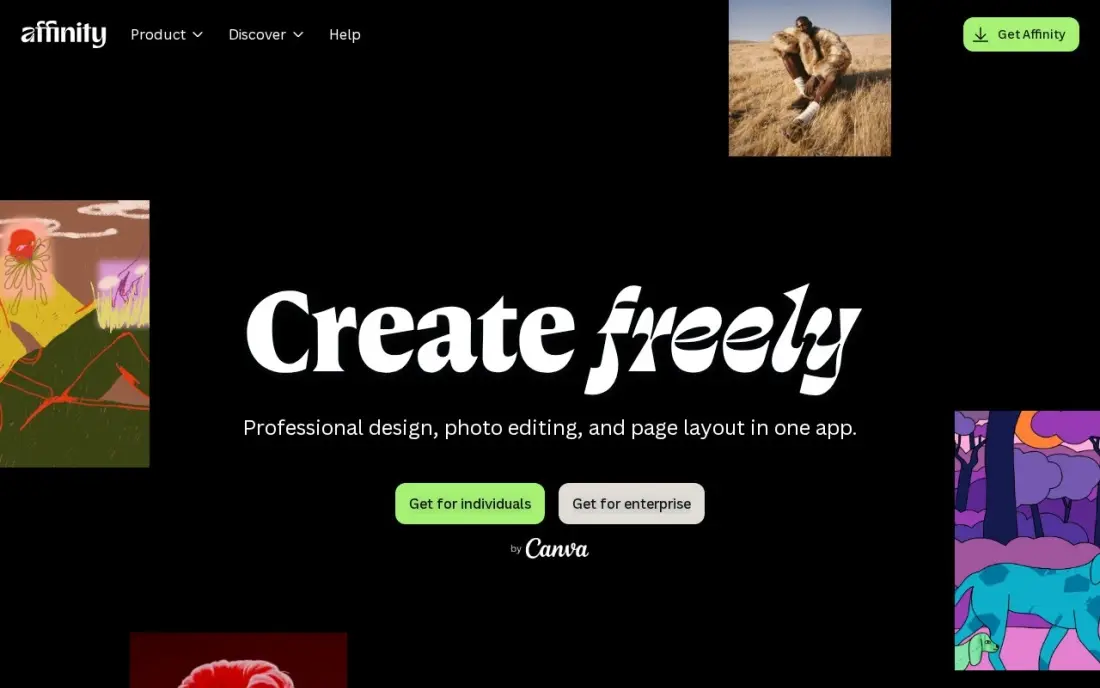
Affinity, now owned by Canva, is free for individuals, and that changes this category. It is a professional desktop app that combines vector illustration, photo editing and page layout in one program, with non-destructive editing, support for projects with thousands of layers, and import of PSD, AI, IDML and DWG files with layers preserved. It runs natively on Mac, Windows and iPad.
The conditions are modest. Downloading goes through a Canva sign-in, the AI tools need a Canva premium plan, and organisations needing SSO go through Canva Enterprise or Education. There is no Linux version. For logo, branding and print work that would otherwise mean an Illustrator subscription, Affinity is the first free tool to try.
What we like
- Free for individuals, described by Affinity as free forever
- Vector, pixel and page layout tools in one app, with non-destructive editing
- Imports PSD, AI, IDML and DWG files with layers preserved
- Native apps for macOS (Apple silicon and Intel), Windows and iPad
Watch out for
- The download goes through a Canva sign-in
- AI tools are only unlocked on a Canva premium plan
- No Linux version
Figma
Best for: Designers who make icons, UI graphics and social assets and want vector tools that run in the browser
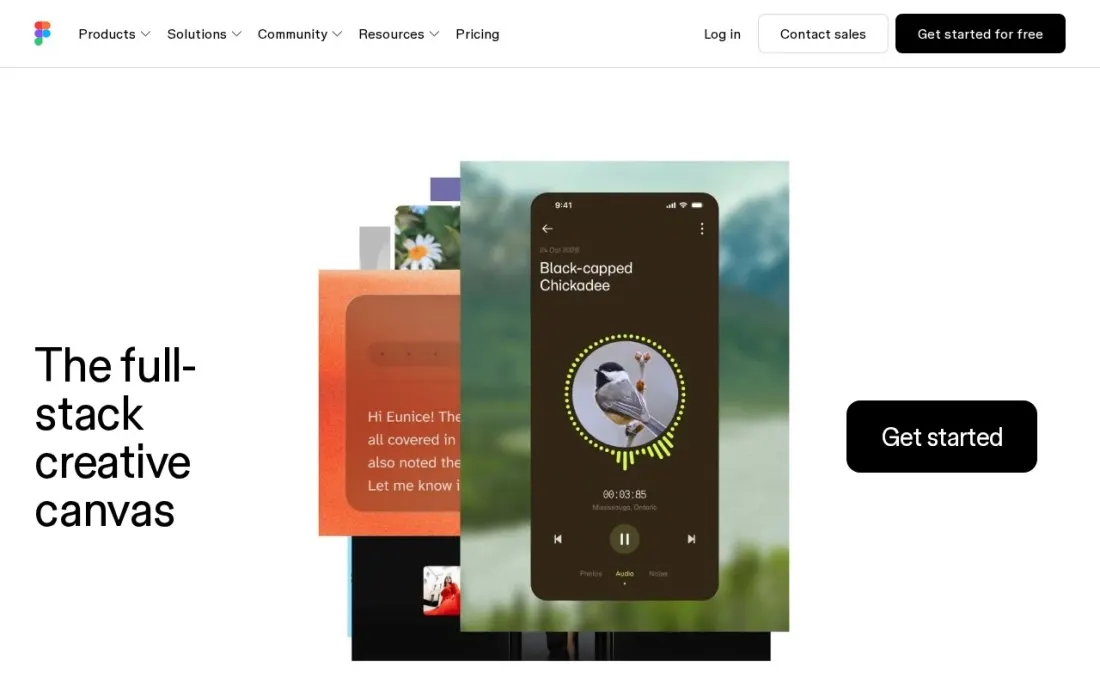
Figma is best known for interface design, but underneath it is a fast, precise vector editor, and for icons, app graphics, social images and simple illustrations it is often quicker than a traditional illustration program. It runs in the browser, so there is nothing to install, and SVG export is built in. The free plan includes unlimited file storage, 3 projects and 30-day version history.
Professional costs $12 a month per editor billed annually, or $15 billed monthly, and Organization is $45 a month billed annually. Figma is built for screens, so print work with CMYK colours, bleed and spot colours belongs in Affinity, Inkscape or Illustrator. Choose it when your vector graphics end up on websites, apps or social feeds.
What we like
- Free plan with unlimited file storage and 30-day version history
- Precise vector networks and boolean tools for icons and UI graphics
- Runs in the browser, so files are available on any computer
- Professional adds unlimited free viewers at $12 a month per editor billed annually
Watch out for
- The free plan is limited to 3 projects
- Built for screens, with no CMYK print workflow
- Paid plans are priced per editor, so team costs grow with headcount

Penpot
Best for: Teams who want a free, open-source browser vector and design tool with no feature limits
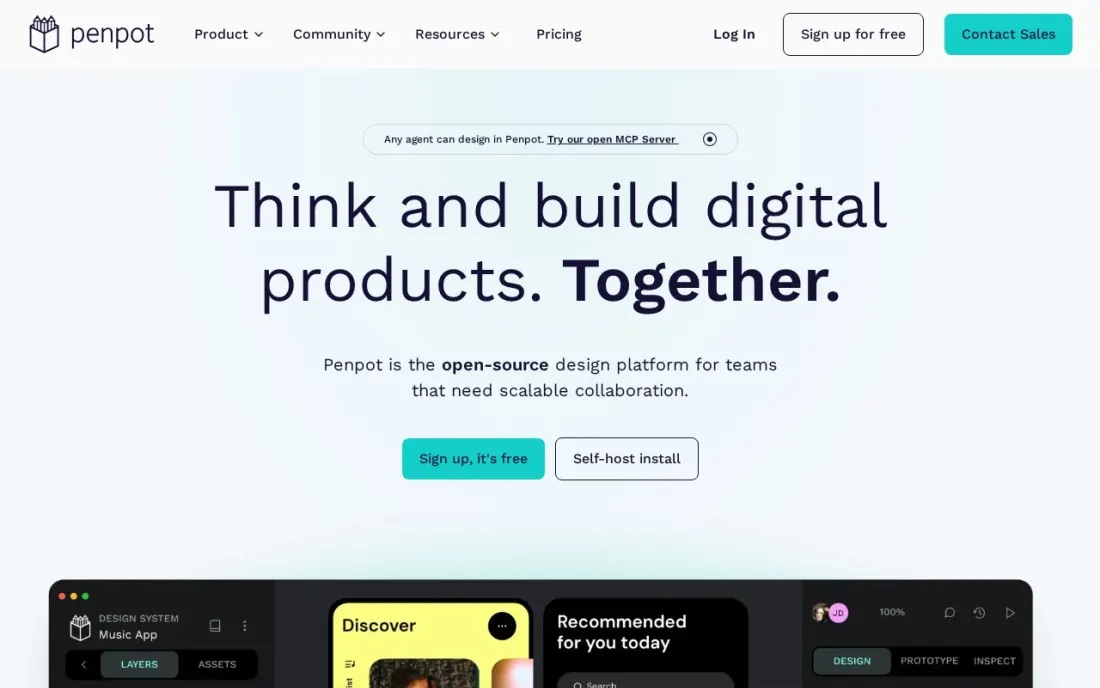
Penpot is an open-source design tool that runs in the browser, with vector editing, components and SVG at its core. Its free Professional plan is described as fully featured with no missing tools, and it covers teams of up to 8 members plus unlimited viewers. Because it is open source and can be self-hosted, your files are never tied to one company's pricing decisions.
The paid Unlimited plan costs $7 per editor a month and is capped at $175 a month whatever the team size, with a 14-day free trial; Enterprise is $25 per member a month. Like Figma it is built for screens, and its ecosystem of plugins and templates is smaller. Pick Penpot when a small team wants free vector design that runs on any operating system.
What we like
- Free plan is fully featured, with no missing tools, for up to 8 members plus unlimited viewers
- Open source with a self-host option, so there is no vendor lock-in
- Unlimited plan at $7 per editor a month is capped at $175 a month for any team size
- Works in the browser on any operating system, including Linux
Watch out for
- Built for screen design, not print production
- Smaller plugin and template ecosystem than Figma
- Storage and version-history limits per plan are not clearly set out on the pricing page

Photopea
Best for: Occasional users who need to open, edit or export AI, SVG and PSD files in a browser for free
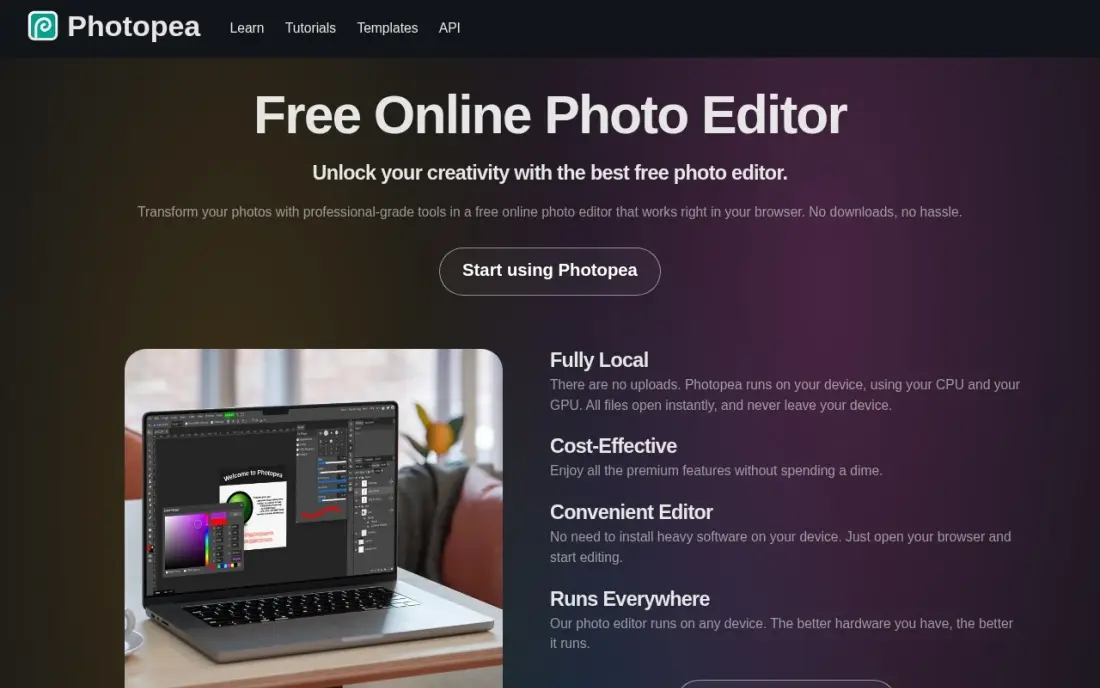
Photopea is mainly a free browser alternative to Photoshop, but it handles vector shapes, paths and text layers and can open Adobe Illustrator, Figma and PSD files, which makes it useful when someone sends you an AI file and you do not own Illustrator. Everything runs locally in the browser, so files never leave your device.
Every feature is free; Premium at $5 a month only removes the ads that run down the side of the workspace. It is not a dedicated illustration program, so drawing a logo from scratch is easier in Inkscape or Affinity. Keep it bookmarked as the free way to open, tweak and re-export files made in other programs.
What we like
- The full editor is free, including layers, masks and PSD support, with nothing paywalled
- Opens and saves PSD, AI, Figma and RAW files, so designer files survive the trip intact
- Runs locally in the browser with no uploads, so files never leave your device
- Premium is a flat $5 a month and only removes ads — it unlocks no features
Watch out for
- Video ads run down the side of the free editor and distract during long sessions
- No mobile app and no cloud sync beyond 5GB of PeaDrive storage on Premium
- A one-person project, so support is a help page and a community, not a support team

Adobe Illustrator
Best for: Professional designers whose clients, agencies or printers require native Illustrator files
Adobe Illustrator is the paid benchmark that every free tool here is measured against. It is the professional vector editor for logos, typography, packaging and print, its files open everywhere in the branding and print world, and Firefly tools such as Text to Vector Graphic and Generative Recolor add AI to vector work on desktop and iPad.
It is not free. The single-app plan costs $22.99 a month on an annual plan billed monthly, with only a 7-day free trial and no perpetual licence. Learn on Inkscape or Affinity first, and pay for Illustrator only when the people you deliver files to require native Illustrator files or Adobe's shared libraries.
What we like
- The professional vector editor: logos, icons, type, packaging and print in one program
- Text to Vector Graphic and Generative Recolor add Firefly AI to vector work
- Works on desktop and iPad with 100GB of cloud storage and Adobe Fonts included
- Files open everywhere in the print and branding world, with no conversion worries
Watch out for
- Subscription only — no perpetual license, and access ends when you stop paying
- The pen tool and path workflow take real practice; beginners face a steep first month
- No free plan, only a 7-day trial
The best free vector graphics software lets you draw logos, icons, illustrations and print graphics that scale to any size, without paying a monthly fee for the privilege. We compared six tools: four that are genuinely free to use for real work, one free browser editor for opening other people's files, and Adobe Illustrator as the paid benchmark. We looked at what each free version actually includes, which operating systems it runs on, and what an upgrade costs, with every price checked on the vendor's own page in November 2026.
How to choose the best free vector graphics software
- Decide whether the work is for print or screens. Logos, packaging and print need CMYK and exact export control, where Affinity and Inkscape lead; icons, UI and social graphics suit Figma and Penpot.
- Check what "free" means. Inkscape is free with no conditions, Affinity is free for individuals, and Figma's free plan stops at 3 projects.
- Match the tool to your operating system. Affinity runs on Mac, Windows and iPad; Inkscape runs on Windows, macOS and Linux; Figma, Penpot and Photopea run in any browser.
- Test file compatibility. If clients send Illustrator files, try opening a real one; Affinity and Photopea both import AI files.
- Think about collaboration. Browser tools let several people work on the same file; desktop editors mean sending files back and forth.
- Look at the upgrade path. Figma Professional costs $12 a month per editor billed annually and Penpot Unlimited $7, while Inkscape and Affinity have no paid tier to grow into.
Vector graphics often end up on a website as SVG logos and icons, and those files affect how fast the site loads. If you are redesigning a site, our SEO audit checks page speed and image handling, and the free heading structure checker helps keep new pages readable for search engines.
Free vector graphics software pricing: what you will actually pay
For one person, the honest answer is often $0. Inkscape, Affinity and Photopea cost nothing for individual use, Penpot's fully featured Professional plan is free for up to 8 members, and Figma's free plan covers 3 projects.
Costs appear when you need more. A designer who outgrows Figma's free plan pays $12 a month billed annually, or $144 a year, against $15 billed monthly, or $180 a year. A team of five on Penpot Unlimited pays $7 per editor, or $35 a month, and the bill is capped at $175 a month however large the team grows. Removing Photopea's ads costs $5 a month. Adobe Illustrator costs $22.99 a month on an annual plan billed monthly, or $275.88 a year, with no free plan, so a freelancer who can do the work in Affinity or Inkscape saves that amount every year.
Know the difference: desktop vector editors vs browser design tools
Desktop vector editors such as Inkscape, Affinity and Illustrator are built for illustration and print. They handle complex paths, typography, colour profiles and exports for commercial printers, and they work offline on large files. They are the right choice for logos, packaging, posters and detailed illustration, where precise output matters more than sharing.
Browser design tools such as Figma and Penpot are built for screens and teams. Their vector tools are fast and precise, files live in the cloud, and several people can comment or edit at once, which makes them ideal for icons, interface graphics and social assets. They do not offer a full print workflow. Many designers use one of each: a browser tool for screen work and a desktop editor for anything that will be printed.
Quick comparison: tool type by need
| Buyer | Best pick | Why |
|---|---|---|
| Free with no conditions | Inkscape | Open source, no account, Windows, macOS and Linux |
| Free Illustrator alternative | Affinity | Free for individuals, vector, photo and layout in one app |
| Icons and screen graphics | Figma | Free plan with 3 projects; Professional $12/month billed annually |
| Small teams on any OS | Penpot | Free and fully featured for up to 8 members, open source |
| Opening other people's files | Photopea | Free browser editor that opens AI, PSD and Figma files |
| Client-required Adobe files | Adobe Illustrator | Industry standard, $22.99/month on an annual plan |
Mistakes to avoid
- Designing a logo as a raster image. A logo drawn in a pixel editor blurs when enlarged; draw it as vector paths from the start so it works on a sign and a favicon.
- Skipping a print proof. Screen colours and print colours differ, and Inkscape's CMYK output needs checking; order a proof before printing a large run.
- Building a library on a capped free plan. Figma's free plan stops at 3 projects, so plan your files or pick a tool without a project cap.
- Paying for Illustrator out of habit. If nobody requires Illustrator files, Affinity or Inkscape can produce the same SVG, PDF and EPS outputs for free.
- Forgetting to outline fonts. Send files with text converted to outlines, or the printer or client may see a different font.
Related comparisons: Motion Graphics Software
How we chose
We read each vendor's own pricing or product page in November 2026 and recorded what the free version includes and what the first paid tier costs, with annual and monthly billing where both are listed. We included only tools that can create or edit vector graphics and export standard formats such as SVG, and ranked them by how much real work the free version allows. Ratings come from G2 pages checked on the dates shown in the sources; where no rating is shown, we did not verify one. No vendor paid for a place in this list, and none of the links here are affiliate links.
What to do next
Install Inkscape or Affinity and redraw one real graphic you use today, such as your logo, as clean vector paths, then export it as SVG and PDF. When those graphics are going onto a new website, book a free call and we will check the site is set up to rank.
Frequently asked questions
What is the best free vector graphics software?
Inkscape is the best completely free vector editor: open source, no account and no paid tier. Affinity, now free for individuals on Mac, Windows and iPad, is the most professional free option for print and branding, and Figma and Penpot are the best free browser tools for icons and screen graphics.
Is Affinity really free now?
Yes, for individuals. Affinity's site says it is free for individuals and free forever, with vector, photo and layout tools in one app. The download goes through a Canva sign-in, and the AI tools need a Canva premium plan.
Is there a free alternative to Adobe Illustrator?
Yes. Affinity is the closest free alternative for professional print and logo work, and it imports AI files with layers preserved. Inkscape is the open-source alternative and works on Linux too. Illustrator itself costs $22.99 a month on an annual plan, with a 7-day free trial.
Can I make a logo with free vector software?
Yes. Inkscape, Affinity, Figma and Penpot can all produce a logo as a scalable SVG. For a logo that will also be printed, Affinity or Inkscape handle print exports better than the browser tools, which are built for screens.
What is the best free vector software for Linux?
Inkscape is the best native Linux vector editor and is free and open source. Figma, Penpot and Photopea run in a browser on Linux too. Affinity and Adobe Illustrator have no Linux version.
What is the difference between vector and raster graphics?
Vector graphics are made of paths and shapes, so they scale to any size without losing quality, which suits logos, icons and print. Raster graphics are made of pixels and suit photos and painting, but they blur when enlarged.
What is the best free vector graphics software for Windows?
Inkscape and Affinity are the two strongest free picks on Windows. Inkscape is free and open source with no account and no feature lock, and SVG is its native format. Affinity is free for individuals, with vector, pixel and layout tools in one native Windows app, though the download goes through a Canva sign-in. Figma, Penpot and Photopea also run in any Windows browser.
Sources we checked (7)
- Inkscape — inkscape.org (checked November 4, 2026)
- Affinity — www.affinity.studio (checked November 16, 2026)
- Figma — www.figma.com/pricing (checked November 16, 2026)
- Penpot — penpot.app/pricing (checked November 16, 2026)
- Photopea — www.photopea.com (checked November 4, 2026)
- Photopea reviews on G2 (checked November 4, 2026)
- Adobe Illustrator — www.adobe.com/products/illustrator.html (checked November 4, 2026)
Make one of these tools?
We re-check this list every quarter. Send a correction, request a review, or ask about a clearly labeled sponsored spot.
Request a listingShamim
Founder of SerpAstra
A full-stack digital marketer and SEO strategist covering technical and local SEO, AI search visibility, paid ads and lead generation for local businesses, e-commerce brands and SaaS teams.
Free SEO and AI visibility audit
Find out what is holding your rankings back
Send us your site. Within 2 business days you get a written audit, an AI visibility check and a short fix list ranked by impact. Free, with no contract attached.
Request my free audit→Related buying guides
 Graphic Design & CreativeBest Digital Art Software for 2026: 11 Options Compared by Use CaseCompare the 11 best digital art software options for 2026 by use case, with real prices — from free open-source tools to Photoshop at $22.99 a month.Read guide →
 Graphic Design & Creative8 Best Tools for Creative Design in 2026, ComparedCompare the 8 best tools for creative design, from Canva to Illustrator and GIMP, on vector vs raster work, free plans and real cost, checked at the source.Read guide →
 Graphic Design & Creative6 Best App Design Software in 2026, ComparedCompare the 6 best app design software tools and design apps for UI, prototyping and app assets, with free plans and every price checked for 2026.Read guide →