
8 Best AI Video Generation Tools Comparison for 2026
Our best AI video generation tools comparison: 8 platforms for text-to-video, image-to-video and avatars, with credits and real prices from vendor pages.
 Shamim Mia, Founder, SerpAstraLast verified November 5, 20269 min read
We compare pricing pages, documentation and public reviews. We never accept payment for rankings.

Key takeaways
- Runway is the most complete generation platform: Standard at $15 a month, or $12 billed annually, includes its own Gen-4.5 model plus Kling 4.0 and Seedance in one credit balance.
- Adobe Firefly gives the clearest allowance — Standard at $9.99 a month covers up to 20 five-second videos — and Adobe says outputs from its own Firefly models are safe for commercial use.
- Pika Starter at $8 a month billed annually is the cheapest paid entry, while Google AI Pro at $19.99 a month includes only a limited trial of Veo 3.1 Lite; full Veo 3.1 sits in Ultra from $99.99.
- Avatar tools are a different category: Synthesia and HeyGen turn a script into a presenter video, which generative models cannot do reliably.
On this page
Quick comparison
| Tool | Best for | Starting price | Free plan |
|---|---|---|---|
 Runway | Creators and agencies who want several leading video models and an editor under one subscription | $15/mo | Yes (free plan) |
 Google Veo | Google AI subscribers who want short clips with native audio from text or photos inside Gemini | $19.99/mo (Pro) | No |
 Adobe Firefly | Marketing and brand teams who need image-to-video clips they can use commercially | Free; $9.99/mo | Yes (daily limit) |
 Luma AI | Filmmakers and designers who want Luma's Ray models with production exports and refunds on failed runs | $25/mo (annual) | No |
 Pika | Social creators who want a cheap paid plan with no watermark and access to many models | $8/mo (annual) | Packs only |
 Synthesia | Training teams who need a presenter video from a script rather than a generated scene | $14/mo (annual) | Yes (Basic free) |
 HeyGen | Marketers who want lifelike avatar and translated videos in many languages | $29/mo | Yes (free plan) |
 InVideo | Social media managers who want a finished prompt-to-video clip with an editor attached | $10/mo (annual) | Yes (free plan) |
Make one of these tools?
We re-check this list every quarter. Send a correction, request a review, or ask about a clearly labeled sponsored spot.
Request a listingThe best AI video generation tools
Runway
Best for: Creators and agencies who want several leading video models and an editor under one subscription
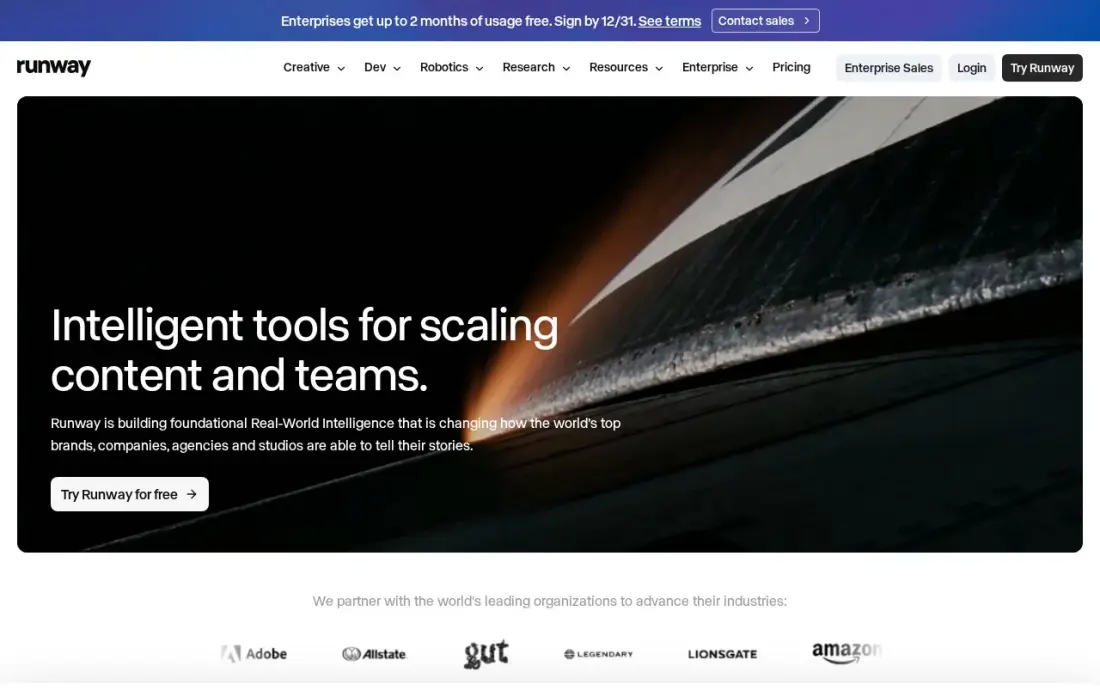
Runway is the closest thing to a one-stop generation studio. Paid plans include its own Gen-4.5 model alongside Kling 4.0, Seedance 2.0 Pro and Aleph 2.0, so you can try the same prompt or starting image on different models without juggling accounts, then cut the results in Runway's editor. Standard has no watermark and adds 4K upscaling.
Standard costs $15 a month, or $12 billed annually, for 625 credits a month, which buys about 52 seconds of Gen-4.5 video. Pro at $35, or $28 annually, gives 2,250 credits, and Max at $95, or $76 annually, gives 9,500. Credits do not roll over on Standard or Pro, and a missed generation costs the same as a good one.
What we like
- Its own Gen-4.5 model plus resold models like Kling in one subscription
- Generates cinematic B-roll, product shots and transitions from text or images
- 4K upscaling and no watermarks from the Standard plan upward
- A real editing studio sits next to generation, so clips go straight into the cut
Watch out for
- 625 credits buy only about 52 seconds of Gen-4.5 video, so the meter runs out fast
- A generation that misses the prompt costs exactly the same as one that lands
- Credits reset monthly with no rollover on Standard, so unused credits vanish
Google Veo
Best for: Google AI subscribers who want short clips with native audio from text or photos inside Gemini
Google's video models live inside the Gemini app and Google Flow. In the Gemini app, Gemini Omni is replacing Veo and makes 10-second clips with native audio, from a text prompt or from up to five photos, and every clip carries Google's invisible SynthID watermark. Google Flow, a separate creative tool, runs on monthly Flow credits that come with each plan.
The plan matters. Google AI Plus at $4.99 a month includes 200 Flow credits, Pro at $19.99 includes 1,000 Flow credits and only a limited trial of Veo 3.1 Lite, and Veo 3.1 itself is part of Ultra from $99.99 a month. Google publishes usage multiples rather than video counts, so test on Pro before paying for Ultra.
What we like
- Native audio generation, and up to five photos can be turned into one video
- Pro includes 1,000 Google Flow credits a month
- Videos carry Google's SynthID watermark for AI detection
Watch out for
- Pro includes only a limited trial of Veo 3.1 Lite; full Veo 3.1 is on Ultra
- Google does not publish videos per day, and features vary by tier and country
Adobe Firefly
Best for: Marketing and brand teams who need image-to-video clips they can use commercially
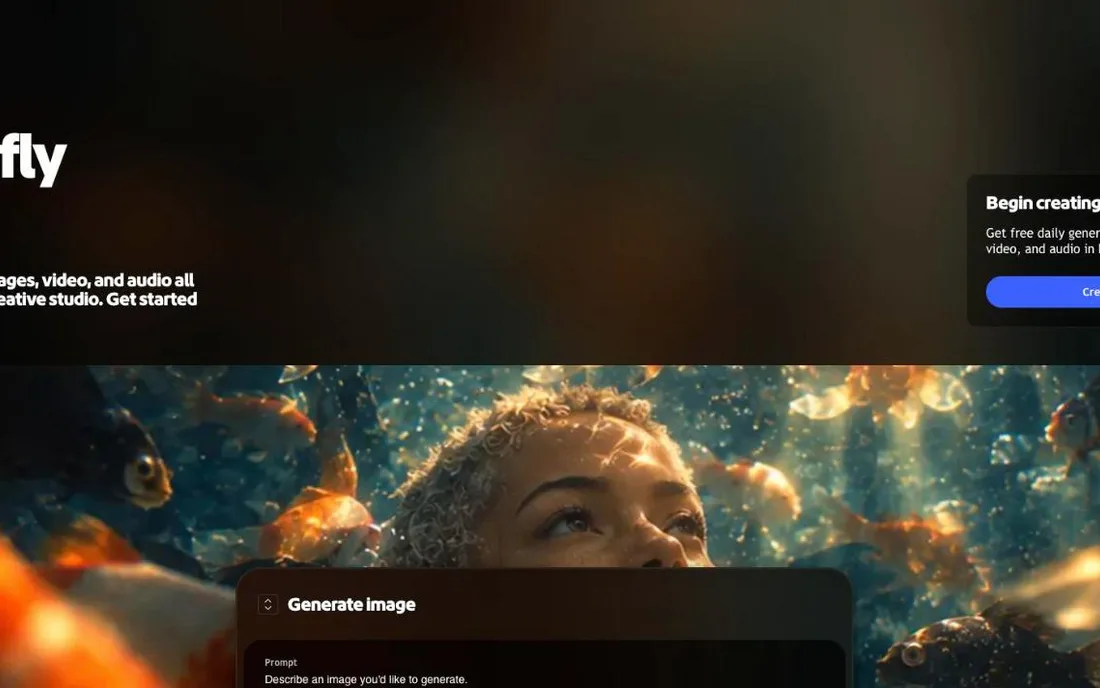
Adobe Firefly is the generation tool built for brand work. Its own Firefly Video Model is trained on licensed and public-domain content, and Adobe says its outputs are safe for commercial use. Image-to-video takes a first frame and an optional last frame, adds pan, zoom or tilt and shot presets, and outputs up to 4K depending on the model, with Veo 3.1 Fast, Ray3.14, Runway Gen-4.5 and Kling 3.0 also in the menu.
Firefly Free gives limited daily generations. Standard costs $9.99 a month for 2,000 credits, or up to 20 five-second videos, and Pro is $19.99 a month for up to 40, on a $9.99 promotion until December 6. Adobe notes that partner-model outputs are your responsibility.
What we like
- Adobe says outputs from its Firefly models are safe for commercial use
- Image-to-video with a first and optional last frame, camera moves and shot presets
- Partner models including Veo 3.1 Fast, Ray3.14, Runway Gen-4.5 and Kling 3.0
Watch out for
- Clips are about five seconds
- Pro's $9.99 price is a promotion ending December 6; its regular price is $19.99 a month
Luma AI
Best for: Filmmakers and designers who want Luma's Ray models with production exports and refunds on failed runs

Luma AI makes the Ray video models and wraps them in an agent-style workspace: describe the shot, animate a still image, create a transition between two frames or extend a clip, then export EXR files for professional finishing. Plus also includes third-party image and video models, so Luma can stand in for a multi-model subscription.
Plus costs $30 a month, or $25 billed annually, for 10,000 credits and commercial use. Pro at $90, or $75 annually, gives 40,000 credits. Ray3.2 costs 20 credits per five seconds at 360p and more at higher resolutions, so check the rate card for the resolution you need. Luma returns credits when a generation fails, which takes some sting out of retries.
What we like
- Plus includes 10,000 credits a month and commercial use
- Credits for failed generations are returned automatically
- Animates still images, creates transitions between frames and exports EXR files
Watch out for
- Highest starting price of the generative tools here
- Credit cost rises with resolution, from 20 credits per 5 seconds at 360p on Ray3.2
Pika
Best for: Social creators who want a cheap paid plan with no watermark and access to many models
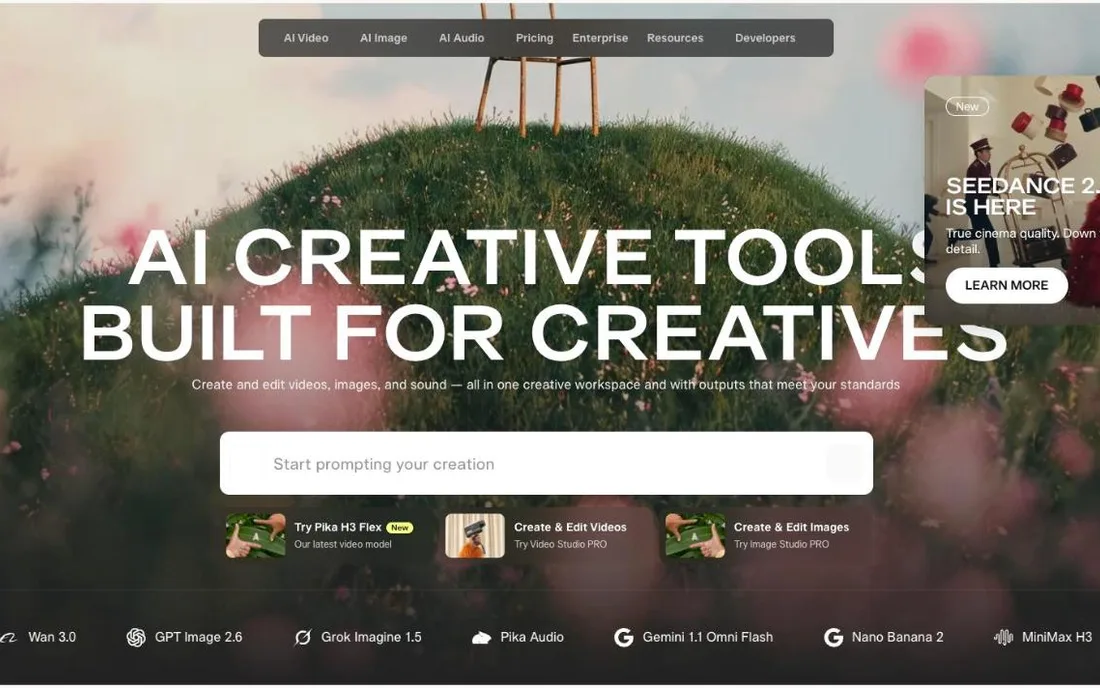
Pika is the low-cost way into AI video for social clips. Every individual plan includes all of its models, no plan adds a watermark, and Starter carries a commercial licence, so a creator can post the results on a monetised channel. The free account gives no monthly credits; you buy packs, and the free tier has no commercial licence.
Starter costs $10 a month, or $8 billed annually, for 600 credits. Creator at $35, or $28 annually, gives 2,600 credits. Watch the model rates: Seedance 2.5 at 720p costs 122 credits for five seconds, so Starter buys about 25 seconds of it. Top-ups are priced at 60 credits per dollar, from $25 for 1,500 credits.
What we like
- Starter includes 600 credits a month and a commercial licence
- No watermark on any plan
- All models included on individual plans, with top-ups at 60 credits per $1
Watch out for
- Free accounts get no monthly credits and no commercial licence
- Credits go fast on premium models: Seedance 2.5 at 720p costs 122 credits for 5 seconds
Synthesia
Best for: Training teams who need a presenter video from a script rather than a generated scene
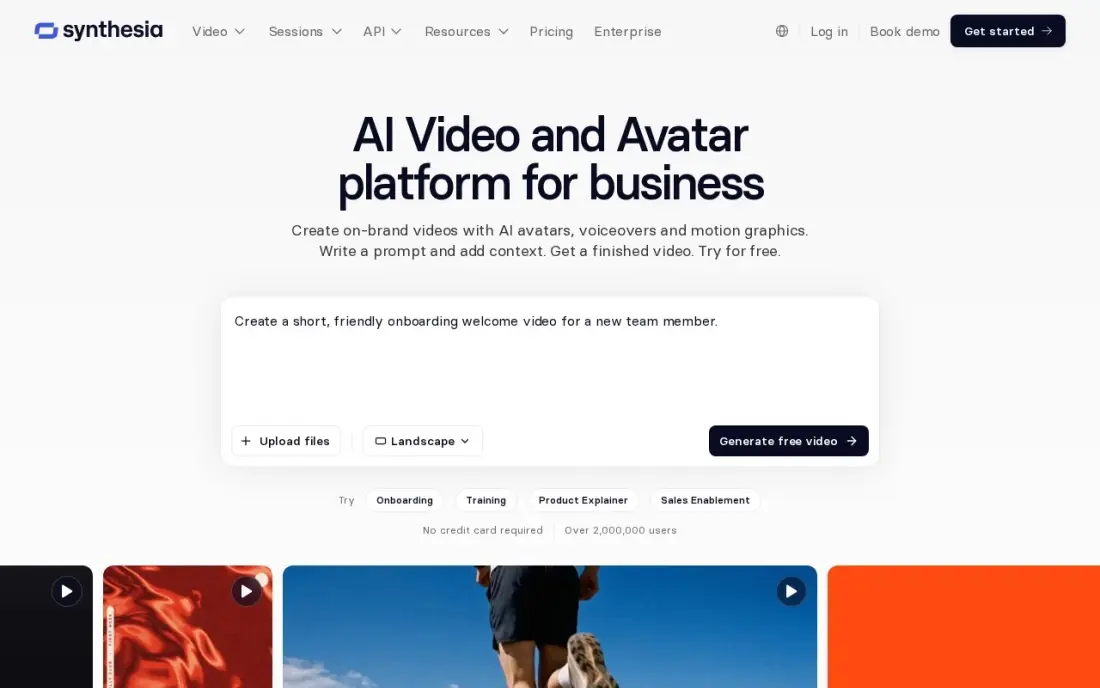
Synthesia generates a different kind of video. Instead of inventing a scene, it puts one of 125-plus AI avatars in front of the camera to read your script, with AI dubbing for other languages. For training, onboarding and internal updates, that is more useful than a cinematic clip, because the message stays word-for-word accurate.
The Basic free plan gives 10 watermarked minutes a month. Starter costs $19 a month, or $14 billed annually, adding downloads, logo removal and three personal avatars, but only about 12 extra minutes a month. Teams producing an hour of training a month need Pro at $89. Prices vary by region on Synthesia's page.
What we like
- Turns a script into a presenter video with 125+ avatars and AI dubbing
- Basic free plan gives 10 minutes of video a month to try it
- Downloads and logo removal start on Starter, with 3 personal avatars
Watch out for
- Starter adds only about 12 minutes a month on top of the free 10
- Video is metered in credits, and the page shows different prices by region
- Avatar voices can sound robotic, per G2 reviewer summaries
HeyGen
Best for: Marketers who want lifelike avatar and translated videos in many languages

HeyGen is the avatar tool to pick when the presenter has to look and sound human. Creator includes voice cloning, custom digital twins, videos up to 30 minutes and 1080p export in 175-plus languages and dialects, which makes it strong for product explainers and localised ads built from one recording.
Creator costs $29 a month, or $24 billed annually, for 600 credits a month, and the free plan gives three watermarked videos a month. The newest Avatar V model costs up to 48 credits a minute, so 600 credits buys about 12 minutes of it, and Creator users cannot buy top-ups. A busy month means moving to Pro from $49.
What we like
- The most lifelike avatars in this list, in 175+ languages and dialects
- Voice cloning and custom digital twins on the Creator plan
- Videos up to 30 minutes with 1080p exports
- Free plan gives 3 watermarked videos a month to test with
Watch out for
- 600 credits a month buys little Avatar V video — the best model costs 48 credits a minute
- Creator users cannot buy credit top-ups, so a busy month forces an upgrade
- Payments are non-refundable except where the law requires it
InVideo
Best for: Social media managers who want a finished prompt-to-video clip with an editor attached
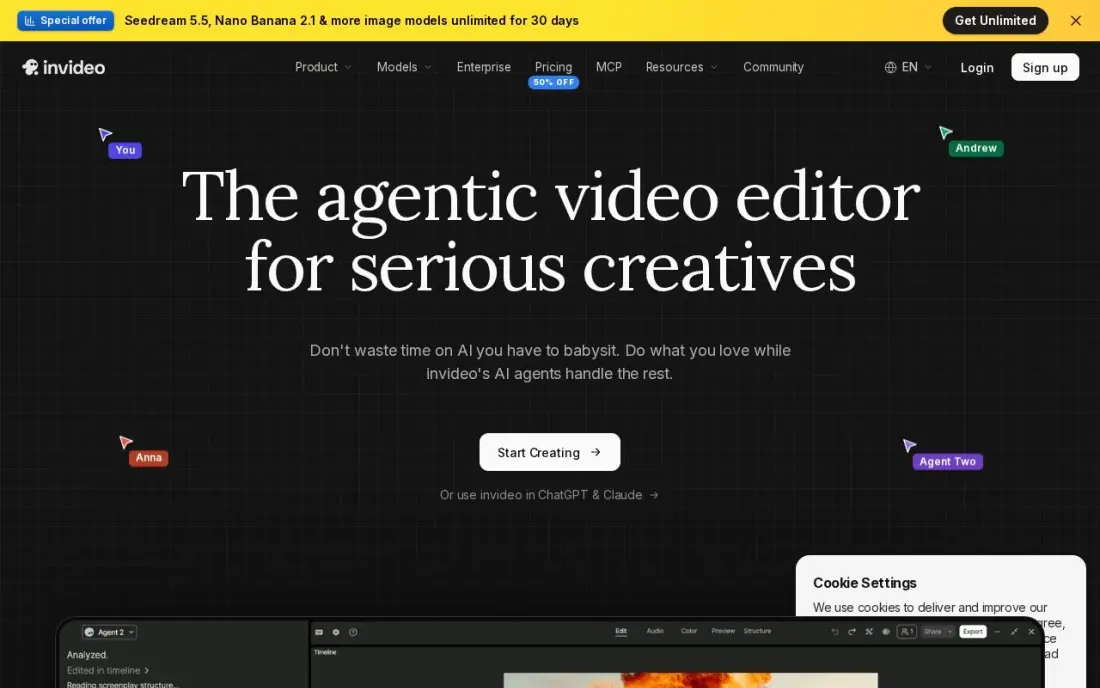
InVideo sits between generators and editors: one prompt produces a finished social video, with script, footage, voice and captions, and a full timeline lets you fix anything the agent got wrong. It runs more than 200 AI models behind that agent, so the user never has to choose a model at all.
Starter costs $20 a month per seat, or $10 billed annually, with 400 credits a month, 100 premium stock clips and 200 GB of storage; the free plan runs on a weekly credit quota with watermarked exports. Starter is limited to Lite agents and the Seedance 2.0 Fast and Mini models, credits do not roll over, and InVideo says it can change credit costs without notice.
What we like
- Prompt-to-video with 200-plus AI models and a full timeline editor
- Starter is $10 a month billed annually, the cheapest video entry here
- Free plan with a weekly credit quota to test before paying
Watch out for
- Credits do not roll over, and InVideo can change credit costs without notice
- Starter is limited to Lite agents and Seedance 2.0 Fast and Mini models
- Free exports carry an InVideo watermark
The best AI video generation tools turn a text prompt or a still image into a usable video clip, and the right one depends on whether you need a cinematic shot, an animated product photo or a presenter reading a script. This comparison covers eight AI video generation platforms — five generative models and three avatar and prompt-to-video tools — and every price below comes from the vendor's own pricing page as checked in November 2026.
How to choose the best AI video generation tools
- Pick the input you will use most. Text-to-video invents a scene; image-to-video animates a photo or design you already have and gives far more control over how the result looks.
- Convert credits into seconds. Every tool here sells credits, and models cost different amounts; work out how many seconds of your chosen model each plan actually buys.
- Check commercial rights on your plan. Free tiers often exclude commercial use, and partner models inside one platform may carry different terms from the vendor's own model.
- Look for multi-model access. Runway, Luma and Adobe Firefly include third-party models, so one subscription lets you compare Kling, Veo or Seedance against the house model.
- Expect retries. Few prompts land first time; Luma refunds failed generations, but most tools charge for every attempt.
- Separate scenes from presenters. If a person must say specific words on camera, an avatar tool such as Synthesia or HeyGen is the right category.
Generated video only pays off when people find it. Our video SEO guide covers titles, transcripts and schema for AI-made clips, and our AI search optimization service helps your brand's videos and pages get cited by AI assistants.
AI video generation tools pricing: what you will actually pay
Take a creator who wants about 100 seconds of finished generated footage a month. Adobe Firefly Standard covers that on paper — up to 20 five-second videos for $9.99 a month — though retries come out of the same allowance. Runway Standard at $15 a month, or $12 billed annually, buys about 52 seconds of Gen-4.5, so the same goal needs Pro at $35, or $28 annually, with 2,250 credits. Pika Starter's 600 credits at $10 a month buy about 25 seconds of Seedance 2.5 at 720p.
At the top end, Luma Plus costs $30 a month, or $300 a year, for 10,000 credits, and Google's full Veo 3.1 access sits in AI Ultra from $99.99 a month. Over a year, the cheapest serious setups are Pika Starter at $96 and Runway Standard at $144 billed annually; a creator who needs several minutes a month should budget for a mid-tier plan of $28 to $35 a month plus top-ups.
Know the difference: text-to-video vs image-to-video
Text-to-video starts from a description. The model invents the scene, the subject, the lighting and the camera move, which is ideal for B-roll, concept shots and ideas no camera could capture. The trade-off is control: two runs of the same prompt can look quite different, so you pay for several attempts to get one keeper.
Image-to-video starts from a picture you choose — a product photo, an illustration or a frame you generated earlier — and animates it. Because the first frame is fixed, the brand, product and composition stay consistent, and tools such as Adobe Firefly let you also set the last frame. For marketing teams, image-to-video is usually the more reliable workflow.
Quick comparison: tool type by need
| Buyer | Best pick | Why |
|---|---|---|
| Multi-model studio with an editor | Runway | Gen-4.5, Kling 4.0 and Seedance, from $12/month annual |
| Google AI subscribers | Google Veo | Clips with native audio in Gemini; full Veo 3.1 on Ultra |
| Commercial brand work | Adobe Firefly | Up to 20 five-second videos for $9.99/month |
| Filmmakers and designers | Luma AI | Ray models, EXR export, failed runs refunded |
| Cheapest paid entry | Pika | Starter $8/month annual, no watermark |
| Training videos | Synthesia | Script-to-presenter with 125+ avatars |
| Lifelike avatar marketing | HeyGen | 175+ languages, voice cloning on Creator |
| Finished social clips from a prompt | InVideo | Prompt-to-video with an editor, $10/month annual |
Mistakes to avoid
- Comparing plans by credits alone. A credit is worth a different number of seconds on every model; compare seconds of the model you will use.
- Paying for top-tier access before testing. Run your real prompts on the cheapest plan or free tier first; the best model on a leaderboard may not suit your style.
- Ignoring partner-model terms. Inside Firefly, Runway or Luma, third-party models can carry different rights than the platform's own model.
- Generating long scenes in one go. Short shots of five to ten seconds, edited together, look better and waste fewer credits than one long generation.
- Skipping disclosure. Label AI-generated footage where platforms or clients require it, and never generate a real person's likeness without consent.
How we chose
We read each vendor's pricing page on November 19, 2026, plus Adobe's image-to-video page and Google's Gemini video page, and recorded prices exactly as shown with monthly and annual billing separated. Where a page showed a promotion, as Adobe's did, we give the regular price and the promotion's end date. We converted credits into seconds only where the vendor publishes the rate. We ranked tools by fit for the most common buyer — a creator or small marketing team making short clips every week. No ratings are shown because we did not read review pages for every tool. No vendor paid for a place in this list, and none of the links here are affiliate links.
What to do next
Write three prompts and pick one product photo you would really use, then run them on Firefly Free and Runway's free credits. Compare how many attempts each needed for one usable clip before you buy a plan. If you want those videos bringing traffic to your site, book a free call with us.
Frequently asked questions
What is the best AI video generation tool?
Runway is the best all-round choice because one plan includes Gen-4.5, Kling 4.0 and Seedance models plus an editor, from $15 a month or $12 billed annually. Adobe Firefly is the safest for commercial brand work, and Pika is the cheapest paid entry at $8 a month billed annually.
Which AI video generator is best for turning an image into video?
Adobe Firefly has the most controllable image-to-video, with a first and optional last frame, camera moves and shot presets. Luma animates still images and creates transitions between frames, Runway generates video from text or images, and the Gemini app can turn up to five photos into a 10-second clip with audio.
Is there a free AI video generator?
Adobe Firefly Free gives limited daily generations, Runway's free plan gives 125 one-time credits, Synthesia's free plan gives 10 watermarked minutes a month and HeyGen's gives three watermarked videos a month. Google requires a Google AI subscription for video in Gemini.
How much does AI video generation cost per second?
It depends on the model. Runway Standard's 625 credits buy about 52 seconds of Gen-4.5 for $15 a month, Firefly Standard covers up to 20 five-second videos, or 100 seconds, for $9.99 a month, and Pika's Seedance 2.5 at 720p costs 122 credits per five seconds on a plan with 600 credits.
Can I use AI-generated video commercially?
On paid plans, usually yes, but read the terms. Pika's free tier has no commercial licence, Luma includes commercial use from Plus, and Adobe says outputs from its own Firefly models are safe for commercial use while partner-model outputs are your responsibility.
What is the difference between Veo, Runway and Luma?
Veo is Google's model, used through the Gemini app and Flow on Google AI plans. Runway and Luma each make their own models, Gen-4.5 and Ray, and also include third-party models in their subscriptions. Runway adds a full editor; Luma adds production exports and refunds credits on failed generations.
Does Google AI Pro include Veo 3.1?
Only partly. Google says AI Pro at $19.99 a month includes a limited trial of Veo 3.1 Lite and 1,000 Flow credits, while video generation with Veo 3.1 is part of AI Ultra from $99.99 a month.
Sources we checked (11)
- Runway — runwayml.com/pricing (checked November 5, 2026)
- Runway reviews on G2 (checked November 5, 2026)
- Google Veo — gemini.google/subscriptions (checked November 19, 2026)
- Adobe Firefly — www.adobe.com/products/firefly/plans.html (checked November 19, 2026)
- Luma AI — lumalabs.ai/pricing (checked November 19, 2026)
- Pika — pika.art/pricing (checked November 19, 2026)
- Synthesia — www.synthesia.io/pricing (checked November 10, 2026)
- Synthesia reviews on G2 (checked November 10, 2026)
- HeyGen — www.heygen.com/pricing (checked November 5, 2026)
- InVideo — www.invideo.io/pricing (checked November 10, 2026)
- InVideo reviews on G2 (checked November 10, 2026)
Make one of these tools?
We re-check this list every quarter. Send a correction, request a review, or ask about a clearly labeled sponsored spot.
Request a listingShamim
Founder of SerpAstra
A full-stack digital marketer and SEO strategist covering technical and local SEO, AI search visibility, paid ads and lead generation for local businesses, e-commerce brands and SaaS teams.
Free SEO and AI visibility audit
Find out what is holding your rankings back
Send us your site. Within 2 business days you get a written audit, an AI visibility check and a short fix list ranked by impact. Free, with no contract attached.
Request my free audit→Related buying guides
 Video Editing & Streaming8 Best Text to Video Software in 2026, ComparedCompare the 8 best text to video software on generated footage, AI avatars, voiceover, free plans and real monthly cost, with every price from vendor pages.Read guide →
 Video Editing & Streaming12 Best AI Tools for Video Content Creation in 2026, Compared12 best AI tools for video content creation compared with real prices, free plans and G2 ratings, so you can pick the right video maker without overpaying.Read guide →
 Video Editing & Streaming9 Best AI Video Editing Software in 2026, ComparedCompare the 9 best AI video editing software on text editing, auto-captions, clipping and real cost, with every price checked on vendor pages in November 2026.Read guide →