
9 Best AI Video Editing Software in 2026, Compared
Compare the 9 best AI video editing software on text editing, auto-captions, clipping and real cost, with every price checked on vendor pages in November 2026.
 Shamim Mia, Founder, SerpAstraLast verified November 5, 20269 min read
We compare pricing pages, documentation and public reviews. We never accept payment for rankings.

Key takeaways
- Descript is the best AI video editor for talking-head video and podcasts: you edit the transcript and the video follows, with a free plan and Creator at $24 a month billed annually.
- DaVinci Resolve is the best value for serious editors, with a free version and a one-time $295 Studio licence instead of a subscription.
- For short-form social video, CapCut is the fastest editor and OpusClip the fastest clipper; Kapwing and VEED are the browser picks for captions.
- Watch the meters: Runway, OpusClip, Kapwing and InVideo-style tools sell AI work in credits that reset or expire, so the plan price is only half the cost.
On this page
Quick comparison
| Tool | Best for | Starting price | Free plan |
|---|---|---|---|
| Descript | Podcasters and YouTubers who want to cut talking-head video by editing the transcript | $16/mo (annual) | Yes (1 hour/mo) |
| CapCut | Short-form creators editing TikTok, Reels and Shorts with templates and auto-captions | $19.99/mo | Yes |
| Adobe Premiere Pro | Professional editors who want AI speech-to-text and generative fixes inside a full timeline | $22.99/mo | No (7-day trial) |
| DaVinci Resolve | Serious editors who want pro colour, audio and AI tools without a subscription | $295 one-time | Yes (free version) |
| VEED | Creators who publish captioned and translated videos from a browser editor | $24/mo | Yes (free plan) |
| Kapwing | Small teams that edit in the browser and want captions, dubbing and clipping in one workspace | $24/mo | Yes (free plan) |
| OpusClip | Podcasters who turn each long video into a batch of captioned Shorts | $15/mo | Yes (free plan) |
| Filmora | Beginners who want a desktop timeline with AI tools and templates at a low yearly price | $19.99/mo | Yes (watermark) |
| Runway | Editors who need AI-generated B-roll and shots they could not film | $15/mo | Yes (free plan) |
Make one of these tools?
We re-check this list every quarter. Send a correction, request a review, or ask about a clearly labeled sponsored spot.
Request a listingThe best AI video editing software

Descript
Best for: Podcasters and YouTubers who want to cut talking-head video by editing the transcript
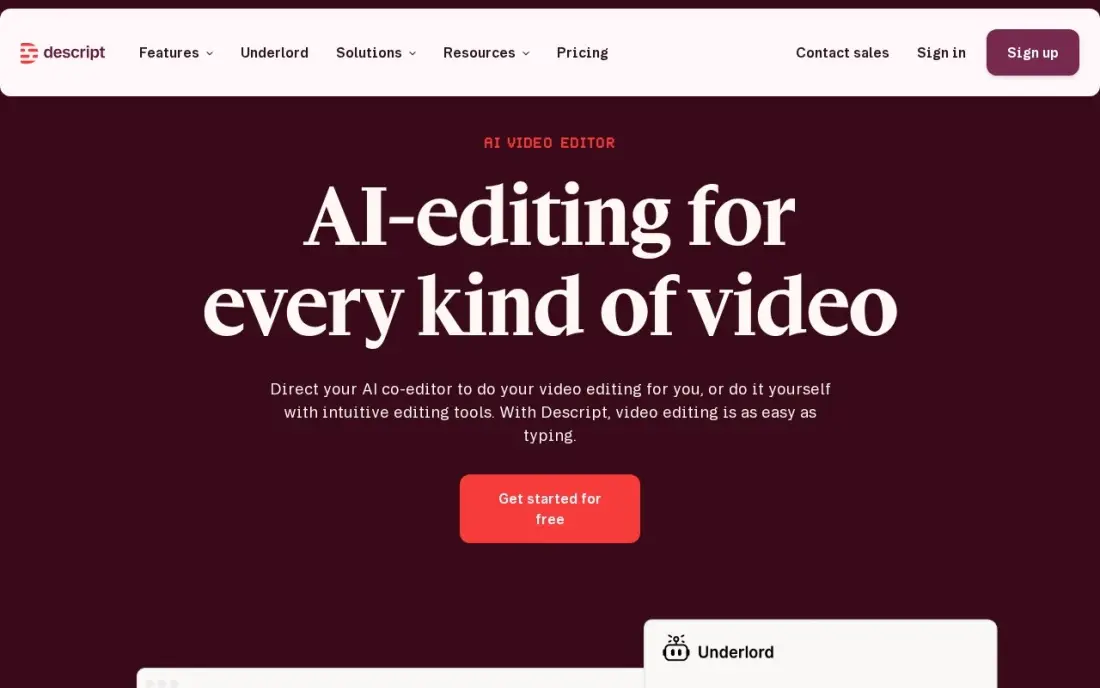
Descript is the AI video editor that changes the workflow rather than adding a button to it. You edit the transcript like a document, and the cuts land on the timeline; Studio Sound and filler-word removal clean up the recording in the same project. The free plan gives one media hour a month at 720p, enough to learn how it works.
Hobbyist costs $24 a month billed monthly, or $16 billed annually, for 10 media hours. Creator at $24 a month billed annually is the realistic plan for weekly publishers, with 30 hours and 4K export. Reviewers note that large projects can feel slow.
What we like
- Text-based editing: delete a word in the transcript and the video and audio follow
- Studio Sound, filler-word removal and Overdub clean up recordings without a separate audio tool
- Rated 4.6/5 on G2 from 936 reviews, with easy editing the most cited strength
Watch out for
- Hobbyist covers only 10 media hours a month, and the two meters (hours plus AI credits) confuse new buyers
- The app can feel slow or glitchy on large projects, per G2 reviewers
- Creator at $24/month billed annually is the practical entry for serious creators, not Hobbyist

CapCut
Best for: Short-form creators editing TikTok, Reels and Shorts with templates and auto-captions
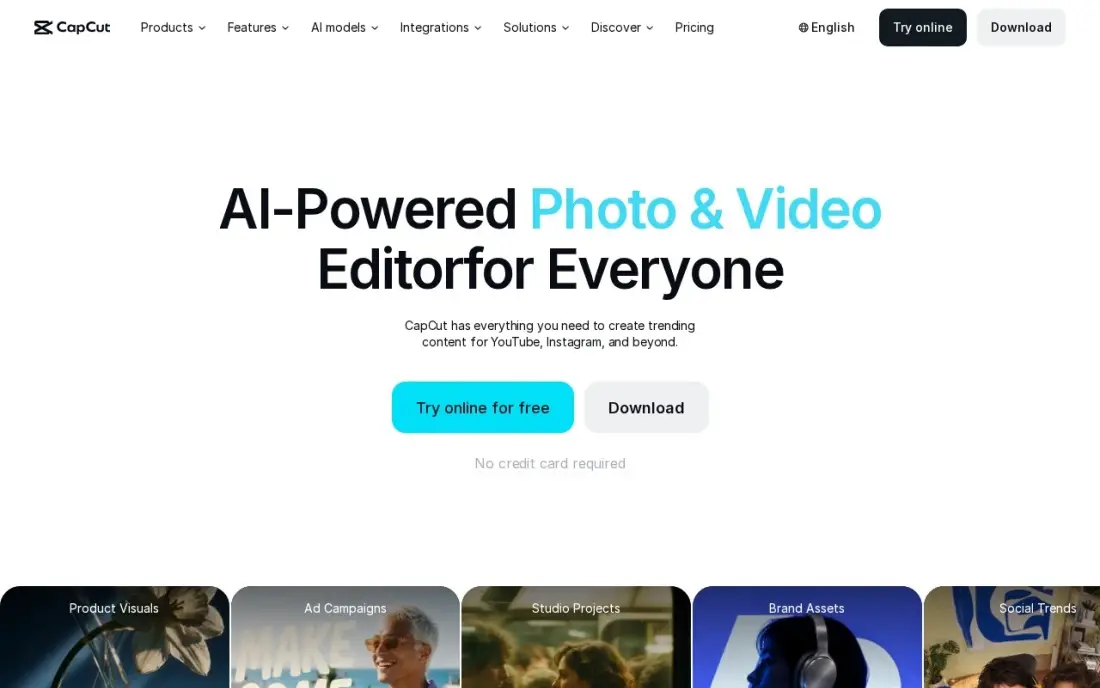
CapCut is the quickest route from phone footage to a finished vertical video. Templates, auto-captions, effects and a music library are built for short-form, and the AI tools for background removal and captions sit on the same timeline on phone and desktop. The free plan covers the core editor with exports capped at 1080p.
Pro costs $19.99 a month billed monthly, or $179.99 a year, and adds 4K export at 60fps, 1 TB of cloud storage and about 1,200 AI credits a month. CapCut publishes no fixed global price, so your checkout can differ by region, and Trustpilot reviews complain about billing.
What we like
- Fastest path from phone footage to a finished Reel: templates, auto-captions, effects and a music library built for short video
- Pro adds 4K export at 60fps with HDR, 1 TB of cloud storage and about 1,200 AI credits a month
- Free plan covers the core editor, so you can test the workflow before paying
Watch out for
- No G2 rating is published, and Trustpilot scores it 1.2 out of 5, mostly over billing and paywalls
- CapCut publishes no fixed global price, so the figure at your checkout can differ by region, device and promotion
- Features keep moving from free to paid, and the free plan caps exports at 1080p

Adobe Premiere Pro
Best for: Professional editors who want AI speech-to-text and generative fixes inside a full timeline
Premiere Pro is a professional editor first and an AI editor second, and that is its strength. Speech to Text builds captions and a text-based edit, and Firefly generative tools extend shots and clean up frames, all inside the deepest timeline in this list, with Frame.io review links for client approval.
The single-app plan costs $22.99 a month on an annual plan billed monthly, or $34.49 month to month. The annual plan is a 12-month commitment, and cancelling early can cost half the remaining term. There is no free plan, only a 7-day trial, and only 25 generative credits a month.
What we like
- The deepest timeline editor here, with professional colour, audio and multicam tools
- Generative AI (Firefly) and Speech to Text speed up captions and clean-up
- Frame.io review links let clients approve a cut without a login
- Desktop and mobile apps included, with 100 GB of cloud storage
Watch out for
- Subscription only — stop paying and the editor stops working, with no buy-once option
- Annual plan billed monthly is a 12-month commitment; early cancellation can cost 50% of the remaining term
- Only 25 generative credits a month on the single-app plan

DaVinci Resolve
Best for: Serious editors who want pro colour, audio and AI tools without a subscription
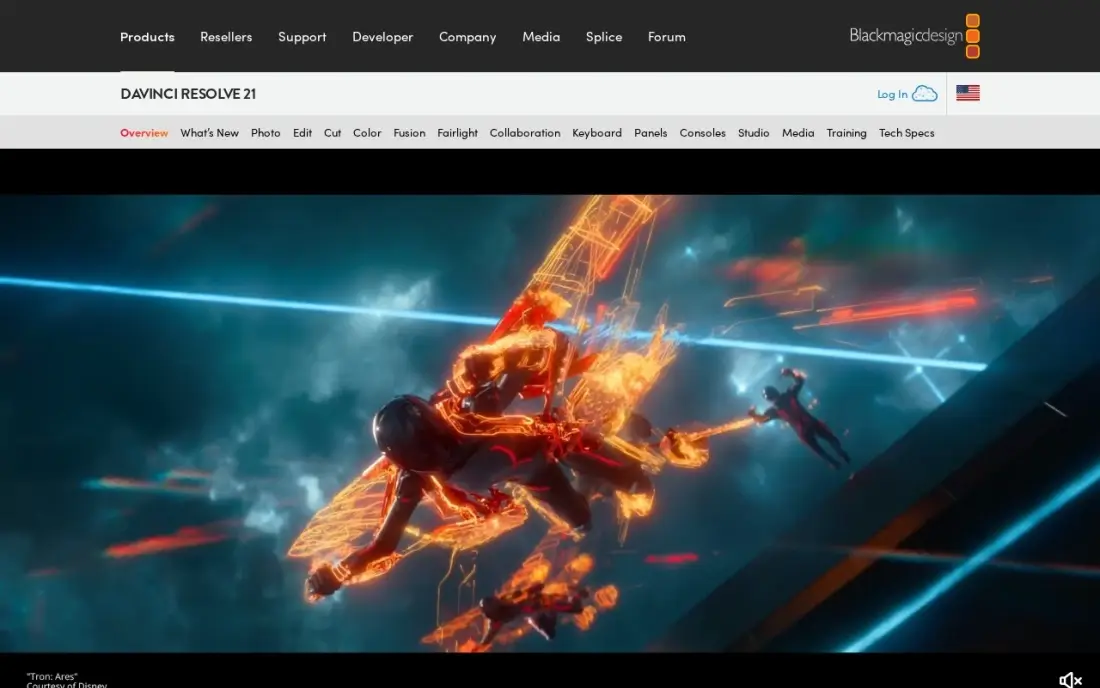
DaVinci Resolve is the only pro-grade editor here with a free version that covers editing, colour, effects and audio. Studio adds the full Neural Engine AI toolset, such as smart reframing, voice isolation and object masking, plus 10-bit video and resolutions beyond 4K.
Studio costs $295 once, with free updates and no subscription, and $236 on a 20% sale until November 20, 2026. That one payment is cheaper than two years of most subscriptions here. The catch is the learning curve, the steepest in this list, so start on the free version and upgrade when the caps bite.
What we like
- The only pro-grade editor here with a free version that covers editing, color, effects and audio
- Studio is a one-time $295 purchase with free updates, and $236 on a 20% sale until November 20, 2026
- Studio adds 10-bit video, 120fps, resolutions beyond 4K and the full AI Neural Engine tools
Watch out for
- Steepest learning curve in this list, with a pro interface that overwhelms first-time editors
- The free version caps some formats and frame rates, and the full Neural Engine AI tools need Studio
- No subscription option on desktop, so the $295 Studio cost lands in one payment

VEED
Best for: Creators who publish captioned and translated videos from a browser editor
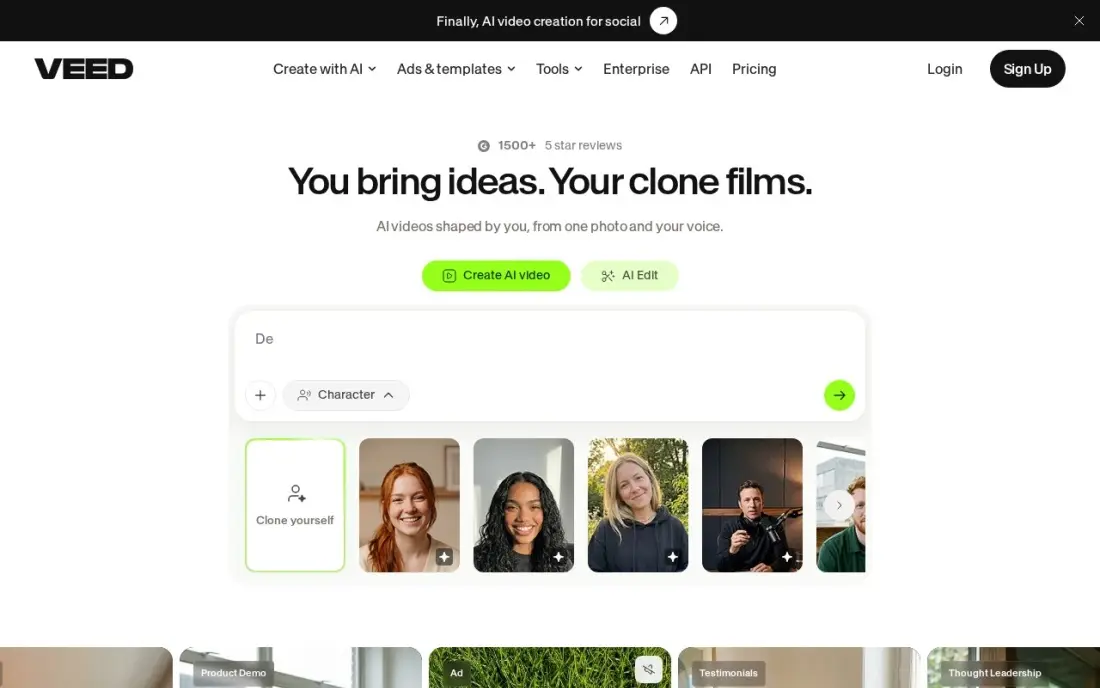
VEED is a browser editor built around automatic subtitles, with Eye Contact AI and Clean Audio to fix the two most common problems in talking-head clips. Nothing needs installing, and paid plans include stock audio and video. It is rated 4.6 out of 5 on G2 from 2,192 reviews.
Lite costs $24 a month billed monthly, or $12 billed annually, and includes 120 subtitling minutes a year, which runs out quickly for a weekly publisher. Translation in 50-plus languages and 4K export wait for Pro. Free exports are watermarked at 720p.
What we like
- Automatic subtitles are the core strength, with 120 minutes a year on Lite and translation in 50-plus languages on Pro
- Lite costs $12 a month billed annually, half the monthly-billing price
- The browser editor needs no install, and stock audio and video are included on paid plans
- Eye Contact AI and Clean Audio fix the two most common talking-head problems in one click
Watch out for
- Subtitling minutes are capped per year — 120 minutes on Lite runs out fast for weekly publishers
- Monthly billing doubles the price: Lite is $24 a month monthly against $12 billed annually
- Free exports are watermarked at 720p, and 4K export waits for the Pro plan

Kapwing
Best for: Small teams that edit in the browser and want captions, dubbing and clipping in one workspace
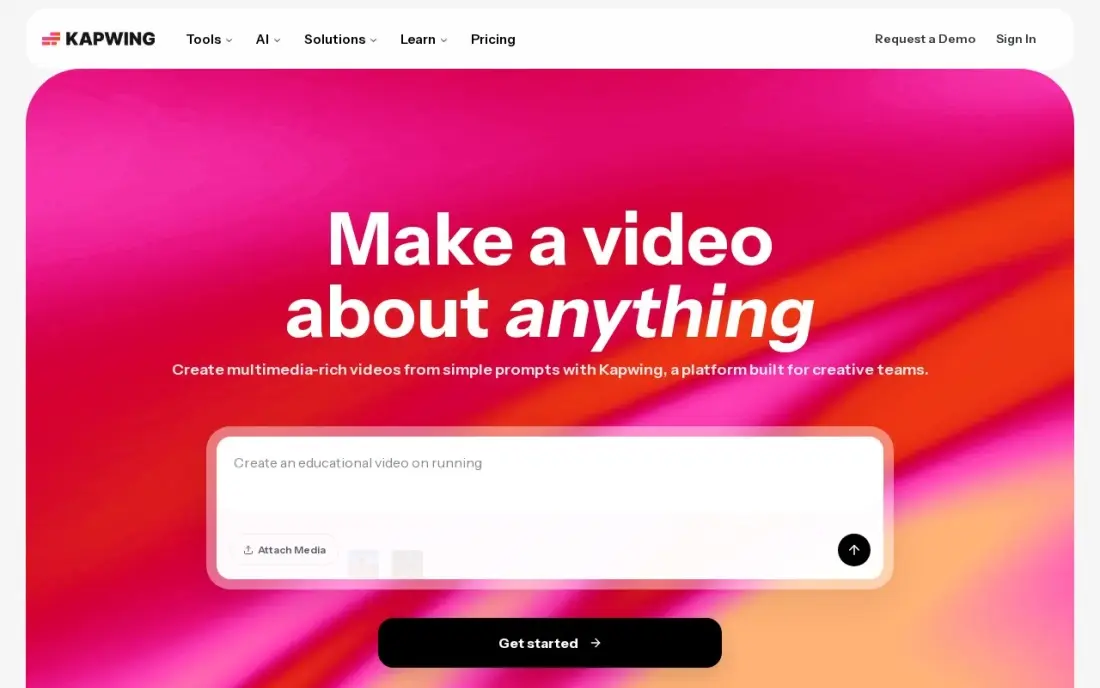
Kapwing puts auto-captions in 100-plus languages, translation, dubbing and Smart Cut silence removal into one browser timeline, and Repurpose turns a long video into clips. Shared workspaces hold projects and a brand kit, which suits a small marketing team better than a single-user app.
Pro costs $24 a member a month, or $16 billed annually, so every extra editor adds a seat. The 1,000 monthly AI credits do not roll over and cannot be topped up on Pro. The free plan includes the full editor, but exports are watermarked, capped at 720p and four minutes.
What we like
- Auto-captions in 100-plus languages with translation and dubbing built into the same timeline
- Smart Cut and Repurpose turn one long video into clips for Shorts with almost no manual work
- The browser editor runs anywhere, and workspaces let a team share projects and a brand kit
- The free plan includes 10 AI credits and the full editor, so you can test it properly before paying
Watch out for
- Pro is priced per member, so a second editor doubles the bill
- The 1,000 monthly AI credits do not roll over, and you cannot buy more on Pro
- Free exports are watermarked, capped at 720p and four minutes, and projects are stored for only three days

OpusClip
Best for: Podcasters who turn each long video into a batch of captioned Shorts
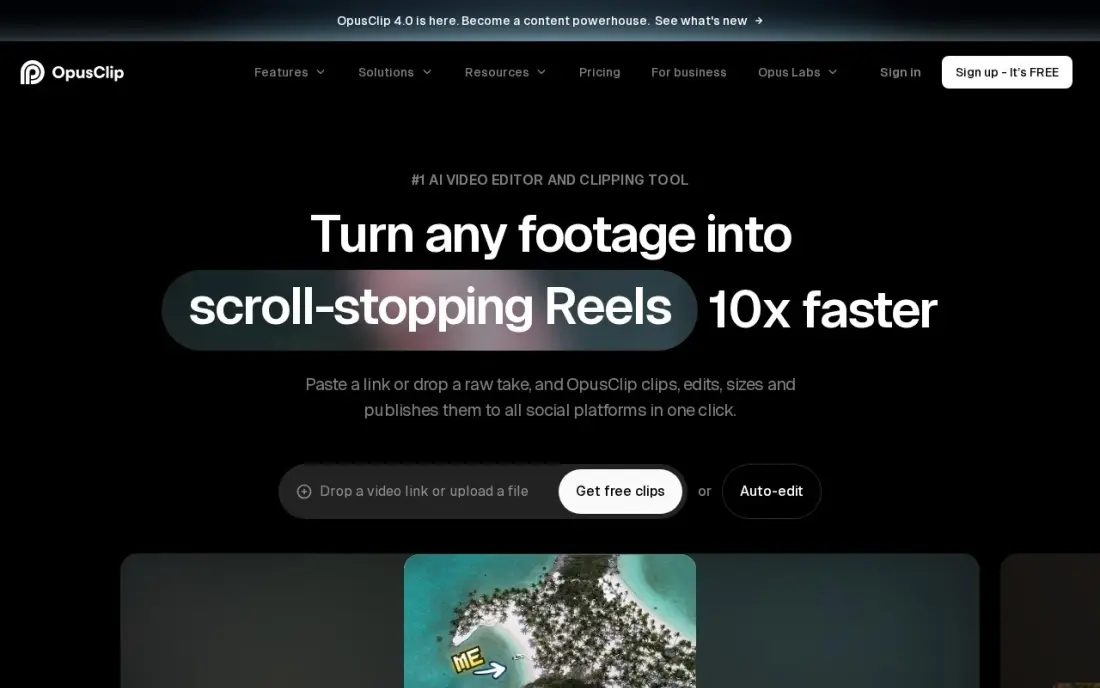
OpusClip is an AI clipper rather than a full editor. Upload a long video and it picks the strongest moments, reframes them vertically, adds captions and gives each clip a virality score. One credit processes one minute of source video, so the cost of a run is easy to predict.
Starter costs $15 a month, sold monthly only, for 150 credits; Pro at $29 a month doubles the credits and adds the social scheduler and export to Premiere Pro and DaVinci Resolve. Credits expire after 60 days. The free plan's 60 watermarked credits are enough to test clip quality.
What we like
- One credit is one minute of source video, so the cost of a clip run is easy to predict
- Virality score ranks every clip before you publish it
- Auto-posts clips to Shorts, TikTok and Reels from the Starter plan
- Exports to Premiere Pro and DaVinci Resolve on Pro for a final polish pass
Watch out for
- Starter is monthly-only and has no social scheduler — scheduling starts on Pro
- Credits expire after 60 days, so a quiet month wastes paid minutes
- Trustpilot reviewers report difficult cancellations and refund disputes

Filmora
Best for: Beginners who want a desktop timeline with AI tools and templates at a low yearly price
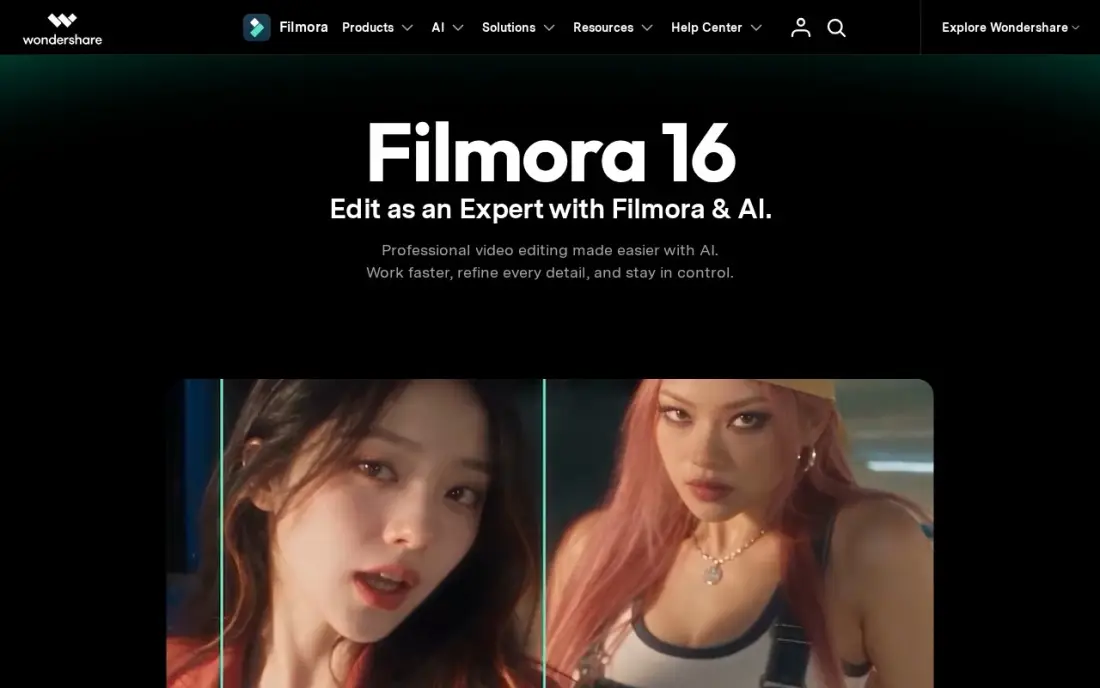
Filmora is the gentlest desktop editor in this comparison. It gives Windows and Mac users a real timeline, 4K export and more than 1,000 template presets, with AI tools for captions, cut-outs and audio clean-up layered on top. It is rated 4.4 out of 5 on G2 from 613 reviews.
Basic costs $49.99 a year, or $19.99 a month on the monthly plan, but its AI tools run on credits bought separately; Advanced at $59.99 a year includes 1,000 AI credits a month. The free version watermarks every export, and desktop licences do not cover the mobile apps.
What we like
- Proper desktop timeline on Windows and Mac with 4K export, effects packs and 1,000+ template presets
- Annual Basic is $49.99 a year, the cheapest desktop editor entry here on yearly billing
- Advanced at $59.99 a year adds 1,000 AI credits a month and 10 GB of cloud storage
Watch out for
- AI tools on Basic run on credits bought separately, and the full stock library is a $19.99 a month add-on
- The free version watermarks every export, and desktop licences do not cover the mobile apps
- Perpetual licence covers one platform and one version, so future versions cost extra

Runway
Best for: Editors who need AI-generated B-roll and shots they could not film
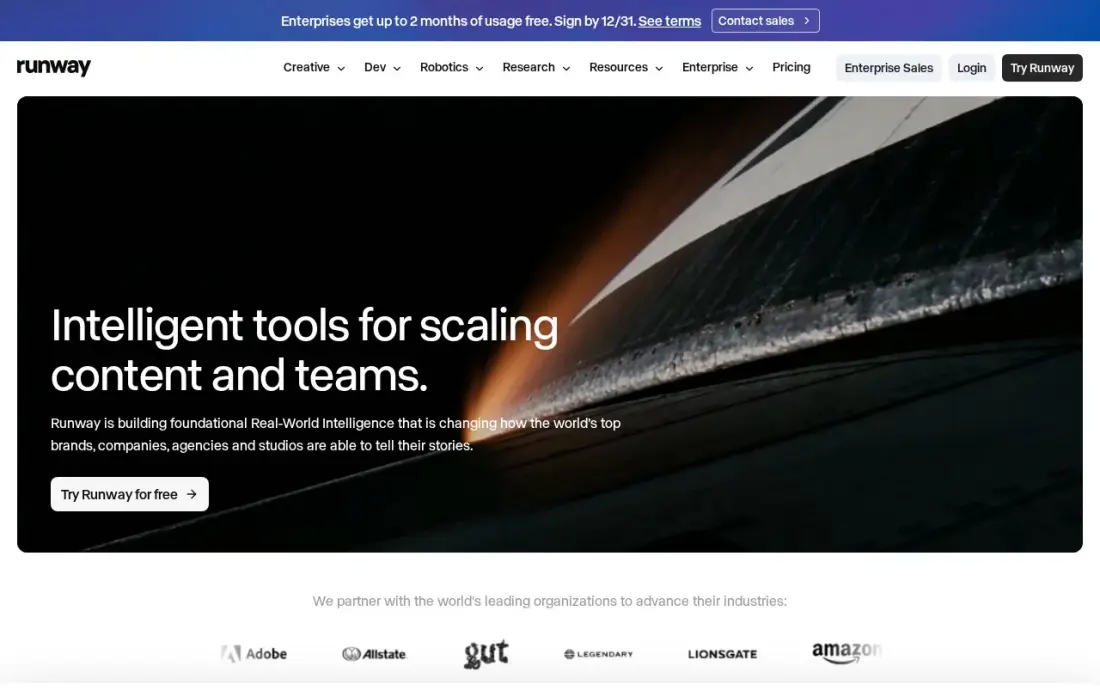
Runway is where AI editing turns into AI generation. Its Gen-4.5 model, with partner models such as Kling in the same subscription, generates B-roll, transitions and product shots from text or an image, and the editing studio next to it drops those clips straight into the cut.
Standard costs $15 a month, or $12 billed annually, for 625 credits, which buys only about 52 seconds of Gen-4.5 video. A failed generation costs the same as a good one, and Standard credits do not roll over. Use it for the few shots a project needs, not as the main editor.
What we like
- Its own Gen-4.5 model plus resold models like Kling in one subscription
- Generates cinematic B-roll, product shots and transitions from text or images
- 4K upscaling and no watermarks from the Standard plan upward
- A real editing studio sits next to generation, so clips go straight into the cut
Watch out for
- 625 credits buy only about 52 seconds of Gen-4.5 video, so the meter runs out fast
- A generation that misses the prompt costs exactly the same as one that lands
- Credits reset monthly with no rollover on Standard, so unused credits vanish
The best AI video editing software removes the slow parts of editing: finding the good takes, cutting silences, writing captions and reframing for vertical screens. We compared nine editors across three kinds of tool — transcript editors, full timelines with AI built in, and AI clippers and generators — and every price below comes from the vendor's own pricing page as checked in November 2026. Use the comparison table near the end to match a tool to the kind of video you make.
How to choose the best AI video editing software
- Match the tool to your footage. Talking-head video and podcasts suit a transcript editor; short-form social suits a template editor; cinematic work needs a full timeline.
- Check what the AI actually does. Captions, silence removal and reframing save the most time; generative B-roll is useful but costs the most per second.
- Read the credit rules. Many plans meter AI work in credits that reset monthly or expire after 60 days, so a quiet month can waste money.
- Compare annual and monthly prices. VEED, Kapwing and Descript cost far less billed annually, while OpusClip Starter is sold monthly only.
- Test export limits on the free plan. Free tiers often watermark, cap resolution at 720p or limit video length, which matters if you plan to publish from them.
- Think about the second editor. Per-member pricing on Kapwing and Descript doubles the bill when a teammate joins.
- Editing on a PC or Mac? DaVinci Resolve's free version and Filmora's Windows and Mac timeline are the desktop picks on a budget; Premiere Pro is the professional option. The browser editors — VEED and Kapwing — need no install at all.
Editing is only half of a video's job; the other half is being found. Our guide to video SEO covers titles, chapters, transcripts and schema, and our AI search optimization service helps your videos and pages get cited in AI answers.
AI video editing software pricing: what you will actually pay
Take a creator who publishes one long video and several Shorts a week. Descript Creator costs $24 a month billed annually, or $288 a year, for 30 media hours. Adding OpusClip Starter for the Shorts costs $15 a month, billed monthly only, or $180 a year, bringing the pair to $468 a year. VEED Lite instead costs $12 a month billed annually, or $144 a year, but its 120 subtitling minutes a year cover only about two hours of captioned video.
Desktop editors change the maths. Filmora Basic costs $49.99 a year, and DaVinci Resolve Studio costs $295 once, which is less than two years of Descript Creator. Premiere Pro costs $22.99 a month on the annual plan, or $275.88 a year, and $34.49 a month if you want to cancel at any time. Runway Standard at $12 a month billed annually, or $144 a year, is best treated as an add-on for the few shots that need generated footage.
Know the difference: AI editor vs AI clipper
An AI editor gives you a full project: a timeline or transcript, multiple tracks, audio, captions and export settings. Descript, CapCut, Premiere Pro, DaVinci Resolve, VEED, Kapwing and Filmora all work this way, and the AI features speed up jobs you would otherwise do by hand.
An AI clipper skips the timeline. OpusClip takes a finished long video, chooses the moments worth sharing and returns ready-to-post vertical clips with captions. It is far faster for repurposing, but you get less control over each cut. Most creators who publish both long and short video end up running one editor and one clipper.
Quick comparison: tool type by need
| Buyer | Best pick | Why |
|---|---|---|
| Podcasts and talking-head video | Descript | Edit the transcript and the video follows; Creator $24/month billed annually |
| TikTok, Reels and Shorts | CapCut | Templates and auto-captions; Pro $19.99/month |
| Professional editors | Adobe Premiere Pro | Speech to Text and Firefly in a full timeline; $22.99/month annual plan |
| No subscription | DaVinci Resolve | Free version; Studio $295 one-time |
| Captions and translation | VEED | Browser editor; Lite $12/month billed annually |
| Small marketing teams | Kapwing | Shared workspace; Pro $16/member/month billed annually |
| Repurposing long video | OpusClip | AI clips with virality scores; Starter $15/month |
| Desktop beginners | Filmora | Templates and AI tools; Basic $49.99/year |
| Generated B-roll | Runway | Gen-4.5 video; Standard $12/month billed annually |
Mistakes to avoid
- Buying a generator when you need an editor. Runway makes new shots; it does not replace a timeline for cutting your own footage.
- Ignoring credit expiry. OpusClip credits expire after 60 days and Kapwing credits do not roll over, so match the plan to how often you publish.
- Publishing watermarked exports. Free plans on VEED, Kapwing, OpusClip and Filmora watermark output; budget for a paid month before launch.
- Signing an annual contract by accident. Premiere Pro's cheapest price is a 12-month commitment, and early cancellation can cost half the remaining term.
- Trusting auto-captions blindly. Names, brands and technical terms still need a proofread before you publish.
Related comparisons: Desktop Video Editing Software · Video Editing Software for Small Business · AI-Powered Video Ad Editing Software · Real Estate Video Editing Software
How we chose
We checked each vendor's pricing page in November 2026 and recorded the starting price exactly as shown, with annual and monthly billing stated separately. We ranked the editors by how much editing time their AI features save for the most common buyer, a creator or small marketing team publishing every week, and grouped them by workflow: transcript, timeline, browser and clipper. Ratings come from G2 pages checked on the dates shown in the sources; CapCut, Premiere Pro and Runway are listed without our own rating claims beyond what the sources show. No vendor paid for a place in this list, and none of the links here are affiliate links.
What to do next
Take one recent video and run it through the free plan of the two tools that match your workflow — usually Descript and CapCut, or DaVinci Resolve if you want a timeline — and time how long each edit takes. Keep the faster one. If your videos are ready but not getting views from search, book a free SEO call.
Frequently asked questions
What is the best AI video editing software?
Descript is the best AI video editor for talking-head video and podcasts, because you edit the transcript and the timeline follows. DaVinci Resolve is the best for serious editors on a budget, with a free version and a $295 one-time Studio licence, and CapCut is the fastest for short-form social video.
Is there free AI video editing software?
Yes. DaVinci Resolve has a free version with no watermark, CapCut has a free plan with 1080p exports, and Descript, VEED, Kapwing, OpusClip and Filmora all have free tiers, though most of those watermark exports or cap resolution and length.
How much does AI video editing software cost?
On published prices, OpusClip Starter costs $15 a month, Runway Standard $15 a month or $12 billed annually, VEED Lite $12 a month billed annually, Kapwing Pro $16 a member a month billed annually, and Descript Creator $24 a month billed annually. DaVinci Resolve Studio is a one-time $295.
Which AI video editor is best for YouTube?
For talking-head and tutorial channels, Descript; for channels that also post Shorts, pair it with OpusClip to clip each long video. Channels that need cinematic polish and colour grading should learn DaVinci Resolve, which costs nothing until the free version's limits get in the way.
How do AI video editors compare with Premiere Pro?
Premiere Pro has AI features too, such as Speech to Text and Firefly generative tools, but it remains a professional timeline with a steep learning curve and a $22.99 monthly annual-plan price. Descript, CapCut and VEED trade depth for speed, which suits creators more than professional editors.
Do AI video editors use credits?
Most do. Runway, OpusClip, Kapwing, CapCut and Filmora meter their AI features in credits or minutes, and several reset monthly or expire after 60 days. Check how many credits a typical video uses before you choose a plan.
What is the best AI video editing software for PC?
DaVinci Resolve for most PC editors: its free version covers editing, colour, effects and audio, and Studio is a one-time $295 purchase with the full AI Neural Engine tools. Filmora is the gentler pick, a Windows and Mac timeline with 4K export and AI tools from $49.99 a year. Adobe Premiere Pro, from $22.99 a month, is the deepest timeline for professional work.
Is there free AI video editing software for PC without a watermark?
Yes. DaVinci Resolve has a free version with no watermark, and it runs as a full desktop editor. CapCut's free plan exports at 1080p. Most other free tiers here are watermarked: Filmora's free version watermarks every export, and the free plans on VEED, Kapwing, OpusClip and Runway watermark output or cap it at 720p, so budget for a paid month before you publish.
What is the best AI video editor for iPhone?
CapCut is the quickest route from phone footage to a finished vertical video, with templates, auto-captions, effects and AI background removal on the same timeline on phone and desktop. Its free plan covers the core editor, and Pro costs $19.99 a month. Adobe Premiere Pro includes desktop and mobile apps with 100 GB of cloud storage if you need a full professional editor.
Sources we checked (16)
- Descript — www.descript.com/pricing (checked November 10, 2026)
- Descript reviews on G2 (checked November 10, 2026)
- CapCut — www.capcut.com/pricing (checked November 10, 2026)
- Adobe Premiere Pro — www.adobe.com/products/premierepro.html (checked November 8, 2026)
- DaVinci Resolve — www.blackmagicdesign.com/products/davinciresolve (checked November 10, 2026)
- DaVinci Resolve reviews on G2 (checked November 10, 2026)
- VEED — www.veed.io/pricing (checked November 6, 2026)
- VEED reviews on G2 (checked November 6, 2026)
- Kapwing — www.kapwing.com/pricing (checked November 6, 2026)
- Kapwing reviews on G2 (checked November 6, 2026)
- OpusClip — www.opus.pro/pricing (checked November 5, 2026)
- OpusClip reviews on G2 (checked November 5, 2026)
- Filmora — filmora.wondershare.com/shop/buy/buy-video-editor-mus.html (checked November 10, 2026)
- Filmora reviews on G2 (checked November 10, 2026)
- Runway — runwayml.com/pricing (checked November 5, 2026)
- Runway reviews on G2 (checked November 5, 2026)
Make one of these tools?
We re-check this list every quarter. Send a correction, request a review, or ask about a clearly labeled sponsored spot.
Request a listingShamim
Founder of SerpAstra
A full-stack digital marketer and SEO strategist covering technical and local SEO, AI search visibility, paid ads and lead generation for local businesses, e-commerce brands and SaaS teams.
Free SEO and AI visibility audit
Find out what is holding your rankings back
Send us your site. Within 2 business days you get a written audit, an AI visibility check and a short fix list ranked by impact. Free, with no contract attached.
Request my free audit→Related buying guides
 Marketing10 Best AI-Powered Video Ad Editing Software in 2026, ComparedThe 10 best AI-powered video ad editing software tools compared with real prices, free plans and AI features, ranked for small teams making video ads in 2026.Read guide →
 Video Editing & Streaming10 Best Video Editing Software for YouTube Beginners in 2026, ComparedCompare the 10 best video editing software for youtube beginners on price, free plans, 4K export and AI tools, with every price checked November 6, 2026.Read guide →
 Video Editing & Streaming12 Best AI Tools for Video Content Creation in 2026, Compared12 best AI tools for video content creation compared with real prices, free plans and G2 ratings, so you can pick the right video maker without overpaying.Read guide →