
9 Best AI Writing Tools for Students in 2026, Compared
Compare the 9 best AI writing tools for students on grammar, paraphrasing, citations, research and real cost, with every price checked in November 2026.
 Shamim Mia, Founder, SerpAstraLast verified November 2, 20268 min read
We compare pricing pages, documentation and public reviews. We never accept payment for rankings.
Key takeaways
- Grammarly's free plan is the one AI writing tool every student should install; Pro costs $12 a month billed annually but $30 billed monthly.
- QuillBot is the cheapest serious upgrade for essays, with Premium at $99.95 a year covering paraphrasing, plagiarism checks and a summarizer.
- Jenni AI is built for research papers, with unlimited citations on its free plan and Plus at $12 a month.
- Use ChatGPT, Claude and Perplexity to plan, question and research, not to write the essay you hand in; check your school's AI policy first.
On this page
Quick comparison
| Tool | Best for | Starting price | Free plan |
|---|---|---|---|
| Grammarly | Every student who wants grammar, spelling and tone checked in Google Docs, Word and the browser | $12/mo (annual) | Yes (free) |
| QuillBot | Students who paraphrase sources, summarise readings and check essays for plagiarism | $19.95/mo | Yes (free plan) |
| Jenni AI | University students writing research papers who want AI help grounded in their own sources and citations | Free; Plus $12/mo | Yes (10 autocompletes/day) |
| ChatGPT | Students who want a tutor to explain topics, quiz them and critique an outline | Free; Plus $20/mo | Yes (limited images) |
| Claude | Students who want detailed feedback on long drafts and help working through long readings | $17/mo (annual) | Yes (free plan) |
| Perplexity | Students who want quick research answers with cited sources they can check | $20/mo (Pro) | Yes (free plan) |
| Trinka | Graduate students polishing theses and papers in formal academic English | $20/mo | Yes (free plan) |
| ProWritingAid | Students writing long essays and dissertations who want style reports, not just grammar fixes | $30/mo | Yes (free plan) |
| Hemingway Editor | Students whose drafts are correct but wordy and need clearer, shorter sentences | $10/mo | Yes (free web editor) |
Make one of these tools?
We re-check this list every quarter. Send a correction, request a review, or ask about a clearly labeled sponsored spot.
Request a listingThe best AI writing tools for students

Grammarly
Best for: Every student who wants grammar, spelling and tone checked in Google Docs, Word and the browser
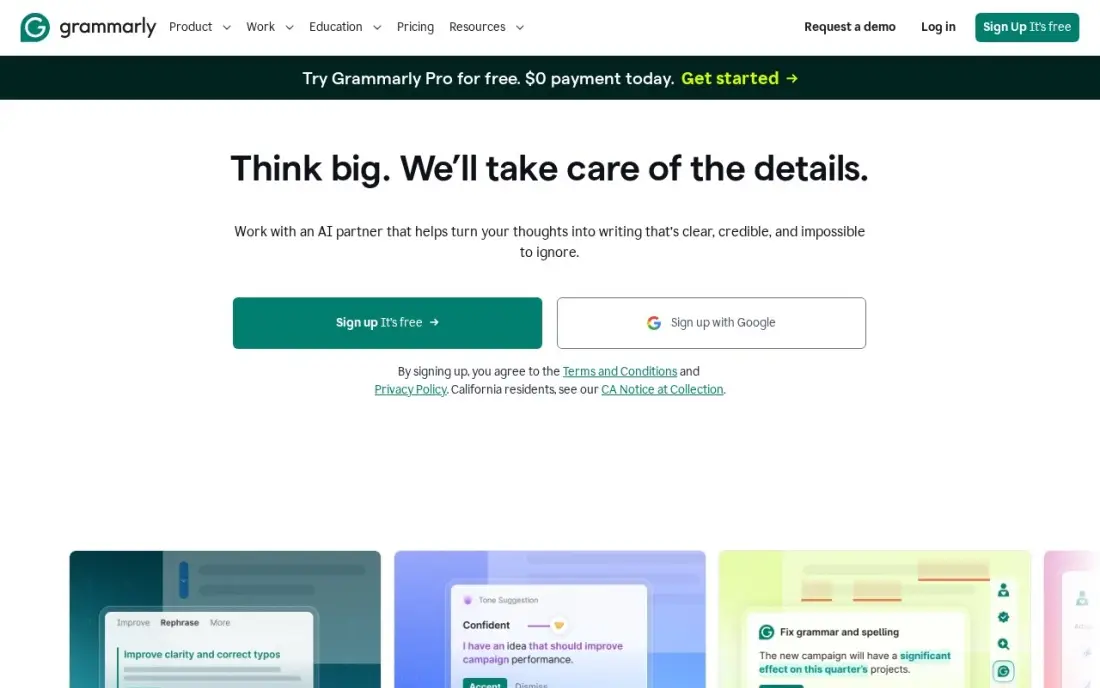
Grammarly is the safest AI writing tool for students because it improves what you wrote rather than writing it for you. The free plan checks grammar, spelling and tone in browsers, Google Docs, Microsoft Office and on mobile, and includes 100 AI prompts a month.
Pro costs $12 a month billed annually, or $30 billed monthly, and adds full-sentence rewrites, plagiarism checks and AI detection, which helps you see how your work may look to a teacher's checker. It checks English only, so students writing in other languages get little from it.
What we like
- Works in browsers, Google Docs, Microsoft Office, desktop apps and mobile from one account
- Pro adds full-sentence rewrites, tone adjustment, plagiarism and AI detection
- 2,000 AI prompts a member a month on Pro, against 100 a month on the free plan
- Free plan covers grammar, spelling and tone detection, so the paid tier is easy to test against
Watch out for
- Monthly billing costs $30 a member, two and a half times the $12 annual rate
- Only checks English, so students writing in other languages get little from it
- The free plan covers grammar and spelling, so Pro only pays off if you need rewrites and tone control

QuillBot
Best for: Students who paraphrase sources, summarise readings and check essays for plagiarism
QuillBot is built for the way students actually work with sources: nine paraphrasing modes rework a sentence for fluency or formality, the summarizer condenses readings of up to 6,000 words, and Premium checks up to 25,000 words a month for plagiarism. The free plan paraphrases 100 words at a time in two modes.
Premium costs $19.95 a month billed monthly, or $8.33 a month billed annually at $99.95 a year, though the site shows some visitors first-year offers. Its grammar checking is weaker than its paraphrasing, and paraphrasing never replaces a citation.
What we like
- Nine paraphrasing modes plus custom modes, with unlimited paraphrasing on Premium
- Plagiarism checker covers up to 25,000 words a month on Premium, and the summarizer handles 6,000 words
- Premium at $99.95 a year undercuts Grammarly Pro by $44 a year
- Free plan covers basic paraphrasing in two modes with no card required
Watch out for
- Free paraphrasing caps at 100 words at a time, so long passages need Premium
- The site shows different annual prices to different visitors, including first-year offers, so confirm at checkout
- Grammar checking is weaker than its paraphrasing; pair it with a dedicated checker for final passes

Jenni AI
Best for: University students writing research papers who want AI help grounded in their own sources and citations
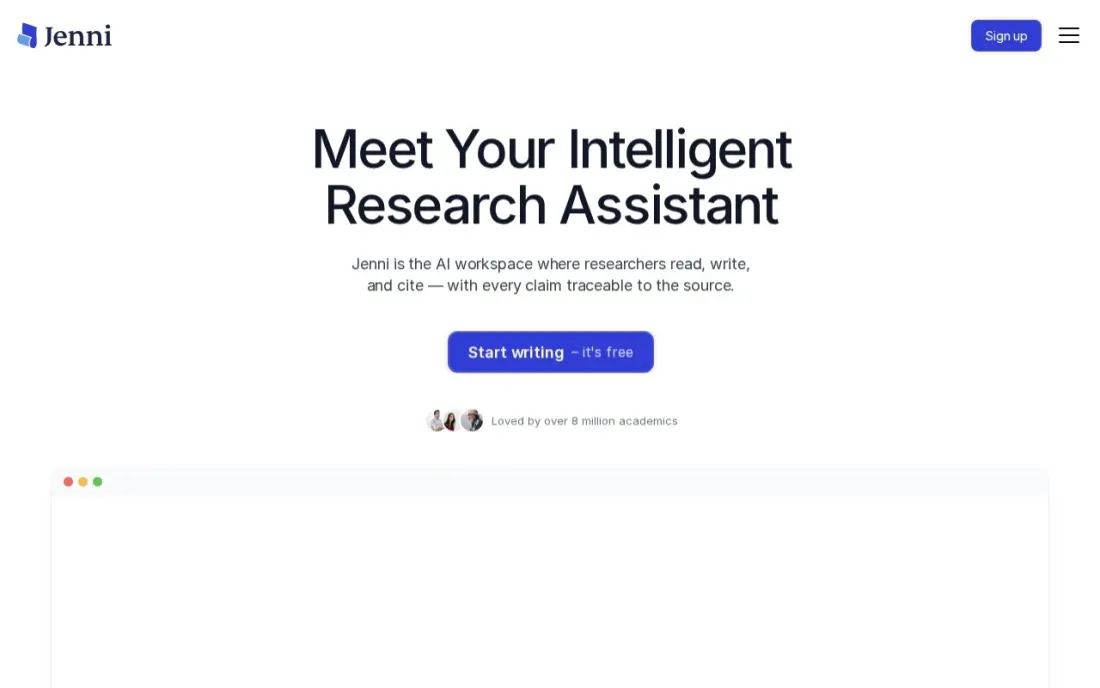
Jenni AI is a writing editor for research papers. You upload the PDFs you are citing, ask questions of them, and get autocomplete suggestions and citations in your chosen style, with more than 10,000 styles available. Citations are unlimited even on the free plan, which also includes 10 autocompletes a day and 10 PDF uploads.
Plus costs $12 a month and allows 5,000 autocompletes, 500 AI edits and 500 chat messages a month; Pro at $29 a month removes the limits. The page promotes annual savings without listing the annual price. Use the autocomplete sparingly and keep the argument your own.
What we like
- Unlimited citations and more than 10,000 citation styles on every plan, including free
- Upload papers as PDFs and ask questions of them inside the editor
- Plus includes 5,000 autocompletes, 500 AI edits and 500 chat messages a month
Watch out for
- The free plan's 10 autocompletes a day and 5 chat messages run out within one study session
- The pricing page advertises annual savings but does not list annual prices
- Autocomplete makes it easy to let the AI write too much of an assignment

ChatGPT
Best for: Students who want a tutor to explain topics, quiz them and critique an outline
ChatGPT is most useful to a student before and after writing, not during. Ask it to explain a difficult reading, quiz you on a topic, suggest counter-arguments to your thesis or critique the structure of an outline, and it works like a patient tutor. The free plan covers unlimited everyday text chats.
Plus costs $20 a month, billed monthly only, with no annual discount. Do not paste its output into an essay: many schools treat that as misconduct, and it can state wrong facts and invent sources with confidence. Check every claim against your course reading.
What we like
- Explains a difficult reading, quizzes you on a topic and suggests counter-arguments to your thesis
- Free plan includes unlimited everyday text chats plus limited image generation
- Critiques the structure of an outline like a patient tutor, before and after you write
- Plus raises image limits and adds advanced reasoning for $20 a month
Watch out for
- Free plan caps image generation at an unpublished number of images
- It can state wrong facts and invent sources with confidence, so every claim needs checking
- Plus is billed monthly only, so there is no annual discount to take

Claude
Best for: Students who want detailed feedback on long drafts and help working through long readings
Claude handles long documents well, which makes it a good reader for a full draft or a long set of readings. Paste in a chapter and ask for the three weakest arguments, or upload a draft and ask where the structure loses the reader. It is rated 4.7 out of 5 on G2 from 1,107 reviews.
The free plan has usage limits that reset every five hours and every week. Pro costs $20 a month billed monthly, or $17 billed annually. Answers can run longer than you need, so ask for short, specific feedback, and keep your own words in what you submit.
What we like
- The strongest long-form writing in this list, with a clean interface and Projects for organizing drafts
- Handles long documents well, with up to 1M tokens of context depending on the model
- Pro includes Claude Code, task scheduling and access to more models
Watch out for
- Answers can run longer than asked, so ask for short, specific feedback
- Usage limits reset on rolling five-hour and weekly windows, which can interrupt a long work session
- No image generation on the scale of ChatGPT, so it suits text work rather than visuals

Perplexity
Best for: Students who want quick research answers with cited sources they can check
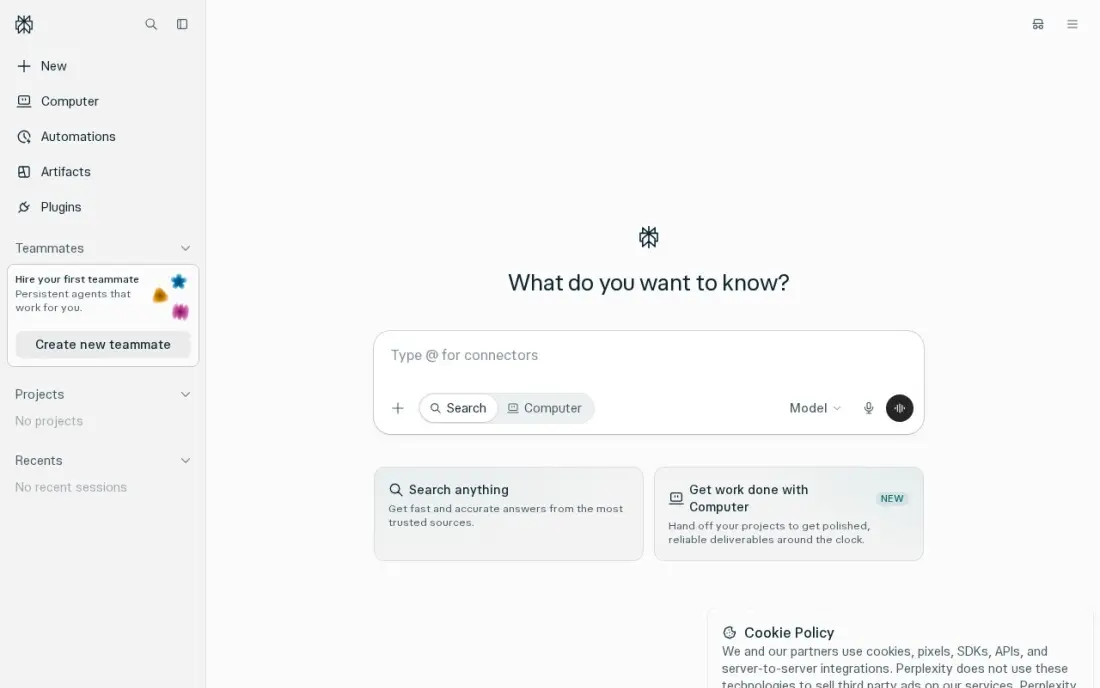
Perplexity is the research step. Every answer carries inline citations from the live web, so you can open the source, judge whether it is credible and cite the original rather than the AI. The free plan includes unlimited quick searches and a small daily allowance of Pro searches.
Pro costs $20 a month, or $200 a year, and adds model choice, Deep Research and up to 50 file uploads per project. Perplexity no longer publishes the free Pro-search allowance. Treat it as a starting point for finding sources, and check your library databases for academic work.
What we like
- Every answer carries inline citations from the live web, so claims can be checked in one click
- Pro lets you choose the model, including Claude, Gemini and GPT models, for $20 a month
- Deep Research and file uploads are included on Pro, with up to 50 files per project
Watch out for
- The free plan gives only a few Pro searches a day, and Perplexity no longer publishes the exact number
- Perplexity is a research tool first; it is weaker than ChatGPT or Claude for long creative writing

Trinka
Best for: Graduate students polishing theses and papers in formal academic English
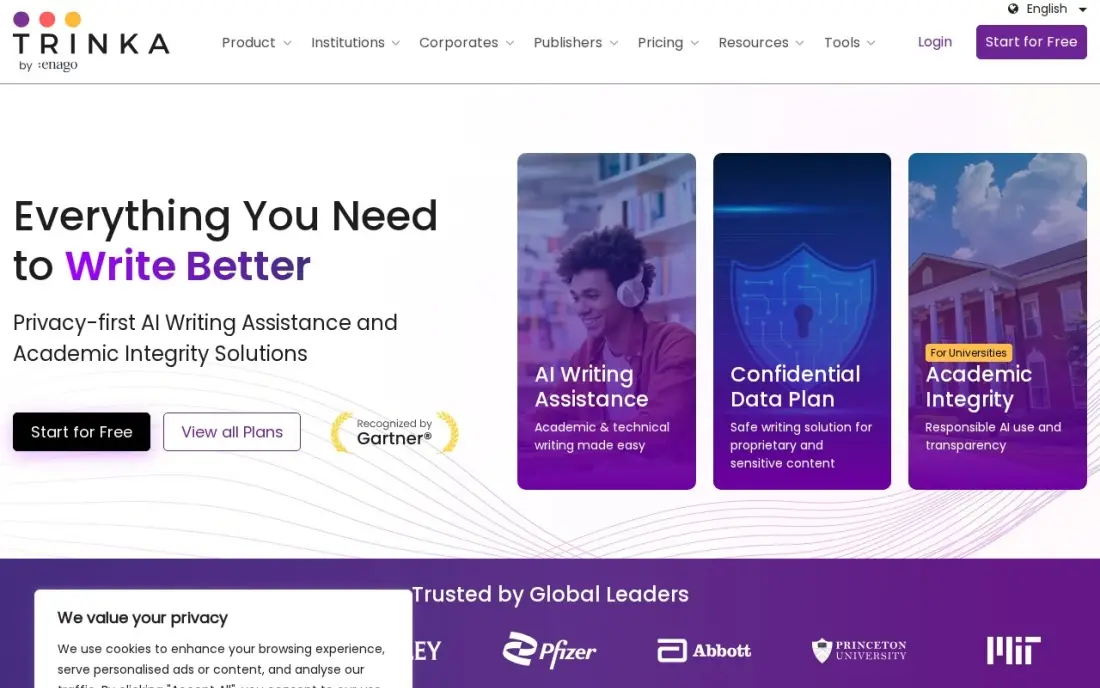
Trinka is a grammar checker tuned for academic and technical writing. It catches the errors general checkers miss in formal papers, checks consistency, and adds publication-readiness checks and a journal finder for students preparing research for submission. The free Basic plan covers 5,000 words a month.
Premium costs $20 a month billed monthly, or $6.67 a month billed annually at $80 a year. It scores 3.9 out of 5 on G2 from 17 reviews, the lowest here, with some reviewers reporting missed errors in long paragraphs. Its formal tone suits a thesis better than a reflective essay.
What we like
- Built for academic and technical writing, with publication-readiness checks and a journal finder
- Premium at $80 a year is cheaper than Grammarly Pro and ProWritingAid on annual billing
- Plagiarism and AI-detection checks run on the same platform, with credits included
- Free Basic plan covers 5,000 words a month with advanced grammar checks
Watch out for
- Lowest G2 score here at 3.9 out of 5 from 17 reviews, with some reviewers reporting missed errors in long paragraphs
- Formal academic tone is the default — it suits papers better than casual marketing copy
- Premium Plus and data-privacy plans add cost quickly for heavy plagiarism-check users

ProWritingAid
Best for: Students writing long essays and dissertations who want style reports, not just grammar fixes
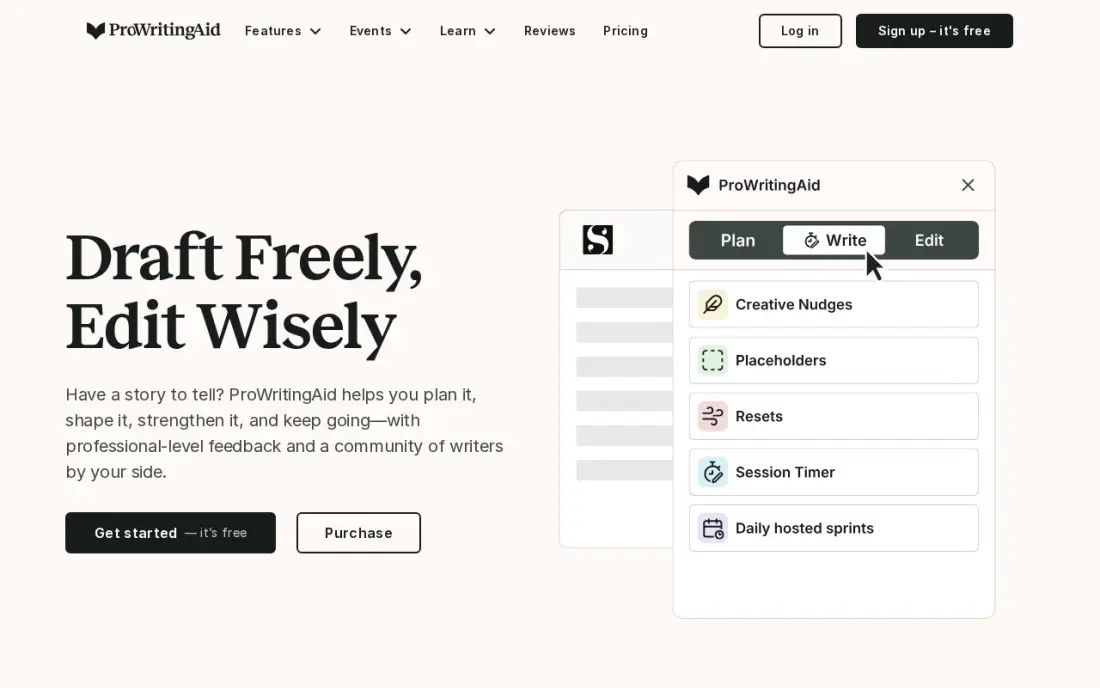
ProWritingAid runs more than 25 reports across a whole document, flagging sticky sentences, overused words, repetition and pacing as well as grammar. For a dissertation or a long essay, that shows patterns a sentence-by-sentence checker never does. The free plan runs the reports on 500 words at a time.
Premium costs $30 a month billed monthly, or $10 a month billed annually at $120 a year, and a $399 lifetime licence is also available. It plugs into Word and Google Docs. The interface is heavier than Grammarly for quick checks, and there is no mobile app.
What we like
- 25+ whole-document reports cover style, sticky sentences, overused words and pacing, not just grammar
- Premium costs $120 a year, or $399 once for a lifetime licence — the only lifetime option here
- Integrates with Word, Scrivener, Google Docs and Chrome, so long documents stay in one place
- Free plan includes the full report set on 500-word passages
Watch out for
- Manuscript-level AI analysis (Manuscript Analysis, Virtual Beta Reader) costs extra Story Credits, from $25 each
- Monthly billing at $30 costs $360 a year, three times the annual price
- No mobile app, and the interface feels heavier than Grammarly for quick email checks

Hemingway Editor
Best for: Students whose drafts are correct but wordy and need clearer, shorter sentences
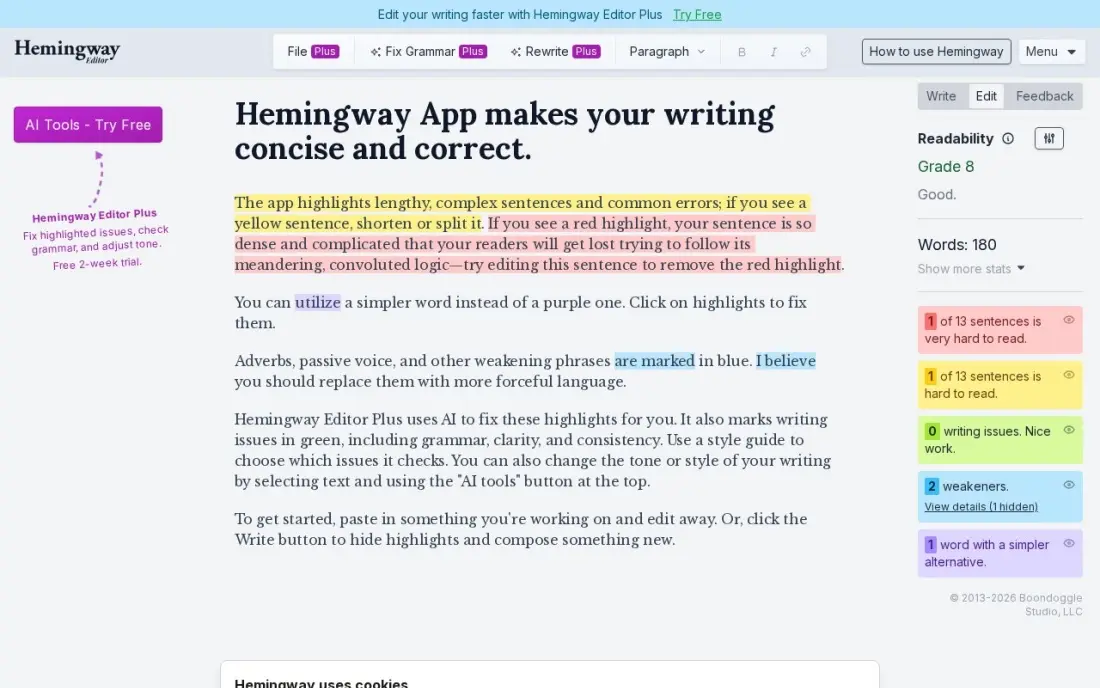
Hemingway Editor scores readability and highlights long sentences, passive voice and weak adverbs in colour, which teaches you to write more clearly rather than fixing text for you. The web editor is free with no account, and the desktop app is a one-time $19.99 purchase.
Editor Plus adds AI sentence rewrites from $10 a month billed monthly, or $8.33 billed annually. Hemingway checks style, not grammar, so pair it with Grammarly for the final pass. It has no browser extension, so you paste text in rather than checking inside Google Docs.
What we like
- Free web editor needs no account and gives an instant readability grade and colour-coded highlights
- Desktop app is a one-time $19.99 purchase with offline editing and PDF export
- Plus adds AI sentence rewrites from $8.33 a month billed annually, with a 14-day trial and no card required
- The grade-level score makes it easy to check whether a draft suits its audience
Watch out for
- The desktop app has no AI features — AI rewriting lives only in the Plus subscription
- It flags style and readability, not grammar: it is not a full grammar checker on its own
- No browser extension, so it cannot check text inside Gmail or Google Docs
The best AI writing tools for students make you a better writer instead of writing for you: they catch errors, explain sources, check plagiarism and show where an argument is weak. We compared nine tools across three jobs — checkers and editors, research and citation tools, and AI chat assistants for feedback — and every price below comes from the vendor's own pricing page as checked in November 2026.
How to choose the best AI writing tools for students
- Check your school's AI policy first. Many allow grammar checks and feedback but ban AI-generated text in submitted work.
- Start with where you write. Grammarly works inside Google Docs and Word; Hemingway and Jenni AI have their own editors.
- Match the tool to the assignment. Essays need grammar and clarity; research papers need source handling and citations.
- Prefer tools that show their sources. Perplexity and Jenni AI link answers to sources you can check; general chatbots can invent them.
- Use free plans before paying. Every tool here has a free tier, and most students never need more than two of them.
- Buy annually only if you will use it all year. Grammarly Pro costs $12 a month billed annually but $30 billed monthly.
Clear, well-structured writing is the same skill search engines reward. If you run a student blog, a tutoring site or an education business, our guide to the best AI writing tools for SEO covers the next step, and the free readability checker scores any draft in seconds.
AI writing tools for students pricing: what you will actually pay
Most students can spend nothing: Grammarly Free, QuillBot Free, Jenni AI Free and the free tiers of ChatGPT, Claude and Perplexity cover a normal semester of essays. If one paid tool is worth it, QuillBot Premium costs $99.95 a year, or $8.33 a month billed annually, and adds unlimited paraphrasing, a summarizer and plagiarism checks of up to 25,000 words a month.
A student writing a thesis might pay for two. Grammarly Pro costs $144 a year billed annually, or $30 a month if paid monthly, and Jenni AI Plus costs $12 a month, or $144 over a year of monthly payments. Trinka Premium costs $80 a year and ProWritingAid Premium $120 a year. Pay monthly for the months you are writing rather than a full year if your heavy writing is limited to one term.
Know the difference: AI checker vs AI writer
An AI checker works on text you wrote. Grammarly, QuillBot's grammar checker, Trinka, ProWritingAid and Hemingway find errors, suggest clearer phrasing and point out weak patterns. The ideas and sentences stay yours, which is why most schools accept them.
An AI writer produces text from a prompt. ChatGPT, Claude and Jenni AI's autocomplete can all generate paragraphs, and that is where most academic integrity problems begin. Used well, they are tutors: they explain, question and critique. Used badly, they produce an essay you cannot defend in class. Use the checker on your writing and the writer on your thinking.
Quick comparison: tool type by need
| Buyer | Best pick | Why |
|---|---|---|
| Every student | Grammarly | Free grammar and tone checks in Docs and Word |
| Essays with sources | QuillBot | Paraphrasing, summaries and plagiarism; $99.95/year |
| Research papers | Jenni AI | Unlimited citations; Plus $12/month |
| Tutoring and outlines | ChatGPT | Explains and quizzes on a free plan |
| Feedback on long drafts | Claude | Handles long documents; Pro $17/month billed annually |
| Finding sources | Perplexity | Cited answers; Pro $200/year |
| Theses and formal papers | Trinka | Academic grammar checks; Premium $80/year |
| Dissertations | ProWritingAid | 25+ style reports; Premium $120/year |
| Wordy drafts | Hemingway Editor | Free readability scoring |
Mistakes to avoid
- Submitting AI-generated text. Even where it is allowed, you need to be able to explain and defend every sentence.
- Citing a source you have not opened. Chatbots can invent references; open and read every source before it goes in your bibliography.
- Paraphrasing instead of citing. Rewording a source with QuillBot does not remove the need to credit it.
- Paying monthly all year. Grammarly Pro billed monthly costs two and a half times the annual rate.
- Accepting every suggestion. Checkers sometimes flatten your voice or misread discipline-specific terms; reject what does not fit.
Related comparisons: AI Apps for Students · AI Writing Tools for SEO · AI Blog Writing Tools · AI Book Writing Software
How we chose
We checked each vendor's pricing page in November 2026 and recorded the starting price exactly as shown, with annual and monthly billing stated separately. We ranked the tools by fit for a typical high school or university student writing essays and research papers, and favoured tools that improve the student's own writing over tools that generate it. Ratings come from G2 pages checked on the dates shown in the sources. No vendor paid for a place in this list, and none of the links here are affiliate links.
What to do next
Install Grammarly's free extension, then take your next assignment through one research tool and one checker from this list before you submit. If you run an education site or tutoring business and want more students to find it, book a free SEO call.
Frequently asked questions
What are the best AI writing tools for students?
Grammarly is the best all-round tool, with a free plan for grammar and tone in Google Docs and Word. QuillBot is the best value upgrade at $99.95 a year for paraphrasing and plagiarism checks, and Jenni AI is the best for research papers with unlimited free citations.
Are there free AI writing tools for students?
Yes. Grammarly, QuillBot, Jenni AI, Trinka, ProWritingAid and Hemingway all have free plans, and ChatGPT, Claude and Perplexity have free tiers for research and feedback. The free plans are enough for most school essays.
Is it cheating to use AI writing tools?
It depends on your school's policy and how you use them. Grammar checking and feedback are usually allowed, while submitting AI-written text as your own is usually treated as misconduct. Read your course policy and, when in doubt, ask your teacher.
How much do AI writing tools for students cost?
On published prices, Trinka Premium costs $6.67 a month billed annually, QuillBot Premium $8.33 a month billed annually, ProWritingAid Premium $10 a month billed annually, Grammarly Pro $12 a month billed annually and Jenni AI Plus $12 a month. ChatGPT Plus is $20 a month.
Which AI tool is best for research papers?
Jenni AI for writing with your sources and citations, Perplexity for finding sources with citations you can check, and Trinka for polishing formal academic English before submission.
Can teachers detect AI writing?
Teachers use AI detectors and their own judgment, and detectors can produce false positives. The safest approach is to write in your own words, keep your drafts and notes, and use AI for feedback and checking rather than for producing the text.
What is the best AI writing tool for college students?
Jenni AI is the pick for university research papers: you can upload papers as PDFs and ask questions of them, citations are unlimited in more than 10,000 styles on every plan, and Plus costs $12 a month. Graduate students polishing theses should look at Trinka, at $80 a year billed annually, while ProWritingAid's 25+ style reports suit long essays and dissertations. Grammarly's free plan covers everyday grammar checks.
Sources we checked (14)
- Grammarly — www.grammarly.com/plans (checked November 10, 2026)
- QuillBot — quillbot.com/premium (checked November 8, 2026)
- QuillBot reviews on G2 (checked November 8, 2026)
- Jenni AI — jenni.ai/pricing (checked November 16, 2026)
- ChatGPT — chatgpt.com/pricing (checked November 2, 2026)
- Claude — claude.com/pricing (checked November 2, 2026)
- Claude reviews on G2 (checked November 2, 2026)
- Perplexity — www.perplexity.ai/hub/pricing (checked November 2, 2026)
- Trinka — www.trinka.ai/pricing (checked November 8, 2026)
- Trinka reviews on G2 (checked November 8, 2026)
- ProWritingAid — prowritingaid.com/pricing (checked November 8, 2026)
- ProWritingAid reviews on G2 (checked November 8, 2026)
- Hemingway Editor — www.hemingwayapp.com/hemingway-editor-plus (checked November 8, 2026)
- Hemingway Editor reviews on G2 (checked November 8, 2026)
Make one of these tools?
We re-check this list every quarter. Send a correction, request a review, or ask about a clearly labeled sponsored spot.
Request a listingShamim
Founder of SerpAstra
A full-stack digital marketer and SEO strategist covering technical and local SEO, AI search visibility, paid ads and lead generation for local businesses, e-commerce brands and SaaS teams.
Free SEO and AI visibility audit
Find out what is holding your rankings back
Send us your site. Within 2 business days you get a written audit, an AI visibility check and a short fix list ranked by impact. Free, with no contract attached.
Request my free audit→Related buying guides
 Education & E-Learning9 Best AI Apps for Students: Free Plans Compared for 2026Compare the 9 best AI apps for students, free plans first: what each free tier includes, study features, caps and upgrade cost, checked in November 2026.Read guide →
 Productivity & OfficeBest Proofreading Software for 2026: 10 Options Compared by Use CaseCompare the 10 best proofreading software tools on price, free plans, grammar depth and plagiarism checks, with every price checked November 8, 2026.Read guide →
 Education & E-Learning11 Best Academic Proofreading Services in 2026Compare the 11 best academic proofreading services on price per 1,000 words, turnaround and Trustpilot ratings, with every price checked November 7, 2026.Read guide →