
9 Best AI Apps for Students: Free Plans Compared for 2026
Compare the 9 best AI apps for students, free plans first: what each free tier includes, study features, caps and upgrade cost, checked in November 2026.
 Shamim Mia, Founder, SerpAstraLast verified November 2, 20268 min read
We compare pricing pages, documentation and public reviews. We never accept payment for rankings.

Key takeaways
- Every app in this list has a free plan; the differences are in the caps, which several vendors do not publish.
- Gemini Notebook (formerly NotebookLM) is the best free study app because it answers only from your own notes and readings, with 100 notebooks free.
- Perplexity is the free pick for research assignments because every answer cites its sources.
- Grammarly and QuillBot cover grammar and paraphrasing for free; Quizlet's free plan covers flashcards with ads and daily caps.
On this page
Quick comparison
| Tool | Best for | Starting price | Free plan |
|---|---|---|---|
| Gemini Notebook | Students who want to study from their own lecture notes, slides and readings | Free | Yes |
| ChatGPT | Students who want one free assistant for explanations, outlines and practice questions | Free; Plus $20/mo | Yes |
| Perplexity | Students researching essays and projects who need sources they can cite | $20/mo (Pro) | Yes (free plan) |
| Gemini | Students whose schoolwork lives in Google Docs, Drive and Gmail | $4.99/mo (Plus) | Yes (free plan) |
| Claude | Students working through long readings, papers and essay drafts | Free; Pro $20/mo | Yes (usage limits) |
| Microsoft Copilot | Students on Windows or Microsoft 365 who want a free assistant already on their device | $19.99/mo (M365 Premium) | Yes (free plan) |
| Grammarly | Students who want free grammar, spelling and tone checks in every app they write in | $12/mo (annual) | Yes (free) |
| QuillBot | Students who need a free paraphraser and summarizer for notes and drafts | $19.95/mo | Yes (free plan) |
| Quizlet | Students revising for exams with flashcards and practice tests | $7.99/mo | Yes (free plan) |
Make one of these tools?
We re-check this list every quarter. Send a correction, request a review, or ask about a clearly labeled sponsored spot.
Request a listingThe best free AI apps for students

Gemini Notebook
Best for: Students who want to study from their own lecture notes, slides and readings
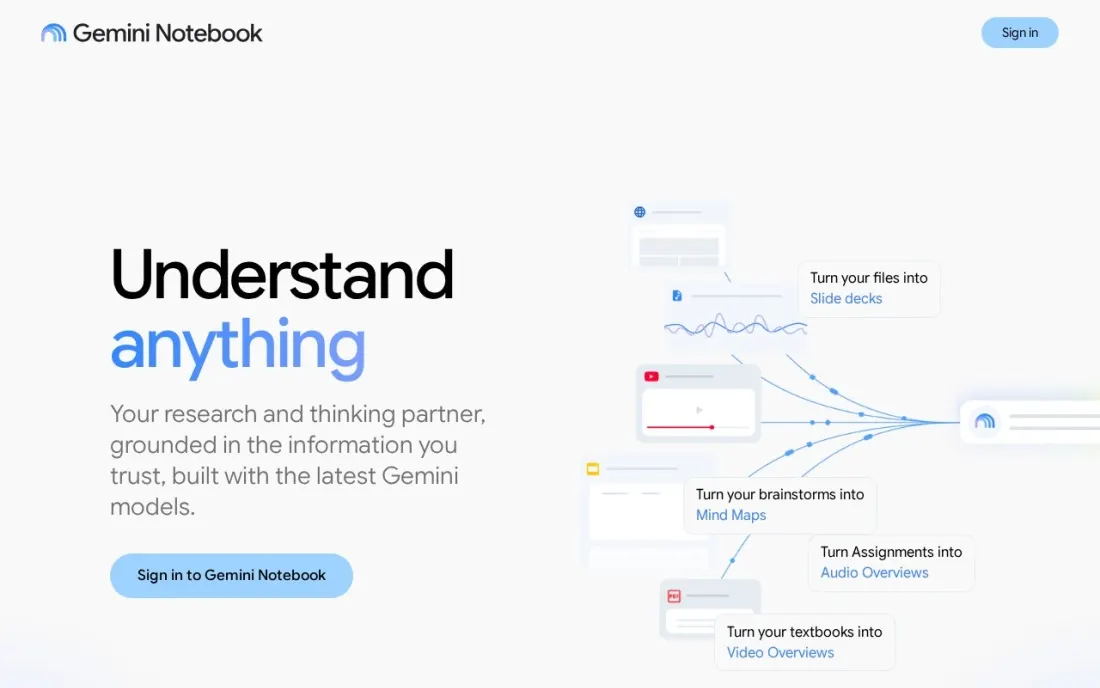
Gemini Notebook, which Google previously called NotebookLM, is the best free study tool here because it answers only from the material you give it. Upload lecture notes, slides and assigned readings, then ask it to explain a concept, compare two readings or quiz you, and the answers stay tied to your course rather than the open internet.
The free tier works with any Gmail account and allows 100 notebooks and 50 sources per notebook — one notebook per course is easy. Google does not publish exact daily chat limits and says they can change. It will not find new sources for an essay, so pair it with Perplexity, and check your school's rules on uploading course material.
What we like
- Answers only from the notes and readings you upload, so replies stay tied to your course
- Free tier allows 100 notebooks and 50 sources per notebook
- Works with any Gmail account, with higher limits on Google AI Plus and Pro
Watch out for
- Does not search for new sources, so essays still need a research tool
- Google does not publish exact daily chat limits and says they may change

ChatGPT
Best for: Students who want one free assistant for explanations, outlines and practice questions
ChatGPT is the free all-rounder. The free plan includes unlimited everyday text chats, so a student can ask it to explain a topic at a simpler level, turn notes into an outline, write practice questions or check the logic of an argument, with limited image generation on top. Most study use never needs the paid plan.
Plus costs $20 a month, billed monthly only, and adds advanced reasoning and higher limits. The risk for students is not the price but the answers: ChatGPT can state facts without a source, so check anything you plan to submit, and follow your course's policy on AI use. Use it to learn, not to write the assignment.
What we like
- Explains a topic at a simpler level, turns notes into an outline and writes practice questions
- Free plan includes unlimited everyday text chats plus limited image generation
- Checks the logic of an argument, so a draft can be tested before it is submitted
- Plus raises image limits and adds advanced reasoning for $20 a month
Watch out for
- Free plan caps image generation at an unpublished number of images
- Can state facts without a source, so check anything you plan to submit
- Plus is billed monthly only, so there is no annual discount to take

Perplexity
Best for: Students researching essays and projects who need sources they can cite
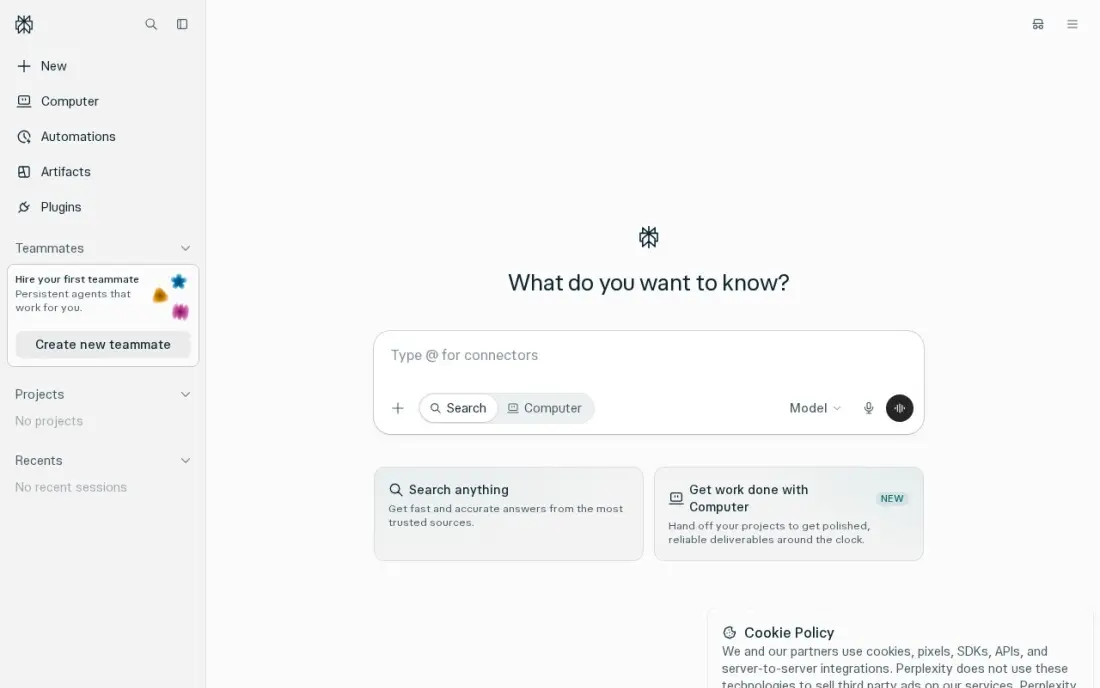
Perplexity is the free pick for research assignments because every answer cites its sources inline from the live web. Instead of an unsourced paragraph, a student gets a short answer with links to check and, if they hold up, cite. The free plan includes unlimited quick searches plus a small daily allowance of Pro searches.
Pro costs $20 a month or $200 a year and adds Deep Research, a choice of models and file uploads, but the free plan is enough for most coursework. Perplexity no longer publishes how many Pro searches the free plan includes, and it is weaker at long writing than ChatGPT or Claude. Use it to find sources, then read them yourself.
What we like
- Every answer carries inline citations from the live web, so claims can be checked in one click
- Pro lets you choose the model, including Claude, Gemini and GPT models, for $20 a month
- Deep Research and file uploads are included on Pro, with up to 50 files per project
Watch out for
- The free plan gives only a few Pro searches a day, and Perplexity no longer publishes the exact number
- Perplexity is a research tool first; it is weaker than ChatGPT or Claude for long creative writing

Gemini
Best for: Students whose schoolwork lives in Google Docs, Drive and Gmail
Gemini makes sense for students who already work in Google Docs and Drive. The free plan answers questions with live Google Search behind it and comes with 15 GB of storage, and the same Google account opens Gemini Notebook for studying your own material.
The free model is the weakest of the big assistants: since October 2026 free accounts get the Flash-Lite model only. Google AI Plus at $4.99 a month restores the Flash model and doubles the allowance — the cheapest paid step in this list — and Pro costs $19.99 a month. Usage limits are described as multiples of an unpublished baseline, so they are hard to compare. Choose Gemini for the Google connection.
What we like
- Deep ties to Google apps: Gemini works inside Gmail, Docs and Drive on paid plans
- Live Google Search results and a 1-million-token context window on Pro
- Google AI Plus is the cheapest paid step in this list, at $4.99 a month
Watch out for
- Free accounts are limited to the Flash-Lite model, with no access to the Pro model
- Usage limits are described as multiples of an unpublished baseline, so they are hard to compare

Claude
Best for: Students working through long readings, papers and essay drafts
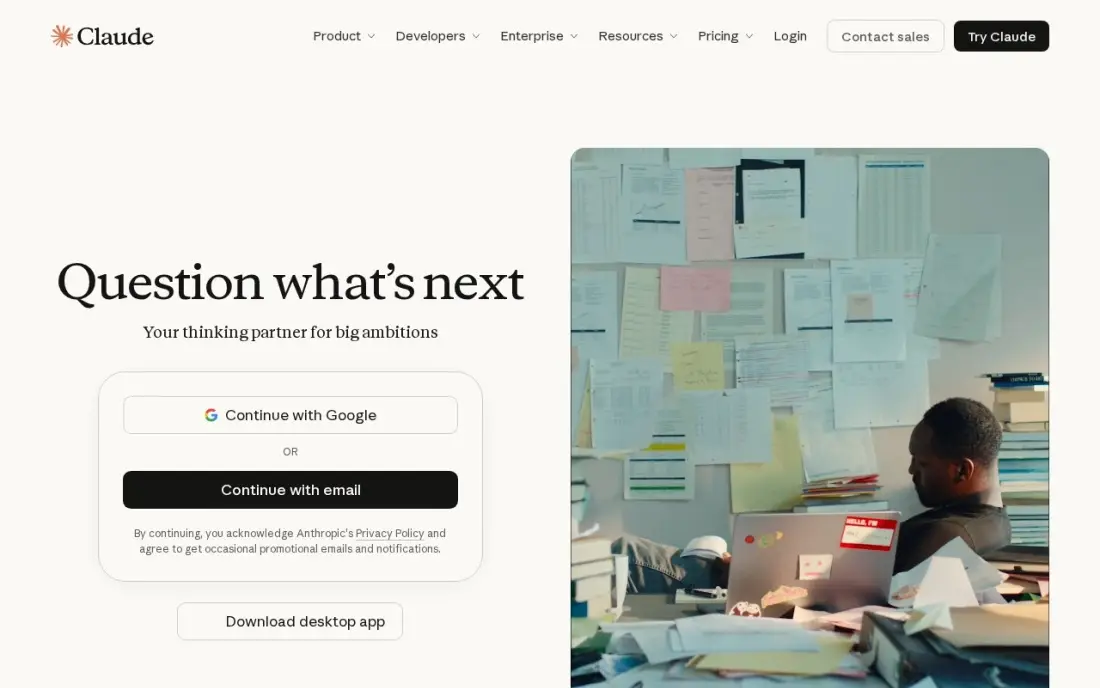
Claude is the free assistant to use with long texts. It handles large documents well, so a long reading, a research paper or a full essay draft can go in at once, and its feedback on writing tends to be clear and well organised. Projects keep a course's files and instructions together, which suits a semester-long subject.
The free plan has usage limits that reset every five hours and every week, which can cut off a long study session the night before a deadline. Pro costs $20 a month billed monthly or $17 billed annually. Answers can also run longer than asked, so ask for a short version when you need one.
What we like
- The strongest long-form writing in this list, with a clean interface and Projects for organizing drafts
- Handles long documents well, with up to 1M tokens of context depending on the model
- Pro includes Claude Code, task scheduling and access to more models
Watch out for
- Answers can run longer than asked, so ask for a short version when you need one
- Usage limits reset on rolling five-hour and weekly windows, which can interrupt a long work session
- No image generation on the scale of ChatGPT, so visual projects need another tool

Microsoft Copilot
Best for: Students on Windows or Microsoft 365 who want a free assistant already on their device
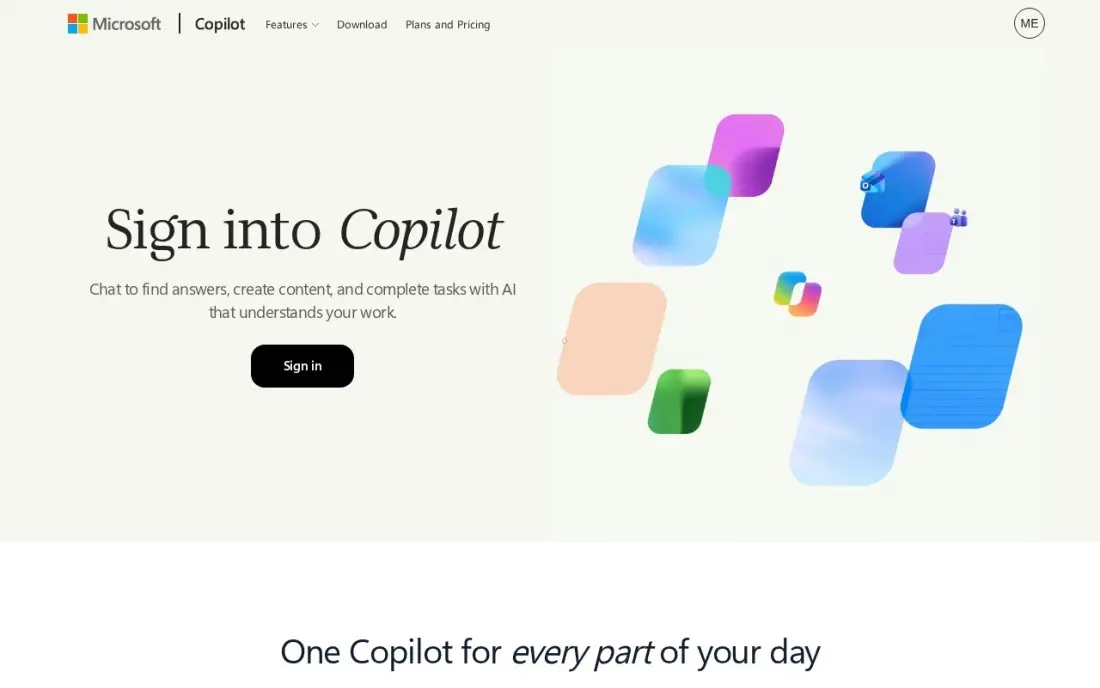
Microsoft Copilot is the easiest free AI app to start with on a Windows laptop: it is built into Windows 11 and Edge, available on the web and on mobile, and needs only a Microsoft account. The free plan includes real-time search, voice mode and image creation with standard daily limits, which covers quick questions and summaries.
The paid route is now a bundle. Standalone Copilot Pro was retired, and the replacement is Microsoft 365 Premium at $19.99 a month, which puts Copilot inside Word, Excel, PowerPoint and Outlook. Reviewers rate it behind ChatGPT and Claude on complex tasks, so many students use it for quick help and another assistant for harder work.
What we like
- Free on the web, in Windows 11, Edge and mobile apps, with real-time search and image generation
- Microsoft 365 Premium adds Copilot inside Word, Excel, PowerPoint and Outlook for $19.99 a month
- Voice mode and image creation are included on the free plan, with standard daily limits
Watch out for
- Copilot Pro, the old $20 standalone plan, was retired in 2025; paying now means a Microsoft 365 bundle
- Answers can be generic, and reviewers rate it behind ChatGPT and Claude on complex tasks

Grammarly
Best for: Students who want free grammar, spelling and tone checks in every app they write in
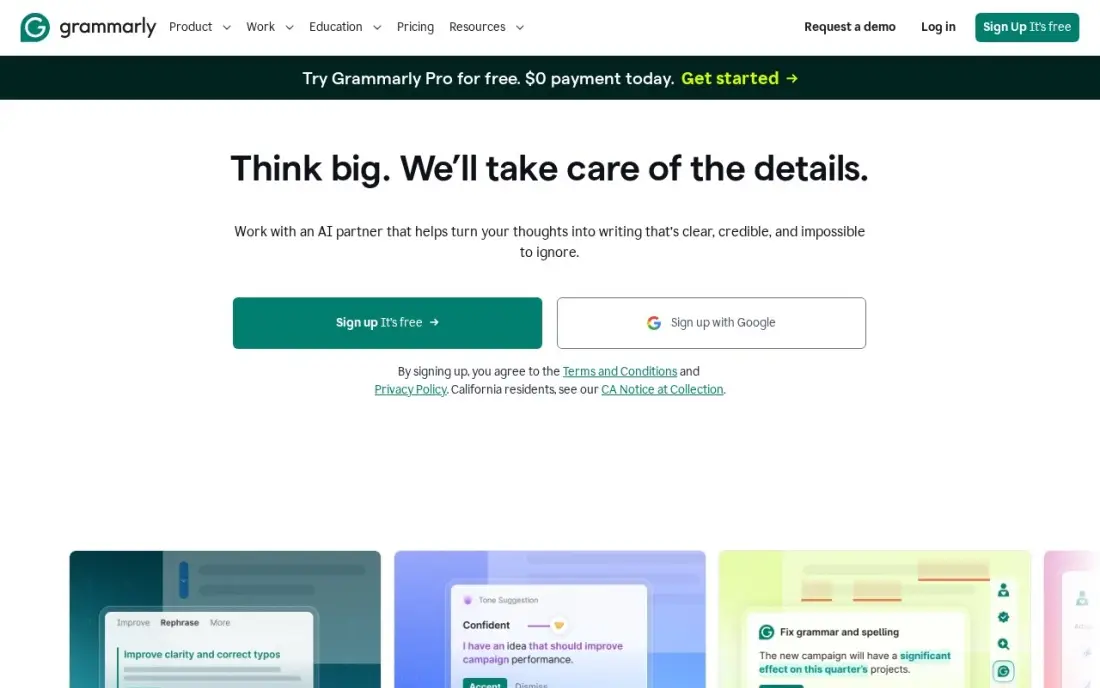
Grammarly checks writing wherever a student types: browsers, Google Docs, Microsoft Office, desktop apps and mobile, from one account. The free plan covers grammar, spelling and tone detection plus 100 AI prompts a month, which is enough to clean up essays, emails to professors and applications.
Pro costs $30 a month billed monthly or $12 billed annually and adds full-sentence rewrites, tone adjustment, plagiarism and AI detection. Most students do not need it; the free checks catch the errors that cost marks. Grammarly checks English only, so it is no help for work in other languages.
What we like
- Works in browsers, Google Docs, Microsoft Office, desktop apps and mobile from one account
- Pro adds full-sentence rewrites, tone adjustment, plagiarism and AI detection
- 2,000 AI prompts a month on Pro, against 100 a month on the free plan
- Free plan covers grammar, spelling and tone detection, so the paid tier is easy to test against
Watch out for
- Monthly billing costs $30 a member, two and a half times the $12 annual rate
- Checks English only, so it is no help for coursework in other languages
- The free plan covers grammar and spelling, so Pro only pays off if you need rewrites and tone control

QuillBot
Best for: Students who need a free paraphraser and summarizer for notes and drafts
QuillBot is the free tool for rewording rather than correcting. Its paraphraser reworks a sentence for fluency or formality, which helps students put a source's idea into their own words while they take notes, and the free plan includes paraphrasing in two modes, up to 100 words at a time, with no card required.
Premium costs $19.95 a month billed monthly or $99.95 a year, and adds unlimited paraphrasing, a plagiarism checker and a summarizer for longer texts. The site sometimes shows first-year offers, so confirm the price at checkout. Paraphrasing is not citing: a reworded idea still needs a reference, and many courses treat heavy paraphrasing as misconduct.
What we like
- Nine paraphrasing modes plus custom modes, with unlimited paraphrasing on Premium
- Plagiarism checker covers up to 25,000 words a month on Premium, and the summarizer handles 6,000 words
- Premium at $99.95 a year undercuts Grammarly Pro by $44 a year
- Free plan covers basic paraphrasing in two modes with no card required
Watch out for
- Free paraphrasing caps at 100 words at a time, so long passages need Premium
- The site shows different annual prices to different visitors, including first-year offers, so confirm at checkout
- Grammar checking is weaker than its paraphrasing; pair it with a dedicated checker for final passes

Quizlet
Best for: Students revising for exams with flashcards and practice tests
Quizlet turns revision into flashcards and games, and its shared library holds sets for almost every textbook and exam, so a student can often start from a ready-made deck. Learn mode spaces reviews, while Test, Match and Write turn the same deck into a quiz, a race and a writing drill. The free plan covers creating and studying cards.
The free plan shows ads and caps daily Learn rounds. Plus costs $7.99 a month or $35.99 a year and adds Magic Notes, which turns notes into flashcards, plus AI practice tests, but still limits practice tests and textbook solutions to 3 a month. Shared decks can contain errors, so check cards against your notes.
What we like
- Largest shared deck library here, with sets for almost every textbook and exam
- Learn, Test, Match and Write modes make the same deck feel like four different tools
- Magic Notes turns notes into flashcards, with AI practice tests on Plus
- The free plan covers creating and studying flashcards, so you can try it properly before paying
Watch out for
- Plus still caps practice tests and textbook solutions at 3 a month; unlimited needs Plus Unlimited at $44.99/year
- The free plan shows ads and caps daily Learn rounds
- Shared decks vary in quality, and popular sets can contain errors
The best free AI apps for students explain hard topics, organise notes, find sources and catch writing mistakes without a subscription. We compared nine apps that all have a free plan — study notebooks, general assistants, research search and writing tools — on what the free plan actually includes, the caps that matter during exam season and the cost of upgrading. Every plan was checked on vendor pages in November 2026.
How to choose the best free AI apps for students
- Start with the job, not the brand. Studying your own notes, researching an essay, checking grammar and revising for exams are four different jobs, and the best free app differs for each.
- Read the free plan's limits. Daily caps, word limits and usage windows decide whether a free plan survives the week before an exam.
- Prefer tools that show sources. For anything you might hand in, an answer with a citation you can check beats a confident paragraph without one.
- Check your course's AI policy. Most schools allow AI for learning and checking but not for writing submitted work; the rules vary by course.
- Keep your accounts simple. One general assistant, one study tool and one writing checker cover most students.
- Protect your data. Avoid uploading other students' work or anything your school marks as confidential.
Students who run a blog, a side project or a small business learn quickly that being found online is a skill of its own. Our free readability checker shows how easy a page is to read, and our guide to the best study apps covers the non-AI tools worth installing.
Free AI apps for students pricing: what you will actually pay
The honest answer is $0 for most students. ChatGPT, Gemini, Claude, Perplexity, Microsoft Copilot, Gemini Notebook, Grammarly, QuillBot and Quizlet all have free plans, and the free tiers of a study tool, an assistant and a writing checker together cover most coursework.
If a cap starts to bite, the upgrades vary widely. Google AI Plus costs $4.99 a month, or about $60 a year, and improves both Gemini and Gemini Notebook. Quizlet Plus costs $35.99 a year billed annually against $7.99 a month billed monthly — $95.88 over twelve months. QuillBot Premium costs $99.95 a year or $19.95 a month, Grammarly Pro $12 a month billed annually or $30 billed monthly, and ChatGPT Plus, Claude Pro and Perplexity Pro each cost $20 a month. Paying monthly for only the months around exams is often cheaper than an annual plan.
Know the difference: AI assistants vs study tools
AI assistants such as ChatGPT, Claude, Gemini and Microsoft Copilot answer anything you ask, drawing on their training and, in some cases, the web. That makes them flexible for explanations and outlines, but they can be wrong with confidence, and they do not know what your lecturer covered.
Study tools such as Gemini Notebook, Quizlet, Grammarly and QuillBot do one job with your own material: answer from your notes, drill flashcards, correct your grammar or reword your sentences. They are narrower, but their output stays tied to your course and your writing, which makes them safer for work you will be graded on.
Quick comparison: tool type by need
| Buyer | Best pick | Why |
|---|---|---|
| Studying course material | Gemini Notebook | Answers only from your uploads, 100 notebooks free |
| Everyday questions | ChatGPT | Unlimited everyday text chats on the free plan |
| Research assignments | Perplexity | Cited answers from the live web |
| Google Docs users | Gemini | Free with 15 GB storage, Plus $4.99/month |
| Long readings | Claude | Handles long documents and essay drafts |
| Windows laptops | Microsoft Copilot | Built into Windows 11 and Edge, free |
| Grammar and tone | Grammarly | Free checks plus 100 AI prompts a month |
| Paraphrasing notes | QuillBot | Free paraphraser, 100 words at a time |
| Exam revision | Quizlet | Free flashcards, Plus $35.99/year |
Mistakes to avoid
- Submitting AI-written work. Many schools treat it as misconduct; use AI to understand and check, then write in your own words.
- Citing an AI answer instead of the source. Open the link, read the source and cite that.
- Trusting shared flashcards blindly. Public decks can contain errors; check them against your notes.
- Paying for overlapping assistants. One paid assistant is plenty; most students need none.
- Waiting until exam week to learn a tool. Free caps and usage windows hurt most under deadline pressure, so test the free plan early.
Related comparisons: AI Writing Tools for Students · AI Companies · AI Marketing Platforms · AI Tools for Startups
How we chose
We checked each vendor's pricing or help page in November 2026 and recorded the free plan and paid prices exactly as published, with billing terms. Where a vendor does not publish a free-plan limit, we say so. We judged each app on what a student can do without paying, how well it supports honest study, and the cost of the first paid step. No vendor paid for a place in this list, and none of the links here are affiliate links.
What to do next
Set up Gemini Notebook with one course's notes this week, ask it to quiz you, and add Grammarly's free extension before your next essay. If you also run a blog or student business and want more people to find it, book a free SEO consultation.
Frequently asked questions
What is the best free AI app for students?
Gemini Notebook, formerly NotebookLM, is the best free study app because it answers only from your own notes and readings, with 100 notebooks free. ChatGPT is the best free all-round assistant, and Perplexity is the best free option for research because every answer cites sources.
Are these AI apps really free for students?
Yes. All nine have a free plan. The limits differ: Grammarly's free plan includes 100 AI prompts a month, QuillBot's paraphrases 100 words at a time, Quizlet's shows ads and caps daily Learn rounds, and Claude's resets usage every five hours and every week.
Is it allowed to use AI apps for schoolwork?
It depends on your school and course. Many allow AI for explaining topics, brainstorming and checking grammar but not for writing submitted work. Read your course policy and cite AI use where your school asks you to.
Which free AI app is best for writing essays?
Use Perplexity to find sources, Gemini Notebook or Claude to understand the readings, and Grammarly's free plan to check grammar and tone. Write the essay yourself; AI-written text can break academic integrity rules.
Which AI app is best for studying and exams?
Gemini Notebook for questioning your own course material and Quizlet for flashcards and practice tests. Quizlet Plus costs $7.99 a month or $35.99 a year if you need AI practice tests and Magic Notes.
What is the cheapest paid upgrade for students?
Google AI Plus at $4.99 a month is the cheapest paid step in this list and improves Gemini's model and limits. Quizlet Plus at $35.99 a year is the cheapest annual plan.
Is there a free AI note-taking app for students?
Yes. Gemini Notebook, formerly NotebookLM, is free with a Google account and gives 100 notebooks with 50 sources each. You upload lecture notes, slides and readings, and it answers only from that material, so it can explain a concept or quiz you. QuillBot's free plan helps reword notes 100 words at a time, and Quizlet's free plan turns study material into flashcards.
What are the best AI apps for college students?
For college work, Perplexity's free plan is the best for research because it shows sources you can cite. Claude's free plan suits long readings, papers and essay drafts, and Gemini Notebook answers from your own course material. ChatGPT is the best free all-rounder, and Grammarly's free plan checks grammar, spelling and tone in every app you write in. Check your course's AI policy first.
Sources we checked (12)
- Gemini Notebook — support.google.com/gemininotebook/answer/16213268 (checked November 16, 2026)
- ChatGPT — chatgpt.com/pricing (checked November 2, 2026)
- Perplexity — www.perplexity.ai/hub/pricing (checked November 2, 2026)
- Gemini — gemini.google/subscriptions (checked November 2, 2026)
- Claude — claude.com/pricing (checked November 2, 2026)
- Claude reviews on G2 (checked November 2, 2026)
- Microsoft Copilot — copilot.microsoft.com (checked November 2, 2026)
- Grammarly — www.grammarly.com/plans (checked November 10, 2026)
- QuillBot — quillbot.com/premium (checked November 8, 2026)
- QuillBot reviews on G2 (checked November 8, 2026)
- Quizlet — quizlet.com/upgrade (checked November 4, 2026)
- Quizlet reviews on G2 (checked November 4, 2026)
Make one of these tools?
We re-check this list every quarter. Send a correction, request a review, or ask about a clearly labeled sponsored spot.
Request a listingShamim
Founder of SerpAstra
A full-stack digital marketer and SEO strategist covering technical and local SEO, AI search visibility, paid ads and lead generation for local businesses, e-commerce brands and SaaS teams.
Free SEO and AI visibility audit
Find out what is holding your rankings back
Send us your site. Within 2 business days you get a written audit, an AI visibility check and a short fix list ranked by impact. Free, with no contract attached.
Request my free audit→Related buying guides
 Education & E-Learning9 Best Study Apps in 2026, ComparedCompare the 9 best study apps for flashcards, note-taking and planning, with free plans, student-friendly prices and limits checked on each vendor's own pages.Read guide →
 Data, Analytics & AI9 Best AI Tools for Research in 2026, ComparedCompare the 9 best AI tools for research on cited answers, paper search, source notebooks, free plans and real cost, with every price checked on vendor pages.Read guide →
 Customer Service10 Best Free AI Chatbots Alternatives to Grok in 202610 best free ai chatbots alternatives to Grok compared on price, free limits and live search. Real prices checked November 2, 2026, sorted by everyday use.Read guide →