
7 Best Apps for Hosting Virtual Events in 2026, Compared
Compare the 7 best apps for hosting virtual events, from webinar platforms to event suites and meeting tools, on audience size, networking and real price.
 Shamim Mia, Founder, SerpAstraLast verified November 4, 20268 min read
We compare pricing pages, documentation and public reviews. We never accept payment for rankings.
Key takeaways
- Goldcast is the best app for B2B webinars and virtual events that must create pipeline, but it is quote-only; third-party estimates put entry around $15,000 a year.
- Zoho Backstage is the value pick: a free plan for 100 attendees per event, Essentials at $99 a month billed annually and 0% commission on ticket sales.
- Bizzabo publishes its price — $499 a user a month billed annually with a three-user minimum, a $17,999 yearly floor — and suits sponsor-funded conferences.
- For small online sessions, a meeting tool may be enough: Microsoft Teams Essentials runs 300-person meetings for $4 a user a month billed annually.
On this page
Quick comparison
| Tool | Best for | Starting price | Free plan |
|---|---|---|---|
| Goldcast | B2B marketing teams running webinars and virtual events to generate pipeline | Custom quote | No (demo only) |
| Zoho Backstage | Small teams that want a full event platform at a low price with no ticket commission | $119/mo | Yes (100 attendees) |
| Bizzabo | B2B conference teams running virtual and hybrid events funded by sponsors | $499/user/mo (annual) | No (demo only) |
| Whova | Conference and association organisers who want attendee networking at the centre of the event | Custom quote | Yes (free events) |
| Cvent | Large organisations running many conferences with virtual sessions and venue sourcing | Custom quote | No (demo only) |
| Zoom | Small teams hosting online workshops, classes and meetups that attendees can join easily | $14.16/mo (annual) | Yes (40-min meetings) |
| Microsoft Teams | Businesses on Microsoft 365 hosting internal or client sessions of up to 300 people | $4/mo (annual) | Yes (free plan) |
Make one of these tools?
We re-check this list every quarter. Send a correction, request a review, or ask about a clearly labeled sponsored spot.
Request a listingThe best apps for hosting virtual events

Goldcast
Best for: B2B marketing teams running webinars and virtual events to generate pipeline
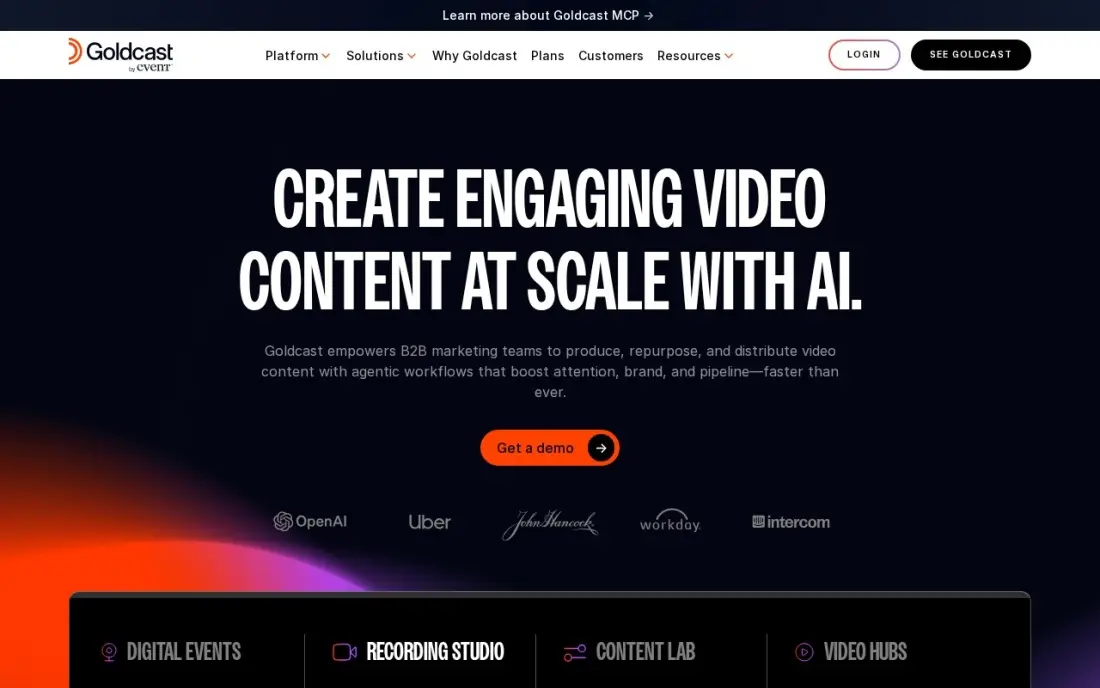
Goldcast is built for virtual events that marketing must justify with pipeline. Webinars, digital events and field events run on one system, Recording Studio gives a branded stage with backstage controls, and engagement data flows into HubSpot and Salesforce so sales follows up on attendees who paid attention. Content Lab then turns the recording into clips, blog posts and social posts with AI.
There is no published price; third-party estimates put entry around $15,000 a year, so get a quote. G2 reviewers rate it 4.7 but flag reporting as the weak spot. Content Lab has a free tier. Buy it when webinars are a regular channel, not a one-off broadcast.
What we like
- Built for pipeline: webinars, digital events and field events with engagement data that flows into HubSpot and Salesforce
- Content Lab turns one event recording into clips, blogs and social posts with AI, so the event keeps working after it ends
- Recording Studio captures broadcast-quality video with a branded stage and backstage controls
Watch out for
- No published price — events are sold by custom quote, and third-party estimates put entry around $15,000 a year
- Reporting is a weak spot in G2 reviews: exports and custom reports take extra work

Zoho Backstage
Best for: Small teams that want a full event platform at a low price with no ticket commission
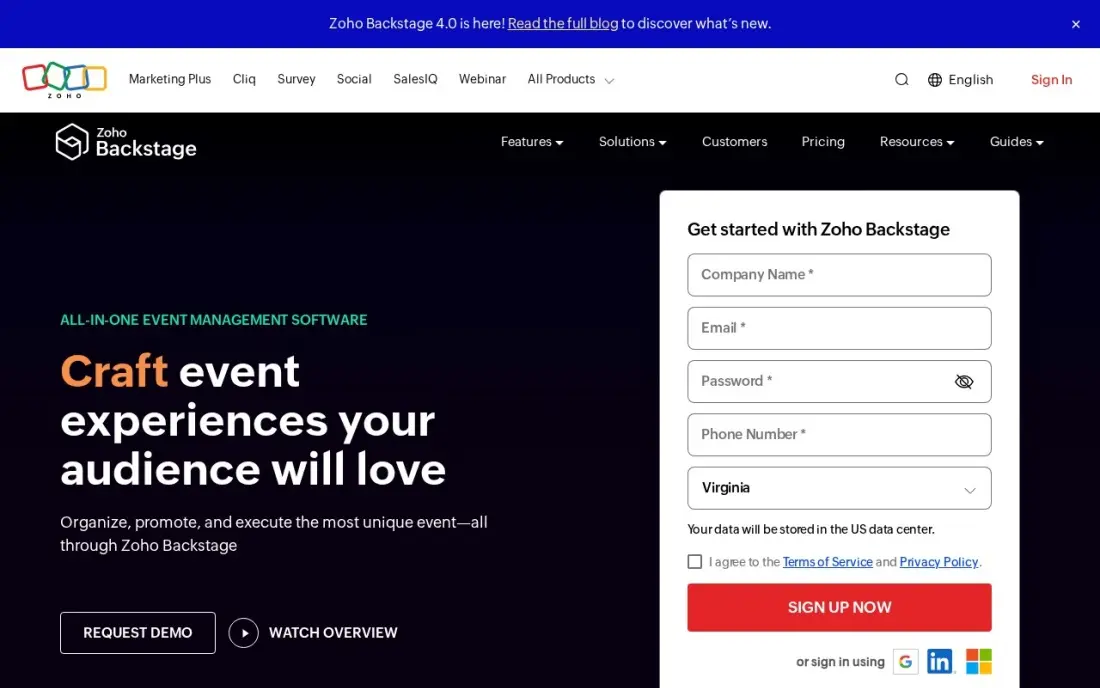
Zoho Backstage gives a small team an all-in-one event platform without enterprise pricing. The free plan covers 100 attendees per event, and Essentials costs $99 a month billed annually, or $119 monthly, with unlimited events, a drag-and-drop event website, RSVP management and 0% commission on ticket sales, so paid virtual events keep every dollar of ticket revenue.
Attendee caps set the plan: Essentials allows 200 per event, and larger events need Premium at $249 a month. A pay-per-event option from $299 suits a team running one event a year. Its 4.4 G2 score rests on only 29 reviews, so run a test event on the free plan first.
What we like
- 0% commission on ticket sales — you keep all ticket revenue, which no other platform in this list offers
- Unlimited events on every paid plan, with a drag-and-drop website builder, RSVP management and check-in included
- Pay-per-event option from $299 an event suits teams that run one event a year
Watch out for
- Essentials caps at 200 attendees per event, so bigger conferences need Premium ($249/month) or the top-tier plan
- Only 29 G2 reviews, so the 4.4/5 rating rests on a much smaller base than the other platforms here

Bizzabo
Best for: B2B conference teams running virtual and hybrid events funded by sponsors
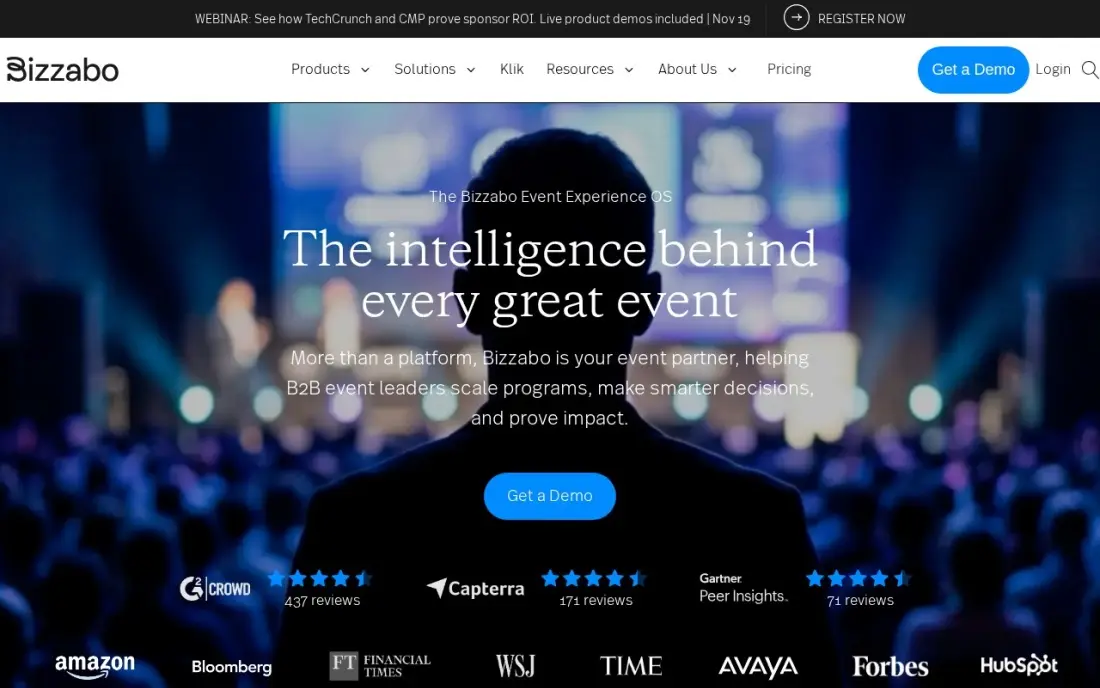
Bizzabo's Event Experience OS covers registration, event websites, a mobile app, virtual events and analytics in one login, which suits a conference that runs online and in person. Native HubSpot, Marketo and Salesforce integrations carry attendee and sponsor leads into the CRM, and Klik SmartBadges handle contact exchange at the in-person side of hybrid events.
The price is published and high: $499 a user a month billed annually with a three-user minimum, a floor of $17,999 a year. There is no single-event purchase, and badge hardware costs extra. It holds 4.3 on G2. Choose it for an annual conference programme where sponsor leads justify the cost.
What we like
- Event Experience OS covers registration, event websites, mobile app, virtual events and analytics in one login
- Klik SmartBadges turn networking into captured leads — Bizzabo reports nearly 1 million contact exchanges since 2022
- Native HubSpot, Marketo and Salesforce integrations carry event leads straight into the CRM
Watch out for
- Annual subscription only — no single-event purchase, and the $17,999-a-year floor is steep for infrequent events
- Klik SmartBadge hardware is priced separately, and reviewers note the website editor gets fiddly on complex agendas

Whova
Best for: Conference and association organisers who want attendee networking at the centre of the event
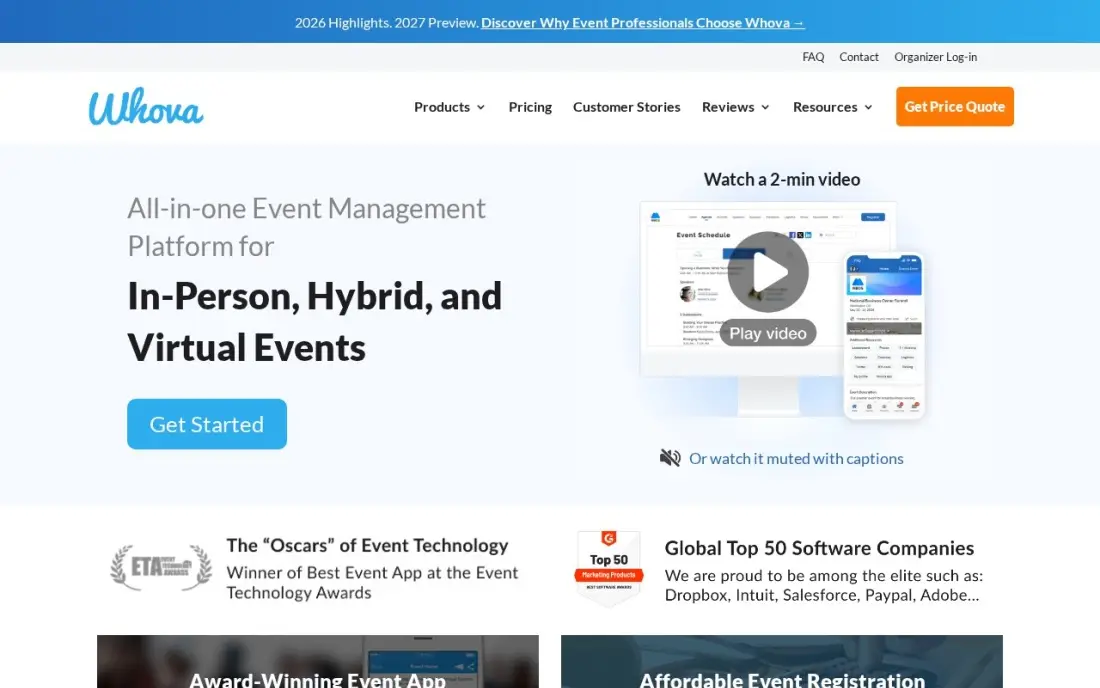
Whova is the event app attendees actually open: agenda, speaker profiles, announcements and community boards in one place, with matchmaking, messaging and meetups that get people talking before the first session. It has the highest G2 score in this list, 4.8 out of 5 from nearly 2,000 reviews, and reviewers praise ease of use and support.
The platform is sold by custom quote per event, so budget after a sales call. Ticketing is the cheapest here at 3.0% plus $0.99 per paid ticket, and free events carry no fee. Reviewers note the app is web-first in places. Ask in the demo how sessions are streamed for remote attendees.
What we like
- Highest G2 rating in this list at 4.8/5 from 1,970 reviews, with reviewers praising ease of use and support
- Community boards, matchmaking, messaging and meetups turn the attendee app into the networking engine
- Lower ticket fee than Eventbrite at 3.0% + $0.99 per paid ticket, with no fee on free tickets
Watch out for
- Platform pricing is a custom quote per event, so two events the same size can be quoted very different amounts
- The attendee app is web-first in places, and reviewers note heavy Wi-Fi dependence in large venues
Cvent
Best for: Large organisations running many conferences with virtual sessions and venue sourcing
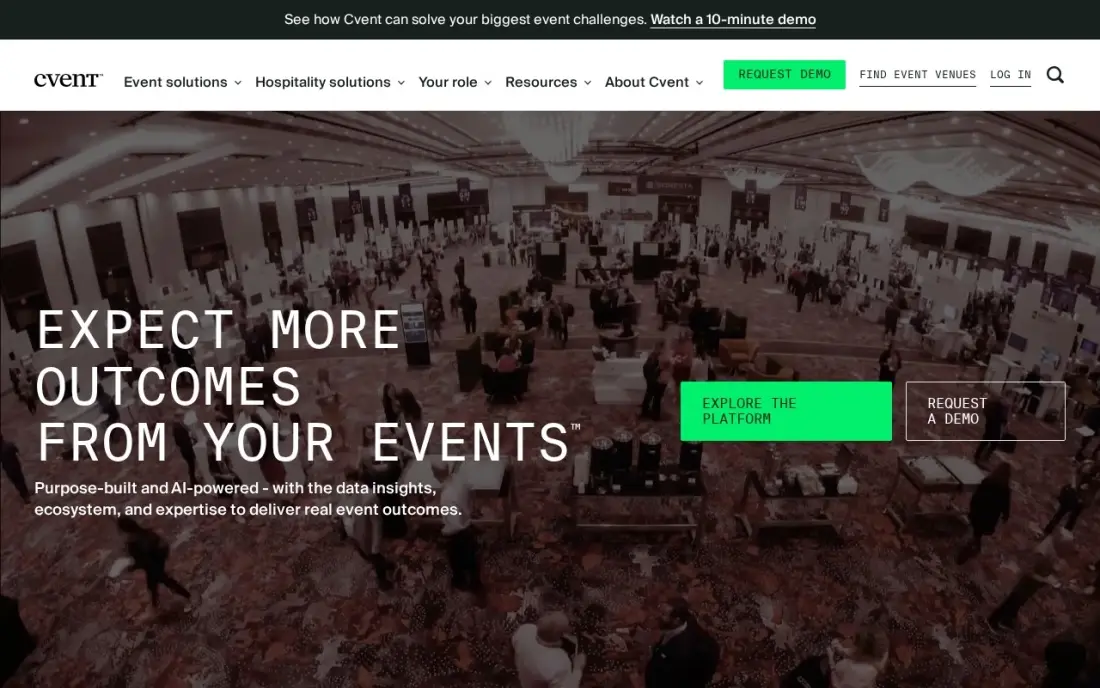
Cvent is the enterprise option: registration, venue sourcing, an attendee hub for virtual sessions and on-site check-in in one suite, with native Salesforce and marketing-automation integrations. For a company running a full calendar of conferences, trade shows and online sessions, it keeps the whole programme and its data in one place.
It is not built for small teams. Cvent publishes no prices and offers no self-serve trial; every plan runs through a sales quote and an annual contract, and third-party procurement data puts typical mid-market contracts near $19,550 a year. Choose it when the programme is large enough to need venue sourcing and registration at scale.
What we like
- The only enterprise event platform here: registration, venue sourcing, attendee hub and on-site check-in in one suite
- Venue sourcing covers a large network of hotels and venues, with RFP and contract tools built in
- Native Salesforce and marketing-automation integrations keep event data in the CRM
Watch out for
- No published prices and no self-serve trial; every plan runs through a sales quote and an annual contract
- Third-party procurement data puts typical mid-market contracts near $19,550 a year, so it is not a small-team buy

Zoom
Best for: Small teams hosting online workshops, classes and meetups that attendees can join easily
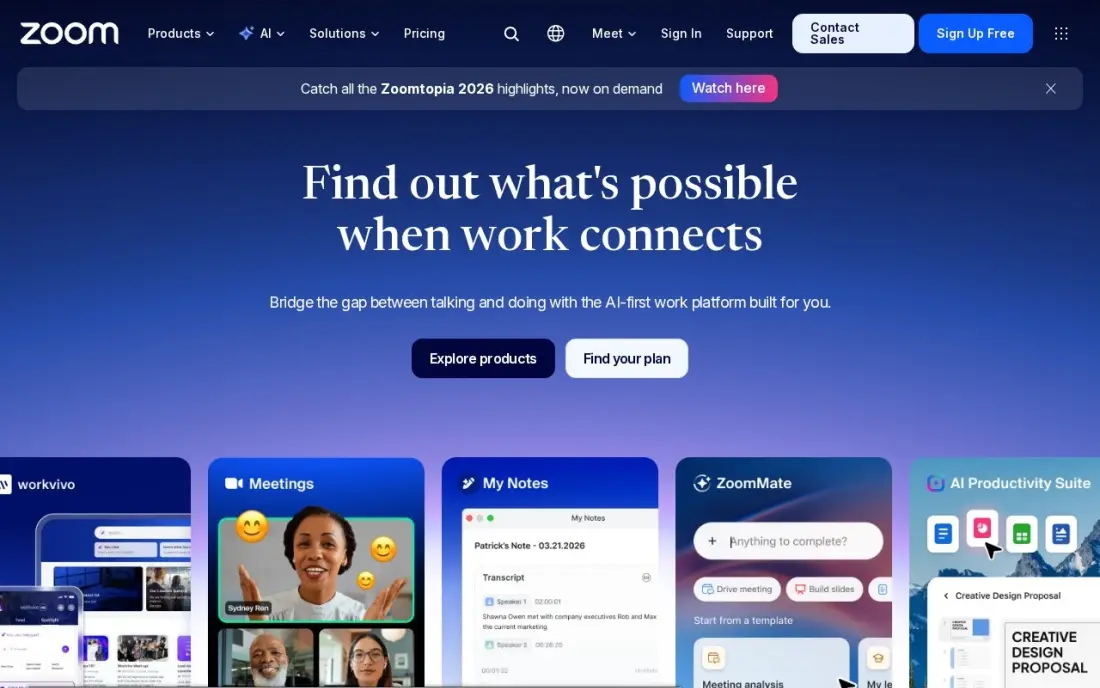
Zoom is the app most attendees already know how to join, which removes the biggest risk of a small virtual event: people who cannot get in. Workplace Pro costs $14.16 a user a month billed annually, or $16.99 monthly, with meetings up to 30 hours, 10 GB of cloud recording and unlimited AI notes and summaries. It holds 4.5 on G2 from more than 56,000 reviews.
Pro caps meetings at 100 participants, so larger sessions need Business at $18.33 a user a month billed annually, and 10 GB of recording fills quickly. It is a meeting tool, not an event platform: registration pages, sponsor booths and attendee networking need another product.
What we like
- Pro lifts meetings from 40 minutes to 30 hours and adds unlimited AI meeting notes and summaries
- 10 GB of cloud recording per licence, plus Zoom Mail and Calendar in the same subscription
- The most-reviewed video tool here, with 4.5 stars from more than 56,000 G2 reviews
Watch out for
- Pro still caps meetings at 100 participants; larger calls need Business at $18.33 a user a month
- Cloud recording is only 10 GB per licence on Pro, so heavy recorders pay for more storage
- Prices exclude tax, and the annual figure is charged as one upfront payment

Microsoft Teams
Best for: Businesses on Microsoft 365 hosting internal or client sessions of up to 300 people
Microsoft Teams is the cheapest way to host a sizeable online session: Teams Essentials costs $4 a user a month billed annually and runs group meetings of up to 300 people for up to 30 hours, with recordings and transcripts. The free plan covers 60-minute group meetings, enough to rehearse a session.
Essentials is Teams alone, with no business email; Microsoft 365 Business Basic at $7 a user a month adds Outlook and web Office apps, and Copilot is extra. Like Zoom, it lacks event registration and networking. It suits town halls, client briefings and training for organisations already on Microsoft.
What we like
- The cheapest paid start in this list at $4 a user a month on annual billing
- Comes with Microsoft 365 Business Basic at $7 a user a month, adding business email, 1 TB of storage and web Office apps
- Group meetings run up to 30 hours for 300 people on Essentials, with recordings and transcripts
- The free plan covers unlimited chat and 60-minute group meetings, so a team can try it for real before paying
Watch out for
- Teams Essentials has no business email — that needs the $7 Business Basic bundle
- Copilot AI is a paid add-on, not included in Essentials or Business Basic
- The interface packs chat, files, apps and meetings into one window, and new users take time to find things
The best app for hosting virtual events gets people into the session without friction, keeps them engaged while they are there and leaves you with registrations, engagement data and a recording to reuse. We compared seven apps across three kinds — webinar and virtual event platforms, full event suites and meeting tools — on audience size, registration, networking, CRM sync and real cost. Every price below comes from the vendor's own pricing page as checked in November 2026.
How to choose the best app for hosting virtual events
- Size the audience first. Meeting tools cap participants at 100 or 300; event platforms cap attendees per event by plan.
- Decide what the event must produce. Pipeline, ticket revenue, sponsor leads or member engagement each point to a different tool.
- Check registration and CRM sync. If sales will follow up, attendee and engagement data must reach the CRM without exports.
- Look at networking. Conferences need attendee messaging and matchmaking; webinars rarely do.
- Compare pricing models. Annual subscriptions, per-event quotes and ticket fees produce very different bills for one event versus twelve.
- Plan for the recording. The session should keep working afterwards as clips, posts and on-demand views.
A virtual event only fills if people can find it. Our guide to the best event marketing platforms covers promotion, and the free UTM builder tags every invitation link so you can see which channel brought registrations.
Apps for hosting virtual events pricing: what you will actually pay
Take a company running one webinar a month for up to 200 attendees. Zoho Backstage Essentials covers that for $99 a month billed annually, or $1,188 a year; monthly billing costs $119, or $1,428 a year. A team running one event a year can pay per event from $299 instead. On meeting tools, two Teams Essentials hosts cost $96 a year billed annually, but there is no registration page or event website.
Event suites cost far more. Bizzabo's three-user minimum at $499 a user a month billed annually sets a floor of $17,999 a year. Goldcast, Whova and Cvent publish no prices; third-party estimates put Goldcast's entry around $15,000 a year and typical Cvent mid-market contracts near $19,550, while Whova quotes each event separately and charges 3.0% plus $0.99 per paid ticket. Zoom Business, needed above 100 participants, costs $18.33 a user a month billed annually.
Know the difference: webinar platform vs virtual event platform
A webinar platform runs one session to an audience: a host or panel presents, attendees watch, ask questions and answer polls, and the data goes to the CRM. Goldcast leads this group for B2B teams, and Zoom or Teams can handle simple internal versions.
A virtual event platform runs a whole event: an event website, registration and tickets, several sessions or tracks, an attendee app, networking, sponsors and analytics. Bizzabo, Cvent, Whova and Zoho Backstage sit here. Choose a webinar platform for a recurring single session and an event platform when people come to meet each other, not just to watch.
Quick comparison: tool type by need
| Buyer | Best pick | Why |
|---|---|---|
| B2B webinars for pipeline | Goldcast | CRM sync and AI content repurposing, priced by quote |
| Small teams on a budget | Zoho Backstage | Free for 100 attendees, Essentials $99/month annual |
| Sponsor-funded conferences | Bizzabo | Registration, app and virtual events from $17,999/year |
| Networking-led events | Whova | G2 4.8, matchmaking and community boards |
| Enterprise event programmes | Cvent | Registration, venue sourcing and attendee hub, by quote |
| Small online workshops | Zoom | Familiar to attendees, Pro $14.16/user/month annual |
| Microsoft 365 organisations | Microsoft Teams | 300-person meetings for $4/user/month annual |
Mistakes to avoid
- Choosing on features you will not use. A monthly webinar does not need sponsor booths or venue sourcing.
- Skipping the rehearsal. Run a full technical rehearsal with speakers on the real platform a few days before.
- Forgetting time zones. Schedule for your main audience and offer the recording to everyone else.
- Letting the data sit. Send engagement data to sales within a day, while attendees still remember the session.
- Treating the recording as the end. Cut clips, write a recap post and publish the replay to keep the event working.
How we chose
We checked each vendor's pricing page in November 2026 and recorded prices exactly as shown, with annual and monthly figures where both are listed. Where vendors publish no price, we say so and label any figure as a third-party estimate. We ranked apps for the most common buyer — a marketing or events team running webinars and online events for tens to thousands of attendees — and weighed audience limits, registration, engagement, CRM sync and cost. Ratings come from G2 pages checked on the dates shown in the sources. No vendor paid for a place in this list, and none of the links here are affiliate links.
What to do next
Run your next session on a free plan that fits its size — Zoho Backstage for a registered event, Teams or Zoom for an internal one — and measure attendance rate and questions asked. If registrations are the problem, book a free review of how your audience finds you.
Frequently asked questions
What is the best app for hosting virtual events?
For B2B webinars that must produce pipeline, Goldcast is the strongest choice, priced by quote. Zoho Backstage is the best value with a free plan for 100 attendees and Essentials at $99 a month billed annually, and Bizzabo suits sponsor-funded conferences from $17,999 a year.
Is there a free app for hosting virtual events?
Yes, with limits. Zoho Backstage has a free plan for 100 attendees per event, Microsoft Teams' free plan allows 60-minute group meetings, and Zoom's Basic plan allows 40-minute group meetings. Whova charges no fee on free tickets, but its platform is quoted per event.
Can I host a virtual event on Zoom or Teams?
For small sessions, yes. Zoom Workplace Pro hosts meetings of up to 100 people and Teams Essentials up to 300. Neither includes event registration pages, sponsor features or attendee networking, so larger or ticketed events need an event platform.
How much do virtual event platforms cost?
On published prices, Zoho Backstage Essentials costs $99 a month billed annually and Bizzabo $499 a user a month billed annually with a three-user minimum. Goldcast, Whova and Cvent are quote-only. Meeting tools cost $4 a user a month on Teams Essentials and $14.16 on Zoom Pro billed annually.
What features matter most in a virtual event app?
Easy joining, reliable streaming, registration with CRM sync, attendee engagement such as chat, polls and Q&A, and recordings you can reuse. For conferences, add networking and sponsor tools; for webinars, add engagement data your sales team can act on.
How do I keep attendees engaged at a virtual event?
Keep sessions short, run polls and Q&A in every session, give attendees a reason to network, and send the recording and resources afterwards. Platforms such as Whova and Bizzabo build networking in; Goldcast turns recordings into follow-up content.
Sources we checked (12)
- Goldcast — www.goldcast.io/pricing (checked November 4, 2026)
- Goldcast reviews on G2 (checked November 4, 2026)
- Zoho Backstage — www.zoho.com/backstage/pricing.html (checked November 4, 2026)
- Zoho Backstage reviews on G2 (checked November 4, 2026)
- Bizzabo — www.bizzabo.com/pricing (checked November 4, 2026)
- Bizzabo reviews on G2 (checked November 4, 2026)
- Whova — whova.com/pricing (checked November 4, 2026)
- Whova reviews on G2 (checked November 4, 2026)
- Cvent — www.cvent.com (checked November 12, 2026)
- Zoom — zoom.us/pricing (checked November 10, 2026)
- Zoom reviews on G2 (checked November 10, 2026)
- Microsoft Teams — www.microsoft.com/en-us/microsoft-teams (checked November 10, 2026)
Make one of these tools?
We re-check this list every quarter. Send a correction, request a review, or ask about a clearly labeled sponsored spot.
Request a listingShamim
Founder of SerpAstra
A full-stack SEO and digital marketer who spends most days on Local SEO for dental practices, AI search visibility and lead generation.
Free SEO and AI visibility audit
Find out what is holding your rankings back
Send us your site. Within 2 business days you get a written audit, an AI visibility check and a short fix list ranked by impact. Free, with no contract attached.
Request my free audit→Related buying guides
 Events & Webinars9 Best Event Marketing Platforms for 2026 (Pros, Cons and Pricing)9 best event marketing platforms compared with real prices, G2 ratings and free plans. Find the right fit for conferences, webinars and ticketed events.Read guide →
 Events & Webinars7 Best CRM Software for Event Management in 2026, ComparedCompare the 7 best CRM software for event management options on price, free plans and event features, with every price checked November 12, 2026.Read guide →
 Marketing12 Best Video Marketing Platforms for 2026 (Pros, Cons and Pricing)Compare the 12 best video marketing platforms on price, free plans, hosting and AI creation for small teams, with every price checked November 5, 2026.Read guide →