
9 Best Blogging Tools for Beginners in 2026, Compared
Compare the 9 best blogging tools for beginners for writing, editing, images, SEO and email, most with free plans, every price checked on vendor pages.
 Shamim Mia, Founder, SerpAstraLast verified November 1, 20268 min read
We compare pricing pages, documentation and public reviews. We never accept payment for rankings.

Key takeaways
- A beginner can run a complete blog on free plans: WordPress.com to publish, Grammarly and Hemingway to edit, Canva for images, Google Search Console and Google Trends for SEO, and Kit for email.
- The first paid tool worth buying is usually a keyword tool; Ubersuggest Individual costs $29 a month or $16 billed annually, with a $290 lifetime option.
- Yoast SEO's free plugin is enough for most new WordPress blogs; Premium at $118.80 a year adds redirects and internal-linking suggestions.
- Kit's free Newsletter plan covers up to 10,000 subscribers, so a beginner can collect emails from the first post without paying.
On this page
Quick comparison
| Tool | Best for | Starting price | Free plan |
|---|---|---|---|
| WordPress.com | Beginners who want to start a real blog without managing hosting | Free; Personal $4/mo yearly | Yes (free plan) |
| Grammarly | New bloggers who want every draft checked for grammar, spelling and tone | $12/mo (annual) | Yes (free) |
| Hemingway Editor | Beginners who want shorter, clearer sentences and a readability grade | $10/mo | Yes (free web editor) |
| Canva | Beginners who need featured images, pins and social graphics without design skills | $18/mo | Yes (free plan) |
| Yoast SEO | WordPress beginners who want SEO and readability guidance as they write | $118.80/yr | Yes (free plugin) |
| Google Search Console | Every new blogger who wants to see which searches already find their posts | $0 | Yes |
| Google Trends | Beginners choosing topics who want to know whether interest is rising or fading | Free | Yes (free) |
| Ubersuggest | Beginners ready for their first paid keyword research tool | $16/mo (annual) | Yes (3 searches/day) |
| Kit | Beginners who want to collect email subscribers from their first post | $39/mo | Yes (free plan) |
Make one of these tools?
We re-check this list every quarter. Send a correction, request a review, or ask about a clearly labeled sponsored spot.
Request a listingThe best blogging tools for beginners

WordPress.com
Best for: Beginners who want to start a real blog without managing hosting
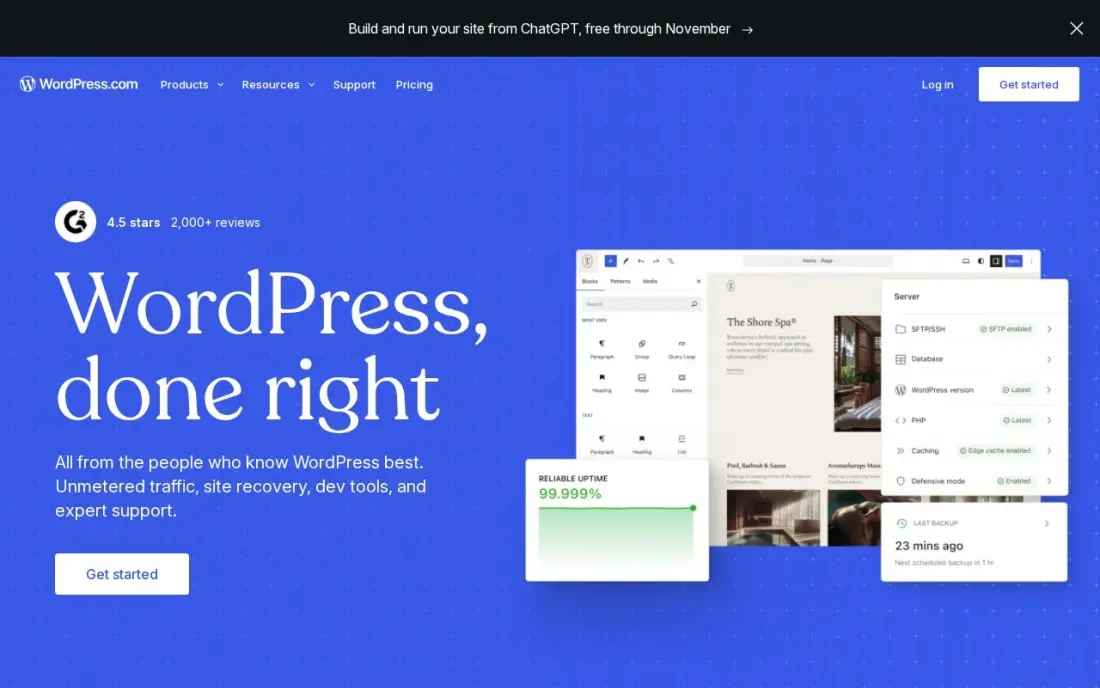
WordPress.com is the easiest way for a beginner to start on WordPress, the platform most serious blogs eventually use. Hosting, security, updates and a CDN are handled for you, and the free plan is enough to publish your first posts and learn the editor. Personal costs $4 a month billed annually and can install plugins, including SEO and email sign-up tools.
Business, at $40 a month or $25 billed annually in the first year, renewing at $28, adds staging and developer tools most beginners will not need for a long time. Start on the free or Personal plan, connect your own domain, and upgrade only when a plugin you need requires it.
What we like
- The lowest-friction way to run a manufacturing website: hosting, security, updates and CDN included
- Business adds staging, real-time backups, SFTP, WP-CLI and GitHub deployments for developer teams
- More than 60,000 plugins cover product catalogues, quote forms, dealer locators and multilingual sites
- A free plan exists, and Personal at $4 a month billed annually can now install plugins too
Watch out for
- The $25 a month annual figure is a first-year price; Business renews at $28 a month
- Each site needs its own plan, so a second brand site doubles the bill
- Plugin and theme choice is broad, but deep custom development still needs a developer

Grammarly
Best for: New bloggers who want every draft checked for grammar, spelling and tone
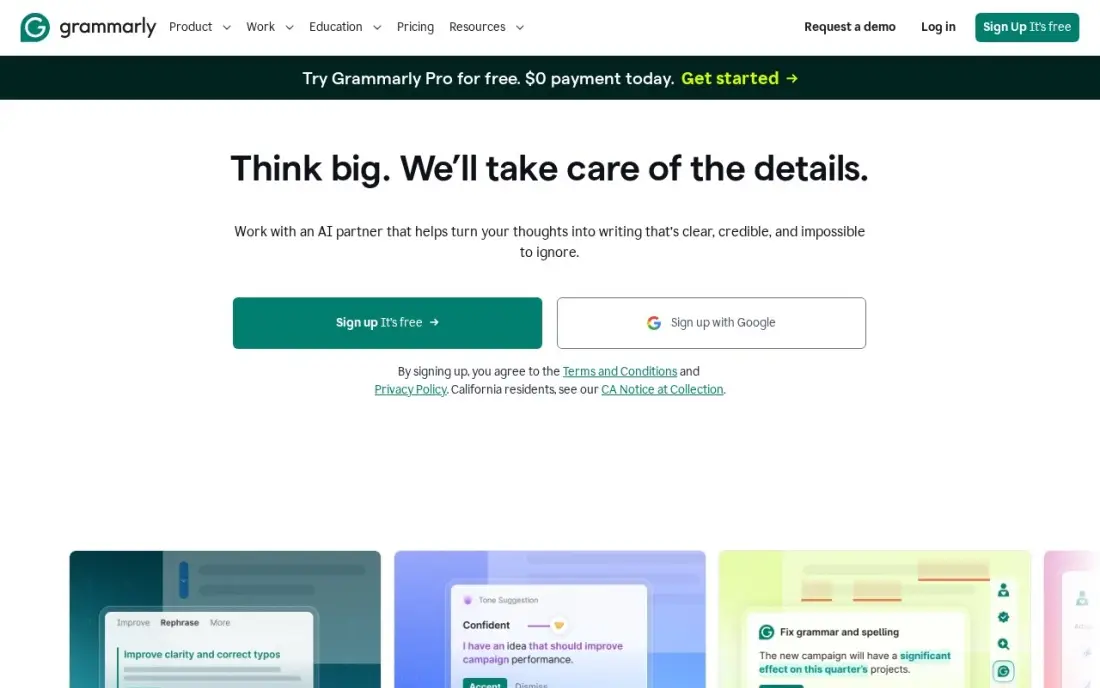
Grammarly catches the small mistakes that make a new blog look careless. The free plan checks grammar, spelling and tone in browsers, Google Docs, Microsoft Office and desktop apps, and includes 100 AI prompts a month. For most beginners, the free version is all they need for the first months of posting.
Pro adds full-sentence rewrites, tone adjustment, plagiarism and AI detection, and 2,000 AI prompts a month. It costs $30 a month billed monthly or $12 a month billed annually, so pay annually if you buy it. It only checks English, so bloggers writing in other languages should look elsewhere.
What we like
- Works in browsers, Google Docs, Microsoft Office, desktop apps and mobile from one account
- Pro adds full-sentence rewrites, tone adjustment, plagiarism and AI detection
- 2,000 AI prompts a member a month on Pro, with style guides and brand tones for teams
- Free plan covers grammar, spelling and tone detection, so the paid tier is easy to test against
Watch out for
- Monthly billing costs $30 a member, two and a half times the $12 annual rate
- Only checks English, so multilingual teams get no value from it
- The free plan covers grammar and spelling, so Pro only pays off if you need rewrites and tone control

Hemingway Editor
Best for: Beginners who want shorter, clearer sentences and a readability grade
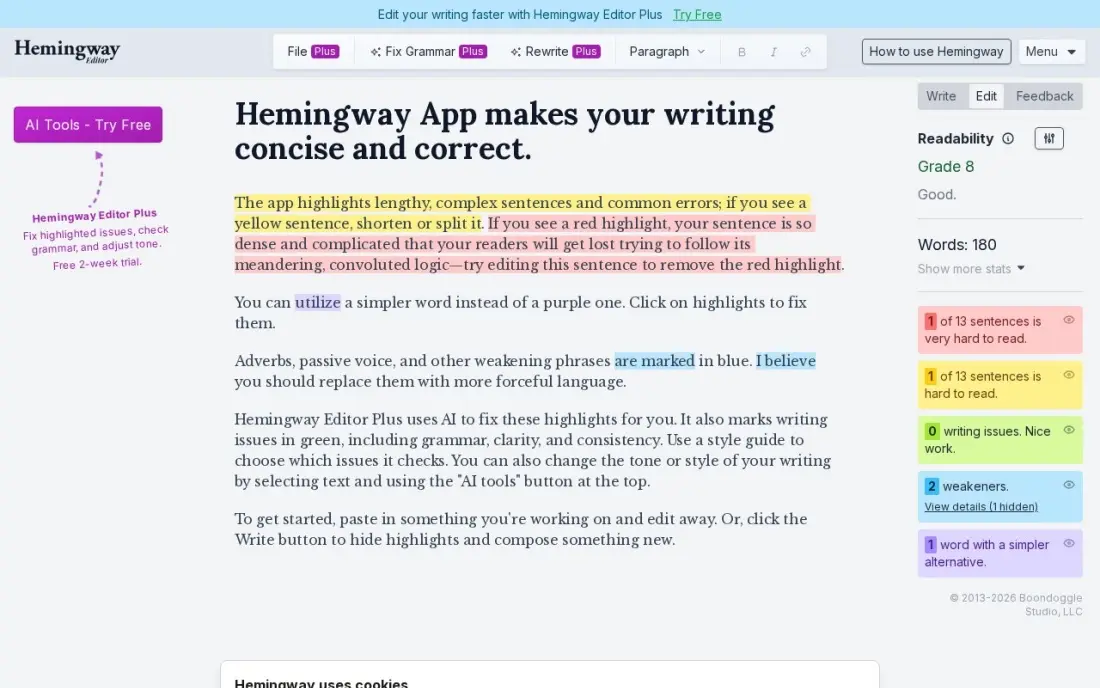
Hemingway Editor shows a beginner exactly why a paragraph is hard to read. Paste a draft into the free web editor, with no account needed, and it highlights long sentences, passive voice and complex words in colour, with a grade-level score at the top. Aiming for a lower grade usually makes a blog post easier to read on a phone.
It is a style tool, not a grammar checker, and it has no browser extension, so pair it with Grammarly. The desktop app is a one-time $19.99 purchase with offline editing, and Plus adds AI rewrites from $10 a month, or $8.33 billed annually. The free version is enough to build good habits.
What we like
- Free web editor needs no account and gives an instant readability grade and colour-coded highlights
- Desktop app is a one-time $19.99 purchase with offline editing and PDF export
- Plus adds AI sentence rewrites from $8.33 a month billed annually, with a 14-day trial and no card required
- The grade-level score makes it easy to check whether a draft suits its audience
Watch out for
- The desktop app has no AI features — AI rewriting lives only in the Plus subscription
- It flags style and readability, not grammar: it is not a full grammar checker on its own
- No browser extension, so it cannot check text inside Gmail or Google Docs

Canva
Best for: Beginners who need featured images, pins and social graphics without design skills
Canva solves the image problem every new blog has. The free plan includes more than 250,000 templates and 5GB of storage, so a beginner can make featured images, Pinterest pins, social posts and simple infographics with drag-and-drop editing, then download them sized for the blog.
Pro, at $18 a month or $144 a year billed annually, adds Brand Kit, background removal, Magic Resize and the Magic Studio AI tools, which save time once you publish often and want a consistent look. Most beginners can stay on the free plan for months; upgrade when resizing the same graphic for four networks becomes a chore.
What we like
- The easiest way to design a publication from scratch: thousands of magazine and ebook templates with drag-and-drop editing
- Magic Studio AI tools and Brand Kit come with Pro, so a small team can stay on-brand without a designer
- Publish as a website link that updates when the design changes, or export a print-ready PDF for the flipbook tools above
Watch out for
- It designs publications but does not produce a page-flip reader — the output is a PDF or a website link, not a flipbook
- Brand Kit, background remover and Magic Resize all need Pro, so the free plan is template-only for branding
- No reader analytics: there is no way to see how far readers get through a published document

Yoast SEO
Best for: WordPress beginners who want SEO and readability guidance as they write
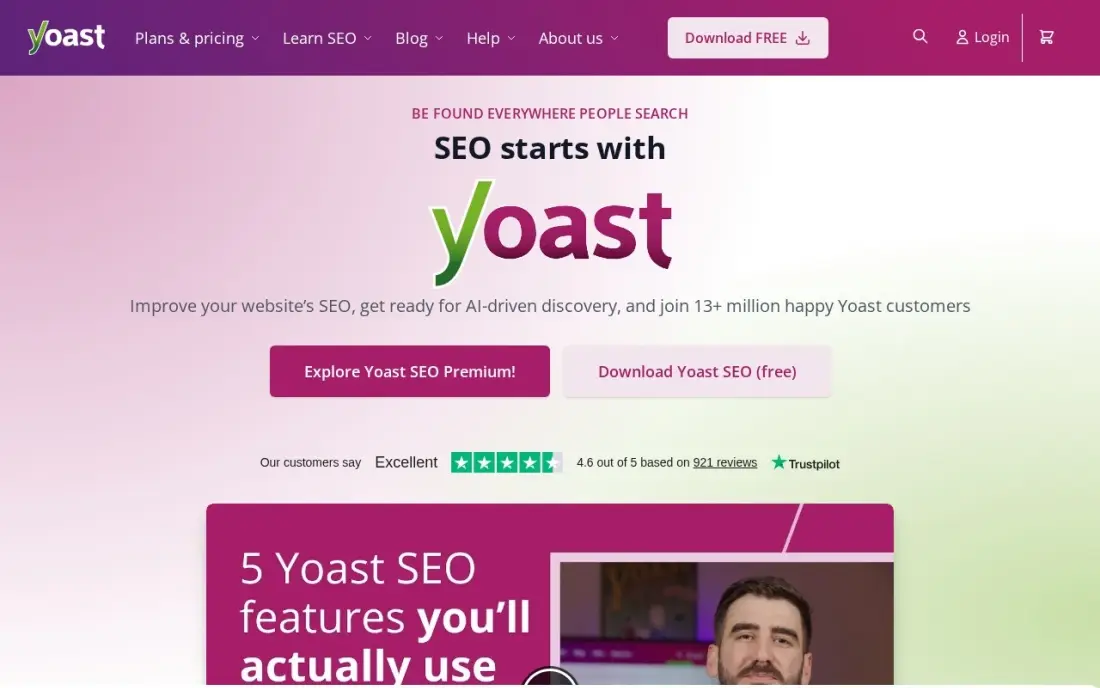
Yoast SEO puts an SEO and readability checklist inside the WordPress editor, so a beginner sees whether a post has a focus keyword in the title, a meta description, headings and readable paragraphs before publishing. The free plugin also handles sitemaps and basic schema, which covers the technical basics for a new blog.
Premium costs $118.80 a year for one site, or $9.90 a month billed annually, and adds a redirect manager, up to five focus keyphrases per page and internal-linking suggestions. It works only on WordPress and is licensed per site. Most beginners should start on the free plugin and upgrade once the blog has dozens of posts to link together.
What we like
- Real-time SEO and readability analysis inside the WordPress editor, on every post and page
- Premium adds a redirect manager, up to 5 focus keyphrases per page and internal-linking suggestions
- Local, video and news SEO are now bundled into the Premium price instead of separate add-ons
Watch out for
- Licensed per site, so the bill multiplies with every WordPress site you run
- Premium is WordPress-only — it does nothing for sites on other platforms

Google Search Console
Best for: Every new blogger who wants to see which searches already find their posts
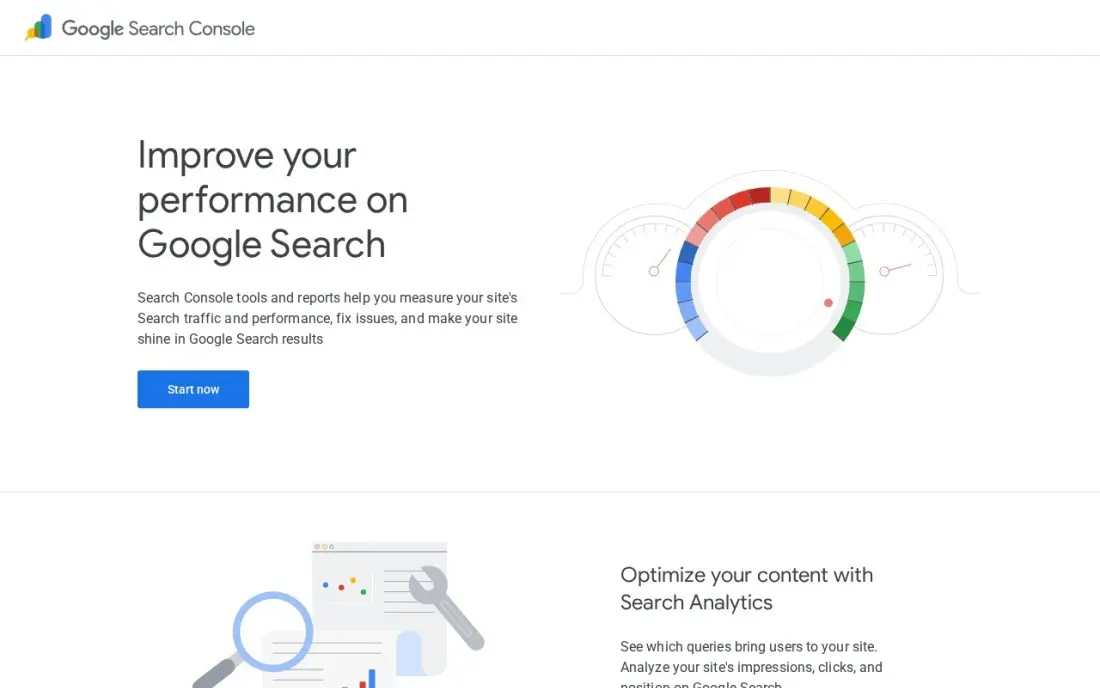
Google Search Console is the most important free SEO tool for a new blog. Once you verify the site, it shows the exact searches that bring impressions and clicks, the average position of each post, and pages Google cannot index. It keeps 16 months of history with no usage limits.
Its best use for a beginner is spotting posts ranking on page two: a better title, a clearer section or a few internal links can move them up. It only shows keywords you already appear for and has no difficulty scores, so pair it with a keyword tool for new topics. Set it up on the day you launch.
What we like
- Shows the exact queries that already bring your site impressions and clicks, with position data
- Free for any verified site, with 16 months of history and no usage caps
- Reveals near-miss keywords — queries where you rank on page two — that are the cheapest wins to chase
Watch out for
- Only shows keywords your site already ranks for — it cannot discover new topics
- No difficulty scores and no competitor keyword data

Google Trends
Best for: Beginners choosing topics who want to know whether interest is rising or fading
Google Trends tells a beginner whether a topic is worth writing about now. It compares up to five topics side by side by region and over time back to 2004, and its rising-searches list surfaces phrases that are gaining interest. It is completely free, with no account and no limits.
It shows relative interest on a 0 to 100 scale rather than search counts, and niche terms often show no data. Use it to time seasonal posts, choose between two topic angles and avoid topics in decline, then check actual search volume in a keyword tool.
What we like
- Compares up to five topics side by side, by region and by time range back to 2004
- Related queries and rising searches surface the exact phrasing that is gaining interest right now
- Free with no account, no search limit and no paywall anywhere in the tool
Watch out for
- Shows relative interest on a 0–100 scale, not search counts — it cannot tell you how many searches a term gets
- Low-volume niche terms often show no data at all, and the data is a sample of searches, not the full log

Ubersuggest
Best for: Beginners ready for their first paid keyword research tool
Ubersuggest is one of the cheapest full keyword tools, which makes it a sensible first paid SEO tool for a blogger. The free account allows three searches a day; Individual covers 125 tracked keywords, 150 reports a day and competitor tracking that splits keywords into common terms and gaps you have not covered.
Individual costs $29 a month billed monthly or $16 billed annually, and a $290 lifetime option suits bloggers who would rather pay once. G2 reviewers say its volume and difficulty figures are less accurate than the big suites, which matters less for a beginner choosing between topic ideas.
What we like
- Project competitor tracking splits keywords into common keywords and keyword gaps, so the missing terms are one click away
- Individual covers 125 tracked keywords, 150 reports a day and AI search visibility for 10 ChatGPT prompts per brand
- A $290 lifetime option exists for buyers who would rather pay once than subscribe
Watch out for
- Search-volume and difficulty figures are less accurate than the big suites, per multiple G2 reviewers
- The gap view is a lighter comparison of common keywords versus gaps, not a dedicated multi-domain report

Kit
Best for: Beginners who want to collect email subscribers from their first post
Kit, formerly ConvertKit, gives a beginner the most generous free email plan here: the Newsletter plan covers up to 10,000 subscribers, with sign-up forms and landing pages you can embed in any blog. Subscribers are organized with tags, so readers interested in different topics can get different emails later.
Automated welcome sequences need Creator, at $39 a month for 1,000 subscribers or $390 a year, and every product sale carries a 3.5% plus 30-cent fee. Start free, send a simple update with each new post, and upgrade once the list is large enough to justify automation.
What we like
- Tag-based subscribers beat lists for creators who sell to segments of one audience
- Kit Commerce sells digital products and paid newsletters with a 3.5% plus 30-cent fee per sale
- The free Newsletter plan covers up to 10,000 subscribers — the largest free tier here
- Free migration from other tools, with visual automations and unlimited sequences on Creator
Watch out for
- Creator starts at $39 a month for 1,000 subscribers — triple Mailchimp Essentials at the same size
- Every sale carries a 3.5% plus 30-cent fee on all plans, including the free one
- The price rises steeply: $89 a month at 5,000 subscribers
The best blogging tools for beginners do a few jobs well: help you publish, write clearly, make simple images, choose topics people search for and keep in touch with readers. We picked nine beginner-friendly blogging tools, most with free plans that cover a new blog for months, and noted which paid upgrades are worth buying first. Every price comes from the vendor's own pricing page, checked in November 2026.
How to choose the best blogging tools for beginners
- Cover the five jobs. Publishing, editing, images, SEO and email; one tool for each is enough at the start.
- Start free and upgrade on need. Most tools here have free plans that cover a blog's first months. Upgrade when a limit costs you time.
- Prefer tools that teach. Readability scores, SEO checklists and search data help a beginner learn what works.
- Pay annually for tools you keep. Annual billing cuts Grammarly Pro from $30 to $12 a month and Ubersuggest from $29 to $16.
- Avoid tool overload. Every extra tool is another login and another habit; add one only when it solves a real problem.
- Own your domain and list. A custom domain and an email list are the two assets that stay with you if you change platforms.
Tools help, but topic choice decides whether a post is found. Our guide to keyword research for local businesses explains how to find the questions people search, and the free SERP snippet preview shows how a post's title and description will look in Google.
Blogging tools for beginners pricing: what you will actually pay
A beginner can run a blog for a year at $0 on the free plans of WordPress.com, Grammarly, Hemingway Editor, Canva, Yoast SEO, Kit and the free Google tools, paying only for a domain. A sensible paid setup for year one adds WordPress.com Personal at $48 a year ($4 a month billed annually) and Ubersuggest Individual at $192 a year ($16 a month billed annually), for $240 in total.
If you later add Grammarly Pro at $144 a year on annual billing, Canva Pro at $144 a year and Yoast SEO Premium at $118.80 a year, the toolkit costs $646.80 a year. Monthly billing costs more: Grammarly Pro is $30 a month and Ubersuggest $29 a month on monthly plans, so pay annually for any tool you are sure to keep, or take Ubersuggest's $290 lifetime option.
Know the difference: writing tools vs SEO tools
Writing tools, such as Grammarly and Hemingway Editor, improve what is already on the page. They catch errors, shorten sentences and lower the reading grade, which keeps readers on the post. They cannot tell you whether anyone is searching for the topic.
SEO tools, such as Google Search Console, Google Trends, Ubersuggest and Yoast SEO, tell you what to write and whether it is being found. They show searches, rankings and on-page gaps. A beginner needs both: SEO tools to pick the topic and shape the headings, writing tools to make the finished post worth reading.
Quick comparison: tool type by need
| Buyer | Best pick | Why |
|---|---|---|
| Publishing the blog | WordPress.com | Free plan, Personal $4/month billed annually |
| Grammar and spelling | Grammarly | Free plan, Pro $12/month billed annually |
| Clearer sentences | Hemingway Editor | Free web editor with a readability grade |
| Blog images | Canva | Free plan with 250,000+ templates |
| On-page SEO | Yoast SEO | Free WordPress plugin, Premium $118.80/year |
| Search performance | Google Search Console | Free queries, clicks and positions |
| Topic timing | Google Trends | Free interest trends back to 2004 |
| Keyword research | Ubersuggest | $16/month billed annually or $290 lifetime |
| Email list | Kit | Free up to 10,000 subscribers |
Mistakes to avoid
- Buying tools before writing posts. Ten published posts teach more than ten subscriptions; start free.
- Writing without checking search demand. A post nobody searches for gets no traffic, however well written.
- Skipping Search Console. It is free and shows problems Google has with your site long before traffic drops.
- Using oversized images. Large images slow pages on phones; resize and compress before uploading.
- Waiting to start an email list. Readers who arrive from search often never return unless you can email them.
How we chose
We checked each vendor's pricing page in November 2026 and recorded prices exactly as shown, including annual-billing rates. We chose tools that a first-time blogger can learn in an afternoon, that have useful free plans, and that cover publishing, writing, images, SEO and email between them. Ratings come from G2 pages checked on the dates shown in the sources; tools without a rating we verified show none. No vendor paid for a place in this list, and none of the links here are affiliate links.
What to do next
Set up the free versions this week: publish on WordPress.com, verify the site in Google Search Console and add a Kit sign-up form. Then write your first five posts before buying anything. Book a free blog SEO review.
Frequently asked questions
What are the best blogging tools for beginners?
A strong free starter kit is WordPress.com to publish, Grammarly and Hemingway Editor to edit, Canva for images, Yoast SEO, Google Search Console and Google Trends for SEO, and Kit for email. Ubersuggest is a good first paid tool.
Can I start a blog with only free tools?
Yes. WordPress.com, Grammarly, Hemingway Editor, Canva, Yoast SEO, Google Search Console, Google Trends and Kit all have free versions, and Kit's free plan covers up to 10,000 subscribers.
Which paid blogging tool should a beginner buy first?
Usually a keyword research tool, because topic choice decides whether posts get found. Ubersuggest Individual costs $29 a month, $16 a month billed annually or $290 for lifetime access.
Do beginners need an SEO plugin?
On WordPress, yes. The free Yoast SEO plugin adds titles, meta descriptions, sitemaps and a readability check. Premium, at $118.80 a year for one site, is worth it later for redirects and internal-linking suggestions.
Is Grammarly free enough for blogging?
For most beginners, yes. The free plan checks grammar, spelling and tone. Pro, at $12 a month billed annually or $30 billed monthly, adds rewrites, tone adjustment and plagiarism checks.
When should a new blogger start an email list?
From the first post. Kit's free plan covers up to 10,000 subscribers, so a sign-up form costs nothing and gives you a way to reach readers that does not depend on search or social.
Sources we checked (14)
- WordPress.com — wordpress.com/pricing (checked November 12, 2026)
- WordPress.com reviews on G2 (checked November 12, 2026)
- Grammarly — www.grammarly.com/plans (checked November 10, 2026)
- Hemingway Editor — www.hemingwayapp.com/hemingway-editor-plus (checked November 8, 2026)
- Hemingway Editor reviews on G2 (checked November 8, 2026)
- Canva — www.canva.com/pricing (checked November 12, 2026)
- Canva reviews on G2 (checked November 12, 2026)
- Yoast SEO — yoast.com/how-much-does-yoast-seo-cost (checked November 2, 2026)
- Google Search Console — search.google.com/search-console (checked November 1, 2026)
- Google Trends — trends.google.com (checked November 1, 2026)
- Ubersuggest — app.neilpatel.com/en/pricing (checked November 2, 2026)
- Ubersuggest reviews on G2 (checked November 2, 2026)
- Kit — kit.com/pricing (checked November 6, 2026)
- Kit reviews on G2 (checked November 6, 2026)
Make one of these tools?
We re-check this list every quarter. Send a correction, request a review, or ask about a clearly labeled sponsored spot.
Request a listingShamim
Founder of SerpAstra
A full-stack SEO and digital marketer who spends most days on Local SEO for dental practices, AI search visibility and lead generation.
Free SEO and AI visibility audit
Find out what is holding your rankings back
Send us your site. Within 2 business days you get a written audit, an AI visibility check and a short fix list ranked by impact. Free, with no contract attached.
Request my free audit→Related buying guides
 Website Builders & Hosting11 Best Platforms to Start a Blog for 2026 (Pros, Cons and Pricing)Compare the 11 best platforms to start a blog on price, free plans, SEO control and ownership, with every price checked November 5, 2026, before you commit.Read guide →
 SEO & AI Search VisibilityBest Free Keyword Tools for 2026: 10 Picks Ranked by What You NeedThe best free keyword tool for your budget: 10 free keyword tools compared on free limits, volume data and upgrade prices, checked November 1, 2026.Read guide →
 SEO & AI Search Visibility9 Best WordPress SEO Plugins in 2026 (Free and Paid, Compared)The 9 best WordPress SEO plugins compared on price, free plans, AI help and schema, for bloggers and small businesses. Prices checked November 2, 2026.Read guide →