
6 Best Company Password Managers in 2026, Compared
Compare the 6 best company password managers on shared vaults, SSO, admin controls and real per-user cost, with business plan prices checked in November 2026.
 Shamim Mia, Founder, SerpAstraLast verified November 7, 20269 min read
We compare pricing pages, documentation and public reviews. We never accept payment for rankings.
Key takeaways
- 1Password is the most polished company password manager: Teams Starter Pack costs $24.95 a month flat for up to 10 people billed yearly, and Business costs $8.99 a user a month billed yearly with SSO.
- Bitwarden Teams at $4 a user a month billed annually is the best value for most companies, and Enterprise at $6 adds SSO, SCIM and self-hosting.
- Keeper Business Starter at $2 a user a month billed annually is the cheapest way for a team of 5 to 10 to start, but dark web monitoring is a $2 add-on.
- SSO usually sits on the higher tier — 1Password Business, Bitwarden Enterprise and Keeper Enterprise — so price that tier if your company signs in through Okta or Entra ID.
On this page
Quick comparison
| Tool | Best for | Starting price | Free plan |
|---|---|---|---|
| 1Password Business | Companies that want the most polished vault for staff, with SSO on the Business plan | $24.95/mo for 10 users (annual) | No (14-day trial) |
| Bitwarden Business | Companies that want an open-source vault at a low per-seat price, with self-hosting on Enterprise | $4/user/mo (annual) | No (personal free plan only) |
| Keeper Business | Small teams that want the cheapest admin-controlled vault, with strong compliance certifications | $2/user/mo (annual) | No (free trial) |
| Dashlane | Companies that want an admin console with phishing protection built into the vault | Business $8/user/mo | No (14-day trial) |
| RoboForm | Companies that want SSO and admin controls at a low annual price, with strong form filling | Business $39.95/user/yr | Yes (single device) |
| Zoho Vault | Small businesses already on Zoho that want the cheapest per-seat team vault | $0.90/user/mo (annual) | Yes (free plan) |
Make one of these tools?
We re-check this list every quarter. Send a correction, request a review, or ask about a clearly labeled sponsored spot.
Request a listingThe best company password managers

1Password Business
Best for: Companies that want the most polished vault for staff, with SSO on the Business plan
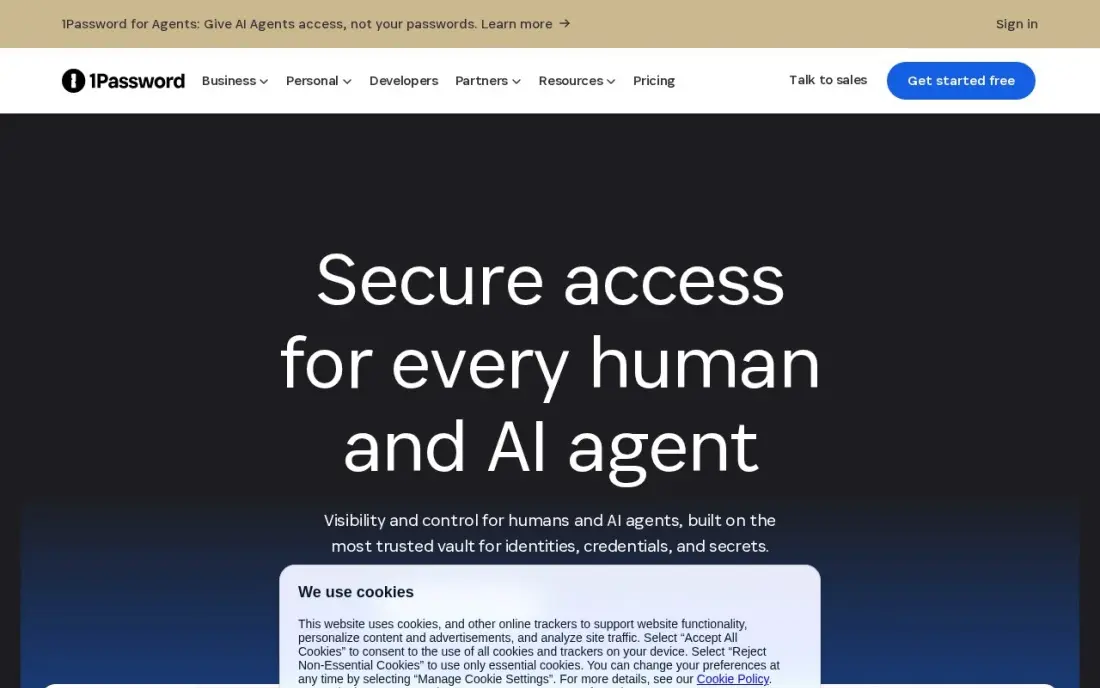
1Password Business is the company password manager staff are least likely to resist, because the apps are polished on every platform. Shared vaults, role-based permissions, security alerts and developer tools come on every business plan, and guest accounts let contractors see only what they need. Teams Starter Pack costs $24.95 a month flat for up to 10 people, billed yearly at $299.40.
Seats 11 to 20 cost $4.99 each a month on Teams Starter Pack. Business costs $8.99 a user a month billed yearly and adds SSO with Okta, Entra ID, OneLogin and Duo, Watchtower alerts, role-based vault sharing and 20 guest accounts. Enterprise pricing is through sales. There is a 14-day trial with no card.
What we like
- Teams Starter Pack covers up to 10 people for a flat $24.95 a month billed yearly
- Business adds SSO with Okta, Entra ID, OneLogin and Duo, Watchtower alerts and expanded reporting
- Guest accounts for contractors: 5 on Teams Starter Pack, 20 on Business
Watch out for
- Business at $8.99 a user a month billed yearly is among the higher per-seat prices here
- Teams Starter Pack tops out at 20 users, with extra seats at $4.99 each a month
- No free plan for companies, only the 14-day trial

Bitwarden Business
Best for: Companies that want an open-source vault at a low per-seat price, with self-hosting on Enterprise
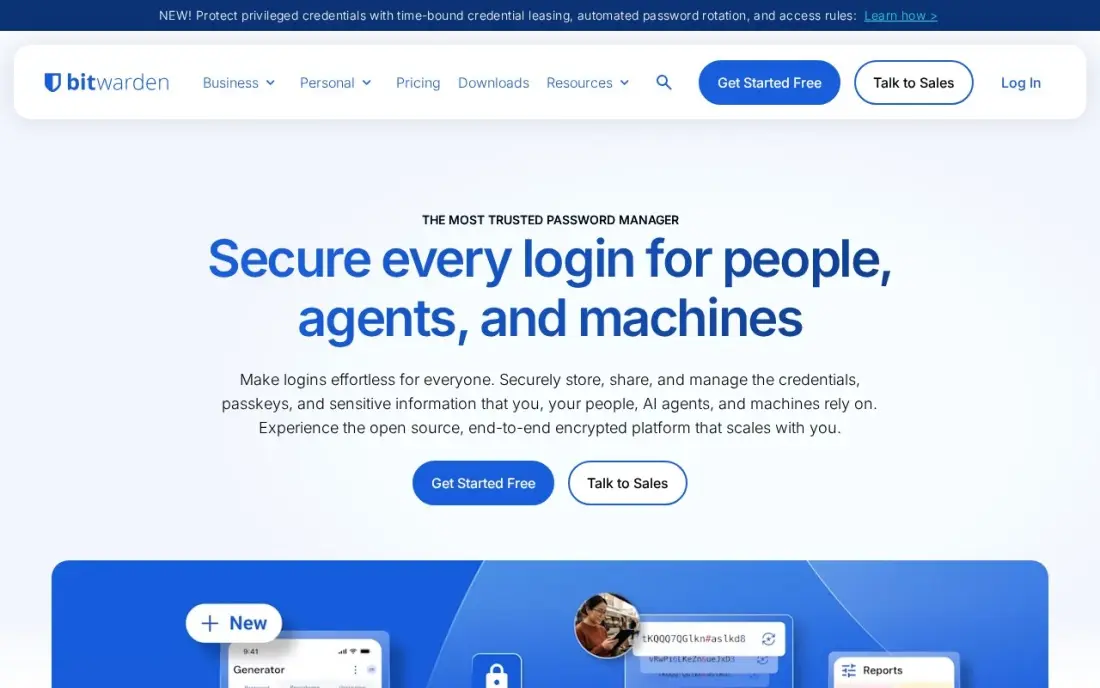
Bitwarden is the value pick for most companies. Teams costs $4 a user a month billed annually and gives every user Premium features, unlimited sharing through collections, event and audit logs, user groups, API access and Directory Connector, with a flat rate per seat and no cap on users. Its clients and server are open source, which security teams like to see.
Enterprise at $6 a user a month billed annually adds passwordless SSO with your identity provider, SCIM, custom roles, account recovery and self-hosting on your own server, plus a free Families plan for every user. The interface is functional rather than polished, so budget a little more time for staff training.
What we like
- Teams at $4 a user a month billed annually includes unlimited sharing through collections, event and audit logs and Directory Connector
- Enterprise at $6 adds passwordless SSO, SCIM, custom roles, policies and self-hosting
- Enterprise users get a complimentary Families plan for home
Watch out for
- SSO and self-hosting are Enterprise-only, not on Teams
- Both business plans bill annually; no monthly prices are published
- The interface is plainer and setup takes more clicks than 1Password

Keeper Business
Best for: Small teams that want the cheapest admin-controlled vault, with strong compliance certifications
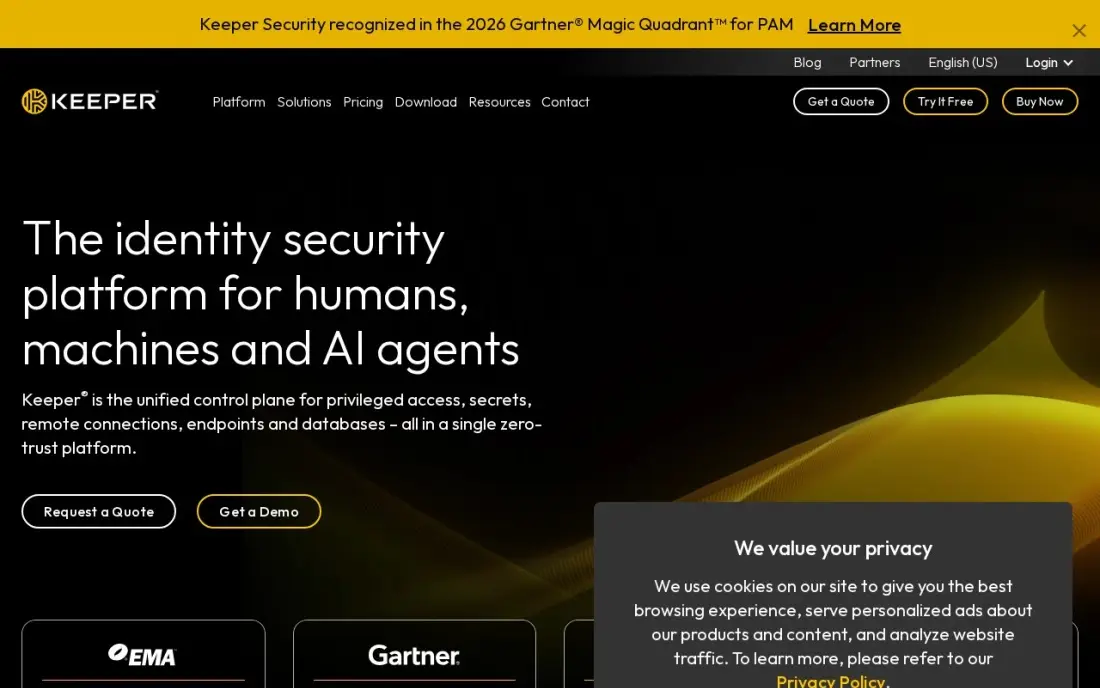
Keeper Business is the cheapest way to put a small team under one admin console. Business Starter costs $2 a user a month billed annually for 5 to 10 seats, with shared vaults, passkeys, autofill and two-factor codes, and zero-knowledge encryption means Keeper cannot read your vaults. Every Business user gets a free Family plan for personal use.
An 11th user moves you to Business at $4 a user a month, with shared team folders and delegated administration. SSO and SCIM wait for Enterprise at $6, and BreachWatch dark web monitoring costs $2 a user a month extra. Its SOC 2 Type II, ISO 27001 and FedRAMP High record helps in audits.
What we like
- Cheapest team password manager here at $2 per user per month on Business Starter
- Zero-knowledge architecture: Keeper cannot read your vaults
- Every Business user gets a free Family plan for personal use
- Strong compliance record: SOC 2 Type II, ISO 27001, FedRAMP High
Watch out for
- Dark web monitoring (BreachWatch) is a $2 per user per month add-on, not included
- SSO and SCIM provisioning wait for Enterprise at $6 per user per month
- Business Starter caps at 10 seats, so growing teams must move to Business at $4

Dashlane
Best for: Companies that want an admin console with phishing protection built into the vault
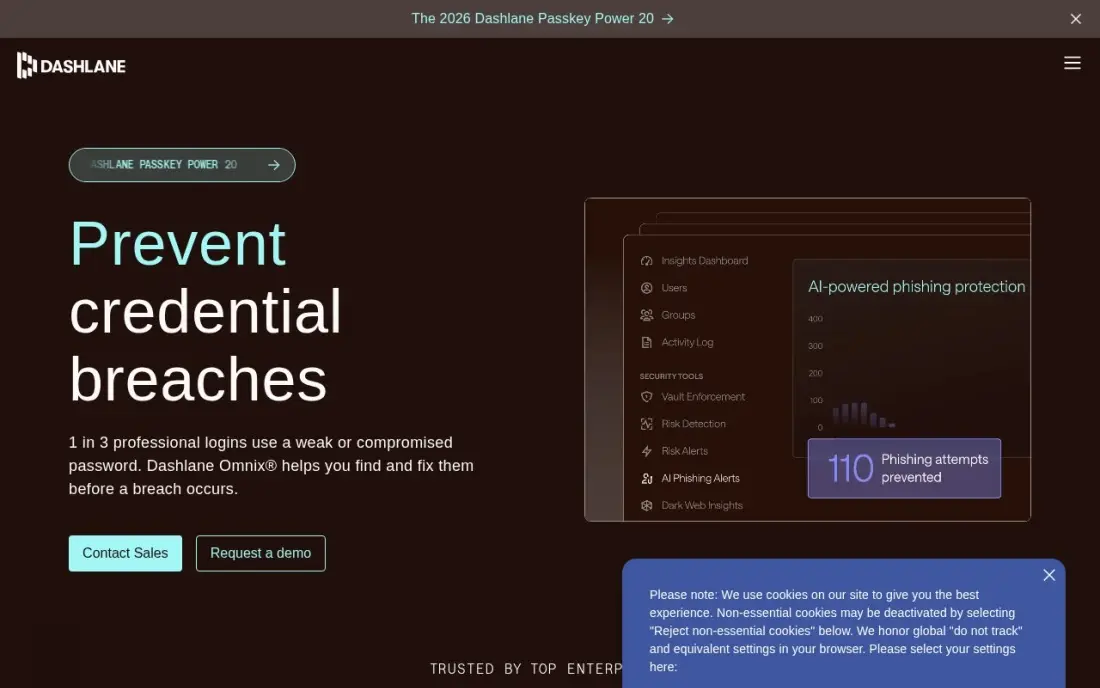
Dashlane suits companies worried about phishing as much as passwords. Its business plan adds an admin console and phishing protection for teams, on top of strong autofill and a clean interface across Windows, macOS, iOS, Android and browsers. Even the Premium plan includes dark-web monitoring and AI-powered phishing alerts rather than selling them as add-ons.
Dashlane lists Business at $8 a user a month, above Bitwarden and Keeper. The free plan was retired in September 2025, so evaluation is a 14-day trial, and renewals can run above the first-year rate, so confirm the renewal figure in writing before signing a company-wide contract.
What we like
- An admin console with phishing protection built into the vault, so IT sees threats as well as passwords
- Dark-web monitoring and AI-powered phishing alerts are included in the base price, not add-ons
- Dark-web monitoring covers the whole team from the same console
- Strong autofill and a clean interface across Windows, macOS, iOS, Android and browsers
Watch out for
- The free plan was retired in September 2025, so teams evaluate on a 14-day trial only
- At $8 a user a month, Business costs twice Bitwarden Teams or Keeper Business at $4
- Renewal pricing can jump above the first-year rate, so check the renewal figure before subscribing

RoboForm
Best for: Companies that want SSO and admin controls at a low annual price, with strong form filling
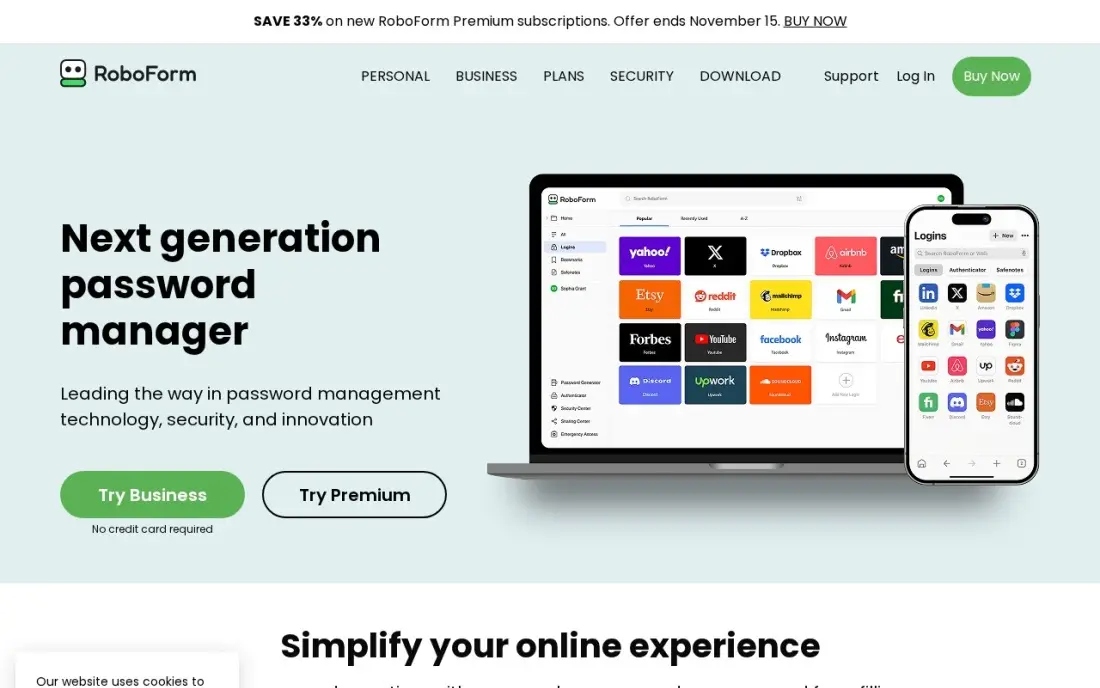
RoboForm has filled web forms since 2000 and still completes long forms in one click, not just logins, which helps teams that work in supplier portals and government sites all day. Even the Premium plan includes secure shared folders, emergency access, breach monitoring and sync across unlimited devices.
Business costs $39.95 a user a year and adds single sign-on and admin controls, which makes it one of the cheapest routes to SSO in this list. The interface is plainer than 1Password or Dashlane. Choose it when budget and form filling matter more than polish.
What we like
- The best form filler here: one click completes long web forms, not just logins
- Business adds single sign-on and admin controls at $39.95 a user a year, one of the cheapest routes to SSO here
- Secure shared folders and emergency access are included, so teams can share logins safely
- A local-only mode skips cloud sync entirely for users who want the vault off the internet
Watch out for
- The interface is plainer than 1Password or Dashlane
- The free plan covers a single device, so it only works as a trial for a team
- Linux and ChromeOS get the browser extension only, with no full desktop app

Zoho Vault
Best for: Small businesses already on Zoho that want the cheapest per-seat team vault
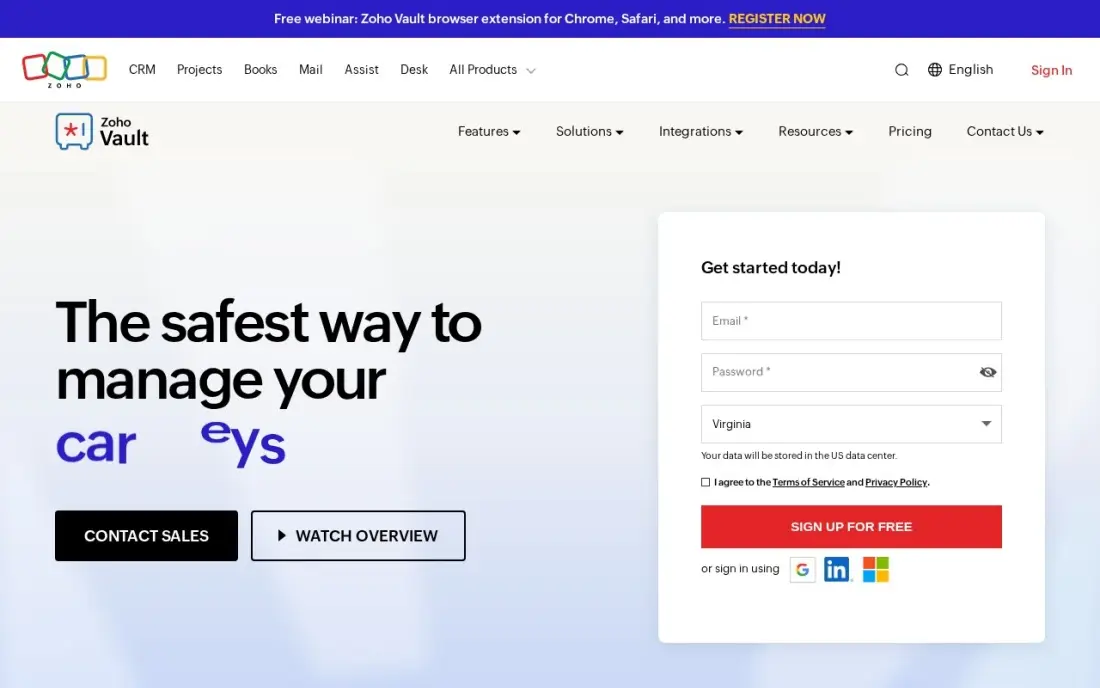
Zoho Vault is the cheapest way to put a whole company in a vault. Standard costs $0.90 a user a month billed annually, or $1 billed monthly, and includes shared vaults, role-based access and audit logs. The Free Forever plan stores unlimited passwords with autofill, so a small team can start at $0.
Professional at $4.50 a user a month adds user groups, shared folders and Active Directory integration. There is no desktop app for any operating system — it runs in the browser and on mobile — and G2 reviewers call the interface dated. It makes most sense for companies already running on Zoho apps.
What we like
- The cheapest paid team plan here: Standard is $0.90 a user a month billed annually
- A Free Forever plan stores unlimited passwords with autofill and a password generator
- Shared vaults, role-based access and audit logs from the Standard plan
- Professional at $4.50 a user a month adds user groups, shared folders and Active Directory
Watch out for
- Makes most sense for companies already on Zoho apps; others gain less from the ecosystem
- No desktop app for any operating system; it runs in the browser and on mobile
- The interface looks dated next to the polished rivals, per G2 reviewers
The best company password manager gives every employee a vault, lets teams share logins without pasting them into chat, and gives an admin the power to remove access the day someone leaves. We compared six business password managers on shared vaults, admin controls, single sign-on, compliance and the real per-user cost on annual and monthly billing, using each vendor's business pricing as checked in November 2026.
How to choose the best company password manager
- Decide whether you need SSO. If staff sign in through Okta, Entra ID or another identity provider, price the tier that includes SSO — often not the entry plan.
- Count seats against plan caps. Keeper Business Starter covers 5 to 10 seats and 1Password Teams Starter Pack tops out at 20, so a growing team may outgrow them in a year.
- Check offboarding. Make sure an admin can revoke a leaver's access and see which shared items they could open.
- Plan for contractors. Guest accounts and limited sharing keep freelancers out of the main vault.
- Price the add-ons. Dark web monitoring is a $2 a user add-on on Keeper, and Bitwarden puts SSO and self-hosting on Enterprise.
- Pick something staff will actually use. A cheaper vault nobody opens is worse than a dearer one everyone does.
Shared logins often include your marketing accounts — Google Business Profile, Search Console, ad platforms and the website. If those accounts also need someone to run them properly, our monthly SEO service can take that work on, and our SEO audit checks the site those logins protect.
Which company password manager fits your situation
A team of 5 to 10 with no IT staff. Keeper Business Starter at $2 a user a month billed annually is the cheapest way to get an admin console, shared vaults and two-factor codes. 1Password Teams Starter Pack at $24.95 a month flat for up to 10 people costs more but gives staff the most polished apps. Watch the caps: Keeper Starter stops at 10 seats, and 1Password's pack tops out at 20.
A growing company of 25 to 100 on a tight budget. Bitwarden Teams at $4 a user a month billed annually has no cap on users and includes event and audit logs, user groups and Directory Connector. Zoho Vault Standard at $0.90 a user a month is cheaper still and makes the most sense if you already run Zoho apps, but it has no desktop app and the interface looks dated.
A company that signs in through Okta or Entra ID. Price the SSO tier, not the entry plan. Bitwarden Enterprise and Keeper Enterprise both cost $6 a user a month with SSO, 1Password Business costs $8.99 with SSO through Okta, Entra ID, OneLogin and Duo, and RoboForm Business includes SSO at $39.95 a user a year. Bitwarden Enterprise also adds SCIM and self-hosting.
A regulated business that needs audit evidence. Keeper's SOC 2 Type II, ISO 27001 and FedRAMP High record helps in audits, and its zero-knowledge design means Keeper cannot read your vaults. Bitwarden's open-source clients and server suit security teams that want to inspect the code, and Enterprise lets you run the server on your own network.
A team that lives in web forms or worries about phishing. RoboForm completes long forms in one click, which helps staff who work in supplier portals and government sites. Dashlane builds phishing protection and dark-web monitoring into the product rather than selling them as add-ons, at $8 a user a month on Business; confirm its renewal price in writing before you sign, because renewals can run above the first-year rate.
Company password manager pricing: what you will actually pay
Take a 25-person company on annual billing. Zoho Vault Standard costs 25 × $0.90 × 12 = $270 a year, RoboForm Business costs 25 × $39.95 = $998.75, Bitwarden Teams costs 25 × $4 × 12 = $1,200 and Keeper Business costs 25 × $4 × 12 = $1,200 — or $1,800 with BreachWatch at $2 a user a month. Dashlane Business at $8 a user a month comes to $2,400, and 1Password Business at $8.99 comes to $2,697.
If you need SSO, the comparison changes: Bitwarden Enterprise and Keeper Enterprise both cost $6 a user a month, or $1,800 a year for 25 people, against $2,697 for 1Password Business. A team of eight pays far less: 1Password Teams Starter Pack costs $299.40 a year flat, and Keeper Business Starter costs 8 × $2 × 12 = $192.
Know the difference: business password manager vs browser password saving
Browsers save passwords for one person on one account. That works at home, but in a company it means shared logins live in individual browsers, nobody can see who has access to what, and a leaver walks away with every password they ever saved.
A business password manager puts those credentials in company-owned vaults. Admins assign access by team, share logins without revealing them, enforce policies such as two-factor login, read audit logs and remove access in one step. That control is the reason to pay for one.
Quick comparison: tool type by need
| Buyer | Best pick | Why |
|---|---|---|
| Polished experience with SSO | 1Password Business | $24.95/month for up to 10 users, Business $8.99/user/month billed yearly |
| Best value, self-hosting option | Bitwarden Business | Teams $4/user/month, Enterprise $6 billed annually |
| Teams of 5 to 10 | Keeper Business | Business Starter $2/user/month billed annually |
| Phishing protection | Dashlane | Admin console and phishing alerts, Business $8/user/month |
| Cheap SSO and form filling | RoboForm | Business $39.95/user/year with SSO |
| Zoho users on a tight budget | Zoho Vault | Standard $0.90/user/month billed annually |
Mistakes to avoid
- Letting shared logins live in chat or spreadsheets. Move them into a vault first; that is where most of the risk sits.
- Buying the entry tier when you need SSO. Check where SSO sits before you sign, or you will pay to upgrade mid-contract.
- Skipping offboarding tests. During the trial, remove a test user and confirm their shared access disappears.
- Mixing personal and work passwords. Use plans that give staff a separate family or personal vault.
- Ignoring renewal pricing. Confirm the second-year price in writing, especially where first-year rates are discounted.
Related comparisons: Cross-Platform Password Managers · Project Manager Software Free Plans
How we chose
We checked business pricing on 1Password's and Bitwarden's own pages in November 2026 and used verified vendor-page data from earlier in the month for Keeper, Dashlane, RoboForm and Zoho Vault, recording per-user prices and billing terms exactly as shown. We ranked the tools by fit for a company of 5 to 250 people that needs shared vaults and admin control. Ratings come from G2 pages checked on the dates shown in the sources. No vendor paid for a place in this list, and none of the links here are affiliate links.
What to do next
List every login your team shares today and who needs it, then trial the password manager that fits your SSO and seat count with one department before rolling it out. If some of those logins are marketing accounts nobody is managing, book a free SEO review.
Frequently asked questions
What is the best company password manager?
1Password Business is the most polished, at $8.99 a user a month billed yearly with SSO, or $24.95 a month flat for up to 10 users on Teams Starter Pack. Bitwarden Teams at $4 a user a month billed annually is the best value, and Keeper Business Starter at $2 is the cheapest for 5 to 10 people.
How much does a business password manager cost?
On annual billing, Zoho Vault Standard costs $0.90 a user a month, Keeper Business Starter $2, Bitwarden Teams $4, Dashlane Business $8 and 1Password Business $8.99. RoboForm Business costs $39.95 a user a year.
Which company password managers support SSO?
1Password Business, Bitwarden Enterprise at $6 a user a month, Keeper Enterprise at $6 a user a month and RoboForm Business at $39.95 a user a year all support single sign-on. SSO is not included on Bitwarden Teams or Keeper's Business plans.
Is there a free password manager for businesses?
Zoho Vault's Free Forever plan stores unlimited passwords and suits a very small team. Bitwarden's free plan is personal and shares with only one other user, so a company needs Teams or Enterprise.
Can a company password manager be self-hosted?
Yes. Bitwarden Enterprise at $6 a user a month billed annually lets you run the Bitwarden server on your own network. Self-hosting is not included on Bitwarden Teams.
Do employees get a personal password manager too?
On some plans. Every Keeper Business user gets a free Family plan, and Bitwarden Enterprise includes a complimentary Families plan for all users, which keeps personal passwords out of the company vault.
What is the best enterprise password manager?
For enterprise needs such as SSO, SCIM and self-hosting, Bitwarden Enterprise at $6 a user a month billed annually covers all three, including running the server on your own network. Keeper Enterprise also costs $6 a user a month with SSO. 1Password Business at $8.99 a user a month adds SSO with the most polished apps, and its Enterprise pricing is through sales.
Do company password managers work with Microsoft Entra ID?
Yes, on the right tier. 1Password Business supports SSO with Okta, Entra ID, OneLogin and Duo at $8.99 a user a month billed yearly. Bitwarden Enterprise at $6 adds passwordless SSO with your identity provider plus SCIM, and Keeper Enterprise at $6 also supports SSO. The entry plans, such as Bitwarden Teams and Keeper Business, do not include SSO, so price the higher tier.
Is a company password manager better than saving passwords in the browser?
For a company, yes. Browsers save passwords for one person on one account, so shared logins live in individual browsers, nobody can see who has access, and a leaver walks away with every password. A business password manager like Bitwarden, Keeper or 1Password puts credentials in company-owned vaults, with shared access by team, enforced two-factor login, audit logs and one-step offboarding.
Sources we checked (10)
- 1Password Business — 1password.com/business-pricing (checked November 16, 2026)
- Bitwarden Business — go.bitwarden.com/pricing (checked November 16, 2026)
- Keeper Business — www.keepersecurity.com (checked November 7, 2026)
- Keeper Business reviews on G2 (checked November 7, 2026)
- Dashlane — www.dashlane.com/pricing (checked November 12, 2026)
- Dashlane reviews on G2 (checked November 12, 2026)
- RoboForm — www.roboform.com/pricing-personal (checked November 12, 2026)
- RoboForm reviews on G2 (checked November 12, 2026)
- Zoho Vault — www.zoho.com/vault/pricing.html (checked November 12, 2026)
- Zoho Vault reviews on G2 (checked November 12, 2026)
Make one of these tools?
We re-check this list every quarter. Send a correction, request a review, or ask about a clearly labeled sponsored spot.
Request a listingShamim
Founder of SerpAstra
A full-stack digital marketer and SEO strategist covering technical and local SEO, AI search visibility, paid ads and lead generation for local businesses, e-commerce brands and SaaS teams.
Free SEO and AI visibility audit
Find out what is holding your rankings back
Send us your site. Within 2 business days you get a written audit, an AI visibility check and a short fix list ranked by impact. Free, with no contract attached.
Request my free audit→Related buying guides
 IT Security10 Best Cross-Platform Password Managers in 2026, ComparedCompare the 10 best cross-platform password manager options for 2026 on price, free plans and security, with every price checked November 12, 2026.Read guide →
 IT Security12 Best IAM Software for Small Businesses in 2026, ComparedCompare the 12 best iam software for small businesses on price, free plans, SSO and MFA, with every price checked November 7, 2026 on the vendor's own page.Read guide →
 IT Security12 Best Security Software for Small Business in 2026, ComparedCompare the 12 best security software for small business options on price, endpoint protection and passwords, with prices checked November 7, 2026.Read guide →