
8 Best Project Manager Software Free Plans in 2026, Compared
Compare the 8 best project manager software free plans on user caps, project limits, storage and the first paid step, with every price checked on vendor pages.
 Shamim Mia, Founder, SerpAstraLast verified November 4, 20269 min read
We compare pricing pages, documentation and public reviews. We never accept payment for rankings.
Key takeaways
- ClickUp has the most generous free plan for a growing team: unlimited members on Free Forever, with the catch of 100 MB of storage.
- Bitrix24 covers the most people for free at up to 12 users, Jira covers up to 10 for software teams, and Zoho Projects and Teamwork.com each cover 5.
- Asana's free Personal plan stops at two people, so it is a tool to try alone or as a pair rather than to run a team on.
- The first paid step is cheap on most of these: Zoho Projects Premium is $4 a user a month and Trello Standard $5 a user a month, both billed annually.
On this page
Quick comparison
| Tool | Best for | Starting price | Free plan |
|---|---|---|---|
| ClickUp | Teams of any size that want a free plan with no member cap and docs, goals and boards in one place | Free; Core $9/user/mo (annual) | Yes (free plan) |
| Trello | Small teams and freelancers who want the simplest free kanban board | Free; Standard $5/user/mo (annual) | Yes (free plan) |
| Zoho Projects | Budget-conscious teams of up to five who want Gantt charts and time tracking after the free plan | Free; Premium $4/user/mo (annual) | Yes (5 users) |
| Atlassian Jira | Software and product teams of up to ten that want sprints and issue tracking free | Free up to 10 users | Yes (free to 10) |
| Bitrix24 | Teams of up to 12 that want projects, CRM and chat free in one login | Free up to 12 users | Yes (free plan) |
| Teamwork.com | Client-service teams of up to five that bill hours and want free client access | Free up to 5 users | Yes (up to 5 users) |
| Notion | Solo founders and very small teams who want to build their own project tracker from databases | Free; Plus $10/member/mo (annual) | Yes (free plan) |
| Asana | Freelancers and pairs who want a polished free planner they can grow into a team tool | Free up to 2 users | Yes (free plan) |
Make one of these tools?
We re-check this list every quarter. Send a correction, request a review, or ask about a clearly labeled sponsored spot.
Request a listingThe best free project manager software

ClickUp
Best for: Teams of any size that want a free plan with no member cap and docs, goals and boards in one place
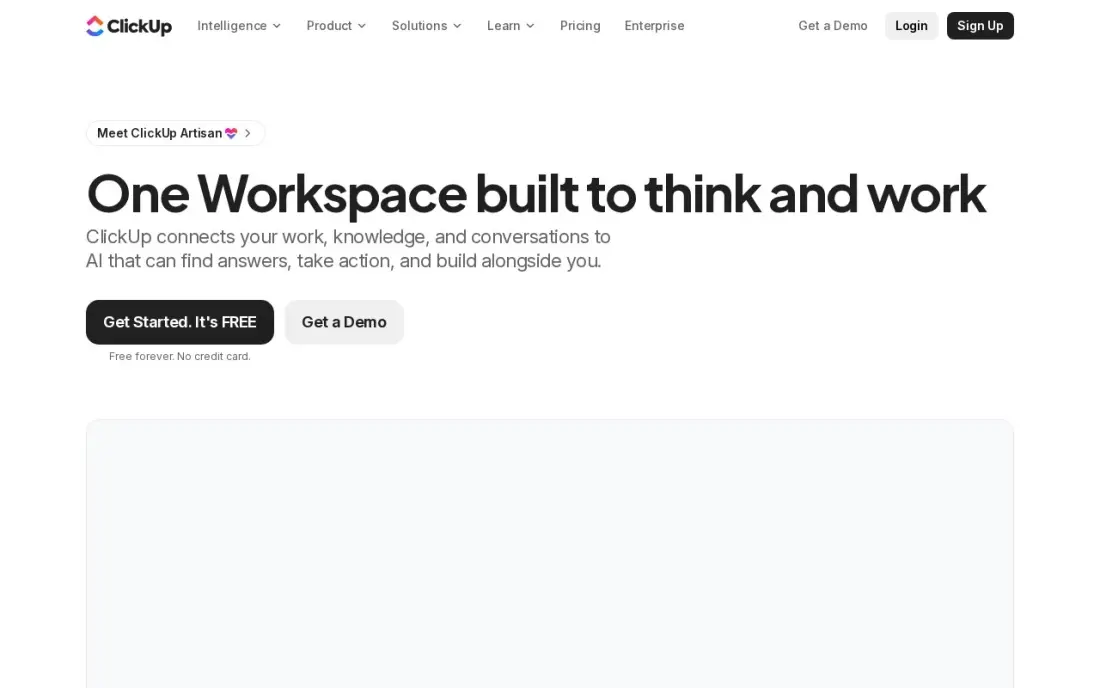
ClickUp's Free Forever plan is the only one in this list with no cap on members, so a ten-person team can run real projects on it without paying anything. Tasks, docs, whiteboards and kanban boards sit in one workspace, which means a small team can cancel a separate notes app as well.
The limit that bites is storage: the free plan holds 100 MB in total, which a few shared PDFs and screenshots will fill. Core at $9 a user a month billed annually, or $12 monthly, removes the storage cap and adds Gantt charts and custom fields. Expect a learning curve; ClickUp has the deepest feature list here, and new users say it takes time before it feels simple.
What we like
- One workspace holds tasks, docs, whiteboards, goals and chat, so a small team can drop two or three other subscriptions
- Core adds unlimited storage, Gantt charts, custom fields and 1,000 automation actions a month from $9 a user
- The Free Forever plan covers unlimited members with 100 MB of storage
- 1,000 AI credits per seat a month on Core, with ClickUp Brain included from Business
Watch out for
- The feature list is the deepest here, and new users report a real learning curve before it feels simple
- Guests are free only with limits; every member of the workspace is a paid seat
- Business at $17 a user a month is where time tracking and workload views live

Trello
Best for: Small teams and freelancers who want the simplest free kanban board
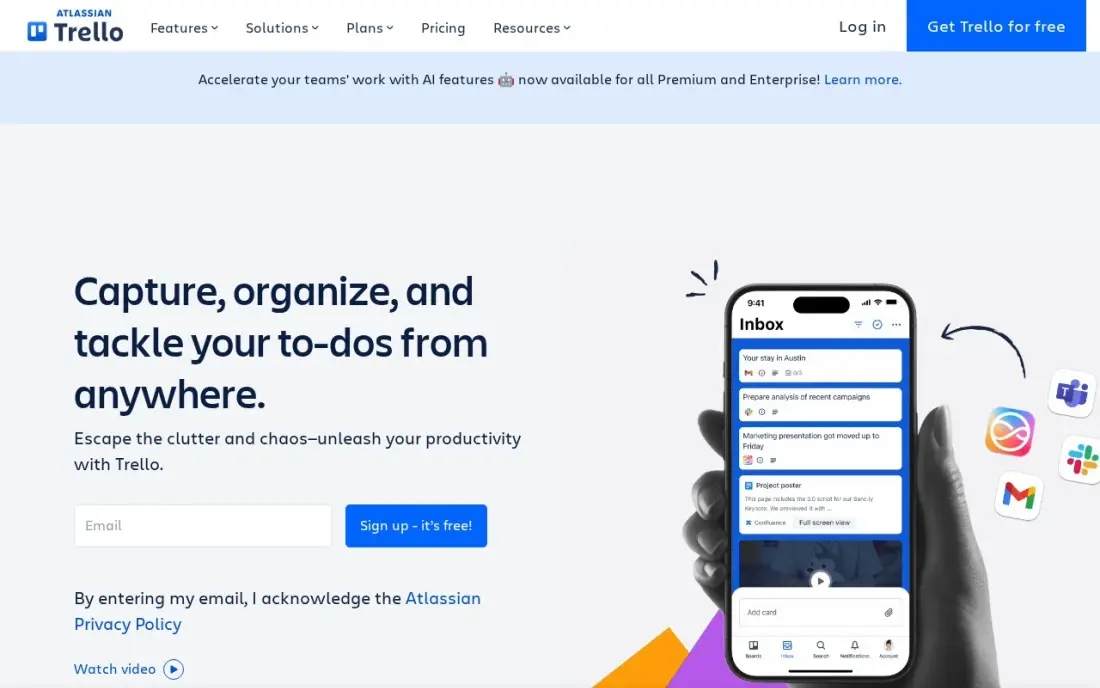
Trello is the free project manager that needs no training. Boards, lists and cards work the moment you open them, and the free plan covers 10 boards and 10 collaborators per Workspace, which is enough for a small team that tracks a handful of projects at once. Power-Ups connect boards to Slack, Google Drive and Jira.
The free plan's limits are practical rather than hidden: files cap at 10 MB, automations at 250 runs a month, and there are no dependencies or time tracking. Standard costs $5 a user a month billed annually, or $6 monthly, and lifts the board cap. Calendar and Timeline views wait for Premium at $10 a user a month.
What we like
- The purest kanban here: boards, lists and cards with drag-and-drop, and nothing to learn before the first board works
- Free plan covers 10 boards and 10 collaborators per Workspace, so a tiny team may never pay
- Standard adds unlimited boards, custom fields, card mirroring and 1,000 automation runs a month from $5 a user
- Power-Ups connect Trello to Slack, Google Drive, Jira and hundreds of other tools
Watch out for
- Calendar, Timeline, Table and Dashboard views need Premium at $10 a user a month — double the Standard price
- No built-in time tracking or dependencies, so heavier project planning needs another tool
- The free plan caps files at 10 MB and automations at 250 runs a month

Zoho Projects
Best for: Budget-conscious teams of up to five who want Gantt charts and time tracking after the free plan
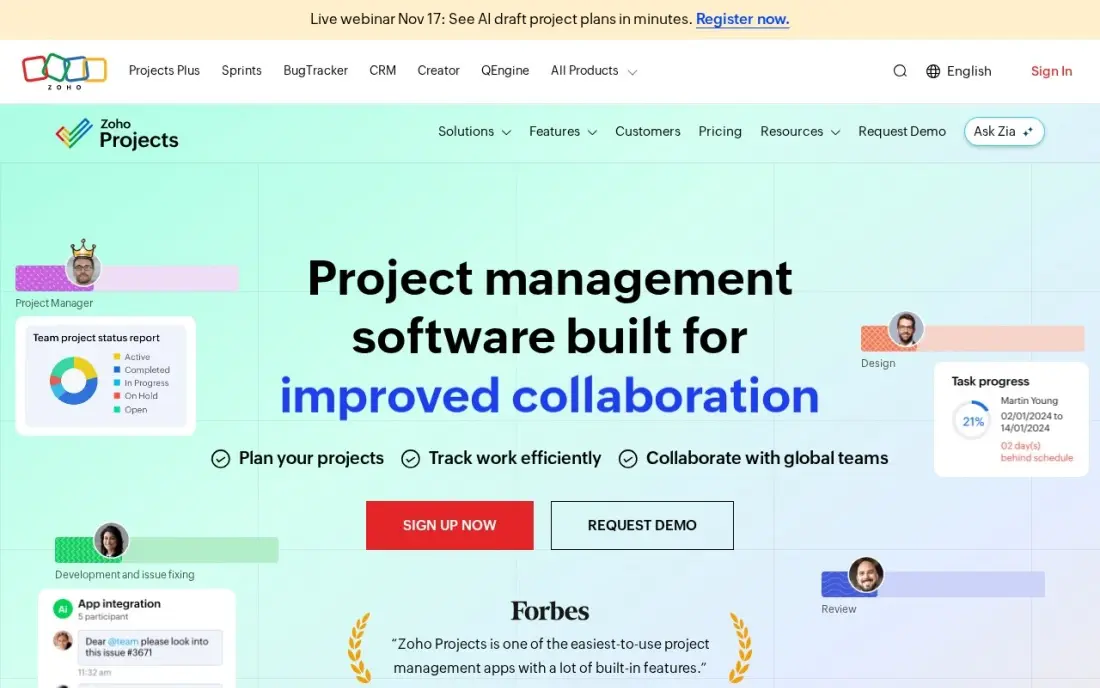
Zoho Projects gives up to five users and three projects free, with 5 GB of storage, which is more storage than ClickUp or Trello give on their free plans. It suits a small team that runs a few projects at a time and may later want classic project tools rather than just a board.
Its strength is the paid step. Premium costs $4 a user a month billed annually, or $5 monthly, the lowest paid price here, and includes Gantt charts, time tracking and budgets. Teams already using Zoho CRM or Books get one login across all of it. G2 reviewers find the interface cluttered on large projects, so it fits small, structured work best.
What we like
- Premium at $4/user/month is the lowest paid price in this list and includes Gantt charts, time tracking and budgets
- Free plan covers up to 5 users, 3 projects and 5GB of storage at $0
- Zia AI features are included on Premium, not held for a higher tier
- Deep integration with the rest of Zoho — CRM, Books, Desk and Mail — in one login
Watch out for
- The interface can feel cluttered on large projects, per G2 reviewers
- Portfolios, critical path and SSO wait for Enterprise at $9/user/month
- Client users cost $4 each on annual billing — only internal users are covered by the free plan's five seats

Atlassian Jira
Best for: Software and product teams of up to ten that want sprints and issue tracking free
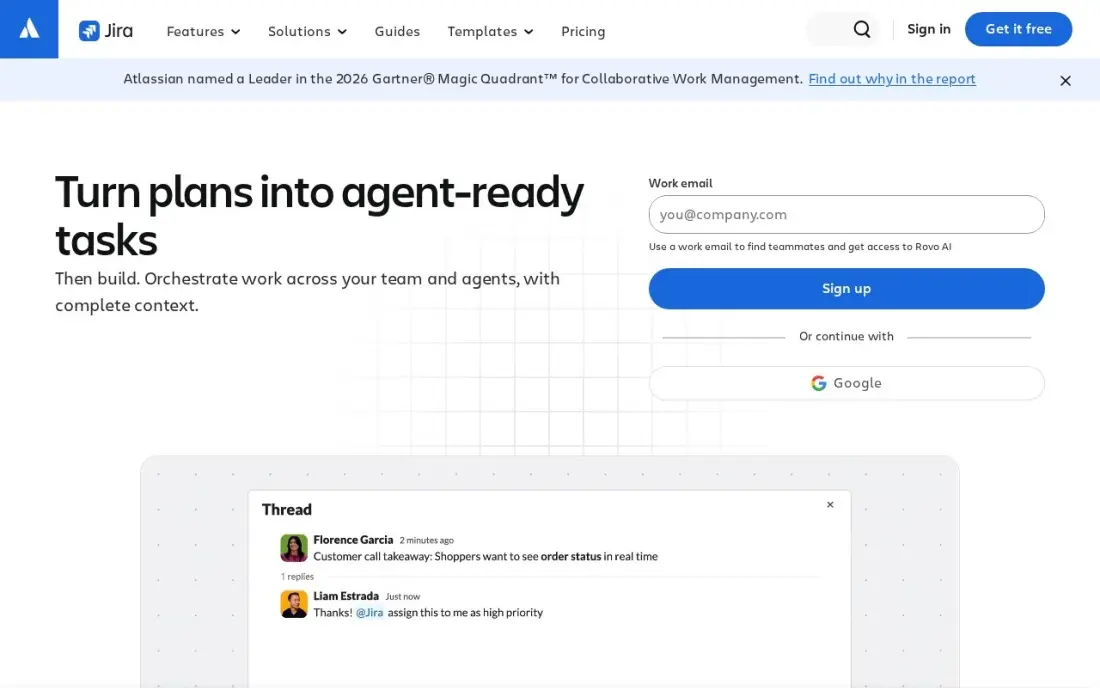
Jira is free for up to 10 users, which makes it the strongest free choice for a small software team. Sprints, backlogs, issue tracking and roadmaps are all there on the free plan, so a startup can run its development process properly before it pays for anything.
It is the wrong tool for non-technical work: G2 reviewers cite complexity and a steep learning curve, and a marketing or operations team will find it heavy. Standard costs $9.70 a user a month on monthly billing for 1 to 100 users, after Atlassian raised Cloud prices in October 2026, and includes Rovo AI agents. Budget for that eleventh user before you hire them.
What we like
- Standard costs $9.70 per user per month on monthly billing for 1-100 users, or $9,700 a year for 100 users on annual billing
- Free for up to 10 users, so a small team can run real sprints before paying anything
- AI agents (Rovo) are included on every paid plan, with 25 Rovo AI credits per user per month on Standard
- Rated 4.3 out of 5 on G2 from 7,941 reviews, with project management the most-cited strength
Watch out for
- Atlassian raised Cloud prices on October 13, 2026: Standard went from $9.05 to $9.70 per user per month for 1-100 users
- The per-user rate changes by user band, so the bill is hard to predict as the team grows
- G2 reviewers cite complexity and a steep learning curve for new users
Bitrix24
Best for: Teams of up to 12 that want projects, CRM and chat free in one login
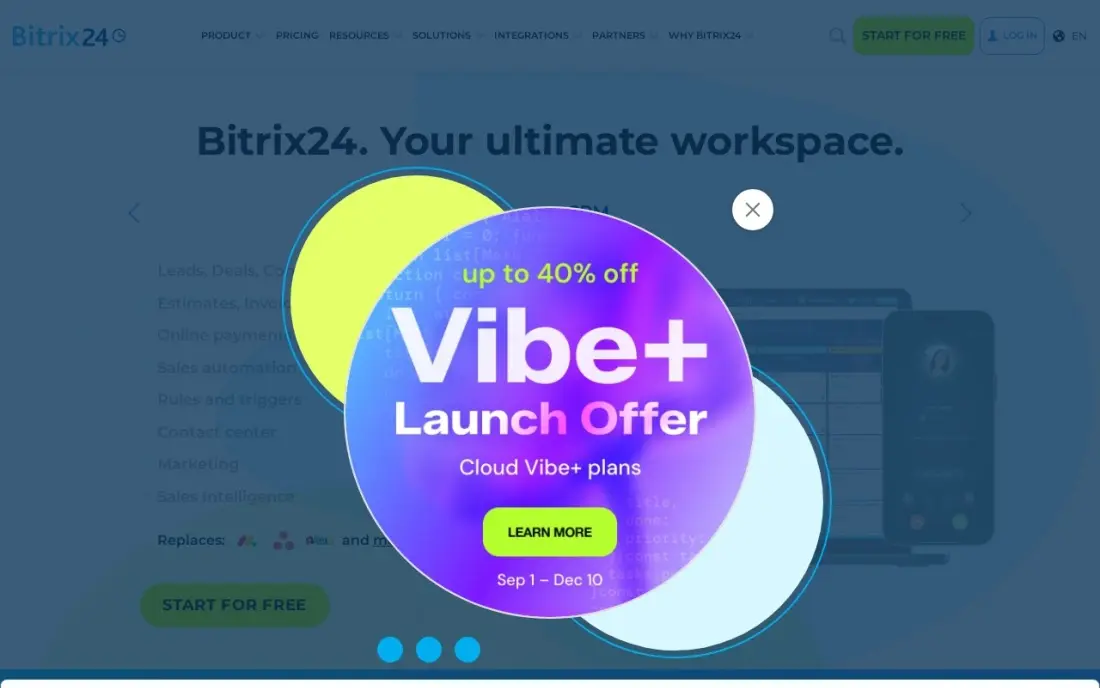
Bitrix24's free plan covers up to 12 users, the most generous user count in this list, and puts tasks, projects, a CRM and team chat in one place. For a small business that wants to stop paying for several separate tools, it can replace a project manager and a basic CRM at the same time.
The paid plans are priced per organization rather than per seat: Basic is $49 a month billed annually for up to 5 users, or $61 monthly, and Standard is $99 for up to 50. That flat pricing helps big teams but means a 13-person team jumps straight to a paid plan. The breadth of the suite also makes the interface busier than a pure project tool.
What we like
- Flat per-organization pricing: Basic is $49 a month for up to 5 users, Standard $99 for up to 50
- Free plan covers up to 12 users with core CRM features included
- CRM, tasks, projects, HR, telephony and a website builder sit in one login
- At 50 users on Standard, the cost works out near $2 a user a month
Watch out for
- Flat pricing means a 6-user team pays the same $49 as a 5-user team pays nothing extra for
- AI-powered sales features start on Professional at $199 a month, not on Basic
- Telephony runs on paid credits even on paid plans, so calling costs sit outside the subscription
Teamwork.com
Best for: Client-service teams of up to five that bill hours and want free client access
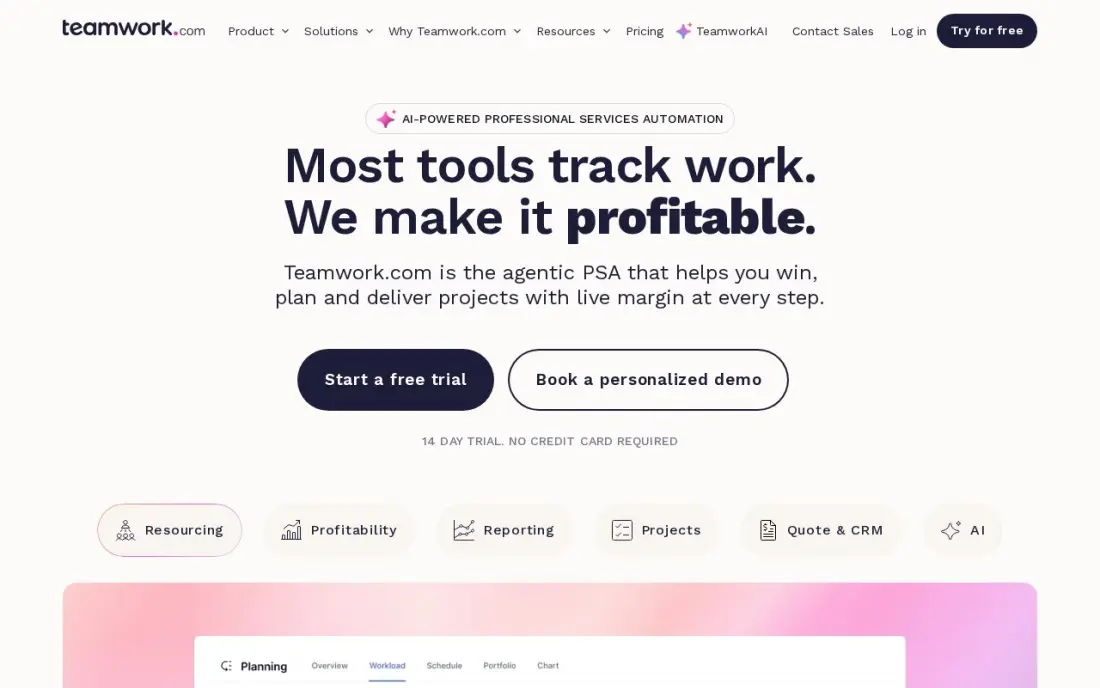
Teamwork.com's free plan covers five users and five projects, and it is built for teams that do work for clients. Client users are free, so customers can see progress and approve work without taking a paid seat, which matters for agencies and freelancers more than raw feature counts.
When the team grows, Basics costs $9.99 a user a month billed annually, or $13.99 monthly. The features that make Teamwork.com stand out, such as workload planning and time budgets, sit on Accelerate at $24.99 rather than Basics, so price the plan you will actually need. For an internal team with no clients, ClickUp or Trello give more free room.
What we like
- Client users are free, and retainers, budgets and invoicing sit next to the schedule
- Workload Planner, time budgets and intake forms on Accelerate
- Free plan covers five users and five projects
Watch out for
- Workload planning needs Accelerate at $24.99, not the $9.99 Basics plan
- Optimize and Enterprise, with full financials, are quote-only
Notion
Best for: Solo founders and very small teams who want to build their own project tracker from databases
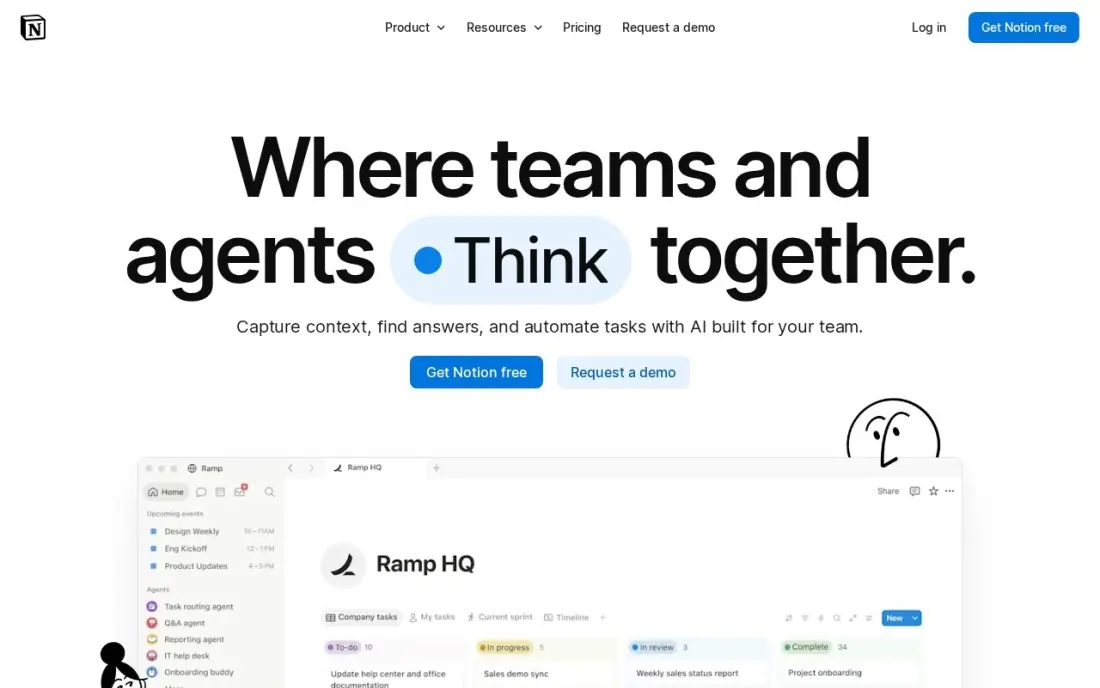
Notion is not a project manager out of the box, but its free plan lets you build one: databases become task lists, kanban boards and calendars, and templates give you a working tracker in minutes. For one person it is effectively unlimited, and the same pages hold notes, specs and meeting minutes beside the tasks.
The free plan is aimed at individuals, so a team that shares work will move to Plus at $10 a member a month billed annually, or $12 monthly. Notion has no built-in Gantt-style dependencies or workload views, and setting up a good system takes time. Choose it if you want docs and tasks together and enjoy shaping your own tools.
What we like
- Databases, calendars, kanban boards and templates combine into any planner you can design
- Free plan is genuinely unlimited for one person, with sync on every device
- Plus adds unlimited file uploads, 30-day page history and unlimited guests
- Rated 4.6/5 on G2 from 13,975 reviews, the largest review base in this list
Watch out for
- Full Notion AI sits on Business ($20/member/month), not Plus — Plus gets an AI trial only
- Per-member pricing means a 5-person team pays $50 a month on Plus
- Blank-page freedom is a learning curve: building a good planner takes setup time

Asana
Best for: Freelancers and pairs who want a polished free planner they can grow into a team tool
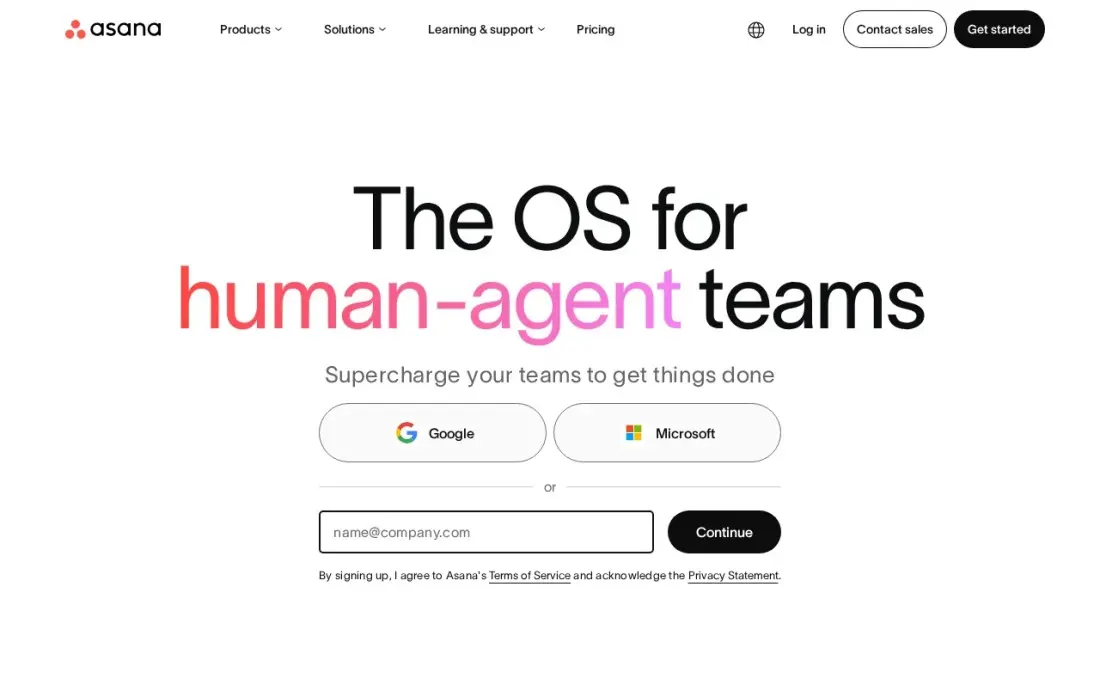
Asana's free Personal plan covers up to two users, so it suits a freelancer or a pair of co-founders rather than a team. Within that limit it is one of the most polished tools here, with list, board and calendar views and unlimited free guests, so clients can follow the work.
The paid step comes early: any third person means Starter at $10.99 a user a month billed annually, or $13.49 monthly, which adds Timeline and Gantt views, forms, dashboards and Asana AI. Portfolios, goals and workload wait for Advanced at $24.99. Pick Asana when you expect to pay soon and want the free plan as a trial, not a long-term home.
What we like
- Board, list, timeline and calendar views in one project, so the same work reads as a kanban board or a Gantt chart
- Starter adds Timeline and Gantt, dashboards, forms, custom fields and unlimited automations from $10.99 a user
- Unlimited free guests, so clients and contractors can follow work without a paid seat
- Asana AI is included on Starter, with writing help and smart summaries
Watch out for
- Portfolios, goals, workload and approvals wait for Advanced at $24.99 a user a month
- The free Personal plan covers only two people, so any real team pays from the first seat
- Time tracking needs a $5.99 add-on or the Advanced plan
The best project manager software free plans let a small team plan, assign and track work without a credit card, and they differ far more in their caps than in their features. We compared eight tools on the limits that decide whether a free plan is usable — users, projects, storage and automations — and on what the first paid plan costs, with every price checked on the vendor's own pricing page in November 2026.
How to choose the best project manager software free plan
- Count your people first. Free plans range from 2 users on Asana to unlimited members on ClickUp, and that single number rules out half the list for most teams.
- Check storage and file limits. ClickUp's free plan holds 100 MB in total and Trello caps files at 10 MB, which matters if you attach designs or contracts.
- Look at project caps. Zoho Projects allows three projects and Teamwork.com five on their free plans, so an agency juggling many clients will hit them fast.
- Decide how clients see the work. Teamwork.com's free client users and Asana's free guests let customers follow progress without a seat.
- Price the first paid plan now. The free plan is a starting point; the per-user price you pay when you outgrow it ranges from $4 to $10.99 a month on annual billing here.
- Match the tool to the work. Jira suits software sprints, Trello suits simple boards, and Bitrix24 suits a team that also wants a CRM.
A free project tool keeps work organised; it does not bring work in. If your team also needs a steady flow of leads from search, our monthly SEO service handles that side, and our guide to the best kanban apps for small business goes deeper on board-style tools.
Free project manager software pricing: what you will actually pay
Take a team of six people. On free plans, ClickUp covers all six at $0 because it has no member cap, Bitrix24 covers six at $0 under its 12-user limit, and Jira covers six at $0 under its 10-user limit. Zoho Projects and Teamwork.com stop at five, and Asana stops at two, so those three need a paid plan for a team of six.
If the same six people move to a paid plan, the yearly bill on annual billing is $288 on Zoho Projects Premium at $4 a user a month, $360 on Trello Standard at $5, $648 on ClickUp Core at $9, $719 on Teamwork.com Basics at $9.99, $720 on Notion Plus at $10 and $791 on Asana Starter at $10.99. Monthly billing costs more on every one of them: $12 a user on ClickUp, $6 on Trello, $13.49 on Asana. Bitrix24 is priced per organization instead, so six people need Standard at $99 a month because Basic stops at five users.
The cheapest free plan is the one you can stay on. A six-person team that fits ClickUp's or Bitrix24's free plan can run for a year at $0, while the same team on Asana pays from the third user.
Know the difference: free plan vs free trial
A free plan has no end date. ClickUp, Trello, Zoho Projects, Jira, Bitrix24, Teamwork.com, Notion and Asana all offer one, and you can run real projects on it for as long as you stay inside its caps. The trade-off is that the vendor holds back features — Gantt charts, automations, storage or user count — to give you a reason to upgrade.
A free trial unlocks the paid plan for a fixed period, usually 14 or 30 days, and then asks for payment. Trials are useful for testing a paid feature before you buy, but they are not a free project manager. When you compare tools, check whether "free" on the pricing page means a plan or a countdown, and start your team on a plan so nobody loses their work when the clock runs out.
Quick comparison: tool type by need
| Buyer | Best pick | Why |
|---|---|---|
| Growing teams | ClickUp | Unlimited members free, 100 MB storage, Core $9/user/month annual |
| Simple boards | Trello | 10 boards and 10 collaborators free, Standard $5/user/month annual |
| Tight budgets | Zoho Projects | Free for 5 users, Premium $4/user/month annual |
| Software teams | Atlassian Jira | Free for up to 10 users with sprints and backlogs |
| Projects plus CRM | Bitrix24 | Free for up to 12 users with tasks, CRM and chat |
| Client services | Teamwork.com | Free for 5 users, client users free |
| Docs and tasks together | Notion | Free for individuals, Plus $10/member/month annual |
| Freelancers and pairs | Asana | Free for 2 users, Starter $10.99/user/month annual |
Mistakes to avoid
- Choosing on features, not caps. A free plan with every feature is useless if it stops at two users and your team has six.
- Ignoring storage until it is full. ClickUp's 100 MB fills quickly once people attach files, so decide early where documents will live.
- Inviting clients as members. On tools that count clients as users, one client invite can push you over the free cap.
- Building on a trial. Teams that set up projects in a 14-day trial lose momentum when it ends; start on a permanent free plan.
- Forgetting the exit. Check that tasks and files export cleanly before you commit a year of work to any tool.
Related comparisons: Creative Project Management Software · Company Password Managers · CRM and Project Management Software · Project Accounting Software
How we chose
We checked each vendor's own pricing page in November 2026 and recorded the free plan limits and the first paid price exactly as shown, with annual and monthly billing separated. We ranked tools by how much a typical small team of two to twelve people can do before paying, then by the cost of the first paid plan. Ratings come from G2 pages checked on the dates shown in the sources. No vendor paid for a place in this list, and none of the links here are affiliate links.
What to do next
Count your team, pick the free plan that fits that number with room for one or two hires, and move one live project into it this week. If the work is organised but the pipeline is thin, book a free SEO review.
Frequently asked questions
What is the best free project manager software?
ClickUp is the best free project manager software for most teams because its Free Forever plan has no member cap, though storage stops at 100 MB. Trello is the simplest free option, Jira is best for software teams of up to 10, and Bitrix24 covers the most users free at up to 12.
Which free project management tool has the most users?
ClickUp's free plan allows unlimited members. Among tools with a fixed cap, Bitrix24 allows up to 12 users, Jira up to 10, and Zoho Projects and Teamwork.com up to 5. Trello allows 10 collaborators per Workspace, and Asana's free Personal plan stops at 2 users.
Is Trello still free?
Yes. Trello's Free plan covers 10 boards and 10 collaborators per Workspace, with files capped at 10 MB and automations at 250 runs a month. Standard costs $5 a user a month billed annually, or $6 monthly.
Is Jira free for small teams?
Yes, Jira is free for up to 10 users with sprints, backlogs and roadmaps. Standard costs $9.70 a user a month on monthly billing for 1 to 100 users, following Atlassian's October 2026 Cloud price increase.
What is the cheapest paid project management software after the free plan?
Zoho Projects Premium is the cheapest step up in this list at $4 a user a month billed annually, or $5 monthly, with Gantt charts and time tracking. Trello Standard is next at $5 a user a month billed annually.
Can a free project manager handle client work?
Yes, if clients do not need paid seats. Teamwork.com makes client users free, and Asana allows unlimited free guests. Check each tool's guest rules before inviting clients, because some count them as members.
What software do project managers use?
It depends on the work. Software teams use Jira for sprints and issue tracking, free for up to 10 users. Trello suits simple kanban boards, and Asana shows the same project as a board, list, timeline or calendar. ClickUp puts tasks, docs, goals and chat in one workspace with unlimited free members, and Teamwork.com suits client-service teams that bill hours.
Sources we checked (14)
- ClickUp — clickup.com/pricing (checked November 12, 2026)
- ClickUp reviews on G2 (checked November 12, 2026)
- Trello — trello.com/pricing (checked November 12, 2026)
- Trello reviews on G2 (checked November 12, 2026)
- Zoho Projects — www.zoho.com/projects/pricing (checked November 12, 2026)
- Zoho Projects reviews on G2 (checked November 12, 2026)
- Atlassian Jira — www.atlassian.com/licensing/future-pricing/cloud/list/pricing-tables (checked November 4, 2026)
- Bitrix24 — www.bitrix24.com/prices (checked November 12, 2026)
- Teamwork.com — teamwork.com/pricing (checked November 10, 2026)
- Teamwork.com reviews on G2 (checked November 10, 2026)
- Notion — www.notion.com/pricing (checked November 12, 2026)
- Notion reviews on G2 (checked November 12, 2026)
- Asana — asana.com/pricing (checked November 12, 2026)
- Asana reviews on G2 (checked November 12, 2026)
Make one of these tools?
We re-check this list every quarter. Send a correction, request a review, or ask about a clearly labeled sponsored spot.
Request a listingShamim
Founder of SerpAstra
A full-stack digital marketer and SEO strategist covering technical and local SEO, AI search visibility, paid ads and lead generation for local businesses, e-commerce brands and SaaS teams.
Free SEO and AI visibility audit
Find out what is holding your rankings back
Send us your site. Within 2 business days you get a written audit, an AI visibility check and a short fix list ranked by impact. Free, with no contract attached.
Request my free audit→Related buying guides
 Project & Product Management10 Best Project Management Software in 2026, ComparedCompare the 10 best project management software on views, free plans, seat minimums and real monthly cost, with every price checked on the vendor's own pages.Read guide →
 Project & Product ManagementBest Kanban Apps for Small Business (2026): 11 Apps Worth DownloadingCompare the best kanban app for small business: 11 tools on price, free plans and board features, with every price checked November 12, 2026.Read guide →
 Project & Product Management10 Best Project Management Software for Small Businesses in 2026, ComparedCompare the 10 best project management software for small businesses on price, free plans and features, with every price checked November 12, 2026.Read guide →