
8 Best Database Design Tools in 2026, Compared
Compare the 8 best database design tools for ER diagrams and schema modeling, from free code-first editors to enterprise modelers, with prices checked.
 Shamim Mia, Founder, SerpAstraLast verified November 21, 20269 min read
We compare pricing pages, documentation and public reviews. We never accept payment for rankings.

Key takeaways
- dbdiagram.io is the quickest way to draw a schema: write tables as code, get the diagram, and stay free for up to 10 diagrams; Personal Pro costs $8 a month billed annually.
- DrawSQL and ChartDB are the visual picks for small teams, with real-time editing on DrawSQL Growth at $59 a month and ChartDB Teams at US$59 a month.
- DbSchema and Navicat Data Modeler are desktop modelers that reverse-engineer live databases and generate SQL; both have a free edition to start on.
- Redgate Data Modeler (formerly Vertabelo) and SqlDBM are built for teams that model before they build, with logical and physical models, versioning and review.
On this page
Quick comparison
| Tool | Best for | Starting price | Free plan |
|---|---|---|---|
 dbdiagram.io | Developers who want to sketch a schema as code and share the diagram in minutes | Free; Pro $8/mo (annual) | Yes (10 diagrams) |
 DrawSQL | Small development teams that want a visual schema editor with real-time collaboration | Free; Starter $19/mo | Yes (public only) |
 ChartDB | Teams that want an open-source ER diagram tool they can self-host or use in the cloud | Free; Pro $25/mo | Yes (open source) |
 DbSchema | Developers who design offline and want schema sync and documentation across many databases | Free; Pro £22.48/mo | Yes (Community) |
 Redgate Data Modeler | Database teams that want collaborative data modeling from a vendor known for SQL Server tooling | £150/user/yr | Trial |
 SqlDBM | Data teams modeling cloud warehouses such as Snowflake, Databricks and BigQuery | Custom quote | No |
 Navicat Data Modeler | Developers who prefer a one-time desktop licence over a subscription | $749 one-time | Yes (Lite) |
 DBeaver Community | Developers who want ER diagrams inside a free SQL client they already use | Free | Yes (open source) |
Make one of these tools?
We re-check this list every quarter. Send a correction, request a review, or ask about a clearly labeled sponsored spot.
Request a listingThe best database design tools
dbdiagram.io
Best for: Developers who want to sketch a schema as code and share the diagram in minutes
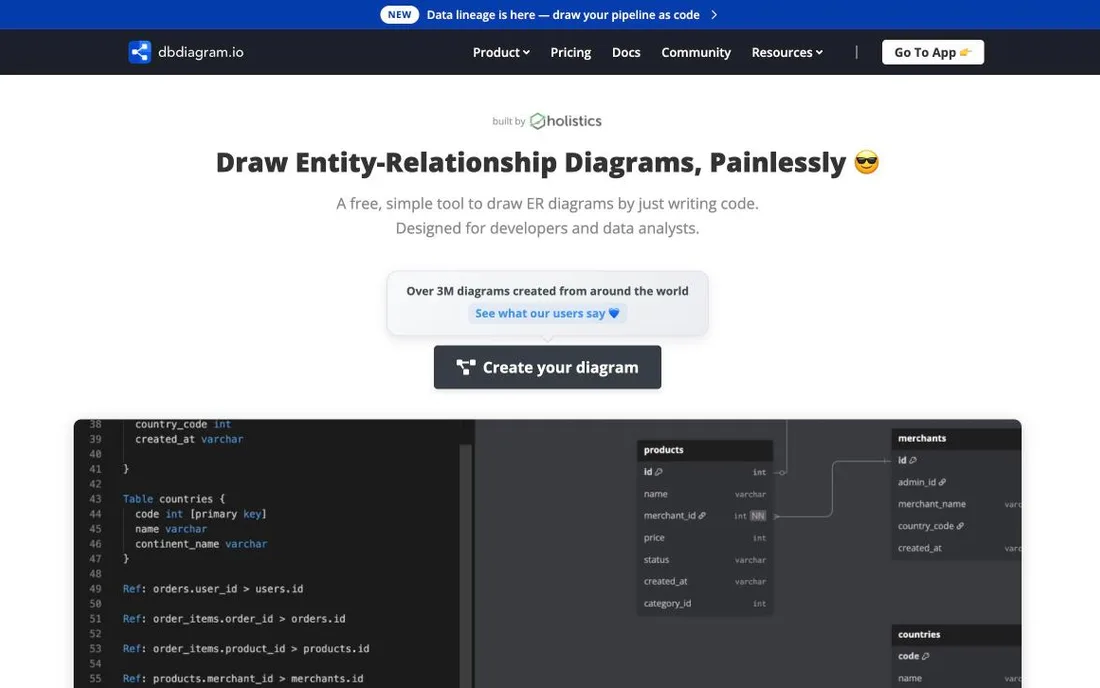
dbdiagram.io, built by Holistics, treats a schema as text. You type tables, columns and references in DBML, its open schema language, and the entity-relationship diagram updates beside the code. That makes it the fastest tool here for a first draft, a code review or a diagram you want to keep in Git. The free plan covers up to 10 diagrams and doc projects with unlimited viewers, SQL import and export, and PDF, PNG and SVG export.
Personal Pro at $8 a month billed annually removes the diagram cap and adds password-protected and private sharing. Collaboration starts on Team at $75 a month billed annually for three editors, with a 7-day free trial. It is a drawing and documentation tool, not a full modeler, so it will not manage migrations for you.
What we like
- Write tables and relationships in DBML and the diagram draws itself
- Free plan includes SQL import and export and PDF, PNG and SVG export
- Personal Pro is free for 12 months for students, teachers and researchers
Watch out for
- Free and Personal Pro plans allow a single editor
- Team plan costs $75 a month billed annually for 3 editors, plus $5 a month per extra editor
DrawSQL
Best for: Small development teams that want a visual schema editor with real-time collaboration
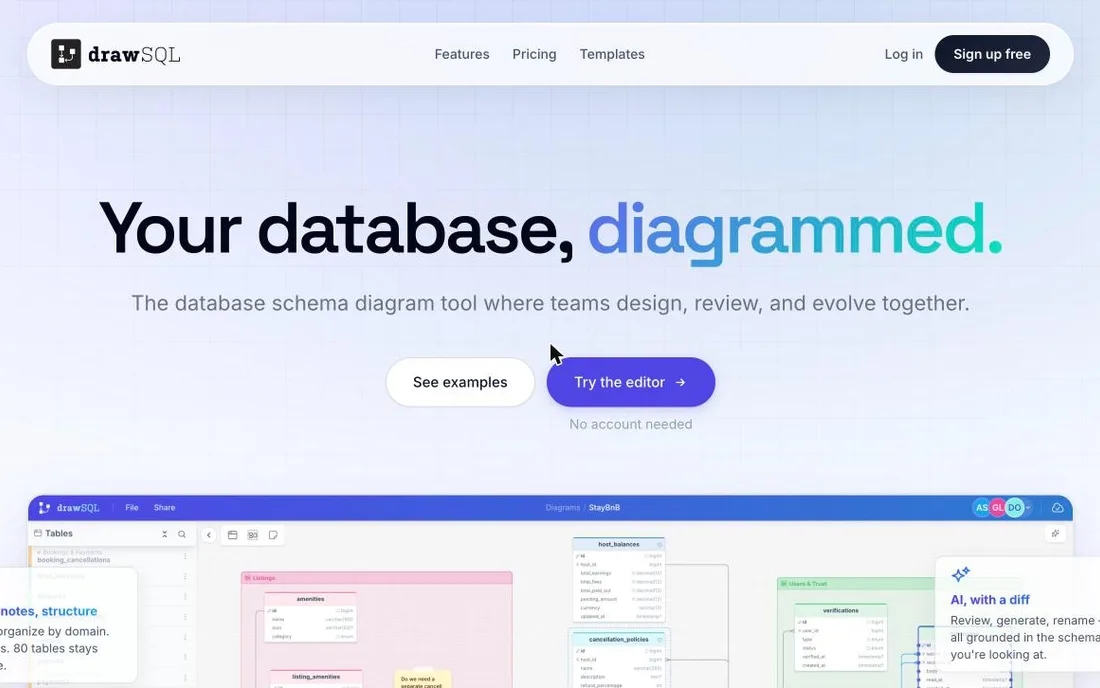
DrawSQL is a browser-based schema editor for people who would rather drag tables around than write DBML. It groups tables by domain, takes sticky notes and imports an existing schema, and its AI features review or generate changes inside the diagram you are looking at. The free plan gives unlimited public diagrams of up to 15 tables, which suits learning and open-source projects.
Private work starts on Starter at $19 a month, or $171 a year, for 10 private diagrams of up to 50 tables, one user and 500 AI credits a month. Growth at $59 a month, or $531 a year, is the team plan: unlimited private diagrams, 100 tables per diagram, five users and real-time multiplayer editing. Large raises that to 25 users at $179 a month.
What we like
- Drag-and-drop editor with groups and notes for organising large schemas
- Growth plan adds real-time multiplayer editing for up to 5 users
- Exports to SQL, JSON and PNG on paid plans, with API access
Watch out for
- Free diagrams are public and capped at 15 tables
- Starter allows only 10 private diagrams and 1 user
ChartDB
Best for: Teams that want an open-source ER diagram tool they can self-host or use in the cloud
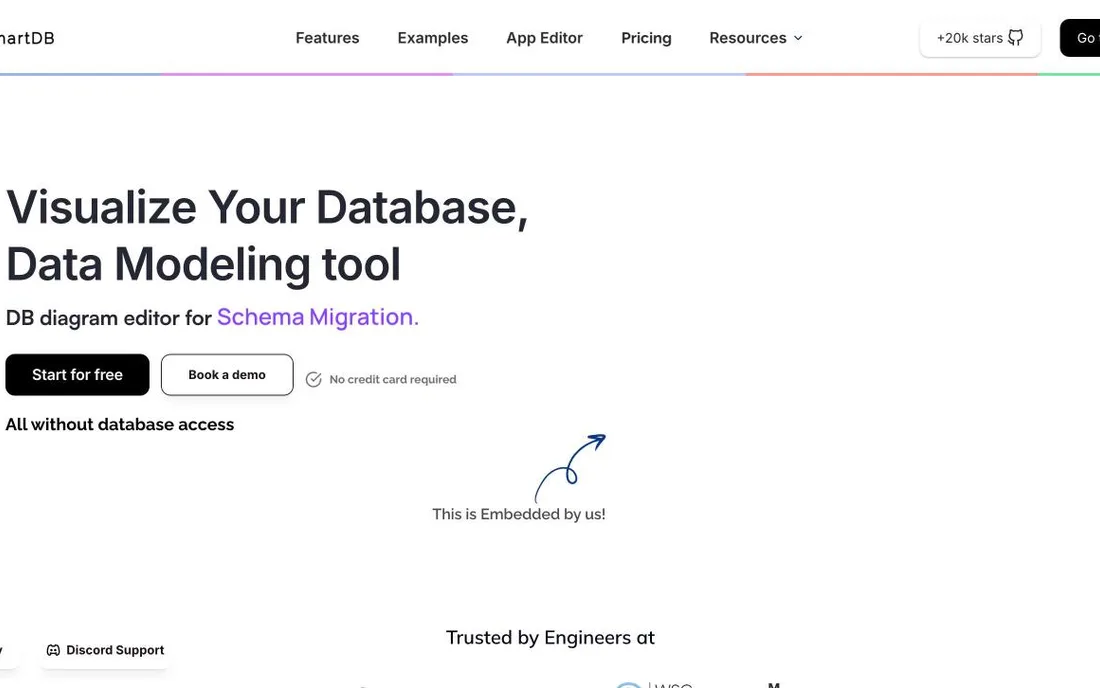
ChartDB is an open-source ER diagram tool licensed under AGPL, so a team that cannot send schema data to a vendor can run it on its own servers. It visualises an existing database, lets you design new tables with a DBML editor on paid plans and, on Teams, keeps the diagram in step with the live schema through auto-sync, migrations and versioning. The free plan covers one user, one database and up to 10 tables.
Pro costs US$25 a month for one person and adds the interactive DBML editor, schema export and up to 100 tables in a database. Teams starts at US$59 a month for three users and five databases with real-time collaboration and a basic AI assistant. Yearly billing takes up to 40% off.
What we like
- Open source under AGPL, so it can be self-hosted
- Teams plan adds real-time collaboration, auto-sync, migrations and a change log
- Yearly billing is up to 40% cheaper than monthly
Watch out for
- Free cloud plan is limited to one database and 10 tables
- Snowflake and BigQuery support is on the Scale tier of Teams only
DbSchema
Best for: Developers who design offline and want schema sync and documentation across many databases
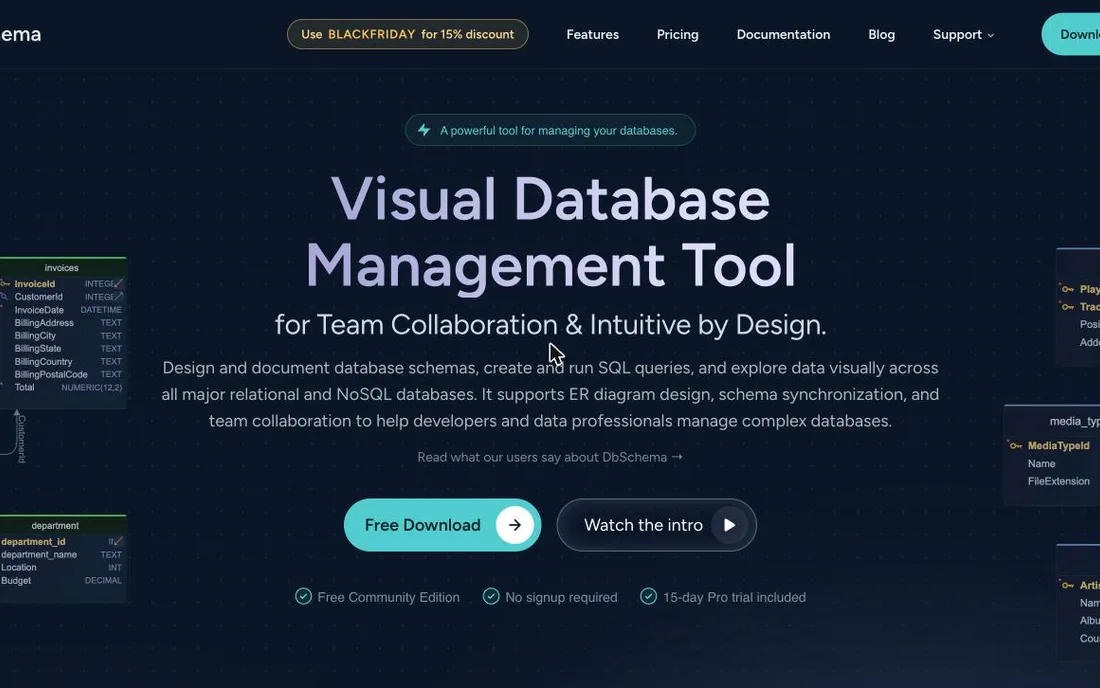
DbSchema is a desktop design tool for people who move between databases. The free Community Edition connects to a live database, reverse-engineers the schema, draws interactive diagrams, creates tables and runs SQL, and it stays free for any use. Every download starts with a 15-day trial of all features, so you can test the paid editions on your own schema before choosing.
Pro, listed at £22.48 a month on a monthly business licence when we checked, keeps your model in a file you can work on offline, produces HTML5, PDF and Markdown documentation, and compares schemas to generate migration scripts. Architect at £35.96 a month adds logical and conceptual design and flow diagrams built from your SQL. Perpetual and floating team licences are also sold.
What we like
- Free Community Edition connects, reverse-engineers, draws diagrams and runs SQL
- Pro saves the model to a file, works offline and generates migration scripts
- Works across relational and NoSQL databases
Watch out for
- Prices were shown to us in GBP; check your local currency at checkout
- Logical and conceptual modeling needs the Architect Edition
Redgate Data Modeler
Best for: Database teams that want collaborative data modeling from a vendor known for SQL Server tooling
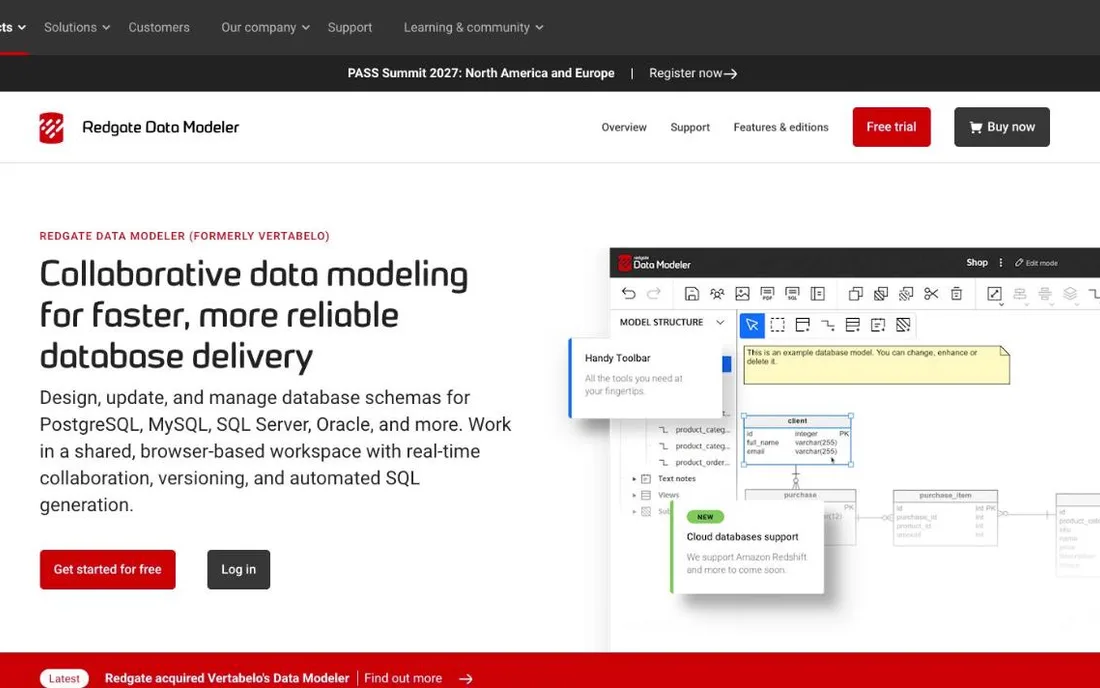
Redgate Data Modeler is the tool formerly sold as Vertabelo, now part of Redgate, the company behind many SQL Server developer tools. It is built for collaborative data modeling, where several people work on the same model and the model drives database delivery rather than being drawn after the fact. Teams already on Redgate can get it inside the SQL Toolbelt Essentials bundle.
Pricing is simple and annual. When we checked, Standard cost £150 per user per year for the essential modeling features and Pro cost £243 per user per year for the advanced ones, with prices shown in GBP. There is a free trial but no free plan, so it suits a team that has already decided modeling is part of its process.
What we like
- Formerly Vertabelo, a long-running collaborative modeling tool
- Simple per-user annual pricing on two editions
- Also available inside Redgate's SQL Toolbelt Essentials bundle
Watch out for
- No free plan, only a free trial
- Prices were shown to us in GBP; check your local currency
SqlDBM
Best for: Data teams modeling cloud warehouses such as Snowflake, Databricks and BigQuery
SqlDBM is an online data modeling platform aimed at analytics teams. It supports cloud data platforms such as Snowflake, Databricks, BigQuery, Amazon Redshift, Azure Synapse and Microsoft Fabric as well as PostgreSQL, SQL Server, Oracle and MySQL. Models run from conceptual to physical, with reverse and forward engineering, alter scripts, version control, view lineage and integrations with dbt, Git, Jira and Confluence.
There is no published price. SqlDBM says it charges per user with every feature included, and prices only its AI Copilot and AI credits separately, so you need a quote from sales. It reports SOC 2 Type II certification and offers SSO and regional storage. It is overkill for one app's schema and a strong fit for a warehouse team.
What we like
- Conceptual, logical and physical modeling with forward and reverse engineering
- Integrates with dbt, Git, Jira and Confluence
- Per-user pricing with every feature included, no add-on modules
Watch out for
- No published price; you must request a quote
- AI Copilot and AI credits are priced separately
Navicat Data Modeler
Best for: Developers who prefer a one-time desktop licence over a subscription
Navicat Data Modeler is a desktop design tool for people who want to own their software. It builds entity-relationship diagrams, reverse-engineers live databases and generates SQL for MySQL, PostgreSQL, MongoDB, MariaDB, SQL Server, Oracle, SQLite and others. One licence key works on Windows, macOS or Linux, and a free Lite edition covers the basics.
The Enterprise Edition costs USD 749 as a perpetual licence with one year of maintenance included; a further year of maintenance costs USD 119.84 and two years USD 179.76. Licences are per user, with 15% off for five to nine and 20% off for ten or more. Over three or more years it can cost less than a team subscription.
What we like
- Perpetual licence that runs on Windows, macOS or Linux
- Builds ER diagrams, reverse-engineers live databases and generates SQL
- Free Lite edition and volume discounts of 15% to 20%
Watch out for
- High upfront cost compared with the subscriptions here
- Maintenance after the first year costs extra (USD 119.84 for one more year)
DBeaver Community
Best for: Developers who want ER diagrams inside a free SQL client they already use
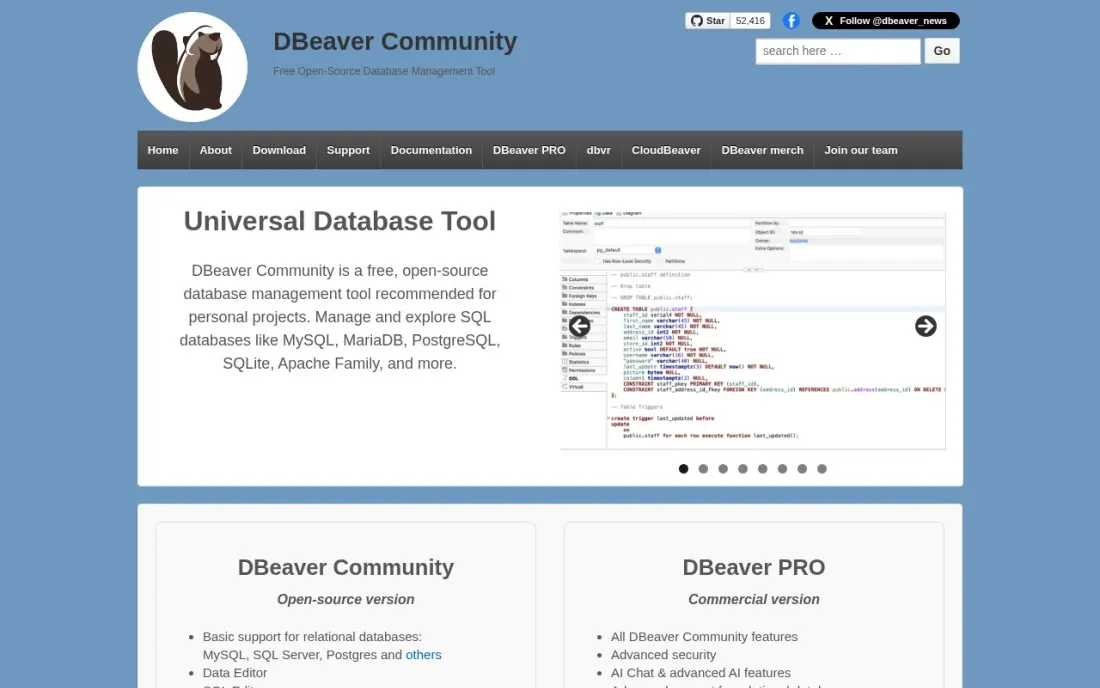
DBeaver Community is a free, open-source database client, and many developers already have it installed. Its diagram view draws an ER diagram from an existing schema, using Crow's Foot notation, so you can see how tables relate before you change them. For checking a design or explaining a legacy database to a new hire, that is often all you need, and it costs nothing.
It is not a modeler, though. There is no logical model and no design-first workflow, so pair it with a dedicated design tool if you plan schemas before building them. DBeaver PRO is sold as annual subscriptions, from $113 a year for Lite and $255 a year for Enterprise, with a 14-day trial.
What we like
- Free, open-source SQL client with built-in ER diagrams
- Connects to many databases from one app
- PRO editions add more databases and tools, with a 14-day trial
Watch out for
- Diagramming is a side feature, not a full modeling workflow
- The interface is dense and takes time to learn
The best database design tool turns a schema in your head into a diagram the whole team can read, and ideally into SQL you can run. We compared eight tools, from free code-first diagram editors to enterprise data modelers and desktop apps, and every price below comes from the vendor's own pricing page as checked in November 2026. Some vendors showed us prices in GBP, and we have labelled those.
How to choose the best database design tool
- Decide between code-first and drag-and-drop. Developers who live in a text editor move faster with dbdiagram.io's DBML; people who think visually prefer DrawSQL or ChartDB.
- Check whether it reads your existing database. Reverse engineering a live schema saves hours on a legacy app; DbSchema, Navicat and DBeaver all do it from the desktop.
- Look at how it handles change. If schemas change weekly, you want versioning and migration scripts, not just a picture — DbSchema Pro, ChartDB Teams and SqlDBM cover that.
- Count editors, not viewers. Several tools give unlimited viewers but charge per editor, so price the number of people who will actually change the model.
- Match the database list. Cloud warehouse teams need Snowflake, Databricks or BigQuery support, which only some tools here offer.
- Decide where the schema may live. Self-hosted ChartDB and the desktop tools keep schema data on your own machines.
A clean schema is the base of a fast site, and structured data is the layer search engines read on top of it. If you are shipping a product site, our free JSON-LD validator checks the schema markup your pages output, and our SEO audit covers the technical side of how search engines crawl them.
Database design tool pricing: what you will actually pay
Take a team of three developers who want private diagrams and real-time editing. On published prices, dbdiagram.io Team costs $75 a month billed annually for three editors, or $900 a year. DrawSQL Growth costs $59 a month, or $531 a year billed annually, for up to five users. ChartDB Teams starts at US$59 a month for three users, with yearly billing up to 40% cheaper.
Per-seat and one-time licences work out differently. Redgate Data Modeler Standard is £150 per user per year, so three users pay £450 a year. Navicat Data Modeler Enterprise costs USD 749 per user as a one-time licence with a year of maintenance, so three users pay USD 2,247 up front, before the 15% discount that starts at five licences, and USD 119.84 each for every further year of maintenance. DbSchema Pro is listed at £22.48 a month per developer on a monthly business licence. SqlDBM is quote-only.
A solo developer can pay nothing: dbdiagram.io, DrawSQL, ChartDB, DbSchema Community, Navicat Lite and DBeaver Community all have free options.
Know the difference: ER diagram tool vs data modeler
An ER diagram tool draws what a schema looks like. dbdiagram.io, DrawSQL, ChartDB and DBeaver's diagram view all take tables and relationships, from code, from a drag-and-drop canvas or from a live database, and produce a clear picture you can share or export. That is enough for most application teams.
A data modeler manages how a schema changes over time. SqlDBM keeps conceptual, logical and physical models with version control and alter scripts, DbSchema Architect adds logical and conceptual design on top of Pro's schema sync, and Redgate Data Modeler is built around a shared model that drives database delivery. Teams with several databases, a data warehouse or a review process for schema changes get far more from a modeler than from a diagram.
Quick comparison: tool type by need
| Buyer | Best pick | Why |
|---|---|---|
| Code-first developers | dbdiagram.io | Schema as DBML code, free up to 10 diagrams, Pro $8/month billed annually |
| Small visual teams | DrawSQL | Drag-and-drop editor, real-time editing on Growth at $59/month |
| Self-hosting teams | ChartDB | Open source under AGPL, cloud Pro from US$25/month |
| Offline, many databases | DbSchema | Free Community Edition, Pro adds schema sync and docs |
| Collaborative modeling | Redgate Data Modeler | Formerly Vertabelo, from £150 per user per year |
| Cloud warehouse teams | SqlDBM | Snowflake, Databricks and BigQuery modeling, custom quote |
| One-time licence buyers | Navicat Data Modeler | USD 749 perpetual, free Lite edition |
| Zero budget | DBeaver Community | Free SQL client that draws ER diagrams from live databases |
Mistakes to avoid
- Designing in a tool nobody else can open. A diagram on one laptop is out of date the day someone else changes the database; pick a tool the whole team can view.
- Letting the diagram drift from the database. Use reverse engineering, auto-sync or migrations so the model matches production, or stop trusting it.
- Paying for editors who only read. Most tools here give unlimited viewers, so only license the people who change the schema.
- Putting private schemas on a public free plan. DrawSQL's free diagrams are public; anything with customer tables belongs on a private plan or a self-hosted tool.
- Buying an enterprise modeler for one app. SqlDBM and Redgate earn their cost on warehouses and shared models, not on a single app's dozen tables.
How we chose
We read each vendor's own pricing page on 21 November 2026 and recorded the prices exactly as shown, including billing period and currency; where a page showed GBP, we kept GBP rather than converting. We grouped the tools into code-first editors, visual editors, desktop modelers and enterprise modelers, then ranked them by fit for the most common buyer, a small development team designing or documenting an application database. SqlDBM publishes no price, so we list it as a custom quote. We did not add ratings because we did not read review-site pages for these tools. No vendor paid for a place in this list, and none of the links here are affiliate links.
What to do next
Take one real schema, ideally a messy one, and import it into two of the free plans here: dbdiagram.io if you like code, and DrawSQL or ChartDB if you like dragging boxes. Keep the one your team actually opens a week later. If the product built on that database also needs to be found in search, book a free SEO review.
Frequently asked questions
What is the best database design tool?
For most developers, dbdiagram.io is the quickest: you write the schema as code and it draws the diagram, free for up to 10 diagrams. DrawSQL and ChartDB are better for visual, collaborative editing, and SqlDBM or Redgate Data Modeler suit teams that model formally before building.
Is there a free database design tool?
Yes. dbdiagram.io, DrawSQL and ChartDB all have free plans, DbSchema Community Edition and Navicat Data Modeler Lite are free desktop editions, and DBeaver Community is a free open-source client that draws ER diagrams from an existing database.
How much does database design software cost?
On published prices, dbdiagram.io Personal Pro costs $8 a month billed annually, DrawSQL Starter $19 a month, ChartDB Pro US$25 a month, Redgate Data Modeler £150 per user per year and Navicat Data Modeler USD 749 one-time. SqlDBM is quote-only.
What is the difference between an ER diagram tool and a data modeler?
An ER diagram tool draws tables and relationships, usually from code or an existing database. A data modeler also keeps conceptual and logical models, versions them and generates migration scripts, which matters when several people change the same schema.
Can a database design tool generate SQL?
Most can. dbdiagram.io imports and exports SQL, DrawSQL exports SQL on paid plans, DbSchema Pro generates migration scripts, Navicat Data Modeler generates SQL, and SqlDBM handles forward engineering and alter scripts.
Which database design tool works offline?
The desktop tools do: DbSchema Pro saves the model to a file and works offline, Navicat Data Modeler runs on Windows, macOS or Linux, and DBeaver Community is a desktop app. ChartDB can also be self-hosted.
Sources we checked (8)
- dbdiagram.io — dbdiagram.io/pricing (checked November 21, 2026)
- DrawSQL — drawsql.app/pricing (checked November 21, 2026)
- ChartDB — chartdb.io/pricing (checked November 21, 2026)
- DbSchema — dbschema.com/purchase.html (checked November 21, 2026)
- Redgate Data Modeler — www.red-gate.com/products/redgate-data-modeler/editions (checked November 21, 2026)
- SqlDBM — sqldbm.com/pricing (checked November 21, 2026)
- Navicat Data Modeler — www.navicat.com/en/store/navicat-data-modeler (checked November 21, 2026)
- DBeaver Community — dbeaver.com/buy (checked November 21, 2026)
Make one of these tools?
We re-check this list every quarter. Send a correction, request a review, or ask about a clearly labeled sponsored spot.
Request a listingShamim
Founder of SerpAstra
A full-stack digital marketer and SEO strategist covering technical and local SEO, AI search visibility, paid ads and lead generation for local businesses, e-commerce brands and SaaS teams.
Free SEO and AI visibility audit
Find out what is holding your rankings back
Send us your site. Within 2 business days you get a written audit, an AI visibility check and a short fix list ranked by impact. Free, with no contract attached.
Request my free audit→Related buying guides
 Developer Tools7 Best Database Software Options in 2026, ComparedCompare the 7 best database software options, from managed Postgres and MongoDB to no-code databases, on free tiers, scaling and real monthly cost, all checked.Read guide →
 Developer Tools7 Best SQL Software in 2026, ComparedCompare the 7 best SQL software for writing queries and managing databases on free editions, supported databases, platforms and real license cost.Read guide →
 Developer Tools8 Best AI Tools for Software Developers in 2026, ComparedCompare the 8 best AI tools for software developers across coding, review, testing and quality gates, with free plans and every price checked on vendor pages.Read guide →