
7 Best SQL Software in 2026, Compared
Compare the 7 best SQL software for writing queries and managing databases on free editions, supported databases, platforms and real license cost.
 Shamim Mia, Founder, SerpAstraLast verified November 10, 20268 min read
We compare pricing pages, documentation and public reviews. We never accept payment for rankings.
Key takeaways
- DBeaver Community is the best free all-round SQL software: open source, cross-platform and connected to MySQL, MariaDB, PostgreSQL, SQLite and more.
- If you work in one database, use its own free tool: SQL Server Management Studio for SQL Server and Azure SQL on Windows, MySQL Workbench Community for MySQL.
- For a faster, more polished editor, TablePlus is a $99 perpetual license for one device, and Beekeeper Studio has a free Community Edition with paid plans from $9 a user a month billed yearly.
- Analysts who write SQL to answer business questions should look at notebook tools: Hex has a free Community plan and Count is free for up to 5 users.
On this page
Quick comparison
| Tool | Best for | Starting price | Free plan |
|---|---|---|---|
| DBeaver Community | Developers and analysts who want one free SQL client for many relational databases | Free | Yes (open source) |
| TablePlus | Developers who want a fast, clean native SQL client and prefer a one-time license | $99 one-time | Trial (limited) |
| Beekeeper Studio | Individuals and small companies that want a friendly free SQL editor with an affordable upgrade | Free; $9/user/mo (yearly) | Yes (Community) |
| SQL Server Management Studio | SQL Server and Azure SQL administrators and developers working on Windows | Free download | Yes |
| MySQL Workbench | MySQL developers and DBAs who want an official visual tool for queries, administration and tuning | Free | Yes (open source) |
| Hex | Data analysts who write SQL to answer business questions and share the results as apps | $36/editor/mo | Yes (Community) |
| Count | Analysts who want to lay out SQL queries, charts and notes together on a shared canvas | $49/editor/mo | Yes (free plan) |
Make one of these tools?
We re-check this list every quarter. Send a correction, request a review, or ask about a clearly labeled sponsored spot.
Request a listingThe best SQL software

DBeaver Community
Best for: Developers and analysts who want one free SQL client for many relational databases
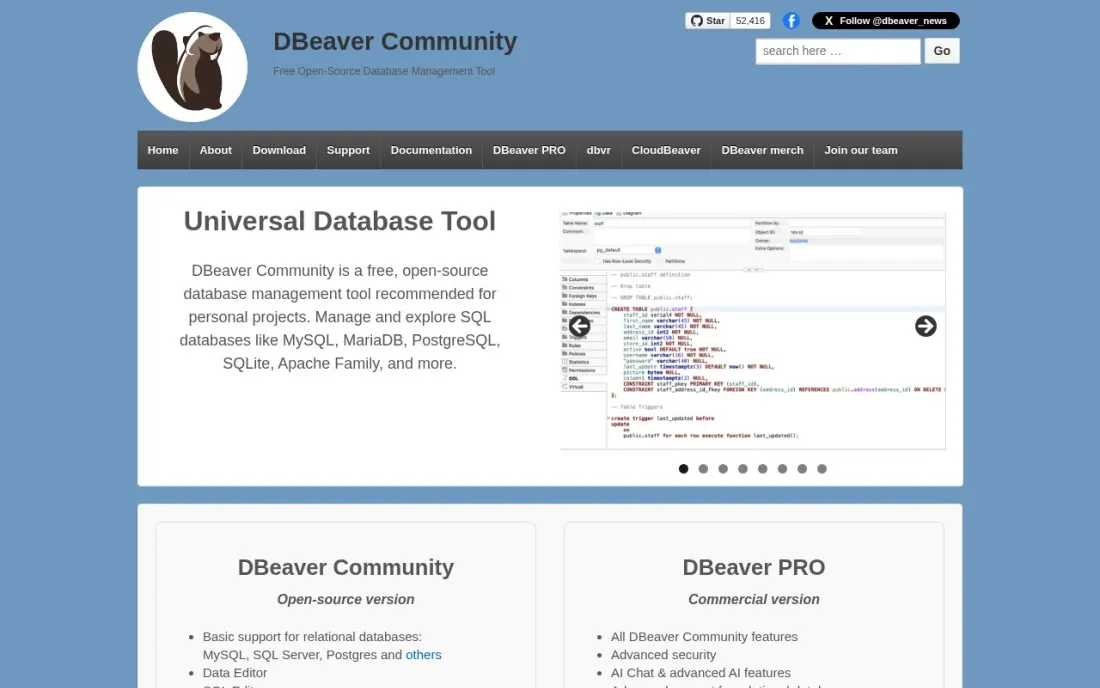
DBeaver Community is the free SQL client most people end up with when they work across several databases. It is free and open source, connects to MySQL, MariaDB, PostgreSQL, SQLite and other relational databases from one app, and covers the daily work: a SQL editor, a spreadsheet-style data editor, task management and database maintenance tools. AI Chat and an @ai command help draft queries.
NoSQL and cloud databases, the visual query builder and task scheduling are reserved for DBeaver PRO, sold as annual subscriptions with a 14-day trial; its prices did not load when we checked, so ask for a quote. For a developer or analyst on a zero budget, Community is the first SQL tool to install.
What we like
- Free and open source, with a data editor, SQL editor, task management and maintenance tools
- Connects to MySQL, MariaDB, PostgreSQL, SQLite and other relational databases from one app
- Includes AI Chat and an @ai command in the SQL editor
Watch out for
- NoSQL and cloud databases, the visual query builder and task scheduling are PRO-only
- DBeaver PRO prices did not load on the vendor's buy page when we checked
- The interface is dense, with many panels and settings to learn

TablePlus
Best for: Developers who want a fast, clean native SQL client and prefer a one-time license
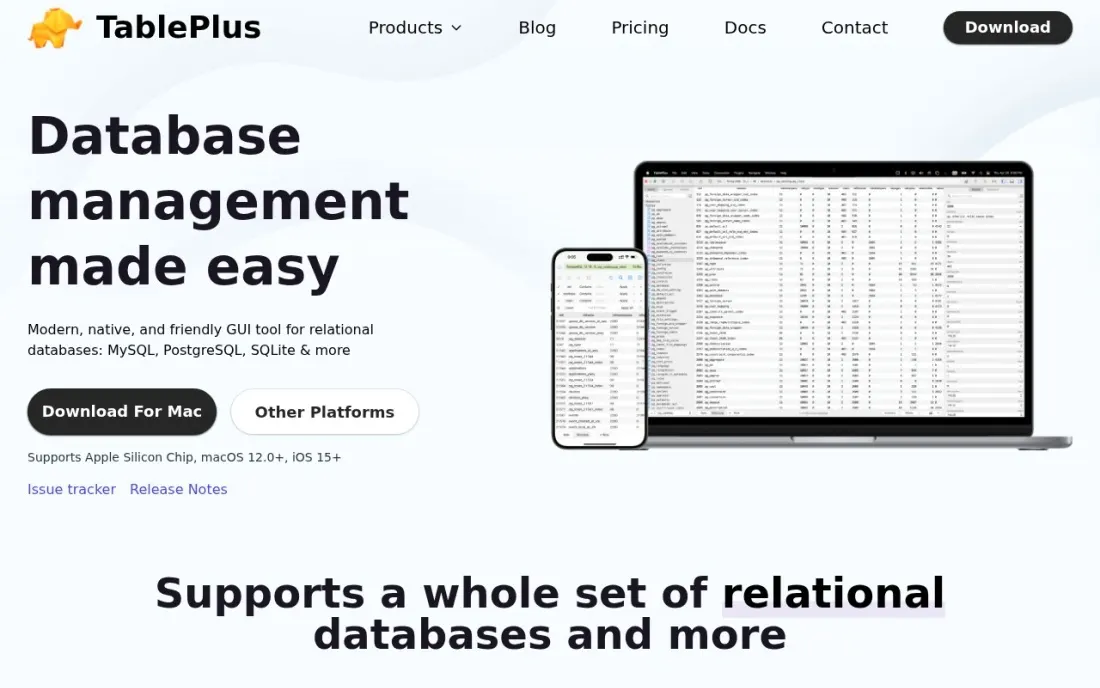
TablePlus is the SQL client to choose if speed and a tidy interface matter more than an endless feature list. It is a native app for macOS on Intel and Apple Silicon, Windows and Linux, with iOS companion apps, and it opens tables, runs queries and edits rows quickly. The Basic license costs $99 once for one device, with a year of updates and support included.
After that year you can keep using the app without limits, or renew for new updates. Standard costs $129 for two devices, and Team licenses are $79 a seat starting at three seats. The free trial is capped at two tabs, two windows and two advanced filters, so it shows the feel of the app rather than replacing it.
What we like
- Perpetual license: keep using the app without limits after the first year
- Runs on macOS (Intel and Apple Silicon), Windows and Linux, with iOS apps included
- Team licenses at $79 a seat include a license manager and priority support
Watch out for
- Only 1 year of updates is included; later updates need a renewal
- The free trial is capped at 2 open tabs, 2 windows and 2 advanced filters
- Team licenses start at 3 seats

Beekeeper Studio
Best for: Individuals and small companies that want a friendly free SQL editor with an affordable upgrade
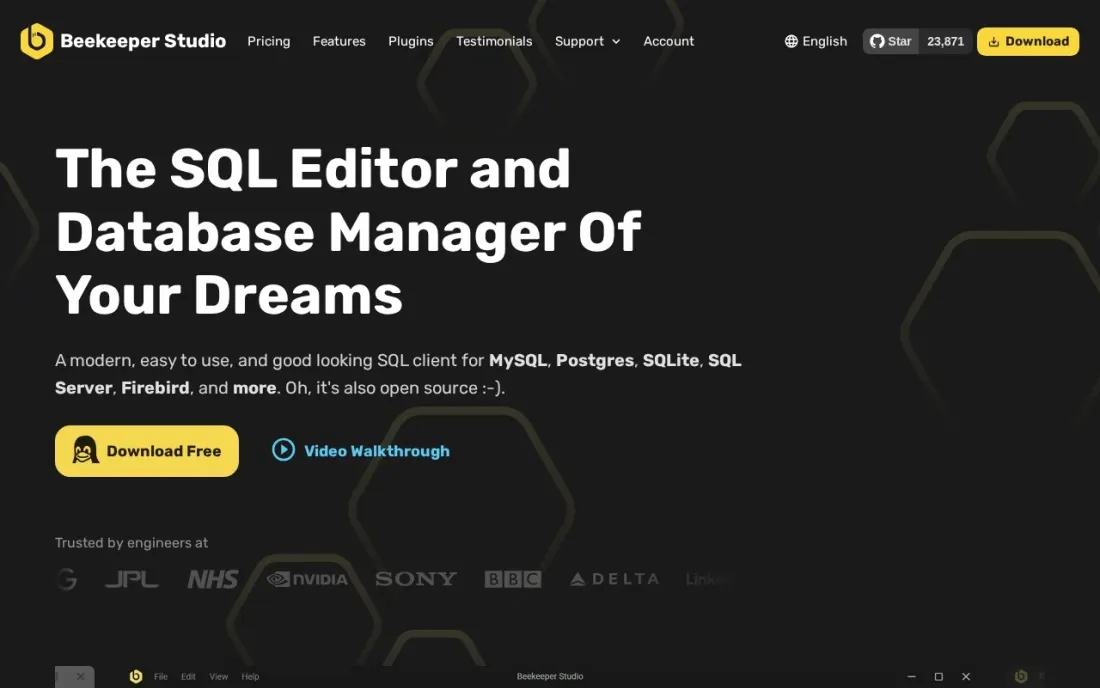
Beekeeper Studio is the most approachable SQL editor here. The free Community Edition covers PostgreSQL, MySQL, SQLite and SQL Server with unlimited connections and no tab limits, aimed at students, individuals, nonprofits and businesses under 10 employees or $1m revenue. Larger organizations are asked to buy a license.
Indie costs $9 a user a month billed yearly, or $18 monthly, and Professional costs $14 billed yearly with all databases, AI Shell and cloud workspaces. Annual subscribers get a lifetime license for versions released while subscribed. The 14-day trial needs no account, and the app falls back to Community features afterwards, so there is little risk in trying it.
What we like
- Free Community Edition supports PostgreSQL, MySQL, SQLite and SQL Server with unlimited connections and no tab limits
- Paid subscribers earn a lifetime license for versions released during the subscription
- 14-day trial of paid features with no account or credit card, and a 30-day refund policy
Watch out for
- The Community Edition is meant for individuals and organizations under 10 employees or $1m revenue
- AI Shell, cloud workspaces and all databases need Professional at $14 a user a month billed yearly
- Monthly billing costs double the yearly rate

SQL Server Management Studio
Best for: SQL Server and Azure SQL administrators and developers working on Windows
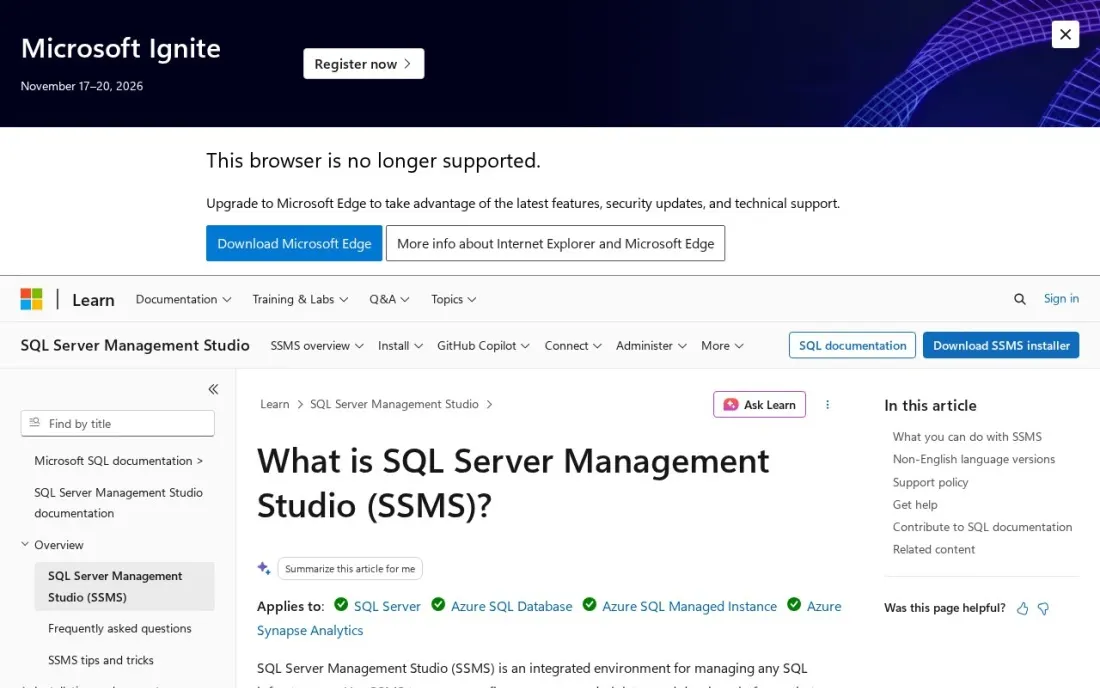
SQL Server Management Studio is Microsoft's own tool for anything built on its database engine: SQL Server, Azure SQL Database, Azure SQL Managed Instance, SQL Server on Azure virtual machines and SQL database in Microsoft Fabric. It covers writing and running queries, configuring servers, managing security and administering the whole estate. It is a free download from Microsoft.
SSMS 22 adds GitHub Copilot as a preview, with chat and right-click code actions. The limits are platform and scope: it runs only on 64-bit Windows 11, including Arm64, and Windows Server 2019 to 2025, and it does nothing for PostgreSQL or MySQL. For a SQL Server shop it remains the standard tool.
What we like
- Manages SQL Server, Azure SQL Database, Azure SQL Managed Instance and SQL database in Microsoft Fabric
- SSMS 22 adds GitHub Copilot chat and code actions as a preview
- The license allows installing any number of copies to develop and test applications
Watch out for
- Windows only: supported on 64-bit Windows 11, including Arm64, and Windows Server 2019 to 2025
- Built for Microsoft's database engine, so it is no help with PostgreSQL or MySQL
- SSIS, SSAS and SSRS development needs SQL Server Data Tools, not SSMS

MySQL Workbench
Best for: MySQL developers and DBAs who want an official visual tool for queries, administration and tuning
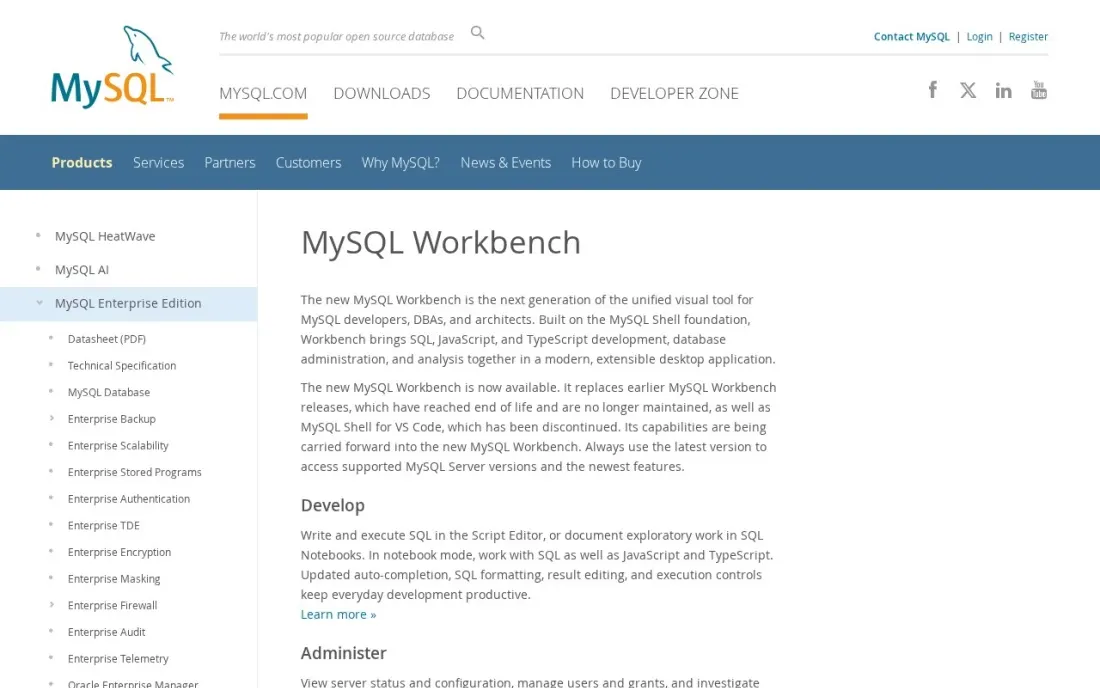
MySQL Workbench is the official visual tool for MySQL, and its Community Edition is open source under the GPL, with downloads for Windows, Linux and macOS. Developers write and run SQL in the Script Editor or document exploratory work in SQL Notebooks, which also support JavaScript and TypeScript.
DBAs get server status and configuration views, user and grant management, and a view of client connections, while Performance Reports and Visual Explain show why a query is slow by comparing its plan with runtime behaviour. It is MySQL-only, and some backup features lean on MySQL Enterprise Backup. For a team running MySQL, it is the free tool to install first.
What we like
- Community Edition is open source under the GPL, with downloads for Windows, Linux and macOS
- Script Editor plus SQL Notebooks that also support JavaScript and TypeScript
- Performance Reports and Visual Explain help find and fix slow queries
Watch out for
- Built for MySQL only
- Visual backup and restore relies on MySQL Enterprise Backup integration
- Less polished than commercial clients for day-to-day browsing of data

Hex
Best for: Data analysts who write SQL to answer business questions and share the results as apps
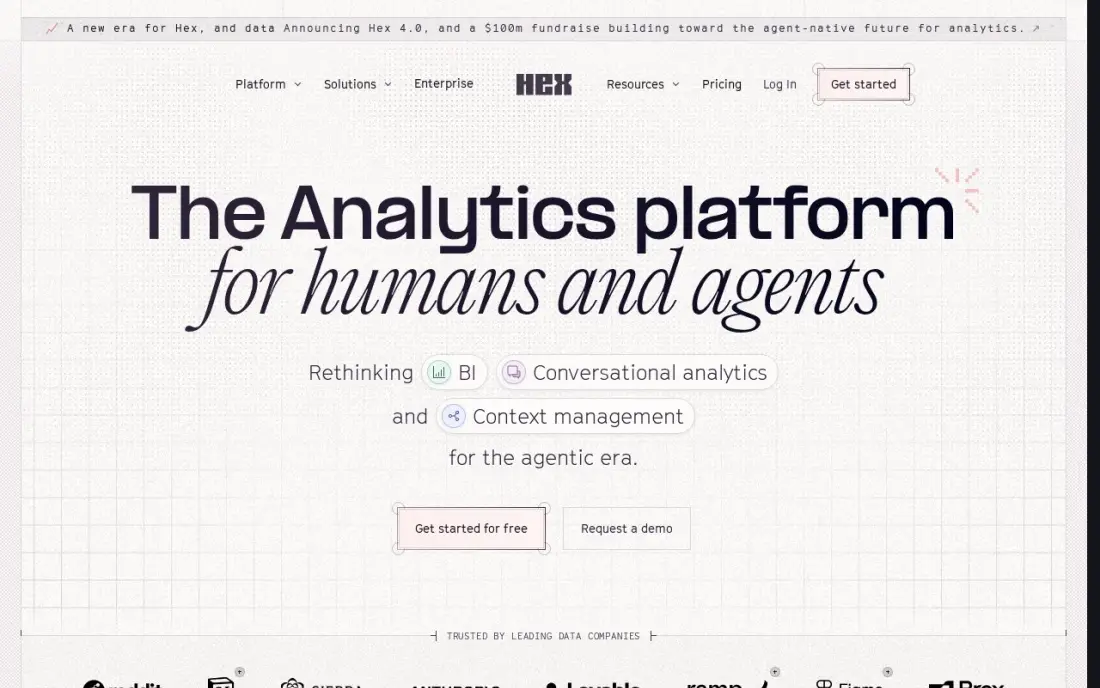
Hex is SQL software for analysis rather than administration. SQL and Python cells sit in a collaborative notebook, Magic AI helps write and explain queries, and published apps turn the analysis into interactive reports that colleagues can explore without code. The Community plan is free, which is enough for one analyst to try it on real data.
Professional costs $36 per editor a month, and the Team plan at $75 per editor adds scheduled runs and alerts. Because pricing is per editor, three Professional editors cost $108 a month before compute. Hex rewards people comfortable with SQL and data, so it suits analysts and data teams more than casual business users.
What we like
- Magic AI assists with SQL and Python inside notebooks, and the Hex agent runs full workflows
- Published apps turn analysis into interactive reports stakeholders can explore without code
- Threads give business users a conversational self-serve layer on governed data
Watch out for
- Per-editor pricing compounds fast — three Professional editors cost $108 a month before compute
- Scheduled runs and alerts need the Team plan ($75/editor/month), not Professional
- Casual business users face a learning curve; Hex rewards people comfortable with data

Count
Best for: Analysts who want to lay out SQL queries, charts and notes together on a shared canvas
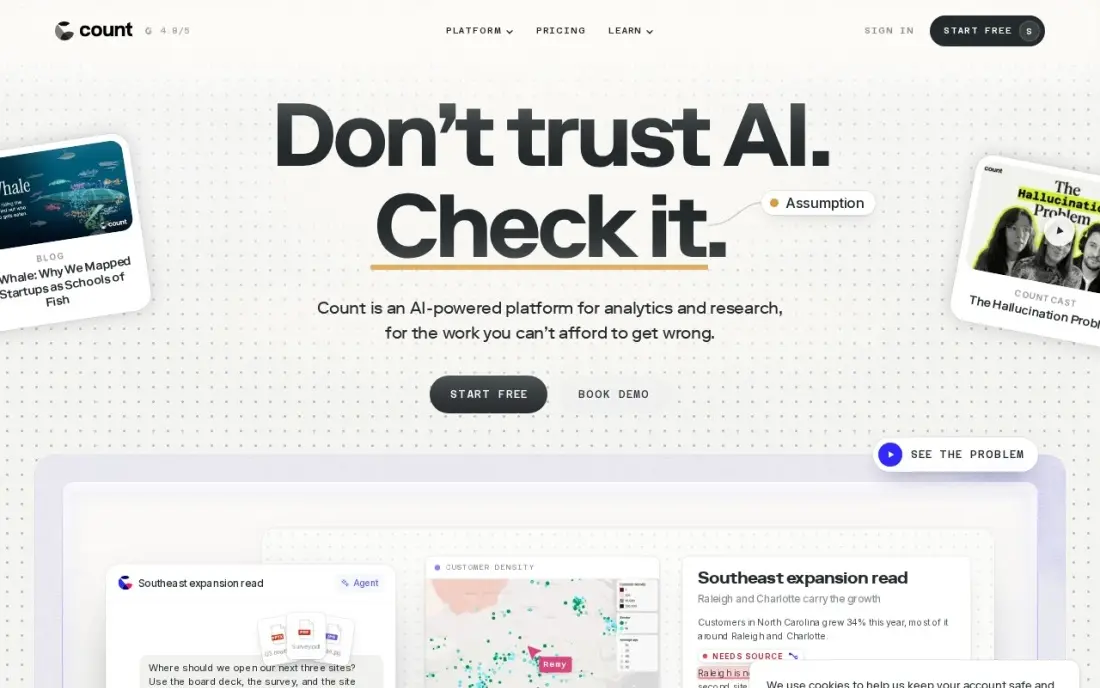
Count is a SQL canvas: instead of one long notebook, queries, charts and written notes sit side by side on a free-form board, the way an analysis actually unfolds. Its AI agent traces every claim back to its source, assumption or inference, so a wrong number can be caught. The Free plan covers up to 5 users with 1 project and 3 canvases.
Pro costs $49 per editor a month, and viewers are free, so only the people writing SQL pay. Pro allows three database connections; unlimited connections need Scale at $69 per editor a month. It suits small data teams that review analysis together, rather than developers managing database schemas.
What we like
- Free-form canvas arranges SQL queries, charts and written notes together, mirroring real analysis
- Every AI claim is traced to its source, assumption or inference, so hallucinations get caught
- Viewers are free — only editors are billable seats, which keeps broad rollouts cheap
Watch out for
- Free plan caps at 1 project, 3 canvases and 5 users — growing teams need Pro
- Only 3 database connections on Pro; unlimited connections need Scale ($69/editor/month)
- Smaller ecosystem than the big BI vendors, with fewer public case studies
The best SQL software makes it quick to connect to a database, write and run queries, inspect the results and manage tables without fighting the tool. We compared seven SQL tools — cross-database clients such as DBeaver, TablePlus and Beekeeper Studio, the official free tools for SQL Server and MySQL, and two SQL-first analysis notebooks — and every price below comes from the vendor's own page as checked in November 2026.
How to choose the best SQL software
- List the databases you connect to. If it is only SQL Server or only MySQL, the official free tool is hard to beat; for several engines, use a cross-database client.
- Check your operating system. SSMS is Windows only, while DBeaver, TablePlus, Beekeeper Studio and MySQL Workbench run on macOS too.
- Decide between administration and analysis. DBAs need server, user and performance tools; analysts need charts, sharing and notebooks.
- Look at the free edition's limits. Some free tiers cap tabs or licence use by company size, and some features sit in paid editions.
- Consider subscription versus one-time licences. TablePlus sells a perpetual licence, and Beekeeper Studio subscribers earn a lifetime licence for the versions they paid for.
- Check AI help with care. Several tools now draft SQL with AI; review generated queries before running them on production data.
SQL also powers SEO work: analysts query Search Console exports and crawl data to find what to fix. If you would rather have that done for you, our SEO audit service covers it, and the free JSON-LD validator checks structured data your database feeds to web pages.
SQL software pricing: what you will actually pay
For one developer, the cheapest path is $0: DBeaver Community, Beekeeper Studio Community, MySQL Workbench and SSMS are all free. A paid native client costs $99 once for TablePlus Basic on one device, or $129 for two, with a year of updates included. Beekeeper Studio Indie costs $108 a year billed yearly ($9 a month), or $216 a year on monthly billing at $18.
For a team of five, TablePlus Team costs $395 once at $79 a seat, and Beekeeper Studio Professional costs $840 a year at $14 a user billed yearly. Analysis tools are priced per editor every month: five Hex Professional editors cost $180 a month, or $2,160 a year, and five Count Pro editors cost $245 a month, or $2,940 a year, with Count's viewers free. DBeaver PRO is sold as annual subscriptions; its prices did not load when we checked, so get a quote before comparing.
Know the difference: SQL client vs SQL notebook
A SQL client connects directly to a database for development and administration. You browse schemas, edit rows, run migrations, check indexes and manage users. DBeaver, TablePlus, Beekeeper Studio, SSMS and MySQL Workbench are clients, and they are what developers and DBAs keep open all day.
A SQL notebook or canvas is built for analysis and sharing. You write queries to answer a question, chart the results, add notes and publish the work for colleagues who never touch the database. Hex and Count work this way, with per-editor pricing and free viewers or community plans. Many data teams use a client for the database and a notebook for the reporting.
Quick comparison: tool type by need
| Buyer | Best pick | Why |
|---|---|---|
| Free multi-database client | DBeaver Community | Open source, many relational databases |
| Fast native client | TablePlus | $99 one-time licence for one device |
| Friendly free editor | Beekeeper Studio | Free Community Edition, Indie $9/user/month billed yearly |
| SQL Server and Azure SQL | SQL Server Management Studio | Microsoft's free tool, Windows only |
| MySQL teams | MySQL Workbench | Official GPL tool with Visual Explain |
| SQL analysis and apps | Hex | Free Community plan, Professional $36/editor/month |
| Collaborative SQL canvas | Count | Free for 5 users, Pro $49/editor/month |
Mistakes to avoid
- Running edits on production by accident. Colour-code or label production connections and use read-only users where you can.
- Saving passwords in plain text. Use the client's secure credential storage or SSH keys, not shared files.
- Trusting AI-written SQL blindly. Check joins and filters; a wrong WHERE clause in an UPDATE is expensive.
- Ignoring licence terms on free editions. Beekeeper Studio's Community Edition is meant for small organizations, so larger companies should buy a licence.
- Choosing a Windows-only tool for a Mac team. SSMS will not run on macOS; pick a cross-platform client instead.
Related comparisons: Self-Hosted Apps · Serverless Platforms · Website Development Software · Software Testing Tools · QA Software · Deployment Software Tools
How we chose
We checked each vendor's pricing page or official download and documentation pages in November 2026 and recorded prices and free editions exactly as shown. DBeaver's PRO prices and DataGrip's prices did not load on the vendors' pages, so we list DBeaver by its free Community Edition and left out tools we could not verify. We ranked tools by fit for the most common buyer, a developer or analyst who queries one or more relational databases every day. Ratings come from G2 pages checked on the dates shown in the sources; tools without a verified rating show none. No vendor paid for a place in this list, and none of the links here are affiliate links.
What to do next
Install DBeaver Community or the official tool for your database, connect to a copy of your data rather than production, and save your five most-used queries as snippets. If you write SQL to report on marketing and search data, book a free SEO review and we will show you which numbers matter.
Frequently asked questions
What is the best SQL software?
For most people, DBeaver Community: it is free, open source and connects to MySQL, MariaDB, PostgreSQL, SQLite and other relational databases. TablePlus is the best paid client at $99 once, and SQL Server Management Studio and MySQL Workbench are the best free tools for their own databases.
What is the best free SQL software?
DBeaver Community, Beekeeper Studio Community Edition, MySQL Workbench Community Edition and SQL Server Management Studio are all free. Hex has a free Community plan and Count a free plan for up to 5 users for SQL-based analysis.
What SQL software works on a Mac?
DBeaver Community, TablePlus, Beekeeper Studio and MySQL Workbench all run on macOS, and Hex and Count run in the browser. SQL Server Management Studio is Windows only.
Is SSMS or DBeaver better for SQL Server?
SSMS is better for SQL Server administration because it is Microsoft's own tool and covers SQL Server, Azure SQL and Fabric in depth. DBeaver is better if you also work with other databases and want one client for all of them, or if you use a Mac.
How much does SQL software cost?
Many good options are free. Paid clients include TablePlus at $99 once for one device and Beekeeper Studio Indie at $9 a user a month billed yearly. Analysis tools cost more: Hex Professional is $36 per editor a month and Count Pro is $49 per editor a month.
What is the difference between a SQL client and a database?
A database such as MySQL, PostgreSQL or SQL Server stores the data. A SQL client such as DBeaver, TablePlus or SSMS is the program you use to connect to that database, write queries, browse tables and manage it. You usually need both.
What is the best SQL software for beginners?
Beekeeper Studio is the friendliest place to start: the free Community Edition connects to PostgreSQL, MySQL, SQLite and SQL Server with unlimited connections and no tab limits. DBeaver Community is free and open source too, and connects to many relational databases from one app. If you only learn one database, use its official free tool: MySQL Workbench for MySQL or SQL Server Management Studio for SQL Server on Windows.
What free software can I use to practice SQL?
Every tool you need to practice is free. DBeaver Community and Beekeeper Studio Community are free SQL clients for common databases, including SQLite and PostgreSQL. MySQL Workbench Community runs on Windows, Linux and macOS, and SQL Server Management Studio is a free Microsoft download for Windows. To practice analysis rather than administration, Hex has a free Community plan and Count has a free plan for up to five users.
Sources we checked (8)
- DBeaver Community — dbeaver.com/buy (checked November 16, 2026)
- TablePlus — tableplus.com/pricing (checked November 16, 2026)
- Beekeeper Studio — www.beekeeperstudio.io/pricing (checked November 16, 2026)
- SQL Server Management Studio — learn.microsoft.com/en-us/ssms/download-sql-server-management-studio-ssms (checked November 16, 2026)
- MySQL Workbench — dev.mysql.com/downloads/workbench (checked November 16, 2026)
- Hex — hex.tech/pricing (checked November 10, 2026)
- Hex reviews on G2 (checked November 10, 2026)
- Count — www.count.co/pricing (checked November 10, 2026)
Make one of these tools?
We re-check this list every quarter. Send a correction, request a review, or ask about a clearly labeled sponsored spot.
Request a listingShamim
Founder of SerpAstra
A full-stack digital marketer and SEO strategist covering technical and local SEO, AI search visibility, paid ads and lead generation for local businesses, e-commerce brands and SaaS teams.
Free SEO and AI visibility audit
Find out what is holding your rankings back
Send us your site. Within 2 business days you get a written audit, an AI visibility check and a short fix list ranked by impact. Free, with no contract attached.
Request my free audit→Related buying guides
 Developer Tools7 Best Database Software Options in 2026, ComparedCompare the 7 best database software options, from managed Postgres and MongoDB to no-code databases, on free tiers, scaling and real monthly cost, all checked.Read guide →
 Data, Analytics & AI7 Best Data Pipeline Software Reviews in 2026, ComparedOur best data pipeline software reviews compare 7 tools on connectors, pricing model, free plans and who runs the servers, with prices checked on vendor pages.Read guide →
 Data, Analytics & AI10 Best Agentic Analytics Platform Data Analytics in 2026, ComparedThe 10 best agentic analytics platform data analytics tools for 2026, compared on price, AI agents and governance. Prices checked November 10, 2026.Read guide →