
8 Best AI Tools for Software Developers in 2026, Compared
Compare the 8 best AI tools for software developers across coding, review, testing and quality gates, with free plans and every price checked on vendor pages.
 Shamim Mia, Founder, SerpAstraLast verified November 6, 20269 min read
We compare pricing pages, documentation and public reviews. We never accept payment for rankings.

Key takeaways
- Most developers need one AI tool for writing code and one for checking it: Claude Code or GitHub Copilot to write, CodeRabbit or Greptile to review.
- GitHub Copilot is the cheapest writing tool at $10 a user a month with a $0 Free plan; Claude Code starts with Claude Pro at $20 a month, or $17 billed annually.
- CodeRabbit has the widest platform coverage for AI review, from $24 a user a month billed annually; Greptile charges per review with 50 free credits a month.
- SonarQube is the quality gate behind the AI tools, free up to 50,000 lines of code and $34 a month on the Team plan.
On this page
Quick comparison
| Tool | Best for | Starting price | Free plan |
|---|---|---|---|
| Claude Code | Developers who hand off whole tasks, from bug fixes to refactors, to an agent in the terminal | $20/mo; $17/mo annual | No |
| GitHub Copilot | Developers who want AI completions and chat in VS Code or JetBrains for the lowest price | $10/user/mo | Yes (Free plan) |
| Cursor | Developers ready to switch to an AI-first editor with agents and automations | Free; Premium $30/mo | Yes, limited |
| Amazon Q Developer | Developers on AWS who also need to upgrade older Java applications | Free; Pro $19/user/mo | Yes, 50 requests/mo |
| CodeRabbit | Teams that want an AI reviewer commenting on every pull request, on any Git platform | $24/user/mo | Yes (free tier) |
| Greptile | Developers on large repos or monorepos who want reviews that understand the whole codebase | $1/credit | Yes (Starter) |
| Qodo | Developers who want AI-generated tests alongside pull request review | $30/mo | No (14-day trial) |
| SonarQube | Teams that want an automated quality and security gate on every merge, including AI-written code | $34/mo | Yes (free tier) |
Make one of these tools?
We re-check this list every quarter. Send a correction, request a review, or ask about a clearly labeled sponsored spot.
Request a listingThe best AI tools for software developers

Claude Code
Best for: Developers who hand off whole tasks, from bug fixes to refactors, to an agent in the terminal
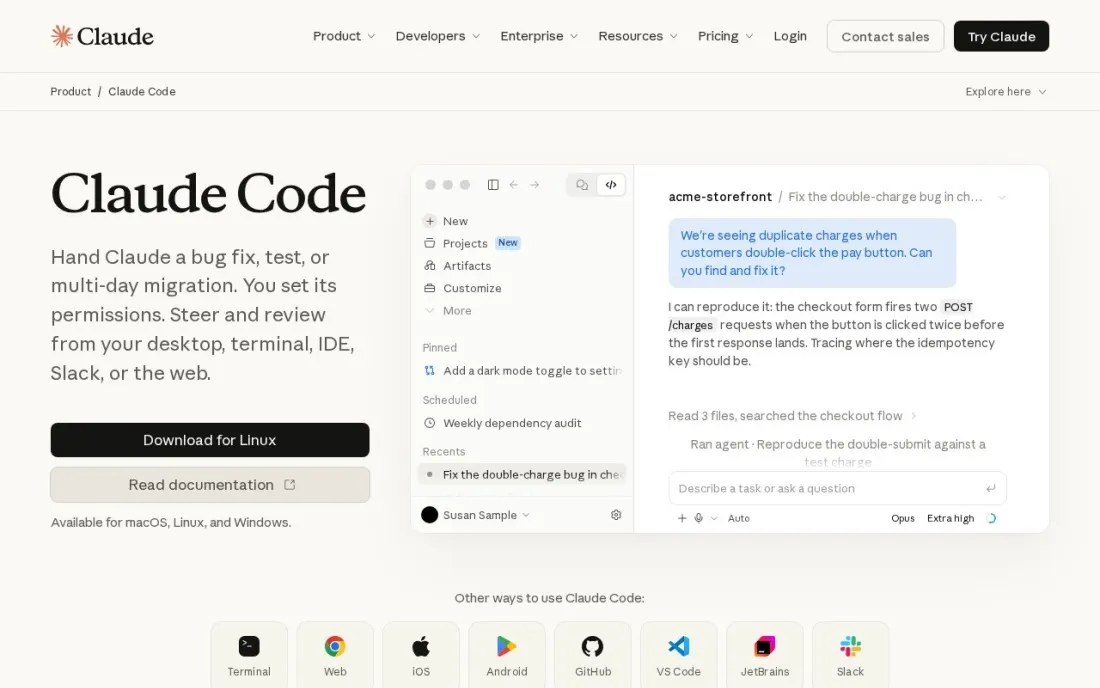
Claude Code is the tool to reach for when a job is bigger than a few lines: fixing a bug that spans several modules, migrating an API, or writing a feature with its tests. It runs in the terminal or IDE, reads the files it needs, makes the edits and runs your commands to confirm the result, so the developer reviews a finished change rather than typing it.
It comes with Claude Pro at $20 a month, or $17 a month billed annually. Teams pay $25 a Standard seat, or $20 billed annually, and Premium seats cost $125, or $100 annually. The Free plan does not include it, and heavy daily users usually move to Max at $100 a month.
What we like
- Included in every paid Claude plan, from Pro at $20 a month
- Annual Pro billing lowers the price to $17 a month
- Team Standard seats cost $25 a month, or $20 billed annually
Watch out for
- Not included on the Claude Free plan
- Heavy users often need Max at $100 a month
- Enterprise requires 20 seats plus usage at API rates

GitHub Copilot
Best for: Developers who want AI completions and chat in VS Code or JetBrains for the lowest price
GitHub Copilot is the everyday tool in this stack: suggestions as you type, a chat panel that explains unfamiliar code, and help writing pull request descriptions and resolving merge conflicts. It runs inside VS Code and JetBrains, so nobody has to change editor, and the $0 Free plan lets every developer try it on real work.
Pro costs $10 a user a month, the cheapest paid tool here. Agent and review work draw on GitHub AI Credits, so the bill can rise in busy months, and the pull request features need GitHub rather than GitLab or Bitbucket. For a team on GitHub, it is the obvious first AI tool to standardise on.
What we like
- Code review is included on every plan, including the $0 Free plan, with no separate reviewer to install
- Reviews live where the code lives — pull requests on github.com and file diffs in VS Code and JetBrains
- Also writes PR descriptions, explains code in the IDE and fixes merge conflicts
- Pro is $10 a user a month, the lowest paid entry price in this list
Watch out for
- GitHub only — no GitLab, Bitbucket or Azure DevOps support at any price
- Review and agent work consume GitHub AI Credits, so heavy use costs more than the $10 seat price
- Context is diff-only on some plans, so it can miss issues that span the wider codebase

Cursor
Best for: Developers ready to switch to an AI-first editor with agents and automations
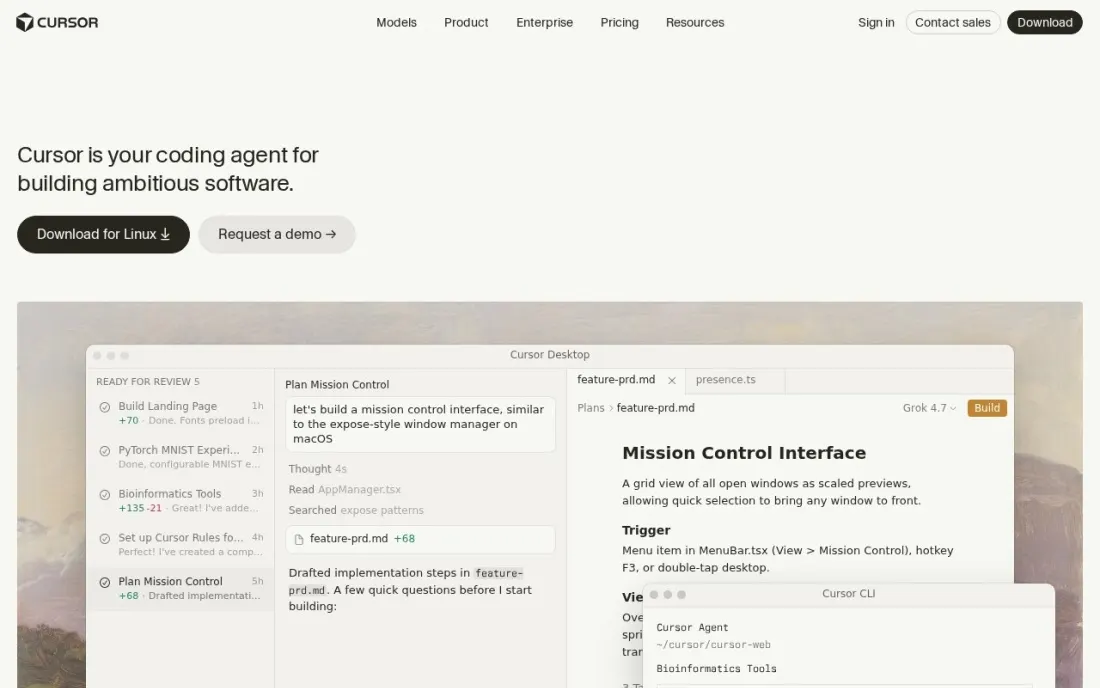
Cursor suits developers who would rather have the AI steer the editor than sit in a side panel. Its agent can make changes across a project from one prompt, and Premium adds cloud agents that keep working when your laptop is closed, scheduled automations and AI code reviews. The Free plan includes a limited number of agent and chat requests.
Plan choice matters. Plus at $8 a month runs Grok models only, Premium at $30 a month gives four times Plus usage, and third-party models are billed separately at API list price. Allowances refresh weekly. Teams starts at $30 a user a month. Try the Free plan for a week before moving a whole team.
What we like
- Free plan includes limited agent and chat requests
- Premium includes cloud agents, automations and AI code reviews
- Weekly usage allowances with top-offs when you run out
Watch out for
- Plus at $8 a month is limited to Grok models
- Third-party models cost extra at API list price on Premium and above
- Teams starts at $30 a user a month and only monthly prices are shown

Amazon Q Developer
Best for: Developers on AWS who also need to upgrade older Java applications
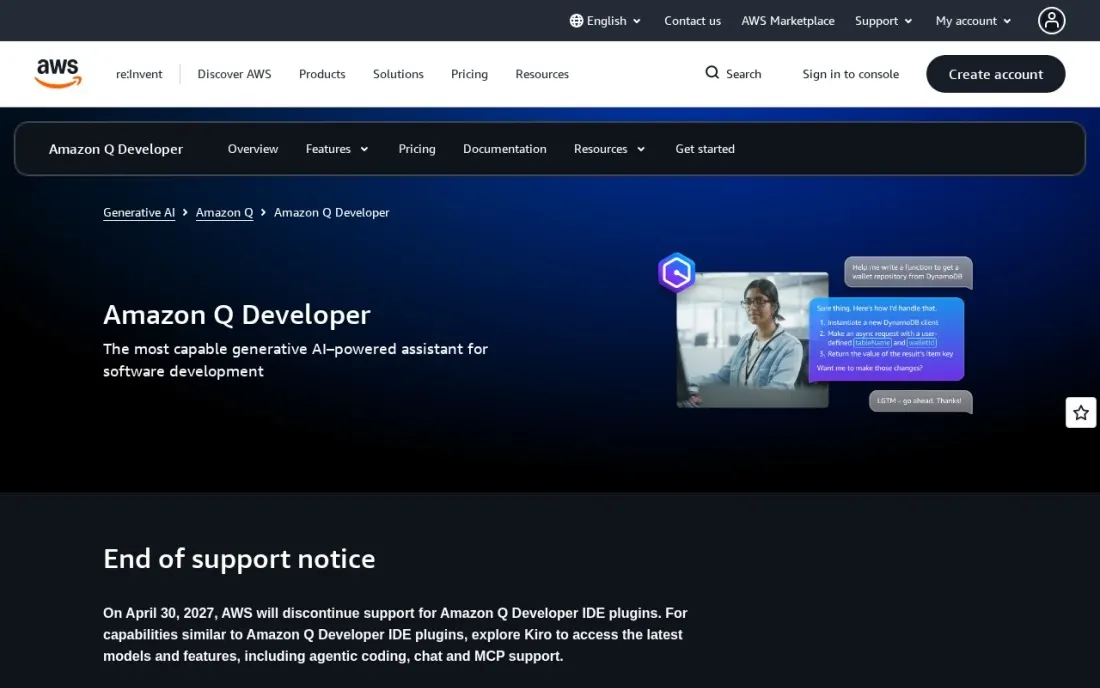
Amazon Q Developer earns a place for one job most AI tools do not attempt: upgrading old Java applications. The Free tier includes 1,000 lines of Java transformation a month per user and 50 agentic requests for coding tasks, which is enough to test an upgrade on one service before committing a budget.
Pro costs $19 a user a month and raises transformation to 4,000 lines a month per user, pooled across the account, with overage at $0.003 a line. It also adds an admin dashboard and IP indemnity, which legal teams tend to ask about. Pro's agentic requests are included with limits, so watch usage.
What we like
- Free tier with 50 agentic requests a month
- Java upgrade transformation: 1,000 lines a month free, 4,000 pooled per user on Pro
- Pro adds an admin dashboard and IP indemnity
Watch out for
- Pro agentic requests have limits the page does not number
- Extra transformation lines cost $0.003 each
- Best fit for AWS-based workloads

CodeRabbit
Best for: Teams that want an AI reviewer commenting on every pull request, on any Git platform
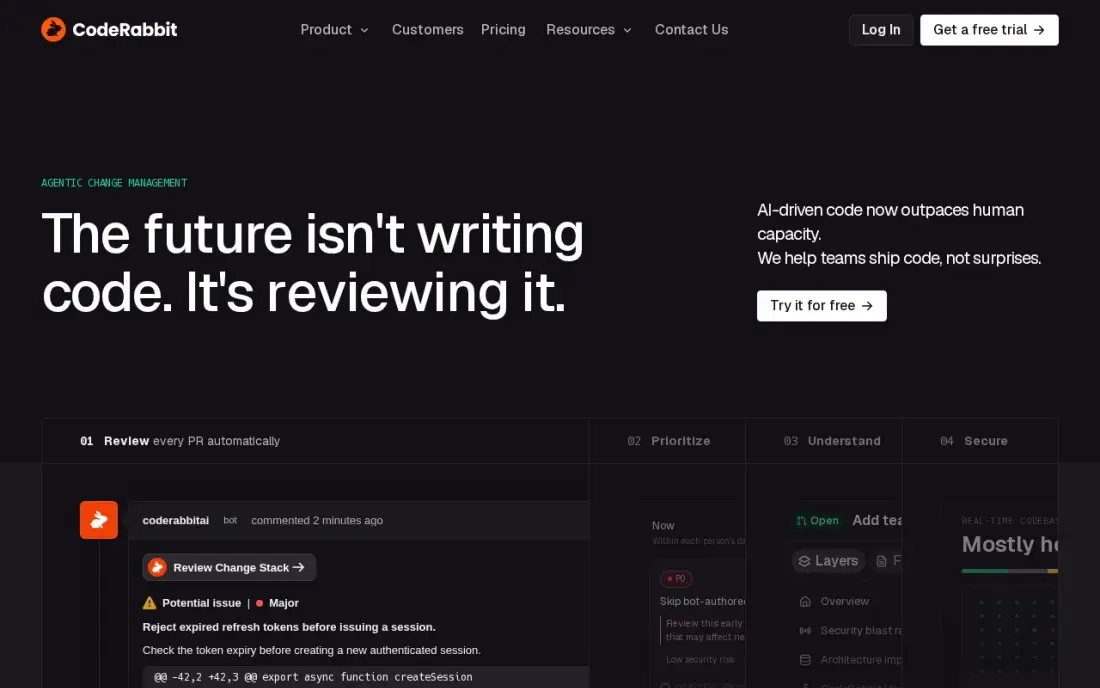
CodeRabbit is the review half of an AI workflow. It reads every pull request, writes a summary, leaves line-by-line comments and offers one-click fixes, and it works on GitHub, GitLab, Bitbucket and Azure DevOps. Only developers who open pull requests are billed, so reviewers and managers are free, and the free tier covers public and private repositories with rate limits.
Essentials costs $24 a user a month billed annually, or $30 monthly, and caps reviews at 5 per developer per hour. Independent tests put comment noise near 28%, so tune its rules in the first month. It catches the routine issues that let human reviewers focus on design.
What we like
- The most detailed line-by-line analysis here, with PR summaries, diagrams and one-click fixes
- Works across GitHub, GitLab, Bitbucket and Azure DevOps — the widest platform coverage in this list
- Charges only developers who create pull requests, so reviewers and managers cost nothing
- Free tier covers public and private repos, and open-source projects get the full product free
Watch out for
- Independent tests put noise near 28% — more than a quarter of comments add little value
- Essentials caps reviews at 5 per developer per hour, with a $0.25-per-file overage above the cap
- No stacked-PR workflow, so teams that chain pull requests need a second tool

Greptile
Best for: Developers on large repos or monorepos who want reviews that understand the whole codebase
Greptile indexes the entire codebase before it reviews, so it can flag a change that breaks something three services away, which diff-only reviewers miss. That makes it a strong fit for monorepos and teams working across many repositories. The free Starter tier gives one developer 50 credits a month.
Paid usage costs $1 a credit with no seat fee, so the bill tracks review volume rather than headcount. Deep reviews cost more credits, so a heavy month can exceed a flat seat plan. It supports GitHub and GitLab only. Choose it when cross-file context matters more than a predictable bill.
What we like
- Indexes the whole codebase, so reviews understand cross-file effects that diff-only tools miss
- No seat fee on paid usage — the bill is a direct function of review volume and depth
- Free Starter tier gives one developer 50 credits a month, and qualified open-source projects are free
- Multi-repo support suits monorepos and teams that review across many services
Watch out for
- Greptile dropped its $30-a-seat plan in late 2026, so older roundups quoting $30 a seat are out of date
- A heavy month costs more than a flat seat plan: deep Apex reviews cost 10 credits each
- No Bitbucket Cloud or Azure DevOps support — GitHub and GitLab only

Qodo
Best for: Developers who want AI-generated tests alongside pull request review
Qodo, formerly CodiumAI, fills the testing gap in an AI workflow. As assistants write more code, someone has to prove it works, and Qodo generates tests for changed code while reviewing the pull request against the full codebase, team history and linked tickets. It runs on GitHub, GitLab, Bitbucket and Azure DevOps.
Pro Team costs $30 a month for 2,500 pooled credits, about 18 reviews, shared by the whole team, so a small team pays far less than per-seat tools. There is no permanent free tier, only a 14-day trial, and credits expire monthly. Estimate your pull request volume before choosing a pack.
What we like
- Pairs review with test generation, so one tool covers both halves of pre-merge quality
- One $30 credit pack covers the whole team — small teams pay far less than per-seat rivals
- Reviews against the full codebase, team history and linked tickets, not just the diff
- Runs on GitHub, GitLab, Bitbucket and Azure DevOps, with on-prem and air-gapped options on Enterprise
Watch out for
- No permanent free tier on the current pricing page — only a 14-day trial
- Credit billing is hard to forecast: about 18 reviews per $30 pack, then overage at the same rate
- Cross-repo features and merge blocking wait for Enterprise, priced for teams of 30 or more

SonarQube
Best for: Teams that want an automated quality and security gate on every merge, including AI-written code
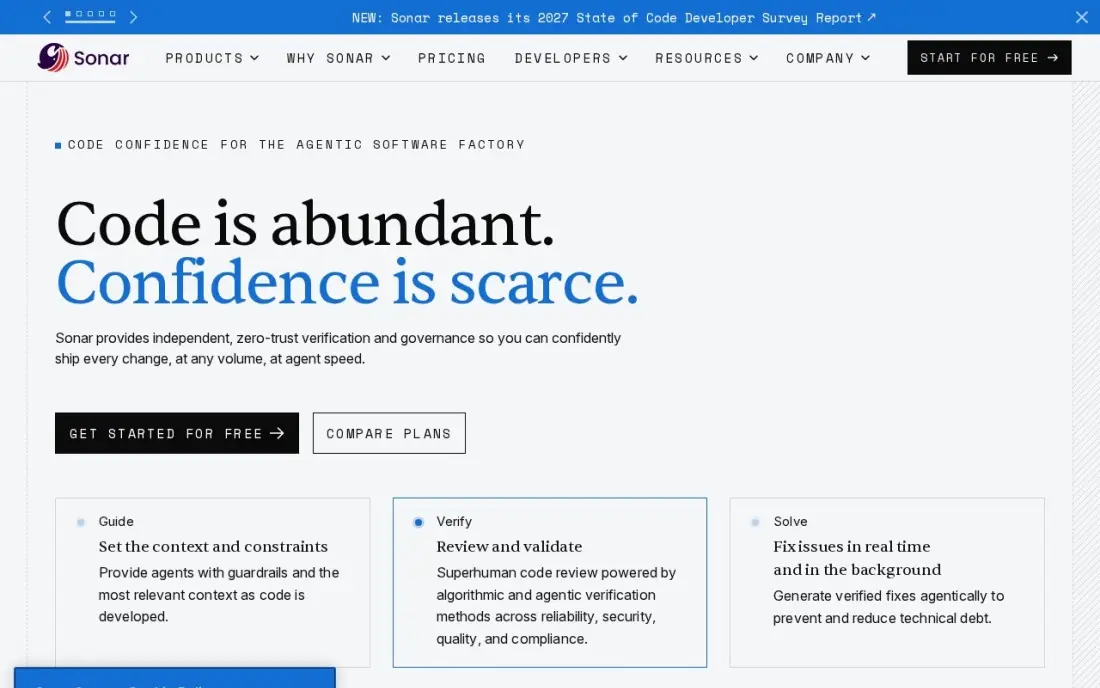
SonarQube is the safety net under every other tool here. It scans each pull request for bugs, code smells and security issues across 35 or more languages, and a quality gate blocks the merge when the code falls below the team's own bar, whether a person or an AI wrote it. The free tier covers up to 50,000 lines of code.
The Team plan costs $34 a month for up to 100,000 lines, priced by code size rather than seats, so reviewers cost nothing extra. Dependency scanning needs the Advanced Security add-on. It checks quality, not design, so it complements an AI reviewer rather than replacing one.
What we like
- Quality gates block merges that fail the team's own bar, across 35 or more languages
- Flat monthly price scales with lines of code, not seats, so reviewers and managers cost nothing extra
- Community Build self-hosted edition is free with no contributor limits
- Pull request decoration puts findings where reviewers already work
Watch out for
- Priced by lines of code, so a growing codebase raises the bill without adding seats
- Dependency scanning needs the separate Advanced Security add-on
- Automation checks quality — it does not judge design or business logic
The best AI tools for software developers cover more than autocomplete. A working setup uses AI to write code, to review it, to test it and to stop bad changes before they merge. We compared eight tools across those four jobs on what they do, which platforms they support, their free plans and their real monthly cost, with every price checked on the vendor's pricing page or our checked tool database in November 2026.
How to choose the best AI tools for software developers
- Build a stack, not a single tool. One tool to write, one to review and a quality gate covers most teams; buying three writing assistants does not.
- Match the writing tool to the size of the task. Completions help with lines and functions; agents such as Claude Code and Cursor take whole tasks across many files.
- Check Git platform support. Copilot's pull request features need GitHub and Greptile supports GitHub and GitLab; CodeRabbit and Qodo also cover Bitbucket and Azure DevOps.
- Understand the billing model. Seats, pooled credits, per-review credits and lines of code all appear here, and each scales differently as the team grows.
- Measure noise. An AI reviewer that leaves too many low-value comments gets ignored; tune its rules and track how many comments lead to changes.
- Keep humans on design decisions. AI tools are strong on routine checks and weak on whether a change is the right one.
Developer tools live or die on being found. If your product needs to appear when developers ask an AI assistant which tool to use, our AI search optimization service covers that, and the free llms.txt generator helps AI crawlers understand your docs.
AI tools for software developers pricing: what you will actually pay
Take a team of six developers building a full stack on monthly list prices. For writing, GitHub Copilot Pro at $10 a user costs $60 a month, or Claude Code on Team Standard seats at $25 costs $150 a month, falling to $120 on annual billing at $20 a seat. For review, CodeRabbit Essentials at $24 a user billed annually costs $144 a month, or $180 billed monthly at $30. For tests, Qodo Pro Team adds $30 a month of pooled credits. For a quality gate, SonarQube Team costs $34 a month up to 100,000 lines.
A Copilot, CodeRabbit annual, Qodo and SonarQube stack costs $268 a month, or $3,216 a year. Swap Copilot for Claude Code on annual Team Standard seats and the stack costs $328 a month, or $3,936 a year. A lean alternative is Copilot plus Greptile's free Starter tier and SonarQube's free tier up to 50,000 lines, which costs only the $60 for Copilot seats while the codebase stays small. Usage charges such as GitHub AI Credits and Greptile's $1 credits come on top.
Know the difference: AI that writes code vs AI that checks code
Writing tools increase output. Claude Code, GitHub Copilot, Cursor and Amazon Q Developer turn prompts and comments into code, and the better they get, the more code lands in pull requests. That is the point, but it also means more change to understand, more places for subtle bugs and more load on reviewers.
Checking tools protect quality as output rises. CodeRabbit and Greptile read each pull request and comment like a reviewer, Qodo generates tests for the changed code, and SonarQube enforces a quality gate that blocks merges below the team's bar. Teams that add writing tools without checking tools often ship faster for a month and then spend the next one fixing regressions.
Quick comparison: tool type by need
| Buyer | Best pick | Why |
|---|---|---|
| Hand off whole tasks | Claude Code | Terminal agent from Claude Pro at $20/month |
| Everyday completions | GitHub Copilot | Free plan, Pro $10/user/month in VS Code and JetBrains |
| AI-first editor | Cursor | Agents and automations, Premium $30/month |
| AWS and Java upgrades | Amazon Q Developer | Free tier, Pro $19/user/month |
| Review on any Git platform | CodeRabbit | GitHub, GitLab, Bitbucket, Azure DevOps; $24/user/month annual |
| Monorepos | Greptile | Full-codebase context, $1 per credit, 50 free a month |
| Generated tests | Qodo | Tests plus review, $30/month pooled |
| Quality gate | SonarQube | Free to 50,000 lines, Team $34/month |
Mistakes to avoid
- Adding writing tools without checking tools. Faster output without review and tests moves the work from writing to fixing.
- Letting every developer pick a different assistant. Standardise on one writing tool per team so prompts, rules and costs are shared.
- Ignoring usage-based charges. Credits and API-rate models sit outside seat prices; check the bill after the first busy week.
- Trusting an AI reviewer's silence. No comments does not mean no problems; keep a human approval on anything that touches security or payments.
- Skipping the pilot. Run any tool on real tickets with two or three developers before buying seats for everyone.
Related comparisons: Cloud Platforms for Developers · Ecommerce Platforms for Developers · A/B Testing Software for App Developers · Engineering AI Platforms
How we chose
We grouped tools by the job they do in a development workflow — writing, reviewing, testing and gating — and picked the strongest options for a typical team of five to ten developers. Claude Code, Cursor and Amazon Q Developer prices were read on the vendors' own pricing pages on November 16, 2026; the rest come from our checked tool database, verified in November 2026. Ratings appear only where we read the review page. No vendor paid for a place in this list, and none of the links here are affiliate links.
What to do next
Pick one writing tool and one checking tool, run them together on a single repository for two weeks, and track time to merge and post-release bugs against the previous two weeks. Keep the pair if both numbers improve. If your developer product also needs more visibility in search and AI answers, book a free strategy call.
Frequently asked questions
What are the best AI tools for software developers?
For writing code, Claude Code and GitHub Copilot lead, with Cursor for an AI-first editor and Amazon Q Developer for AWS teams. For review, CodeRabbit and Greptile; for tests, Qodo; and SonarQube as an automated quality gate.
Which AI tools for developers are free?
GitHub Copilot, Cursor and Amazon Q Developer have free plans, CodeRabbit has a rate-limited free tier, Greptile's Starter tier gives one developer 50 credits a month, and SonarQube is free up to 50,000 lines of code. Claude Code needs a paid Claude plan.
How much do AI developer tools cost per month?
On list prices, GitHub Copilot Pro is $10 a user, Amazon Q Developer Pro $19, Claude Code from $20 or $17 billed annually, Cursor Premium $30, CodeRabbit Essentials $24 billed annually, Qodo $30 pooled and SonarQube Team $34.
Do I need both an AI coding assistant and an AI code reviewer?
For a team, usually yes. An assistant speeds up writing, which raises the volume of code to review. An AI reviewer such as CodeRabbit or Greptile catches routine issues on every pull request so human reviewers can focus on design.
Will AI tools replace software developers?
Not on current evidence. They take over routine typing, boilerplate and first-pass review, but someone still has to define the task, judge the design and own the result. The developers who gain most are those who review AI output carefully.
Are AI developer tools safe for company code?
Check each plan's data terms before connecting a private repository. Team and Enterprise plans add SSO and admin controls, and Amazon Q Developer Pro includes IP indemnity. Keep a quality gate such as SonarQube on every merge.
Which AI tools for software developers work in VS Code?
GitHub Copilot is the main pick: it runs inside VS Code and JetBrains, so nobody has to change editor, and the Free plan costs $0 with Pro at $10 a user a month. Claude Code runs in the terminal or IDE and takes whole tasks rather than single lines. Cursor is the alternative for developers who would rather switch to an AI-first editor, with a Free plan and Premium at $30 a month.
Which AI tools cover the whole software development life cycle?
No single tool does, so build a stack. For writing code, use Claude Code, GitHub Copilot or Cursor, with Amazon Q Developer for AWS teams upgrading older Java applications. For review, CodeRabbit or Greptile comment on every pull request. Qodo adds AI-generated tests, and SonarQube acts as an automated quality and security gate on every merge, including AI-written code, free up to 50,000 lines.
Sources we checked (11)
- Claude Code — claude.com/pricing (checked November 16, 2026)
- GitHub Copilot — github.com/features/copilot/plans (checked November 6, 2026)
- GitHub Copilot reviews on G2 (checked November 6, 2026)
- Cursor — cursor.com/pricing (checked November 16, 2026)
- Amazon Q Developer — aws.amazon.com/q/developer/pricing (checked November 16, 2026)
- CodeRabbit — coderabbit.ai/pricing (checked November 6, 2026)
- CodeRabbit reviews on G2 (checked November 6, 2026)
- Greptile — www.greptile.com/pricing (checked November 6, 2026)
- Qodo — www.qodo.ai/pricing (checked November 6, 2026)
- SonarQube — www.sonarsource.com/plans-and-pricing (checked November 7, 2026)
- SonarQube reviews on G2 (checked November 7, 2026)
Make one of these tools?
We re-check this list every quarter. Send a correction, request a review, or ask about a clearly labeled sponsored spot.
Request a listingShamim
Founder of SerpAstra
A full-stack digital marketer and SEO strategist covering technical and local SEO, AI search visibility, paid ads and lead generation for local businesses, e-commerce brands and SaaS teams.
Free SEO and AI visibility audit
Find out what is holding your rankings back
Send us your site. Within 2 business days you get a written audit, an AI visibility check and a short fix list ranked by impact. Free, with no contract attached.
Request my free audit→Related buying guides
 Developer ToolsBest AI Code Review Tools for 2026: 12 Picks Ranked by What You NeedCompare the 12 best ai code review tools on price, free plans, Git platforms and AI review depth, with every price checked November 6, 2026.Read guide →
 Developer Tools10 Best Software Development Tools in 2026, ComparedCompare the 10 best software development tools, from editors and Git hosting to app development frameworks, on free plans and real per-seat cost in 2026.Read guide →
 Developer Tools8 Best Software Testing Tools in 2026, ComparedCompare the 8 best software testing tools for end-to-end, cross-browser, API, load and code quality testing, with free options and real prices checked in 2026.Read guide →