
9 Best Event Management Software in 2026, Compared
Compare the 9 best event management software on registration, ticket fees, check-in, attendee apps and real cost per event, with prices checked on vendor pages.
 Shamim Mia, Founder, SerpAstraLast verified November 4, 20269 min read
We compare pricing pages, documentation and public reviews. We never accept payment for rankings.

Key takeaways
- Zoho Backstage is the value pick for small teams: a free plan for 100 attendees per event, Essentials at $99 a month billed annually and 0% commission on ticket sales.
- Ticket fees decide the cost of public events: Eventbrite charges 3.7% + $1.79 per paid ticket plus 2.9% processing, Whova 3.0% + $0.99 and Ticket Tailor a flat fee per ticket.
- Whova is the conference pick for attendee networking, rated 4.8 out of 5 on G2 from 1,970 reviews, but the platform is priced by quote per event.
- Enterprise platforms are budgeted in the thousands: Accelevents starts from $7,500 for one event, Bizzabo's floor is $17,999 a year and Cvent is quote-only.
On this page
Quick comparison
| Tool | Best for | Starting price | Free plan |
|---|---|---|---|
| Zoho Backstage | Small teams that want an all-in-one event platform without giving up a cut of ticket sales | Free; $99/mo (annual) | Yes (100 attendees/event) |
| Eventbrite | Public ticketed events that benefit from Eventbrite's discovery marketplace | Free to publish; fee per ticket | Yes (free events) |
| Whova | Conferences and association events where attendee networking is the point | Quote per event; 3.0% + $0.99/ticket | Yes (free events) |
| Ticket Tailor | Small organisers and charities that want low flat ticket fees with no subscription | From £0.22/ticket | Yes (free events) |
| Splash | Marketing teams that need on-brand event pages, invites and registration fast | Free; Pro by quote | Yes (limited) |
| Accelevents | Organisers of large in-person and hybrid events that want unlimited admins and on-site check-in | From $7,500 | No (demo) |
| Bizzabo | B2B marketing teams running sponsor-funded conferences where lead capture matters | $499/user/mo (annual) | No (demo only) |
| Cvent | Large organisations running many conferences and trade shows that need venue sourcing | Custom quote | No (demo only) |
| Tripleseat | Venues, hotels and restaurants that sell and run private and group events | $375/venue/mo | No (demo only) |
Make one of these tools?
We re-check this list every quarter. Send a correction, request a review, or ask about a clearly labeled sponsored spot.
Request a listingThe best event management software

Zoho Backstage
Best for: Small teams that want an all-in-one event platform without giving up a cut of ticket sales
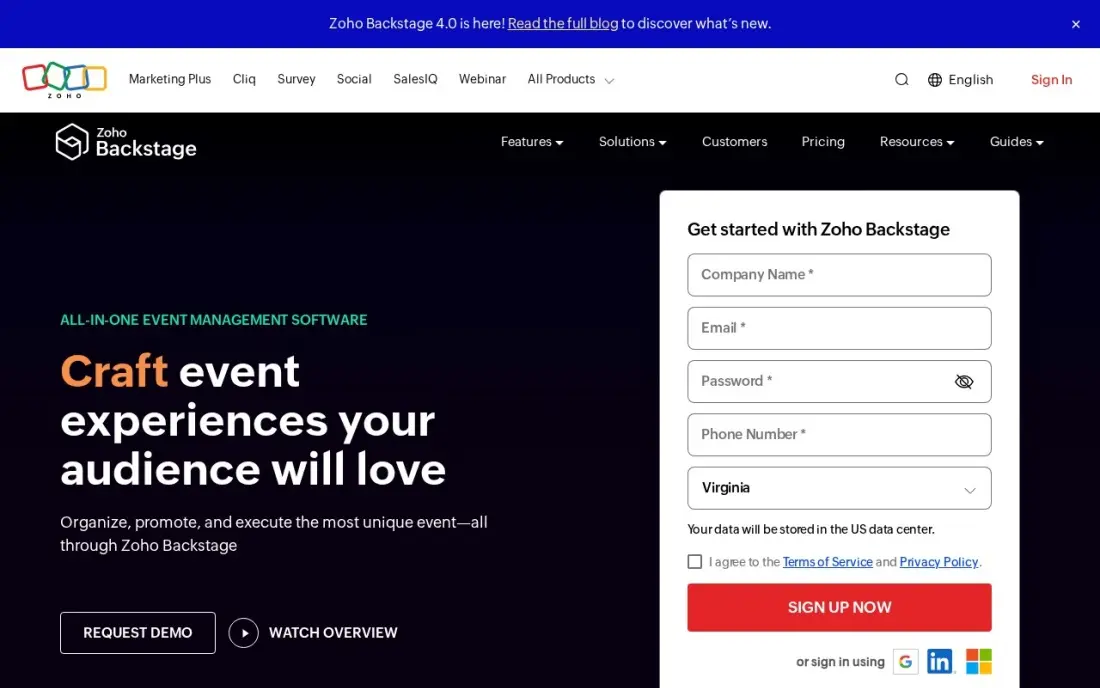
Zoho Backstage covers the core of event management — an event website builder, registration and RSVPs, ticketing, check-in and badging — and takes 0% commission on ticket sales. The free plan handles up to 100 attendees per event, and Essentials costs $99 a month billed annually, or $119 monthly, with unlimited events.
Essentials caps each event at 200 attendees, so larger conferences need Premium at $249 a month. A pay-per-event option from $299 an event suits teams that run one event a year. Its 4.4 out of 5 G2 rating rests on only 29 reviews, so ask for a reference from an organiser running events like yours.
What we like
- 0% commission on ticket sales — you keep all ticket revenue, which no other platform in this list offers
- Unlimited events on every paid plan, with a drag-and-drop website builder, RSVP management and check-in included
- Pay-per-event option from $299 an event suits teams that run one event a year
Watch out for
- Essentials caps at 200 attendees per event, so bigger conferences need Premium ($249/month) or the top-tier plan
- Only 29 G2 reviews, so the 4.4/5 rating rests on a much smaller base than the other platforms here

Eventbrite
Best for: Public ticketed events that benefit from Eventbrite's discovery marketplace
Eventbrite is the quickest way to put a public event on sale. Publishing is free, free events cost nothing, and the marketplace brings in people browsing for things to do; Eventbrite says it has helped transact 270 million tickets across 4.7 million events. The organiser app turns phones into QR check-in scanners, and the optional Pro plan adds email marketing from $15 a month.
The cost sits on each paid ticket: 3.7% plus $1.79, plus 2.9% payment processing. On a $100 ticket that is $5.49 in service fees before processing, so a 500-ticket sell-out costs about $2,745 in service fees. Branding is limited, so it suits community and consumer events more than corporate ones.
What we like
- Free to publish — unlimited free events cost nothing, and paid tickets carry no monthly subscription
- Built-in discovery marketplace: Eventbrite says it has helped transact 270 million tickets across 4.7 million events
- Organizer app turns phones into QR check-in scanners, and the optional Pro plan adds email marketing from $15/month
Watch out for
- Per-ticket fees add up fast: 3.7% + $1.79 per ticket plus 2.9% payment processing on every paid order
- Event-page branding is limited — reviewers note you cannot fully white-label the page to match your own brand

Whova
Best for: Conferences and association events where attendee networking is the point
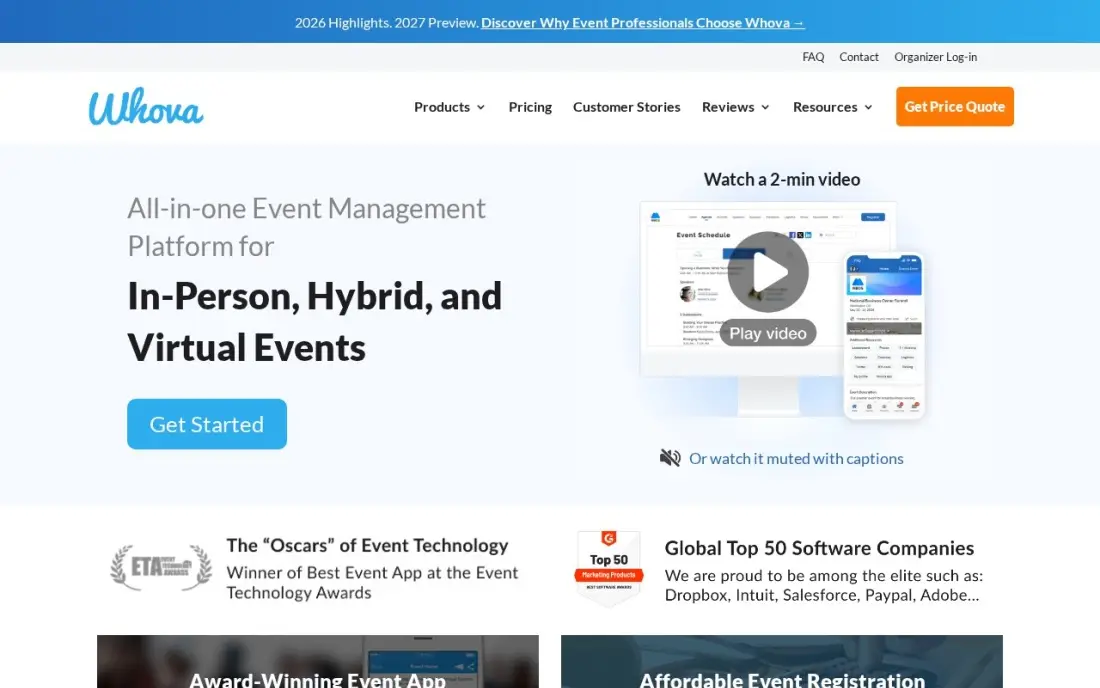
Whova is the event app attendees actually open. Agenda, speaker profiles and announcements sit alongside community boards, matchmaking, messaging and meetups, so people connect before the first session. It holds the highest G2 rating in this list, 4.8 out of 5 from 1,970 reviews, and reviewers praise its support.
The platform is priced by custom quote per event, so budget from a sales conversation. Ticketing costs 3.0% plus $0.99 per paid ticket, with no fee on free tickets. Reviewers note the attendee app is web-first in places and depends heavily on venue Wi-Fi, so test connectivity at large venues before launch.
What we like
- Highest G2 rating in this list at 4.8/5 from 1,970 reviews, with reviewers praising ease of use and support
- Community boards, matchmaking, messaging and meetups turn the attendee app into the networking engine
- Lower ticket fee than Eventbrite at 3.0% + $0.99 per paid ticket, with no fee on free tickets
Watch out for
- Platform pricing is a custom quote per event, so two events the same size can be quoted very different amounts
- The attendee app is web-first in places, and reviewers note heavy Wi-Fi dependence in large venues

Ticket Tailor
Best for: Small organisers and charities that want low flat ticket fees with no subscription
Ticket Tailor is the low-fee alternative for organisers who bring their own audience. It charges a flat fee per ticket rather than a percentage: £0.60 pay as you go, or from £0.22 with prepaid credits, plus VAT, with no subscription or contract. Free events are free up to 5,000 tickets a year, and the first five paid tickets cost nothing.
Payment processing is separate and goes to Stripe, PayPal or Square; the US Stripe example on the page is 2.9% plus $0.30. Fees are listed in pounds, so US buyers should convert. Registered charities get 50% off. There is no marketplace, so promotion is up to you.
What we like
- Flat per-ticket fee instead of a percentage of the ticket price
- No subscription or contract; fees apply only when you sell
- Registered charities get 50% off fees
Watch out for
- Payment processing is paid separately to Stripe, PayPal or Square
- Fees are published in GBP, so US organisers must convert
- No discovery marketplace; you bring your own audience

Splash
Best for: Marketing teams that need on-brand event pages, invites and registration fast
Splash is the design-first event tool: event pages, invitations and emails look polished from the templates, and reviewers say a page can go live in minutes without a designer. Every paid plan includes unlimited events and registrations, and a two-way Salesforce sync plus Marketo, HubSpot and Slack integrations keep guest lists and the CRM aligned.
There is a free plan with limited features, but Pro and Enterprise are sold by quote, and third-party estimates disagree widely. G2 reviewers note that guest-list management slows on very large lists. Choose Splash when many smaller branded events matter more than one big conference.
What we like
- Design-first event pages, invites and emails — reviewers say pages go live in minutes without a designer or a developer
- Unlimited events and unlimited registrations on every paid plan, with no hidden fees
- Two-way Salesforce sync plus Marketo, HubSpot and Slack integrations keep registrations in the CRM
Watch out for
- No published price — Pro and Enterprise are sold by quote, and third-party estimates disagree widely
- Guest-list management slows down on very large lists, per G2 reviewers

Accelevents
Best for: Organisers of large in-person and hybrid events that want unlimited admins and on-site check-in
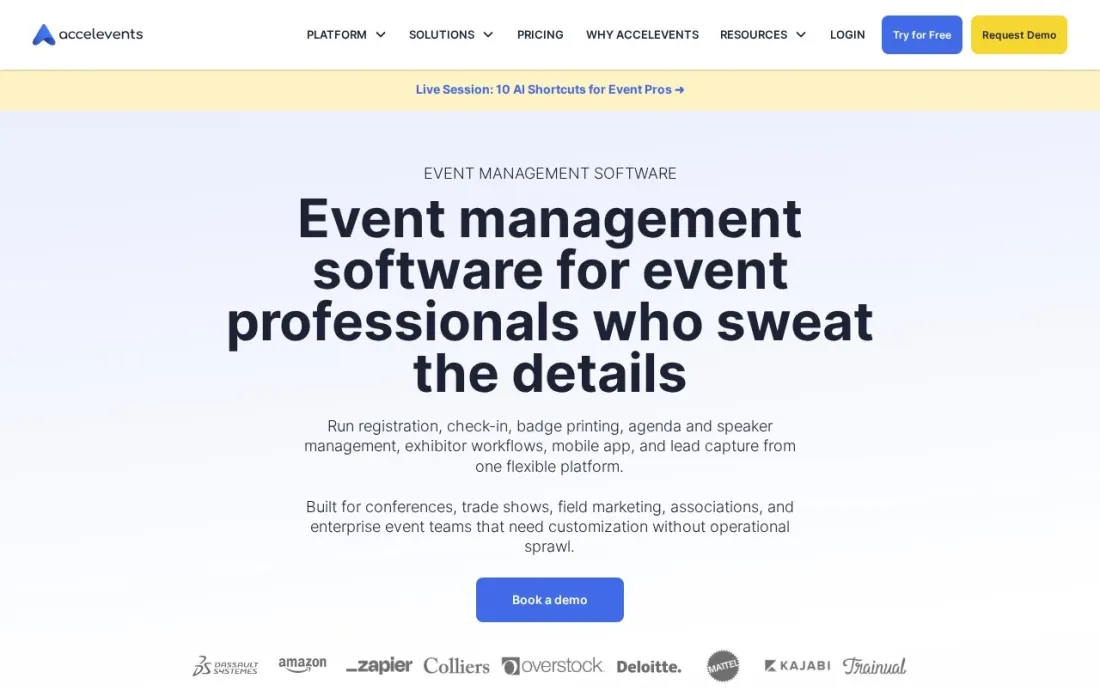
Accelevents is a full event management platform for in-person and hybrid events, with registration, payments through 10 processors and gateways, on-site check-in and badge printing. Professional includes unlimited admin seats, registration types and custom fields, plus staff-managed or kiosk self check-in, and every plan comes with 24/7 support.
Professional starts from $7,500 for one event, and Business from $13,500 for unlimited events with cross-event reporting. The mobile app and virtual events are paid add-ons with no published price, and approval workflows, call for speakers and API access need Enterprise. Book a strategy session to get the full quote.
What we like
- Unlimited admin seats, registration types and custom fields from Professional
- Staff-managed or kiosk self check-in with badge printing included
- 24/7 support on all plans
Watch out for
- Entry price starts from $7,500 for a single event
- Mobile app and virtual events are paid add-ons
- Approval workflows, call for speakers and API need Enterprise

Bizzabo
Best for: B2B marketing teams running sponsor-funded conferences where lead capture matters
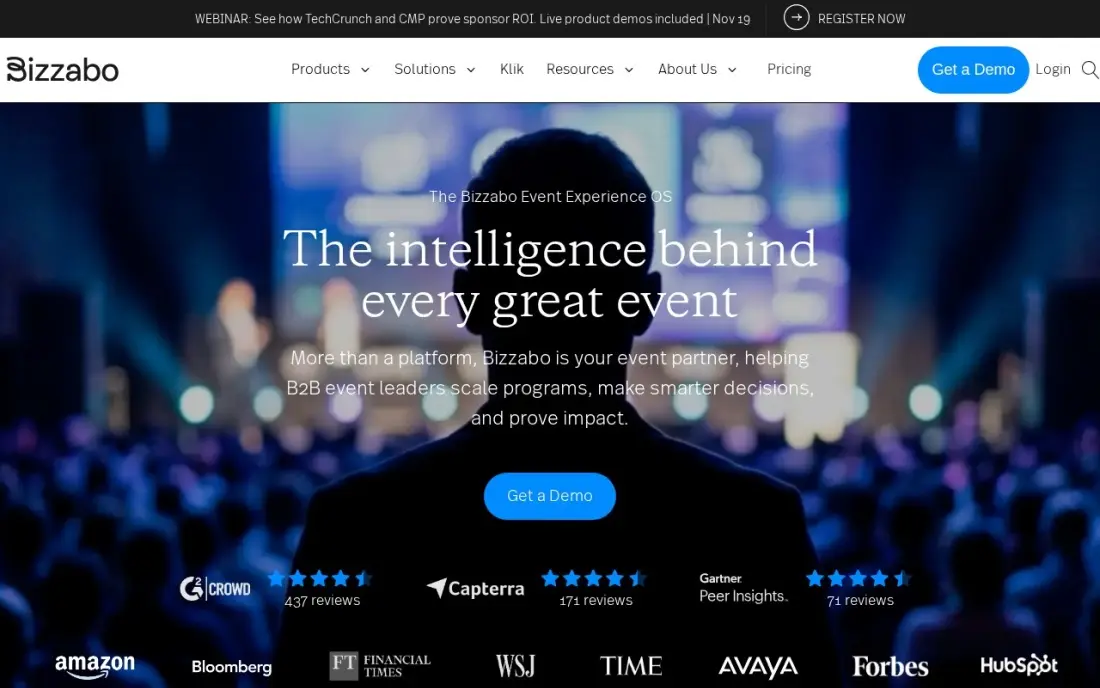
Bizzabo's Event Experience OS covers registration, event websites, a mobile app, virtual events and analytics in one login, and its Klik SmartBadges let attendees swap contacts with a tap; Bizzabo reports nearly 1 million contact exchanges since 2022. HubSpot, Marketo and Salesforce integrations carry those leads into the CRM.
It is one of the few enterprise event platforms with a published price: $499 a user a month billed annually, with a three-user minimum, which puts the floor at $17,999 a year. There is no single-event option, and SmartBadge hardware costs extra. Choose it when sponsor leads are how the event is judged.
What we like
- Event Experience OS covers registration, event websites, mobile app, virtual events and analytics in one login
- Klik SmartBadges turn networking into captured leads — Bizzabo reports nearly 1 million contact exchanges since 2022
- Native HubSpot, Marketo and Salesforce integrations carry event leads straight into the CRM
Watch out for
- Annual subscription only — no single-event purchase, and the $17,999-a-year floor is steep for infrequent events
- Klik SmartBadge hardware is priced separately, and reviewers note the website editor gets fiddly on complex agendas

Cvent
Best for: Large organisations running many conferences and trade shows that need venue sourcing
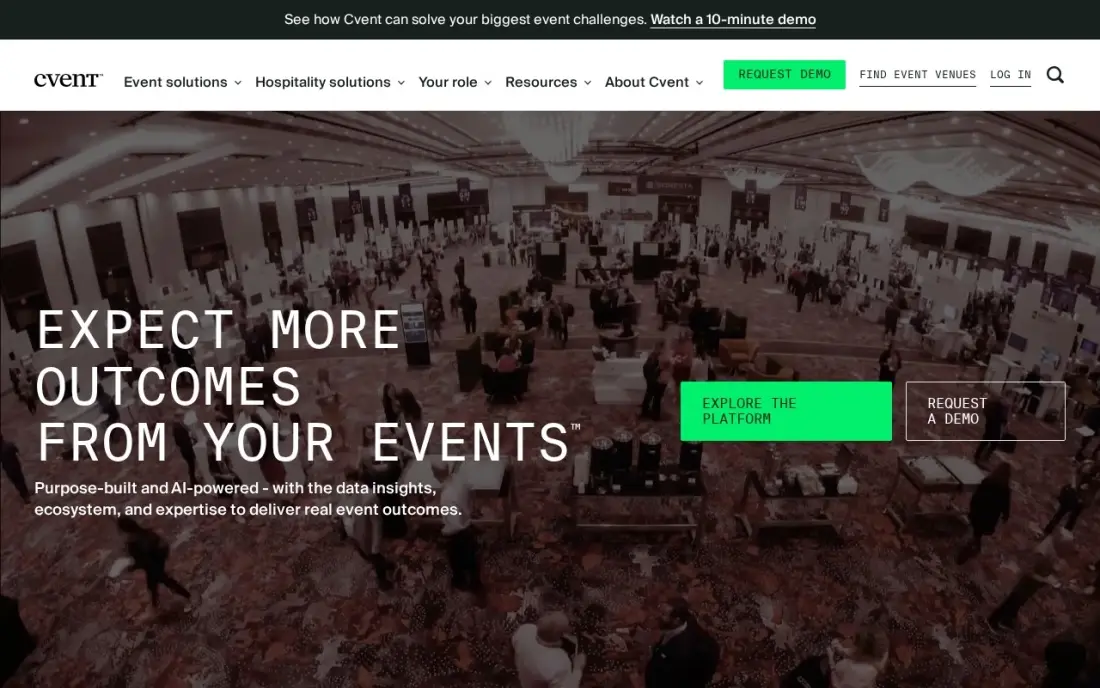
Cvent is the enterprise suite of event management: registration, venue sourcing across a large network of hotels and venues with RFP and contract tools, an attendee hub for virtual sessions and on-site check-in. Native Salesforce and marketing automation integrations keep event data in the CRM, which suits a company with a full events programme.
Cvent publishes no prices and offers no self-serve trial; every plan runs through a sales quote and an annual contract. Third-party procurement data puts typical mid-market contracts near $19,550 a year, which is an estimate rather than a Cvent figure. A team running a handful of events a year will find better value elsewhere.
What we like
- The only enterprise event platform here: registration, venue sourcing, attendee hub and on-site check-in in one suite
- Venue sourcing covers a large network of hotels and venues, with RFP and contract tools built in
- Native Salesforce and marketing-automation integrations keep event data in the CRM
Watch out for
- No published prices and no self-serve trial; every plan runs through a sales quote and an annual contract
- Third-party procurement data puts typical mid-market contracts near $19,550 a year, so it is not a small-team buy

Tripleseat
Best for: Venues, hotels and restaurants that sell and run private and group events
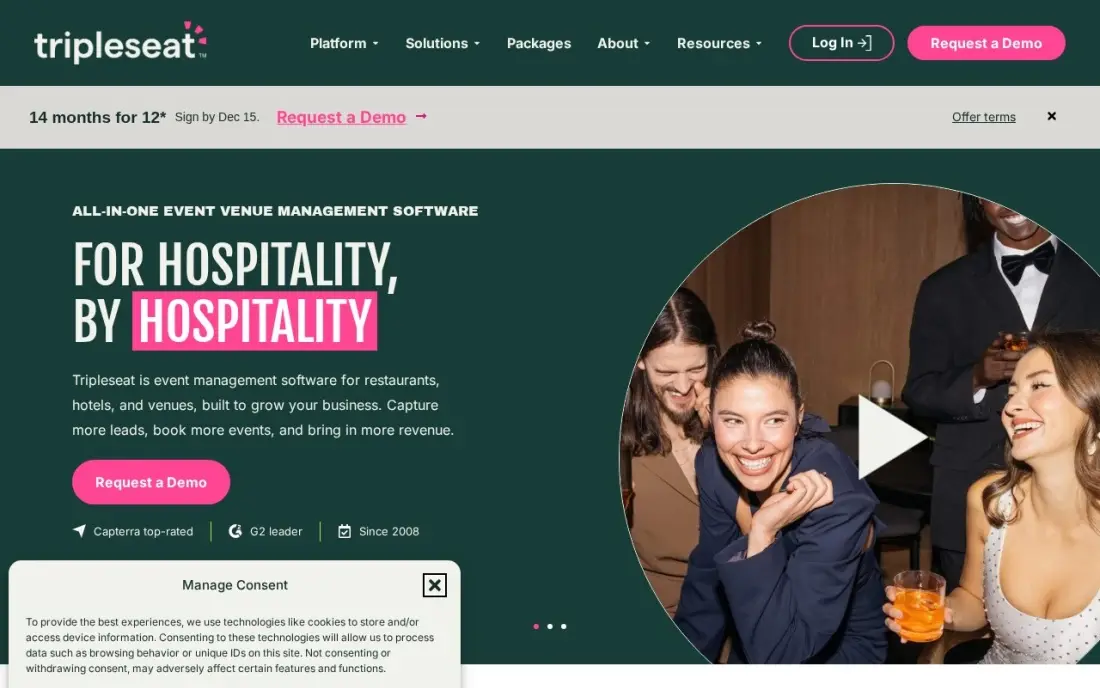
Tripleseat is event management from the venue's side. It handles the whole event sale — lead capture, proposals, contracts, banquet event orders, payments and reporting — so a hotel, restaurant or event space can turn an enquiry into a confirmed booking and a kitchen-ready BEO without spreadsheets. Every plan includes unlimited users, integrations and full feature access.
It starts at $375 a venue a month, so a group with three venues pays from $1,125 a month before add-ons such as Floor Plans, Direct Book and Tickets. There is no free trial. It is rated 4.5 out of 5 on G2 from 360 reviews.
What we like
- Starts at $375 per venue a month on the vendor's own packages page, with no paywalled tiers
- Every plan includes unlimited users, integrations and full feature access
- Covers the whole event sale: lead capture, proposals, contracts, BEOs, payments and reporting
- Tripleseat Hotels adds room-block management and PMS integrations for hotel groups
Watch out for
- $375 a venue a month adds up fast for a group with several properties
- Add-ons such as Floor Plans, Direct Book and Tickets are priced separately
- No free trial, and reviewers note emails sometimes land in guests' spam folders
The best event management software takes an event from announcement to post-event report in one place: the event page, registration and tickets, attendee communication, check-in on the day and the numbers afterwards. We compared nine tools — small-team platforms, ticketing services, conference apps, enterprise suites and one venue system — on what each manages, how it charges and what an event really costs, with prices checked on vendor pages in November 2026.
How to choose the best event management software
- Start with the event type. Public ticketed events, member conferences, B2B sponsor events and venue bookings each have a tool built for them.
- Work out the fee model. Per-ticket fees suit occasional public events; flat subscriptions win once ticket volume grows.
- Check attendee caps. Free and entry plans often limit attendees per event, which decides your real plan.
- Test check-in. Run a mock check-in with phones or a kiosk before the day; queues at the door are what attendees remember.
- Look at the attendee app. For conferences, agenda, networking and announcements in one app lift engagement; for a one-off party they are unnecessary.
- Confirm CRM integration. If events feed sales, check that registrations and leads flow into your CRM automatically.
An event page only sells tickets if people find it. Our AI search optimisation service helps your events show up in Google and AI answers, and the free UTM builder lets you track which promotions actually drive registrations.
Event management software pricing: what you will actually pay
Take one 300-person event with $50 tickets. On Eventbrite, the service fee is 3.7% plus $1.79, or $3.64 a ticket, so 300 tickets cost $1,092 in service fees plus 2.9% processing. On Whova's ticketing, the fee is 3.0% plus $0.99, or $2.49 a ticket, so $747, but the platform itself is quoted per event. Ticket Tailor charges a flat £0.60 a ticket pay as you go, or £180 for 300 tickets plus VAT and processing.
Zoho Backstage takes 0% of ticket sales, but Essentials caps events at 200 attendees, so a 300-person event needs Premium at $249 a month, or the pay-per-event option from $299. At the enterprise end, Accelevents starts from $7,500 for one event, Bizzabo's floor is $17,999 a year, and Cvent and Splash Pro are quote-only. Venues pay differently again: Tripleseat costs $375 a venue a month, or $4,500 a year.
Know the difference: event management platform vs ticketing tool
A ticketing tool does one job well: it sells tickets, takes payment, emails the ticket and scans it at the door. Eventbrite and Ticket Tailor are built around that, and for a gig, workshop or community event that is often all the management you need. Their costs scale with tickets sold.
An event management platform runs the whole event. It builds the website, manages the agenda, speakers and sponsors, powers an attendee app with networking, handles badges and on-site check-in and reports on attendance and leads afterwards. Zoho Backstage, Whova, Accelevents, Bizzabo and Cvent sit here, and they are priced by subscription or by event. Choose the platform when the experience inside the event matters as much as the ticket.
Quick comparison: tool type by need
| Buyer | Best pick | Why |
|---|---|---|
| Small teams | Zoho Backstage | Free for 100 attendees/event, $99/month annual, 0% commission |
| Public ticketed events | Eventbrite | Free to publish, discovery marketplace, fee per paid ticket |
| Conferences and associations | Whova | Networking app rated 4.8 on G2, quote per event |
| Low-fee ticketing | Ticket Tailor | Flat fee from £0.22 a ticket, no subscription |
| Branded marketing events | Splash | Design-first pages and invites, free plan, Pro by quote |
| Large in-person and hybrid | Accelevents | Unlimited admins and kiosk check-in, from $7,500 |
| Sponsor-led B2B conferences | Bizzabo | Lead-capture SmartBadges, $499/user/month annual |
| Enterprise event programmes | Cvent | Registration plus venue sourcing, quote-only |
| Venues and hotels | Tripleseat | Leads, contracts and BEOs, $375/venue/month |
Mistakes to avoid
- Ignoring per-ticket fees at scale. A percentage fee that is trivial on 50 tickets becomes thousands on 2,000; compare against a flat subscription.
- Missing attendee caps. Check the per-event attendee limit before you launch registration, not after it fills.
- Buying an enterprise suite for two events a year. Annual contracts in five figures rarely pay off for occasional events.
- Skipping a check-in rehearsal. Test scanners, Wi-Fi and badge printers at the venue before doors open.
- Leaving data in the event tool. Export or sync attendee lists to your CRM so follow-up happens while interest is high.
Related comparisons: Event Marketing Platforms · CRM Software for Event Management · Nonprofit Event Software
How we chose
We read each vendor's pricing page in November 2026 and recorded plan prices, ticket fees and attendee caps exactly as shown, including the currency where a vendor publishes only in pounds. Where a vendor publishes no price, we say so and label any third-party figure as an estimate. We grouped the tools by event type — small events, public ticketing, conferences, enterprise programmes and venues — and favoured tools a small or mid-sized organiser can price before a sales call. Ratings come from G2 pages checked on the dates shown in the sources. No vendor paid for a place in this list, and none of the links here are affiliate links.
What to do next
Write down your next event's attendee count, ticket price and must-have features, then price it on two tools from the table — one per-ticket and one subscription. If you want more people to find your events in search, book a free SEO consultation.
Frequently asked questions
What is the best event management software?
Zoho Backstage is the best value for small teams, with a free plan for 100 attendees per event and 0% ticket commission. Whova is the best for conference networking, Eventbrite for public ticketed events, and Cvent for large organisations running many events with venue sourcing.
Is there free event management software?
Yes. Zoho Backstage has a free plan for up to 100 attendees per event, Eventbrite and Whova charge nothing for free events, Ticket Tailor is free for free events up to 5,000 tickets a year, and Splash has a free plan with limited features.
How much does event management software cost?
Small-team tools start at $99 a month on Zoho Backstage billed annually. Ticketing platforms charge per ticket, such as 3.7% + $1.79 on Eventbrite or 3.0% + $0.99 on Whova. Enterprise platforms run from $7,500 for one event on Accelevents to $17,999 a year on Bizzabo, and Cvent is quote-only.
What features should event management software have?
At minimum: an event page, registration and ticketing, attendee emails, check-in and reporting. Conferences add an agenda, speaker management, a mobile app and networking; venues add proposals, contracts and banquet event orders.
What is the difference between event management and event ticketing software?
Ticketing software sells and scans tickets. Event management software also builds the event website, manages the agenda, speakers and sponsors, runs the attendee app and reports on the event afterwards. Eventbrite and Ticket Tailor lean towards ticketing; Whova, Bizzabo and Cvent cover the full event.
Which event management software is best for venues?
Tripleseat is built for venues, handling leads, proposals, contracts, banquet event orders and payments from $375 a venue a month with unlimited users.
What is the best event management software for nonprofits?
Ticket Tailor suits small organisers and charities best: it charges a flat fee per ticket from £0.22 with prepaid credits, has no subscription, and free events are free up to 5,000 tickets a year. Zoho Backstage takes 0% commission and its free plan covers 100 attendees per event. Eventbrite costs nothing for free events and adds marketplace discovery.
What are some examples of event management software?
Examples split by job. Eventbrite and Ticket Tailor sell tickets, Zoho Backstage is an all-in-one with registration and check-in, and Splash builds on-brand event pages. Whova runs the attendee app for conferences, Accelevents and Bizzabo handle large in-person and hybrid events, Cvent is the enterprise suite with venue sourcing, and Tripleseat manages private events from the venue's side.
Sources we checked (15)
- Zoho Backstage — www.zoho.com/backstage/pricing.html (checked November 4, 2026)
- Zoho Backstage reviews on G2 (checked November 4, 2026)
- Eventbrite — www.eventbrite.com/organizer/pricing (checked November 4, 2026)
- Eventbrite reviews on G2 (checked November 4, 2026)
- Whova — whova.com/pricing (checked November 4, 2026)
- Whova reviews on G2 (checked November 4, 2026)
- Ticket Tailor — www.tickettailor.com/en-us/pricing (checked November 16, 2026)
- Splash — splashthat.com/pricing (checked November 4, 2026)
- Splash reviews on G2 (checked November 4, 2026)
- Accelevents — accelevents.com/pricing (checked November 16, 2026)
- Bizzabo — www.bizzabo.com/pricing (checked November 4, 2026)
- Bizzabo reviews on G2 (checked November 4, 2026)
- Cvent — www.cvent.com (checked November 12, 2026)
- Tripleseat — tripleseat.com/packages (checked November 12, 2026)
- Tripleseat reviews on G2 (checked November 12, 2026)
Make one of these tools?
We re-check this list every quarter. Send a correction, request a review, or ask about a clearly labeled sponsored spot.
Request a listingShamim
Founder of SerpAstra
A full-stack digital marketer and SEO strategist covering technical and local SEO, AI search visibility, paid ads and lead generation for local businesses, e-commerce brands and SaaS teams.
Free SEO and AI visibility audit
Find out what is holding your rankings back
Send us your site. Within 2 business days you get a written audit, an AI visibility check and a short fix list ranked by impact. Free, with no contract attached.
Request my free audit→Related buying guides
 Events & Webinars9 Best Event Marketing Platforms for 2026 (Pros, Cons and Pricing)9 best event marketing platforms compared with real prices, G2 ratings and free plans. Find the right fit for conferences, webinars and ticketed events.Read guide →
 Events & Webinars7 Best CRM Software for Event Management in 2026, ComparedCompare the 7 best CRM software for event management options on price, free plans and event features, with every price checked November 12, 2026.Read guide →
 Events & Webinars7 Best Apps for Hosting Virtual Events in 2026, ComparedCompare the 7 best apps for hosting virtual events, from webinar platforms to event suites and meeting tools, on audience size, networking and real price.Read guide →