
7 Best Free AI Voice Cloning Software in 2026, Compared
Compare the 7 best free AI voice cloning software, from free cloud plans to open-source models, on clone quality, licences and paid upgrades, checked Nov 2026.
 Shamim Mia, Founder, SerpAstraLast verified November 10, 20268 min read
We compare pricing pages, documentation and public reviews. We never accept payment for rankings.
Key takeaways
- Fish Audio is the easiest free cloud option: its free plan includes voice cloning with 8,000 credits a month, but the FAQ limits free use to personal, non-commercial projects.
- Chatterbox and OpenVoice are the best free options for commercial work, because both are open source under the MIT licence; you run them on your own machine.
- ElevenLabs gives the most polished clones, but its free plan does not list cloning; Instant Voice Cloning starts on Starter at $6 a month with a commercial licence.
- F5-TTS and XTTS-v2 clone well from a short sample, but their model licences need checking before any paid project — F5-TTS models are CC-BY-NC, so non-commercial only.
On this page
Quick comparison
| Tool | Best for | Starting price | Free plan |
|---|---|---|---|
 Fish Audio | Hobbyists and creators who want free voice cloning in the browser for personal projects | Free; Plus $15/mo | Yes (8,000 credits/mo) |
 Chatterbox | Creators and developers who want free, commercially usable voice cloning on their own computer | Free (open source) | Yes (MIT licence) |
 ElevenLabs | Creators who want the most polished cloud voice clones and can pay a few dollars a month | $6/mo (Starter) | Yes (no cloning listed) |
 Descript | Podcasters and video editors who want to clone their own voice to fix words in a recording | Free; $16/mo (annual) | Yes (1 hour/mo) |
 OpenVoice | Developers who need free voice cloning in several languages with clear commercial rights | Free (open source) | Yes (MIT licence) |
 XTTS-v2 | Tinkerers who want free cloning from a 6-second clip across 17 languages for personal projects | Free (open model) | Yes (CPML licence) |
 F5-TTS | Researchers and hobbyists who want free cloning with a local web interface for non-commercial use | Free (non-commercial) | Yes (non-commercial) |
Make one of these tools?
We re-check this list every quarter. Send a correction, request a review, or ask about a clearly labeled sponsored spot.
Request a listingThe best free AI voice cloning software
Fish Audio
Best for: Hobbyists and creators who want free voice cloning in the browser for personal projects
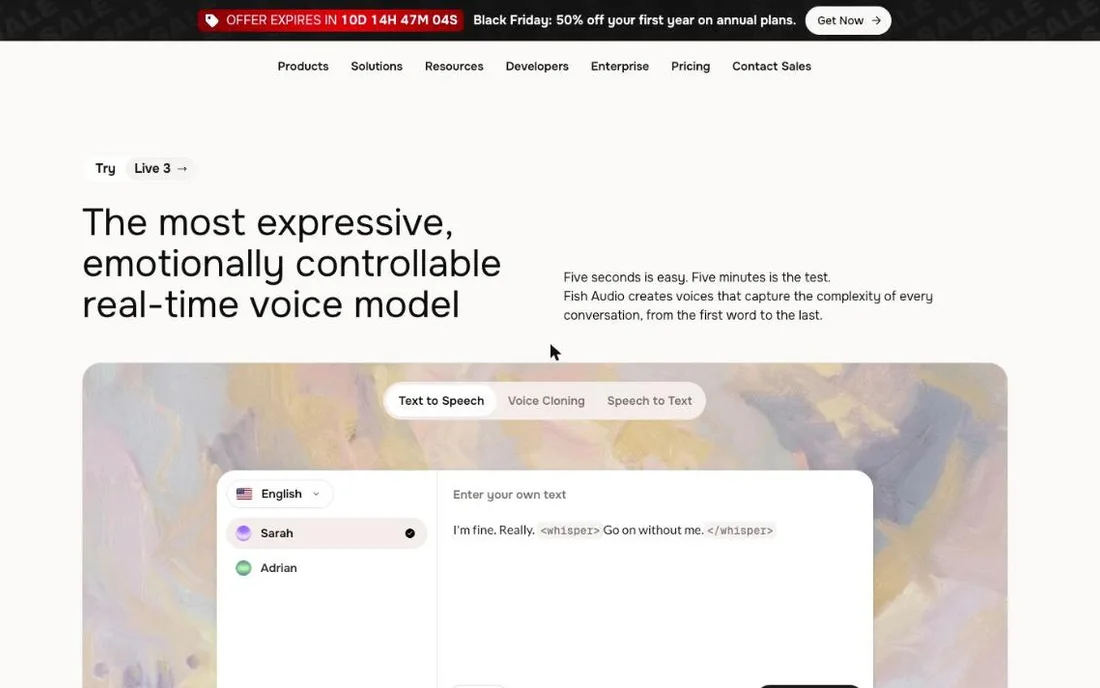
Fish Audio is the simplest way to clone a voice for free without installing anything. You upload a sample in the browser, and the free plan includes enhanced voice cloning with 8,000 credits a month, which the FAQ puts at roughly 600 to 625 credits a minute, so about seven minutes of speech. Each generation is capped at 500 characters and you get three public voice slots.
The limit that matters is the licence: free accounts are for personal, non-commercial projects. Plus costs $15 a month, or $11 a month billed annually at $132 a year, and adds commercial use, 250,000 credits and 10 private voices. Pro is $100 a month or $75 billed annually.
What we like
- Free plan includes enhanced voice cloning with no credit card
- Plus at $11 a month billed annually adds 250,000 credits, private voices and commercial use
- Pro adds up to 1,620 minutes a month and five professional voice slots
Watch out for
- Free use is limited to personal, non-commercial projects
- Free generations cap at 500 characters each and about 7 minutes a month
- Unused monthly minutes do not roll over
Chatterbox
Best for: Creators and developers who want free, commercially usable voice cloning on their own computer
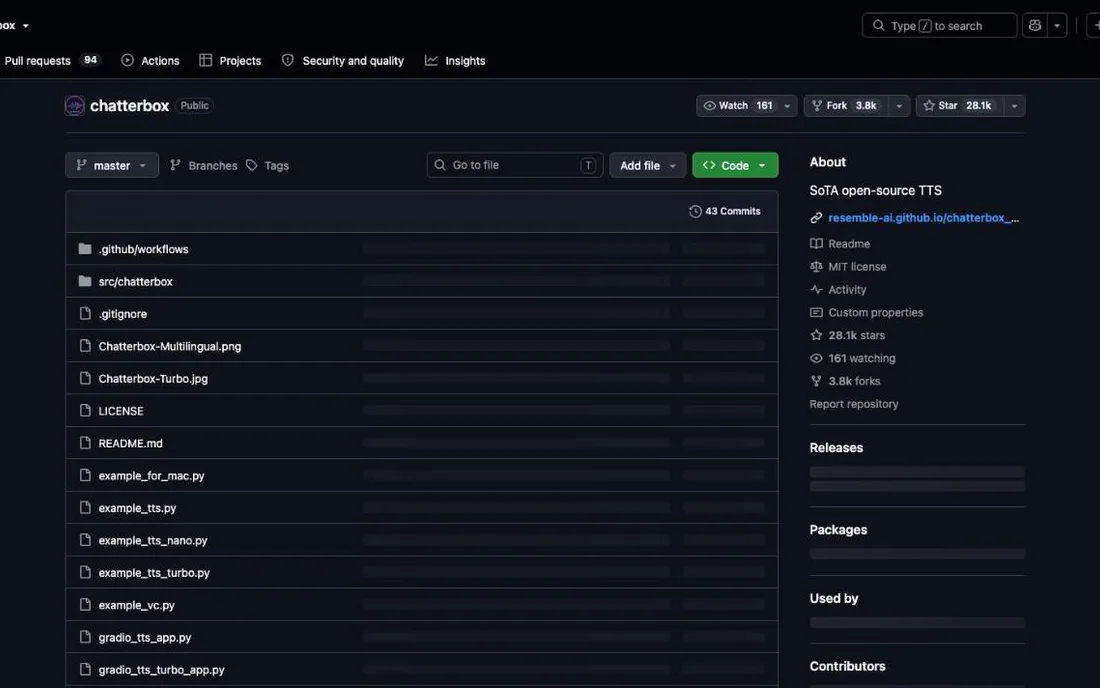
Chatterbox is Resemble AI's open-source speech model, released under the MIT licence, which makes it one of the few free cloners you can use for paid work. It clones a voice zero-shot from a short reference clip — the repository's example uses a roughly ten-second file — and the Multilingual V3 model covers 23 or more languages, while Turbo adds tags such as [laugh].
You install it with pip on Python 3.11 and run it on a GPU, an Apple Silicon Mac or a CPU; the 110M-parameter Nano model is built for CPUs. Every file it creates carries an inaudible watermark that a script can detect, which is useful proof of origin if a clone is ever misused.
What we like
- MIT licence allows commercial use at no cost
- Zero-shot cloning from a short reference clip, with a multilingual model covering 23+ languages
- Small Nano model runs on CPU, about 3x faster than realtime on 8 cores
Watch out for
- Needs Python and a terminal; there is no hosted app in the repository
- Every output carries Resemble AI's inaudible Perth watermark
- Turbo and Nano models are English only
ElevenLabs
Best for: Creators who want the most polished cloud voice clones and can pay a few dollars a month
ElevenLabs is the benchmark for cloud voice cloning, and it belongs here as the cheapest paid step rather than a free cloner. The free plan gives 10,000 credits a month and three Studio projects, which is enough to judge the stock voices, but Instant Voice Cloning first appears on Starter at $6 a month, along with 30,000 credits and a commercial licence.
Creator at $22 a month adds Professional Voice Cloning, which trains on a longer sample for a closer match, with 121,000 credits; Pro is $99 for 600,000. Introductory first-month offers change often, so check the page on the day. If you only need one cloned narrator for a channel, Starter is the realistic budget.
What we like
- Free plan gives 10,000 credits a month to test the voices on your own script
- Starter at $6 a month adds Instant Voice Cloning and a commercial licence
- Creator at $22 a month adds Professional Voice Cloning and 121,000 credits
Watch out for
- The free plan does not list voice cloning
- Credits run down fast on long narration
- No yearly prices were shown on the pricing page when checked
Descript
Best for: Podcasters and video editors who want to clone their own voice to fix words in a recording
Descript uses voice cloning for a narrower and very practical job: fixing a recording without re-recording it. You clone your own voice, then type a correction into the transcript and Descript speaks the new words in your voice. The free plan includes one media hour a month and 100 AI credits as a one-time grant, with custom voice clones, text-to-speech and Regenerate all marked limited.
Hobbyist costs $16 a person a month billed annually, or $24 monthly, with 10 media hours and 400 AI credits a month and full access to voice clones. Creator is $24 billed annually or $35 monthly. Choose it if cloning is a repair tool inside an editor, not a voice factory.
What we like
- Text-based editing: delete a word in the transcript and the video and audio follow
- Studio Sound, filler-word removal and Overdub clean up recordings without a separate audio tool
- Rated 4.6/5 on G2 from 936 reviews, with easy editing the most cited strength
Watch out for
- Hobbyist covers only 10 media hours a month, and the two meters (hours plus AI credits) confuse new buyers
- The app can feel slow or glitchy on large projects, per G2 reviewers
- Creator at $24/month billed annually is the practical entry for serious creators, not Hobbyist
OpenVoice
Best for: Developers who need free voice cloning in several languages with clear commercial rights
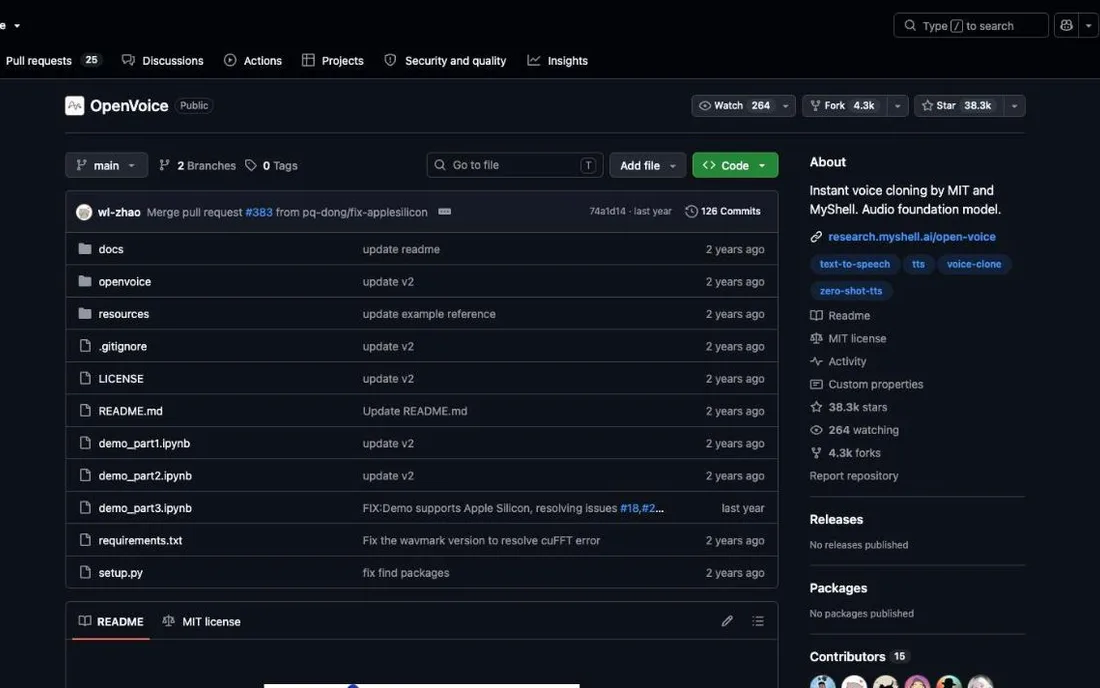
OpenVoice, from MyShell, is the other open-source cloner here with a clean commercial licence: since April 2024, both V1 and V2 have been released under MIT and are free for commercial and research use. It copies the tone colour of a reference voice and can speak it in different languages and accents, which suits dubbing a short clip into another market.
V2 natively supports English, Spanish, French, Chinese, Japanese and Korean. Like Chatterbox, it is a code project, so you need Python and the usage guide in the repository to get it running. Pick it over Chatterbox when cross-language cloning matters more than expressive English delivery.
What we like
- V1 and V2 are MIT licensed and free for commercial use
- Clones the tone of a reference voice and speaks it in other languages and accents
- V2 natively supports English, Spanish, French, Chinese, Japanese and Korean
Watch out for
- Six native languages is fewer than Chatterbox or XTTS-v2
- Setup is code-first, with install details in a separate usage guide
XTTS-v2
Best for: Tinkerers who want free cloning from a 6-second clip across 17 languages for personal projects
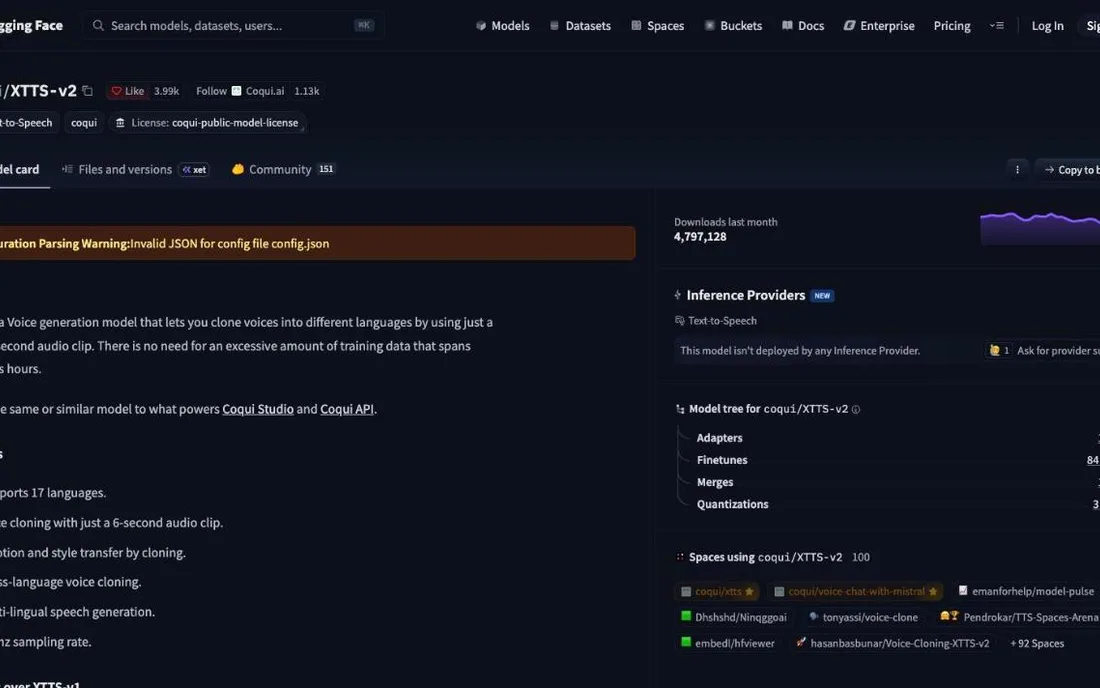
XTTS-v2 is Coqui's open voice model and still one of the most widely used free cloners. Its model card says a six-second clip is enough to clone a voice, and it speaks 17 languages, including Hindi, Arabic, Turkish, Korean and Hungarian, which is broader than OpenVoice. You run it through the Coqui TTS library, installed with pip install TTS.
The catch is the licence. The model is released under the Coqui Public Model License rather than MIT, so read that licence before you use the output in client or paid work. For personal projects, language practice or testing a dubbing idea, it is a strong free option.
What we like
- Clones a voice from a 6-second audio clip
- Supports 17 languages, including Hindi, Arabic, Turkish and Korean
- Installs with pip install TTS from the Coqui TTS library
Watch out for
- Licensed under the Coqui Public Model License, so check its terms before any commercial use
- Code-first setup with no official hosted app
F5-TTS
Best for: Researchers and hobbyists who want free cloning with a local web interface for non-commercial use
F5-TTS is the friendliest of the open-source options once installed, because it ships a Gradio web app: you launch it, drop in a reference clip, type a script and download the result. It needs the transcript of the reference audio, or it will transcribe the clip itself at the cost of extra GPU memory. Install is a single pip install f5-tts.
The code is MIT licensed, but the pretrained models are CC-BY-NC because of their Emilia training data, which rules out commercial use. That makes it a good free tool for learning, research and personal projects, and the wrong one for a client voiceover or a monetised channel.
What we like
- Built-in Gradio web interface, so you can clone without writing code after install
- Clones from a reference clip plus its transcript, or transcribes the clip for you
- Code is MIT licensed and installs with pip install f5-tts
Watch out for
- Pretrained models are CC-BY-NC, so no commercial use
- Auto-transcribing the reference clip uses extra GPU memory
The best free AI voice cloning software copies a voice from a short sample and lets you use it without paying, or with a licence that fits what you plan to do with the audio. We compared seven tools across two groups — cloud apps with free or low-cost plans, and open-source models you run yourself — and every price and licence below comes from the vendor's own pricing page or repository as checked in November 2026.
How to choose the best free AI voice cloning software
- Decide whether the audio will earn money. Free cloud plans and several open models forbid commercial use, so a monetised channel or client job narrows the list to MIT-licensed models or a paid plan.
- Choose cloud or local. A cloud tool such as Fish Audio works in a browser in minutes; an open model such as Chatterbox needs Python and a decent computer but has no monthly limit.
- Check how much sample audio you have. Zero-shot models clone from 6 to 10 seconds; professional clones need longer, cleaner recordings and usually a paid plan.
- Count your monthly minutes. Free credits cover a few minutes of speech a month, which is a test, not a podcast.
- Match the languages. XTTS-v2 covers 17 languages and Chatterbox Multilingual 23 or more, while OpenVoice V2 natively supports six.
- Get consent first. Clone only your own voice or one you have written permission to use.
A cloned voice is often used to scale video and audio content, and that content still has to be found. Our monthly SEO service helps the pages and videos behind it rank, and our guide to the best voice AI software covers paid voice generation and AI phone agents.
Free AI voice cloning software pricing: what you will actually pay
Take a creator who wants a cloned narrator for four short videos a month, about 20 minutes of speech. On Fish Audio's free plan, the 8,000 monthly credits cover roughly seven minutes, so 20 minutes needs Plus at $15 a month, or $11 a month billed annually at $132 a year, which also adds commercial use. On ElevenLabs, Starter at $6 a month includes Instant Voice Cloning and 30,000 credits, and Creator at $22 a month adds Professional Voice Cloning with 121,000 credits.
Over a year that is $72 for ElevenLabs Starter, $132 for Fish Audio Plus billed annually, or $180 at its $15 monthly rate, and $264 for ElevenLabs Creator. Descript Hobbyist costs $16 a month billed annually, or $192 a year, and suits creators who mainly fix their own recordings. The open-source models cost $0 in licence fees: Chatterbox, OpenVoice, XTTS-v2 and F5-TTS are free to download, and the real cost is a computer that can run them, ideally with a GPU.
Know the difference: cloud cloning vs open-source cloning
Cloud cloning runs on the vendor's servers. You upload a sample, the service builds the voice and you type scripts in a browser. It is fast to start, the quality is consistent and nothing needs installing, but free plans are capped by credits and often by licence, and your voice sample lives on someone else's platform.
Open-source cloning runs on your own machine. Chatterbox, OpenVoice, XTTS-v2 and F5-TTS have no monthly cap and keep your audio local, and two of them, Chatterbox and OpenVoice, allow commercial use under MIT. The trade-off is setup: you need Python, some patience with the command line and enough hardware, and there is no support desk when something breaks.
Quick comparison: tool type by need
| Buyer | Best pick | Why |
|---|---|---|
| Browser cloning, personal use | Fish Audio | Free plan includes cloning, 8,000 credits a month |
| Free commercial use, local | Chatterbox | MIT licence, 23+ languages, watermark on every file |
| Most polished cloud clones | ElevenLabs | Instant Voice Cloning from $6/month on Starter |
| Fixing your own recordings | Descript | Type corrections in your cloned voice; free plan limited |
| Cross-language cloning | OpenVoice | MIT licence, six native languages in V2 |
| Clone from 6 seconds | XTTS-v2 | 17 languages; check the Coqui licence for paid work |
| Local web interface | F5-TTS | Gradio app included; models are non-commercial |
Mistakes to avoid
- Publishing free-plan audio commercially. Fish Audio's free tier and F5-TTS models are non-commercial; read the licence before audio goes into an ad or a client project.
- Cloning a voice without permission. Get written consent from the speaker, and keep it, even for a colleague or family member.
- Using a noisy sample. Background music, echo and other speakers end up in the clone; record ten clean seconds in a quiet room.
- Judging quality on one sentence. Test a full paragraph with names, numbers and questions before committing to a tool.
- Ignoring disclosure rules. Some platforms ask you to label synthetic or altered voices, so check before you upload.
How we chose
We read each vendor's pricing page or each project's repository and model card on November 19, 2026, and recorded prices, credit limits and licences exactly as shown, including annual-billing figures where the page listed them. We ranked tools by how much genuinely free cloning they offer and how clearly they allow commercial use. We did not publish ratings for tools whose review pages we did not read. No vendor paid for a place in this list, and none of the links here are affiliate links.
What to do next
Record ten seconds of your own voice in a quiet room, clone it in Fish Audio's free plan, and compare the result with Chatterbox if you can run Python; if the audio is for paid work, keep only the MIT-licensed or paid options. When the content is ready and you want more people to find it, book a free call with SerpAstra.
Frequently asked questions
What is the best free AI voice cloning software?
For free commercial use, Chatterbox and OpenVoice are the best picks, because both are open source under the MIT licence. For free cloning in a browser with no setup, Fish Audio's free plan includes voice cloning, but only for personal, non-commercial projects.
Can I clone a voice for free online?
Yes. Fish Audio's free plan includes voice cloning with 8,000 credits a month, roughly seven minutes of speech, and Descript's free plan includes limited custom voice clones. ElevenLabs' free plan does not list cloning; Instant Voice Cloning starts on Starter at $6 a month.
Can I use free voice clones commercially?
It depends on the licence. Chatterbox and OpenVoice are MIT licensed and allow commercial use. F5-TTS models are CC-BY-NC, so non-commercial only, Fish Audio's free plan is personal use only, and XTTS-v2 uses the Coqui Public Model License, which you should read before paid work.
How much audio do I need to clone a voice?
Very little for a basic clone. XTTS-v2's model card says a six-second clip is enough, and Chatterbox's example uses about ten seconds. Professional clones, such as ElevenLabs Professional Voice Cloning on the $22 Creator plan, train on longer samples for a closer match.
Is it legal to clone someone's voice?
Clone only your own voice or a voice you have clear, written permission to use. Copying another person's voice without consent can break platform rules and, in many places, privacy, publicity or fraud laws. Chatterbox adds an inaudible watermark to every file, which helps show where audio came from.
Do open-source voice cloners need a GPU?
Not always. Chatterbox runs on a CUDA GPU, an Apple Silicon Mac or a CPU, and its Nano model runs about three times faster than realtime on eight CPU cores. Larger models and F5-TTS run far faster on a GPU.
Sources we checked (8)
- Fish Audio — fish.audio/plan (checked November 19, 2026)
- Chatterbox — github.com/resemble-ai/chatterbox (checked November 19, 2026)
- ElevenLabs — elevenlabs.io/pricing (checked November 19, 2026)
- Descript — www.descript.com/pricing (checked November 10, 2026)
- Descript reviews on G2 (checked November 10, 2026)
- OpenVoice — github.com/myshell-ai/OpenVoice (checked November 19, 2026)
- XTTS-v2 — huggingface.co/coqui/XTTS-v2 (checked November 19, 2026)
- F5-TTS — github.com/SWivid/F5-TTS (checked November 19, 2026)
Make one of these tools?
We re-check this list every quarter. Send a correction, request a review, or ask about a clearly labeled sponsored spot.
Request a listingShamim
Founder of SerpAstra
A full-stack digital marketer and SEO strategist covering technical and local SEO, AI search visibility, paid ads and lead generation for local businesses, e-commerce brands and SaaS teams.
Free SEO and AI visibility audit
Find out what is holding your rankings back
Send us your site. Within 2 business days you get a written audit, an AI visibility check and a short fix list ranked by impact. Free, with no contract attached.
Request my free audit→Related buying guides
 Data, Analytics & AI8 Best Voice AI Software Tools in 2026, ComparedCompare the 8 best voice AI software tools for voiceovers, AI phone agents and cleaner calls, with real prices, free plans and per-minute costs (Nov 2026).Read guide →
 Audio, Music & Podcasting7 Best AI Podcast Editing Software in 2026, ComparedCompare the 7 best AI podcast editing software on text-based editing, filler-word removal, audio cleanup, free plans and real cost, checked on vendor pages.Read guide →
 Audio, Music & PodcastingBest Audio Cleaning Software for 2026: 8 Options Compared by Use CaseCompare the 8 best audio cleaning software tools on price, free plans and AI cleanup, with every price checked November 7, 2026, for podcasters.Read guide →