
7 Best Free AI Voice Over Software in 2026, Compared
Compare the 7 best free AI voice over software and voice generator apps on free limits, commercial rights and paid upgrades, with every detail checked Nov 2026.
 Shamim Mia, Founder, SerpAstraLast verified November 10, 20268 min read
We compare pricing pages, documentation and public reviews. We never accept payment for rankings.
Key takeaways
- TTSMaker is the most generous free web tool: 20,000 characters a week, and its FAQ allows commercial use free of charge.
- CapCut is the pick for video creators, with free text to speech in 200+ voices inside its editor and app, and its FAQ allows commercial use of the audio.
- ElevenLabs sounds the most natural, with 10,000 free credits a month, but client work and voice cloning start on Starter at $6 a month.
- Kokoro and Chatterbox are free open-source models with commercial-friendly licences (Apache 2.0 and MIT) for anyone who can run Python.
On this page
Quick comparison
| Tool | Best for | Starting price | Free plan |
|---|---|---|---|
 TTSMaker | Anyone who needs free voice-over audio in the browser with commercial use allowed | Free | Yes (20k chars/week) |
 CapCut | Short-form video creators who want free AI voice-over inside the editor and phone app | Free; Pro $19.99/mo | Yes |
 ElevenLabs | Narrators, YouTubers and course creators who want the most natural AI voices | Free; Starter $6/mo | Yes (10k credits/mo) |
 Fish Audio | Hobbyists who want free AI voice-over with a large voice library for personal projects | Free; Plus $15/mo | Yes (about 7 min/mo) |
 Descript | Podcasters and video editors who want AI voice-over and editing in one app | Free; $16/mo (annual) | Yes (1 hour/mo) |
 Kokoro | Developers and tinkerers who want a free, commercially usable voice model on their own machine | Free (open source) | Yes (Apache 2.0) |
 Chatterbox | Creators who want expressive free voice-over with tags for laughs and pauses, run locally | Free (open source) | Yes (MIT licence) |
Make one of these tools?
We re-check this list every quarter. Send a correction, request a review, or ask about a clearly labeled sponsored spot.
Request a listingThe best free AI voice over software
TTSMaker
Best for: Anyone who needs free voice-over audio in the browser with commercial use allowed
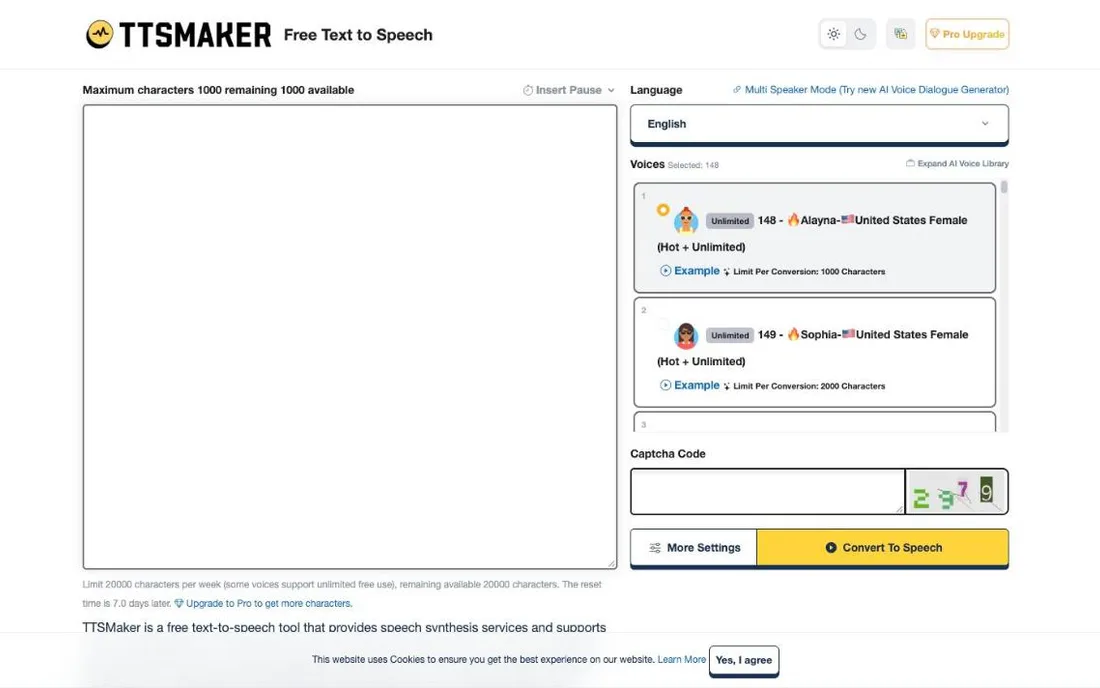
TTSMaker is the simplest free voice-over tool in this list: paste a script, pick a voice and download the audio, with no editor to learn. The free version allows 20,000 characters a week, roughly three to four thousand words, and the site says some voices support unlimited free use. Languages include English, French, German, Spanish, Arabic, Chinese, Japanese, Korean and Vietnamese.
Its FAQ says you can use the audio for commercial purposes free of charge, which is rare at this price. The trade-off is polish: the voices are serviceable for explainers and slides rather than audiobooks, and a Pro upgrade for more characters is offered without a published price.
What we like
- Free version with 20,000 characters a week, and some voices free without limit
- FAQ allows commercial use free of charge
- Voices in English, French, German, Spanish, Arabic, Chinese, Japanese, Korean, Vietnamese and more
Watch out for
- Voices are less natural than ElevenLabs on long narration
- The Pro upgrade's price is not shown on the page
- The site reserves the right to change its free policy later
CapCut
Best for: Short-form video creators who want free AI voice-over inside the editor and phone app
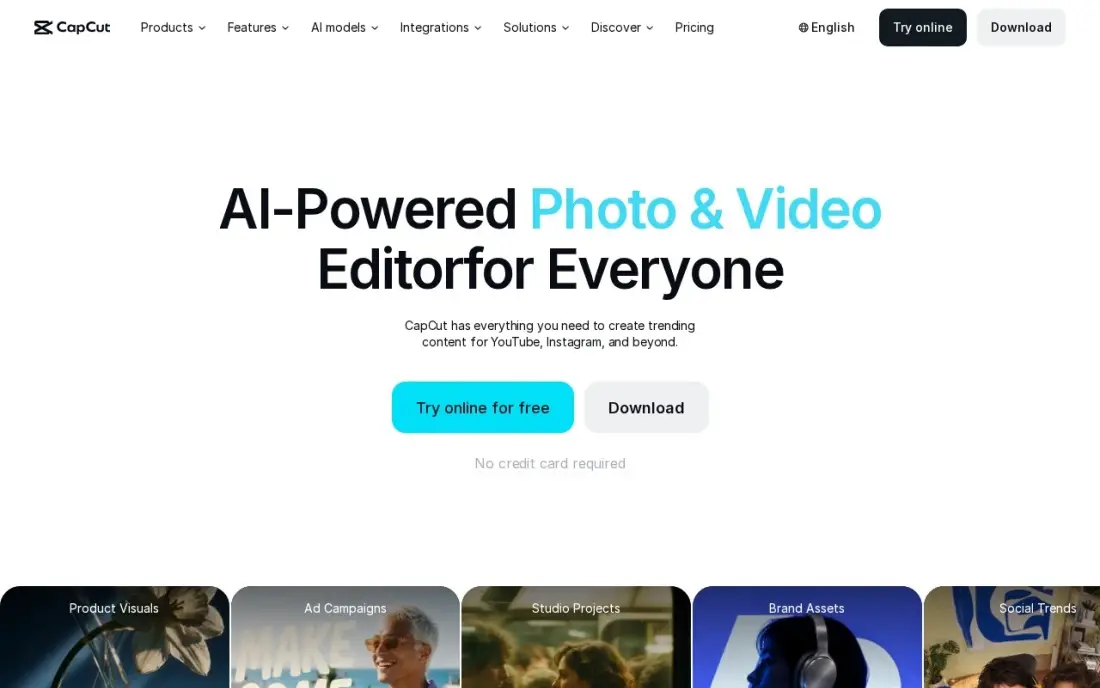
CapCut puts text to speech where most short videos are made: inside the editor on phone and desktop. You type the script on the timeline, choose from over 200 AI voices by gender, age, style or language, and the audio lands under your clip. CapCut's text-to-speech page calls the generator free of charge, and its FAQ says the audio can be used commercially, subject to the terms of use.
Pro costs $19.99 a month billed monthly or $179.99 a year, and adds 4K export and about 1,200 AI credits a month, but you do not need it for voice-over. Prices can differ by region and device, and the free plan caps exports at 1080p.
What we like
- Fastest path from phone footage to a finished Reel: templates, auto-captions, effects and a music library built for short video
- Pro adds 4K export at 60fps with HDR, 1 TB of cloud storage and about 1,200 AI credits a month
- Free plan covers the core editor, so you can test the workflow before paying
Watch out for
- No G2 rating is published, and Trustpilot scores it 1.2 out of 5, mostly over billing and paywalls
- CapCut publishes no fixed global price, so the figure at your checkout can differ by region, device and promotion
- Features keep moving from free to paid, and the free plan caps exports at 1080p
ElevenLabs
Best for: Narrators, YouTubers and course creators who want the most natural AI voices
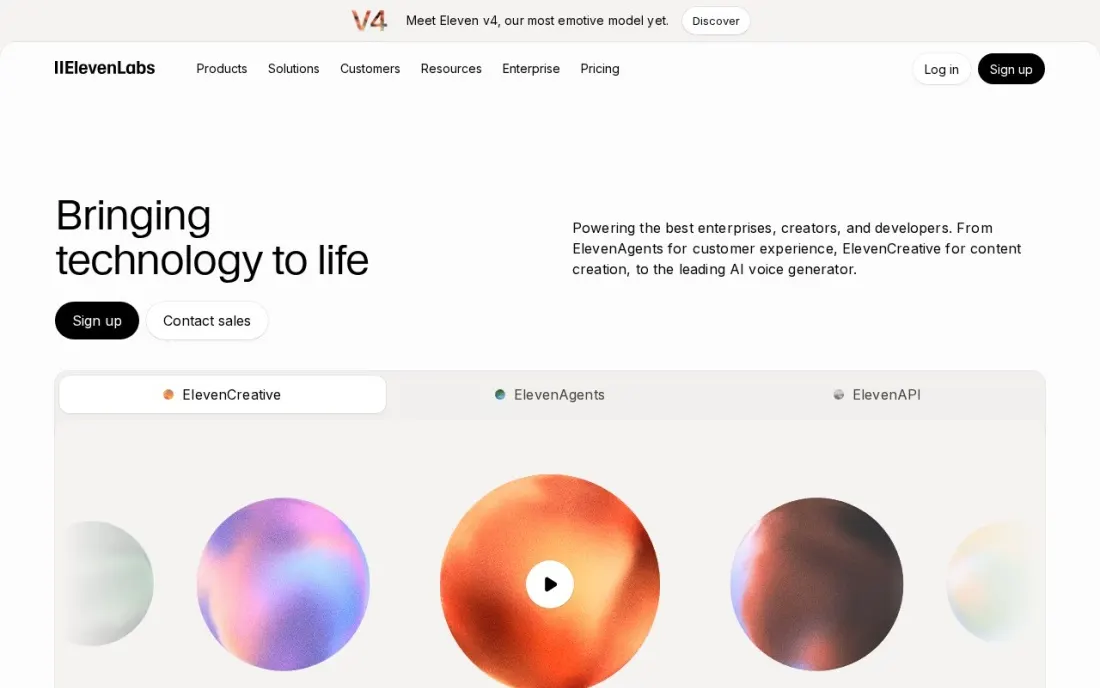
ElevenLabs produces the most natural voice-over in this list, with pacing and emotion that hold up over a full script. The free plan includes 10,000 credits a month and three projects in Studio, its long-form editor, which is enough to voice a short explainer and hear whether a voice suits your brand before paying.
The commercial licence is listed from Starter, which costs $6 a month for 30,000 credits and also adds Instant Voice Cloning. Creator at $22 a month gives 121,000 credits and Professional Voice Cloning, and Pro is $99 for 600,000. First-month offers change often, so check the page before you subscribe.
What we like
- Free plan gives 10,000 credits a month and three Studio projects
- Starter at $6 a month adds a commercial licence and Instant Voice Cloning
- Creator at $22 a month gives 121,000 credits for longer narration
Watch out for
- The commercial licence is listed from Starter, not on Free
- Credits run out quickly on long-form audio
Fish Audio
Best for: Hobbyists who want free AI voice-over with a large voice library for personal projects
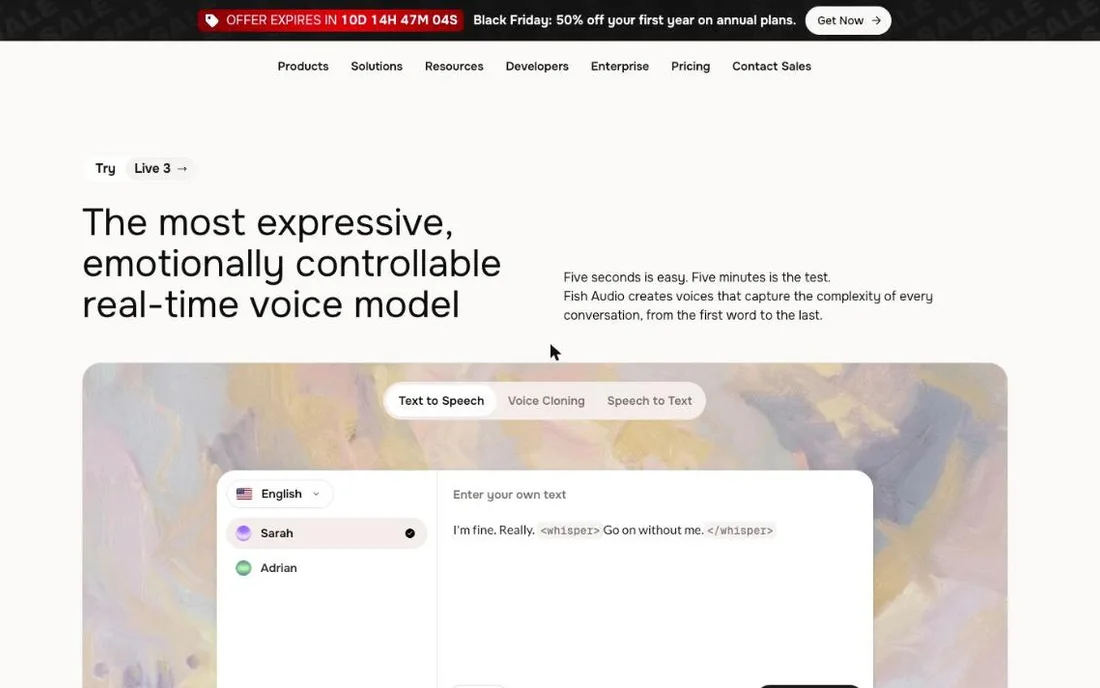
Fish Audio is a cloud voice generator with a free plan of 8,000 credits a month, which works out to about seven minutes of speech, plus voice cloning and three public voice slots. Each free generation is capped at 500 characters, so a script goes in short chunks, but it is a quick way to try many voices without a card.
The FAQ limits free accounts to personal, non-commercial projects. Plus costs $15 a month, or $11 a month billed annually at $132 a year, with 250,000 credits, up to 200 minutes and commercial use. For a creator voicing a few videos a month, that undercuts most paid voice-over tools.
What we like
- Free plan with 8,000 credits a month and no credit card
- Plus at $11 a month billed annually covers up to 200 minutes with commercial use
- Voice cloning included even on the free plan
Watch out for
- Free use is personal and non-commercial only
- Free generations cap at 500 characters each
Descript
Best for: Podcasters and video editors who want AI voice-over and editing in one app
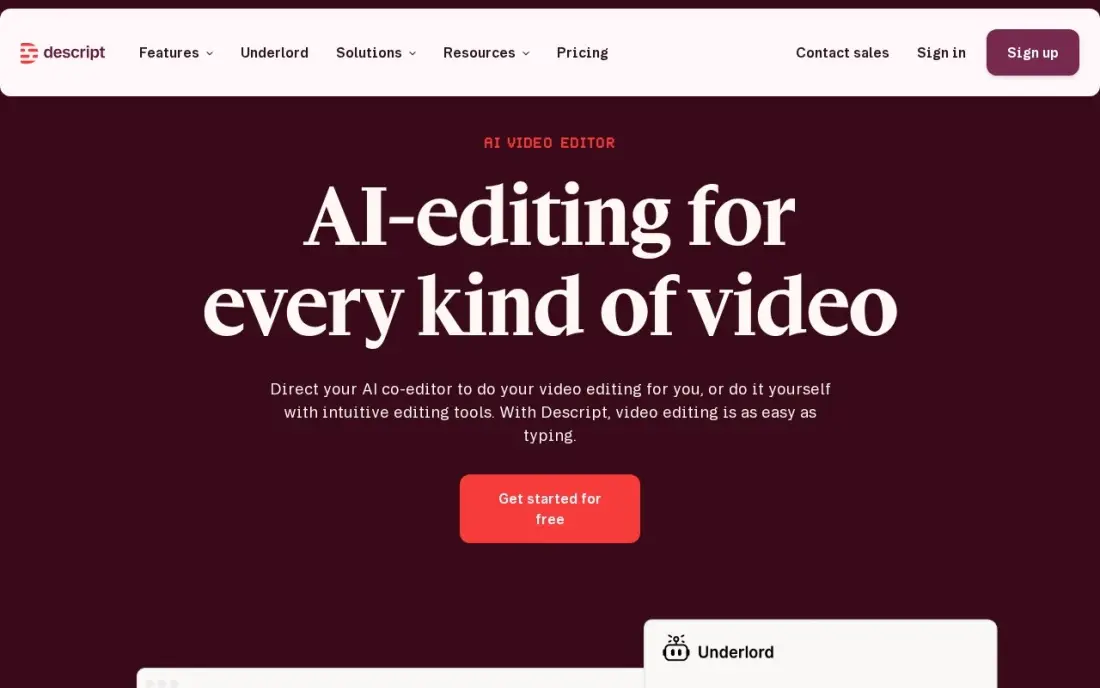
Descript is the choice when the voice-over is part of an edit, not a standalone file. You write or import a script, add a stock AI speaker or your own cloned voice, and cut the video by editing the transcript. The free plan includes one media hour a month and 100 AI credits as a one-time grant, with text to speech and stock AI speakers marked limited.
Hobbyist costs $16 a person a month billed annually, or $24 monthly, with 10 media hours, 400 AI credits a month and 25 or more stock AI speakers. Creator is $24 billed annually or $35 monthly. If you only need audio files, a dedicated voice tool is cheaper.
What we like
- Text-based editing: delete a word in the transcript and the video and audio follow
- Studio Sound, filler-word removal and Overdub clean up recordings without a separate audio tool
- Rated 4.6/5 on G2 from 936 reviews, with easy editing the most cited strength
Watch out for
- Hobbyist covers only 10 media hours a month, and the two meters (hours plus AI credits) confuse new buyers
- The app can feel slow or glitchy on large projects, per G2 reviewers
- Creator at $24/month billed annually is the practical entry for serious creators, not Hobbyist
Kokoro
Best for: Developers and tinkerers who want a free, commercially usable voice model on their own machine
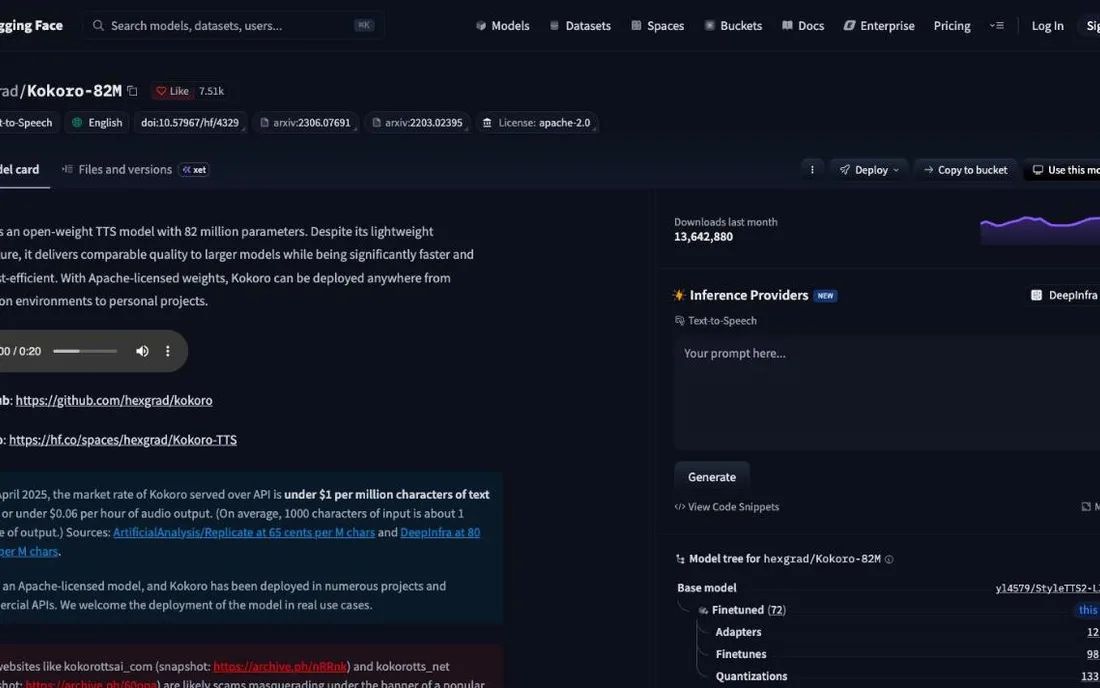
Kokoro is a small open-weight speech model, 82 million parameters, released under Apache 2.0, and its model page notes it is already deployed in commercial APIs. That combination of a permissive licence and a light model makes it the best free option for anyone who wants to generate voice-over in bulk on their own computer without per-character limits.
Version 1.0 includes 54 voices across eight languages. It does not clone voices, so you choose from the stock set. Setup is a pip install plus espeak-ng, which suits a developer or a patient creator; if you want a point-and-click app, start with TTSMaker or CapCut instead.
What we like
- Apache 2.0 licence, already used in commercial APIs
- Small 82-million-parameter model that runs on modest hardware
- Version 1.0 includes 54 voices across 8 languages
Watch out for
- No voice cloning
- Needs Python and espeak-ng; there is no official app
Chatterbox
Best for: Creators who want expressive free voice-over with tags for laughs and pauses, run locally
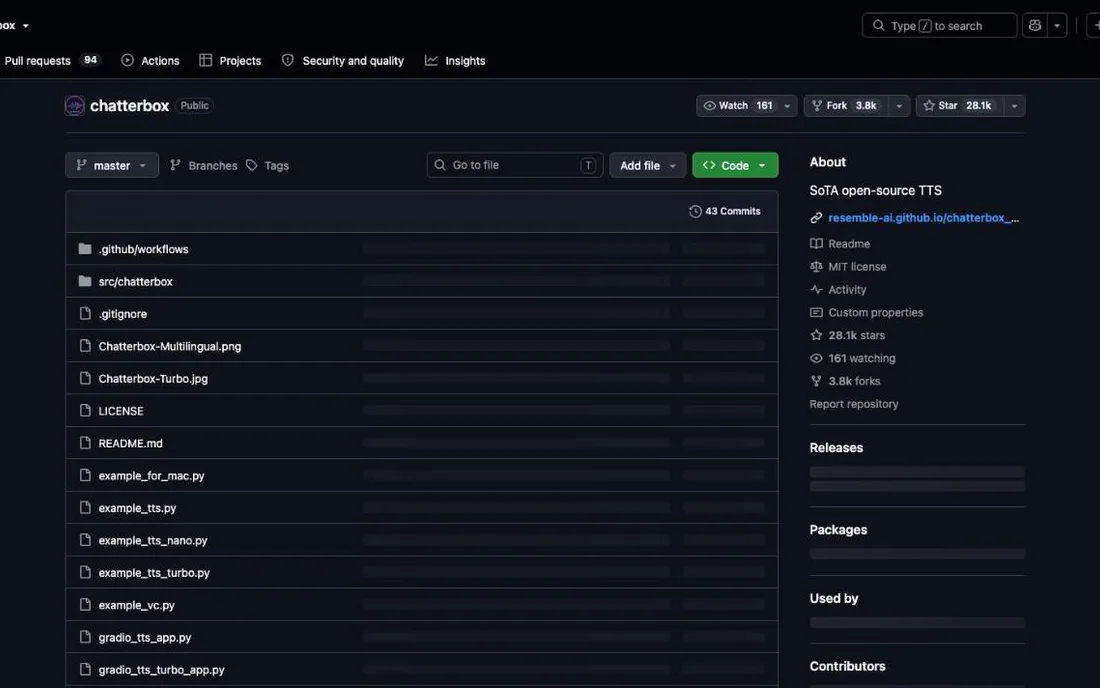
Chatterbox, from Resemble AI, is the more expressive of the two open models here. The Turbo model accepts tags such as [laugh] in the script, the original model has an exaggeration control for more animated reads, and Multilingual V3 covers 23 or more languages. It can also clone a voice from a short clip if you want a consistent narrator.
It is MIT licensed, so commercial use is allowed, and every output carries Resemble's inaudible Perth watermark. You install it with pip on Python 3.11 and run it on a GPU, an Apple Silicon Mac or a CPU, with the small Nano model built for CPU use.
What we like
- MIT licence allows commercial use
- Turbo model supports expressive tags such as [laugh]
- Multilingual V3 model covers 23+ languages
Watch out for
- Command-line setup on Python 3.11
- Every file carries an inaudible watermark
The best free AI voice over software turns a script into narration you can actually publish, without a monthly bill and without a licence that bans the use you have in mind. We compared seven tools — browser tools, a video editor, voice generator apps and two open-source models — and every limit, price and licence below comes from the vendor's own page as checked in November 2026.
How to choose the best free AI voice over software
- Check commercial rights before quality. A great free voice is useless for an ad if the free plan is personal use only; TTSMaker, CapCut, Kokoro and Chatterbox allow commercial use, while Fish Audio's free plan does not.
- Measure the free limit in your units. 20,000 characters a week is about 3,000 words; Fish Audio puts a minute of speech at roughly 600 credits, so check how each tool counts.
- Decide where the voice goes. For a Reel or Short, a voice inside the editor saves a step; for a podcast, course or audiobook, a dedicated voice tool gives more control.
- Listen to a full paragraph. Names, numbers and questions expose weak voices faster than a demo sentence.
- Check the language list. Most tools cover major languages, but voice quality outside English varies a lot.
- Plan the upgrade path. Know what the first paid tier costs before you build a channel around one voice.
Voice-over helps a video get made; search helps it get found. Our monthly SEO service covers the pages and channels behind your content, and if you want a consistent narrator in your own voice, see our guide to the best free AI voice cloning software.
Free AI voice over software pricing: what you will actually pay
Take a creator voicing eight short videos a month, about 30 minutes of narration. TTSMaker's 20,000 weekly characters cover that at $0, and Kokoro and Chatterbox have no usage cap because they run on your own machine. CapCut's text to speech is free inside the editor. Fish Audio's free plan covers about seven minutes, so 30 minutes needs Plus at $15 a month, or $11 a month billed annually. ElevenLabs Starter at $6 a month includes 30,000 credits, and Creator at $22 a month gives 121,000 credits.
Over a year that is $72 for ElevenLabs Starter, $132 for Fish Audio Plus billed annually, $179.99 for CapCut Pro billed annually or $239.88 at $19.99 a month, and $192 for Descript Hobbyist billed annually. For most creators the honest answer is that a free tool covers the voice-over, and the money is better spent on one paid tier only when the free voice stops being good enough for the audience.
Know the difference: voice-over software vs a voice generator app
Voice-over software is built around a script and an edit. Descript and CapCut put the voice on a timeline beside your video, so you can retime a line, cut a pause or swap a word without leaving the project. That is what you want when the narration has to match on-screen action.
A voice generator app or web tool produces an audio file and stops there. TTSMaker, Fish Audio and ElevenLabs are faster for pure narration, and open models such as Kokoro and Chatterbox can produce hours of audio in a batch. You then drop the file into whatever editor you already use. Many creators use one of each.
Quick comparison: tool type by need
| Buyer | Best pick | Why |
|---|---|---|
| Free with commercial use | TTSMaker | 20,000 characters a week, commercial use allowed |
| Short-form video on a phone | CapCut | Free text to speech in 200+ voices inside the editor |
| Most natural narration | ElevenLabs | 10,000 free credits a month; Starter $6/month |
| Trying many voices, personal use | Fish Audio | Free 8,000 credits a month; Plus $11/month annual |
| Voice-over inside an edit | Descript | Script, AI speakers and editing in one app |
| Bulk audio on your own machine | Kokoro | Apache 2.0, 54 voices, light 82M model |
| Expressive free narration | Chatterbox | MIT licence, tags for laughs, 23+ languages |
Mistakes to avoid
- Assuming free means free to sell. Read the licence line before the audio goes into an ad, a client video or a paid course.
- Pasting a whole script at once. Several free tools cap characters per generation; split by paragraph and keep settings the same so the voice stays consistent.
- Skipping pronunciation checks. Brand names, place names and numbers are where AI voices slip; spell them phonetically if needed.
- Mixing voices across a series. Pick one voice and note its settings so every episode sounds like the same narrator.
- Imitating a real person. Use stock voices or your own clone; never copy a real person's voice without written permission.
How we chose
We read each tool's own pricing page, feature page or model card on November 19, 2026, and recorded free limits, prices and licence terms exactly as shown, including annual-billing figures where the page listed them. We ranked tools by how much usable, legally publishable voice-over the free option delivers, then by voice quality and ease of use. We did not publish ratings for tools whose review pages we did not read. No vendor paid for a place in this list, and none of the links here are affiliate links.
What to do next
Take one real script, voice it in TTSMaker and in ElevenLabs' free plan, and play both to someone who has not heard either; keep the one they believe. When the videos are live and you want them found in search, book a free call with SerpAstra.
Frequently asked questions
What is the best free AI voice over software?
TTSMaker is the best free web tool, with 20,000 characters a week and commercial use allowed. CapCut is best for short videos, with free text to speech in over 200 voices inside its editor, and ElevenLabs sounds the most natural, with 10,000 free credits a month.
Can I use free AI voice-overs commercially?
Sometimes. TTSMaker's FAQ allows commercial use for free, CapCut's FAQ allows it subject to its terms, and Kokoro (Apache 2.0) and Chatterbox (MIT) are open source with commercial-friendly licences. Fish Audio's free plan is personal use only, and ElevenLabs lists its commercial licence from Starter at $6 a month.
What is the best free AI voice generator app for phones?
CapCut is the strongest free option on a phone, because text to speech is built into its mobile editor with over 200 voices. ElevenLabs, TTSMaker and Fish Audio work in a mobile browser for audio-only voice-overs.
How much does AI voice-over cost if I outgrow the free plan?
On published prices, ElevenLabs Starter costs $6 a month, Fish Audio Plus $15 a month or $11 billed annually, Descript Hobbyist $16 a month billed annually and CapCut Pro $19.99 a month. Kokoro and Chatterbox stay free because you run them yourself.
Which free AI voice sounds most human?
ElevenLabs is the usual benchmark for natural AI narration and holds up well on long scripts. Chatterbox is the closest free open-source option, with tags for laughs and an exaggeration control for more animated reads.
Do I need to disclose AI voice-overs?
Check the platform. Some video and ad platforms ask you to label synthetic or altered audio, especially where it imitates a real person. Using a stock AI voice for narration is generally fine, but read each platform's current rules before you upload.
Sources we checked (8)
- TTSMaker — ttsmaker.com (checked November 19, 2026)
- CapCut — www.capcut.com/pricing (checked November 10, 2026)
- ElevenLabs — elevenlabs.io/pricing (checked November 19, 2026)
- Fish Audio — fish.audio/plan (checked November 19, 2026)
- Descript — www.descript.com/pricing (checked November 10, 2026)
- Descript reviews on G2 (checked November 10, 2026)
- Kokoro — huggingface.co/hexgrad/Kokoro-82M (checked November 19, 2026)
- Chatterbox — github.com/resemble-ai/chatterbox (checked November 19, 2026)
Make one of these tools?
We re-check this list every quarter. Send a correction, request a review, or ask about a clearly labeled sponsored spot.
Request a listingShamim
Founder of SerpAstra
A full-stack digital marketer and SEO strategist covering technical and local SEO, AI search visibility, paid ads and lead generation for local businesses, e-commerce brands and SaaS teams.
Free SEO and AI visibility audit
Find out what is holding your rankings back
Send us your site. Within 2 business days you get a written audit, an AI visibility check and a short fix list ranked by impact. Free, with no contract attached.
Request my free audit→Related buying guides
 Audio, Music & Podcasting7 Best Free AI Voice Cloning Software in 2026, ComparedCompare the 7 best free AI voice cloning software, from free cloud plans to open-source models, on clone quality, licences and paid upgrades, checked Nov 2026.Read guide →
 Data, Analytics & AI8 Best Voice AI Software Tools in 2026, ComparedCompare the 8 best voice AI software tools for voiceovers, AI phone agents and cleaner calls, with real prices, free plans and per-minute costs (Nov 2026).Read guide →
 Video Editing & Streaming10 Best AI Tools for Creating YouTube Videos in 2026, ComparedCompare the 10 best ai tools for creating youtube videos in 2026 on price, free plans and AI features, with every price checked November 5, 2026.Read guide →