
8 Best Free Collage Software in 2026, Compared
Compare the 8 best free collage software on layouts, watermarks, ads, AI tools and what the paid upgrade costs, with every free plan checked on vendor pages.
 Shamim Mia, Founder, SerpAstraLast verified November 4, 20268 min read
We compare pricing pages, documentation and public reviews. We never accept payment for rankings.
Key takeaways
- Canva is the best free collage software overall: the free plan includes 250,000+ templates and 5GB of storage, and Pro costs $18 a month or $144 a year only if you need brand tools.
- FotoJet is the quickest free option — no sign-up at all and over 800 collage layouts — and its Plus plan is $39.99 a year.
- Fotor has over 1,000 collage layouts and AI photo fixes, but free exports carry a watermark, so check that before you design something to print.
- Picsart is the pick for collages made on a phone; Adobe Express and VistaCreate suit collages that double as social posts or ads.
On this page
Quick comparison
| Tool | Best for | Starting price | Free plan |
|---|---|---|---|
| Canva | Anyone who wants the widest choice of free collage templates and easy sharing | Free; Pro $18/mo | Yes (250,000+ templates) |
| FotoJet | People who want a free collage in minutes with no account and no learning curve | Free; Plus $6.99/mo | Yes (no sign-up) |
| Fotor | Collage makers who want AI photo fixes and the largest set of layouts | Free; Pro $8.99/mo | Yes (watermarked exports) |
| Adobe Express | Collages that double as social posts, with Adobe fonts and Firefly AI | Free; Premium $9.99/mo | Yes (free plan) |
| Picsart | Phone-first creators who make collages and edit photos on mobile every day | Free; Pro $15/mo | Yes |
| BeFunky | Casual users who want a collage maker, photo editor and designer in one browser tab | Free; Plus $14.99/mo | Yes |
| VistaCreate | Small businesses that want collage templates for promotions and animated posts | Free; Pro $13/mo | Yes (free plan) |
| Pixlr | Users who want a free browser photo editor with collage tools and the cheapest upgrade | Free; Plus $2.49/mo | Yes (free plan) |
Make one of these tools?
We re-check this list every quarter. Send a correction, request a review, or ask about a clearly labeled sponsored spot.
Request a listingThe best free collage software
Canva
Best for: Anyone who wants the widest choice of free collage templates and easy sharing
Canva is the most complete free collage maker here. The free plan includes more than 250,000 templates and 5GB of storage, so you can start from a photo grid, a mood board or a birthday layout, drop in your pictures and change fonts and colours by dragging. Finished collages export as images or PDFs for print, or share as a link.
The upgrade is for brand work rather than collages: Pro costs $18 a month, or $144 a year, and adds the Brand Kit, background remover and Magic Resize, which turns one collage into sizes for every social network. Most people making family or event collages never need it. It is rated 4.7 out of 5 on G2 from 7,660 reviews.
What we like
- The widest free choice here: more than 250,000 templates, from photo grids and mood boards to birthday layouts
- Magic Studio AI tools and Brand Kit come with Pro, so a small team can stay on-brand without a designer
- Finished collages export as images or print-ready PDFs, or share as a link that updates when the design changes
Watch out for
- A design platform first, so the collage tools sit inside a busier editor than a collage-only maker
- Brand Kit, background remover and Magic Resize all need Pro, so the free plan is template-only for branding
- Pro costs $18 a month or $144 a year for brand tools that most family or event collages never need

FotoJet
Best for: People who want a free collage in minutes with no account and no learning curve
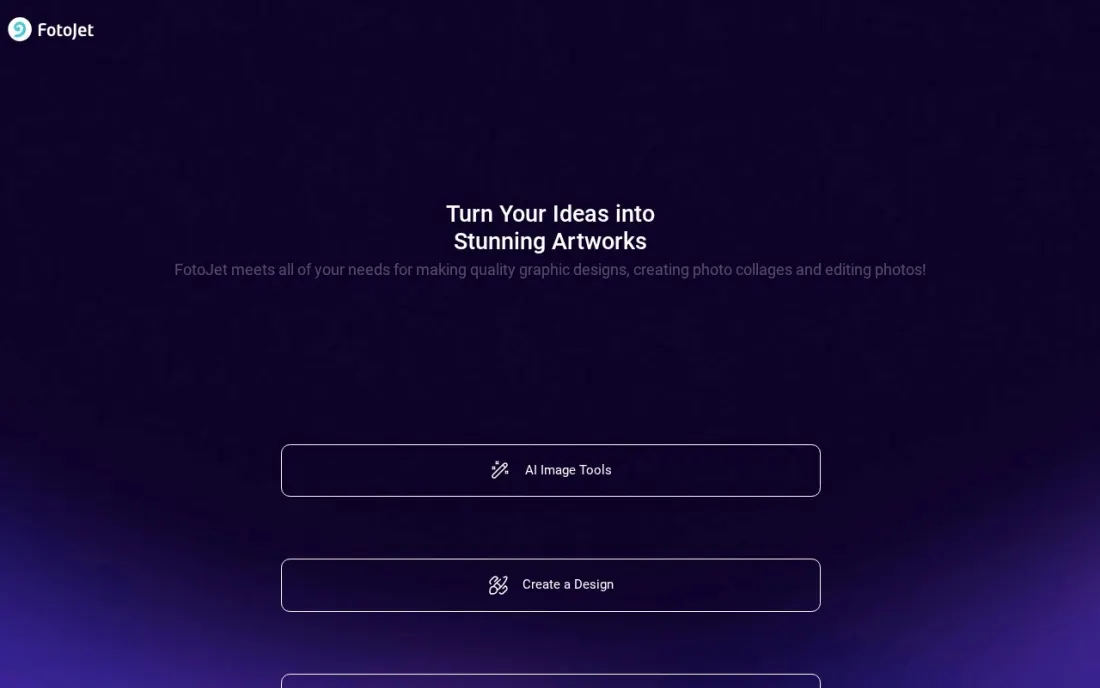
FotoJet is the fastest route from photos to collage: open the site and start, with no registration at all. It has more than 800 collage layouts, including birthday, wedding and family designs, plus simple grids, and the editor sticks to the basics of swapping photos, adding text and changing backgrounds, which keeps it easy for anyone.
Plus costs $6.99 a month or $39.99 a year and unlocks all the advanced editing tools, fonts and templates. The limits are storage and smarts: there is no cloud sync, so designs save to your own computer, and there are no AI tools, so photo fixes are manual. For a quick card or poster, it is hard to beat.
What we like
- Cheapest subscription here at $6.99 a month, or $39.99 a year
- Over 800 collage layouts, including birthday, wedding and family designs
- Free plan needs no registration at all: open the site and start designing
- Plus unlocks all advanced editing tools, fonts and templates
Watch out for
- No cloud storage or project sync, so designs save to your own computer only
- No AI editing tools, so photo fixes are manual where Fotor and Canva automate them
- Template and font range is narrower than Canva or Adobe Express
Fotor
Best for: Collage makers who want AI photo fixes and the largest set of layouts
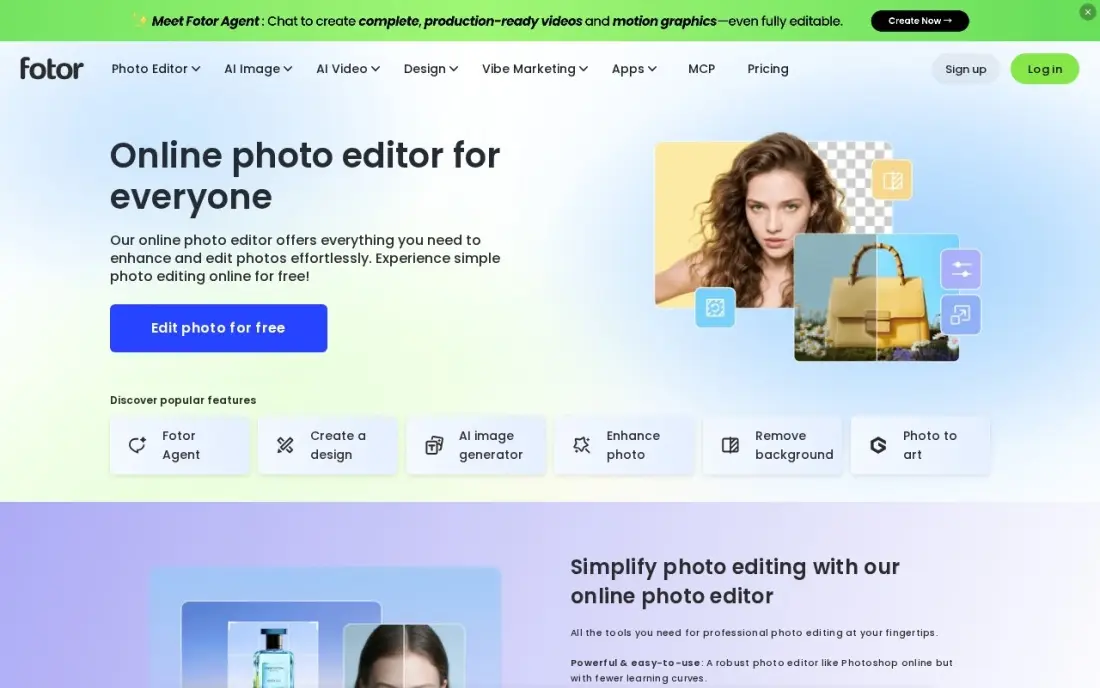
Fotor pairs more than 1,000 collage layouts with photo tools that the simpler makers lack: a one-click AI enhancer, a background remover and batch editing for a whole album at once. That makes it a good fit when the photos themselves need work before they go into a collage, such as dark phone shots from an event.
The free Basic plan covers simple collages, but its exports carry a watermark and most AI tools are locked. Pro costs $8.99 a month or $39.99 a year, with HD and transparent PNG export and 100 AI credits a month. Fees once billed are non-refundable, so use the 7-day Pro trial before you commit.
What we like
- One-click AI enhancer and background remover fix phone photos fast
- Over 1,000 collage layouts plus batch editing for whole albums at once
- Pro includes brand kits, HD export and transparent PNG export
- Free Basic plan covers simple collages, with a 7-day Pro trial to test the paid tools
Watch out for
- AI tools run on monthly credits: Pro gets 100 a month, so heavy AI use hits a ceiling fast
- Free plan exports carry a watermark and lock most AI tools behind Pro
- Fees once billed are non-refundable, so a mistaken subscription cannot be clawed back

Adobe Express
Best for: Collages that double as social posts, with Adobe fonts and Firefly AI
Adobe Express has a free plan with basic templates and tools, which covers photo collages for Instagram, Facebook, flyers and invitations. It works on the web and on mobile with the same files, so a collage started on a laptop can be finished on a phone, and its layouts are built for social sizes from the start.
Premium costs $9.99 a month and adds Adobe Stock photos, Adobe Fonts, Brand Kits and Firefly AI for generating images and text effects from a prompt. It has fewer ready-made templates than Canva for some uses, and it does not schedule posts, so a finished collage still needs to be published elsewhere.
What we like
- Adobe Stock photos and Adobe Fonts are included in the price
- Firefly AI generates images and text effects from a prompt
- Brand Kits keep logos and colors consistent across every design
- Works on web and mobile with the same files
Watch out for
- The free plan covers basic templates and tools only — Adobe Stock, Adobe Fonts and Firefly AI need Premium
- Fewer ready-made templates than Canva for some uses
- It does not schedule posts, so a finished collage still needs to be shared elsewhere

Picsart
Best for: Phone-first creators who make collages and edit photos on mobile every day
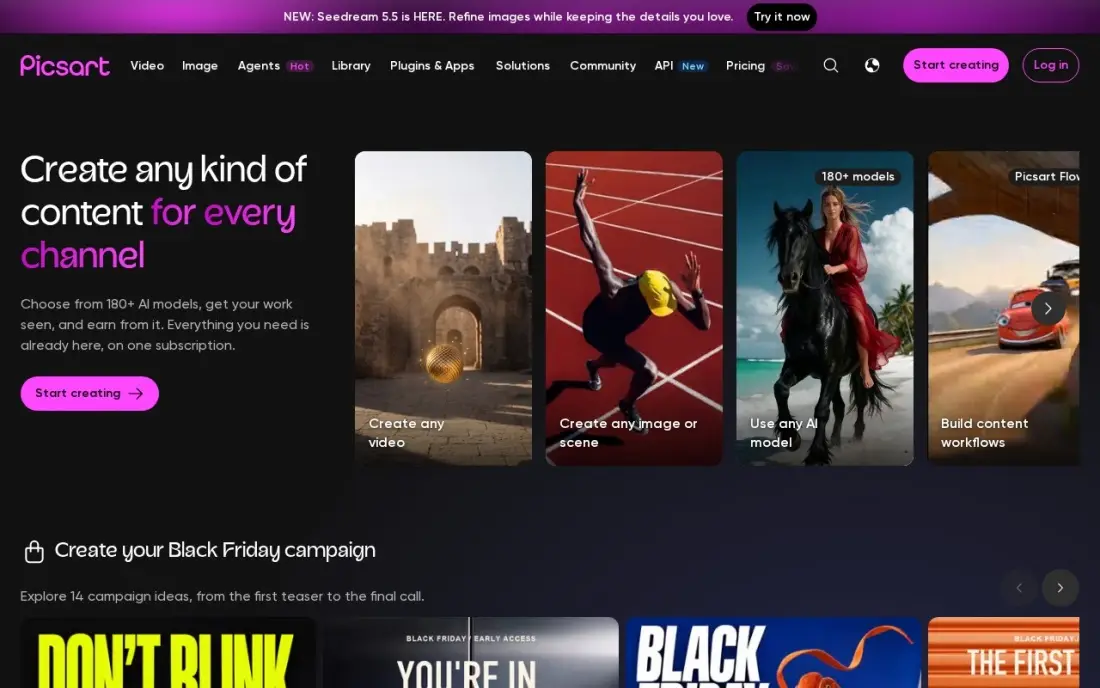
Picsart is built for the phone. Its free app combines a collage maker with a full photo editor, stickers and AI image tools, so you can clean up a photo, cut out a subject and place it in a grid without leaving the app. Bulk editing handles 50 images at once on Pro, which helps when an album needs the same fix.
The free tier shows ads and locks several desirable features. Pro costs $15 a month or $126 a year on the website, while the App Store sells Pro from $13.99 a month, so compare before you subscribe. Pro adds 500 AI credits a month, advanced background and object removal and 100 GB of storage. It is rated 4.5 on G2.
What we like
- Photo and video editing plus AI image and video generation in one app, with 500 AI credits a month on Pro
- Pro includes advanced background and object removal, a one-tap enhancer, premium templates and 100 GB of storage
- Bulk editing handles 50 images at once, and three brand kits come with Pro
Watch out for
- AI generation is capped at 500 credits a month on Pro, so heavy AI use hits the ceiling fast
- In-app prices differ from the website: the App Store sells Pro from $13.99 a month, cheaper on yearly billing
- Free tier locks several desirable features behind the paywall and shows ads
BeFunky
Best for: Casual users who want a collage maker, photo editor and designer in one browser tab
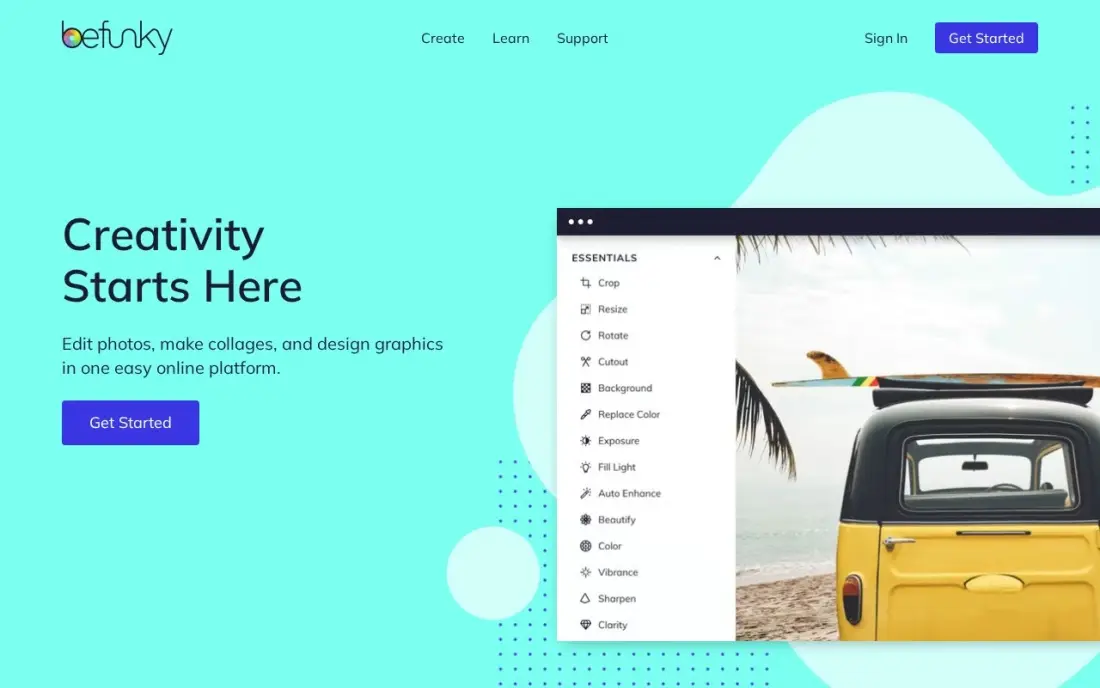
BeFunky puts a photo editor, a collage maker and a graphic designer side by side in the browser, with no install and almost no learning curve. Its collage tool has auto-layouts that arrange your photos for you, then lets you adjust spacing, borders and backgrounds, which suits someone making a quick grid for a party or a holiday.
The free plan is limited, with ads and locked tools that push towards Plus. Plus costs $14.99 a month, or $83.88 a year, and adds the full AI photo editing suite, premium templates and 1,000 AI Image Generator credits a month. Batch AI editing needs the higher Pro plan, so most collage makers should stay on free or Plus.
What we like
- Photo editor, collage maker and graphic designer in one browser tab, with no install and no learning curve
- Plus includes the full AI photo editing suite, premium templates and 1,000 AI Image Generator credits a month
- One subscription covers web and mobile apps under the same login
Watch out for
- The free plan is limited, with ads and locked tools that push hard toward Plus
- Batch AI editing and batch background removal need the higher Pro plan, not Plus
- The annual price is $83.88 a year ($6.99 a month); G2's vendor-supplied listing shows $11.99 a month, which does not match the vendor's own pricing page

VistaCreate
Best for: Small businesses that want collage templates for promotions and animated posts
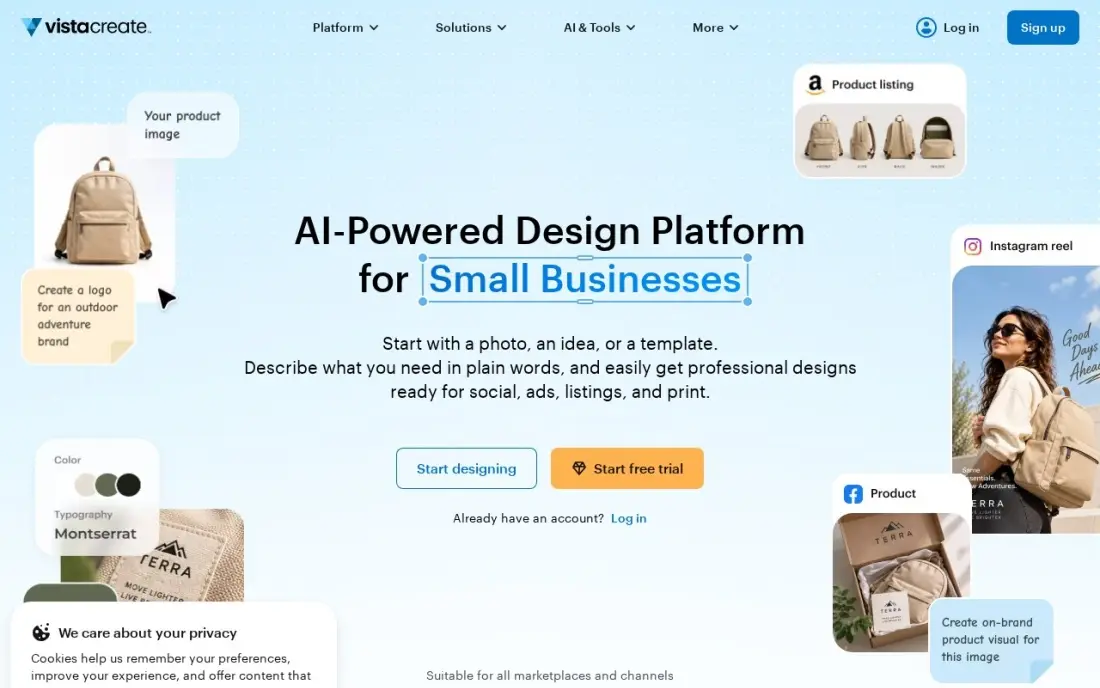
VistaCreate is a template-led design tool with a free Starter plan, more than 200,000 templates and a large stock library, which makes it useful for collages that promote something: a product grid, a before-and-after or a menu of services. It also has a built-in animation editor, so a collage can become a short animated post.
Starter has no AI tools at all. Pro costs $13 a month, or $120 a year, and adds an AI image generator with 100 generations a month, background and object removal, and an AI writer, for a team of up to 10. Its template range is smaller than Canva's, but the annual Pro price is lower.
What we like
- AI Image Generator (100 generations a month), AI Writer and background and object removal all on Pro
- 200,000+ templates and 170M+ stock assets, with animated designs and a built-in animation editor
- Cheapest full-featured Pro plan here at $10/month billed annually, covering a team of up to 10
Watch out for
- Starter has no AI tools at all, so the free plan cannot test the AI features
- Smaller template range than Canva, though the annual Pro price is lower

Pixlr
Best for: Users who want a free browser photo editor with collage tools and the cheapest upgrade
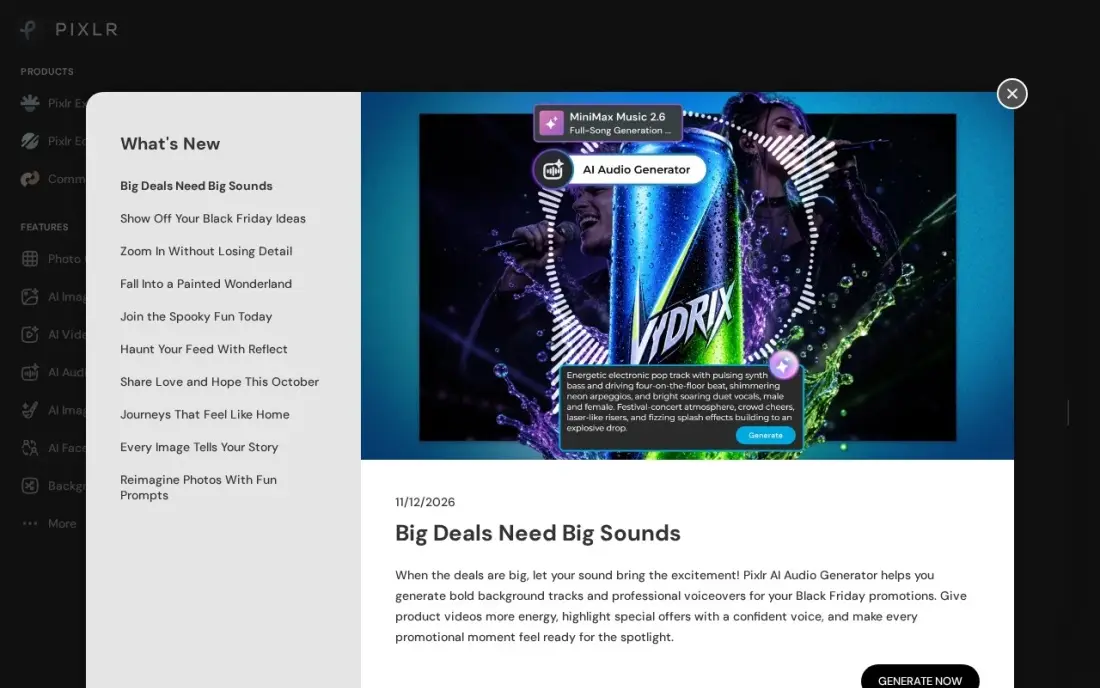
Pixlr runs in the browser with nothing to install, and alongside its photo editors it offers collage layouts for combining several photos into one image. Pixlr Editor adds layers and masks for anyone who wants more control than a template, and generative fill and a background remover handle common fixes.
The free plan shows ads, limits saves and gives limited AI credits. Plus is the cheapest paid plan in this list at $2.49 a month, or $1.99 a month billed yearly, which removes most of those limits. AI actions still run on monthly credits, so heavy use burns through the allowance; for simple collages that rarely matters.
What we like
- Runs in the browser with nothing to install, so a quick fix works from any computer
- Plus is the cheapest paid plan here at $2.49 a month, or $1.99 a month billed yearly
- Generative Fill, generative expand and background remover handle common photo fixes before a collage
- Pixlr Editor adds layers and masks for anyone who wants more control than a template
Watch out for
- AI actions run on monthly credits, so heavy use on many photos burns through the allowance
- No RAW processing and no catalog, so it cannot replace a desktop editor for large photo libraries
- The free plan shows ads and limits saves, and paid tiers are the only way past the credit caps
The best free collage software turns a folder of photos into one finished image in a few minutes, without a watermark you did not expect or a paywall at the export button. We compared eight free collage makers on layouts, export limits, ads and AI tools, and on what the upgrade costs if you need more, with every free plan and price checked on vendor pages in November 2026.
How to choose the best free collage software
- Check the export first. Make a test collage and export it before you spend an hour on it; some free plans add a watermark or lower the resolution.
- Count the layouts you will actually use. A few good grid and occasion layouts matter more than a headline number of templates.
- Decide where you will make it. Picsart is built for phones; Canva and Adobe Express sync between phone and browser; FotoJet and Pixlr live in the browser.
- Look at photo fixes. If your photos are dark or cluttered, an AI enhancer or background remover saves time before they go into the grid.
- Notice the ads and sign-up. Some free plans show ads or need an account; FotoJet needs neither an account nor an install.
- Know what the upgrade buys. Most paid plans add brand kits, AI credits and stock content, not better collage layouts.
If you make collages for a business, they work harder when people can find the page they sit on. Our local SEO service helps small businesses show up on Google Maps, and the free Google review link generator makes it easy to ask happy customers for a review.
Free collage software pricing: what you will actually pay
For personal collages, the answer is usually nothing: Canva, FotoJet, Adobe Express, Picsart, BeFunky, VistaCreate and Pixlr all make usable collages on their free plans, and Fotor does too if a watermark is acceptable. The cost appears when you need brand tools, AI credits or clean HD exports.
On monthly billing the upgrades range from $2.49 for Pixlr Plus to $18 for Canva Pro. Over a year, Pixlr Plus costs $23.88 billed yearly at $1.99 a month, Fotor Pro and FotoJet Plus each cost $39.99 a year, BeFunky Plus $83.88, VistaCreate Pro $120, Picsart Pro $126 and Canva Pro $144. Adobe Express Premium is $9.99 a month, or $119.88 over twelve monthly payments. A small business making weekly promotional collages gets the most from Canva Pro or VistaCreate Pro; a family making a few collages a year should stay free.
Know the difference: collage makers vs design platforms
A collage maker is built around one job: arranging several photos into a grid or freeform layout. FotoJet, Fotor, BeFunky and Pixlr fall into this group. They open quickly, offer layouts by occasion, and keep the controls to photo swapping, spacing, borders and text, which is all most people need.
A design platform such as Canva, Adobe Express or VistaCreate treats a collage as one template among thousands of posters, posts and flyers. You get more fonts, stock photos, brand tools and sizes for every social network, at the cost of a busier editor. Picsart sits between the two, with a mobile collage maker inside a full editing app. Choose by how often you design anything other than collages.
Quick comparison: tool type by need
| Buyer | Best pick | Why |
|---|---|---|
| Most people | Canva | 250,000+ templates and 5GB storage on the free plan |
| No account, no install | FotoJet | 800+ collage layouts with no registration |
| Photos that need fixing | Fotor | 1,000+ layouts and AI enhancer; free exports watermarked |
| Social posts | Adobe Express | Free social templates, Premium $9.99/month with Adobe Stock |
| Phone-first creators | Picsart | Collage maker inside a full mobile photo editor |
| Quick browser edits | BeFunky | Editor, collage maker and designer in one tab |
| Small business promotions | VistaCreate | Free Starter templates, animated posts, Pro $120/year |
| Cheapest upgrade | Pixlr | Plus from $1.99/month billed yearly |
Mistakes to avoid
- Designing before testing the export. A watermark or low-resolution export found at the end wastes the whole session.
- Using photos you do not have rights to. Free stock inside the tool is licensed for use; images copied from the web usually are not.
- Over-filling the grid. Nine strong photos read better than twenty small ones, especially on a phone screen.
- Paying for AI credits you will not use. For family and event collages, the free plan is usually enough.
- Forgetting the final size. Pick the layout size for where the collage will appear — print, Instagram or a story — before placing photos.
Related comparisons: Photo Collage Software
How we chose
We checked each tool's free plan and upgrade price on its own pricing page in November 2026, recording monthly and annual figures exactly as shown. We judged the free plans on what matters for collages — layouts, export limits, watermarks, ads and whether an account is needed — and ranked them for the most common user, someone making a personal or small-business collage without paying. Ratings come from G2 pages checked on the dates shown in the sources. No vendor paid for a place in this list, and none of the links here are affiliate links.
What to do next
Pick three photos and make the same simple collage in Canva and FotoJet, then export both and compare quality and speed; keep the one that suits you. If you make collages to promote a local business and want more people to see them, book a free local SEO check.
Frequently asked questions
What is the best free collage software?
Canva is the best free collage software for most people, with more than 250,000 templates and 5GB of storage on the free plan. FotoJet is the quickest, with no sign-up and over 800 layouts, and Fotor has the most layouts at over 1,000 plus AI photo fixes.
Which free collage maker has no watermark?
Check before you design: make a small test collage and export it. Fotor's free plan adds a watermark to exports, so it is not the right choice if you need a clean free file; Canva, FotoJet and the others in this list are worth testing first.
Is there a free collage maker without sign-up?
Yes. FotoJet's free plan needs no registration at all: open the site, choose a layout and start. Most others, including Canva, Adobe Express and Fotor, ask you to create a free account.
What is the best free collage app for phones?
Picsart is the strongest phone-first option, combining a collage maker with a full photo editor and AI tools. Canva and Adobe Express also have mobile apps that sync with the web, so you can start on one device and finish on another.
How much does collage software cost if I upgrade?
Pixlr Plus costs $2.49 a month, FotoJet Plus $6.99, Fotor Pro $8.99, Adobe Express Premium $9.99, VistaCreate Pro $13, BeFunky Plus $14.99, Picsart Pro $15 and Canva Pro $18, all billed monthly. Annual billing is cheaper on most, such as Fotor and FotoJet at $39.99 a year.
Can I print a collage made with free software?
Yes. Canva exports print-ready PDFs, and most of the others export high-quality images. Fotor reserves HD export for Pro, so check the export resolution on the free plan before sending a large print.
What is the best free collage maker for PC or Mac?
Use a browser-based maker, which works the same on Windows and Mac. FotoJet needs neither an account nor an install, Pixlr is a free browser photo editor with collage tools, and BeFunky puts a collage maker, photo editor and designer in one browser tab. Canva's free plan has the widest template choice and syncs between your computer and phone.
Sources we checked (13)
- Canva — www.canva.com/pricing (checked November 12, 2026)
- Canva reviews on G2 (checked November 12, 2026)
- FotoJet — www.fotojet.com (checked November 10, 2026)
- Fotor — www.fotor.com/pricing (checked November 10, 2026)
- Fotor reviews on G2 (checked November 10, 2026)
- Adobe Express — www.adobe.com/express/pricing (checked November 12, 2026)
- Adobe Express reviews on G2 (checked November 12, 2026)
- Picsart — www.picsart.com/pricing (checked November 10, 2026)
- Picsart reviews on G2 (checked November 10, 2026)
- BeFunky — www.befunky.com/pricing (checked November 10, 2026)
- BeFunky reviews on G2 (checked November 10, 2026)
- VistaCreate — create.vista.com/plans (checked November 4, 2026)
- Pixlr — pixlr.com/pricing (checked November 8, 2026)
Make one of these tools?
We re-check this list every quarter. Send a correction, request a review, or ask about a clearly labeled sponsored spot.
Request a listingShamim
Founder of SerpAstra
A full-stack digital marketer and SEO strategist covering technical and local SEO, AI search visibility, paid ads and lead generation for local businesses, e-commerce brands and SaaS teams.
Free SEO and AI visibility audit
Find out what is holding your rankings back
Send us your site. Within 2 business days you get a written audit, an AI visibility check and a short fix list ranked by impact. Free, with no contract attached.
Request my free audit→Related buying guides
 Graphic Design & Creative7 Best Digital Scrapbooking Software in 2026, ComparedCompare the 7 best digital scrapbooking software options on price, free plans, templates and AI tools, with prices checked November 10, 2026.Read guide →
 Photo Editing & Photography9 Best Apps to Edit Photos in 2026, ComparedCompare the 9 best apps to edit photos, from free GIMP and Photopea to Lightroom and Photoshop, on AI tools, free plans and real yearly cost, checked Nov 2026.Read guide →
 Graphic Design & Creative10 Best Tools for Versatile Use in Digital Media in 2026, ComparedCompare the best tool for versatile use in digital media: 10 editors for design, photo and video, with real 2026 prices and free plans checked.Read guide →